
Key Takeaways
-
Industrial-rated cameras built for dust, moisture, vibration, and temperature extremes outperform standard office cameras on manufacturing floors and save money on replacements.
-
Network bandwidth planning is critical—higher resolution, multiple simultaneous streams, and longer retention require dedicated fiber internet to avoid lag, dropped frames, and failed recordings.
-
Hybrid storage combining local on-premises recording with cloud backup provides operational flexibility while protecting against outages and bandwidth limitations.
-
Dedicated network segmentation isolates cameras from office and production systems to prevent hackers from using them as entry points into your broader IT infrastructure.
-
Site assessments mapping production lines, docks, entrances, and perimeter zones before purchase prevent blind spots and eliminate wasted spending on redundant camera angles.
-
Smart camera integration with access control and analytics enables real-time alerts for restricted zone breaches, perimeter intrusions, and abnormal behavior rather than just post-incident review.
Running a manufacturing plant means juggling a hundred things at once. Production schedules, safety checks, shipping deadlines, and keeping an eye on everything from the loading dock to the machine floor. Manufacturing facility cameras can take a huge weight off your shoulders. But here’s the thing many plant owners don’t realize: a camera is only as good as the network behind it. Slow Wi-Fi, weak cabling, or a shaky internet connection can turn a great security system into a frustrating headache.
That’s where a solid telecom foundation comes in. Good manufacturing facility cameras need more than just a lens and a hard drive. They need fast, reliable connectivity, smart network design, and a plan for keeping everything secure. In this friendly guide, we’ll walk through six camera-related upgrades that actually make a difference on the plant floor. We’ll also touch on bandwidth, cybersecurity, and how to pick storage that fits your operation. Grab a coffee, and let’s get into it together.
1. Industrial-Rated Cameras Built for Rough Conditions
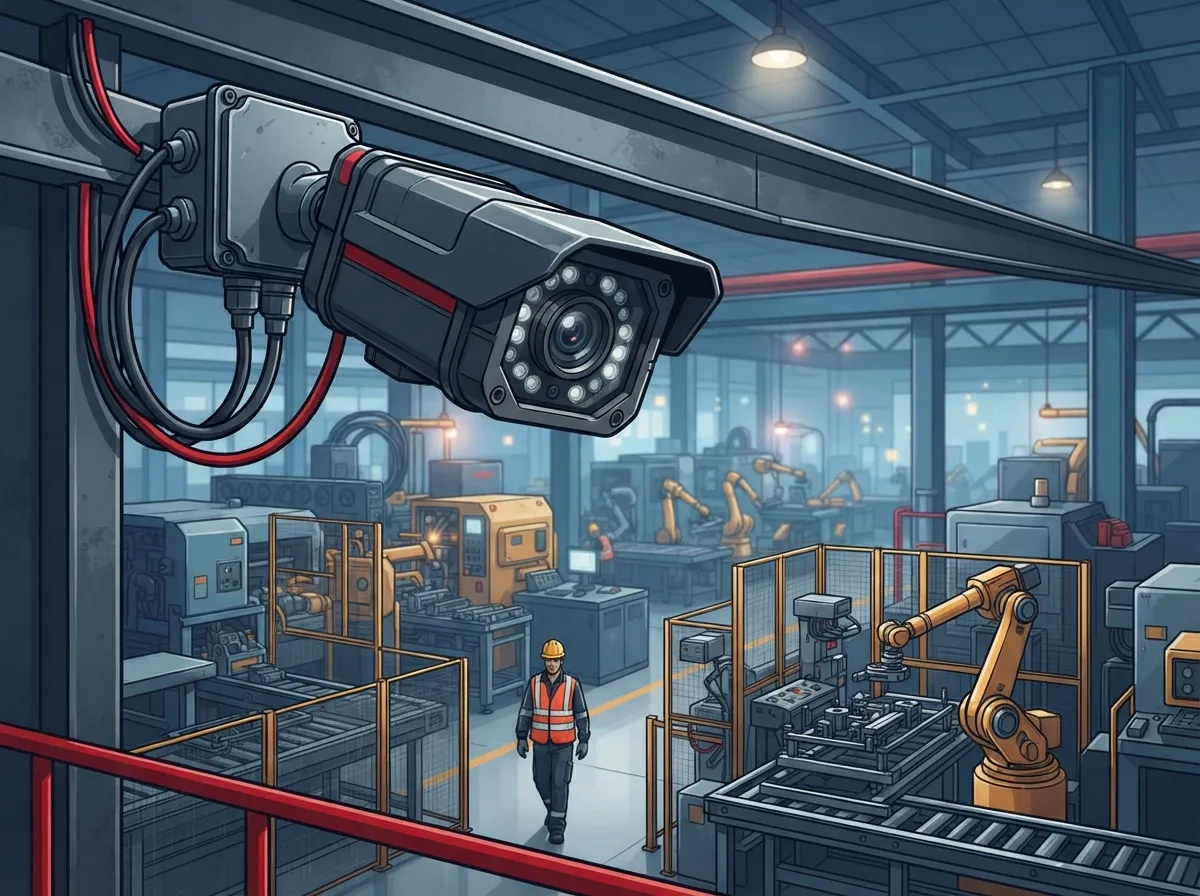
Your break room camera and your production-line camera have very different jobs. Factory floors deal with dust, moisture, vibration, and sometimes extreme heat or cold. A camera made for a cozy office lobby just won’t hold up near a washdown station or a welding bay.
Look for cameras rated for your specific environment instead of picking based on resolution alone. Some industrial camera housings support operating temperatures from about -40°C to +75°F, though this varies by manufacturer and enclosure. Here are a few conditions to think about before choosing your hardware:
- Dust and airborne particles common in cutting, grinding, or packaging areas
- Moisture, steam, or washdown procedures in food and beverage plants
- Vibration near heavy machinery or conveyor lines
- Extreme temperatures in cold storage or near furnaces
- Glare from skylights, welding sparks, or bright warehouse lighting
- Corrosive or potentially explosive atmospheres in chemical processing zones
Getting this part right the first time saves you money on replacements down the road. It also means your video stays clear when you actually need to review it.
2. Coverage Planning for Every Critical Zone
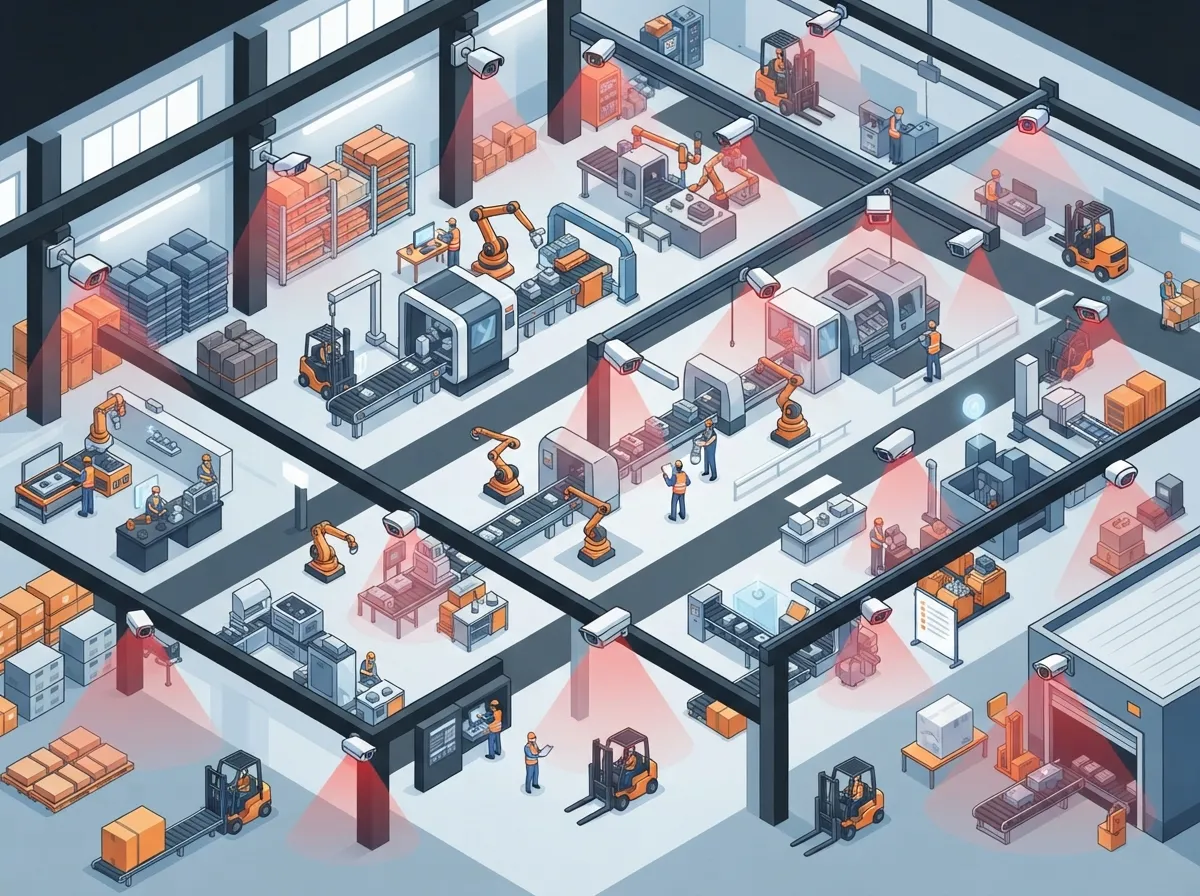
How many manufacturing facility cameras does your plant actually need? There’s no single magic number. It depends on your building size, layout, and what you’re trying to protect. A good rule of thumb is to map out every area that matters before buying a single camera.
Common zones that deserve coverage include:
- Production lines and machine rooms, where safety incidents and equipment issues happen
- Warehouse and storage areas holding valuable inventory
- Shipping and receiving docks, a common spot for theft or damaged goods disputes
- Employee entrances and time-clock areas
- Parking lots and perimeter fencing
- Restricted or hazardous zones that need extra monitoring
A thoughtful site assessment helps you avoid blind spots and wasted budget on redundant angles. Many telecom partners, including Ideal Solutions Provider, start every project with this kind of walkthrough before recommending equipment.
3. Network Bandwidth That Can Actually Handle Video
This is the part people forget until it’s too late. Manufacturing facility cameras generate a lot of data, especially in higher resolutions or with many cameras running at once. If your internet connection or internal network wasn’t built for this load, you’ll see lag, dropped frames, or footage that never even saves properly.
Your network design should account for a few key factors:
| Factor | Why It Matters |
|---|---|
| Resolution and frame rate | Higher quality video uses more bandwidth per camera |
| Number of concurrent streams | More cameras running live at once means more strain on the network |
| Compression settings | Smart compression reduces storage and bandwidth needs without hurting quality |
| Retention requirements | Longer storage windows need more space and planning |
| Remote viewing | Staff checking footage off-site adds extra load during business hours |
| Multi-site connectivity | Plants with multiple locations need reliable links between sites |
If you’re not sure your current setup can handle it, it’s worth reading up on high-speed internet tips that save money or checking out why dedicated fiber internet matters for growing businesses. Dedicated fiber is often the smartest choice for plants running dozens of cameras plus VoIP phones and other connected equipment.
4. Cloud, On-Premises, or Hybrid Storage: Picking What Fits
One question we hear a lot is whether cloud storage, on-site recorders, or a mix of both makes the most sense for a manufacturing plant. Honestly, the right answer depends on your facility.
Cloud-managed video is great for businesses with multiple locations. It simplifies remote access and lets managers check any site from a phone or laptop. On-premises or hybrid recording can be a better fit when your internet connection is limited, when you have strict data retention rules, or when you need footage to keep recording even during an outage.
Here’s a simple breakdown to help you think it through:
- Cloud storage: Easiest for multi-site management and remote viewing, but relies on a stable internet connection
- On-premises storage: Better for facilities with limited bandwidth or strict data control needs
- Hybrid storage: Combines local recording with cloud backup, giving you the best of both worlds
The global video surveillance market, which includes camera hardware, software, storage, and supporting infrastructure, was valued at roughly $33.8 billion in 2024 and is projected to reach $47.9 billion by 2030. That growth shows just how much businesses are investing in smarter, more flexible video systems. If you want to dig deeper into this topic, our article on choosing cloud security cameras for commercial buildings covers the pros and cons in more detail.
5. Cybersecurity That Protects Cameras and Your Network
Here’s something a lot of manufacturers overlook. Every camera connected to your network is also a small computer, which makes it a potential entry point for hackers. The Cybersecurity and Infrastructure Security Agency (CISA) treats connected cameras as part of the broader Internet of Things, and recommends managing cybersecurity risk across the entire device lifecycle, from purchasing to daily operation.
Some practical steps that make a real difference:
- Put cameras on their own dedicated network segment, separate from office computers and production equipment
- Use strong, unique passwords and enable multi-factor authentication where possible
- Keep camera firmware updated regularly
- Limit who has access to camera management software
- Log activity so you can spot unusual behavior quickly
- Choose vendors who offer ongoing support and security patches
CISA also points out that connecting industrial control systems to broader IT networks raises risk, which makes thoughtful network segmentation especially important in manufacturing settings. A telecom partner who understands both video systems and network security can help set this up correctly from day one. If cybersecurity feels overwhelming, working with a telecom expert who gets results can take a lot of pressure off your internal IT team.
6. Smart Integration With Access Control and Analytics
The best manufacturing facility cameras don’t work alone. They talk to your access control system, your alarms, and sometimes even your production monitoring tools. This kind of integration turns your cameras from simple recorders into a real operational tool.
Modern video analytics can do a lot more than catch a break-in after the fact. Depending on your setup, cameras can help with:
- Perimeter intrusion detection along fences and building edges
- People and vehicle counting for traffic flow and safety compliance
- Alerts when someone enters a restricted or hazardous zone
- Abnormal behavior detection for early warning of safety issues
- Process observation to spot bottlenecks on the production line
- Faster investigation when an incident does occur
Pairing cameras with a cloud-based access control system lets you connect who enters a space with what the cameras capture. That combination gives plant managers a much clearer picture of daily operations, not just security footage sitting in a drawer.
Why the Right Telecom Partner Makes the Difference
Buying cameras is the easy part. Making sure they run smoothly on a network built for the job is where things get tricky. A good telecom partner brings a lot more to the table than just hardware. They handle site assessments, camera placement planning, network capacity analysis, installation, and ongoing support.
This matters even more if your plant has multiple locations or if you’re planning to grow. Reliable network solutions for multi-location businesses and proper structured cabling lay the groundwork that lets your cameras, phones, and other connected devices all work together without a hitch. Structured cabling, as described in detail on Wikipedia’s structured cabling entry, provides the physical backbone that supports everything from data to voice to video traffic in a facility.
Your Internet Service Provider also plays a bigger role than most people realize. A slow or unstable connection can undo even the best camera setup. That’s why it pays to work with a team that can compare providers, negotiate on your behalf, and make sure your bandwidth actually matches your camera needs.
Bringing It All Together for Your Plant
Manufacturing facility cameras protect people, products, and property. But they only work as well as the network holding them up. From industrial-rated hardware to smart bandwidth planning, secure network segmentation, and thoughtful storage choices, every piece matters.
You don’t have to figure this out on your own. Ideal Solutions Provider has spent over 24 years helping businesses across Tampa Bay and nationwide build telecom systems that actually work, backed by partnerships with 35+ vetted suppliers. Whether you need a fresh camera rollout, a network upgrade, or a full audit of your current setup, our team is ready to help you find the right fit without the guesswork. Follow along on Facebook, check out project walkthroughs on YouTube, or see behind-the-scenes photos on Instagram to get a feel for how we work.
Ready to see how your plant’s network stacks up? Contact us today for a free consultation, or call us to talk through your manufacturing facility camera project with a real person who’s happy to help.
FAQs
Q: What type of security cameras are best for a manufacturing facility?
A: You’ll want industrial-rated cameras built to handle dust, moisture, vibration, and temperature swings, not standard office cameras. Look for enclosures rated for your specific conditions, whether that’s a washdown area or a cold storage room. Matching the camera to your environment matters more than chasing the highest resolution number.
Q: How many cameras does a manufacturing plant need?
A: There’s no one-size-fits-all number, since it really depends on your building size and layout. A good starting point is mapping every critical zone, like production lines, docks, entrances, and the perimeter, then placing cameras to cover each one. A site assessment from a telecom partner can help you avoid blind spots and unnecessary duplicate coverage.
Q: How much network bandwidth do manufacturing facility cameras require?
A: It depends on resolution, frame rate, number of cameras running at once, and how long you plan to store footage. Higher-quality video and more simultaneous streams both increase the load on your network. Many plants find that dedicated fiber internet gives them the headroom needed for cameras, VoIP phones, and other connected devices at the same time.
Q: Should factory security cameras use cloud, on-premises, or hybrid video storage?
A: Cloud storage is great for easy remote access and managing multiple locations from one dashboard. On-premises storage works better when bandwidth is limited or you have strict data retention needs. Many manufacturers land on hybrid storage, which keeps local recordings running while also backing footage up to the cloud.
Q: How can manufacturing cameras be secured against hacking and ransomware?
A: Start by putting cameras on their own network segment, separate from office and production systems. Keep firmware updated, use strong passwords, and limit who can access the management software. CISA recommends treating connected cameras as part of your overall IoT security plan, addressing risk from purchase all the way through daily use.





