Key Takeaways
-
PoE cameras are the preferred choice for most Tampa commercial buildings because they offer superior image quality, stable connections, and easier centralized management compared to wireless alternatives.
-
Plan your internet bandwidth carefully: 1-4 HD cameras need 10-25 Mbps upload speed, 5-10 cameras at 2K/4K need 50-100 Mbps, and 10+ cameras should have a dedicated fiber connection to avoid laggy or dropped feeds.
-
Integrate cloud cameras with access control systems to trigger recording on door access, receive alerts for restricted area entries, and manage everything from one dashboard—especially valuable for multi-location Tampa businesses.
-
Choose a cloud storage plan that matches your industry compliance needs: basic plans offer 7-14 days retention for small offices, while healthcare and finance businesses typically require 30-90 days to meet regulatory standards.
-
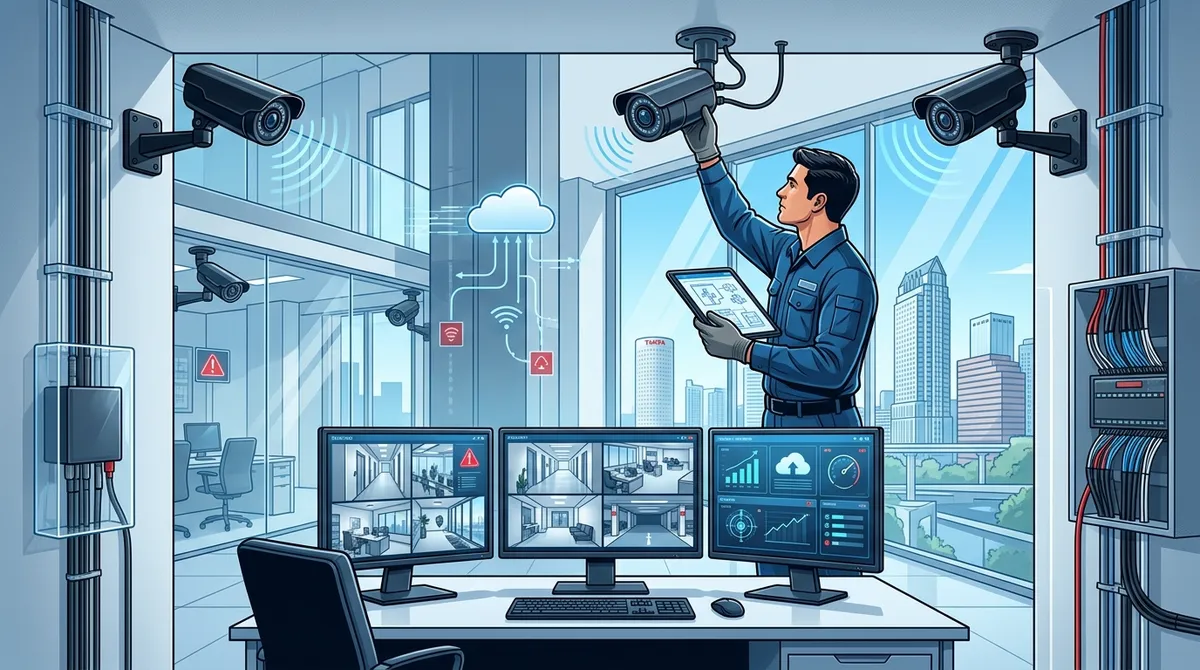
Professional installation by a qualified local installer is critical—they conduct site assessments, run proper structured cabling, configure remote access correctly, and test every camera for coverage and accuracy.
-
Smart camera placement in entry/exit points, parking lots, loading docks, server rooms, and cash handling areas is essential; a professional site assessment prevents expensive blind spots before installation begins.
Running a commercial building in Tampa comes with real security challenges. Whether you manage an office, warehouse, retail space, or multi-site operation, keeping your property safe is a top priority. The good news? Cloud video security has made professional-grade surveillance more accessible, flexible, and easier to manage than ever before.
Cloud based security cameras for commercial buildings in Tampa are no longer just for large corporations. Small business owners, IT managers, franchise operators, and office managers can all benefit from a smart, scalable camera system. In this guide, we’ll walk you through exactly how to choose the right system, what features to look for, and how to get the most value from your investment.
What Are Cloud Based Security Cameras for Commercial Buildings?
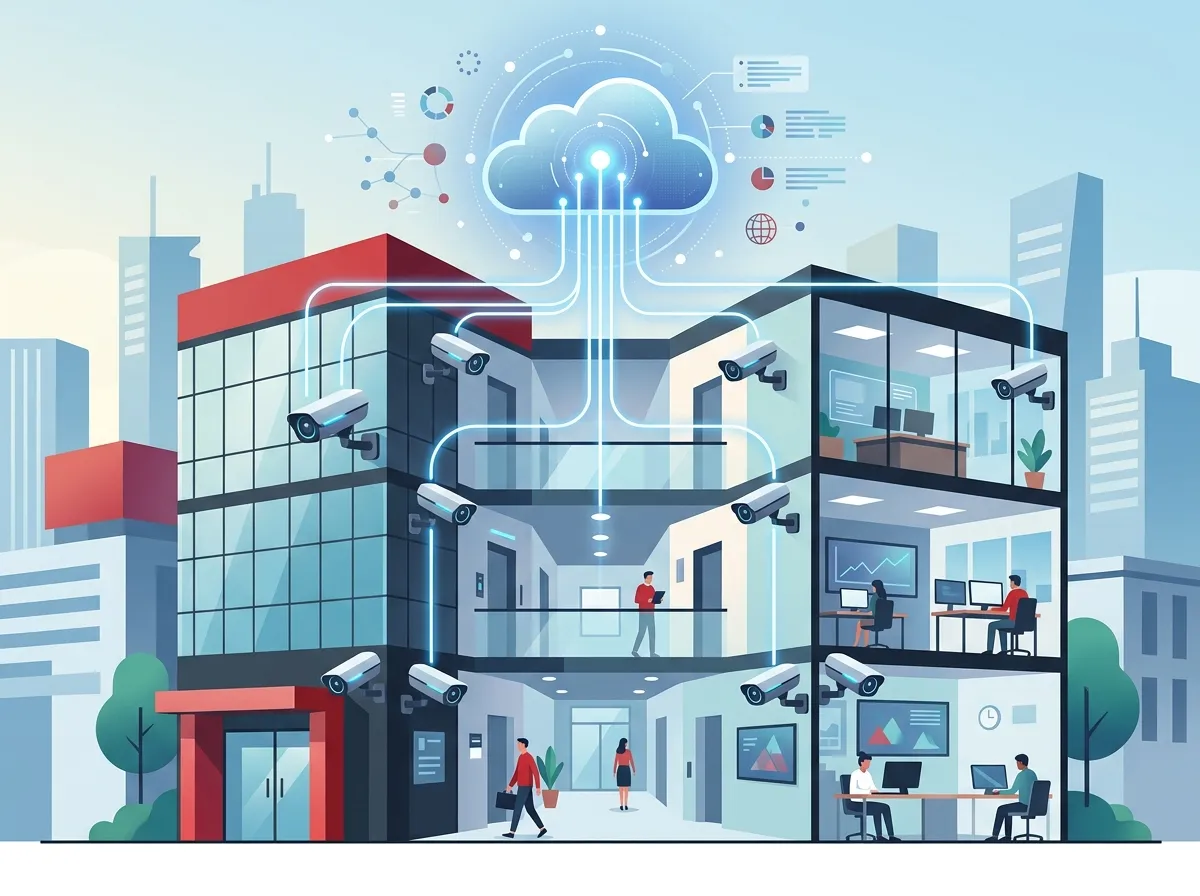
Cloud based security cameras connect to the internet and store video footage on secure remote servers — not just on a local hard drive or DVR. This means you can access live footage and recorded video from anywhere, using a smartphone, tablet, or computer.
Traditional systems store video locally, which means if a recorder is stolen or damaged, your footage is gone. Cloud systems solve that problem completely. Your video data is safe, off-site, and accessible whenever you need it.
For Tampa businesses, this is a big deal. You can check in on your property during a hurricane, review footage from a different city, or share clips with law enforcement — all from your phone. If you’re curious about what these systems can really do for your business, check out this helpful article: What Do Security Cameras Really Do for Your Business?
Step 1: Assess Your Building’s Security Needs
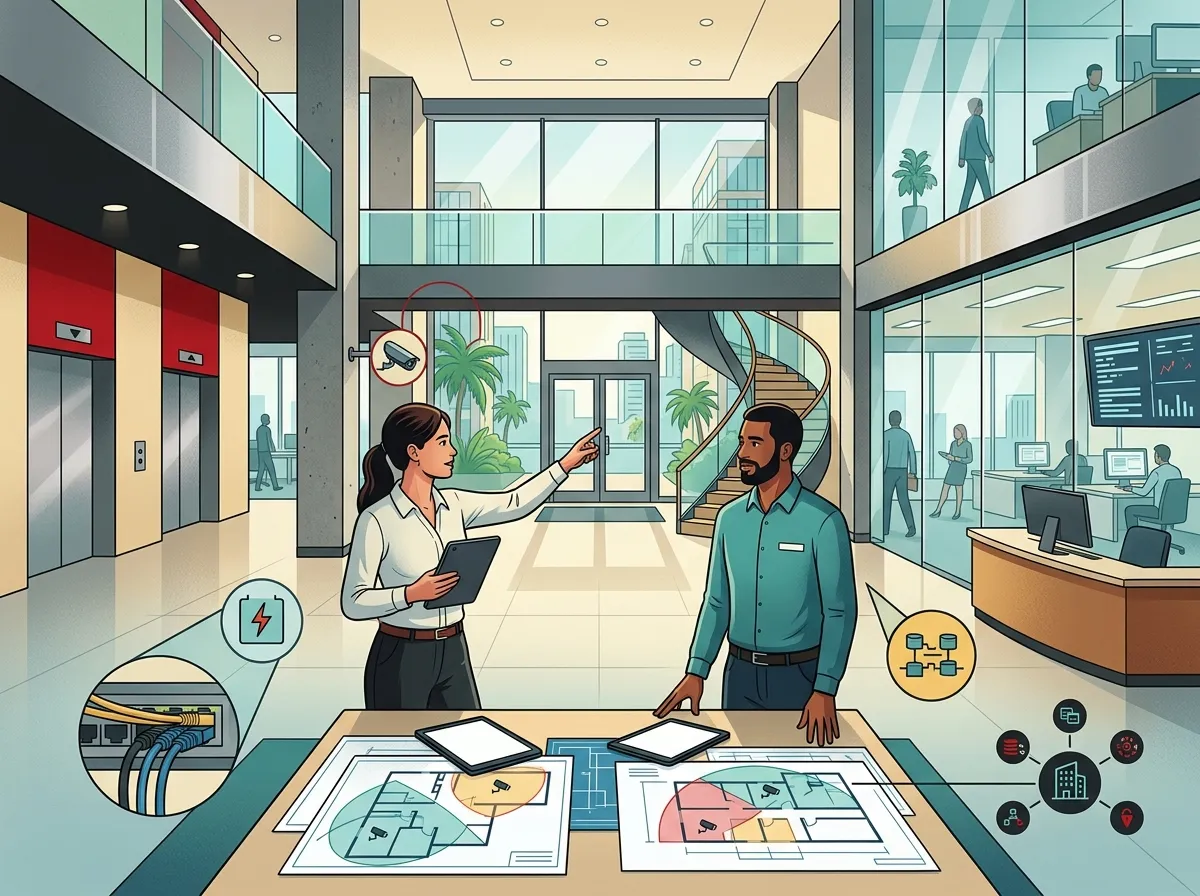
Before you pick a camera system, take a close look at your property. Every commercial building is different. A warehouse has different needs than a medical office or a retail store.
Here are the key questions to ask yourself:
- How many entry and exit points does your building have?
- Do you need indoor cameras, outdoor cameras, or both?
- Are there areas with low light, like parking lots or loading docks?
- Do you have multiple locations that need centralized monitoring?
- How long do you need to store video footage?
- Who needs access to the camera system — just you, or your whole management team?
Answering these questions will help you figure out how many cameras you need, what resolution works best, and whether you need extra features like night vision or wide-angle lenses.
Step 2: Understand the Key Features to Look For
Not all cloud security cameras are created equal. Here’s a breakdown of the most important features for Tampa commercial buildings:
| Feature | Why It Matters for Commercial Use |
|---|---|
| 4K / HD Video Resolution | Captures clear details like license plates and faces |
| Night Vision | Ensures coverage in dark areas like parking lots and alleys |
| Wide-Angle Coverage | Reduces the number of cameras needed per area |
| Smart Alerts / Motion Detection | Notifies you of unusual activity in real time |
| Remote Access via Mobile App | Lets you monitor from anywhere, anytime |
| Cloud Storage | Keeps footage safe even if hardware is damaged |
| Access Control Integration | Links cameras with door locks and entry systems |
For most Tampa commercial buildings, a mix of 2K or 4K resolution cameras with night vision and smart motion alerts is the sweet spot. These features give you clear footage without overloading your internet bandwidth.
Step 3: Choose Between PoE and Wireless Cameras
This is one of the most common questions Tampa businesses ask. Power over Ethernet (PoE) cameras and wireless cameras both have their place — but for most commercial deployments, PoE is the preferred choice.
| Camera Type | Pros | Cons | Best For |
|---|---|---|---|
| PoE IP Cameras | Reliable, high-quality image, single cable for power and data | Requires professional cabling | Offices, warehouses, multi-floor buildings |
| Wireless Cameras | Easy to install, flexible placement | Signal interference, battery management | Small spaces, temporary setups |
PoE cameras offer better image quality, more stable connections, and easier centralized management. That’s why most commercial installers in Tampa recommend them for larger deployments. For your cabling needs, structured cabling services are a critical part of a clean, reliable installation. You can also learn more about how cabling supports cameras in this article: 13 Ways Structured Cabling Supports VoIP & Cameras.
Step 4: Make Sure Your Internet Can Handle It
Cloud based security cameras for commercial buildings in Tampa rely on a solid internet connection. The more cameras you have and the higher the resolution, the more bandwidth you need.
Here’s a general guide to help you plan:
- 1–4 cameras at HD quality: You’ll need at least 10–25 Mbps of upload speed.
- 5–10 cameras at 2K/4K quality: Plan for 50–100 Mbps or more of dedicated upload bandwidth.
- 10+ cameras across multiple zones: Consider a dedicated fiber connection for rock-solid performance.
If your current internet connection isn’t up to the task, it’s worth upgrading before installing cameras. Check out business high-speed internet services to find options that fit your building’s needs. A slow connection leads to laggy footage, dropped feeds, and frustrated managers — not ideal when security is the point!
For more tips on getting the right internet speed, this article is a great resource: How to Choose the Right Internet Speed for Your Tampa Business.
Step 5: Plan Your Camera Placement
Smart camera placement is the difference between a useful security system and a collection of blind spots. Here are the most important areas to cover in a Tampa commercial building:
- All entry and exit doors — front doors, back doors, emergency exits
- Parking lots and loading docks — high-risk areas, especially after hours
- Reception and lobby areas — visitor management and first impressions
- Server rooms and storage areas — protecting sensitive equipment and inventory
- Stairwells and hallways — common blind spots in larger buildings
- Cash handling or POS areas — critical for retail and hospitality businesses
A professional site assessment can help you identify gaps in coverage before you install a single camera. This step saves you money and ensures you don’t end up with a system that misses the areas that matter most.
Step 6: Integrate Cameras with Access Control
One of the biggest advantages of modern cloud based security cameras for commercial buildings is how well they work alongside other security systems. When your cameras are integrated with cloud based access control, you get a complete picture of who enters and exits your building at all times.
Here’s what a fully integrated system can do:
- Trigger camera recording when a door is accessed or a credential is used.
- Send smart alerts when someone enters a restricted area outside business hours.
- Link visitor management logs with video timestamps for easy review.
- Support occupancy monitoring for safety compliance in larger facilities.
- Connect intrusion detection alarms with real-time video verification.
This kind of layered security approach is especially valuable for multi-location Tampa businesses, healthcare facilities, banks, and campuses. When everything works together, your team responds faster and smarter to any situation.
Step 7: Compare Cloud Storage and Subscription Plans
Cloud cameras come with ongoing subscription plans for video storage. It’s important to understand what you’re signing up for before you commit.
| Storage Plan | Retention Period | Best For |
|---|---|---|
| Basic | 7–14 days | Small offices with minimal compliance needs |
| Standard | 30 days | Most commercial buildings and retail environments |
| Extended | 60–90 days | Banks, healthcare, warehouses, regulated industries |
| Custom / Unlimited | 90+ days | Multi-site enterprises and high-compliance facilities |
Think about your industry requirements and how long you might need to reference footage after an incident. Many Tampa businesses in regulated industries like healthcare or finance need at least 30–90 days of retention to meet compliance standards.
Step 8: Work with a Professional Installer in Tampa
Installing cloud cameras yourself might seem tempting, but professional installation makes a huge difference in performance and reliability. A qualified installer will:
- Conduct a full site assessment before recommending equipment
- Run proper structured cabling for PoE cameras
- Configure remote access and cloud management correctly
- Test every camera for coverage, resolution, and smart alert accuracy
- Provide ongoing support when you need adjustments or upgrades
Ideal Solutions Provider has been helping Tampa businesses with cloud video security, structured cabling, and complete telecom solutions for over 24 years. As a single point of contact with 35+ vetted suppliers, they take the guesswork out of choosing and installing the right system for your building. You can also explore their video resources to see real examples of commercial installations and solutions in action.
Want to see what other businesses in Tampa are doing with cloud security? Connect with the team on Facebook and Instagram for helpful tips and project highlights.
Industries in Tampa That Benefit Most from Cloud Video Security
Cloud based security cameras for commercial buildings in Tampa serve a wide range of industries. Here’s a quick look at who benefits most:
- Retail stores and restaurants — theft prevention and staff monitoring
- Warehouses and distribution centers — perimeter security and inventory protection
- Medical and dental offices — patient safety and HIPAA-compliant monitoring
- Banks and financial institutions — regulatory compliance and fraud prevention
- Office buildings and corporate campuses — access management and after-hours security
- Construction sites — equipment theft prevention and site monitoring
- Franchise locations — centralized multi-site monitoring from one dashboard
If you manage multiple Tampa locations, 7 Cloud Video Security Systems Tampa FL Businesses Love is a great read to help you compare your options. For franchise operators and multi-site businesses, having one dashboard to manage all locations is a game-changer. Learn more about scalable network solutions in this article: 11 Reliable Network Solutions for Multi-Location Tampa Businesses.
Quick Checklist Before You Buy
Before you make a final decision on your cloud security camera system, run through this checklist:
- Have you completed a site assessment to identify all coverage areas?
- Is your internet connection fast enough to support your camera count and resolution?
- Have you decided between PoE and wireless cameras based on your building layout?
- Do you need integration with access control or alarm systems?
- Have you chosen a cloud storage plan that meets your retention requirements?
- Have you confirmed professional installation is included in your plan?
Check every box before you commit, and you’ll be well on your way to a reliable, scalable security setup that protects your business for years to come. For even more insight into building a solid network that supports your cameras, take a look at business network solutions from Ideal Solutions Provider. You can also get inspiration and expert tips by watching their YouTube channel.
Conclusion
Choosing cloud based security cameras for commercial buildings in Tampa doesn’t have to be complicated. By assessing your needs, understanding key features, ensuring proper cabling and internet support, and working with an experienced installer, you can build a security system that genuinely protects your people and property.
The right system grows with your business, integrates with your access control, and gives you peace of mind whether you’re on-site or halfway across the country. That’s the real power of cloud-based surveillance.
Ready to take the next step? Reach out to our team at Ideal Solutions Provider for a free consultation. We’ll review your current setup, assess your building’s needs, and recommend the right cloud video security solution — all without the hassle of managing multiple vendors. Or give us a call directly at 813-388-4935 and let’s talk about protecting your Tampa commercial building today.
FAQs
Q: What are cloud based security cameras for commercial buildings?
A: Cloud based security cameras store video footage on secure remote servers instead of local hard drives. This means you can access live and recorded footage from your phone or computer anywhere in the world — which is a huge win for busy Tampa business owners who can’t always be on-site!
Q: Are PoE cameras better than wireless cameras for commercial buildings in Tampa?
A: For most Tampa commercial buildings, PoE (Power over Ethernet) cameras are the preferred choice because they deliver superior image quality, more stable connections, and easier centralized management. Wireless cameras can work well for smaller spaces or temporary setups, but professional installers typically recommend PoE for larger commercial deployments.
Q: Can cloud security cameras integrate with access control systems?
A: Absolutely! One of the best things about modern cloud security cameras is how seamlessly they integrate with cloud based access control systems. You can link door access events to camera recordings, receive smart alerts for restricted area entries, and manage everything from one centralized dashboard — super convenient for multi-location Tampa businesses.
Q: What internet speed do I need for cloud based security cameras in my Tampa commercial building?
A: A good rule of thumb is to plan for at least 10–25 Mbps of upload speed for a small camera setup, and 50–100 Mbps or more for larger deployments with 4K cameras. If you’re running 10 or more cameras, a dedicated fiber internet connection is a smart investment to keep footage smooth and reliable.
Q: How long is video footage stored with a cloud security camera system?
A: Cloud storage plans typically range from 7 days on basic plans up to 90 days or more on extended or custom plans. The right retention period depends on your industry requirements — for example, healthcare and financial businesses in Tampa often need at least 30–90 days of footage to meet compliance standards.