
Key Takeaways
-
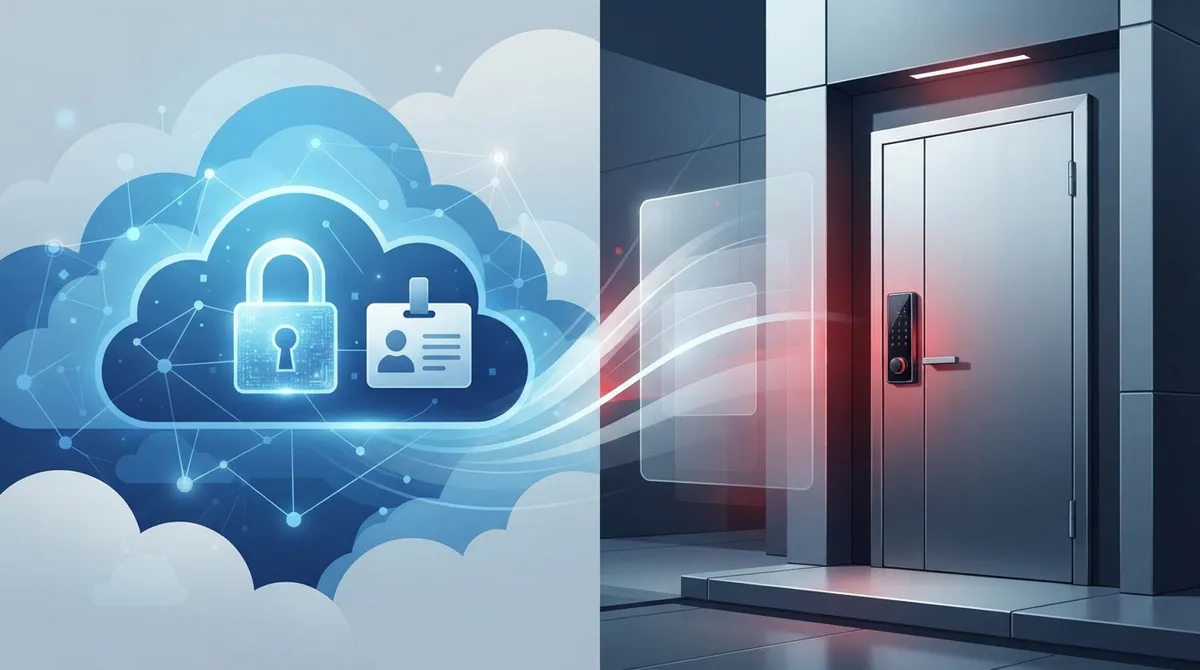
Cloud access control has two distinct meanings: cloud-managed physical door access and cloud identity/network access management, which are priced completely differently and should never be confused.
-
Per-user pricing ($3-$12/month) applies to identity tools like SSO and MFA, while physical door access uses per-door pricing ($3.50-$15/month) plus $1,500-$3,500 hardware costs per door.
-
Most quoted prices omit hidden costs like onboarding, integration work, support, and hardware; always request a complete breakdown from vendors before budgeting to avoid surprise expenses.
-
Regularly audit your user list by removing inactive accounts and unused contractor/guest logins, since many vendors bill based on provisioned seats rather than actual logins, offering easy cost savings.
-
Mainstream identity platform pricing follows clear tiers: basic ($3-$7/user) for single sign-on, mid-tier ($7-$10/user) for conditional access, and top-tier ($9-$12/user) for privileged access management.
-
Cloud systems offer better long-term value for growing businesses due to lower upfront costs, built-in remote management, and easy scalability compared to on-premises systems that require expensive hardware additions.
Trying to figure out cloud access control per user pricing can feel like reading a foreign language. One vendor quotes you per user. Another quotes you per door. A third throws around terms like “tiers” and “conditional access” without explaining what any of it means for your monthly bill. If you have ever felt lost trying to budget for this stuff, take a deep breath. You are definitely not alone, and we are here to walk you through it in plain, friendly language.
Whether you run a small Tampa office, manage IT for a growing company, or oversee several franchise locations, understanding how these costs work will save you real money. This guide breaks down exactly what you are paying for, why prices vary so much, and how to avoid overpaying for features you do not actually need. Let’s get into it together.
1. Cloud Access Control Actually Means Two Different Things
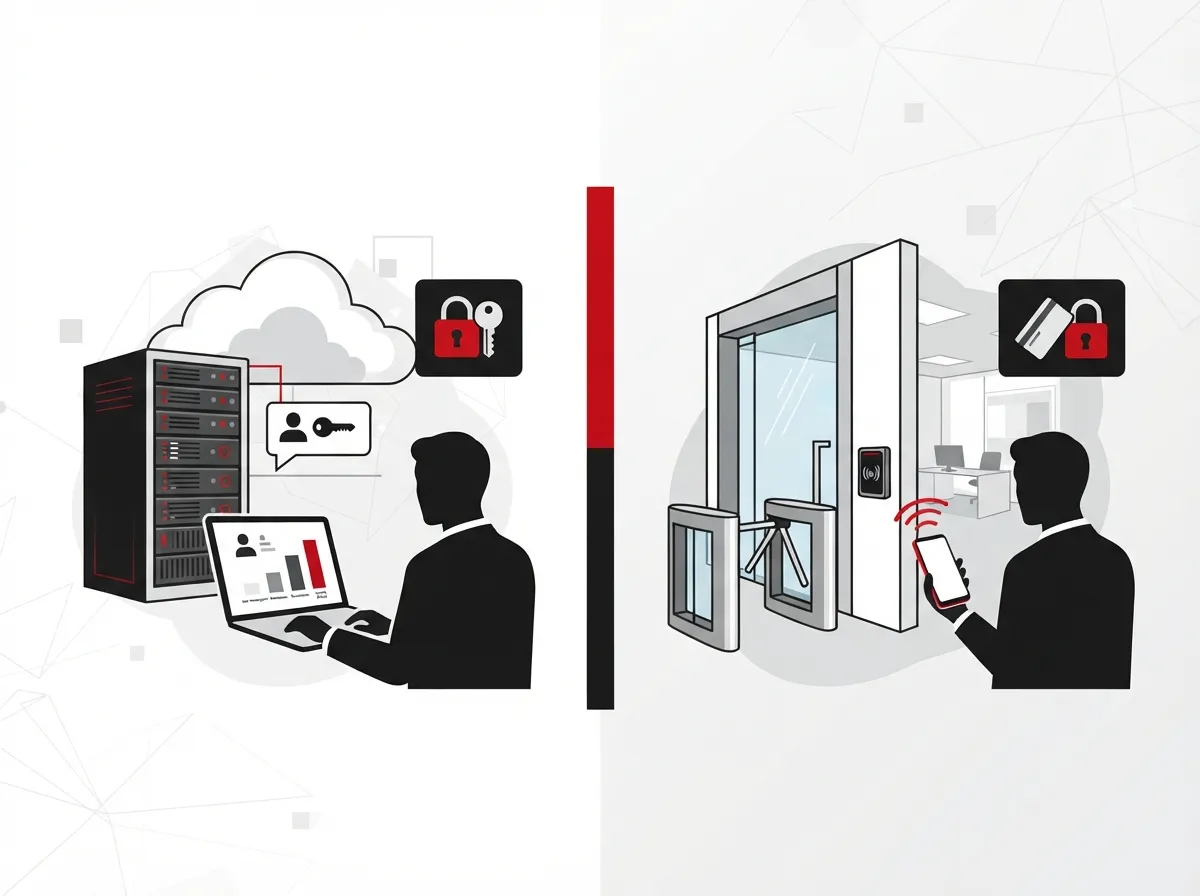
Here is the first thing that trips people up. In the world of Business Telecom Solutions, “cloud access control” can mean two very different products. The first is cloud-managed physical door access, the systems that unlock doors, gates, and secured areas at your office or warehouse. The second is cloud identity and access management, which controls who can log into your apps, networks, and VPNs.
Both are important, but they are priced completely differently. Confusing the two is the number one reason business owners get sticker shock when quotes come in. If you want a deeper breakdown of how physical systems work, check out this guide on cloud access control systems for Tampa businesses.
2. Per-User Pricing Is Mostly for Identity and Network Access
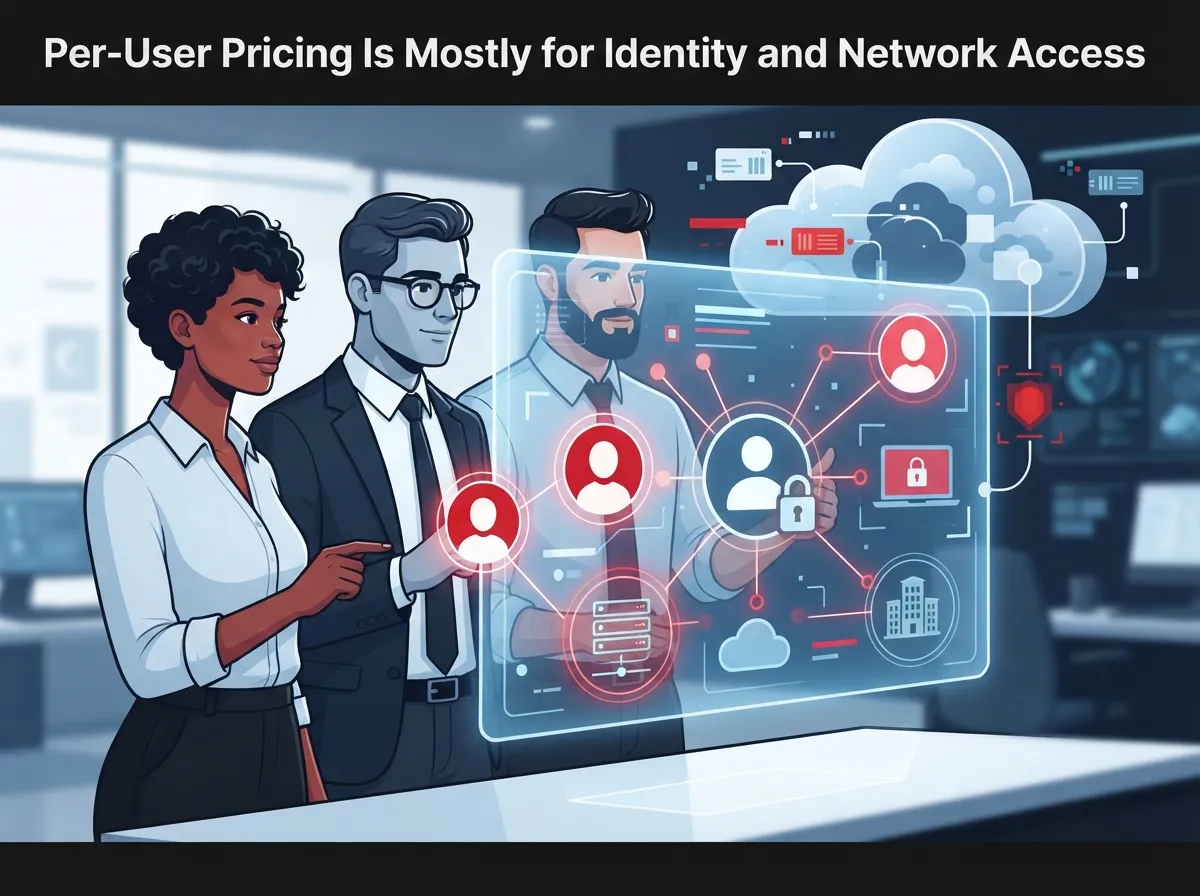
Per-user pricing shows up most often with identity tools like single sign-on, multi-factor authentication, and VPN access. These platforms charge a monthly fee for every employee who needs a login. It makes sense because each person is a separate account that needs to be secured.
Physical door access, on the other hand, is usually priced by door, site, or controller rather than by employee headcount. Knowing which model applies to your situation is step one in building an accurate budget. This distinction matters a lot when you are comparing quotes from different providers.
3. Real Pricing Benchmarks You Can Actually Use
Numbers help more than vague promises, so let’s look at some real published pricing from major identity platforms. These numbers give you a solid starting point when evaluating quotes for your own business.
| Platform | Entry Tier | Mid Tier | Top Tier |
|---|---|---|---|
| Microsoft Entra ID | $7/user/month (P1) | $10/user/month (P2) | $12/user/month (Suite) |
| Cloudflare Zero Trust | Free (up to 50 users) | $7/user/month | Custom annual contract |
| Cisco Duo | Free (up to 10 users) | $3-$6/user/month | $9/user/month |
Notice the pattern here. Most mainstream plans land somewhere between $3 and $12 per user per month. Enterprise-grade governance and privileged access features can push costs higher, but this range covers what most small and mid-sized businesses will pay.
4. Why Pricing Jumps Between Tiers
Vendors love to build pricing tiers, and understanding what each tier unlocks helps you avoid paying for features you will never touch. Lower tiers usually cover the basics. Higher tiers add automation and compliance tools that larger organizations need.
- Basic tier: Single sign-on, simple multi-factor authentication, and user account management.
- Mid tier: Conditional access rules, adaptive authentication, and lifecycle automation for onboarding and offboarding.
- Top tier: Privileged access management, detailed audit logs, compliance reporting, and deep third-party integrations.
If you are a small business with straightforward needs, the basic tier is often plenty. Mid-sized enterprises with compliance requirements usually need to budget for tier two or three.
5. Physical Door Access Follows a Completely Different Cost Model
This is where a lot of confusion happens. Cloud-managed physical access control is not priced per user. Instead, it is priced per door, per site, or sometimes per controller. On top of the software subscription, you also have to budget for hardware and installation.
- Standard door hardware installation typically runs $1,500 to $3,500 per door.
- Cloud software subscriptions for physical access commonly cost $3.50 to $15 per door per month.
- A complete deployment, including hardware, labor, and first-year licensing, often lands between $3,000 and $5,000 per door.
If your team is comparing a per-user identity quote to a per-door physical access quote, you are not comparing apples to apples. Make sure you separate these two budgets before making any decisions. Learn more in this guide on business door access control installation in Tampa.
6. What Usually Gets Left Out of the Quoted Price
A quoted per-user price rarely tells the whole story. Before you sign anything, ask your provider what is included and what costs extra. This simple step can save you from budget surprises down the road.
- Onboarding, setup, and configuration fees
- Integration work with existing VoIP, network, or CRM systems
- Ongoing technical support and help desk access
- Hardware costs for physical access components
- Training for your staff and administrators
A good telecom partner will walk you through all of this upfront instead of letting it appear later as a surprise line item.
7. How Contractors, Guests, and Inactive Accounts Affect Your Bill
This is a question we hear constantly: does every single person in your building count toward your per-user total? The answer depends on the vendor, but there are some common patterns worth knowing.
- Full-time employees almost always count as billable users.
- Contractors and part-time staff may count depending on how the vendor defines “active user.”
- Guest or visitor accounts are sometimes free or discounted, especially for short-term access.
- Shared accounts, like a front desk login, may still be billed as a single user seat.
- Inactive accounts should be removed promptly, since many vendors bill based on provisioned seats, not just logins.
Regularly auditing your user list is one of the easiest ways to trim unnecessary costs. Franchise operators managing multiple locations especially benefit from this kind of routine cleanup.
8. Comparing Cloud Access Control to On-Premises Systems
Many business owners wonder if cloud access control is actually cheaper than an old-school on-premises setup. The honest answer is: it depends on your timeline. Cloud systems usually have lower upfront costs but ongoing subscription fees. On-premises systems have higher upfront costs but fewer recurring charges.
| Factor | Cloud Access Control | On-Premises System |
|---|---|---|
| Upfront cost | Lower | Higher |
| Ongoing fees | Monthly subscription | Maintenance contracts |
| Remote management | Yes, built-in | Often limited |
| Scalability | Easy to add users or doors | Often requires new hardware |
| Updates | Automatic | Manual, sometimes costly |
For most growing businesses, cloud wins on flexibility, especially if you plan to add locations or scale your headcount. You can read more comparisons in this article on cloud vs on-premise access control.
9. Steps to Build an Accurate Access Control Budget
Ready to actually plan your spending? Follow these steps to build a realistic number instead of guessing.
- Count your true active user base, removing duplicates and inactive accounts.
- Decide which features you truly need versus which ones sound nice but add cost.
- Separate physical door access costs from identity and network access costs.
- Ask every vendor for a full breakdown, including setup, integration, and support fees.
- Request annual pricing, since many vendors offer discounts for yearly commitments.
- Compare at least two or three providers side by side before deciding.
This process takes a little time upfront, but it protects you from underestimating your first-year costs.
10. Why Working With a Single Telecom Partner Simplifies Everything
Here is the honest truth. Juggling separate vendors for phones, internet, cabling, and access control is exhausting. It also makes it much harder to spot overlapping costs or missing pieces in your security setup. That is exactly why so many Tampa businesses turn to a single point of contact instead of managing five different relationships.
At Ideal Solutions Provider, we have spent over 24 years helping businesses across Tampa Bay and nationwide simplify their telecom and security decisions. We compare options across 35+ vetted suppliers, and honestly, most companies we audit are either overpaying or missing features they actually need. We handle everything from consultation to installation to ongoing support, so you are not left figuring it out alone. If you want personalized guidance on cloud access control pricing for your business, feel free to reach out to our team for a free consultation, or give us a call directly.
You can also explore related topics like how cloud access control pricing models work or how to budget for cloud access control cost in 2026 for more detailed guidance. And if your business also relies on structured cabling or a reliable Internet Service Provider, bundling those conversations with your access control planning can save even more time and money.
Bringing It All Together
Cloud access control per user pricing does not have to feel overwhelming once you know what questions to ask. Separate your physical door needs from your identity and network needs. Compare real benchmarks like the ones we shared above. And always ask vendors what is included versus what costs extra.
Small business owners, IT managers, office managers, and franchise operators all share the same goal: predictable costs and reliable security. With the right partner and a little planning, you can get both without the headaches. We would love to help you follow us on Facebook, check out tips on Instagram, or watch real installations on YouTube to see how these systems work in action.
Ready to stop guessing and start budgeting with confidence? Contact our team today for a free, no-pressure review of your current setup.
FAQs
Q: How much does cloud access control cost per user per month?
A: Most identity and network access plans land between $3 and $12 per user per month, depending on the vendor and feature tier. For example, Microsoft Entra ID ranges from $7 to $12 per user, while Cisco Duo starts around $3. Physical door access is priced differently, so make sure you know which type of system you are budgeting for.
Q: What is the difference between per-user and per-door cloud access control pricing?
A: Per-user pricing applies to identity tools like single sign-on and MFA, charging for each employee account. Per-door pricing applies to physical access control, charging based on the number of doors or sites you need to secure. These are two separate budgets that should never be combined into one number.
Q: Does cloud access control pricing include hardware, installation, and support?
A: Not usually! Most quoted per-user or per-door prices only cover the software subscription. Hardware, installation, integrations, and ongoing support are often billed separately, so always ask your provider for a full cost breakdown before signing anything.
Q: How are contractors, guests, and inactive users counted for billing?
A: It really depends on the vendor, but full-time employees almost always count as billable seats. Contractors may or may not count depending on the platform’s definition of an active user, and inactive accounts should be removed regularly since many vendors bill based on provisioned seats rather than actual logins.
Q: Is cloud access control cheaper than an on-premises access control system?
A: Cloud systems typically have lower upfront costs but include ongoing monthly fees, while on-premises systems cost more upfront with fewer recurring charges. For most growing businesses that want flexibility and easy scaling, cloud access control tends to be the more budget-friendly long-term choice.





