
Key Takeaways
-
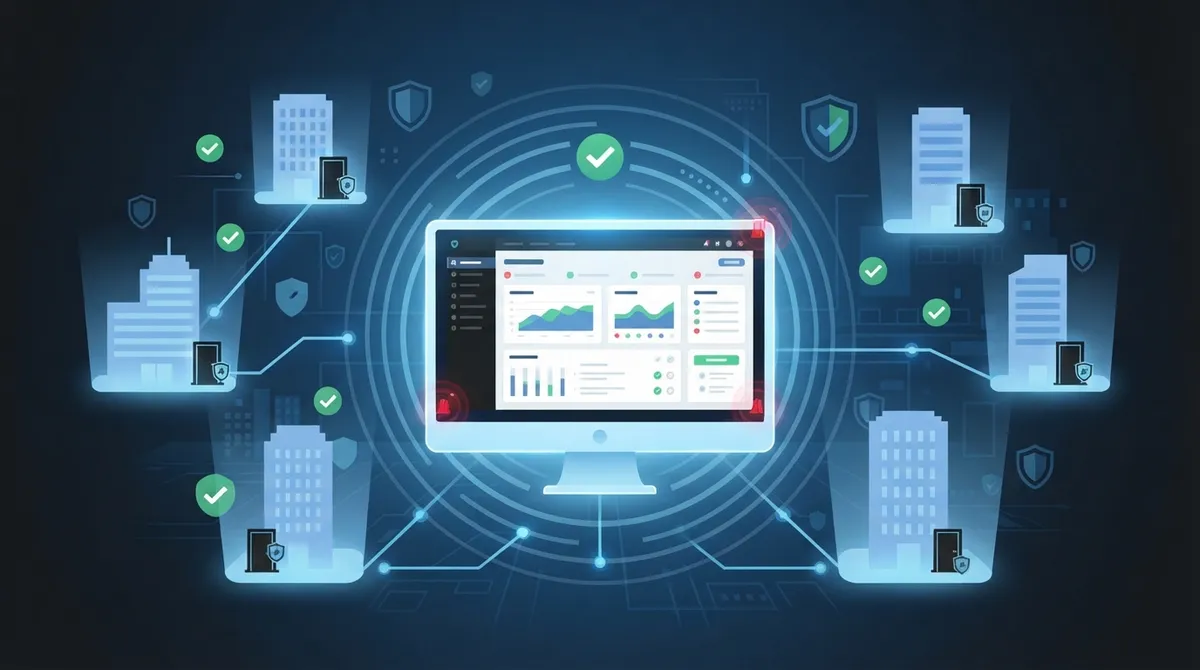
Centralized multi-site management lets you control all doors and locations from one dashboard, eliminating travel time and enabling instant remote permission updates for employee access changes.
-
Real-time monitoring with instant alerts notifies you immediately of unauthorized access attempts or unusual activity, allowing fast response instead of discovering security issues after the fact.
-
Zero trust security principles require continuous verification of every access attempt rather than one-time authentication, significantly reducing risk across your entire infrastructure.
-
Cloud-based systems eliminate expensive on-site server hardware, automatic software updates, and manual maintenance costs, making advanced security affordable for small and mid-sized businesses.
Picture this: you’re sipping your morning coffee, and you get a text alert that someone just badged into your Tampa office at 2 a.m. You didn’t have to call anyone or drive across town. You just pulled out your phone and checked the feed. That’s the magic of cloud access control, and honestly, once you experience it, you’ll wonder how you ever managed without it.
If you’re a small business owner, IT manager, or franchise operator juggling multiple locations, you already know how stressful it can be to manage who gets in and out of your buildings. Old-school lock-and-key systems just don’t cut it anymore. Cloud access control features have changed the game, giving you real control from wherever you happen to be. Let’s walk through the seven features that matter most, so you can make a smart, confident choice for your business.
1. Centralized Multi-Site Management
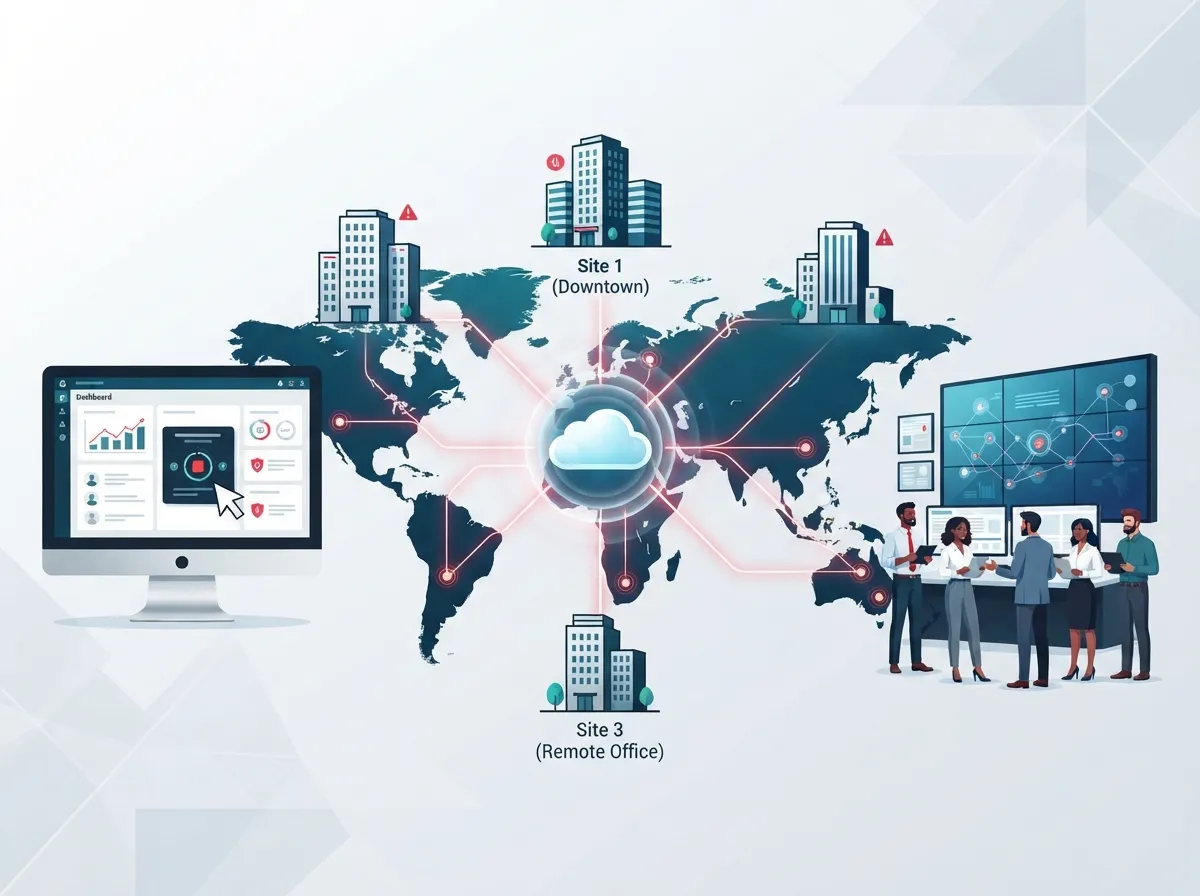
If you run more than one location, this feature alone is worth its weight in gold. Cloud access control lets you manage every door, every site, and every user from a single dashboard. No more driving between offices or calling a local technician every time something changes.
This is huge for franchise operators and mid-sized enterprises with locations scattered across Tampa Bay or even nationwide. You get one login, one view, and total visibility. Our friends who work with growing companies tell us this is often the number one reason they finally switch from on-site systems, similar to how many businesses upgrade their network solutions for multi-location businesses once they outgrow single-office setups.
- Manage unlimited doors and sites from one screen
- View real-time status across every location at once
- Standardize security policies company-wide in minutes
- Cut down on travel time for IT staff and managers
2. Remote User Permission Updates
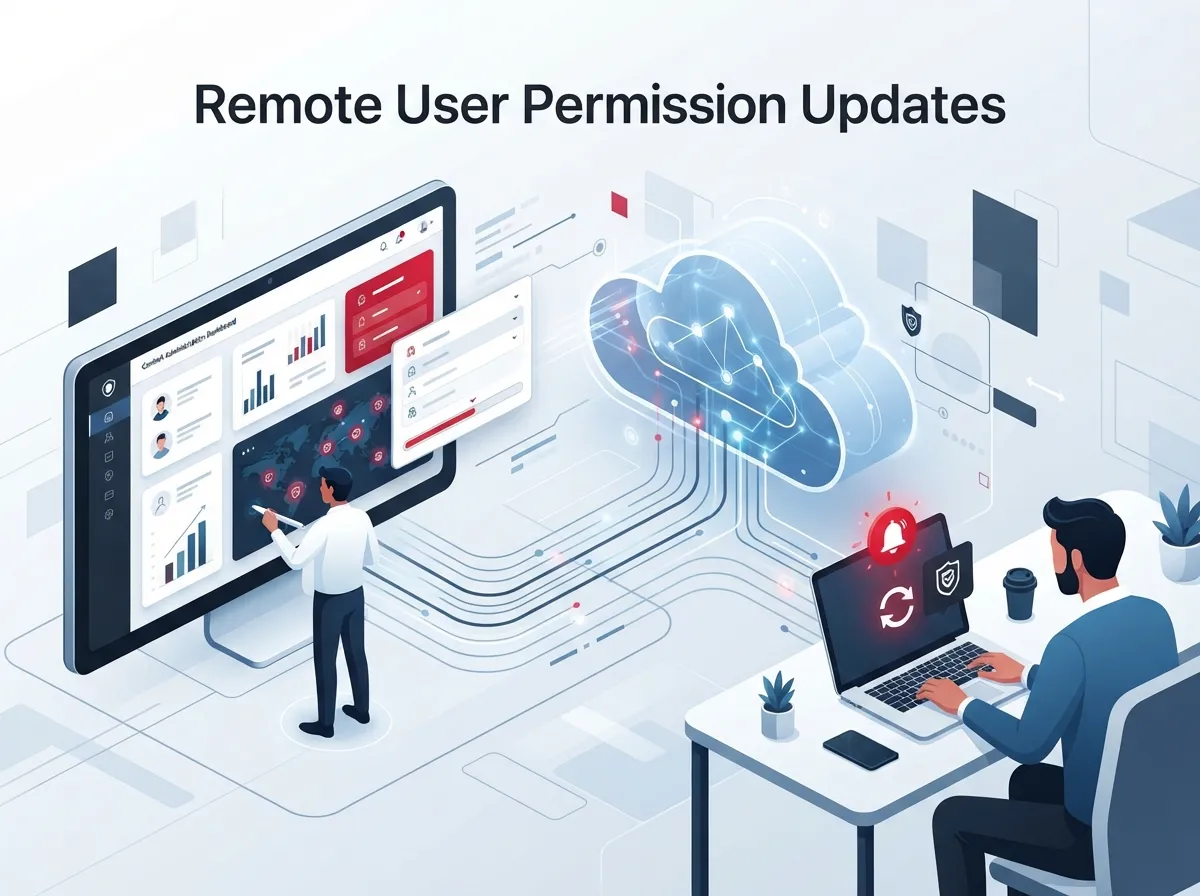
Here’s a scenario we hear all the time: an employee leaves unexpectedly, and someone has to rush over with a key or badge to shut off their access. With cloud access control, that headache disappears completely.
Administrators can add, change, or revoke access instantly, right from a laptop or smartphone. There’s no need to physically visit the site. This is especially comforting for office managers who wear a dozen hats already and don’t have time to play locksmith.
- Log into the cloud dashboard from anywhere
- Search for the employee or credential in question
- Adjust or remove their access with a few clicks
- Changes take effect immediately across all connected doors
3. Real-Time Monitoring and Instant Alerts
Nobody wants a surprise visit from an unauthorized person after hours. Real-time monitoring means you get notified the moment something unusual happens, whether that’s a door propped open too long or an attempted entry with the wrong credential.
This kind of instant feedback loop helps small business owners and enterprise security teams react fast, not after the fact. It pairs nicely with cloud video security tools too, so you can see exactly who triggered the alert. Many businesses combine this with security cameras for a complete picture of what’s happening on-site.
4. Zero Trust Security Principles
You’ve probably heard the term “zero trust” floating around lately, especially if you work in IT. It’s a security approach that assumes nobody should be trusted automatically, no matter where they are or what device they’re using.
The National Institute of Standards and Technology published guidance in 2023, known as NIST SP 800-207A, focused specifically on zero trust access control for cloud environments. This model recommends continuous verification and giving people only the access they truly need, nothing more. Cloud access control systems built around zero trust principles check credentials every single time, not just once at the front door.
Why Zero Trust Matters for Telecom Networks
For IT managers overseeing networks, cameras, and phone systems, zero trust isn’t just a buzzword. It’s a practical way to reduce risk across your entire telecom infrastructure. When access control works hand-in-hand with your network security, you close gaps that hackers and bad actors love to exploit.
5. Smart Integrations With Other Business Tools
One of the best things about cloud-based systems is how well they play with others. Cloud access control features often integrate directly with video security platforms, HR software, and even your phone system.
This means when someone is hired or terminated in your HR system, their building access can update automatically. It also means your security cameras and door sensors can work together, giving you a fuller picture of activity at each site.
| Integration Type | What It Does | Who Benefits Most |
|---|---|---|
| Video Security Sync | Links camera footage to access events | Office managers, IT teams |
| HR Software Connection | Auto-updates access when staff changes | Mid-sized enterprises |
| Mobile App Credentials | Turns smartphones into digital keys | Franchise operators |
| Visitor Management | Tracks guest check-ins remotely | Small business owners |
6. Offline Credential Support
Not every location has rock-solid internet, and that’s okay. Good cloud access control systems build in offline unlock credentials, so doors keep working even if the connection drops for a moment.
This is a smart safety net for businesses in areas with spotty coverage or during temporary internet outages. It’s one more reason to pair your access control setup with reliable high-speed internet for your business, since a strong connection keeps every feature running smoothly.
7. Reduced Infrastructure and Maintenance Costs
Traditional access control systems often need on-site servers, wiring closets, and regular maintenance visits. Cloud-based systems shift that burden away from you and onto the provider’s infrastructure.
This means lower upfront costs, fewer surprise repair bills, and less reliance on a dedicated IT closet. For small business owners especially, this can make advanced security finally affordable and realistic.
- No expensive on-site server hardware to maintain
- Automatic software updates handled by the provider
- Lower long-term maintenance and repair costs
- Easier scalability as your business grows
Cloud vs On-Premise Access Control at a Glance
Choosing between cloud and traditional on-premise access control can feel overwhelming. Here’s a simple breakdown to help you compare the two approaches side by side.
| Feature | Cloud Access Control | On-Premise Access Control |
|---|---|---|
| Remote Management | Yes, from any device | Limited to on-site access |
| Multi-Site Support | Built-in, centralized | Requires separate systems per site |
| Software Updates | Automatic, cloud-delivered | Manual updates needed |
| Upfront Cost | Lower, subscription-based | Higher, hardware-heavy |
| Scalability | Easy to add locations | Complex and costly to expand |
How to Choose the Right System for Your Business
With so many features to consider, it helps to break down your decision into manageable steps. Here’s a simple process we recommend to businesses getting started.
- List every location and door that needs coverage
- Decide which integrations matter most to your team
- Check if the provider supports zero trust principles
- Ask about offline support for areas with weak internet
- Compare pricing models across a few trusted providers
- Request a walkthrough or demo before committing
- Confirm ongoing support and maintenance is included
Working with a knowledgeable partner makes this whole process a lot less stressful. This is exactly the kind of guidance Ideal Solutions Provider offers to businesses across Tampa Bay and beyond, helping you compare options across dozens of vetted suppliers instead of guessing on your own.
Common Mistakes Businesses Make
Even with great technology available, businesses sometimes stumble when rolling out cloud access control. Here are a few pitfalls worth avoiding.
- Choosing a system without checking integration options first
- Ignoring internet reliability needed for real-time features
- Skipping staff training on new mobile credential apps
- Failing to set clear access permission tiers by role
- Overlooking audit logging, which matters for compliance
Taking a little extra time upfront saves a lot of frustration later. Many businesses also pair their access control rollout with an upgrade to their structured cabling to make sure every device connects smoothly and reliably.
Bringing It All Together
Cloud access control features aren’t just fancy tech add-ons anymore. They’re becoming essential tools for any business that wants strong security without the constant hassle of managing hardware on-site. From centralized management to zero trust protection, these features give you peace of mind and real control over your buildings.
Whether you’re running a single Tampa office or coordinating dozens of franchise locations nationwide, the right cloud access control setup can make your day-to-day life so much easier. It’s worth exploring how these systems could fit into your broader telecom strategy, especially alongside your cloud-based phone system and network security tools.
You can also follow along with helpful tips and updates on our Facebook page or check out real installation walkthroughs on our YouTube channel. For visual inspiration and behind-the-scenes looks at our work, our Instagram is a great place to explore too.
Ready to see how cloud access control could work for your business? Our team has spent over 24 years helping Tampa businesses and companies nationwide find the right telecom and security fit, without the stress of juggling dozens of vendors. Reach out to our team today for a free consultation, or simply give us a call to talk through your options. We’re genuinely excited to help you build a safer, smarter workplace.
FAQs
Q: What are cloud access control features in telecom?
A: They’re the tools that let you manage who can enter your buildings, all from an online dashboard instead of on-site hardware. Think remote unlocking, instant alerts, and multi-site management, all rolled into one friendly system you can check from your phone.
Q: How does cloud access control improve telecom security?
A: It brings your door security in line with modern zero trust principles, meaning every access request gets checked, not just assumed to be safe. This pairs nicely with your existing network and phone systems, creating one connected layer of protection.
Q: What is the difference between cloud access control and on-premise access control?
A: On-premise systems rely on local servers and require someone to physically manage updates and changes. Cloud systems let you manage everything remotely, update instantly, and scale to new locations without adding hardware.
Q: Can cloud access control manage multiple telecom locations?
A: Absolutely, and this is one of its biggest perks. You can control every door across every location from a single, simple dashboard, which is a lifesaver for franchise owners and growing companies.
Q: How secure are cloud access control systems?
A: Very secure, especially when built on zero trust principles that continuously verify every access attempt. Reputable providers also include audit logging and offline credential support, so you stay protected even during connectivity hiccups.





