
Key Takeaways
-
Separate camera traffic from regular office traffic using dedicated VLANs and quality-of-service rules to prevent bandwidth choking and dropped connections during peak usage.
-
Choose internet plans with sufficient upload speeds: 10-25 Mbps for small offices, 50+ Mbps for warehouses or multi-camera retail sites, as most business broadband prioritizes downloads over uploads needed for surveillance.
-
Plan for Florida weather resilience by installing UPS units, surge protection, weather-rated cameras, and cellular failover backup to keep surveillance operational during storms and internet outages.
-
Post conspicuous signage at entrances and disable camera audio recording unless legally cleared, as Florida law prohibits secret recording in private spaces and requires consent for audio capture.
-
Implement cybersecurity from the start with managed firewalls, secure remote access, firmware updates, and network segmentation to prevent compromised cameras from exposing sensitive business data.
-
Use hybrid cloud and local storage systems to maintain footage accessibility during internet outages while enabling remote mobile or browser access to footage from anywhere.
Running a Tampa business means keeping an eye on things, even when you’re not there. Maybe you’re grabbing coffee before sunrise, or you’re stuck in traffic on the Howard Frankland Bridge. Either way, you want to know your storefront, warehouse, or office is safe. That’s where remote surveillance Tampa businesses trust really shines. It’s not just about cameras anymore. It’s about smart networks, reliable internet, and secure access that work together, rain or shine, even during our infamous summer storms.
Here’s the thing many business owners don’t realize. A great camera is only as good as the network carrying its footage. If your internet drops during a storm, or your bandwidth gets choked by a dozen devices, your surveillance system can leave you blind at the worst moment. That’s why smart Tampa businesses are pairing their cameras with real telecom expertise. Below, we’ll walk through seven practical ways to build a remote surveillance setup that actually holds up, plus what to know about Florida law, storage, and cost along the way.
1. Start With a Network Built for Video, Not an Afterthought
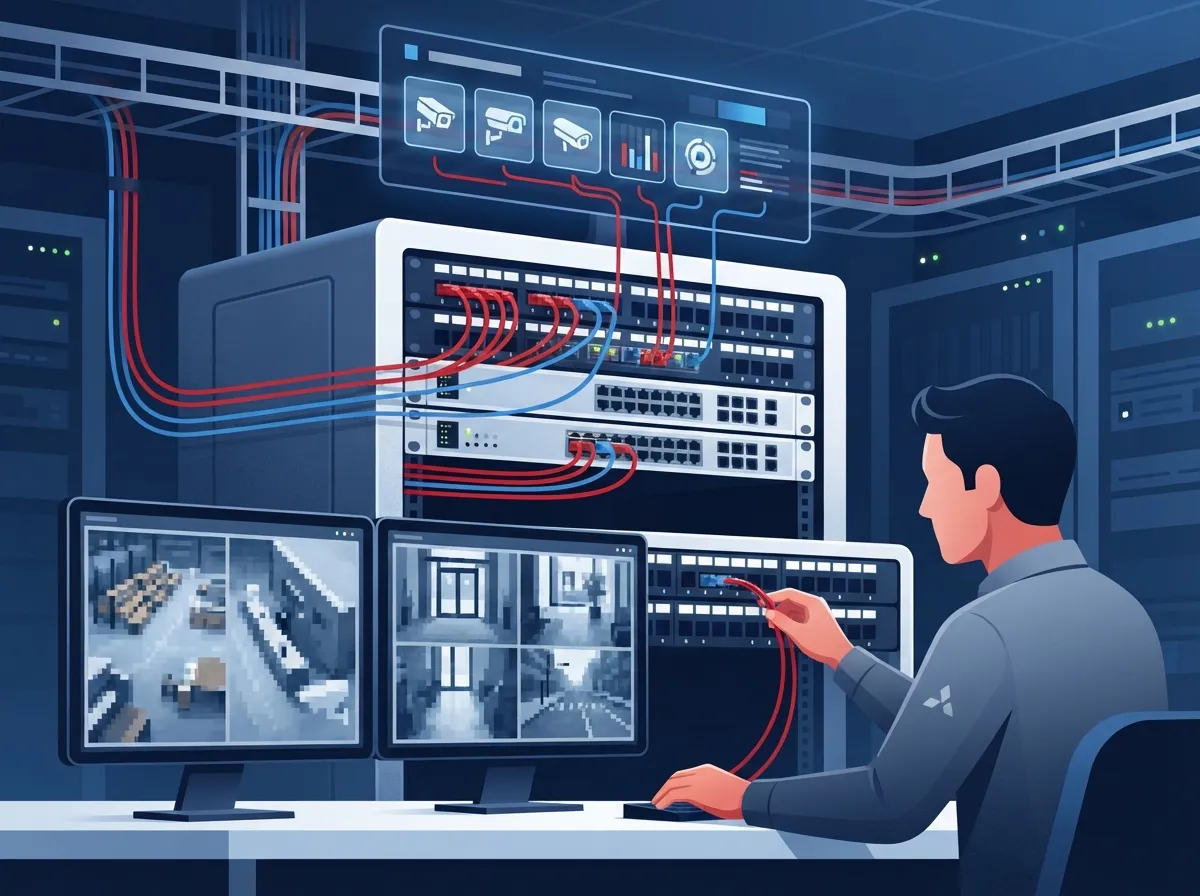
Cameras eat bandwidth. A single 1080p camera streaming continuously can use roughly 2 to 6 Mbps, depending on frame rate and activity in the scene. Multiply that by ten or twenty cameras, and you’ll quickly see why a shared, unmanaged network causes choppy footage or dropped connections.
A smarter approach separates your camera traffic from your regular office traffic. This usually means setting up a dedicated VLAN, plus quality-of-service rules that prioritize video data when your network gets busy. This is exactly the kind of groundwork a telecom partner can handle for you. If you’re curious how this fits into a bigger picture, take a look at what enterprise network infrastructure services in Tampa include.
Why This Matters for Growing Businesses
Mid-sized companies and franchise operators often add cameras location by location, then wonder why performance suffers. Planning your network first, before installing camera number one, saves headaches later. It also sets you up nicely for reliable network solutions across multiple Tampa locations.
2. Choose the Right Internet Connection for Continuous Streaming
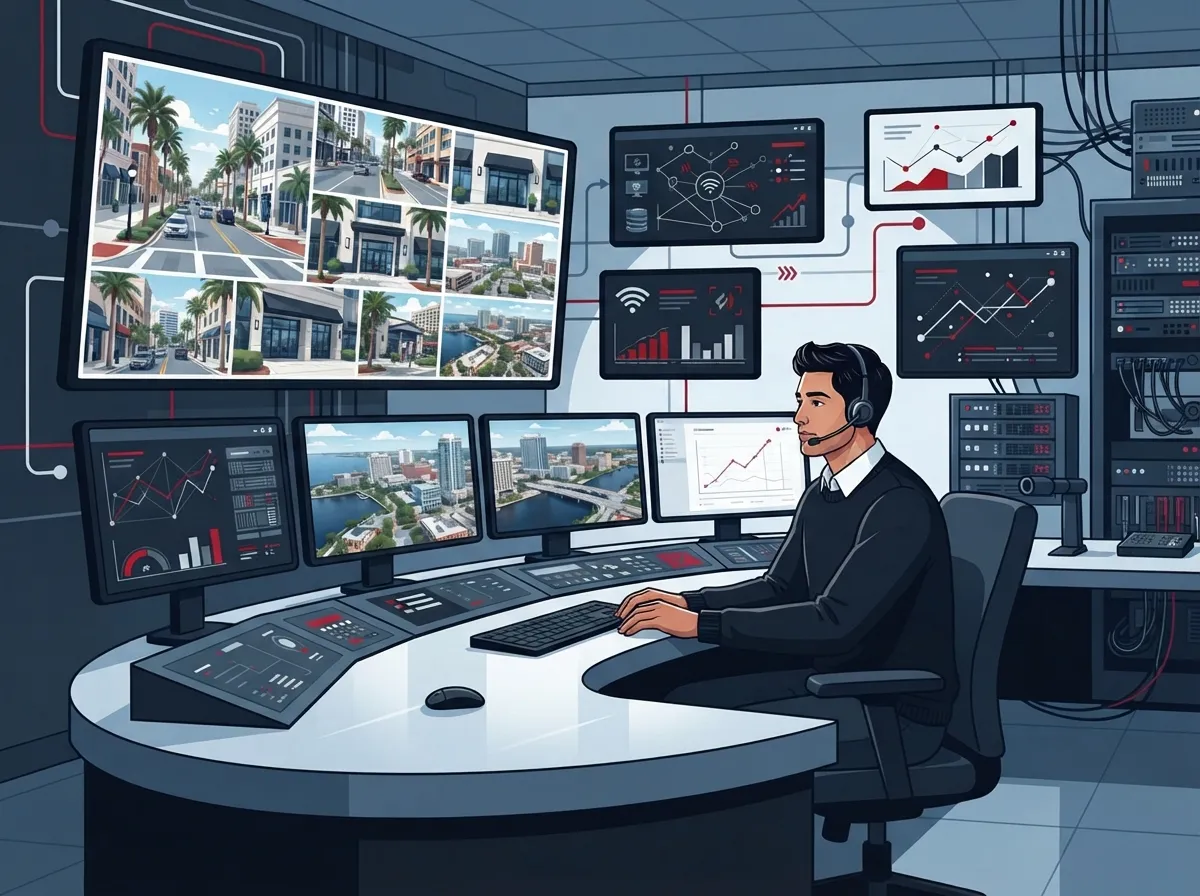
Not all internet plans are created equal. Cameras need consistent upload speed, not just fast download speed. That’s a detail a lot of business owners miss when they sign up for a basic broadband package.
Here’s a quick way to think about it:
- Small offices with 4 to 6 cameras usually need dedicated upload bandwidth in the range of 10 to 25 Mbps.
- Warehouses or multi-camera retail sites often require 50 Mbps or more of reliable upload speed.
- Franchise locations streaming to a central dashboard need consistent, low-latency connections across every site.
If your current connection struggles with basic tasks, surveillance will only make things worse. It might be time to review how to choose the right internet speed for your Tampa business. And if you’ve ever wondered why your connection lags during peak hours, this guide on why business internet runs slow in Tampa is worth a read.
3. Plan for Tampa’s Weather, Because It Will Test Your System
Anyone who’s lived here through hurricane season knows Florida throws curveballs. Lightning strikes, flooding, humidity, and power outages are just part of life. Your surveillance system needs to handle all of it without blinking.
A resilient setup typically includes:
- Uninterruptible power supply (UPS) units to keep cameras and network gear running through short outages.
- Surge protection to guard against lightning-related power spikes.
- Weather-rated outdoor cameras built for heat, rain, and humidity.
- Backup internet connectivity, like a cellular failover, so cameras stay online if your main connection drops.
- Routine testing so you know your backup plan actually works before you need it.
This is one area where working with a telecom partner really pays off. A good partner designs redundancy into your system from day one, instead of leaving you scrambling after the next tropical storm.
4. Decide Between Cloud, Local, or Hybrid Storage
This is one of the most common questions we hear, and honestly, there’s no single right answer. It depends on your business.
| Storage Type | Best For | Key Benefit | Watch Out For |
|---|---|---|---|
| Cloud Storage | Businesses wanting remote access from anywhere | View footage from phone or browser, no on-site server needed | Depends on steady internet upload speed |
| Local (On-Premises) Storage | Businesses with limited bandwidth or strict data control needs | Keeps footage accessible even if internet goes down | Requires on-site hardware and maintenance |
| Hybrid Storage | Businesses wanting the best of both worlds | Local backup plus cloud access and redundancy | Slightly more complex setup and cost |
Cloud video surveillance lets managers check in on their business from a browser or mobile app, without ever stepping foot on-site. Local recording, on the other hand, reduces the bandwidth your network uses and keeps things running if your internet connection fails. Many Tampa businesses find hybrid systems give them peace of mind either way. For a deeper dive, check out the key differences between cloud video security and DVR systems.
5. Understand Florida’s Privacy and Recording Laws
This part isn’t the most exciting, but it’s important, and skipping it can land you in legal trouble. Florida Statutes Section 810.145 addresses video voyeurism. It prohibits secretly recording people in places where they’d reasonably expect privacy, like bathrooms or changing rooms. The good news is there’s an exception for security systems, as long as you post conspicuous written notice or the camera itself is clearly visible.
Audio recording is trickier. Florida Statutes Section 934.03 generally requires consent from all parties before recording oral or electronic communications. That means if your cameras have microphones, you should turn off audio recording unless you’ve cleared it with legal counsel and set up a proper notice and consent process. This is genuinely worth a conversation with an attorney before you flip that switch. You can also review guidance from Florida security camera law resources for additional context.
Where Cameras Can and Can’t Go
- Common areas, entrances, parking lots, and warehouses are generally fine for surveillance.
- Restrooms, locker rooms, and other private spaces are strictly off-limits for cameras.
- Posting visible signage near entrances helps meet Florida’s notice requirements and builds trust with employees and customers.
6. Build in Cybersecurity From the Start
Cameras connect to your network, which means they can become an entry point for hackers if they’re not secured properly. This is a step a lot of DIY installations skip entirely.
A properly hardened system usually includes managed firewalls, secure remote access with strong authentication, regular firmware updates, and network segmentation so a compromised camera can’t reach your sensitive business data. If your IT team hasn’t reviewed camera cybersecurity recently, it’s a smart time to loop in a telecom and network partner who understands both sides of the equation. Structured, well-organized cabling also plays a role here, since a clean physical network makes segmentation and troubleshooting much easier. You can learn more about how structured cabling supports a stable, secure network foundation.
7. Work With One Partner Who Handles Everything
Here’s the honest truth. Juggling separate vendors for internet, networking, cabling, and cameras is exhausting. You end up playing phone tag when something breaks, trying to figure out whose fault it actually is.
This is where a single point of contact makes a real difference. Ideal Solutions Provider has spent over 24 years helping Tampa businesses simplify their telecom and security setups, working with 35+ vetted suppliers to find the right fit for each client. Instead of guessing which internet provider, camera brand, or network configuration works best, you get one team handling consultation, installation, and ongoing support. That means fewer headaches for you and your staff.
A typical deployment process looks like this:
- Site survey to assess coverage needs and existing infrastructure.
- Bandwidth and storage calculations based on your camera count and footage needs.
- Network segmentation and cybersecurity hardening.
- Signage and privacy policy review to stay compliant with Florida law.
- Professional installation and thorough testing.
- Staff training so your team knows how to use the system confidently.
- A clear incident-response plan for preserving footage when it matters most.
Whether you’re a small business owner adding your first few cameras, or a franchise operator managing surveillance across multiple Tampa Bay locations, this process scales to fit. Learn more about what security cameras really do for your business before you get started.
Bringing It All Together for Your Tampa Business
Remote surveillance isn’t just a nice-to-have anymore. It’s become a core part of running a safe, well-connected business in Tampa. But the cameras themselves are only part of the story. The network carrying that footage, the storage backing it up, and the cybersecurity protecting it all matter just as much.
Small business owners benefit from simple, affordable setups that don’t require a dedicated IT team. Mid-sized enterprises need scalable systems that grow with them. IT managers want a trusted partner who handles vendor coordination without constant hand-holding. Office managers just want something that works, day after day, without drama. And franchise operators need consistency across every single location.
The good news is you don’t have to figure this out alone. A knowledgeable telecom partner can look at your current setup, your goals, and your budget, then build something that actually fits. If you’re ready to talk through your options, reach out to our team for a free consultation, or simply give us a call to get started today. You can also follow along on Facebook, Instagram, or YouTube for more tips on keeping your Tampa business connected and secure.
FAQs
Q: How much does remote video surveillance cost for a Tampa business?
A: Costs vary based on camera count, storage type, and network needs, but most small businesses start with a modest setup and scale up over time. The best way to get an accurate number is a free consultation where a telecom partner reviews your space and goals with you.
Q: Does remote surveillance work if the business internet goes down?
A: It depends on your setup. Local or hybrid storage systems keep recording even during an outage, while purely cloud-based systems may pause until connectivity returns. Adding a cellular failover connection is a smart way to keep things running no matter what.
Q: Can business security cameras record audio in Florida?
A: Technically yes, but Florida law generally requires consent from everyone being recorded before you turn on audio. Most businesses choose to disable microphones and stick with video only, unless they’ve worked out a proper consent process with legal counsel.
Q: Do Florida businesses need signs for security cameras?
A: Posting a visible notice helps you meet Florida’s legal requirements, especially since the law allows an exception for security systems when signage is conspicuous or the camera is clearly obvious. It’s a simple step that protects your business and builds trust with everyone who walks through your doors.
Q: What internet speed does a Tampa business need for security cameras?
A: It really comes down to upload speed, not just download speed, since cameras are constantly sending footage out. A handful of cameras might need 10 to 25 Mbps of upload, while larger sites with many cameras often need 50 Mbps or more to keep everything running smoothly.





