
Key Takeaways
-
Infrared and low-light color night vision serve different purposes: infrared excels in total darkness but shows grayscale, while low-light color cameras identify details like clothing and vehicle colors with minimal ambient light.
-
Network reliability is as critical as camera quality—bandwidth must be sized for video traffic, PoE connections should be wired, and cellular failover ensures recording continues during internet outages.
-
Evaluate cameras by usable identification distance for faces and license plates rather than advertised detection range, considering resolution, field of view, weather resistance, and dynamic range handling.
-
Cloud video security automatically organizes searchable footage with instant motion alerts, eliminating the need for on-site servers, manual updates, or technician visits—key advantages over traditional DVR systems.
-
Ask providers about footage storage location, internet outage backup plans, scalability for adding cameras, integration with existing systems, and itemized monthly costs before signing contracts.
-
The global cloud video surveillance market is projected to grow from $12.8 billion in 2025 to $57.3 billion by 2034, indicating night vision is now standard business security expectation, not a luxury add-on.
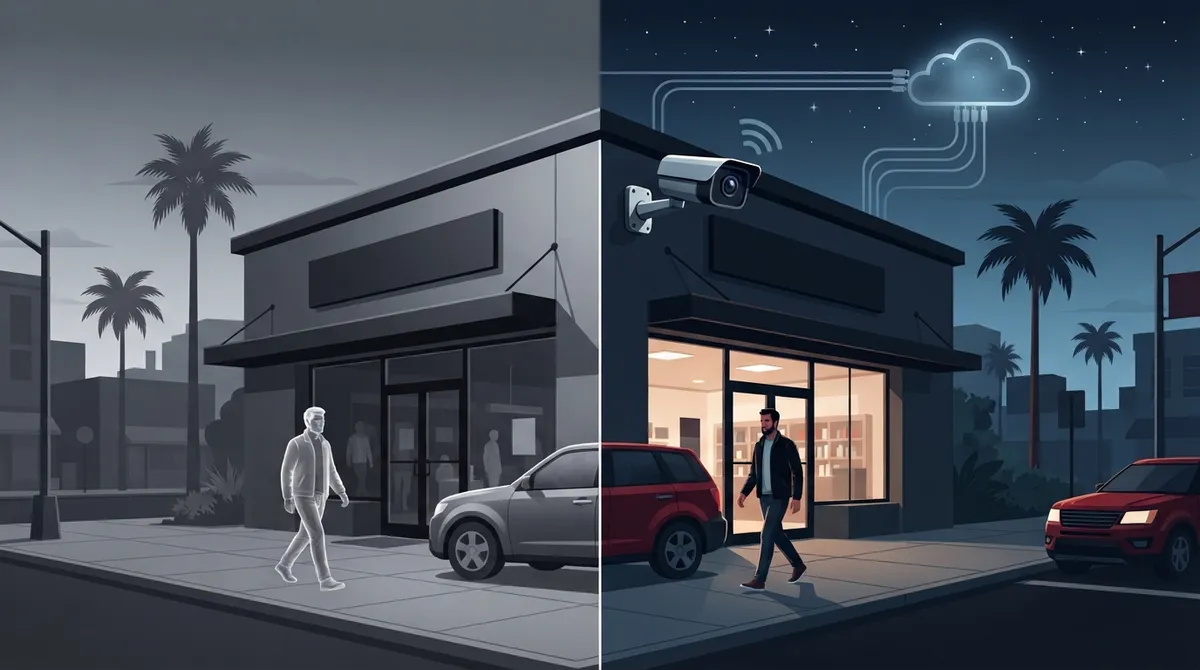
Picture this: it’s 2 a.m., your office is dark, and something moves in the parking lot. Can you actually see what’s happening? For thousands of Tampa business owners, the answer used to be a blurry gray blob and a lot of guessing. That’s changing fast. Cloud video security with night vision is now one of the most requested upgrades we see at Ideal Solutions Provider, and honestly, it makes total sense. Your business doesn’t stop existing after dark, so your security shouldn’t either.
This isn’t just about slapping a camera on a wall anymore. Real cloud video security with night vision combines smart cameras, solid internet connectivity, secure cloud storage, and remote access you can check from your phone at midnight if you’re feeling nosy (or worried). Whether you run a small Tampa storefront, manage a growing mid-sized company, or oversee IT for a multi-location franchise, this guide will walk you through exactly how this technology works, what to look for, and how to avoid overpaying for something that doesn’t actually protect you.
What Cloud Video Security With Night Vision Actually Means
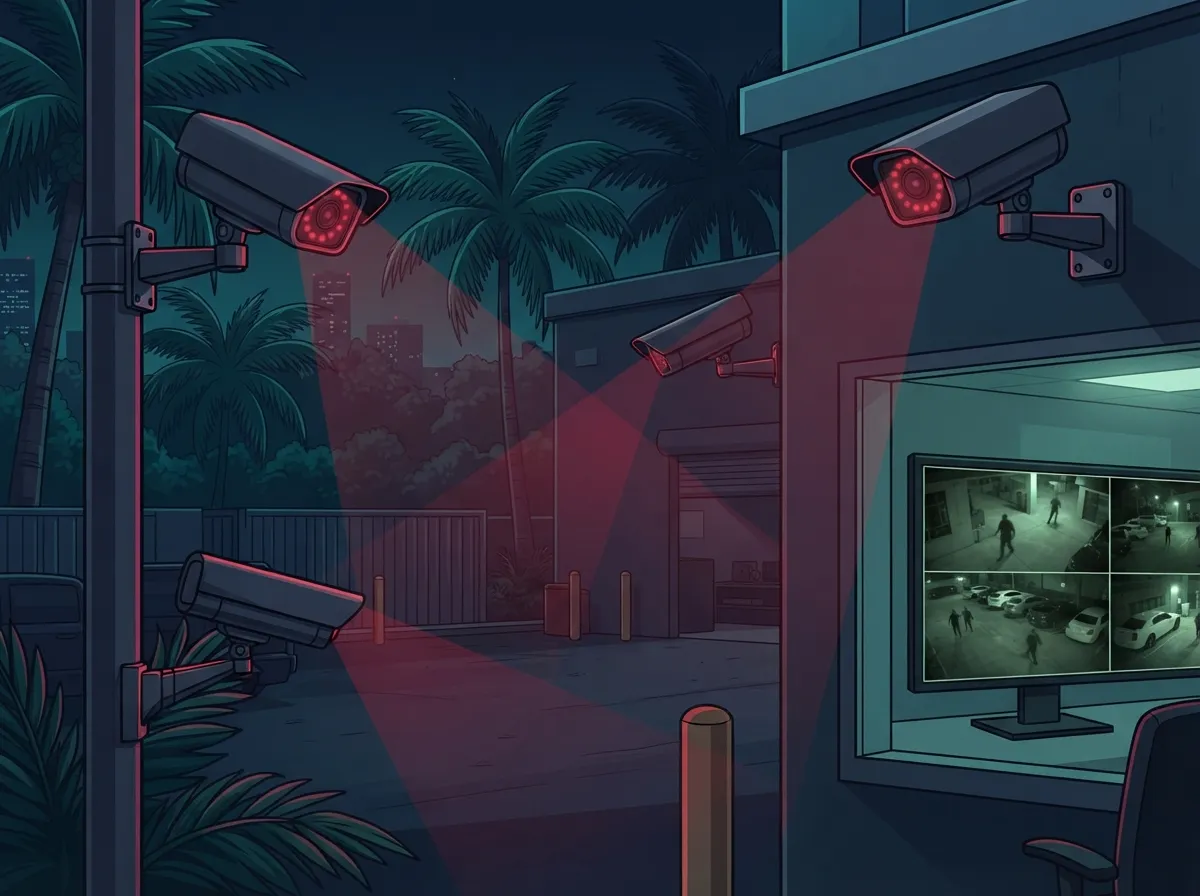
Let’s break this down simply. Cloud video security is a system where your cameras send video over the internet to secure, offsite cloud servers instead of a bulky box sitting in your back office. Night vision is the part that lets those same cameras see clearly when the lights go out.
Together, these two pieces give you 24-hour protection without needing an on-site server room or a technician driving out every time something breaks. According to Global Market Insights, the video surveillance market was valued around $63.1 billion in 2025 and is expected to reach $162.4 billion by 2035. Cloud deployment specifically is growing even faster, jumping from an estimated $22.6 billion in 2025 to a projected $63.7 billion by 2035. Businesses are clearly moving toward cloud, and night vision is a big reason why.
How the System Works Behind the Scenes
Here’s the simple version of what happens when you install a cloud camera system:
- Cameras capture live video, day or night, using either infrared sensors or low-light color imaging.
- Footage travels over your business internet connection to a secure cloud platform.
- The cloud software stores, organizes, and analyzes that footage automatically.
- You (or your team) view live feeds or recorded clips through a web browser or mobile app, from anywhere.
- Alerts get sent instantly if motion, a person, or a vehicle is detected in areas you’ve flagged.
No more digging through hours of grainy tape. It’s all searchable, organized, and ready when you need it.
Infrared vs. Low-Light Color Night Vision
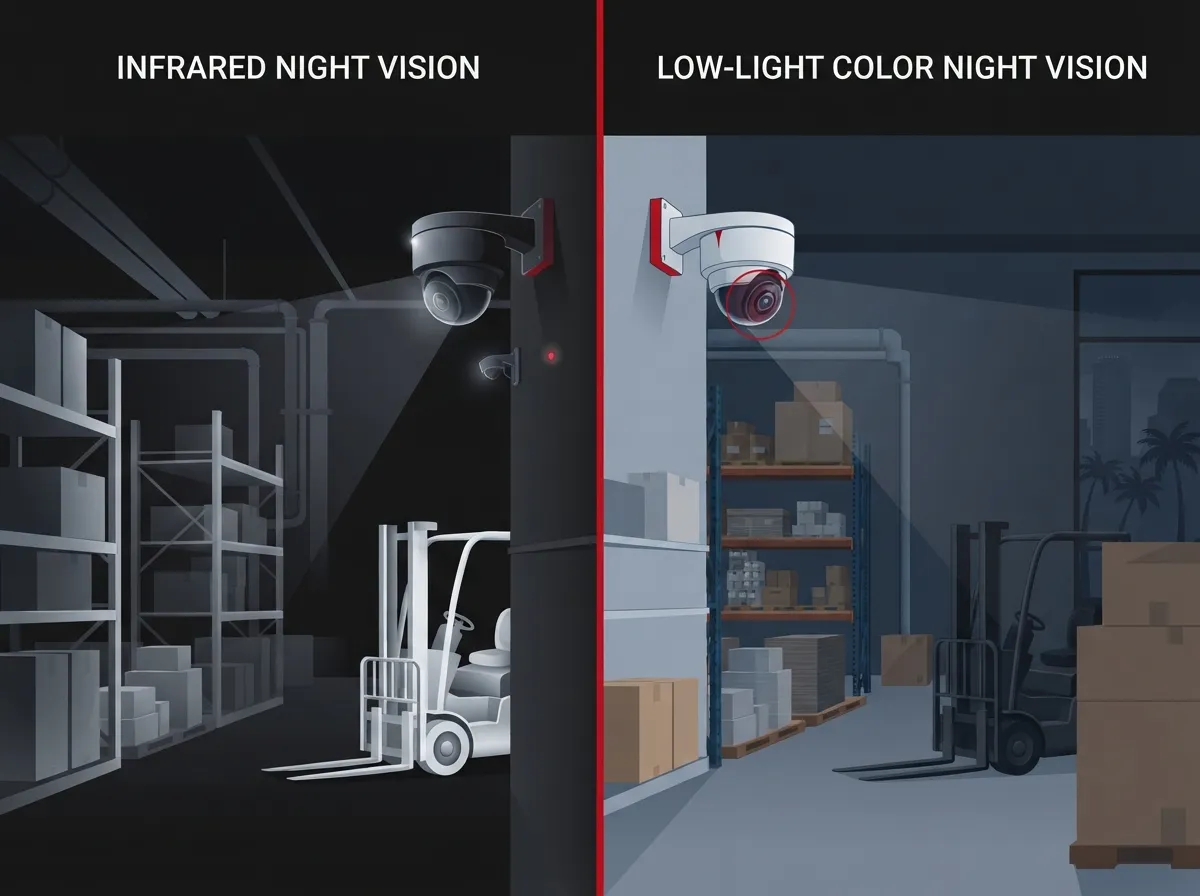
This is where a lot of business owners get confused, and honestly, it’s an easy mix-up. There are two main approaches to night vision, and they work very differently.
| Feature | Infrared (IR) Night Vision | Low-Light Color Cameras |
|---|---|---|
| Image Type | Black and white | Full color, even in low light |
| Best For | Total darkness, long-range detection | Parking lots, entrances with some ambient light |
| Identifying Details | Good for shapes and movement | Better for identifying clothing color, vehicle color |
| Common Weakness | Glare from reflective surfaces | Needs some minimal light source nearby |
| Typical Use Case | Warehouses, back entrances, alleys | Storefronts, lobbies, main entrances |
Infrared night vision uses small LED lights invisible to the human eye, paired with a sensor built to pick them up. It’s reliable in pitch-black conditions but only shows shapes in grayscale. Low-light color cameras, on the other hand, use larger sensors to pull in more available light, giving you actual color detail even when it’s dim. Many businesses now choose systems that automatically switch between both, depending on the situation.
Why Night Vision Range Isn’t the Whole Story
Camera boxes love to advertise things like “100 feet of night vision,” but that number can be misleading. What actually matters is whether you can identify a face or license plate at that distance, not just detect that something is there.
When evaluating cloud video security with night vision, ask about these factors instead of just the IR range:
- Usable identification distance, not just detection distance
- Infrared wavelength and LED quality
- Field of view and camera placement
- Wide dynamic range for handling headlights or bright spots
- Resolution and frame rate during motion
- Weather resistance for outdoor Tampa humidity and storms
- Vandal-resistant housing for exposed locations
A camera that claims incredible range but delivers a fuzzy mess when a car drives by isn’t doing its job. This is exactly the kind of detail our team walks through during a business security camera installation consultation, matching camera specs to your actual property, not just a spec sheet.
The Telecom Side Nobody Talks About
Here’s something a lot of camera salespeople conveniently skip: your night vision cameras are only as good as the network behind them. If your internet drops, or your bandwidth is maxed out, your fancy cameras stop sending footage to the cloud.
This is exactly where a telecom-focused approach becomes so valuable. A well-designed setup should include:
- Bandwidth planning based on camera count and resolution
- Power over Ethernet (PoE) for stable, wired camera connections
- Cellular or secondary internet failover for outages
- Local edge storage as backup if the connection drops
- Ongoing health monitoring for cameras and network gear
We’ve seen this firsthand with businesses that come to us after months of complaints about “spotty” cameras, only to find out their business internet setup was never sized for video traffic in the first place. Pairing your camera system with the right connectivity, including structured structured cabling where wired connections make sense, solves this problem before it starts.
Cloud Storage, Security, and Compliance Basics
Since your footage lives in the cloud, security matters just as much as image quality. A trustworthy provider should offer:
- Encrypted video, both while traveling over the internet and while stored
- Multi-factor authentication for anyone logging in
- Role-based permissions so employees only see what they need to
- Automatic firmware updates to patch security gaps
- Clear documentation on where footage is stored and how long it’s kept
If your business handles sensitive information or falls under privacy regulations, ask your provider directly about data-residency and compliance support. It’s a fair question, and any reputable partner should have a clear answer.
Cloud vs. Traditional DVR Systems
If you’re still running an old-school DVR or NVR box in a closet, you’re not alone. But cloud systems solve several headaches that traditional setups create.
| Factor | Traditional DVR/NVR | Cloud Video Security |
|---|---|---|
| Remote Access | Limited or clunky | Easy, from any device |
| Multi-Location Viewing | Difficult, separate systems | Centralized dashboard |
| Storage Failure Risk | Single point of failure on-site | Redundant cloud storage |
| Software Updates | Manual, often skipped | Automatic |
| Scalability | Hardware-dependent | Add cameras easily |
For a deeper look at this comparison, our article on key differences between cloud video security and DVR systems breaks things down further. Cloud isn’t automatically the right answer for every single business, but for most, especially those with multiple locations, it’s a clear upgrade.
Choosing the Right Cameras for Your Space
Not every location needs the same setup. A warehouse loading dock has different lighting and distance challenges than a retail storefront or a franchise parking lot.
- Parking lots: Wide field of view, strong infrared range, and license plate recognition capability.
- Warehouses: Wide-angle coverage with reliable low-light performance across large open spaces.
- Offices: Discreet indoor cameras focused on entry points and common areas.
- Retail locations: Color night vision near registers and entrances to capture clear facial details.
Franchise operators managing multiple sites benefit especially from centralized cloud dashboards, since one manager can check camera health and footage across every location without traveling between them.
Integration With Your Existing Business Systems
One of the biggest advantages of modern cloud cameras is how well they play with other systems you already use. Many platforms support open standards like ONVIF and common video codecs, which means less vendor lock-in and more flexibility down the road.
Cameras can often connect directly with:
- Cloud access control systems for synchronized entry logs and video
- Alarm systems for automatic recording triggers
- Business phone systems and intercoms for front-desk verification
- Managed network platforms for centralized IT oversight
If you’re already using a cloud-based phone system or considering cloud access control, adding cameras into that same ecosystem creates a much more connected, manageable security setup overall.
What Cloud Video Security With Night Vision Costs
Pricing varies quite a bit depending on camera count, resolution, storage length, and monitoring level. Generally, businesses should expect to compare these recurring cost categories separately rather than accepting one bundled number blindly:
- Camera hardware or lease fees
- Cloud storage and retention length
- Installation and setup labor
- Optional live monitoring services
- Analytics add-ons like license plate or facial recognition
- Bandwidth or cellular backup costs
A managed monthly subscription through an experienced telecom partner can simplify this significantly, since you’re not juggling separate invoices from five different vendors. This is one reason many Tampa businesses now treat security cameras the same way they treat VoIP phone service or internet, as one bundled, predictable monthly cost.
Market Growth and Why It Matters to You
You don’t have to take our word for how fast this space is moving. MarketIntelo estimated the global cloud video surveillance market at $12.8 billion in 2025, projecting growth to $57.3 billion by 2034, a forecast CAGR of roughly 17.2%. Commercial applications, meaning businesses just like yours, represented about 35.8% of that market in 2025, making it one of the largest use cases overall.
Mordor Intelligence separately projected the broader video surveillance systems market growing from $64.79 billion in 2025 to $118.83 billion by 2031. Different firms measure this market differently, which explains the varying numbers, but the trend line is consistent: businesses are investing heavily in smarter, cloud-connected video security, and night vision capability is a standard expectation, not a luxury add-on anymore.
Questions to Ask Before You Sign a Contract
Before committing to any provider, it helps to have a short checklist ready. Here are the essentials:
- Where exactly is our footage stored, and who can access it?
- What happens to recording if our internet connection goes down?
- Can we start small and add cameras later without a full system replacement?
- Does the system integrate with our existing phone, network, and access control setup?
- What’s included in the monthly cost, and what’s billed separately?
If a provider can’t answer these clearly, that’s a red flag worth paying attention to.
Bringing It All Together With One Trusted Partner
Here’s the honest truth: most business owners don’t want to become security camera experts. They just want peace of mind that their property, employees, and inventory are protected, day and night, without a headache. That’s exactly the role Ideal Solutions Provider plays for businesses across Tampa Bay and nationwide.
With over 24 years of experience and partnerships across 35+ vetted suppliers, our team designs complete solutions, cameras, connectivity, cabling, and cloud storage, so you get one point of contact instead of five separate vendors pointing fingers at each other. We’ve seen firsthand how often businesses end up overpaying or underprotected simply because nobody looked at the whole picture. You can see examples of real client setups on our YouTube channel, or follow ongoing project updates on Facebook and Instagram.
Reliable video security also depends on your underlying network, which is why pairing cameras with a properly sized Internet Service Provider connection and solid cabling infrastructure matters just as much as the cameras themselves. Our guide on what security cameras really do for your business covers this connection in more detail if you’d like to explore further.
Ready to See Your Business Clearly, Day or Night
Cloud video security with night vision isn’t just about catching bad actors on camera. It’s about giving you and your team real confidence that your business is protected around the clock, without expensive guesswork or juggling multiple vendors. Whether you’re a small Tampa shop owner or managing security across ten franchise locations, the right setup should feel simple, not stressful.
Ready to see exactly what a properly designed system would look like for your business? Contact us for a free consultation, or feel free to call us directly to talk through your specific locations and needs. We’re happy to walk you through it, no pressure, just honest answers.
FAQs
Q: How does cloud video security with night vision work for businesses?
A: It works by using cameras with infrared or low-light sensors that capture clear footage after dark, then sending that video over your internet connection to secure cloud storage. You can view live or recorded footage anytime from your phone or computer, which is honestly pretty reassuring when you’re away from the office.
Q: How far can a business security camera see at night?
A: This really depends on the camera, but don’t just trust the advertised range on the box. What matters most is whether you can actually identify a face or license plate at that distance, not just see a shadowy shape moving around.
Q: Can cloud security cameras record if the business internet connection goes down?
A: Many systems include local edge storage as a backup, so recording continues even during an outage, then syncs to the cloud once connectivity returns. Adding cellular failover is also a smart move if your business really can’t afford any gaps in coverage.
Q: How much does cloud video security with night vision cost for a business?
A: Costs vary based on camera count, storage length, and any added monitoring or analytics features, so there’s no single flat answer here. The good news is a managed provider can bundle everything into one predictable monthly cost instead of five separate bills.
Q: Are cloud video surveillance systems secure and compliant with privacy regulations?
A: A well-built system should include encrypted footage, multi-factor authentication, and clear documentation on data storage and retention. It’s always fair to ask your provider directly about compliance support since your peace of mind matters just as much as your security footage.





