
Key Takeaways
-
Check your internet reliability and bandwidth capacity before choosing cloud surveillance, as steady connectivity is essential for offsite footage storage and remote access.
-
Calculate total cost of ownership over 3-5 years including hardware, licensing, storage extensions, and support—not just the monthly sticker price—to avoid unexpected expenses.
-
Verify compatibility with your existing cameras and confirm whether the platform requires bridge devices, as many cloud systems are camera-agnostic and can save significant transition costs.
-
Prioritize security features like multi-factor authentication, end-to-end encryption, audit logs, and compliance certifications (SOC 2, NDAA, PCI) over camera resolution and flashy interfaces.
-
Map out your retention requirements upfront and understand how storage costs scale with retention length and additional cameras, as this is often the primary cost driver.
-
Look for AI-powered alerts, multi-site search, and integration with existing business systems rather than focusing solely on camera specs or raw resolution.
Picking the right cloud surveillance system feels a little like picking a new phone plan. There are too many options, everyone claims to be the best, and one wrong move can cost you real money. If you’re a Tampa business owner, IT manager, or office administrator staring down this decision, take a breath. You’re in good company, and this guide will walk you through it step by step, like a friend who’s already been through the process.
A cloud surveillance system is more than just cameras that connect to the internet. It’s a whole platform for managing video, storage, alerts, and access across one location or fifty. Getting it right means fewer headaches, lower long-term costs, and cameras that actually help you run your business. Let’s dig into exactly how to choose a cloud surveillance system that fits your team, your budget, and your growth plans.
Why Cloud Surveillance Matters for Modern Businesses
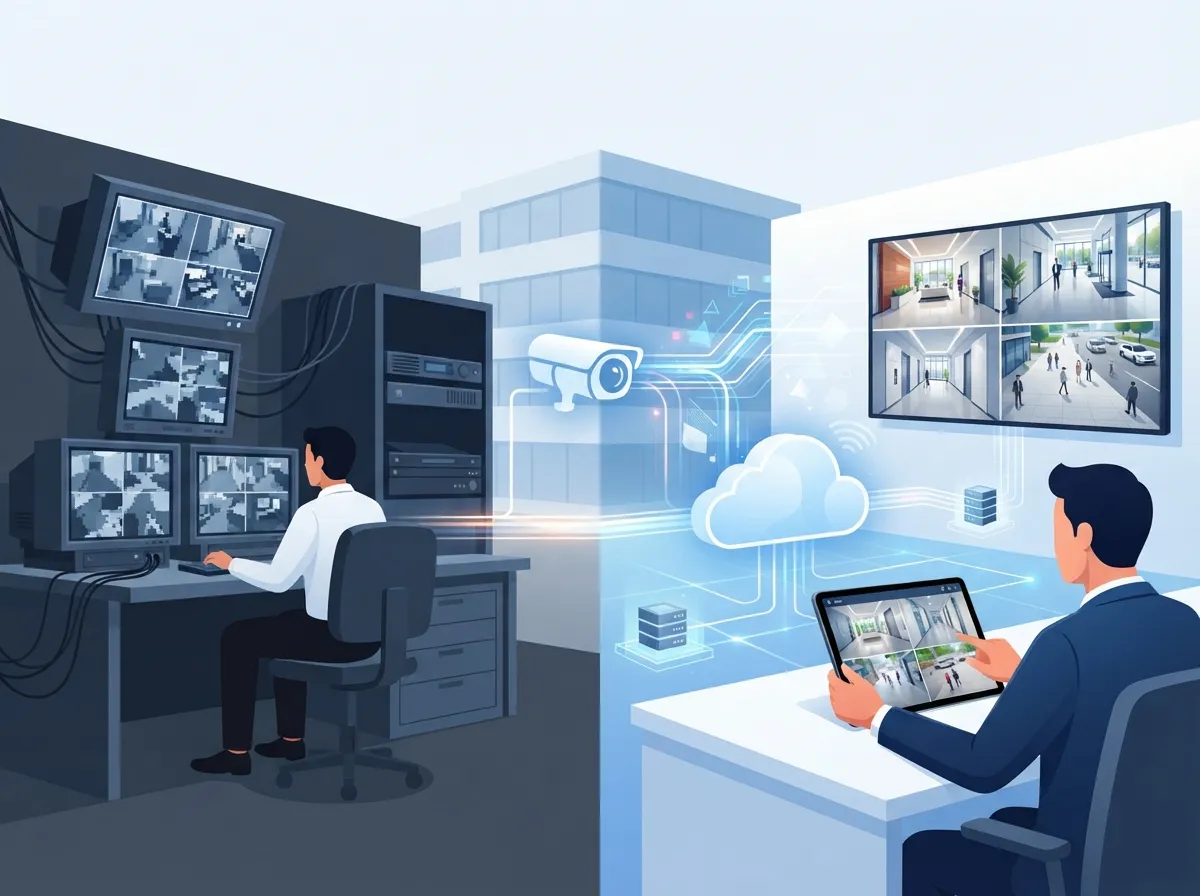
Traditional CCTV setups store footage on a box sitting in a closet somewhere. If that box breaks or gets stolen, your footage is gone too. Cloud surveillance stores your video offsite, so you can pull up footage from your phone whether you’re at your desk or on vacation.
This matters even more for franchise operators and multi-location businesses. Instead of driving to each site to check a hard drive, you log into one dashboard and see everything. For growing companies, that kind of visibility saves time and stress. You can learn more about what makes this shift worthwhile in our article on what security cameras really do for your business.
Cloud vs. Local CCTV: A Quick Comparison
Before you choose, it helps to see the differences side by side. Here’s a simple breakdown business owners often ask about.
| Factor | Cloud Surveillance | Local CCTV |
|---|---|---|
| Remote access | Yes, from any device | Limited or none |
| Upfront cost | Lower hardware cost | Higher hardware cost |
| Ongoing cost | Monthly subscription | Mostly one-time |
| Storage | Offsite, scalable | Onsite, limited by drive size |
| Internet dependency | High | Low |
| Multi-site management | Simple, single dashboard | Difficult, separate systems |
9 Steps to Choose the Right Cloud Surveillance System
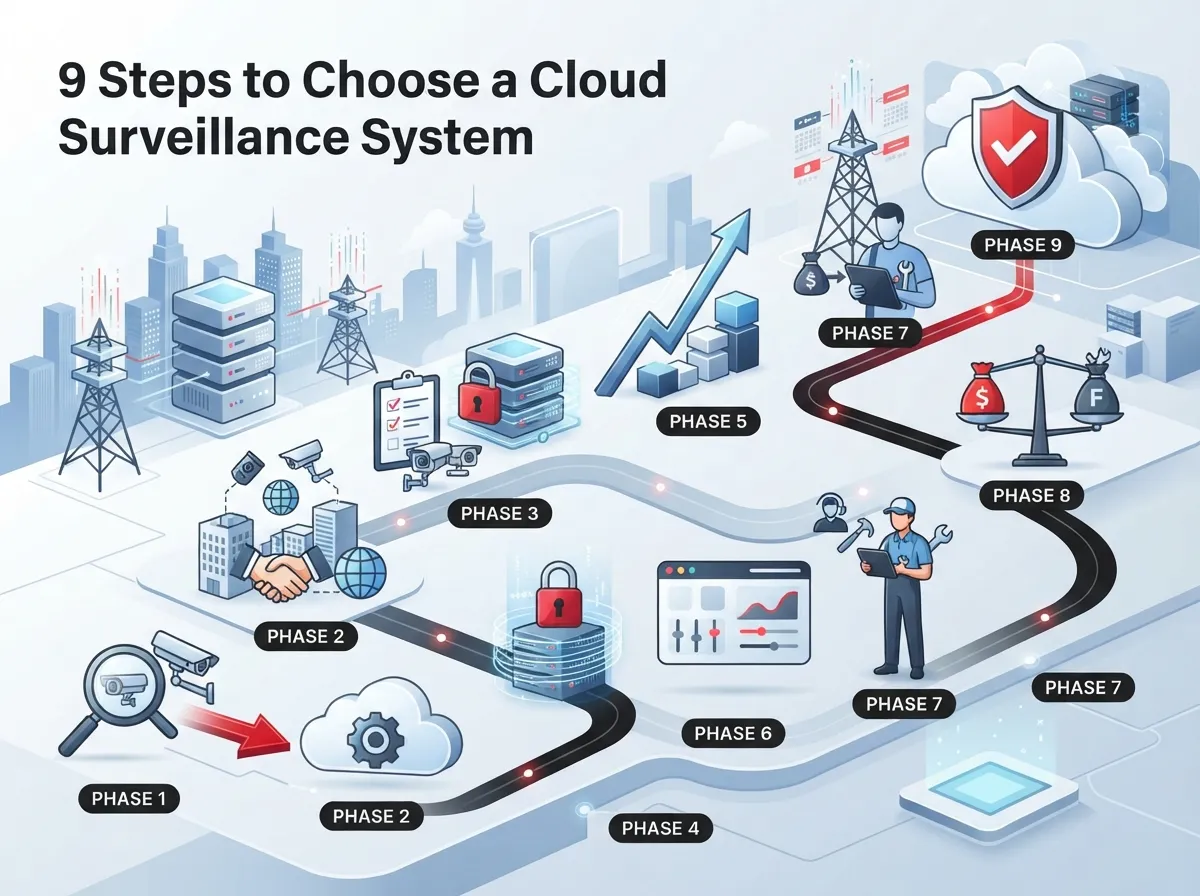
Ready for the good part? Here are nine steps that will help you make a confident, informed decision.
1. Check Your Internet Reliability First
Cloud cameras need a steady internet connection to send footage offsite. If your current connection drops often, cloud surveillance will feel frustrating fast. Before shopping for cameras, look at your bandwidth and uptime history.
Many businesses pair a surveillance upgrade with an internet upgrade at the same time. Our guide on high-speed internet for business tips that save money is a great place to start if you’re not sure your current setup can handle it.
2. Decide Between Cloud-Only, Hybrid, or Local Storage
Not every business needs a pure cloud setup. Some prefer hybrid systems that store footage locally and back it up to the cloud. This gives you a safety net if the internet goes down.
Ask yourself these questions to figure out what fits:
- Do you have strict data privacy requirements?
- Is avoiding monthly fees a top priority?
- Do you want full control over where footage lives?
- Is remote access more important than local control?
If remote access wins, lean cloud. If control and privacy win, a hybrid or local setup might serve you better.
3. Confirm Camera Compatibility
You don’t always need to rip out your old cameras. Many cloud platforms are camera-agnostic, meaning they work with equipment you already own. This can save serious money on your transition.
Ask any provider you’re considering these things:
- Will my existing cameras work with this platform?
- Do I need a bridge device or special appliance?
- What happens if I want to add new cameras later?
- Are there brand restrictions or locked ecosystems?
4. Review Security and Compliance Features
This step matters a lot if you’re in healthcare, finance, or government work. Video footage is sensitive data, and you need a platform that treats it that way.
Here’s what to look for on any shortlist:
- Multi-factor authentication (MFA) for all user logins
- End-to-end encryption for stored and transmitted video
- Detailed audit logs showing who viewed what and when
- SOC 2 alignment or similar independent security reviews
- NDAA compliance if you work with government contracts
- PCI considerations if cameras cover payment areas
Skipping this step is one of the biggest mistakes businesses make. A flashy interface means nothing if your footage isn’t protected.
5. Map Out Your Retention Needs
How long do you need to keep footage? Thirty days? Ninety? A full year? This single decision affects your storage costs more than almost anything else.
Retention windows are often treated as the primary cost driver in cloud surveillance pricing, especially for regulated or multi-site businesses. Before you sign anything, get clear answers on:
- Default retention period included in the base price
- Cost per camera to extend retention
- Whether critical footage can be saved permanently
- How storage scales as you add more cameras or sites
6. Calculate Total Cost of Ownership, Not Just Sticker Price
A cheap camera system can turn expensive fast once you add licensing fees, storage upgrades, and support costs. Smart buyers look at total cost of ownership over three to five years, not just the upfront quote.
Here’s a simple way to compare two options fairly.
| Cost Factor | What to Ask |
|---|---|
| Hardware | Is it included, leased, or purchased outright? |
| Licensing | Per camera or per site? Any tiers? |
| Storage | What happens when you exceed included storage? |
| Support | Is monitoring or maintenance extra? |
| Scaling | Does price per camera drop as you grow? |
7. Look for Smart Features That Actually Help Your Team
Modern cloud surveillance is about more than watching grainy footage after something goes wrong. Good platforms include features that save your team time every single day.
Some of the most useful features businesses ask for include:
- AI-based motion and person alerts, not just generic motion triggers
- Multi-site search so you can find an event across every location at once
- Simple sharing tools for police reports or insurance claims
- Workflow tools that flag incidents for review automatically
These features matter more than raw camera specs. A 4K camera without smart search tools is just a fancy way to waste storage space.
8. Think About Integration With Your Existing Systems
If you’re an IT manager juggling phones, networks, and access control, the last thing you want is another system that lives in its own silo. Cloud surveillance should work alongside your other telecom tools, not against them.
For telecom and managed-service providers specifically, the platform should support subscriber configurability, billing integration, and connections into existing OSS or CRM systems. This kind of integration is becoming a bigger business opportunity, as detailed in industry discussions about new telecom business avenues in cloud-based video surveillance.
If your business already runs on structured cabling and a solid network backbone, adding cameras is much easier. Check out our piece on how structured cabling supports VoIP and cameras to see how it all connects.
9. Test Deployment Speed and Support Quality
Finally, ask how fast the system can actually go live. Some cloud platforms claim rollout in days, especially when they work with your existing cameras and simple bridging hardware, rather than months of custom installation work.
Before you commit, confirm the following:
- Typical installation timeline for a business your size
- Whether remote setup is possible or if a technician visits onsite
- Support hours and response times for outages
- Whether you get one point of contact or a maze of call centers
Common Mistakes to Avoid
Even smart business owners fall into a few traps when choosing a system. Here are the most common ones we see:
- Choosing based on camera resolution alone and ignoring software features
- Underestimating bandwidth needs across multiple cameras
- Signing long contracts without checking retention or storage limits
- Forgetting to plan for growth across new locations
- Skipping security certifications because the sales pitch sounded good
Avoiding these mistakes alone will put you ahead of a lot of businesses making this decision for the first time.
How Ideal Solutions Provider Simplifies the Process
Choosing a cloud surveillance system doesn’t have to mean researching dozens of vendors on your own. Ideal Solutions Provider has spent over 24 years helping Tampa businesses and companies nationwide sort through telecom and security decisions like this one. With partnerships across 35+ vetted suppliers, they compare your options side by side instead of pushing a single brand.
Whether you need cloud video security paired with reliable business internet, or a full network overhaul with structured cabling to support it, having one point of contact saves you time and prevents costly mismatches between systems.
Quick Checklist Before You Sign
Use this simple rundown as your final gut check before committing to any provider or platform.
- Confirm your internet can reliably support cloud video traffic
- Decide if cloud-only, hybrid, or local storage fits your needs
- Verify compatibility with cameras you already own
- Review encryption, MFA, and compliance certifications
- Lock in retention periods and understand storage pricing
- Calculate three-to-five-year total cost, not just monthly price
- Prioritize AI alerts and multi-site search over camera specs alone
- Ask about integration with phones, networks, and access control
- Get clear timelines and support commitments in writing
Following this checklist will keep you from being one of the businesses that signs a contract they regret six months later.
Final Thoughts
Choosing a cloud surveillance system is a big decision, but it doesn’t have to be an overwhelming one. Focus on internet reliability, security features, retention needs, and honest cost comparisons. The right system should feel like a helpful teammate, not another headache on your to-do list.
If you’d rather skip the guesswork, our team is happy to walk through your options with you. Contact us for a free consultation, or call us today to get started on a surveillance solution that actually fits your business. You can also follow along with tips and updates on our Facebook page or check out real installations on our YouTube channel.
FAQs
Q: What is the difference between cloud surveillance and local CCTV for businesses?
A: Cloud surveillance stores footage offsite and lets you check cameras from your phone anywhere. Local CCTV stores footage on a box onsite, which limits remote access but avoids monthly subscription fees.
Q: How do I choose the best cloud surveillance system for my company?
A: Start by checking your internet reliability, then compare retention needs, compatibility with existing cameras, and security features like encryption and MFA. Always calculate total cost over three to five years, not just the upfront price.
Q: Can I use my existing cameras with a cloud surveillance platform?
A: Many cloud platforms are camera-agnostic and work with equipment you already own, often using a small bridge device. This can save you a lot of money compared to a full rip-and-replace install.
Q: How much bandwidth does a cloud surveillance system need?
A: Bandwidth needs depend on camera count, resolution, and how much footage streams at once. It’s smart to test your current internet capacity before adding several cameras, especially at multiple locations.
Q: Is cloud video surveillance secure enough for regulated industries?
A: Yes, as long as the platform includes strong encryption, multi-factor authentication, and audit logs. Look for SOC 2 alignment and, if relevant, NDAA or PCI compliance before signing up.





