
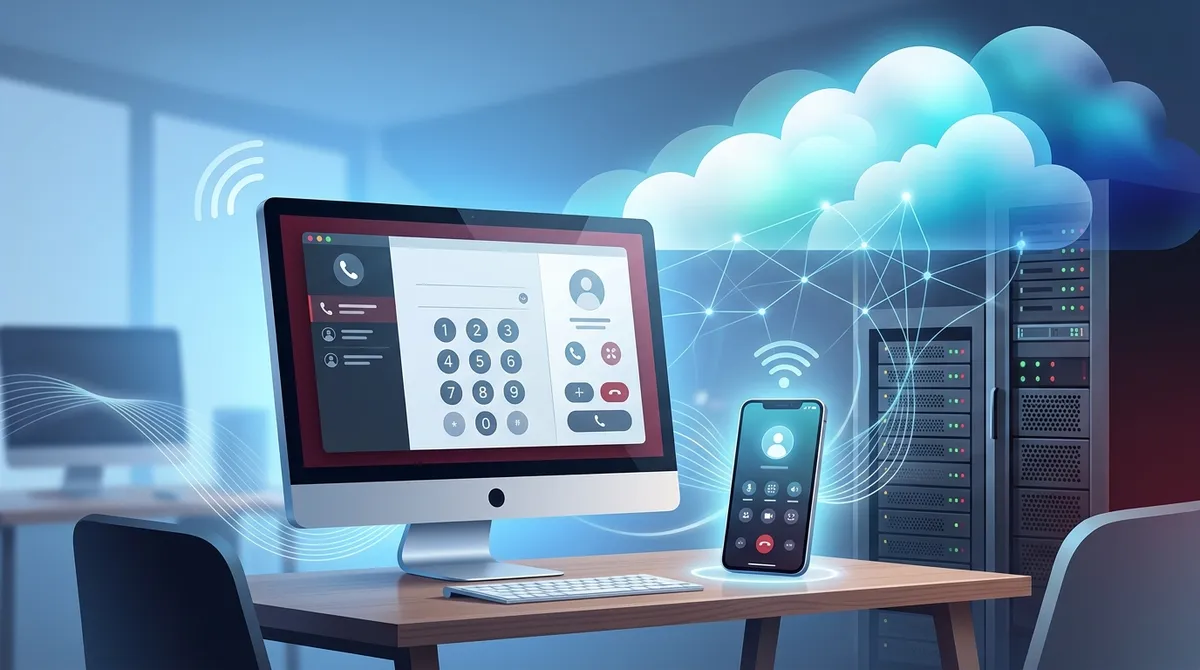
Key Takeaways
-
Cloud phone systems eliminate expensive PBX hardware and typically cost $20-$45 per user monthly, resulting in significant reductions in telecom spending for Tampa businesses.
-
Number porting allows you to keep existing business phone numbers during installation, taking 5-10 business days without call interruptions, so no marketing updates are needed.
-
Professional installation includes network assessment, phone provisioning, system programming, staff training, and ongoing support—expect the entire process to take a few days to two weeks.
-
At least 100 Kbps of dedicated bandwidth per simultaneous call is required; verify your internet connection and internal network cabling before installation to avoid call quality issues.
-
Cloud systems excel for remote and hybrid teams, enabling employees to make business calls from anywhere using desktop apps, web browsers, or mobile phones.
-
Common installation mistakes include skipping network assessment, incomplete number porting, inadequate staff training, and choosing providers without local Tampa support.
If you run a business in Tampa, you’ve probably heard a lot about cloud phone systems lately. And honestly, the buzz is well-deserved. More and more Tampa businesses are ditching their old, clunky phone setups and switching to modern cloud-based solutions. But how does the whole process actually work? What should you expect? And is it really worth it for your business?
Whether you’re a small business owner tired of paying too much for outdated phone service, an IT manager juggling multiple vendors, or an office manager just wanting things to work reliably, this guide is for you. We’ll walk you through everything you need to know about cloud phone system installation for businesses in Tampa — from what it is to how long it takes to what it costs.
What Is a Cloud Phone System?
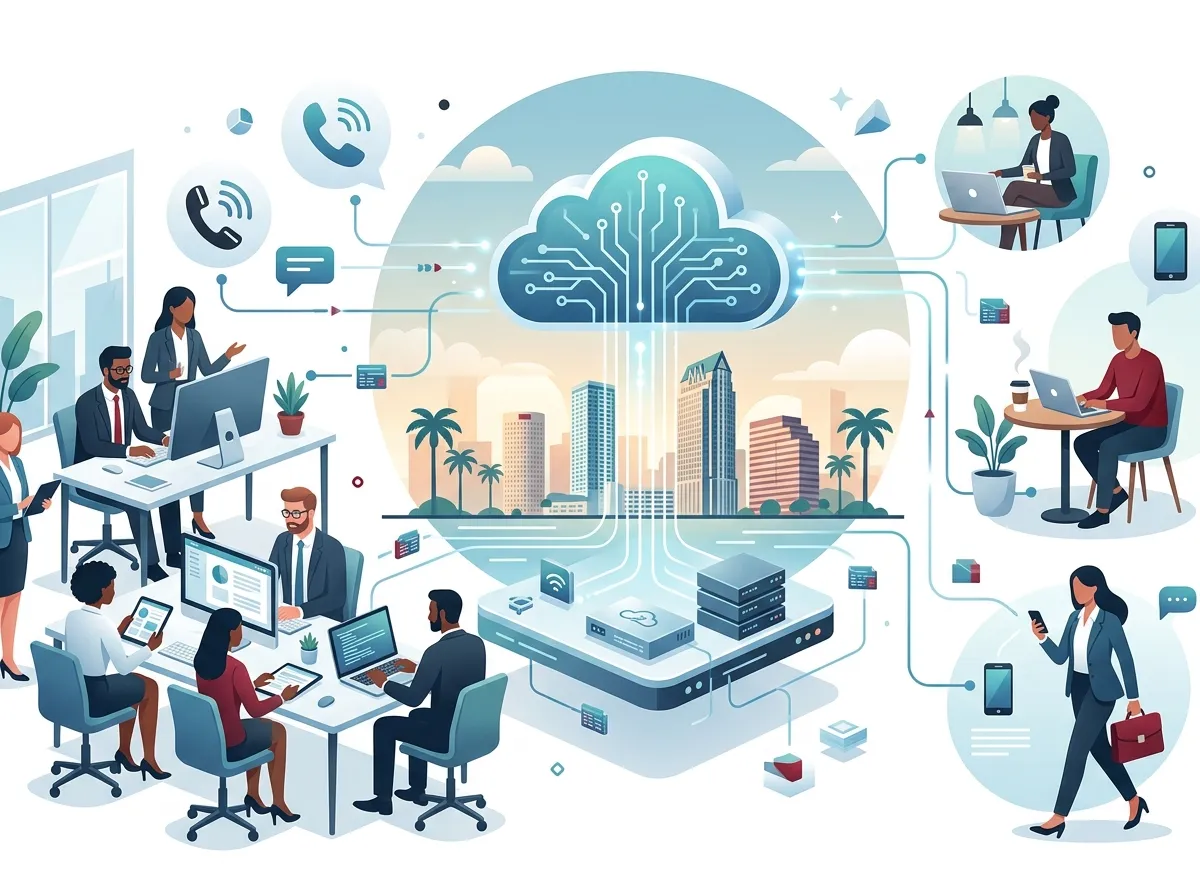
A cloud phone system (also called hosted VoIP or UCaaS) runs over the internet instead of traditional phone lines or on-site PBX hardware. Instead of a big box of equipment in your server room, the phone platform lives in the cloud. Your provider manages it remotely, and your team accesses it from desk phones, computers, or mobile apps.
This shift is huge for businesses. It means fewer upfront costs, easier maintenance, and way more flexibility. According to recent industry data, businesses that switch to cloud phone systems often see significant reductions in their monthly telecom spend. That’s money you could put back into growing your business.
Want to dig deeper into your options? Check out this helpful guide on which cloud-based phone system is best for Tampa businesses to compare popular platforms side by side.

Why Tampa Businesses Are Making the Switch
Tampa’s business scene is booming. From Ybor City startups to established firms in the Westshore Business District, companies here are growing fast. Cloud phone systems match that energy. Here’s why so many Tampa businesses are saying goodbye to traditional phone setups:
- Lower upfront costs — No expensive PBX hardware to buy or maintain
- Easy scalability — Add or remove users, extensions, and locations without replacing the whole system
- Remote and hybrid work support — Employees can take calls from anywhere using desktop, web, or mobile apps
- Rich feature sets — Auto attendant, call routing, voicemail-to-email, call recording, video meetings, and more
- Predictable monthly billing — Pay per user, not per line or feature add-on
- Faster setup — Most systems can be up and running in days, not weeks
If you’re curious about all the reasons businesses are switching, this article on 14 reasons to switch to a cloud phone system in Tampa is a great read.
What’s Included in a Cloud Phone System Installation Package?
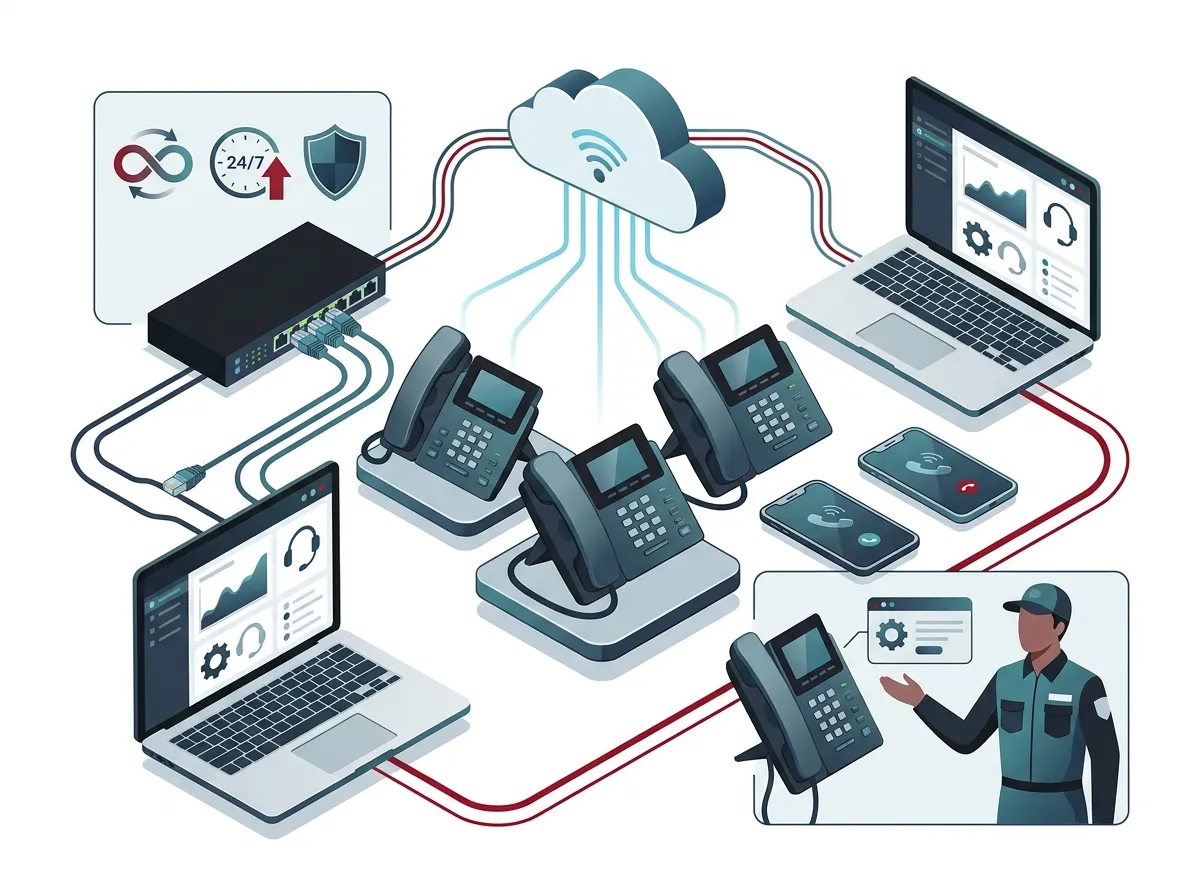
Most professional cloud phone system installations for businesses in Tampa include several key components. Here’s a breakdown of what a typical turnkey installation package covers:
| Installation Component | What It Involves | Who Handles It |
|---|---|---|
| Phone Provisioning | Setting up desk phones or softphones with your account | Telecom provider or installer |
| Number Porting | Transferring your existing business phone numbers | Carrier or provider |
| System Programming | Call routing, auto attendant, extensions, voicemail | Telecom provider |
| Network Assessment | Checking internet bandwidth and network quality | IT team or installer |
| Staff Training | Teaching your team how to use the new system | Telecom provider |
| Ongoing Support | Help desk, troubleshooting, system updates | Telecom provider |
A good provider won’t just drop equipment at your door and leave. They’ll make sure everything is configured, your team knows how to use it, and you have someone to call if something goes wrong. That’s the standard you should expect.
Step-by-Step: How Cloud Phone System Installation Works
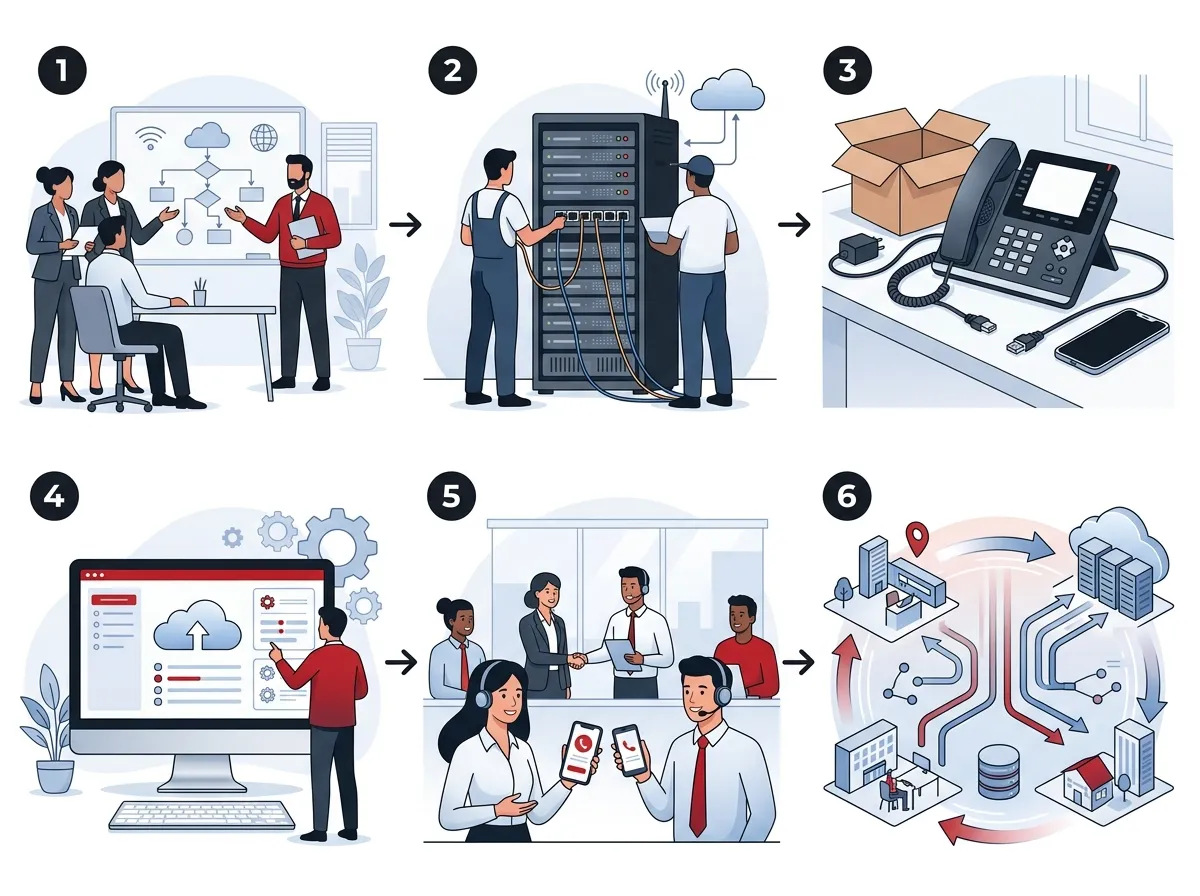
Wondering what the actual process looks like? Here’s a step-by-step overview of how a typical cloud phone system installation for a Tampa business unfolds:
- Consultation and assessment — A telecom advisor reviews your current setup, call volume, team size, and goals. They identify what you need and what you can skip.
- Solution selection — Based on your needs, a platform is recommended. Features, pricing, and integrations are compared so you make an informed decision.
- Network readiness check — Your internet connection and internal network are tested. VoIP needs solid bandwidth and low latency to work well. This is where business high-speed internet matters a lot.
- Account setup and programming — Your auto attendant menus, call routing rules, extensions, voicemail, and other features are configured.
- Phone provisioning — Desk phones are programmed and tested. If your team uses softphones or mobile apps, those are set up too.
- Number porting — Your existing business numbers are transferred to the new system. This usually takes a few business days.
- Staff training — Your team learns how to make calls, transfer calls, access voicemail, use features, and manage their settings.
- Go-live and support — The system goes live. Your provider monitors performance and stays available for questions or issues.
The whole process typically takes anywhere from a few days to a couple of weeks, depending on how complex your setup is and how quickly your numbers can be ported.
How Much Does Cloud Phone System Installation Cost in Tampa?
Cost is usually one of the first questions Tampa business owners ask. The honest answer is: it depends. But here’s a general breakdown to give you a starting point:
| Business Size | Estimated Monthly Cost (Per User) | Typical Upfront Costs |
|---|---|---|
| Small (1–10 users) | $20–$40 per user | Low to none (device-optional) |
| Mid-Size (11–50 users) | $25–$45 per user | Phones + installation fees |
| Large (50+ users) | $20–$35 per user (volume pricing) | Varies based on equipment |
Some providers advertise zero upfront hardware costs, especially if you’re using softphones or apps. Others let you purchase phones outright if you prefer owning your equipment. Either way, most businesses find cloud phone systems are significantly cheaper than maintaining old PBX hardware over time.
Want to find affordable options? This guide to affordable VoIP phone services for Tampa businesses in 2026 is packed with helpful comparisons.
Can You Keep Your Current Phone Numbers?
Yes! Number porting is a standard part of cloud phone system installation for businesses in Tampa. You won’t have to change your business phone numbers or update all your marketing materials. The process involves submitting a porting request to your new provider, who coordinates with your old carrier. It usually takes 5–10 business days, and calls are not interrupted during the transition.
Here are a few tips to make number porting smooth:
- Don’t cancel your old service before the port is complete
- Have your account number and PIN from your current carrier ready
- Confirm all numbers you want to port before submitting the request
- Ask your new provider for updates so you know when the switch happens
What Features Should Tampa Businesses Look For?
Not all cloud phone systems are created equal. When choosing a platform, look for features that match how your team actually works. Here are the must-haves for most Tampa businesses:
- Auto attendant — Greets callers and routes them to the right person or department automatically
- Call recording — Great for training, compliance, and dispute resolution
- Voicemail-to-email — Sends voicemail recordings straight to your inbox
- Mobile app — Lets your team take business calls from their smartphones
- Video meetings — Built-in video conferencing for remote and hybrid teams
- Analytics and reporting — Track call volume, hold times, and team performance
- CRM integrations — Connect your phone system with tools like Salesforce or HubSpot
For help choosing the right platform, read our guide on how to choose cloud-based phone system providers in Tampa, FL.
Cloud Phone System vs. Traditional PBX: A Quick Comparison
| Feature | Cloud Phone System | Traditional PBX |
|---|---|---|
| Upfront Cost | Low to none | High (hardware purchase) |
| Maintenance | Managed by provider | Requires in-house IT or vendor |
| Scalability | Easy — add users anytime | Limited by hardware capacity |
| Remote Work Support | Excellent | Poor without extra hardware |
| Disaster Recovery | Built-in redundancy | Vulnerable to on-site issues |
| Feature Updates | Automatic via cloud | Manual and often costly |
The numbers tell a pretty clear story. Cloud wins on almost every front for modern businesses, especially those with remote or hybrid teams. If you’re still on the fence, this article comparing local vs. cloud VoIP providers in Tampa is worth reading.
Why Your Internet Connection Matters
Here’s something that’s easy to overlook: your internet connection is the backbone of your cloud phone system. If your internet is slow or unreliable, call quality will suffer. Before you install a cloud phone system, it’s worth checking your current internet service.
A good rule of thumb is to have at least 100 Kbps of dedicated bandwidth per simultaneous call. For most small businesses, a solid broadband or fiber connection handles this with ease. If you’re unsure, an Internet Service Provider audit can help you identify gaps before they become call quality complaints.
You might also want to explore tips on 13 high-speed internet for business tips that save money to make sure your connection is optimized and cost-effective.
And don’t forget: your internal network cabling matters too. Poor cabling can introduce latency that hurts call quality. Proper structured cabling makes a real difference, and professional structured cabling services ensure your network infrastructure supports your new phone system from day one.
Common Mistakes to Avoid During Installation
A smooth installation is totally achievable, but a few missteps can cause headaches. Here are the most common mistakes Tampa businesses make — and how to avoid them:
- Skipping the network assessment — Always test your internet and internal network before going live. VoIP is sensitive to bandwidth and latency issues.
- Not porting all your numbers — Make a complete list of every business number you use before starting the port process. Missing one means scrambling later.
- Underestimating training time — Your team needs time to learn the new system. Budget at least a half-day for training, even for simple setups.
- Choosing a provider with no local support — National cloud platforms are great, but having a local partner who knows Tampa’s business landscape adds real value. Read about hosted PBX mistakes Tampa small businesses must avoid for more guidance.
How Ideal Solutions Provider Helps Tampa Businesses
Ideal Solutions Provider is a Tampa-based telecom partner with over 24 years of experience helping local businesses find the right communications setup. What makes them different is their independent approach — they work with 35+ vetted suppliers and compare options on your behalf, rather than pushing one platform. They handle everything from the initial audit to installation and ongoing support, acting as your single point of contact.
They also offer complementary services that work alongside your cloud phone system, including business network solutions, cloud video security, and cloud-based access control — so your entire business communications infrastructure is covered under one roof.
Follow their updates and tips on Facebook, Instagram, and YouTube for helpful telecom content made specifically for Tampa businesses.
Also, be sure to explore their videos page for demos and walkthroughs of the solutions they offer — it’s a great way to see what’s possible before you commit to anything.
Ready to Make the Switch?
Cloud phone system installation for businesses in Tampa doesn’t have to be complicated. With the right partner, the process is smooth, fast, and genuinely exciting. You’ll walk away with a modern phone system that saves money, supports your team wherever they work, and grows with your business.
The best first step? A free consultation. Get your current telecom setup reviewed, find out if you’re overpaying, and see exactly what a cloud phone system could do for your business. Reach out to our team today and let’s build a communication system your business will love — or give us a call directly at 813-388-4935 to speak with a Tampa telecom expert right away.
FAQs
Q: How long does cloud phone system installation take for a Tampa business?
A: Most small to mid-sized businesses in Tampa can be up and running within a few days to two weeks. The timeline depends on how complex your setup is and how long number porting takes — but with a good provider guiding the process, it’s usually much faster than you’d expect!
Q: Can my Tampa business keep its existing phone numbers when switching to a cloud system?
A: Absolutely! Number porting is a standard part of the process. Your new provider will coordinate the transfer of your existing business numbers, so your customers, partners, and vendors won’t notice a thing. Just make sure not to cancel your old service until the port is fully complete.
Q: What internet speed do I need for a cloud phone system to work well?
A: A good rule of thumb is at least 100 Kbps of dedicated bandwidth per simultaneous call. For most Tampa businesses, a reliable fiber or broadband connection handles this comfortably. If you’re not sure your current internet is up to the task, a quick network assessment before installation can save you a lot of headaches.
Q: Is a cloud phone system a good fit for businesses with remote or hybrid teams?
A: It’s honestly one of the best fits out there! Cloud phone systems let your team make and receive business calls from desktop apps, web browsers, or mobile phones — from anywhere with an internet connection. Whether your team is in the Tampa office, working from home, or out in the field, everyone stays connected seamlessly.
Q: How much does cloud phone system installation cost for a small business in Tampa?
A: Most small businesses can expect to pay somewhere between $20 and $40 per user per month, depending on the platform and features you need. Upfront costs are typically low — especially if you use softphones or apps instead of physical desk phones. Many providers also bundle installation and training into the package, so there are no surprise fees.





