

Key Takeaways
-
Network downtime from poor cabling costs small to mid-sized businesses $5,000-$10,000 per hour; just 1 hour monthly results in $60,000-$120,000 annual losses, making professional installation a critical financial priority.
-
Poor cabling forces IT teams into endless troubleshooting cycles on software and hardware when the actual problem is physical-layer issues like bad crimps or bend radius violations, wasting strategic time and resources.
-
Rework costs are severe: failed installations often require complete removal and reinstallation, forcing businesses to pay twice for the same job, while professional installations support 10-15 years of operations.
-
Undocumented or unlabeled cabling creates undetectable security vulnerabilities, allowing unauthorized devices to sit on networks unnoticed and exposing businesses to compliance violations in regulated industries like healthcare and finance.
-
Non-standard installations void manufacturer warranties and miss fire code compliance requirements (plenum-rated cables in air-handling spaces), creating liability exposure during audits and inspections.
-
Professional certified installations include complete as-built documentation, standards compliance (TIA/EIA-568), certified testing reports, and manufacturer warranties up to 25 years—providing a scalable foundation for business growth without future replacement.
Your network cabling is the backbone of your entire business. Every phone call, every file transfer, every video meeting — it all travels through those cables. Yet when businesses plan technology budgets, cabling is often the last thing on the list. It’s easy to think of it as “just wires.” But that mindset can be very expensive.
Poor network cabling installation doesn’t just slow things down. It quietly drains your budget, frustrates your team, and can even put your business at risk. The tricky part? Most of the damage happens under the surface, long before anyone traces the problem back to the cables in the walls.
Whether you’re a small business owner in Tampa, an IT manager juggling multiple sites, or a franchise operator expanding to new locations, this guide is for you. We’ll walk through the five biggest hidden costs of poor cabling — and share what a professional installation actually delivers. Let’s get into it.
What Poor Network Cabling Installation Actually Looks Like
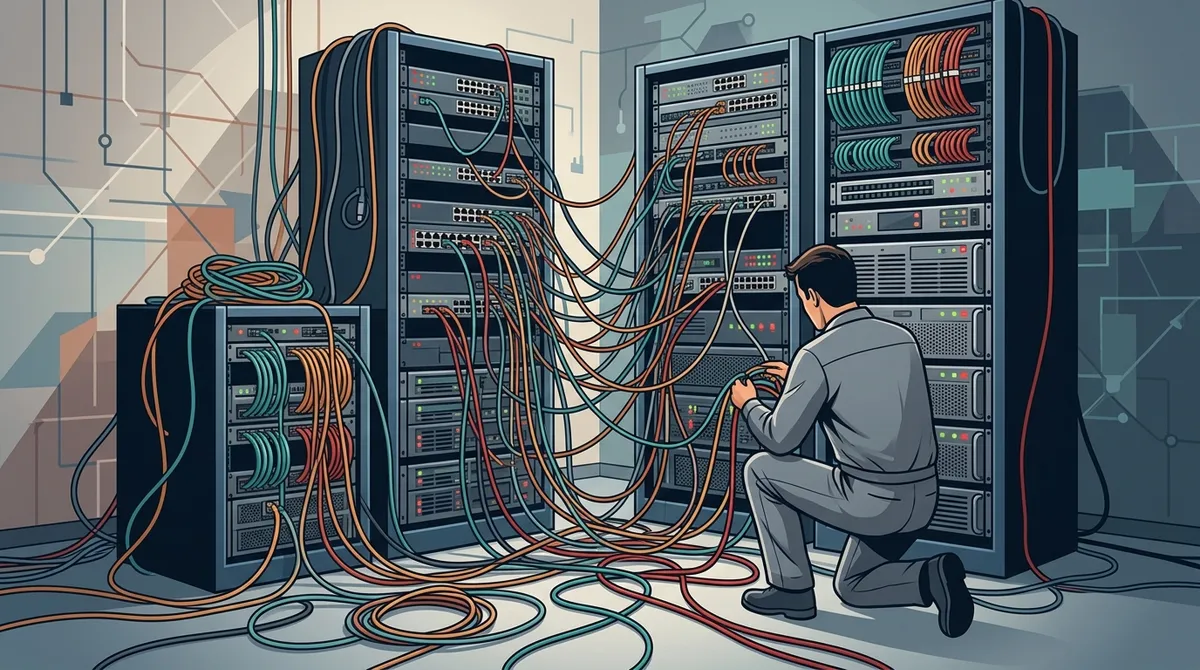
Bad cabling doesn’t always look bad. Sometimes it’s tucked neatly inside walls, completely invisible — until it starts causing problems. There are two common ways poor installations happen, and both are worth knowing about.
The DIY or In-House Install
Handing a cabling project to an in-house IT employee feels like a smart move. They know the building, and it saves money upfront. But proper structured cabling services require specialized tools, industry certifications, and hands-on experience that most general IT staff simply don’t have.
A well-meaning staffer can unknowingly exceed cable bend radius limits, skip testing, choose the wrong cable category, or leave runs unlabeled. None of that is visible on the surface. It only shows up when things start going wrong.
The Low-Bid Contractor
Hiring based on price alone is another common trap. Low-bid contractors often cut corners on materials, skip industry-standard testing, and fail to document the work they’ve done. When problems arise later — and they will — those contractors are long gone.
The savings look great on day one. But businesses often end up paying twice: once for the original install, and once to fix it properly. Now, let’s look at exactly where those costs show up.

Cost #1: Network Downtime and Lost Productivity
Downtime is the most immediate and painful result of poor network cabling installation. A damaged cable, a poorly terminated connection, or a run placed too close to electrical interference can cause intermittent outages that are incredibly hard to diagnose.
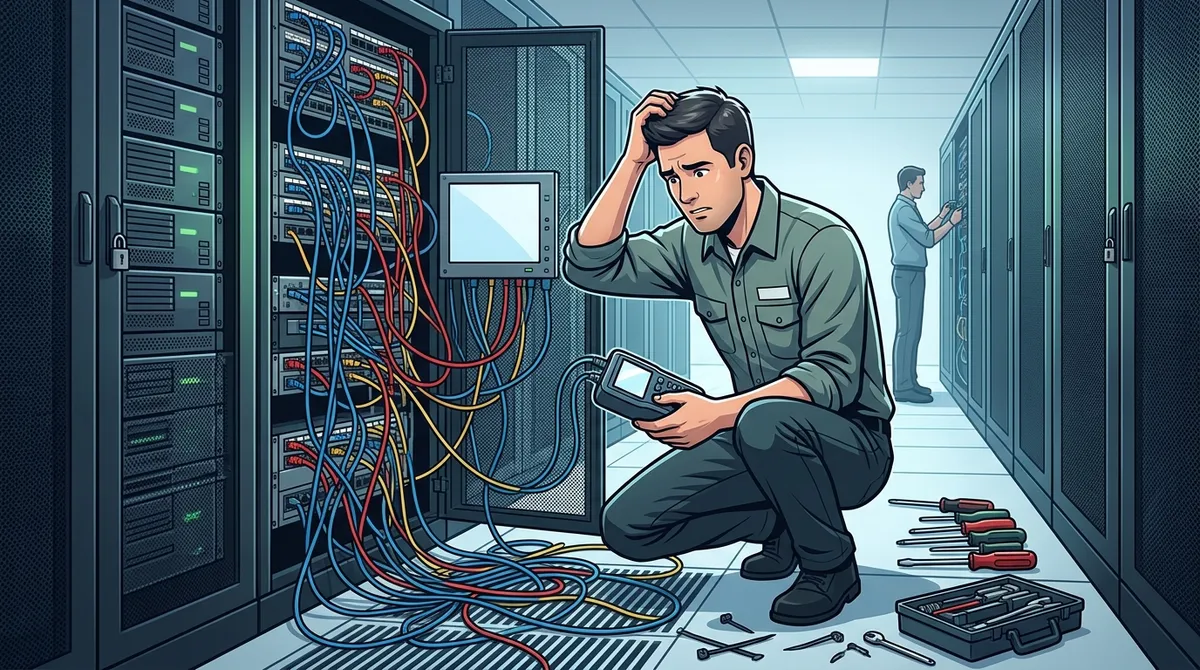
Your team experiences slow speeds, dropped connections, or full network outages. Meanwhile, your IT staff spends hours chasing what looks like a software or hardware issue — only to eventually find it’s a physical-layer problem buried in the walls.
The numbers are sobering. Network downtime costs small to mid-sized businesses between $5,000 and $10,000 per hour. Even a few hours of lost productivity per month adds up to tens of thousands of dollars annually. All because of cables that weren’t installed correctly from the start.
|
Downtime Duration |
Estimated Cost (SMB) |
Annual Impact |
|---|---|---|
|
1 hour/month |
$5,000–$10,000 |
$60,000–$120,000 |
|
2 hours/month |
$10,000–$20,000 |
$120,000–$240,000 |
|
4 hours/month |
$20,000–$40,000 |
$240,000–$480,000 |
These aren’t rare scenarios. Businesses with poorly installed cabling often experience chronic, nagging issues for years without realizing the root cause. If your team is constantly dealing with slow connections or dropped cloud-based phone system calls, your cabling deserves a serious look.
Cost #2: Ongoing IT Labor and Troubleshooting
Poor cabling doesn’t just cause outages. It creates a steady stream of smaller, frustrating problems: sluggish file transfers, VoIP calls dropping mid-sentence, video conferences that freeze and pixelate. Each one generates a help desk ticket, a technician visit, or a call to your managed service provider.
Those hours add up fast. Your IT team — or your IT budget — is being consumed by problems that simply shouldn’t exist. Instead of working on strategic projects that move your business forward, they’re stuck playing whack-a-mole with phantom connectivity issues.
Here’s the real kicker: without certified cable testing, the physical layer is often the last thing anyone checks. IT teams commonly spend weeks troubleshooting software configurations, swapping out routers, and replacing network switches before realizing the problem was a bad crimp on a cable run all along.
Common Symptoms That Point to Cabling Problems
-
Intermittent internet drops throughout the day
-
VoIP calls with static, echo, or dropped audio
-
Slow file transfers even on high-speed connections
-
Video conferencing that stutters or freezes
-
Devices that randomly lose network connectivity
-
Unexplained hardware failures or network errors
Sound familiar? If you’re experiencing two or more of these regularly, it may be time to explore business network solutions that include a proper cabling audit.
Cost #3: The Price of Rework
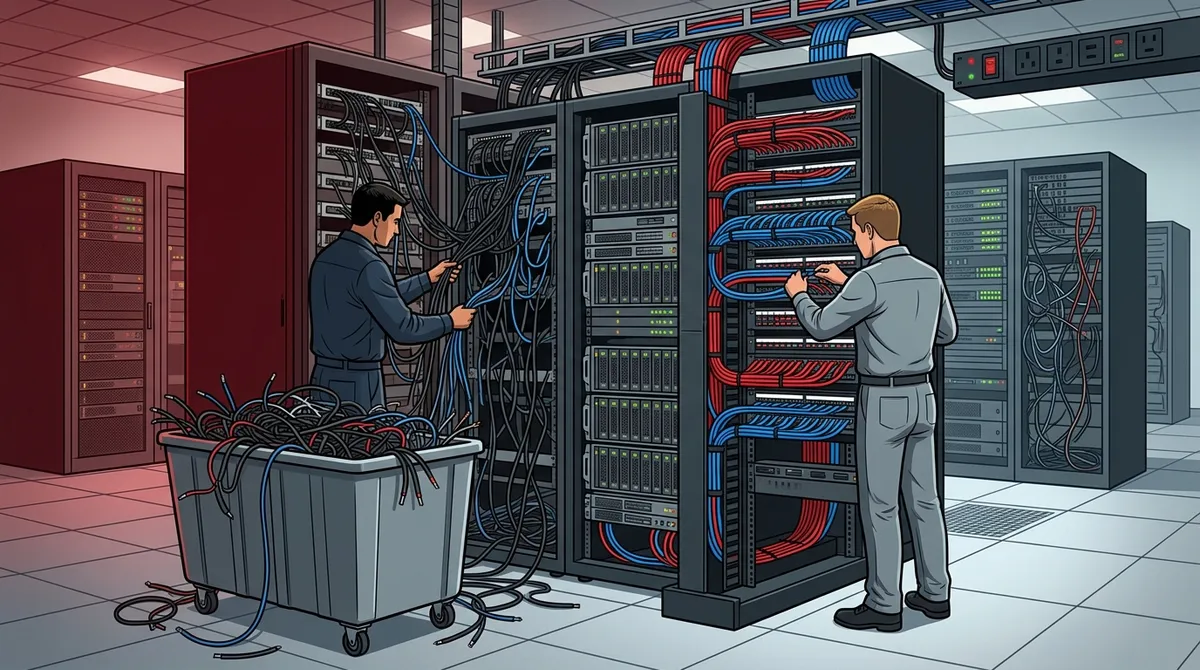
This is the one that stings the most. When a cabling installation fails to meet performance standards — or when your business grows and the original install can’t keep up — the entire job often needs to be redone from scratch.
That means paying for labor to remove the old cabling, purchasing new materials, scheduling a new installation, and dealing with the disruption of infrastructure work inside a live, operating business. You’re essentially paying for the same job twice.
Businesses that invest in a professional, standards-compliant installation the first time avoid this entirely. A properly installed structured cabling system is designed to support your operations for 10 to 15 years — and with the right cable category choices, it can handle future technology upgrades without a full replacement.
|
Cable Category |
Max Speed |
Max Distance |
Best Use Case |
|---|---|---|---|
|
Cat5e |
1 Gbps |
100 meters |
Legacy systems only |
|
Cat6 |
10 Gbps |
55 meters |
Standard office environments |
|
Cat6A |
10 Gbps |
100 meters |
High-density or high-interference environments |
|
Fiber Optic |
100+ Gbps |
2+ km |
Long runs, data centers, backbone cabling |
Choosing the right cable type from the beginning — with professional guidance — is one of the simplest ways to protect your investment. Learn more about how cabling fits into your broader infrastructure on our structured cabling services page.
Cost #4: Security Vulnerabilities You Can’t See
Here’s a hidden cost that doesn’t show up on any invoice: security risk. Poorly documented or unlabeled cabling creates gaps in your physical network security that can go undetected for months — sometimes years.
When no one knows exactly where cables run or what connects to what, unauthorized access points can go unnoticed. A rogue device plugged into an unlabeled port in a back office could be sitting on your network without anyone realizing it. That’s a serious risk, especially for businesses in healthcare, finance, or any industry handling sensitive data.
Professional network cabling installation includes full documentation: labeled runs, as-built diagrams, and a clear map of every connection in your infrastructure. This isn’t just helpful for troubleshooting — it’s a foundational layer of physical network security.
Pairing a properly documented cabling infrastructure with solutions like cloud-based access control and cloud video security gives your business a much stronger overall security posture. These systems work together — and they all depend on reliable physical cabling underneath.
Physical Security Risks from Poor Cabling Documentation
-
Unidentified ports that could allow unauthorized device access
-
No clear record of network segments or sensitive data paths
-
Difficulty isolating or shutting down compromised connections
-
Inability to verify which devices are connected to the network
Cost #5: Compliance and Regulatory Exposure
This is one that many business owners don’t think about until it’s too late. Depending on your industry, your network cabling may need to meet specific regulatory and safety standards. Poor installations that ignore these requirements can expose your business to fines, failed inspections, and even liability.
OSHA guidelines, local building codes, and fire safety standards all apply to how cabling is installed in commercial spaces. For example, cables run through air-handling spaces (called plenums) must use plenum-rated cable to comply with fire codes. Using the wrong cable type in those spaces isn’t just a performance issue — it’s a code violation.
Industries like healthcare (HIPAA), finance, and government contracting have additional requirements around network infrastructure security and documentation. A professional installation that follows structured cabling standards — specifically TIA/EIA-568 — provides the documentation trail you need to demonstrate compliance during audits or inspections.
Regulatory Areas to Consider
-
Fire codes: Plenum-rated cable requirements in air-handling spaces
-
OSHA: Safe installation practices in commercial environments
-
TIA/EIA-568: Industry standard for structured cabling performance
-
HIPAA/industry-specific: Network documentation for regulated industries
-
Building codes: Local permit and inspection requirements
What Professional Network Cabling Installation Actually Delivers
Now for the good news. When network cabling is done right, you don’t think about it. It just works — quietly supporting every user, every application, and every device for years to come. Here’s what a professional, standards-compliant installation includes.
The Professional Installation Checklist
-
Standards compliance: Every run follows TIA/EIA-568 structured cabling standards, ensuring rated performance and manufacturer warranty eligibility.
-
Certified testing: Each cable run is tested and documented with professional equipment. You receive proof that your infrastructure meets spec — not just a verbal assurance.
-
Full cable management: Organized, labeled, and properly managed cabling that makes future troubleshooting and expansions dramatically faster and less expensive.
-
As-built documentation: A complete diagram of your infrastructure — every run, every connection, every label — so your team always knows what’s installed and where.
-
Scalable design: A professionally designed system is built with growth in mind. Adding workstations or upgrading to higher speeds doesn’t require starting over.
-
Manufacturer warranties: Many cabling manufacturers offer system warranties of up to 25 years — but only when installed by certified professionals. DIY installs void these warranties entirely.
|
Factor |
Poor Installation |
Professional Installation |
|---|---|---|
|
Upfront cost |
Low |
Moderate |
|
Downtime risk |
High |
Low |
|
IT labor costs |
High (ongoing) |
Minimal |
|
Rework likelihood |
Very likely |
Very unlikely |
|
Warranty coverage |
None |
Up to 25 years |
|
Documentation |
Minimal or none |
Complete as-built records |
|
5-year total cost |
High (hidden costs) |
Lower (predictable) |
How to Evaluate a Network Cabling Provider
Not all cabling contractors are equal. Asking the right questions upfront can save you a lot of pain down the road. Here’s what to look for when choosing a provider.
Key Questions to Ask Before You Hire
-
Are your technicians certified? Look for BICSI credentials or manufacturer-specific certifications as a baseline.
-
Do you test and certify every cable run? Ask for sample test reports. If they can’t provide them, walk away.
-
Will you provide as-built documentation? A complete infrastructure record is non-negotiable for any professional installation.
-
What standards do you follow? TIA/EIA-568 compliance should be the floor, not a bonus feature.
-
Do you offer a warranty on both labor and materials? A confident installer stands behind their work.
At Ideal Solutions Provider, we bring over 24 years of experience to every structured cabling project. As a Tampa-based telecom and IT partner serving businesses nationwide, we handle everything from consultation and design to installation, testing, and ongoing support. We work with 35+ vetted suppliers, so you get the right solution for your specific needs — not a one-size-fits-all answer.
If your business also depends on reliable internet connectivity, check out our tips on high-speed internet for business that saves money — because great cabling is only half the equation. You can also follow along with helpful tips and real-world examples on our YouTube channel and stay connected with our community on Facebook.
Is Your Current Cabling Putting You at Risk?
Here’s a quick way to self-assess. If your cabling is more than 10 to 15 years old, was installed by non-specialists, or was never properly tested and documented, there’s a good chance it’s costing you more than you realize.
Signs Your Cabling May Need Attention
-
Your building was cabled before Cat6 became standard
-
You have no documentation of where cables run or what’s connected
-
You’ve expanded or renovated without updating the cabling plan
-
Your team regularly experiences connectivity issues with no clear cause
-
You’re planning to add VoIP, cloud security cameras, or IoT devices
Emerging technologies like cloud-based access control, IoT sensors, and even 5G-integrated office environments all depend on a solid physical cabling foundation. If your infrastructure wasn’t built with these in mind, getting ahead of the issue now is far less expensive than reacting to a failure later. Explore your options with our business high-speed internet services and business network solutions to see how everything connects.
You can also browse our video resources for helpful walkthroughs, or follow us on Instagram for the latest updates and tips from our team.
Conclusion: Don’t Let Bad Cabling Quietly Cost You
Poor network cabling installation is one of those problems that hides in plain sight. It doesn’t announce itself with a dramatic failure — it bleeds out slowly through downtime, IT labor, rework, security gaps, and compliance risks. The businesses that treat cabling as a commodity almost always pay more over time than those who invest in doing it right from the start.
The good news? Getting it right doesn’t have to be complicated. A professional, standards-compliant installation gives you a reliable foundation that supports your business for the next 10 to 15 years — and potentially longer with the right cable choices today.
Ready to find out what your current infrastructure is actually costing you? Reach out to our team at Ideal Solutions Provider for a free consultation. We’ll assess your current setup, identify any risks, and design a cabling solution built for how your business operates today — and where it’s headed tomorrow. Or, if you’d prefer to talk right away, give us a call and let’s start the conversation.
FAQs
Q: How do I know if my business has a poor network cabling installation?
A: Great question! Common signs include frequent internet drops, VoIP calls with poor audio quality, slow file transfers, and video conferencing that stutters without explanation. If your cabling is older than 10–15 years or was never professionally tested and documented, it’s worth having a certified technician take a look — you might be surprised what they find!
Q: Is it really worth replacing old network cabling if things seem to be working?
A: If your cabling is aging or was installed by non-specialists, it may be generating hidden costs you’re not connecting to the source — like frequent IT calls, slow speeds, or occasional outages. A professional assessment can tell you honestly whether replacement makes financial sense, and many businesses find the ROI is clear once the hidden costs are added up.
Q: What is the difference between Cat6 and Cat6A cabling for my business?
A: Both Cat6 and Cat6A support speeds up to 10 Gbps, but Cat6A handles longer distances (up to 100 meters vs. 55 meters for Cat6) and performs better in high-interference environments. For most growing businesses, Cat6A is the smarter long-term investment because it’s better equipped to handle future technology demands without requiring a full cabling replacement.
Q: How long does a professional network cabling installation take?
A: Most small to mid-sized business installations are completed within 1 to 3 days, and professional installers work around your schedule to minimize disruption. The exact timeline depends on the size of your space and the complexity of the project — your installer can give you a clear estimate after an initial walkthrough.
Q: Does poor cabling affect VoIP and cloud phone systems?
A: Absolutely — VoIP and cloud-based phone systems are especially sensitive to network instability because voice data requires consistent, low-latency connectivity. Poor cabling is one of the most common (and most overlooked) causes of call drops, audio lag, and echo in business phone systems. Fixing the cabling foundation often resolves these issues entirely.





