
Key Takeaways
-
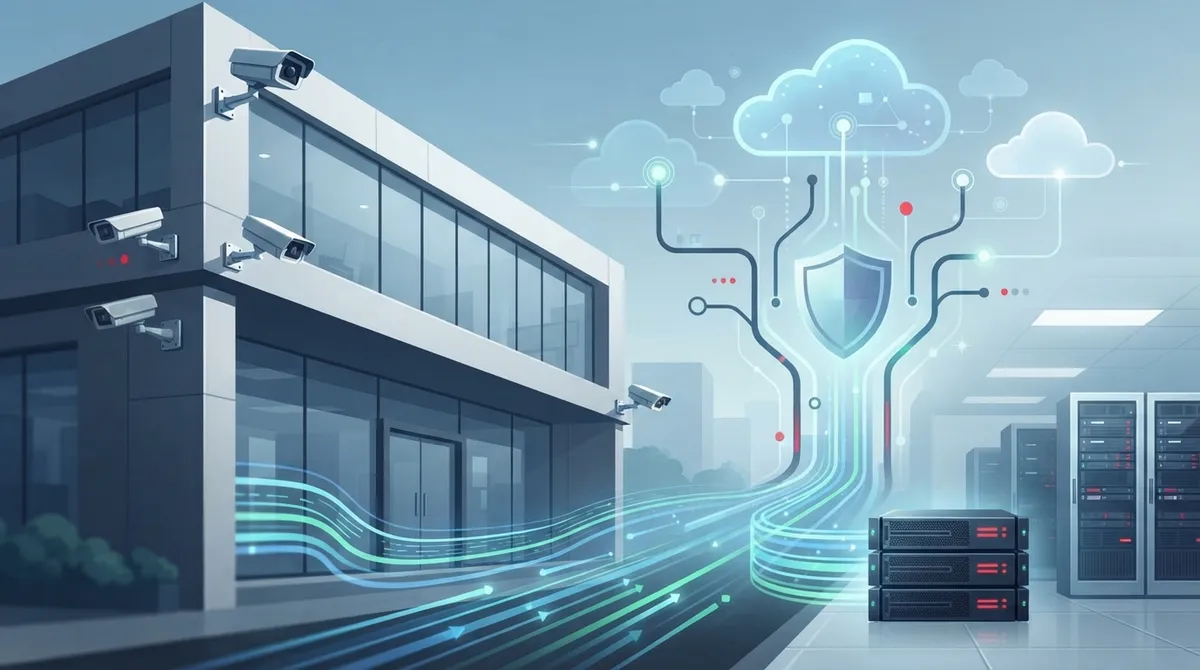
Hybrid cloud video systems buffer footage locally during internet outages then sync to cloud servers, preventing data loss while enabling remote access—ideal for businesses that can't risk losing security footage.
-
Cloud video security requires careful bandwidth planning; high-resolution multi-camera setups demand significant upload bandwidth, so audit your network before deployment to avoid choppy footage and dropped feeds.
-
Prioritize security features like end-to-end encryption, role-based access control, two-factor authentication, and SOC 2 compliance certifications to protect footage from unauthorized access and ensure legal compliance.
-
Hybrid setups work best for most growing businesses, offering the balance of local reliability during connectivity issues plus cloud scalability for multi-location operations without complete hardware replacement.
If you’ve ever squinted at grainy DVR footage trying to figure out who left the back door unlocked, you already know why so many Tampa business owners are ready for something better. Cloud video security is changing how companies watch over their offices, warehouses, and storefronts, and honestly, it’s about time. Instead of being tied to a clunky box in a back closet, your footage lives safely online, ready whenever you need it.
At Ideal Solutions Provider, we talk to business owners every single day who feel overwhelmed by security jargon. That’s totally understandable! This article breaks cloud video security down into plain, friendly language so you can make smart decisions for your business. Whether you run a small Tampa shop, manage a growing enterprise, or oversee IT for a multi-location franchise, we’ve got you covered. Let’s walk through exactly what cloud video security explained really means, and why it might be the missing piece in your telecom setup.
1. What Cloud Video Security Actually Means for Your Business
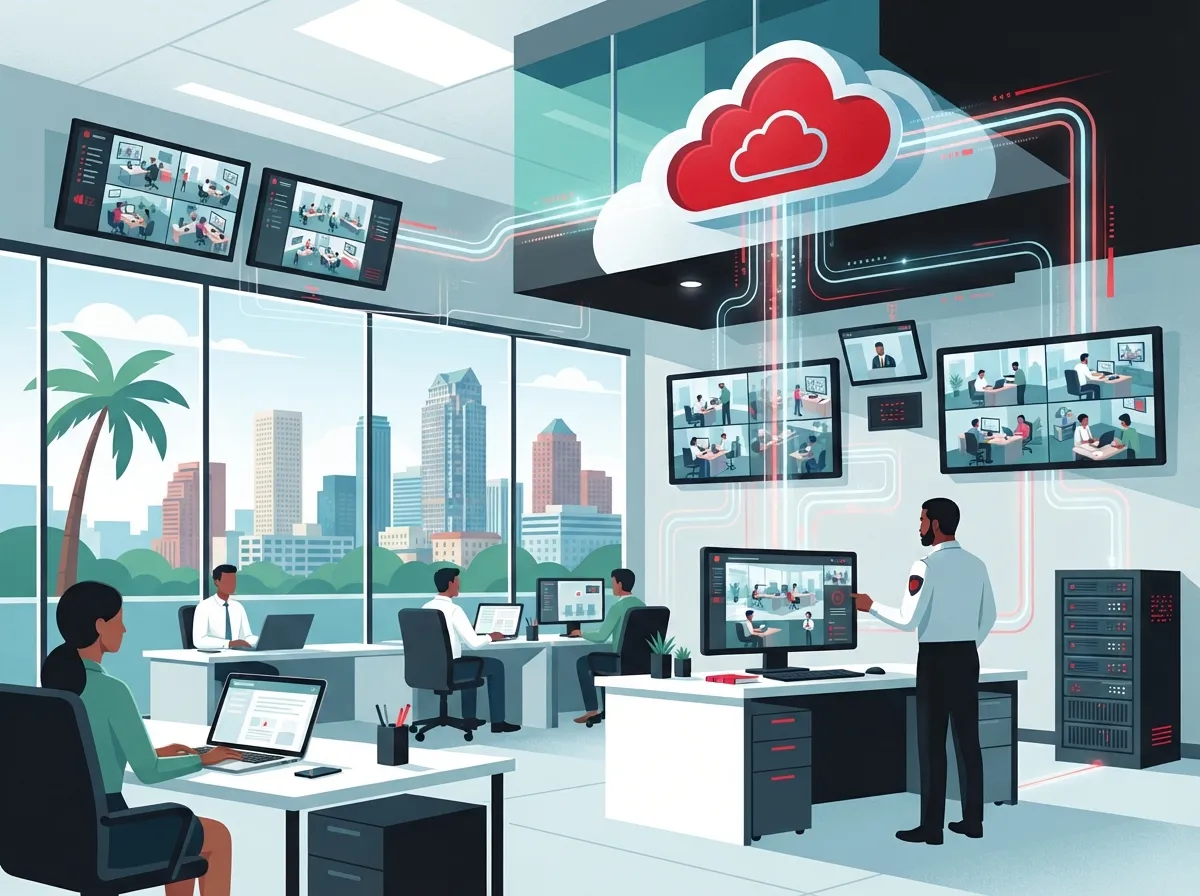
Cloud video security, sometimes called VSaaS (Video Surveillance as a Service), is a simple idea with a big impact. Your cameras capture footage like normal, but instead of saving it only to a local hard drive, that video travels securely over the internet to off-site cloud servers. From there, you can pull it up anytime, from anywhere, using a web portal or mobile app.
This matters a lot for telecom-focused businesses because connectivity is the backbone of the whole system. Without reliable high-speed internet for business, your cloud cameras simply can’t do their job well. That’s why so many companies pair cloud video with their internet and networking upgrades at the same time.
- Footage is encrypted before it ever leaves your building
- Storage happens off-site, so a stolen DVR won’t erase your evidence
- Authorized team members can view footage from a phone or laptop
- Systems update automatically, so you’re not stuck with outdated software
The Basic Workflow, Step by Step
Understanding the process helps take the mystery out of it. Here’s how cloud video security typically works from start to finish:
- Cameras capture live video at your location
- Footage is compressed and encrypted for safe transmission
- Video travels over your internet connection to secure cloud servers
- Footage is stored and indexed in the cloud platform
- You log into a portal or app to view live or recorded video anytime
Simple, right? That’s the beauty of it. There’s no need to be standing in your office to check on things. You could be at lunch, at home, or on vacation, and still peek in on your business.
2. Cloud vs. Hybrid vs. Traditional DVR Systems
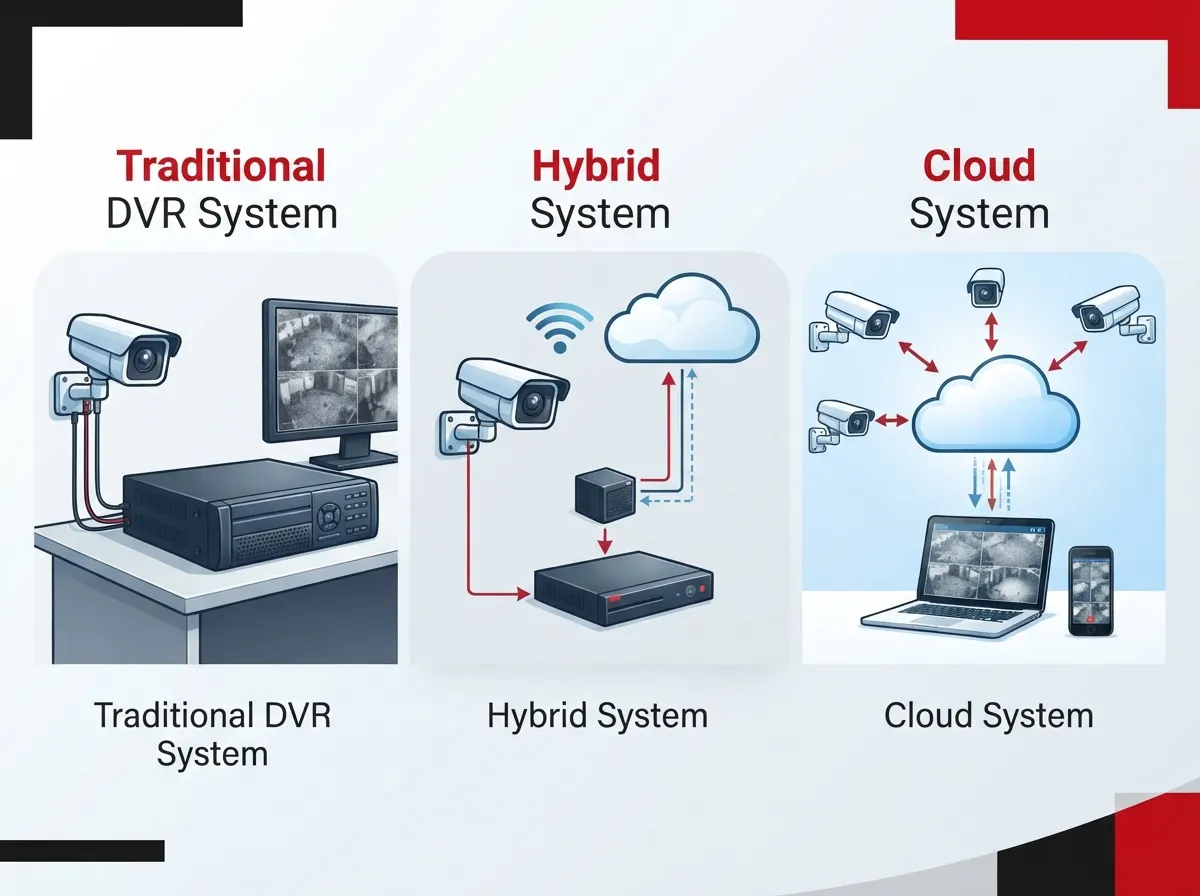
One of the biggest questions we hear is, “What’s actually different here?” Let’s compare the main types of video security setups so you can see where cloud fits in.
| System Type | Storage Location | Remote Access | Best For |
|---|---|---|---|
| Traditional DVR/NVR | On-site hard drive | Limited or none | Single-location, low-budget setups |
| Hybrid Cloud | Local buffer + cloud backup | Yes, with local backup during outages | Businesses needing reliability plus flexibility |
| Full Cloud (VSaaS) | Off-site cloud servers | Yes, from anywhere | Multi-site businesses and franchises |
Most growing businesses land on the hybrid model. It uses a small local device to buffer video during internet hiccups, then sends everything to the cloud once the connection is back. This gives you the best of both worlds: reliability and remote access.
Why Hybrid Setups Are So Popular
Hybrid systems make a lot of sense for companies that can’t risk losing footage during a network interruption. If your internet goes down for ten minutes, your local device keeps recording. Once the connection returns, it automatically syncs everything to the cloud, so nothing gets lost.
3. Top Benefits of Cloud Video Security for Growing Businesses
Let’s talk about why so many business owners are making the switch. These benefits genuinely make life easier, especially if you’re juggling multiple responsibilities.
- Remote monitoring from any device, anywhere you have signal
- Easy scalability as you add cameras or new locations
- Lower upfront hardware costs compared to big on-site server rooms
- Automatic software and firmware updates for better security
- Simple sharing of footage with law enforcement or insurance if needed
- Reduced risk of footage loss from theft or hardware failure
For franchise operators managing several Tampa Bay locations, this scalability is a game-changer. You can add a new site to your cloud platform without redesigning your whole security setup from scratch. It genuinely simplifies what used to be a headache.
Ranking the Benefits That Matter Most
- Remote access, because peace of mind matters most
- Scalability, since growing businesses need flexible tools
- Lower total cost of ownership over time
- Stronger data protection through encryption
- Simplified maintenance with fewer on-site headaches
Curious how security cameras actually protect your bottom line? Take a look at what security cameras really do for your business for a deeper dive.
4. Security Features Every Business Should Look For
Not all cloud video platforms are created equal, so it pays to know what to look for before you sign up with anyone. Here are the features that separate a solid system from a risky one.
- End-to-end encryption for footage in transit and storage
- Role-based access control, so only the right people see certain footage
- Two-factor authentication for extra login protection
- Zero-trust principles that verify every access request
- Secure, automatic firmware updates without manual work
- SOC 2 compliant data centers for enterprise-level trust
IT managers especially appreciate platforms with strong audit logging. This lets you see exactly who accessed footage and when, which is huge for compliance and internal accountability.
Questions to Ask Any Provider
- How is my footage encrypted, both moving and stored?
- What happens to my video if the internet goes down?
- Can I control which employees see which camera feeds?
- How often are firmware updates pushed to my cameras?
- Where are your data centers located, and are they certified secure?
Asking these questions upfront saves you from surprises later. A trustworthy provider should answer clearly and confidently, without dodging the details.
5. Bandwidth, Connectivity, and Multi-Site Considerations
Here’s something people often overlook: cloud video security lives and dies by your internet connection. If your bandwidth can’t keep up, you’ll deal with choppy footage, delayed alerts, or dropped feeds. That’s a big reason telecom providers and video security go hand in hand.
A five-location retail business and a two hundred-site logistics company need very different setups. More cameras and higher resolution mean more bandwidth demand. This is exactly why pairing your cloud video rollout with a review of your dedicated fiber internet options makes so much sense.
Common Bandwidth Mistakes to Avoid
- Underestimating how much data high-resolution cameras use
- Ignoring upload speed, which matters more than download for cameras
- Skipping a network audit before adding new camera locations
- Failing to plan for peak usage times, like busy retail hours
If your network feels sluggish already, it might be worth checking out why your business internet might be running slow before adding more devices to the mix. Structured cabling also plays a quiet but critical role here. Solid structured cabling keeps your cameras connected reliably, especially in larger buildings with lots of foot traffic.
How Telecom Providers Bundle Cloud Video Security
This is where things get really convenient. A good telecom partner can bundle your cloud video security with your internet, networking, and even your phone systems. Instead of juggling five different vendors, you get one point of contact who understands your whole setup.
That’s actually the whole philosophy behind Ideal Solutions Provider. With over 24 years of experience and partnerships with 35+ vetted suppliers, we help businesses avoid the common trap of overpaying or underperforming with mismatched systems. We’ve found that 9 out of 10 companies we audit are dealing with one issue or the other, sometimes both.
Choosing the Right Path for Your Business
So how do you decide what’s right for you? Start by thinking about your priorities. Are you most worried about remote access, scalability, or keeping costs predictable? Your answer will shape which type of system fits best.
- Small businesses often do well with simple, affordable cloud-only setups
- Mid-sized enterprises usually benefit from hybrid systems with strong analytics
- Franchise operators need scalable platforms built for multiple sites
- IT managers should prioritize security certifications and audit trails
No matter your size, the goal is the same: peace of mind without unnecessary complexity. You deserve a system that just works, quietly protecting your business in the background while you focus on running it.
Bringing It All Together
Cloud video security explained simply comes down to this: safer storage, easier access, and smarter scalability for your business. It’s not about chasing the latest tech trend. It’s about protecting your team, your customers, and your peace of mind, all while staying connected through a reliable network.
We know telecom decisions can feel overwhelming, especially when you’re also managing phones, internet, and cabling. That’s exactly why businesses across Tampa Bay and beyond trust us as their single point of contact. You can also follow our updates and behind-the-scenes tips on Facebook, Instagram, and YouTube for more practical advice on business telecom and security solutions.
Ready to see how cloud video security could fit into your business? Reach out to our team today for a friendly, no-pressure consultation, or simply give us a call to talk through your options. We’re genuinely excited to help you find the right fit.
FAQs
Q: What is cloud video security for businesses?
A: Cloud video security is a system where your camera footage is stored safely on off-site cloud servers instead of a local DVR. This means you can check on your business from your phone, your laptop, or pretty much anywhere with internet access. It’s a modern, flexible way to keep an eye on things without being tied to one location.
Q: Is cloud video security safer than traditional DVR systems?
A: In most cases, yes! Cloud systems use encryption, role-based access, and secure data centers to protect your footage from theft or hardware failure. Traditional DVRs can be stolen or damaged, taking your evidence with them, while cloud footage stays safe off-site.
Q: How much bandwidth do I need for cloud video surveillance?
A: It really depends on how many cameras you have and their resolution, but higher-quality footage needs more upload bandwidth. A quick network check with your telecom provider can help you figure out the right speed for your setup. It’s always better to plan ahead than deal with choppy footage later.
Q: Can cloud cameras still work if my internet goes down?
A: Many hybrid systems use a local device that keeps recording during outages, then syncs everything to the cloud once your connection returns. This gives you reliable backup without losing footage. It’s one of the reasons hybrid setups are so popular with growing businesses.
Q: How do telecom providers help businesses set up cloud video security?
A: A good telecom provider bundles your cloud video security with your internet, networking, and phone systems, so everything works together smoothly. This means one point of contact instead of juggling multiple vendors. We love helping businesses simplify this exact process every day.





