
Key Takeaways
-
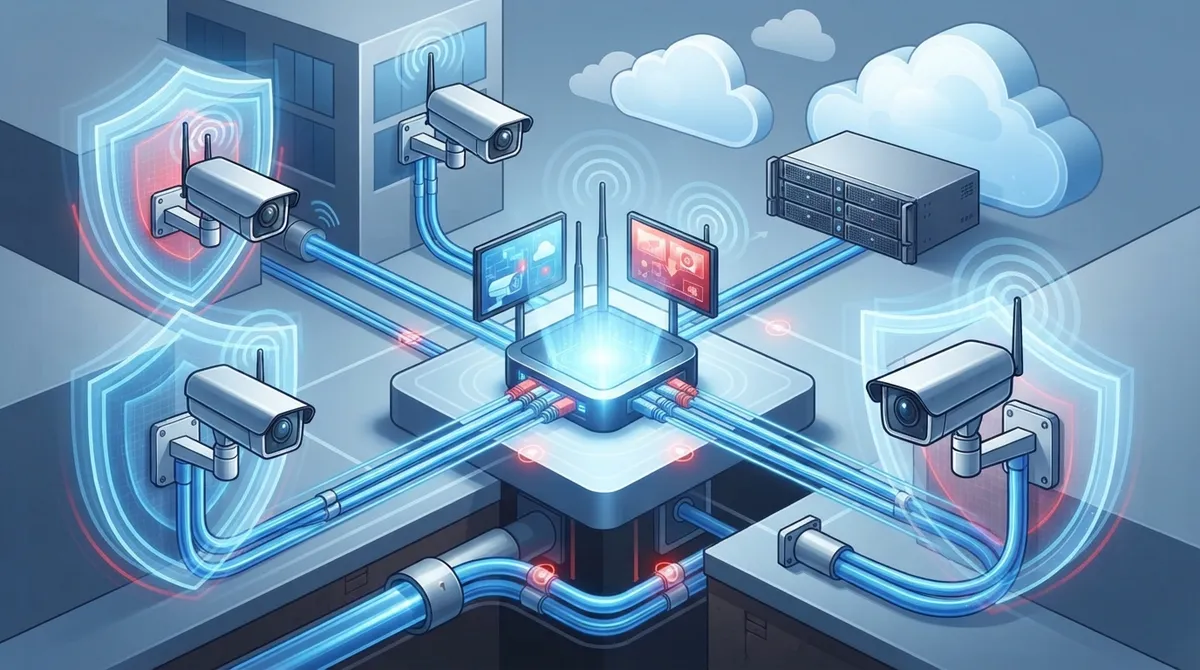
Plan your network capacity before buying cameras—most failures are planning problems, not hardware issues. Insufficient internet bandwidth and outdated cabling are the top reasons cloud camera systems underperform.
-
Use Power over Ethernet (PoE) IP cameras for larger deployments as they're more reliable than wireless and simplify installation by sending both power and data through one cable.
-
Reduce bandwidth consumption by implementing motion-only uploads, local buffering, and scheduling non-critical feeds to record at lower quality during off-hours instead of continuous 4K streaming.
-
Consider hybrid systems for multi-location businesses—they keep footage recording locally during internet outages while backing up to the cloud, providing redundancy that fully cloud-managed systems lack.
-
Secure your system with encrypted transmission, VPN or NAT-based access, firewall protection, backup power (UPS), and strong unique passwords to prevent unauthorized access to video feeds.
-
Assess and upgrade existing camera infrastructure with cloud connectors or gateway devices instead of complete replacement—most transitions can be completed within hours or a few days with minimal downtime.
Picture this: you’re on vacation, you pull out your phone to check on your Tampa office, and the app just spins and spins. Frustrating, right? A shaky cloud security camera setup can turn peace of mind into a headache real fast. The good news is that most of these problems are fixable once you know what’s going on behind the scenes.
Whether you run a small storefront, manage IT for a growing company, or oversee multiple franchise locations, your camera system should just work. No excuses, no buffering, no missed footage. In this guide, we’ll walk through exactly what makes a cloud security camera setup succeed (or fail), and how to build one that actually earns your trust.
What Is a Cloud Security Camera Setup, Really?
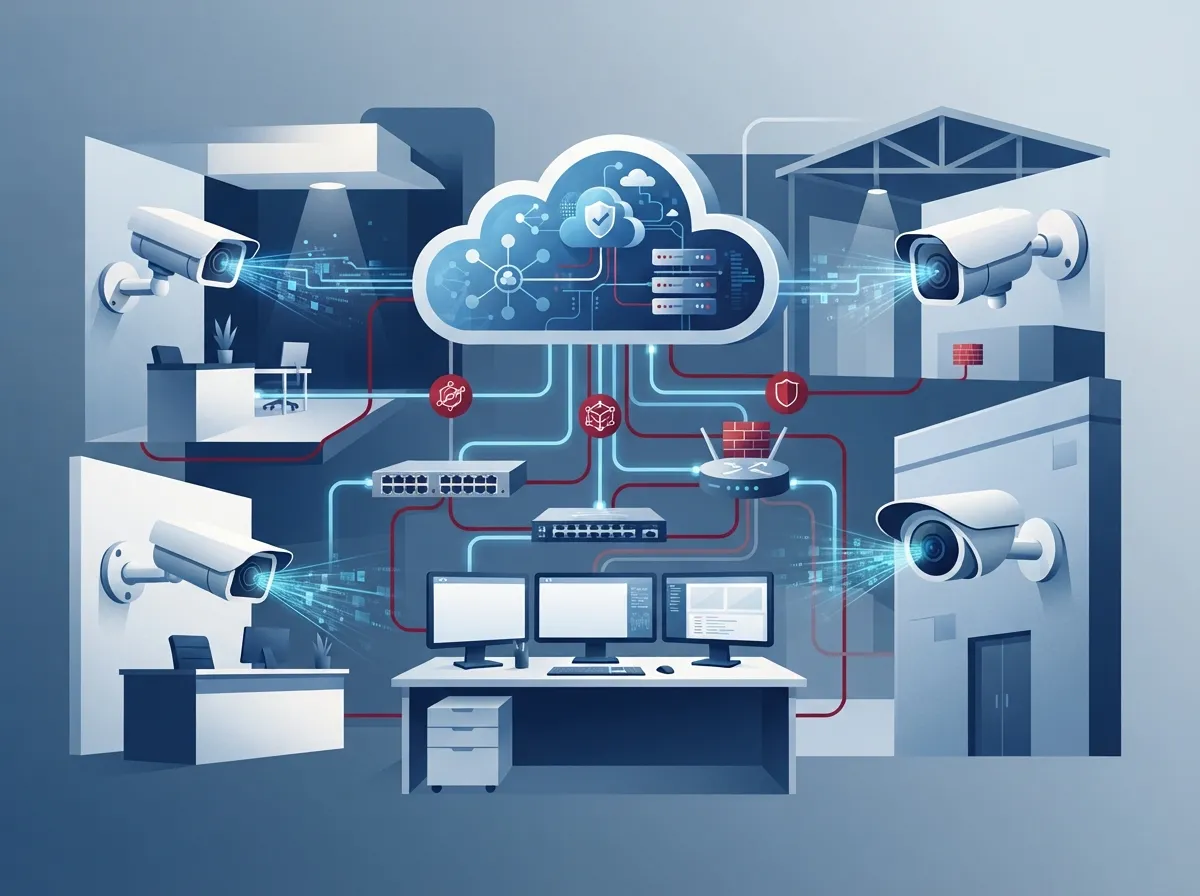
A cloud security camera setup is a video surveillance system that stores footage online instead of relying only on a physical box sitting in a back closet. Instead of a bulky DVR that can be stolen, damaged, or simply forgotten about, your video lives safely in the cloud where you can pull it up anytime.
These systems usually combine three main pieces working together:
- IP cameras that capture and send video over your network
- A cloud video management platform that stores and organizes footage
- A stable internet connection that keeps everything talking to each other
For businesses, this setup means you can check in on any location from your phone, laptop, or tablet. No need to drive to the office just to see what happened over the weekend. If you want a deeper look at how these systems compare to older technology, this article on 6 Key Differences Between Cloud Video Security and DVR Systems breaks it down nicely.

Why Do So Many Cloud Camera Setups Struggle?
Here’s the honest truth: most failed cloud security camera setups aren’t a hardware problem. They’re a planning problem. Businesses often buy cameras first and think about the network second, which is backwards.
Common Reasons Systems Fail
- The internet connection wasn’t built to handle multiple HD or 4K camera streams
- Old cabling can’t support the bandwidth cameras need to send video reliably
- Nobody planned for what happens during a power outage or internet dropout
- The wrong camera count or placement leaves blind spots and gaps in coverage
- Cloud storage settings weren’t configured properly, leading to lost footage
Sound familiar? You’re definitely not alone. A properly planned setup, done by professionals who understand both networking and security, avoids all of these headaches from day one.
The Building Blocks of a Reliable Cloud Camera System
Let’s break down what actually goes into a business-grade cloud security camera setup so you know what to look for.
1. The Cameras Themselves
Most business deployments today use IP cameras. These connect directly to your network and can send footage straight to the cloud, or use a hybrid model that keeps some recordings local while backing up to the cloud too. Many businesses also use Power over Ethernet (PoE), which sends both power and data through one cable. It’s more reliable than wireless for larger setups and much simpler to install.
2. Cloud Storage and Video Management
This is where your footage lives and where the magic of remote access happens. A good cloud video management system (VMS) lets you search footage, set up alerts, and manage multiple locations from one dashboard.
3. Your Network and Internet Connection
This is the piece people forget the most. Cameras constantly send data, and if your high-speed internet for business connection can’t keep up, you’ll see lag, dropped footage, or a system that just stops responding when you need it most.
| Component | What It Does | Why It Matters |
|---|---|---|
| IP Cameras | Capture and transmit video | Determines image quality and coverage |
| Cloud VMS | Stores and organizes footage | Enables remote viewing and search |
| Network Connection | Carries data to the cloud | Impacts speed, reliability, and uptime |
| Structured Cabling | Connects cameras to network gear | Reduces signal loss and downtime |
| Backup Power (UPS) | Keeps system running during outages | Prevents footage gaps |
How Much Bandwidth Do Cloud Cameras Actually Need?
This is one of the most common questions we hear, and it’s a smart one to ask before you install anything. Multiple HD or 4K cameras streaming continuously can eat up a surprising amount of upload bandwidth.
Here are a few ways businesses reduce that load without sacrificing security:
- Using motion-only uploads instead of continuous streaming
- Setting up local buffering so footage uploads in smaller batches
- Choosing camera resolution based on actual need, not just the highest number available
- Scheduling non-critical camera feeds to record at lower quality during off-hours
If your current connection struggles just running everyday operations, adding cameras on top could make things worse. This is exactly why we recommend reviewing your setup with resources like How to Choose the Right Internet Speed for Your Tampa Business before jumping into a camera installation.
Can You Connect Existing Cameras to the Cloud?
Great news if you already have cameras installed: you may not need to rip everything out and start over. Many providers offer cloud connectors or adapters that bridge older NVR or DVR systems into a cloud platform.
Here’s what a typical assessment and transition usually looks like:
- A technician reviews your existing cameras, recorders, and network capacity
- They determine which equipment can stay and what needs upgrading
- A cloud connector or gateway device gets installed to bridge old and new systems
- The cloud VMS is configured with your camera feeds and user access
- A planned cutover happens to minimize downtime during the switch
Depending on how many cameras you have and whether you’re using a gateway or a direct-to-cloud model, many businesses are up and running within hours or a few days. Camera-level connections can often happen in minutes once the gateway is in place, with remote viewing available shortly after.
Cloud-Managed vs. Hybrid Systems: What’s the Difference?
This question comes up a lot, especially from IT managers comparing options for multiple locations. Let’s clear it up.
| Feature | Fully Cloud-Managed | Hybrid System |
|---|---|---|
| Storage Location | 100% cloud | Local device plus cloud backup |
| Internet Outage Impact | Recording may pause | Continues recording locally |
| Setup Complexity | Simpler, fewer devices | Requires local hardware and cloud sync |
| Best For | Small to mid-size single locations | Multi-site businesses needing redundancy |
Neither option is universally “better.” It really depends on your business size, how many locations you manage, and how much you rely on constant remote access. For a deeper comparison, check out Remote vs. On-Site Video Surveillance: Which Is Right for You?
Keeping Your Cloud Camera System Secure
Security cameras protect your business, but the system itself also needs protecting. Nobody wants unauthorized access to their video feeds.
Here are the security basics every business cloud camera setup should include:
- Encrypted transmission so footage can’t be intercepted in transit
- VPN or NAT-based access to control who can view feeds remotely
- Firewall protection around your network entry points
- Strong, unique passwords with regular updates for all user accounts
- Backup power through a UPS so cameras keep recording during outages
These aren’t optional extras. They’re the difference between a system that protects your business and one that becomes a liability. This is also where working with a telecom and security partner really pays off, since they understand both the networking side and the security side of the equation.
Why Multi-Location Businesses Love Cloud Camera Systems
If you’re running a franchise or managing several offices, cloud cameras solve a problem that used to be a real headache. Instead of driving to each site or calling a manager for updates, you get one dashboard for everything.
Benefits for multi-site businesses include:
- Centralized management across all locations from a single login
- Consistent security policies and camera settings company-wide
- Faster response to incidents since footage is instantly accessible
- Easier scaling when you open a new location
- Simplified support since one team can help with sites nationwide
This kind of centralized control pairs really well with structured business networking. If you’re also thinking about upgrading your broader network setup, take a look at 11 Reliable Network Solutions for Multi-Location Tampa Businesses for more ideas.
Steps to Set Up a Cloud Security Camera System the Right Way
Ready to get started, or fix a setup that’s been giving you trouble? Here’s the process we recommend for a smooth rollout.
- Assess your current cameras, network, and bandwidth capacity
- Decide between a fully cloud-native system or a hybrid model
- Plan camera placement based on your actual coverage needs
- Upgrade cabling or network gear if it can’t support the new load
- Install cameras and configure the cloud VMS platform
- Set up encrypted access, VPN protection, and user permissions
- Add backup power to prevent gaps during outages
- Test remote access from multiple devices before going live
- Train your team on how to use the system day-to-day
- Schedule ongoing maintenance and support check-ins
Skipping steps here is usually where things go wrong. A little planning upfront saves a lot of frustration later.
Why Cabling and Network Health Matter More Than People Think
We can’t say this enough: your cameras are only as good as the network carrying their data. Weak or outdated cabling is one of the top reasons cloud camera systems underperform.
Proper structured cabling creates a clean, organized backbone for your entire office network, including phones, computers, and cameras. If your building still has old, mismatched cabling from years ago, it might be holding your whole security setup back. Learn more about how good cabling supports cameras and phones in 13 Ways Structured Cabling Supports VoIP & Cameras.
Bringing It All Together With One Trusted Partner
Juggling separate vendors for internet, cabling, phones, and cameras is exhausting. That’s exactly the problem Ideal Solutions Provider was built to solve. With over 24 years of experience and partnerships across 35+ vetted suppliers, they act as a single point of contact for your entire telecom and security setup, from your business internet to your cloud video security cameras.
Instead of piecing together solutions from multiple companies, you get one team that understands how everything connects. That means fewer headaches, faster troubleshooting, and a system that’s actually built to work together instead of against itself.
Frequently Overlooked Details That Make a Big Difference
Before wrapping up, let’s cover a few smaller details that often get missed but really shouldn’t be.
- Check your Internet Service Provider contract to confirm your upload speeds match your camera count
- Ask about footage retention policies so you know how long recordings are kept
- Plan for future growth so adding cameras later doesn’t require a full redo
- Confirm mobile app access works smoothly for your whole team, not just one device
These details seem small, but they’re often the difference between a system you love and one you’re constantly fighting with.
Ready to Build a Cloud Security Camera Setup That Actually Works?
You deserve a security system that gives you real peace of mind, not more stress. Whether you’re starting from scratch or fixing a setup that’s letting you down, the right combination of cameras, network, and cloud storage makes all the difference.
Our team would love to walk through your current setup and show you what’s possible. Contact us today for a free consultation, or call us to talk through your options with a real person who actually understands both telecom and security. You can also follow along with helpful tips and updates on our Facebook page, check out real installs on YouTube, or see behind-the-scenes moments on Instagram. We’re here whenever you’re ready.
FAQs
Q: What is a cloud security camera setup for businesses?
A: It’s a video surveillance system where footage is stored online instead of just on a local box in your building. This means you can check your cameras from anywhere using your phone or laptop, which is honestly a game changer for busy business owners.
Q: Can existing CCTV or NVR cameras be connected to the cloud?
A: In many cases, yes! A technician can assess your current setup and often add a cloud connector or gateway device to bridge your old system into a cloud platform, saving you from a full replacement.
Q: How much bandwidth do business cloud security cameras need?
A: It depends on how many cameras you have and their resolution, but multiple HD or 4K cameras can use a lot of upload bandwidth. Motion-only uploads and buffering can help reduce that load significantly.
Q: What is the difference between cloud-managed and hybrid camera systems?
A: A fully cloud-managed system stores everything online, while a hybrid system keeps some footage locally and backs it up to the cloud too. Hybrid setups are great if you want extra protection during internet outages.
Q: How do businesses secure cloud camera footage and remote access?
A: Good setups use encrypted transmission, VPN or NAT-based access, firewall protection, and backup power through a UPS. These layers work together to keep your footage safe and your system running during outages.





