
Key Takeaways
-
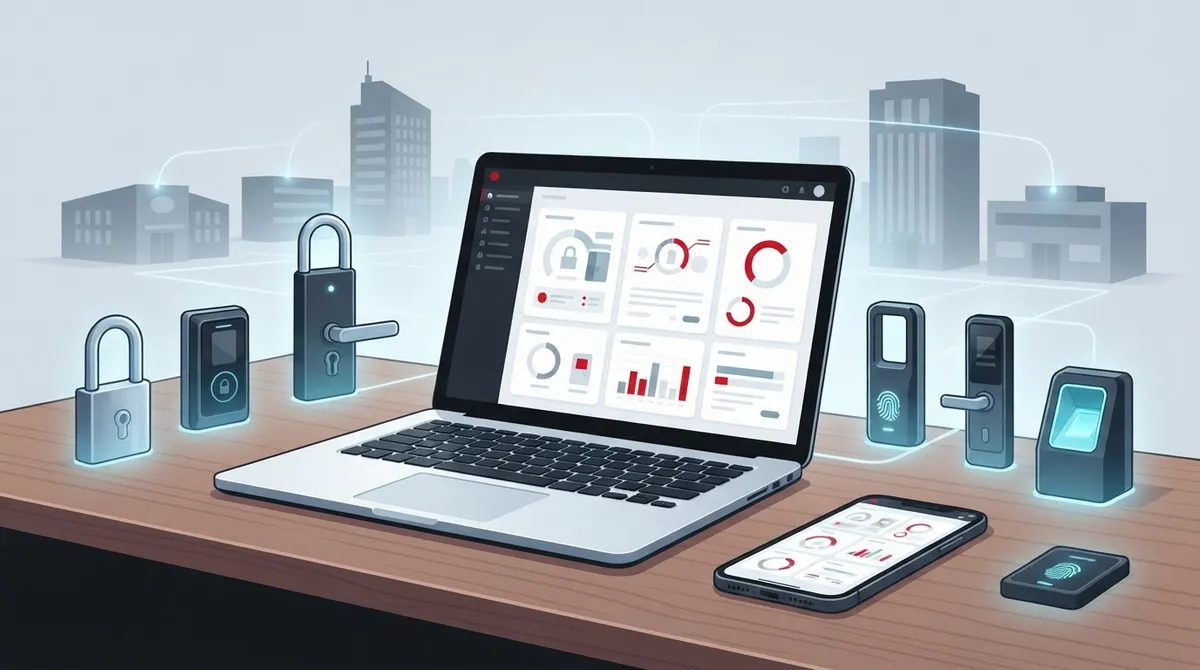
Cloud access control platforms eliminate costly on-site visits by enabling remote management of all doors, users, and locations from a phone or laptop, dramatically reducing security administration overhead.
-
Centralized dashboards consolidate multi-location access management into one login and unified security policy, eliminating the confusion and compliance risks of managing separate systems at different sites.
-
Leading platforms like Brivo and Avigilon Alta serve multi-site businesses, while Verkada combines access control with video security in one system, and Kisi offers simplicity for smaller offices.
-
Cloud systems receive automatic security updates and patches faster than legacy on-premises servers, making them more current and secure despite common concerns about cloud-based security.
-
Monthly costs vary by door count and features, with hardware costs separate from software fees, so obtaining full quotes covering both components prevents unexpected expenses during implementation.
-
Pilot rollouts at one location, network infrastructure verification, and vendor partnerships that handle both access control and cabling integration ensure smooth transitions without downtime or security gaps.
If you run a growing business with more than one office, you already know the headache. Someone loses a key card. A new hire needs building access at three locations. Your old system needs an on-site visit just to change one password. That’s exactly why so many business owners are turning to leading cloud access control platforms in 2026. These systems let you manage every door, every employee, and every site from your phone or laptop, no matter where you happen to be.
At Ideal Solutions Provider, we talk with business owners every week who feel stuck with outdated door security. They want something simple, something that grows with them, and something that doesn’t require a full-time IT person just to add a new employee badge. This guide walks you through the leading cloud access control platforms available today, what makes them different, and how to choose the right one for your business. Grab a coffee, and let’s get into it together.
What Makes Cloud Access Control Different From Old-School Systems
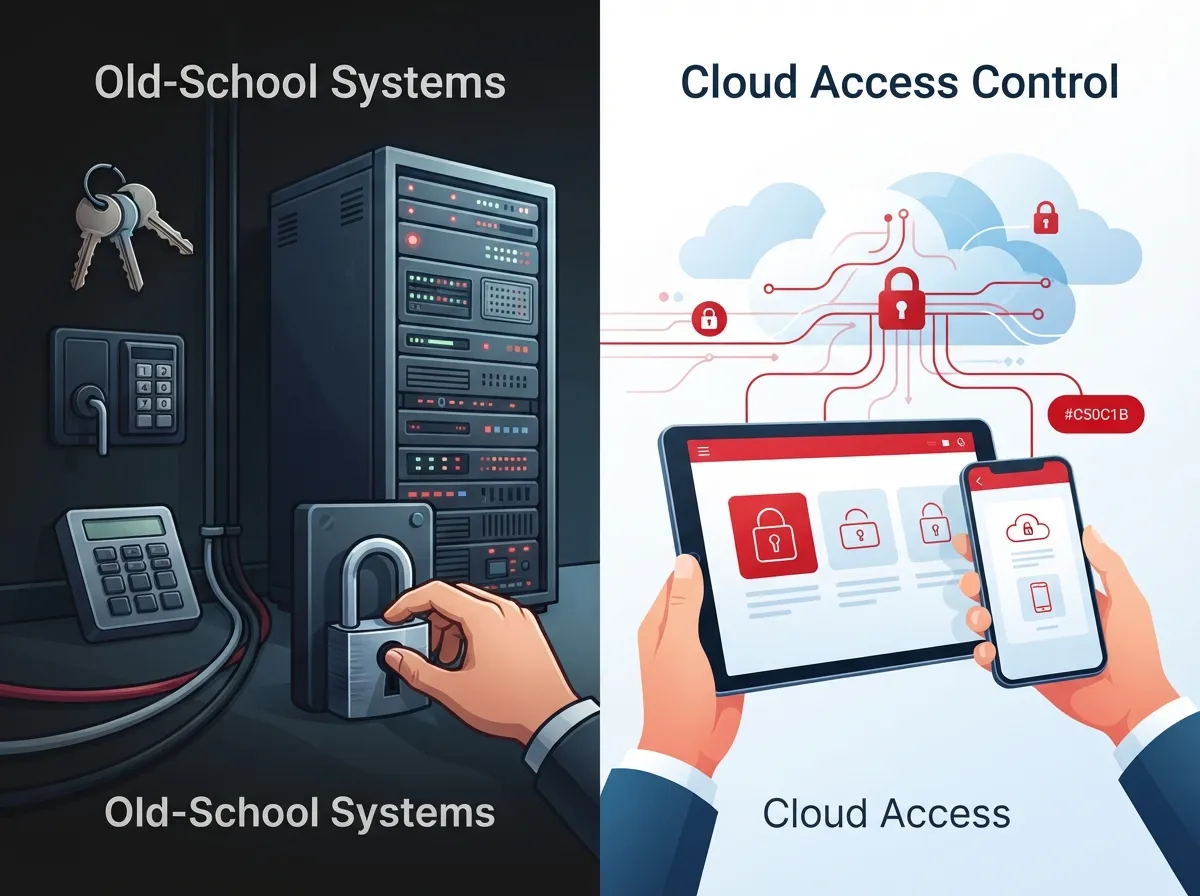
Traditional access control systems rely on a server sitting in a closet somewhere in your building. If that server goes down, or if you need to make a change, someone has to be physically on-site to fix it. Cloud-based access control flips that model completely.
With cloud access control, your entire system lives in secure, off-site software. You log in through a web browser or app, and you can add users, remove users, or lock down a door from anywhere. This is a huge win for businesses with multiple locations, remote managers, or teams that travel often.
Here’s what changes when you move to the cloud:
- No more waiting for a technician to visit your office for small changes
- Real-time alerts sent straight to your phone when a door opens or stays propped
- Centralized dashboards showing every location at once, not just one building
- Automatic software updates, so you’re never running outdated security
- Mobile credentials that replace old-fashioned key fobs and plastic cards
- Easier integration with your cloud video security cameras and other systems
Why Multi-Site Businesses Need Centralized Access Management
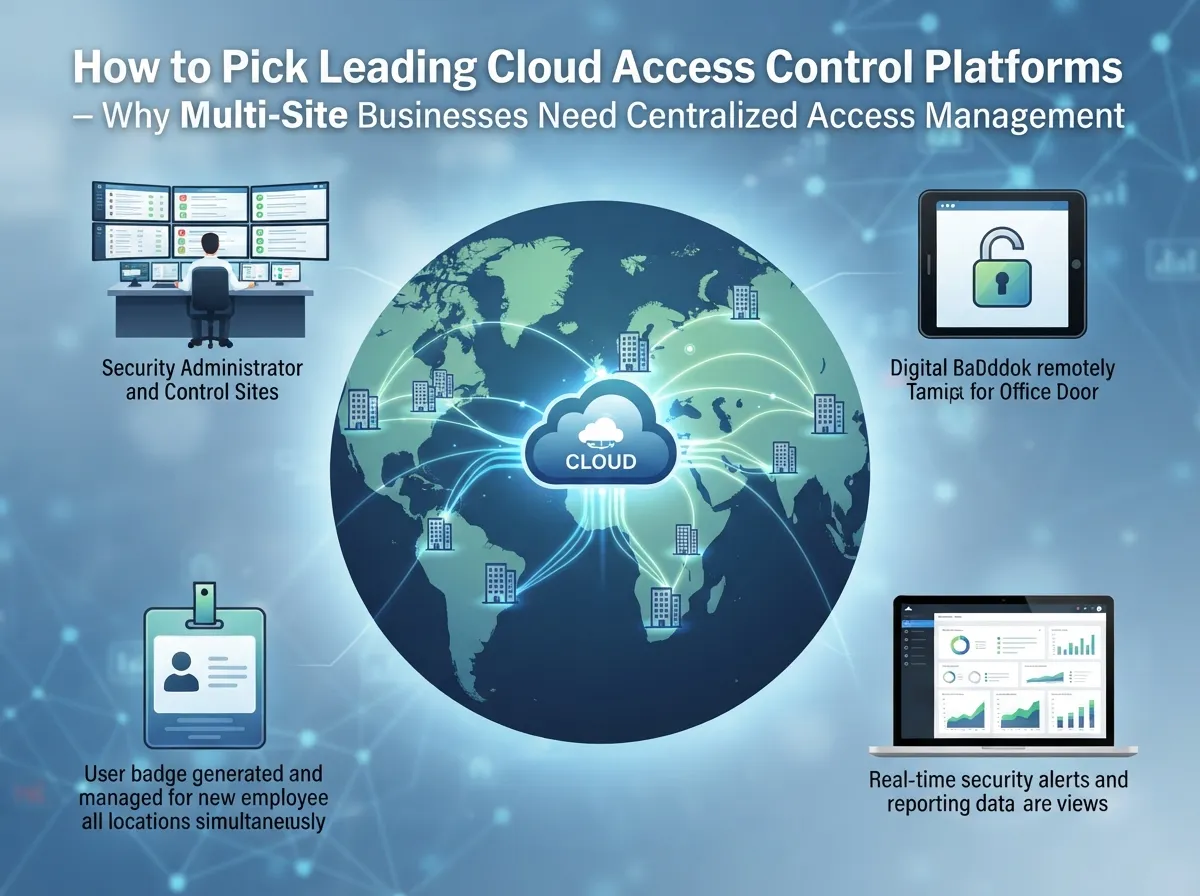
If you’re managing a franchise, a growing office network, or several telecom facilities, you already know how messy it gets when every site runs its own separate system. One location uses an old lock-and-key setup. Another has a keypad from ten years ago. Nothing talks to each other, and your IT manager ends up juggling five different logins just to check who came in yesterday.
Leading cloud access control platforms solve this by putting everything under one roof, digitally speaking. You get one login, one dashboard, and one set of rules that apply across every building you manage. This matters a lot for franchise operators and mid-sized enterprises that need standardized security policies without hiring a security team at each site.
Common Pain Points These Platforms Solve
- Slow response times when an employee is terminated and needs access removed immediately
- Confusion over who has access to which doors across multiple locations
- Lack of visibility into after-hours entry or unusual activity patterns
- Difficulty proving compliance during audits or insurance reviews
- High costs tied to rekeying locks after a lost badge or key
Leading Cloud Access Control Platforms to Know in 2026
There are several strong players in this space right now, and each one brings something a little different to the table. Let’s break down the names you’ll hear most often this year.
1. Brivo
Brivo is often the first name that comes up for businesses that need scalable, multi-location access control with centralized oversight. It’s a solid pick if you’re managing several offices or retail spots and want one clean dashboard for all of them.
2. Avigilon Alta
Avigilon Alta positions itself as a cloud-first platform built for streamlined administration. It’s designed to make standardizing security policies across multiple sites much easier, which appeals to mid-sized enterprises with growth on the horizon.
3. Acre
Acre tends to show up when a business needs more customization than typical cloud platforms offer. If your setup has unique integration needs, Acre gives you more flexibility to build something tailored.
4. Verkada
Verkada has become popular with organizations that want a single-vendor security stack. Instead of managing access control and video security separately, Verkada combines both under one system, which simplifies vendor relationships.
5. Kisi
Kisi is known for user-friendly mobile credentials and a clean interface. It works well for smaller offices that want a modern feel without a steep learning curve.
6. Paxton
Paxton offers a balance of hardware reliability and cloud management, often chosen by businesses that want proven hardware paired with cloud flexibility.
7. ProdataKey
ProdataKey focuses on simplicity and fast deployment, making it a good fit for businesses that want to get up and running quickly without a complicated setup process.
8. SALTO KS
SALTO KS is frequently used in businesses that need flexible locking hardware paired with cloud-based management, especially where wireless locks make more sense than wired ones.
Comparing the Leading Cloud Access Control Platforms
Here’s a simple side-by-side look to help you compare these platforms at a glance.
| Platform | Best For | Standout Feature |
|---|---|---|
| Brivo | Multi-location businesses | Centralized oversight across sites |
| Avigilon Alta | Growing mid-sized companies | Cloud-first, streamlined admin tools |
| Acre | Businesses needing customization | Flexible integrations |
| Verkada | Single-vendor security stacks | Combines access control and video |
| Kisi | Small to mid offices | Simple mobile credential experience |
| Paxton | Hardware-focused businesses | Reliable hardware with cloud options |
| ProdataKey | Fast deployment needs | Quick, straightforward setup |
| SALTO KS | Wireless lock environments | Flexible locking hardware |
Key Features to Compare Before You Choose
Not every cloud access control platform is built the same way, so it helps to know what to look for. Here’s a checklist worth reviewing with your team.
- Mobile credential support so employees can use their phone instead of a card
- Remote administration that lets you lock or unlock doors from anywhere
- Integration with your existing security camera system
- Role-based permissions so managers only see what applies to their site
- Detailed activity logs for audits and compliance needs
- Scalability to add new doors or locations without a full system overhaul
How Cloud Access Control Fits Into Your Broader Telecom Setup
Access control doesn’t live in a vacuum. It works best when it’s part of a bigger picture that includes your structured cabling, your network, and your internet connection. A shaky internet connection can slow down real-time alerts or make remote monitoring unreliable.
This is where having one telecom partner really pays off. Instead of juggling separate vendors for your phone system, your business internet, and your access control, you can work with a single point of contact who understands how these systems connect. That’s exactly the role Ideal Solutions Provider plays for businesses across Tampa and nationwide.
Steps to Roll Out a New Cloud Access Control System
- Audit your current setup and identify weak points at each location
- Decide which doors and areas need controlled access versus open access
- Choose a platform that matches your size, budget, and integration needs
- Confirm your network and networking infrastructure can support the new hardware
- Schedule professional installation to avoid downtime or security gaps
- Train your office managers and staff on the new mobile credential system
- Set up alerts and reporting so you can monitor activity going forward
What the Data Tells Us About Access Control Trends
The market for access-related tools is shifting fast, and the numbers back that up. According to PeerSpot’s July 2026 data on network access control tools, Cisco ISE held an 18.4% mindshare, down from 25.1% the year before. That drop signals businesses are exploring newer, cloud-managed alternatives instead of sticking with legacy systems.
On the cloud security side, PeerSpot’s July 2026 data shows Netskope leading cloud access security broker mindshare at 13.4%. That reflects a much bigger trend: businesses everywhere are moving toward cloud-managed security and access governance instead of on-premises servers.
Gartner Peer Insights also lists 4,690 reviews across 106 vendors in the Access Management category. That’s a massive, active market, which tells you this isn’t a passing trend. Businesses of every size are actively comparing and switching platforms right now.
Cost Considerations for Cloud Access Control
Pricing varies quite a bit depending on the number of doors, users, and features you need. Here’s a general breakdown to help set expectations.
| Business Size | Typical Door Count | General Cost Range (Monthly) |
|---|---|---|
| Small Office | 1-5 doors | Lower monthly cost, basic mobile credentials |
| Mid-Sized Business | 6-20 doors | Moderate cost, multi-user permissions |
| Multi-Site Enterprise | 20+ doors across locations | Higher cost, centralized admin tools |
Keep in mind that hardware costs, like door readers and controllers, are usually separate from the monthly software fee. It’s smart to get a full quote that covers both, so there are no surprises later.
Tips for IT Managers and Office Managers Making the Switch
Switching systems can feel like a big project, especially if you’re the one responsible for keeping everything running smoothly. Here are some practical tips to make the transition easier.
- Start with a pilot location before rolling out to every site
- Document your current door list and user permissions before migrating
- Ask vendors about downtime during installation and plan around it
- Confirm support hours in case something goes wrong after business hours
- Choose a partner who can also handle your cabling and network needs at the same time
If you’d rather not manage this whole process solo, working with a telecom partner who already has relationships with these vendors saves a ton of time. Ideal Solutions Provider works with 35+ vetted suppliers, so you get honest comparisons instead of a one-size-fits-all sales pitch.
Security Concerns: Is Cloud Access Control Safe Enough?
This is a fair question, and a common one. The short answer is yes, when it’s set up correctly. Leading cloud access control platforms use encrypted connections, two-factor authentication, and regular security updates to keep your data safe.
In fact, cloud systems often get updated faster than old on-premises servers, which can sit untouched for years. That means cloud platforms are frequently more current with the latest security patches than legacy systems ever were. You can learn more about how businesses are approaching modern network protection through resources like this overview on Internet Service Providers and how they support secure business connections.
Bringing It All Together
Choosing the right cloud access control platform isn’t just about picking a popular name. It’s about matching the platform to your business size, your number of locations, and your existing telecom setup. Whether you’re a small Tampa business with one office or a franchise operator managing sites across the country, there’s a cloud access control solution built for you.
We know this can feel overwhelming, especially if you’re also juggling your VoIP phone system, your internet, and your daily operations. That’s exactly why businesses trust Ideal Solutions Provider to handle it all under one roof. With over 24 years of experience and partnerships across 35+ vetted suppliers, we help you compare options honestly and find what actually fits your business, not just what a single vendor wants to sell you.
Ready to explore your options and stop guessing which platform fits your business? Reach out to our team today for a free consultation, or give us a call to talk through your access control needs. You can also follow our latest updates and installation stories on Facebook, Instagram, and YouTube. We’re here to make your building security simpler, smarter, and a whole lot easier to manage.
FAQs
Q: What are the best cloud access control platforms for multi-site businesses?
A: Brivo and Avigilon Alta are often top picks for multi-site businesses because they offer centralized dashboards and standardized policies across locations. Verkada is also popular if you want access control bundled with video security in one system.
Q: How does cloud access control work compared with on-premises access control?
A: Cloud access control runs through secure online software instead of a server sitting in your building. That means you can add users, lock doors, or check activity from anywhere, without waiting for someone to visit your office in person.
Q: Which cloud access control platform is best for telecom offices and facilities?
A: It really depends on how many locations you manage and what integrations you need. Platforms like Brivo and Avigilon Alta work well for telecom facilities that need consistent policies across several sites, while Acre offers more customization if your setup is unique.
Q: How much does cloud-based access control cost for businesses?
A: Costs vary based on door count and features, but small offices typically pay less monthly than multi-site enterprises with 20 or more doors. Hardware like readers and controllers is usually a separate one-time cost from the monthly software fee.
Q: Is cloud access control secure enough for enterprise environments?
A: Yes, when set up correctly, cloud platforms use encryption and two-factor authentication to keep data safe. They’re often updated faster than old on-premises servers, which actually makes them more current with the latest security patches.





