
Key Takeaways
-
Cloud access control subscriptions cost approximately $20-$30 per door monthly and eliminate the need to maintain on-site servers, shifting maintenance burden to the vendor.
-
Most quality cloud systems offer offline operation during internet or power outages with local caching, but you must confirm this capability in writing before signing up.
-
Look for platforms with encryption, multifactor authentication, SOC 2 or ISO 27001 certifications, and integration with identity providers like Microsoft Entra ID or Okta.
-
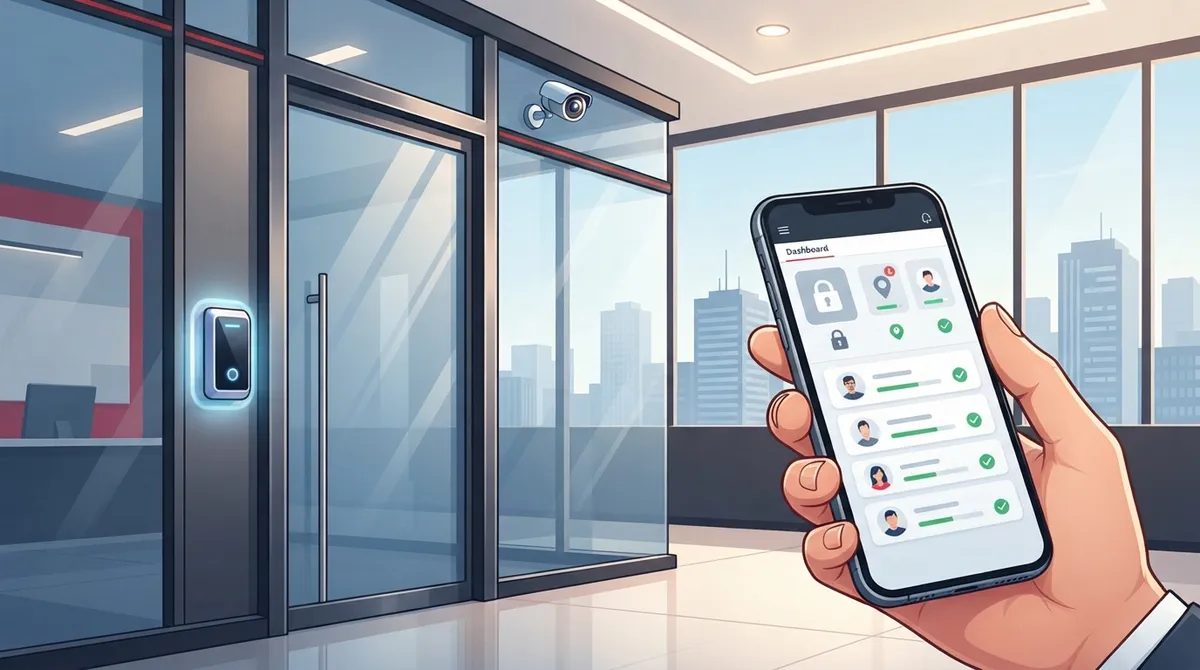
Cloud systems enable remote management from any device, automatic software updates, and easy multi-site control via a single dashboard, making them ideal for franchises and growing businesses.
-
Pair access control with cloud video security to instantly review camera footage when access events occur, creating a complete security picture of building activity.
-
Verify your internet connection is reliable before installation, ensure door hardware compatibility with your chosen platform, and confirm integration needs with existing cameras or phone systems.
Imagine you own a growing Tampa business with two offices, a network closet, and a team that needs different levels of building access. Handing out metal keys is a headache. Losing track of who has access to what is scary. That’s where a cloud access control subscription comes in, and it might be the simplest security upgrade your business makes this year.
If you’ve never heard the term before, don’t worry. This guide breaks it down in plain language. We’ll cover what it is, how much it costs, what to check before you sign up, and how it fits into your bigger telecom picture. Whether you’re a small business owner juggling a dozen tasks or an IT manager overseeing multiple sites, this article is for you.
What Is a Cloud Access Control Subscription?
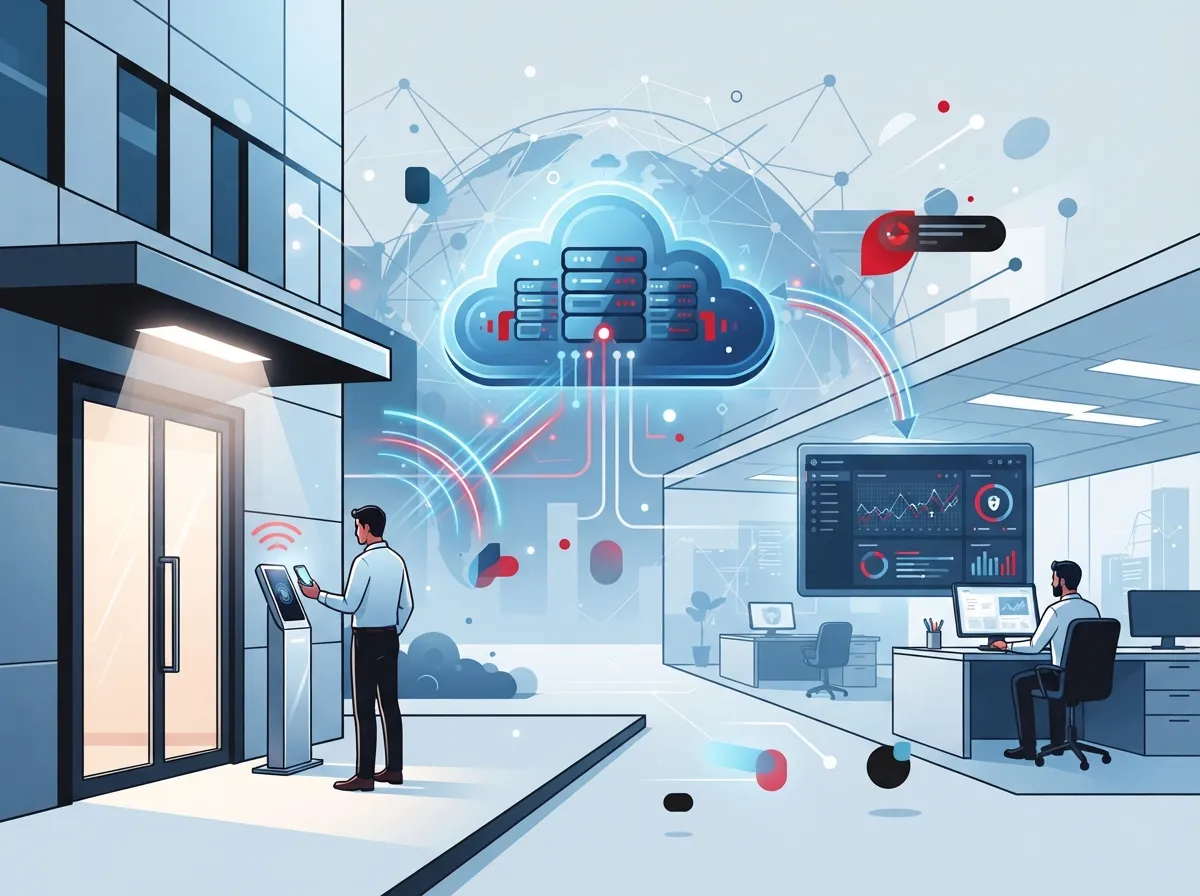
A cloud access control subscription is a monthly or annual service. It lets you manage who can enter your building, office, or network room using a web-based platform. Instead of buying and maintaining your own access-control server, you rent the software as a service.
Think of it like Netflix, but instead of movies, you’re managing door locks, key fobs, and mobile credentials. The vendor hosts the platform in the cloud. You log in from anywhere to grant or remove access, check who came and went, and get alerts if something looks off.
For Business Telecom Solutions providers, this service often covers more than just the front door. It can also protect telecom rooms, data centers, and network closets. Some setups even tie into logical access for cloud apps, VPNs, and remote workers, blending physical and digital security under one roof.
Why Businesses Are Making the Switch
Traditional access control systems require a server sitting in a closet somewhere. Someone has to update it, patch it, and hope it doesn’t crash. A cloud subscription moves that burden to the vendor.
Here are the biggest reasons businesses are switching:
- No more on-site servers to maintain or replace
- Remote management from a phone or laptop
- Faster updates and new features pushed automatically
- Easier to add new doors or locations as you grow
- Real-time alerts if a door is forced or left open
- Simple integration with video cameras and other security tools
Our team at Ideal Solutions Provider works with businesses across Tampa Bay and nationwide who are tired of babysitting old hardware. A cloud-based system takes that weight off your shoulders.
How Much Does Cloud Access Control Cost?
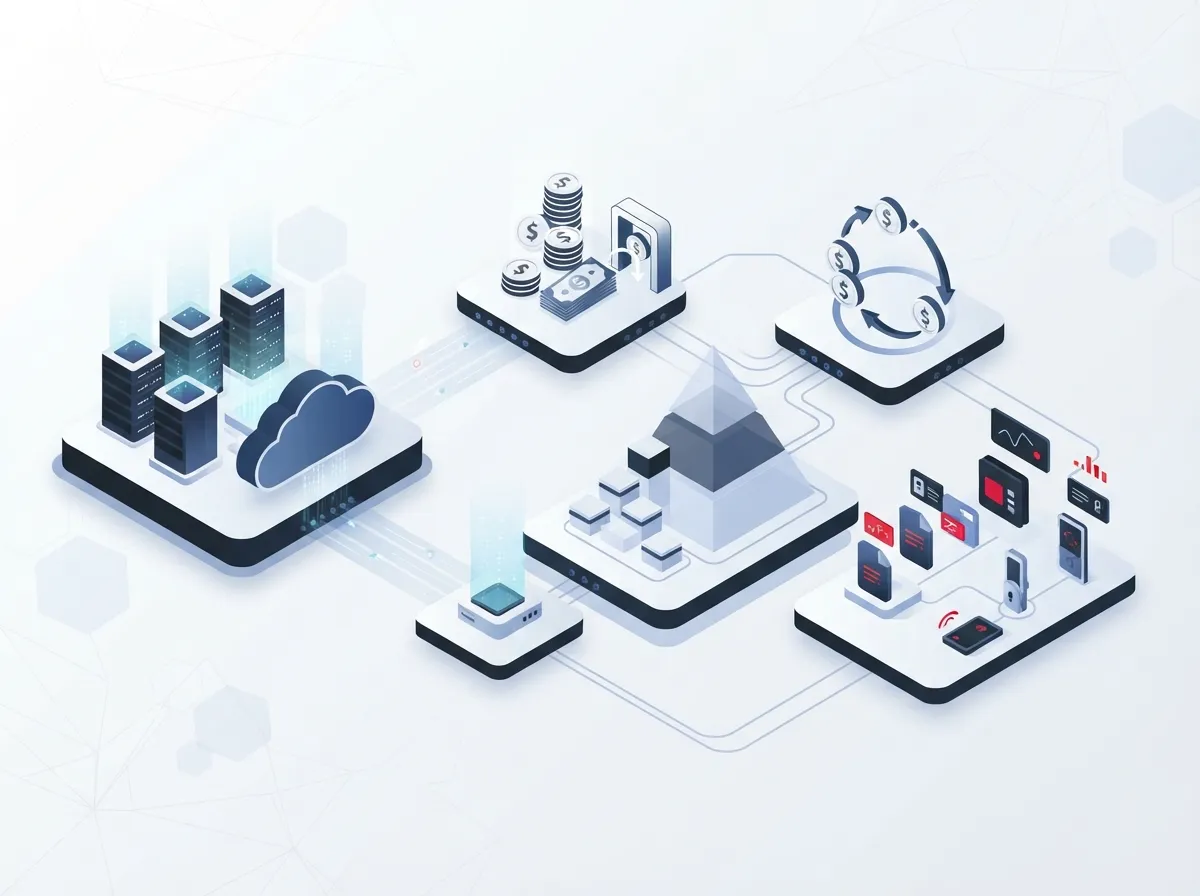
Pricing usually depends on how many doors, users, or sites you want to cover. A 2025 cost comparison from BTI Group found that cloud access-control licenses typically run about $20 to $30 per door, per month. Larger companies with many locations often get custom or volume-based pricing instead.
Here’s a simple breakdown to help you budget:
| Business Size | Typical Door Count | Estimated Monthly Cost |
|---|---|---|
| Small office | 1-5 doors | $20-$150 |
| Mid-sized business | 6-20 doors | $150-$600 |
| Multi-site franchise | 20+ doors across locations | Custom volume pricing |
Keep in mind this only covers the software license. You’ll still need compatible door hardware, readers, and reliable internet connectivity. If you’re unsure what your setup would cost, our team can help walk through the numbers with you. Contact us for a free consultation.
What Features Should You Expect?
Not every cloud access control platform is built the same. Here are common features you should look for:
- Web-based admin dashboard you can access from any browser
- Mobile credentials so employees can use their phones instead of badges
- Role-based permissions to control who can go where
- Real-time event logs showing every door open and close
- Remote door control, so you can lock or unlock from anywhere
- Visitor management for guests and vendors
- Instant alerts for forced doors or failed access attempts
- Integration with video surveillance and business identity providers
Many of these platforms also connect with tools like Microsoft Entra ID, Okta, or Google Workspace. This means employee access can update automatically when someone joins or leaves the company. It saves your HR and IT teams a lot of manual work.
Pairing Access Control With Video Security
One smart move many businesses make is combining access control with cloud video security. If someone tries to badge in after hours, you can pull up camera footage instantly. This pairing gives you a complete picture of what’s happening at your building. Learn more about how security cameras really protect your business when paired with access control.
Is Cloud Access Control Better Than On-Premises Systems?
This is one of the most common questions we hear. The honest answer: it depends on your business, but cloud usually wins for most companies today.
Here’s a quick comparison to help you decide:
| Feature | Cloud Access Control | On-Premises System |
|---|---|---|
| Server maintenance | Handled by vendor | Handled by your IT team |
| Remote management | Yes, from anywhere | Often limited to local network |
| Software updates | Automatic | Manual, scheduled by IT |
| Scalability | Easy to add doors or sites | Requires new hardware/servers |
| Upfront cost | Lower | Higher |
| Internet dependency | Required for full features | Can operate fully offline |
Franchise operators and mid-sized enterprises with multiple sites tend to benefit the most from cloud systems. It’s much easier to manage ten locations from one dashboard than juggle ten separate servers. If you want to compare this further, check out our article on cloud vs. on-premise access control for Tampa businesses.
What Connectivity Do You Need?
Cloud access control depends on your internet connection. Controllers and readers need to talk to the cloud platform to work at full capacity. Without stable Ethernet, Wi-Fi, or cellular backup, you could run into trouble.
Before signing up, ask your provider these questions:
- Do doors still work if the internet goes down?
- Is there local caching for access permissions during an outage?
- What happens during a power failure?
- Is there a cellular backup option for critical doors?
- What’s the recovery process once connectivity returns?
Most quality systems offer offline operation for a limited time. Basic entry and exit functions continue even if the cloud connection drops. But you’ll want this confirmed in writing, not just assumed. A strong business internet setup makes a huge difference in how reliably your access control system performs.
How Secure Is Cloud Access Control?
Security is naturally the biggest concern with any cloud-based system. After all, you’re trusting a vendor to protect your building’s front door. The good news is that reputable providers take this seriously.
Here’s what to check before choosing a subscription:
- Encryption for data in transit and at rest
- Multifactor authentication for admin accounts
- Least-privilege access for administrators
- Detailed audit logs for every action taken
- Support for identity-provider integration
- Clear data retention and breach notification policies
- Certifications like SOC 2 or ISO 27001, where available
These checks matter even more if your access control also protects telecom rooms or data centers. A breach there could affect your entire network, not just one office door.
Market Growth Shows Rising Trust
The numbers back up how fast this industry is growing. One 2025 market report estimated the global cloud-based access control market at $4.25 billion, projected to reach $15 billion by 2035. Another analysis placed the broader cloud access control market at $12.4 billion in 2025, forecasting growth to $47.8 billion by 2034. While these estimates vary by scope, they all point the same direction: more businesses are trusting cloud-based security every year.
Software makes up the largest chunk of this market, at roughly 45.2% according to one 2025 report. That tells us vendors are investing heavily in features, not just hardware. For more background on how these systems work, you can read this industry overview on cloud-based access control.
Choosing the Right Subscription: A Simple Checklist
Ready to start shopping? Here’s a step-by-step checklist to guide your decision:
- List every door, gate, or entry point you need covered
- Decide if you need mobile credentials or just key fobs
- Confirm offline and power-failure behavior with the vendor
- Ask about integration with your existing cameras and phone system
- Review the service-level agreement for uptime guarantees
- Compare per-door pricing across a few different providers
- Check if the platform supports multi-site management
- Verify security certifications and data handling practices
This process doesn’t have to be overwhelming. That’s exactly why many businesses choose to work with a single telecom partner instead of juggling multiple vendors. Our team compares options across 35+ vetted suppliers, so you get honest recommendations instead of a sales pitch.
How This Fits Into Your Bigger Telecom Picture
Cloud access control rarely works alone. It usually connects with your network, your internet service, and sometimes your phone system too. If your cloud-based phone system and access control share the same network, a reliable connection matters even more.
Here’s how the pieces typically fit together:
- Structured cabling connects your readers, cameras, and network switches
- High-speed internet keeps your cloud platform online and responsive
- Networking equipment routes traffic between sites securely
- Cloud video security adds a visual layer to your access logs
- VoIP phones can trigger alerts tied to access events
Good structured cabling is often the unsung hero behind a smooth access control rollout. Poor wiring can cause readers to drop offline or respond slowly, which frustrates employees and weakens security.
Common Mistakes to Avoid
We’ve seen a lot of businesses stumble when adopting cloud access control for the first time. Here are the top mistakes to steer clear of:
- Skipping the internet reliability check before installation
- Choosing hardware that isn’t compatible with the cloud platform
- Ignoring offline operation during power or internet outages
- Not setting up role-based permissions properly from day one
- Forgetting to review the service-level agreement closely
- Overlooking integration needs with existing cameras or phone systems
Avoiding these pitfalls early saves you time, money, and stress down the road. A quick Internet Service Provider review can also help confirm your connection is strong enough to support the system.
Final Thoughts on Cloud Access Control Subscriptions
A cloud access control subscription can genuinely simplify how you protect your business. No more juggling keys, no more mystery about who came in late, and no more maintaining a clunky server in the back room. Instead, you get a flexible, scalable system that grows with you.
Whether you’re a small Tampa business securing one office or a franchise operator managing sites across the country, this technology fits almost any size and budget. And you don’t have to figure it all out alone. Our team at Ideal Solutions Provider has spent over 24 years helping businesses like yours choose the right telecom and security solutions, without the vendor runaround.
Ready to see what a cloud access control subscription could look like for your business? Reach out to our team today for a free consultation, or give us a call to talk through your options. We’re here to make security simple, one door at a time. You can also follow our updates and customer stories on Facebook, Instagram, and YouTube.
FAQs
Q: What is a cloud access control subscription and how does it work?
A: It’s a recurring service where you pay to manage building access through a vendor-hosted online platform instead of your own server. You log in from anywhere to grant access, view event logs, and lock or unlock doors remotely. It’s a bit like managing your security system from an app, no server room required.
Q: How much does cloud-based access control cost per door or per user?
A: Most businesses pay around $20 to $30 per door each month for the software license, based on a 2025 industry cost comparison. Larger companies with many locations usually get custom pricing based on volume. Your final cost also depends on hardware, installation, and any extra features you choose.
Q: Will doors continue working if the internet or power goes out?
A: Most quality cloud systems support some offline operation, letting basic entry functions continue during an outage. However, this varies by vendor, so it’s smart to ask about power-failure behavior and recovery time before signing up. We always recommend confirming this in writing, not just verbally.
Q: Can cloud access control integrate with Microsoft Entra ID, Okta, cameras, and telecom systems?
A: Yes, many cloud access control platforms integrate smoothly with identity providers like Microsoft Entra ID and Okta. They can also connect with video cameras and, in some setups, your phone system for a more complete security picture. This makes onboarding and offboarding employees much simpler for your IT team.
Q: How secure is cloud access control for data centers and network closets?
A: Reputable cloud access control platforms use encryption, multifactor authentication, and detailed audit logs to keep sensitive areas protected. Look for certifications like SOC 2 or ISO 27001 as extra proof of strong security practices. Since these systems often protect network rooms too, it’s worth double-checking every safeguard before you commit.





