
Key Takeaways
-
Plan your migration in phases starting with a single location or department pilot, keeping a rollback plan ready to prevent lockouts and security gaps during cutover.
-
Implement NIST zero-trust principles by checking every access request based on user identity, device posture, and request context rather than trusting anyone inside the network.
-
Conduct a complete inventory of all doors, devices, applications, service accounts, and vendor logins before migration to avoid locking out legitimate users or leaving access gaps.
-
Integrate cloud access control with your VoIP, SD-WAN, and security camera systems for consistent policies across locations and faster incident investigation with audit trails.
-
Assign role-based permissions with conditional rules like blocking after-hours access or unfamiliar countries, then review and adjust quarterly as employee roles and contractor projects change.
-
Train your team on the new system before rollout and monitor closely for 30 days to catch unusual login attempts, failed access requests, or configuration errors affecting remote workers.
If you’re still running your building security off an old on-site server in a back closet, you’re not alone. Lots of Tampa businesses started that way. But here’s the thing: that old server can’t talk to your VoIP phones, can’t send you a text when someone props open the back door, and definitely can’t let you grant access to a contractor from your phone while you’re on vacation. That’s where cloud access control migration comes in, and honestly, it’s one of the friendliest upgrades you can make to your business.
Moving your door access, badge readers, and permission settings to the cloud sounds technical. But at its heart, it’s simple. You’re trading clunky, location-locked hardware for a system you can manage from anywhere, on any device. This guide walks you through exactly how to make that move smoothly, without locking your employees out on a Monday morning or losing sleep over security gaps. Grab a coffee, and let’s get into it.
What Cloud Access Control Migration Really Means
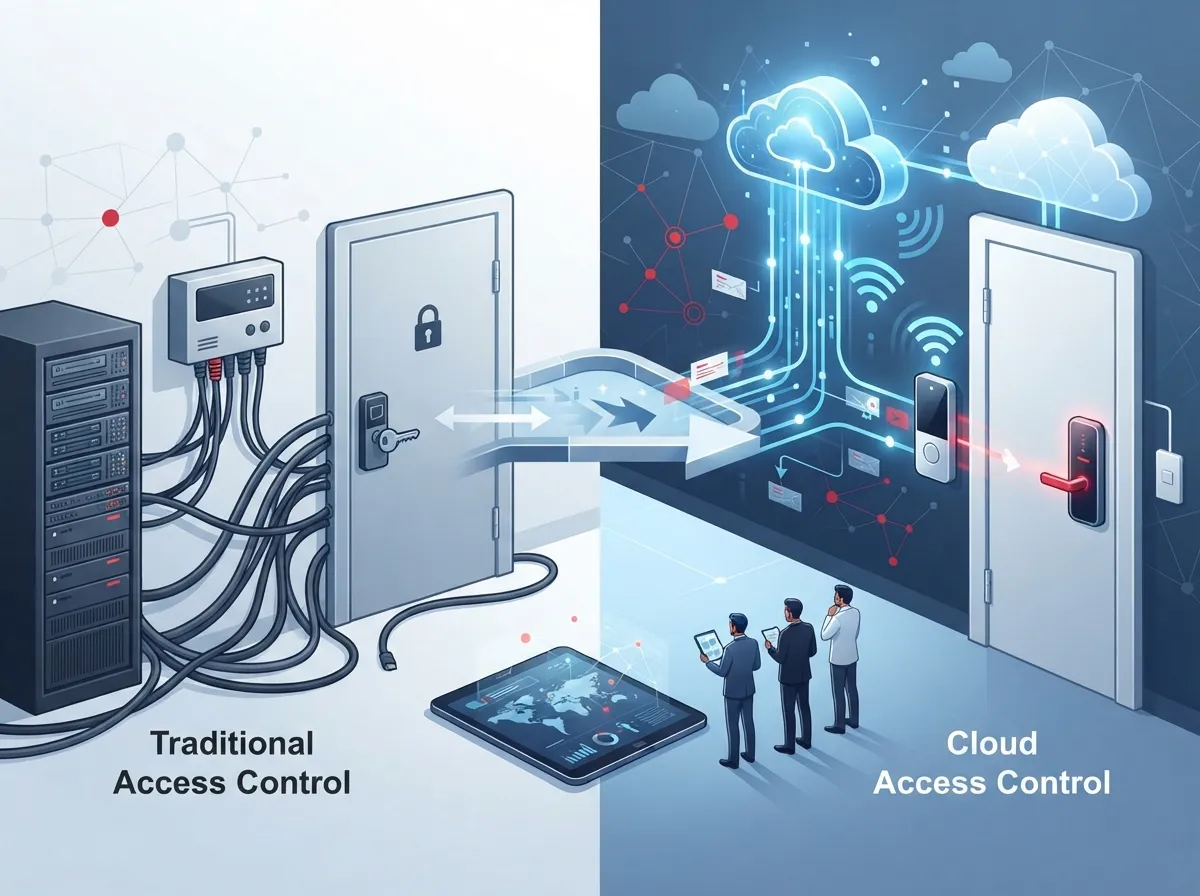
In plain terms, cloud access control migration is the process of moving your building and network access decisions away from old-school, on-site controls and into a centralized, cloud-managed system. Instead of relying only on local servers, VPNs, and static access lists tied to a single building, you get one dashboard that manages who gets in, when, and from where.
This isn’t just about front doors anymore either. Today’s migrations often cover employees, contractors, vendors, and even the software systems your team uses every day. Think about your cloud-based phone system, your Wi-Fi network, and your security cameras. All of these can be tied into one smarter, centralized access approach.
Why Businesses Are Making the Switch
The National Institute of Standards and Technology (NIST) has been championing something called “zero trust” for a few years now. The idea is simple: never automatically trust anyone or anything, whether they’re inside or outside your network. Every request to access a door, a file, or a system gets checked, every single time.
This isn’t just theory. NIST’s official guidance (SP 800-207A, published in 2023) lays out how businesses can combine identity checks with network-level policies, especially for companies using multiple cloud services or locations. It’s become the gold standard for how modern access control should work.
- You get one login system for doors, networks, and apps instead of five separate ones
- Your IT team can revoke access instantly if someone leaves the company
- You can see who accessed what, and when, from a single report
- Remote employees and multi-location franchises get the same security standards everywhere
- You reduce the risk of a single stolen key or badge causing a major breach
How Cloud Access Control Differs From Old-School Security
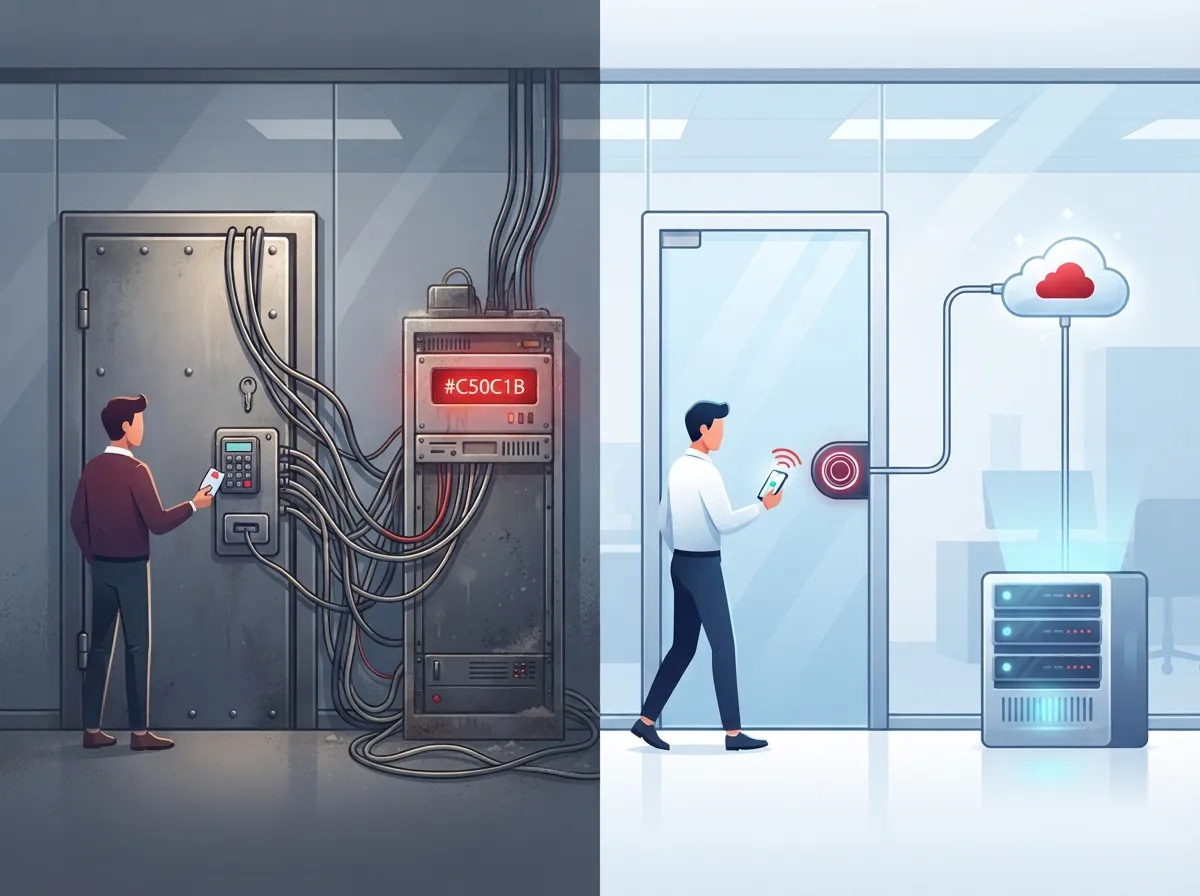
Traditional security relied heavily on physical location. If you were inside the building, connected to the local network, you were mostly trusted. VPNs and firewalls acted like moats around a castle. The problem? Once someone got past the moat, they often had free rein.
Cloud access control flips this. It doesn’t matter if you’re in the office, working from home, or checking in from an airport. Every access request gets evaluated based on who you are, what device you’re using, and whether that request looks normal or suspicious.
| Feature | Traditional On-Premises Control | Cloud Access Control |
|---|---|---|
| Management | Local server, on-site only | Web or mobile dashboard, anywhere |
| Updates | Manual, often delayed | Automatic, real-time |
| Multi-location support | Difficult, separate systems per site | Centralized across all locations |
| Remote access changes | Requires physical presence | Instant, from any device |
| Audit logs | Limited or manual | Automated, searchable history |
| Integration with VoIP/network | Rare | Common and encouraged |
Steps to Plan a Smooth Cloud Access Control Migration
Rushing this process is where most headaches come from. A little planning goes a long way toward avoiding a chaotic cutover weekend. Here’s a practical, step-by-step approach that works well for small businesses and larger enterprises alike.
- Take inventory first. List every door, device, application, and account that currently has some form of access control. Don’t forget service accounts and vendor logins.
- Classify your critical resources. Not every door or system needs the same level of protection. Your server room probably needs tighter controls than the break room.
- Map out who needs access to what. This is where role-based permissions come in handy. Sales doesn’t need access to the IT closet, and vice versa.
- Choose your cloud access control platform. Look for one that supports mobile credentials, multi-factor authentication, and integrates with your existing structured cabling and network setup.
- Run a pilot at one location. Test the new system on a single door or building before rolling it out everywhere.
- Set up a rollback plan. Keep a “break-glass” account or backup process in case something goes sideways during cutover.
- Train your team. Even the best system fails if your office manager doesn’t know how to add a new employee.
- Migrate in phases. Move one location or department at a time, rather than flipping the switch everywhere at once.
- Monitor closely for the first 30 days. Watch for unusual login attempts, failed access requests, or confused employees.
- Review and adjust permissions quarterly. People change roles. Contractors finish projects. Keep your access list current.
Core Building Blocks of a Cloud Access System
Once you start shopping around, you’ll hear a lot of acronyms. Let’s break down the essentials without the jargon overload.
Identity and Authentication Tools
Single sign-on (SSO) lets employees use one login for multiple systems. Multi-factor authentication (MFA) adds a second check, like a text code, so a stolen password alone can’t get someone in. NIST’s zero-trust framework specifically calls out identity as one of five major pillars businesses should focus on, alongside devices, applications, networks, and data.
Role-Based and Conditional Access
Instead of giving everyone the same keys, you assign permissions based on job role. A cloud system can also apply conditional rules, like blocking access attempts from unfamiliar countries or requiring extra verification for after-hours entry.
- Single sign-on (SSO) for simplified logins
- Multi-factor authentication (MFA) for extra security
- Role-based access control tied to job function
- Just-in-time permissions for temporary contractor access
- Device posture checks to block outdated or risky devices
- Centralized audit logging for compliance and peace of mind
Connecting Access Control to Your Telecom Systems
This is where things get really interesting for growing businesses. Your access control system shouldn’t live on an island. It should work alongside your VoIP phone system, your network, and your security cameras.
For example, if your business uses SD-WAN to connect multiple office locations, your access control policies can extend across all of them consistently. Combine that with cloud video security, and you get a much clearer picture of who’s coming and going, backed up by actual footage.
SASE and Zero-Trust Network Access
You might come across the term SASE (pronounced “sassy”), which stands for Secure Access Service Edge. It bundles networking and security into one cloud-delivered service. For businesses juggling remote workers, multiple offices, and cloud apps, SASE or zero-trust network access can simplify how you manage everything under one roof.
| System | How Cloud Access Control Helps |
|---|---|
| VoIP / UCaaS Platforms | Protects admin portals and call routing settings from unauthorized changes |
| SD-WAN / Network Management | Applies consistent policies across every connected location |
| Cloud Security Cameras | Ties video footage to specific access events for faster investigations |
| Contact Center Software | Limits sensitive customer data access to verified staff only |
Common Risks and How to Avoid Them
No migration is risk-free, but most problems are avoidable with a little foresight. Here are the pitfalls we see most often.
- Incomplete inventories that miss old vendor accounts or forgotten service logins
- Employees keeping more access than their job actually requires
- Directory sync errors that lock out legitimate users during cutover
- Legacy applications that simply can’t support modern authentication methods
- Misconfigured rules that accidentally block remote or traveling staff
- Weak vendor access controls left unchecked after a project ends
The fix for most of these? Slow down slightly during planning, run a real pilot, and keep a rollback plan ready. It’s also smart to work with a partner who’s done this before and can spot gaps you might miss on your own.
What Cloud Access Control Migration Typically Costs
Costs vary a lot depending on how many doors, users, and locations you’re managing. Small offices might spend a modest monthly fee per door, while multi-location franchises will see costs scale with complexity. The good news is that cloud systems often reduce long-term costs since there’s no expensive on-site server to maintain or replace every few years.
- Hardware costs for cloud-compatible readers and controllers
- Setup and installation, including any needed cabling work
- Ongoing software subscription fees, usually billed per door or per user
- Optional add-ons like mobile credentials or video integration
- Support and monitoring services for ongoing peace of mind
For context, the identity and access management market overall was estimated at roughly $21.4 billion in 2025, according to commercial market research, with cloud deployments representing more than half of that spending and growing fast. That tells you this isn’t a niche trend. It’s quickly becoming the standard way businesses of every size handle security.
Bringing It All Together With the Right Partner
Migrating to cloud access control touches more parts of your business than you might expect. It connects to your network, your phone system, your security cameras, and how your team works day to day. That’s a lot to coordinate if you’re juggling multiple vendors on your own.
This is exactly why so many Tampa businesses turn to a single point of contact instead of managing five different companies. Ideal Solutions Provider has spent over 24 years helping businesses across Tampa Bay and nationwide untangle exactly this kind of project, comparing options across 35+ vetted suppliers so you get a setup that actually fits your needs instead of a one-size-fits-all sales pitch.
Whether you’re upgrading one office or coordinating a migration across a dozen franchise locations, having someone review your network infrastructure alongside your access control needs saves a lot of guesswork. You can also check out real client stories and setups on YouTube or follow updates on Facebook and Instagram.
Getting Started With Your Own Migration
You don’t have to overhaul everything overnight. Start small, pick one location or one building, and prove out the process before expanding. That’s how the most successful migrations happen, whether it’s a five-person office or a franchise with locations across three states.
Ready to see what a smoother, smarter access control setup could look like for your business? Reach out to our team for a free consultation, or give us a call to talk through your current setup. We’ll help you figure out exactly what makes sense for your business, without the sales pressure and without the guesswork.
FAQs
Q: What is cloud access control migration for a business telecom environment?
A: It’s the process of moving your door and system access controls from old on-site servers to a centralized cloud platform. Instead of managing separate systems for each building, you get one dashboard that handles everything, and it plays nicely with your phones, network, and cameras too!
Q: How does cloud access control differ from VPNs and firewalls?
A: Old-school VPNs and firewalls mostly trust anyone once they’re inside the network, kind of like a moat around a castle. Cloud access control checks every single request, no matter where it comes from, which is a much safer way to run things these days.
Q: Should I use SASE or zero-trust network access during migration?
A: If your business has remote workers or multiple locations, SASE can be a great fit since it bundles networking and security together in one cloud service. It’s worth discussing with a telecom partner who can look at your specific setup and tell you honestly if it’s the right move.
Q: What are the biggest risks during a cloud access control migration?
A: The most common hiccups are incomplete inventories, leftover vendor accounts, and legacy apps that just can’t handle modern logins. The good news? A solid pilot run and a rollback plan take care of almost all of these headaches before they become real problems.
Q: How can I manage access for employees, contractors, and vendors all in one place?
A: Cloud platforms let you set role-based permissions, so contractors only get access to what they need, and only for as long as they need it. It’s honestly one of the most satisfying parts of the migration, no more chasing down old badges or forgotten keys!





