
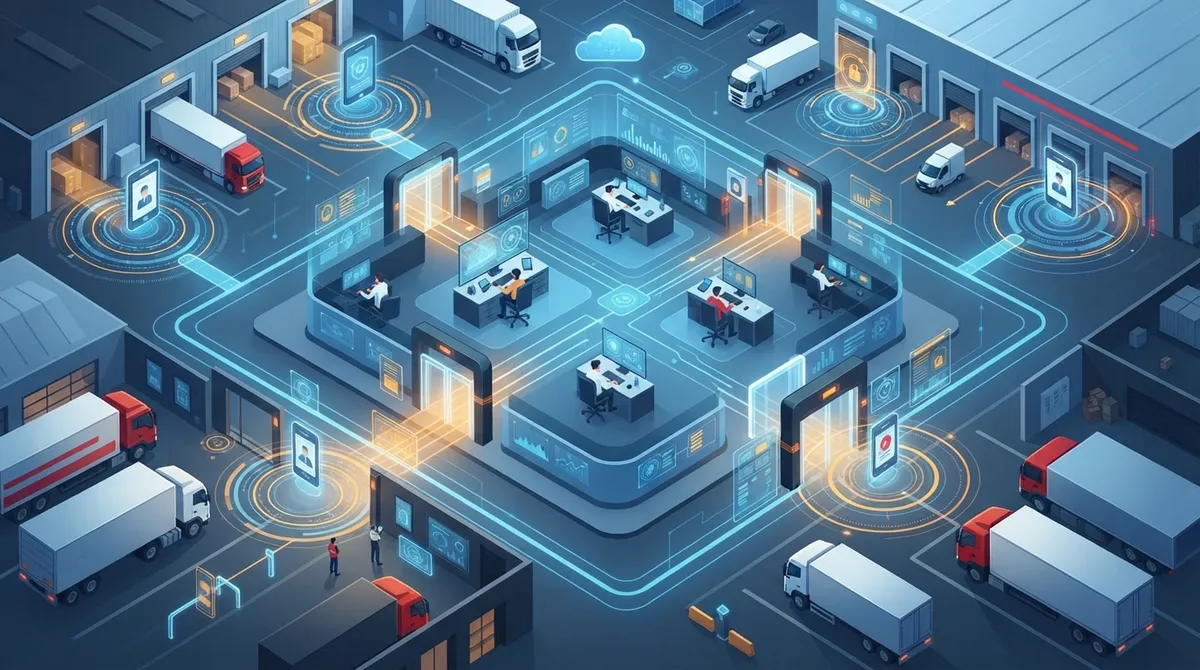
Key Takeaways
-
Implement Zero Trust Architecture by verifying every access request based on identity, device security, and context rather than assuming trustworthiness based on network location or prior access.
-
Match access permissions to actual job roles using role-based access control for smaller teams or attribute-based access for complex operations, ensuring warehouse staff, drivers, and administrators only access what they need.
-
Deploy multi-factor authentication, device verification checks, and centralized monitoring across all critical systems to detect and prevent unauthorized access before it causes damage.
-
Establish regular quarterly reviews of user access privileges and implement automated processes for adding, changing, and removing access when employees join, move roles, or leave the company.
-
Use secure SD-WAN connectivity and managed firewalls across multiple locations to maintain consistent access policies and prevent gaps that could expose sensitive shipment data or customer records.
-
Create documented governance processes including emergency access plans, credential rotation schedules, and audit trails that track who accessed what and when for compliance and incident investigation.
Picture this: you run a growing company with a main office, a warehouse, and a few remote workers scattered around Tampa Bay. Every one of those people, devices, and systems needs to get into your network somehow. That’s where cloud access control logistics comes in, and honestly, it’s one of those topics that sounds more complicated than it actually is once someone breaks it down for you.
In simple terms, cloud access control logistics means managing who (and what) gets access to your cloud-based phone systems, networks, applications, and data. It covers your employees, your delivery drivers, your warehouse scanners, and even your third-party vendors. If you’ve ever worried about an ex-employee still having access to your systems, or wondered how a driver’s tablet connects safely to your dispatch software, you’re already thinking about this topic. Let’s walk through it together, step by step, in plain language you can actually use.
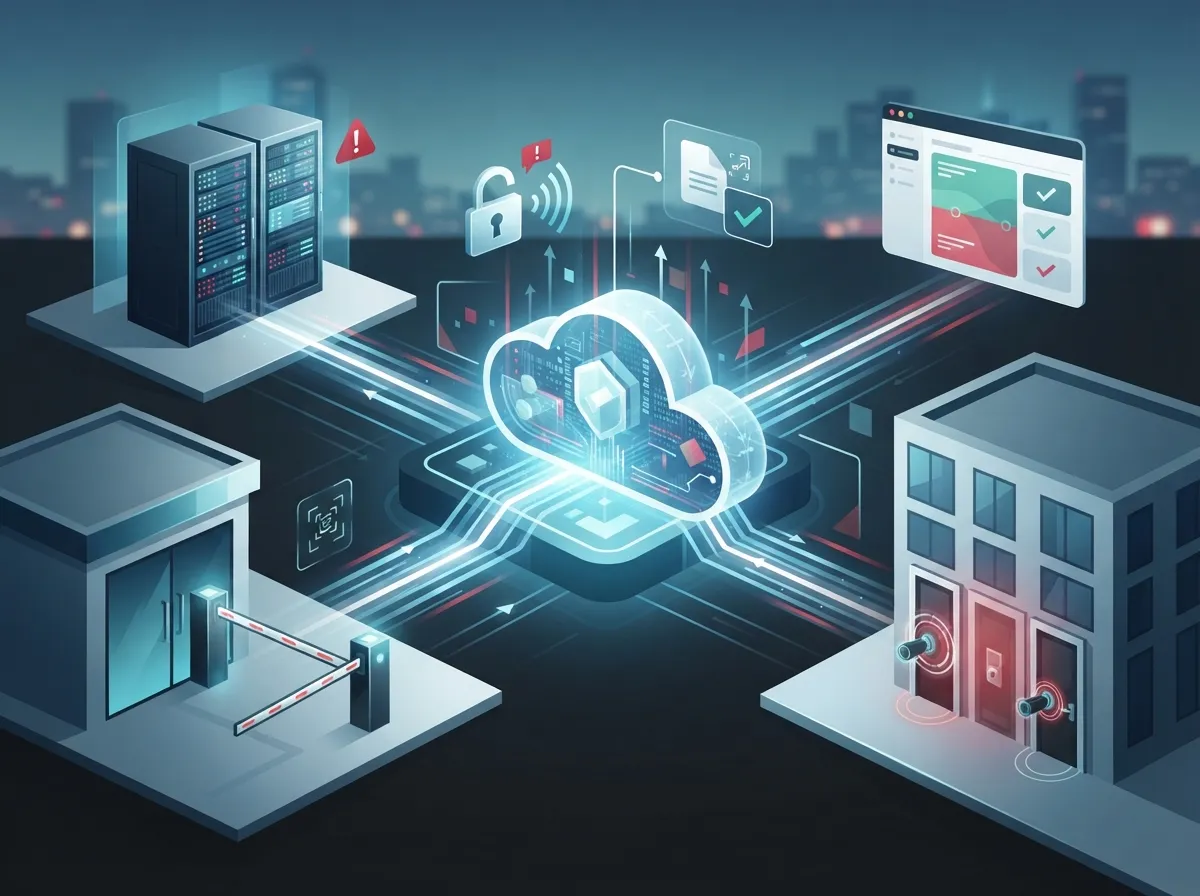
What Cloud Access Control Logistics Really Means for Your Business
At its core, cloud access control logistics is about answering one question over and over: who should be allowed to access what, and under which conditions? This applies to your VoIP phone system, your network across multiple locations, your cloud security cameras, and your building entry systems.
Think of it like a bouncer at a club, except this bouncer checks IDs for humans, laptops, phones, delivery trucks, and even tiny sensors. Every single one of those “guests” needs to be verified before they get in. And once they’re in, they should only get access to the rooms they actually need to be in, not the whole building.
Why This Matters More Than Ever
Businesses today run on a mix of cloud apps, remote teams, warehouses, and mobile field staff. That mix creates a lot of doors, and every door needs a lock and a key that actually works. Here are a few reasons this topic deserves your attention:
- Remote and hybrid work means employees connect from home, coffee shops, and job sites
- Warehouses and fleets rely on scanners, tablets, and vehicle systems that all need secure access
- Third-party carriers and vendors often need temporary access to your systems
- Cloud phone systems and security cameras store sensitive data that needs protecting
- Compliance rules are getting stricter across many industries
The Zero Trust Approach: Trust No One (Really)
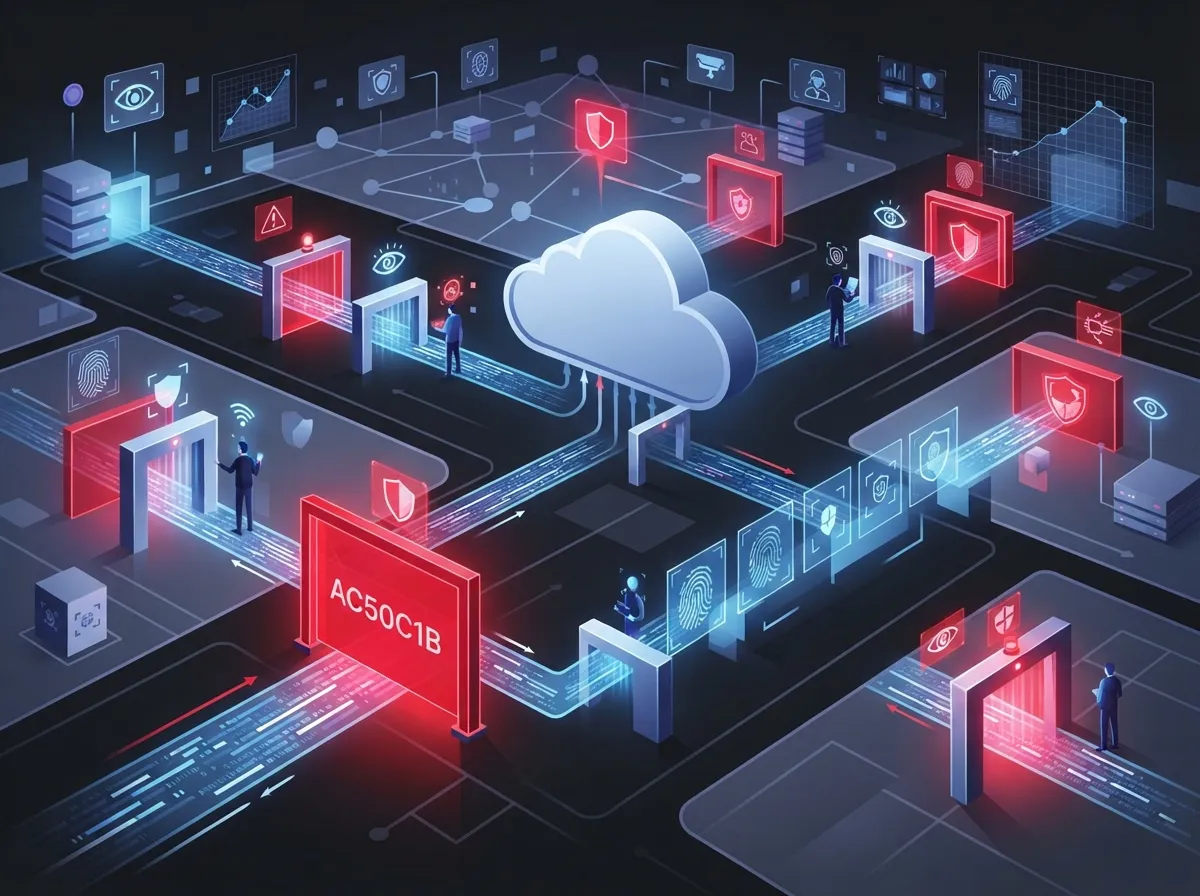
The National Institute of Standards and Technology, known as NIST, published guidance in 2020 that changed how businesses think about security. It’s called Zero Trust Architecture, and the idea is simple: don’t trust anyone or anything just because they’re already inside your network. Every request for access gets checked, every time.
NIST expanded on this in September 2023 with a publication focused specifically on cloud-based applications spread across multiple locations. This is exactly the kind of environment many growing businesses operate in today: a main office, a few branch locations, and cloud systems tying it all together.
How Zero Trust Works in Everyday Terms
Instead of assuming someone is trustworthy because they’re on the office Wi-Fi, zero trust checks these things every single time:
- Who is this person or device, exactly?
- Is this the right time and place for this request?
- Does this device meet our security standards?
- Does this person actually need access to this specific resource?
- Should this access expire after a short time?
This might sound like a lot of extra steps, but most of it happens automatically in the background. Your team barely notices it, but hackers definitely do.
Key Building Blocks of Cloud Access Control Logistics
You don’t need to become a security expert overnight. But it helps to understand the main pieces that make this system work. Here’s a breakdown of what a solid setup usually includes:
| Component | What It Does | Why It Matters |
|---|---|---|
| Identity and Access Management | Confirms who someone is before granting access | Stops unauthorized logins before they start |
| Multi-Factor Authentication | Requires a second proof of identity, like a phone code | Blocks most stolen-password attacks |
| Role-Based Access | Limits access based on job duties | Keeps a driver out of your finance system |
| Device Checks | Verifies a device meets security standards | Prevents infected devices from connecting |
| Centralized Monitoring | Tracks all access activity in one place | Makes it easy to spot suspicious behavior |
Human Users Versus Non-Human Identities
Here’s something people often forget: it’s not just your employees who need access controls. Your systems also need to manage “non-human” users, and there are more of them than you might think:
- Warehouse scanners and barcode readers
- Vehicle telematics devices in delivery trucks
- Security cameras and sensors
- Software services that talk to each other automatically
- APIs connecting different business applications
Every one of these needs its own set of rules. A scanner shouldn’t have the same access as your office manager, and a security camera shouldn’t be able to reach your accounting software.
Setting Up Access Rules That Match Real Job Roles
One of the smartest things you can do is match access permissions to actual job functions. This sounds obvious, but a lot of businesses skip this step and just give everyone broad access “to keep things simple.” That approach backfires more often than not.
Here’s how role-based access might look in a typical logistics-driven business:
- A warehouse supervisor gets access to inventory systems and scheduling tools
- A delivery driver gets access to route planning and delivery confirmation apps only
- An office manager gets access to phone systems, email, and scheduling software
- A telecom administrator gets access to manage network settings and phone system configurations
- A third-party carrier gets limited, time-boxed access to specific shipment data only
This kind of setup, sometimes called role-based access control, works well for many businesses. Larger or more complex operations sometimes prefer attribute-based access control instead, which adds more flexibility by considering factors like location, time of day, and device type.
Role-Based Versus Attribute-Based Access: A Quick Comparison
| Feature | Role-Based Access Control | Attribute-Based Access Control |
|---|---|---|
| Basis for Access | Job title or role | Multiple factors like role, location, time, device |
| Best For | Smaller teams with clear job roles | Larger, more complex operations |
| Flexibility | Moderate | High |
| Setup Complexity | Simpler to configure | More involved to configure |
How Telecom Providers Support Secure Cloud Access
This is where a trusted telecom partner really earns their keep. Managing cloud access control across multiple warehouses, branch offices, and remote workers isn’t something most businesses want to figure out alone. Here’s how the right support makes a real difference:
- Secure SD-WAN connectivity that links locations without exposing your network
- Managed firewalls that filter out unwanted traffic before it reaches your systems
- Secure remote access tools for employees working outside the office
- Identity system integration so access rules stay consistent everywhere
- Endpoint security to protect laptops, tablets, and mobile devices
- Centralized monitoring and incident response when something looks off
At Ideal Solutions Provider, we’ve spent more than 24 years helping Tampa businesses and companies nationwide connect their phone systems, networks, and security tools the right way. We work with over 35 vetted suppliers, so we’re not locked into pushing one product that may not fit your actual needs. If you’re not sure whether your current setup protects your business the way it should, our team is happy to take a look.
Common Risks in Supply Chain and Logistics Networks
Let’s be honest for a second: things can go wrong when access controls aren’t managed well. Here are some of the biggest risks businesses face:
- Former employees or contractors who still have active login credentials
- Shared passwords used across multiple warehouse or fleet devices
- Third-party vendors with more access than they actually need
- Unsecured connections between IoT devices and cloud platforms
- Lack of monitoring, so suspicious activity goes unnoticed for weeks or months
- A clear process for adding, changing, and removing access when employees join, move roles, or leave
- Regular reviews of who has access to what
- Special controls for employees with elevated system privileges
- Routine password and credential updates
- Documented backup plans for emergency access situations
- Take inventory of every system, device, and application that requires access
- Map out who (and what) currently has access to each of those systems
- Remove any access that’s no longer needed or justified
- Set up multi-factor authentication across all critical systems
- Apply role-based or attribute-based access policies based on actual job duties
- Enable centralized monitoring so you can see access activity in one dashboard
- Schedule regular reviews, at least quarterly, to catch anything that’s changed
- Document your emergency access process in case something urgent comes up
- Keep detailed audit trails of who accessed what, and when
- Test your access policies periodically to make sure they still work as intended
- Rotate credentials regularly, especially for accounts with elevated privileges
- Set up alerts for unusual access patterns, like a login from an unexpected location
Poorly managed access can expose sensitive shipment data, customer records, and even the tools used to manage your telecom network. On the flip side, access controls that are too strict can slow down your warehouse team or stop a driver from completing a delivery. It’s a balancing act, and getting it right takes some planning.
Building Strong Governance Habits
Good governance isn’t a one-time project. It’s an ongoing habit, kind of like locking your front door every night. Here’s what solid governance usually includes:
Multi-Cloud and Hybrid Environments: Keeping Policies Consistent
Many businesses today use a mix of on-site systems, private cloud tools, and public cloud applications. NIST’s 2023 guidance specifically addresses this kind of setup, recognizing that modern applications often span multiple locations and multiple cloud providers at once.
The goal is consistency. Your access rules shouldn’t change depending on which cloud platform someone happens to be using. NIST recommends applying both network-level and identity-level policies together, which gives you two layers of protection instead of relying on just one.
This matters a lot for businesses managing dedicated fiber internet connections across several sites, or those running SD-WAN solutions to connect warehouses, branch offices, and headquarters. If your policies are inconsistent, you’re leaving gaps that someone could slip through.
Steps to Strengthen Your Cloud Access Control Setup
Ready to take action? Here’s a simple sequence you can follow to improve your cloud access control logistics:
This process doesn’t need to happen overnight. Even tackling one or two steps this month puts you ahead of many businesses that haven’t started at all.
Compliance, Monitoring, and Staying Audit-Ready
Depending on your industry, you may face specific compliance requirements around data access and security. Healthcare, financial services, and government contractors often have stricter rules than other industries. But even if you’re not bound by strict regulations, good monitoring habits protect you anyway.
A few practices worth adopting:
NIST guidance is clear on one point: network location should never be treated as proof that someone can be trusted. Whether a login request comes from inside your building or from across the country, it deserves the same level of scrutiny.
Bringing It All Together
Cloud access control logistics might sound like a mouthful, but it really just comes down to one thing: making sure the right people and devices get into the right systems, at the right time, and nothing more. Whether you’re running a single Tampa office or coordinating warehouses and delivery routes across the country, these principles apply the same way.
Getting this right protects your business from costly security incidents while keeping your team productive. It also gives you peace of mind, and honestly, who couldn’t use a little more of that these days? If you’re curious how cloud-based access control could work for your specific setup, or you want a second opinion on your current network setup, we’d genuinely love to help.
You can also connect with us on Facebook, follow along on Instagram, or check out helpful videos on our YouTube channel to see how these systems work in real businesses like yours. And if you’re relying on solid structured cabling or working with your Internet Service Provider to build a stronger network foundation, that groundwork makes cloud access control even more effective.
Ready to see how your current setup measures up? Reach out to our team for a friendly, no-pressure consultation, or simply give us a call to talk through your options. We’re here, we’re local, and we genuinely want to help your business stay safe and connected.
FAQs
Q: What does cloud access control mean for logistics and telecom companies?
A: It simply means controlling who and what can access your cloud-based phone systems, networks, and data, no matter where they are. This includes employees, drivers, warehouse devices, and even outside vendors. The goal is making sure everyone gets exactly the access they need, and nothing more.
Q: How does zero trust improve cloud access control in logistics operations?
A: Zero trust means nobody gets automatic access just because they’re on your network already. Every request gets checked based on identity, device, and context, which really cuts down on the damage a stolen password can cause. It’s become the gold standard recommended by NIST since 2020.
Q: What access controls are needed for warehouse, fleet, and delivery systems?
A: You’ll want role-based access so warehouse staff, drivers, and administrators only see what they actually need. Add multi-factor authentication, device checks, and centralized monitoring on top of that, and you’ve got a solid foundation. Scanners and vehicle telematics need their own access rules too, separate from human users.
Q: How can telecom providers secure cloud access across multiple warehouses and branch locations?
A: A good telecom partner sets up secure SD-WAN connections, managed firewalls, and consistent identity policies across every location. This keeps your access rules the same whether someone connects from headquarters or a warehouse three states away. It’s honestly one of the most valuable things a partner like Ideal Solutions Provider can help set up.
Q: What’s the difference between role-based and attribute-based access control?
A: Role-based access simply looks at someone’s job title to decide what they can access, which works great for smaller teams. Attribute-based access considers extra factors like location, device, and time of day, giving you more flexibility for complex operations. Many growing businesses start with role-based and move toward attribute-based as they scale.





