

Key Takeaways
-
SCIM automation eliminates manual account creation and deletion, preventing orphaned accounts that hackers exploit while ensuring new employees get instant access and departing staff lose it immediately.
-
Pair SSO with multi-factor authentication (MFA) and phishing-resistant methods like security keys or passkeys, as phishing-resistant adoption jumped 63% year-over-year and provides critical protection beyond login alone.
-
Implement role-based access control from day one to separate who logs in from what they can do—restrict billing and call-record access to managers, emergency-calling changes to admins, and door unlocks to help desk only.
-
Set up a protected break-glass emergency account that bypasses SSO during identity provider outages, and test this recovery process regularly to prevent lockouts from phone system or door access.
-
Apply Zero Trust thinking by checking identity, device health, and request context at every access attempt, especially for distributed teams across multiple locations or franchise sites.
-
Monitor certificate expirations with calendar reminders and test SSO connections monthly to catch configuration drift before it causes telecom system lockouts or emergency service access failures.
Juggling ten different passwords just to check who badged into your Tampa office this morning? You’re not alone, and honestly, it’s exhausting. Cloud access control SSO integration solves this headache by letting your team sign in once and securely reach everything they need, from door access dashboards to your VoIP phone system. If you’re tired of password resets eating up your help desk’s time, you’re in the right place.
This friendly guide walks through 14 practical tips for connecting your cloud access control with single sign-on (SSO). We’ll keep things simple, skip the confusing tech jargon, and focus on what actually matters for your business. Whether you’re a small Tampa shop or a multi-location franchise, these tips apply to you.

1. Understand What Cloud Access Control SSO Integration Actually Means
Cloud access control SSO integration connects your company’s identity system (like Microsoft Entra ID or Okta) with your cloud telecom tools. This includes your cloud based access control system, VoIP admin portals, and networking dashboards. Instead of separate logins for each tool, your team signs in once through a central directory.
This setup follows the same idea described by the National Institute of Standards and Technology (NIST), which explains SSO as a gateway linking identity stores to applications. It’s a smart, secure shortcut that saves everyone time.
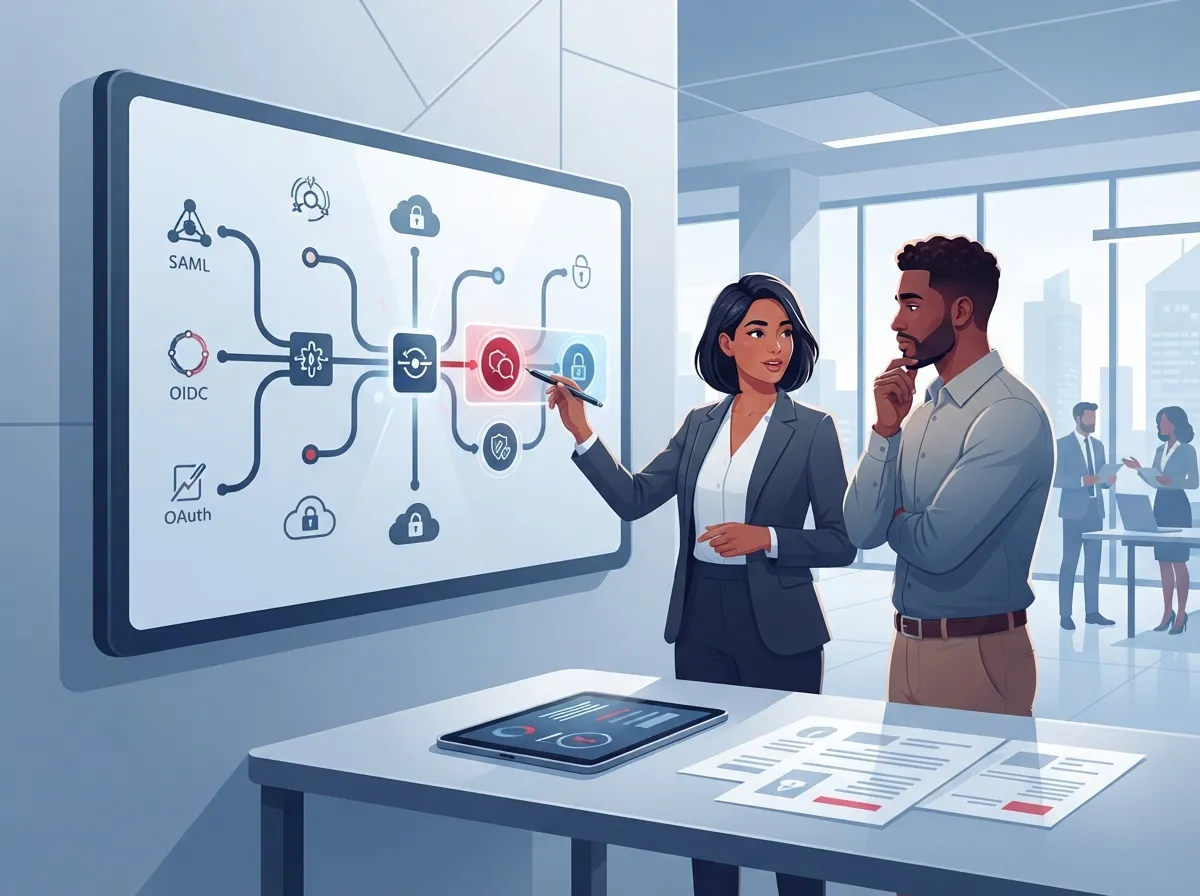
2. Pick the Right Federation Standard for Your Business
Two main technical standards make SSO possible: SAML 2.0 and OpenID Connect (OIDC). Some older systems still use WS-Federation, but that’s becoming less common.
- SAML 2.0 works well with many established enterprise systems and older telecom platforms.
- OpenID Connect is newer and often easier to set up with modern cloud apps.
- WS-Federation may still show up in legacy environments, though it’s fading out.
- Your IT manager or telecom partner can help you pick the standard that fits your existing tools.
There’s no universal “best” choice here. It depends on what your current systems already support.
3. Connect SSO to Your Cloud Access Control and VoIP Platforms Together
The real magic happens when SSO covers your entire communications stack, not just one app. Think about linking your door access system, your cloud-based phone system, contact center tools, and networking dashboards all under one login.
This means your office manager doesn’t need to remember five different passwords. One secure login opens the door (literally and figuratively) to everything they’re approved to use.
4. Build Role-Based Access From Day One
SSO handles who logs in, but role-based access control decides what they can actually do once inside. This distinction matters a lot for telecom and access control systems.
- Give help-desk staff permission to reset extensions or unlock doors remotely.
- Restrict billing, number-porting, and call-record access to approved managers only.
- Limit emergency-calling configuration changes to a small group of trusted admins.
- Review roles every quarter to make sure permissions still match job duties.
This layered approach keeps sensitive settings safe while letting everyday tasks flow smoothly.
5. Add Multi-Factor Authentication Everywhere It Counts
SSO alone isn’t enough. Pairing it with multi-factor authentication (MFA) adds a critical second layer of protection. Okta’s Secure Sign-In Trends Report 2025 found that MFA adoption among its workforce-identity customers reached 70% in January 2025, and tech-sector customers hit an impressive 87%.
Phishing-resistant methods like security keys, passkeys, and biometrics are much stronger than simple text-message codes. In fact, Okta reported that phishing-resistant authentication adoption jumped 63% year over year, from 8.6% to 14.0%. That trend is worth following for anyone managing telecom admin accounts.
6. Automate Onboarding and Offboarding With SCIM
Manually creating and deleting user accounts is a recipe for mistakes. SCIM (System for Cross-domain Identity Management) automates this process by syncing your HR records with your telecom and access control systems.
- New employees get instant access to approved tools on their first day.
- Role changes automatically update permissions across connected systems.
- Departing employees lose access the moment HR marks them as terminated.
- Orphaned accounts (the kind hackers love to exploit) get cleaned up automatically.
This single step closes one of the biggest security gaps businesses face today.
7. Apply Zero Trust Thinking to Every Login
NIST’s Zero Trust Architecture guidance recommends never assuming trust just because someone is on your office Wi-Fi. Instead, every access request should be checked based on identity, device health, and context.
This matters even more for distributed teams working across multiple Tampa Bay locations or nationwide franchise sites. A Zero Trust approach means checking who’s asking, what device they’re using, and whether the request looks normal before granting access.
8. Choose the Right Identity Provider for Your Setup
Your identity provider (IdP) is the backbone of your SSO integration. Here’s a quick comparison of common options businesses use today:
| Identity Provider | Best For | Notable Strength |
|---|---|---|
| Microsoft Entra ID | Businesses already using Microsoft 365 | Deep integration with Office tools |
| Okta | Companies wanting broad app support | Strong MFA and reporting features |
| Google Workspace | Teams using Gmail and Google Docs | Simple setup for smaller teams |
| Active Directory/LDAP | Businesses with legacy on-site systems | Works with older infrastructure |
Talk with your telecom partner about which option pairs best with your current cloud access control and VoIP tools.
9. Document Your Roles, Permissions, and Ownership Clearly
A messy permissions setup causes confusion and security risks. Take time to write down who owns what, especially across tenant separation, admin roles, and audit logging.
- List every role type: end user, help desk, administrator, and super admin.
- Write down what each role can view, edit, or delete.
- Assign clear ownership between your business, your IdP, and your telecom provider.
- Store this documentation somewhere your whole team can access it.
This step feels tedious, but it saves massive headaches later when something goes wrong.
10. Plan for What Happens When Your Identity Provider Goes Down
Here’s a scary thought: what if your identity provider has an outage and nobody can log into the phone system or unlock the office doors? This isn’t hypothetical. It happens.
A smart setup includes a protected “break-glass” account that bypasses normal SSO flow during emergencies. Keep this account locked down tight, monitored closely, and used only when absolutely necessary. Your telecom and IT team should test this recovery process regularly, not just set it and forget it.
11. Watch for Certificate Expirations and Configuration Drift
Federation certificates expire. When they do, and nobody notices, your team can get locked out of managing call queues, routing, or even emergency services access. This is one of the sneakiest problems in telecom SSO setups.
- Set calendar reminders well before certificates expire.
- Test your SSO connection monthly, not just when something breaks.
- Keep a backup contact at your telecom provider who can help troubleshoot quickly.
- Monitor login success rates to catch small issues before they grow.
A little proactive maintenance goes a long way toward avoiding painful outages.
12. Layer in Conditional Access Policies
SSO by itself doesn’t stop every risk. Conditional access policies add smart rules on top, like blocking logins from unusual countries or requiring extra verification from unmanaged devices.
NIST’s guidance on continuous access evaluation supports this idea: access should be checked repeatedly throughout a session, not just at login. This extra layer protects your telecom systems even after someone has already signed in.
13. Track Costs and Efficiency Gains From Your Integration
Businesses often ask whether cloud access control SSO integration is worth the setup effort. The short answer? Usually yes. Here’s a simple breakdown of common benefits:
| Benefit | Impact on Your Business |
|---|---|
| Fewer help-desk tickets | Less time spent resetting forgotten passwords |
| Faster employee onboarding | New hires get access to systems on day one |
| Stronger admin protection | MFA and role limits reduce breach risk |
| Better visibility | Centralized logs across all telecom tools |
These gains add up quickly, especially for growing companies managing multiple locations or a distributed workforce.
14. Partner With an Experienced Telecom and IT Provider
Setting up cloud access control SSO integration touches a lot of moving parts: your phone system, your networking, your access control platform, and your identity provider. Getting it right takes experience.
Ideal Solutions Provider has spent over 24 years helping Tampa businesses and companies nationwide connect their telecom systems the smart way. Working with 35+ vetted suppliers, the team acts as your single point of contact, handling everything from consultation to installation and ongoing support. This means you don’t have to become an SSO expert yourself.
If you’re rolling out new access control systems across multiple locations, or upgrading your VoIP solutions alongside better identity management, having one experienced partner makes the whole process smoother. You can also check out real client stories and setups on YouTube or follow updates on Facebook and Instagram.
Putting It All Together for Your Business
Cloud access control SSO integration isn’t just a technical upgrade. It’s a way to protect your business, save your team time, and make sure the right people have the right access at the right moment. Combined with solid structured cabling and a reliable Internet Service Provider connection, this kind of setup gives your business a strong, secure foundation.
Whether you’re a small business owner tired of password chaos, an IT manager juggling vendors, or a franchise operator scaling across Tampa Bay, these 14 tips give you a clear starting point. Start small, tackle one or two tips this month, and build from there.
Ready to simplify your access control and telecom setup? Reach out to our team for a free consultation or give us a call to talk through your options. We’re here to help make secure, single sign-on access feel simple, not stressful.
FAQs
Q: What is cloud access control SSO integration for business telecom services?
A: It’s a way to connect your identity system, like Microsoft Entra ID or Okta, with your cloud telecom tools such as VoIP portals and access control platforms. This lets your team log in once instead of juggling separate passwords for every tool. It’s a huge time-saver and a security win, all rolled into one.
Q: Should a telecom provider use SAML or OpenID Connect for SSO?
A: It really depends on what systems you already have in place. SAML 2.0 works well with many established enterprise platforms, while OpenID Connect tends to be easier for newer cloud apps. A good telecom partner can help you figure out which one fits your setup best.
Q: How do SCIM provisioning and automated deprovisioning work for cloud phone systems?
A: SCIM automatically syncs your HR records with your telecom systems, so new employees get access right away and departing employees lose it instantly. This removes the manual guesswork and keeps your permissions accurate at all times. It’s one of those behind-the-scenes tools that quietly saves you from a lot of headaches.
Q: How can companies maintain access to telecom systems if the identity provider is unavailable?
A: Smart businesses set up a protected backup account, often called a break-glass account, that bypasses normal SSO during emergencies. This account should be locked down tight and tested regularly so it actually works when you need it. Think of it as your emergency spare key, kept somewhere safe.
Q: What are the security and cost benefits of integrating SSO with cloud telecom services?
A: You’ll see fewer help-desk tickets, faster onboarding for new employees, and stronger protection for admin accounts through MFA. Centralized logging also gives you better visibility across your whole telecom setup. Altogether, these benefits often add up to real time and cost savings for growing businesses.





