
Key Takeaways
-
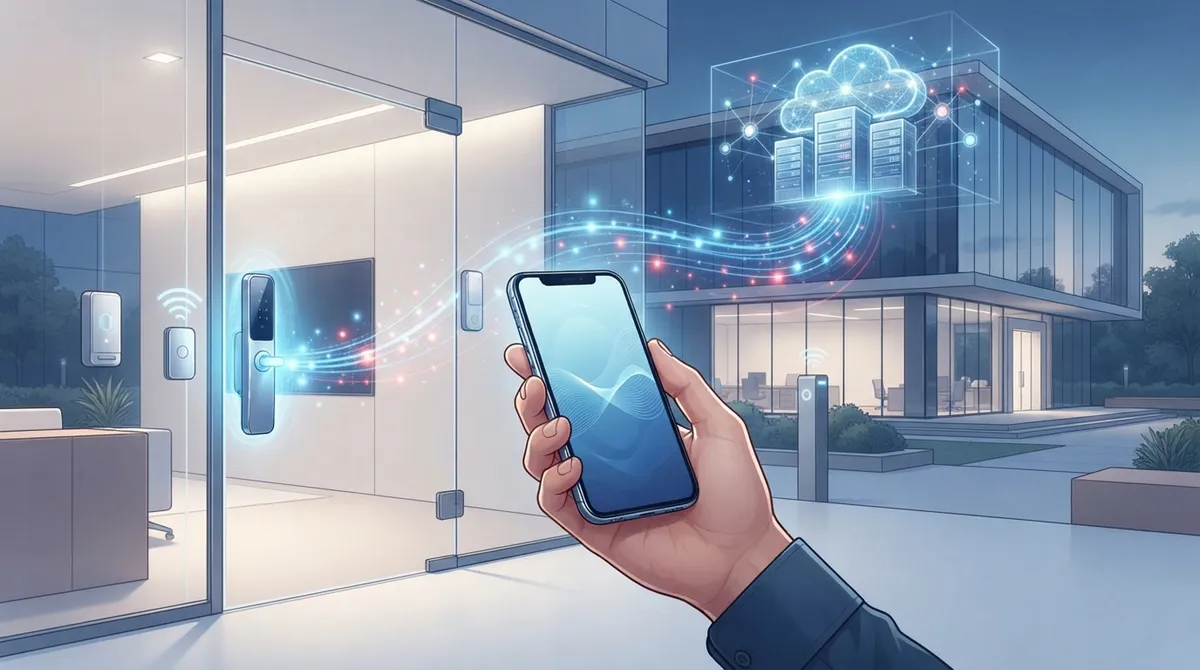
Cloud access control wireless eliminates the need for physical server closets and cable installations, allowing you to manage door access remotely from any device via a browser or app, making it ideal for leased offices and multi-location businesses.
-
Wireless access control requires a solid network foundation including reliable Wi-Fi, stable internet connectivity, proper firewall configuration, and ideally cellular failover; weak network infrastructure will directly undermine system performance.
-
Most quality cloud access control systems operate offline for a period by storing recent credentials locally on locks and gateways, allowing employees to enter during outages with events syncing to the cloud once connectivity returns.
-
Cloud access control supports multiple credential types including mobile credentials via Bluetooth/NFC, traditional RFID cards, PIN codes, and QR codes, reducing replacement costs and providing flexibility for employees, visitors, and contractors.
-
The access-control-as-a-service market is growing at 17.9% annually and is projected to reach $3.06 billion by 2029; per-door subscription pricing makes this technology more affordable for small businesses than traditional on-premises systems.
-
Pairing cloud access control with identity providers like Microsoft Entra ID or Okta enables automatic access provisioning and revocation based on HR data, while integration with video surveillance and alarm systems provides comprehensive security coverage.
Picture this: you’re locked out of your own office because a key card got lost, and now you’re waiting on someone to drive over with a spare. Sound familiar? That’s exactly the kind of headache cloud access control wireless is built to solve. If you’re a Tampa business owner, IT manager, or franchise operator looking for a smarter way to manage doors across one site or fifty, you’re in the right place. Let’s break down what this technology actually is, how it works, and why so many growing companies are making the switch in 2026.
Cloud access control wireless combines wireless locks, readers, and gateways with a cloud-hosted management platform. Instead of running cables to every door and managing a clunky on-site server, you manage everything from a browser or an app. It sounds simple, but there’s a lot happening behind the scenes, especially when it comes to your network, Wi-Fi, and firewall setup. That’s where a telecom partner like Ideal Solutions Provider comes in handy, since good access control depends on good connectivity.
1. What Cloud Access Control Wireless Actually Means
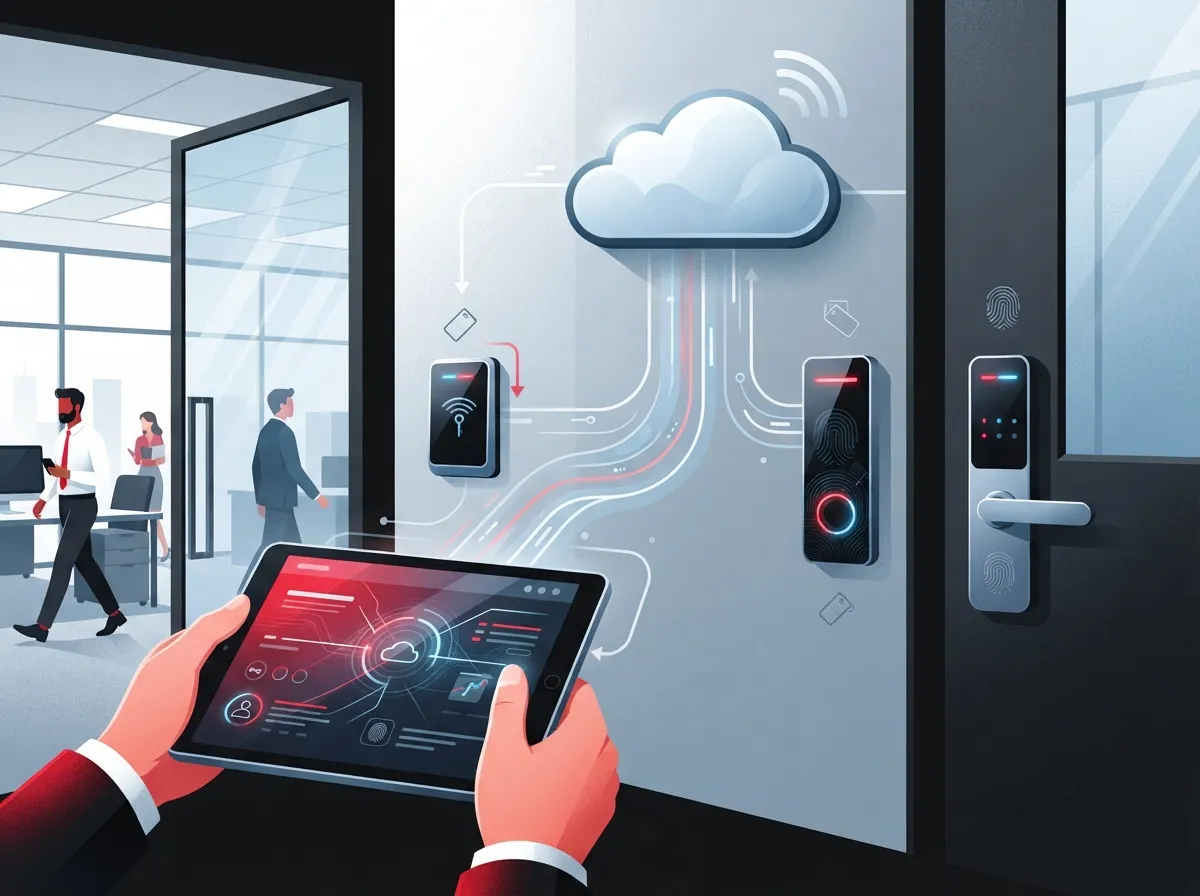
At its core, cloud access control wireless is a way to manage who can enter your building without wires running to every single door. Locks, readers, and small gateway devices talk to each other using Bluetooth, Wi-Fi, cellular, or other wireless signals. Those devices then connect back to a cloud platform where you, or your office manager, control everything.
This is different from older systems where a physical server sat in a closet somewhere, only accessible on-site. With cloud-based systems, you can grant or remove access from your phone while sitting in traffic or on a beach vacation. That flexibility is a big reason businesses are moving away from legacy hardware. You can read more about how cloud-based access control systems help Tampa businesses stay in control no matter where they are.
2. How It’s Different From Traditional On-Premises Systems
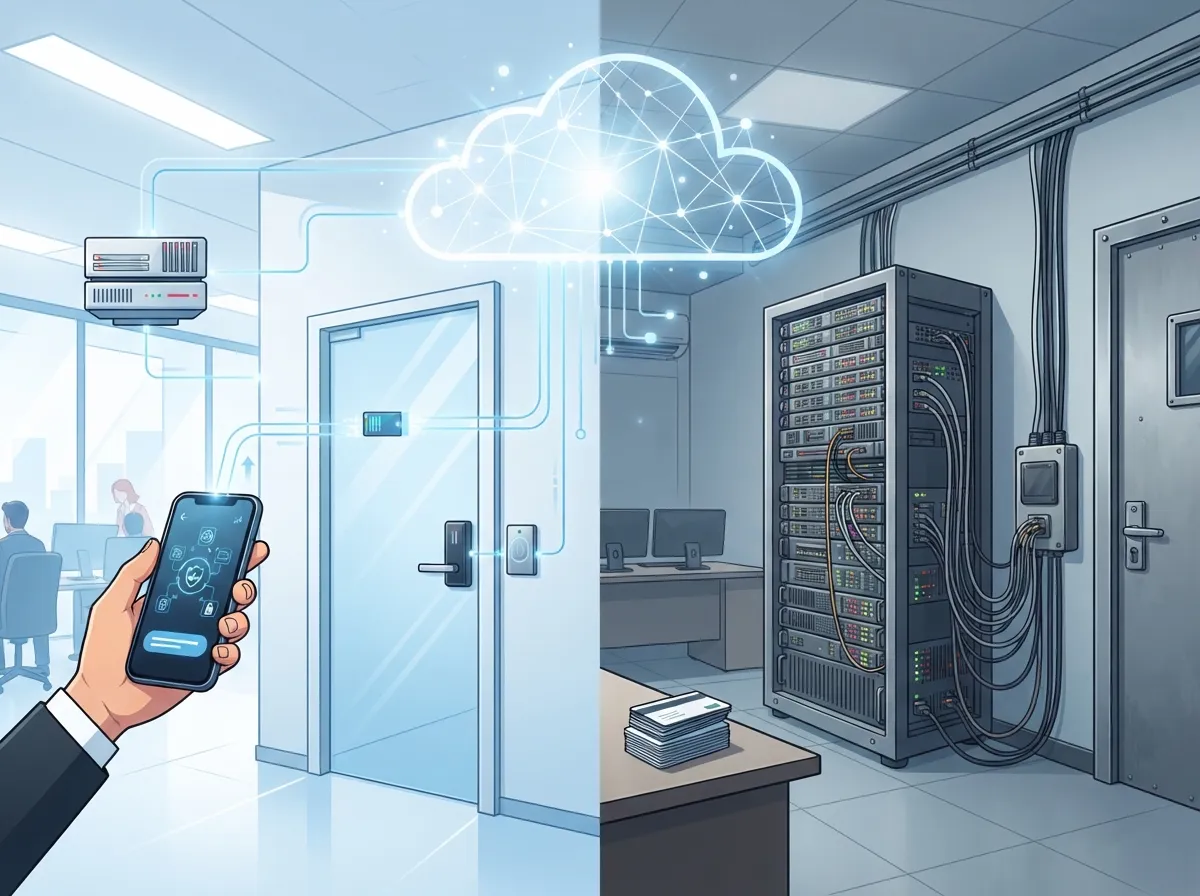
Traditional access control relies on a local server, wired controllers, and often a technician who needs to physically visit to make changes. Cloud access control wireless flips that script. Updates happen instantly and remotely, which is a game-changer for busy office managers.
Here’s a quick side-by-side look at the main differences:
| Feature | Traditional On-Premises | Cloud Access Control Wireless |
|---|---|---|
| Management Location | On-site server only | Anywhere, via browser or app |
| Installation | Heavy cabling required | Minimal cabling, wireless locks |
| Multi-Site Control | Difficult, separate systems | Centralized across all locations |
| Updates | Manual, on-site visits | Automatic, pushed remotely |
| Credential Options | Mostly key cards | Mobile, fob, PIN, QR code |
If you’re weighing this decision for your own office, our guide on cloud vs. on-premise access control walks through the pros and cons in more detail.
3. Why Wireless Locks Are Great for Retrofits and Leased Offices
If you’ve ever tried to run new cabling through a leased office building, you know it can be a nightmare. Landlords say no, walls are hard to open, and the cost adds up fast. Wireless access control skips most of that mess.
Wireless locks and readers typically need only a small amount of local power, often from batteries, so there’s no need to cut into walls or run conduit everywhere. This makes wireless a smart pick for:
- Leased office suites where landlords limit construction work
- Interior doors like conference rooms or supply closets
- Small branch offices without a dedicated IT closet
- Older buildings where wiring is tricky or expensive
- Franchise locations that need quick, repeatable setups
Franchise operators especially love this because it means faster rollouts across new locations. Our piece on scalable access control for multi-location businesses covers this in more depth.
4. The Network Backbone That Makes It All Work
Here’s the part people forget: wireless doesn’t mean network-free. Your locks and readers still need a solid Wi-Fi signal, a stable internet connection, and properly configured firewall rules to reach the cloud platform. If your network is shaky, your access control will be shaky too.
A typical setup includes these building blocks:
- A cloud access-control management platform hosted by the vendor
- Edge gateways that bridge wireless locks to your network
- Reliable Wi-Fi or wired LAN connectivity at each door zone
- Firewall rules and VLANs to keep access-control traffic separate and secure
- A backup internet path, like cellular failover, in case your main connection drops
This is exactly why pairing your access control rollout with a strong enterprise network infrastructure matters so much. IT managers juggling SD-WAN solutions across multiple sites should loop access control into that same network planning conversation.
5. Credential Options: More Choices Than Just Key Cards
Gone are the days of a single plastic key card being your only option. Cloud access control wireless supports several credential types, and you can often mix and match based on who’s walking through the door.
Common credential types include:
- Smartphone credentials using Bluetooth or NFC
- Traditional key fobs and cards using RFID or NFC
- PIN codes for shared spaces or visitors
- QR codes for short-term or one-time guest access
- Integrations with identity providers for automatic employee updates
Mobile credentials are especially popular because they cut down on replacement costs for lost cards. But it’s smart to keep a backup option ready for visitors, contractors, or anyone with an older phone. Our article on mobile vs. traditional access control breaks down which option fits which situation.
6. What Happens When the Internet or Power Goes Out
This is one of the most common questions business owners ask, and it’s a fair one. Nobody wants to be stuck outside their own office during a storm. The good news is most quality wireless access-control systems are built to keep working, at least for a while, even without internet.
Locks typically store recent credential lists locally, so employees can still badge in during a short outage. Events sync back to the cloud once connectivity returns. Still, you should ask your provider these questions before signing anything:
- How long can doors operate offline before credentials go stale?
- Does the gateway have a battery or backup power option?
- Is there a cellular failover if the main internet connection drops?
- How does the system handle event logging during an outage?
- What’s the manual override process in a true emergency?
Reliable connectivity is the real foundation here, which is why pairing your system with dedicated fiber internet or a strong high-speed internet plan matters just as much as the door hardware itself.
7. Security and Zero-Trust Best Practices
Wireless doesn’t automatically mean less secure, but it does mean you need to think about more moving parts. The National Institute of Standards and Technology (NIST) recommends a zero-trust approach to access control, meaning nobody gets trusted just because they’re on your network. Every request should be checked against identity, device, and policy. You can read the full technical guidance in NIST Special Publication 800-207A, published in September 2023.
For everyday businesses, this translates into practical habits like:
- Requiring multifactor authentication for system administrators
- Segmenting access-control traffic on its own network VLAN
- Keeping firmware updated on locks, readers, and gateways
- Setting up tamper alerts and low-battery notifications
- Reviewing audit logs regularly for unusual activity
NIST also published additional zero-trust research covering hybrid and multi-cloud environments, which is worth a look if your IT team wants deeper technical detail.
8. Integrations That Make Your System More Powerful
One of the best parts of cloud access control wireless is how well it plays with other business tools. Instead of managing separate systems for security, HR, and visitor check-in, everything can connect.
Popular integrations include:
- Identity providers like Microsoft Entra ID or Okta for automatic employee updates
- HR software so access is granted and revoked as staff join or leave
- Visitor management tools for guest check-in and temporary badges
- Video surveillance systems for combined event review
- Alarm systems and elevator controls for full-building coverage
Pairing access control with security cameras gives you a fuller picture of who entered a space and when. It’s a natural next step for mid-sized companies expanding their security setup.
9. Understanding Costs and Subscription Models
Cloud access control wireless is usually sold as a subscription, sometimes called access-control-as-a-service. According to ASSA ABLOY’s Wireless Access Control Report 2025, the access-control-as-a-service market is projected to grow from $1.34 billion in 2024 to $3.06 billion by 2029, a 17.9% compound annual growth rate. That same report found 32% of surveyed organizations use third-party management and 22% use a SaaS-type model, though it’s worth checking the sample size before treating those numbers as a universal rule.
When comparing quotes, make sure you understand:
- Whether pricing is per door, per user, per site, or per feature
- Who owns the hardware if you switch providers later
- What support response times are guaranteed
- Who is responsible for batteries and replacement parts
- How data export works if you ever need to leave
Small business owners often assume cloud access control is out of budget, but per-door pricing makes it more approachable than people expect, especially for a handful of entry points.
10. How a Telecom Partner Fits Into the Picture
Access control hardware only works as well as the network behind it. That’s where a Business Telecom Solutions partner becomes essential, not optional. From designing your Wi-Fi coverage to configuring firewalls and setting up cellular backup, the network side of the project is just as important as picking the right lock.
With over 24 years of experience and partnerships with 35+ vetted suppliers, Ideal Solutions Provider helps businesses combine access control with the rest of their communications stack, including cloud phone systems, structured cabling, and managed networking. Instead of juggling five different vendors, you get one point of contact who understands how it all connects.
Here are the steps a good telecom partner typically walks you through:
- Audit your current network and identify weak spots
- Design Wi-Fi coverage and VLANs for access-control devices
- Set up firewall rules and cellular failover for reliability
- Coordinate installation with your access-control vendor
- Provide ongoing monitoring and support after go-live
If your business is growing across Tampa Bay or beyond, this kind of coordinated approach saves time and prevents costly mistakes. You can also follow along with helpful project updates on Facebook, Instagram, or YouTube to see real installs in action.
Bringing It All Together
Cloud access control wireless isn’t just a trendy buzzword. It’s a practical way to manage building security without the hassle of old-school wiring and clunky on-site servers. Whether you’re a small business owner replacing a rusty lock system, an IT manager overseeing multiple branches, or a franchise operator scaling to new cities, this technology grows with you.
The trick is pairing the right hardware with the right network foundation, things like structured cabling, dependable Wi-Fi, and a trustworthy Internet Service Provider connection. Get that part wrong, and even the best locks in the world won’t perform the way you expect.
If you’re ready to explore whether cloud access control wireless makes sense for your business, our team would love to walk you through it. Contact us for a free consultation, or call us today to talk through your specific setup and get honest, no-pressure guidance.
FAQs
Q: What is cloud access control wireless and how does it work?
A: It’s a way to manage building access using wireless locks and readers that connect to a cloud-based platform instead of a local server. You can add users, remove access, and check activity right from your phone or computer, wherever you happen to be.
Q: Can wireless access-control locks work if the internet goes down?
A: Most quality systems store recent credentials locally, so doors keep working for a while even without internet. Once your connection comes back, everything syncs up automatically, so it’s worth asking your provider exactly how long that offline window lasts.
Q: How much does cloud-based wireless access control cost per door?
A: Pricing usually depends on the number of doors, users, or sites, and it’s typically billed as a subscription. It’s more affordable than many business owners expect, especially for smaller offices with just a few entry points.
Q: Is wireless access control secure enough for offices and warehouses?
A: Yes, when set up correctly with strong network segmentation, multifactor authentication for admins, and regular firmware updates. Following a zero-trust approach, like NIST recommends, adds another solid layer of protection.
Q: How can a telecom provider help with a cloud access-control rollout?
A: A telecom partner handles the unglamorous but critical parts, like Wi-Fi design, firewall rules, and backup internet connections, so your locks actually stay online. That way you get one trusted point of contact instead of juggling separate vendors for network and security.





