

Key Takeaways
-
Implement zero-trust authentication for all cloud telecom systems by verifying every login request based on identity, device health, resource sensitivity, and context (location, time, behavior) rather than trusting credentials at face value.
-
Enable multi-factor authentication (MFA) immediately for administrators, remote employees, vendors, and anyone accessing sensitive communications systems, prioritizing phishing-resistant methods like FIDO2 security keys over weaker SMS-based codes.
-
Apply least-privilege access controls by giving users and non-human identities (APIs, SIP devices, scripts) only the minimum permissions required for their specific role, with regular credential rotation and continuous monitoring for unusual activity.
-
Establish centralized identity management through single sign-on (SSO) to manage access across all cloud phone systems, networks, and applications from one location, simplifying audits and reducing password reuse risks.
-
Protect non-human identities in your telecom environment by assigning unique credentials or certificates to SIP devices, softphones, and APIs, with controlled token lifetimes and monitoring for anomalous behavior patterns.
-
Create a documented access control roadmap including inventory of all systems, automated onboarding/offboarding processes, regular credential reviews, and continuous monitoring with alerts for suspicious login patterns or unauthorized changes to critical settings like emergency call routing.
Picture this: your office phone system, your building doors, and your security cameras are all connected to the cloud. Sounds convenient, right? It is! But here’s the catch nobody talks about enough: if the wrong person gets in, they can cause a lot of damage fast. That’s where cloud access control authentication comes in, and honestly, it’s one of the most important things your business can get right in 2026.
Think of it as the friendly bouncer standing at the door of every system you rely on: your hosted phone lines, your SIP trunks, your network dashboards, even your customer records. This bouncer checks IDs, confirms who’s allowed in, and keeps a log of everyone who came and went. For small business owners juggling a dozen priorities, mid-sized companies scaling fast, and IT managers trying to keep everything locked down, understanding this topic isn’t optional anymore. It’s essential.
In this guide, we’ll walk through what cloud access control authentication really means for your telecom systems, why it matters so much, and how you can set it up the smart way. Grab a coffee, and let’s get into it together.
What Is Cloud Access Control Authentication, Really?
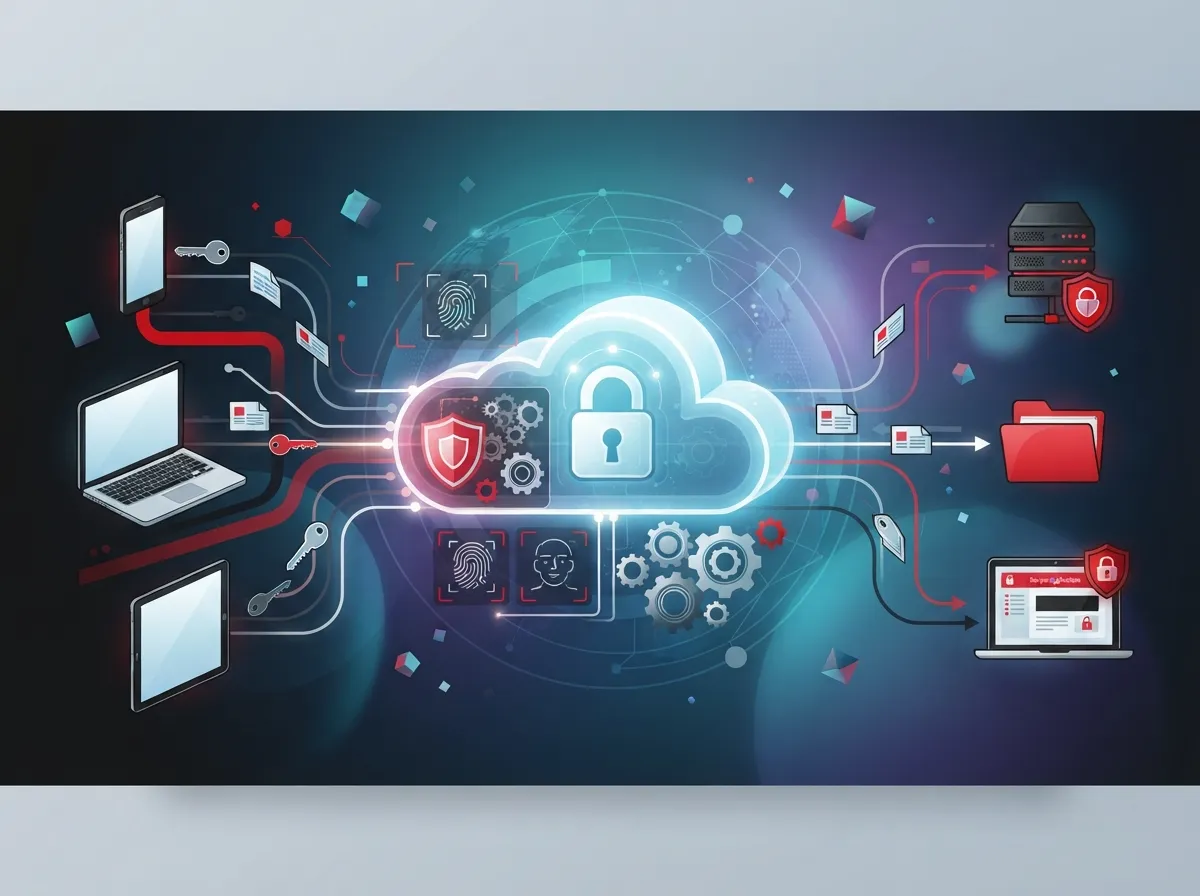
At its core, cloud access control authentication is the process of checking who (or what) is trying to get into your cloud-based systems. It combines identity checks, permission rules, and ongoing monitoring. The goal is simple: only approved people, devices, and apps get access to your business tools.
In the world of business telecom, this covers a lot of ground. We’re talking about your hosted voice and unified communications platforms, SIP trunks, contact-center software, call recordings, messaging apps, video conferencing, network-management portals, and even the routers and session border controllers running behind the scenes.
Here’s a simple way to think about it:
- Authentication asks, “Who are you?”
- Authorization asks, “What are you allowed to do?”
- Monitoring asks, “What did you actually do?”
All three pieces work together. Miss one, and you’ve got a gap someone could slip through.
Why This Matters More Than Ever for Telecom Systems
Cloud phone systems and network tools have made business life easier. But they’ve also created new doors that need locks. If you’ve read about which cloud-based phone system is best for Tampa businesses, you already know how much these platforms handle. Every one of those platforms needs strong access control behind it.
The Zero-Trust Approach: Trust Nothing, Verify Everything
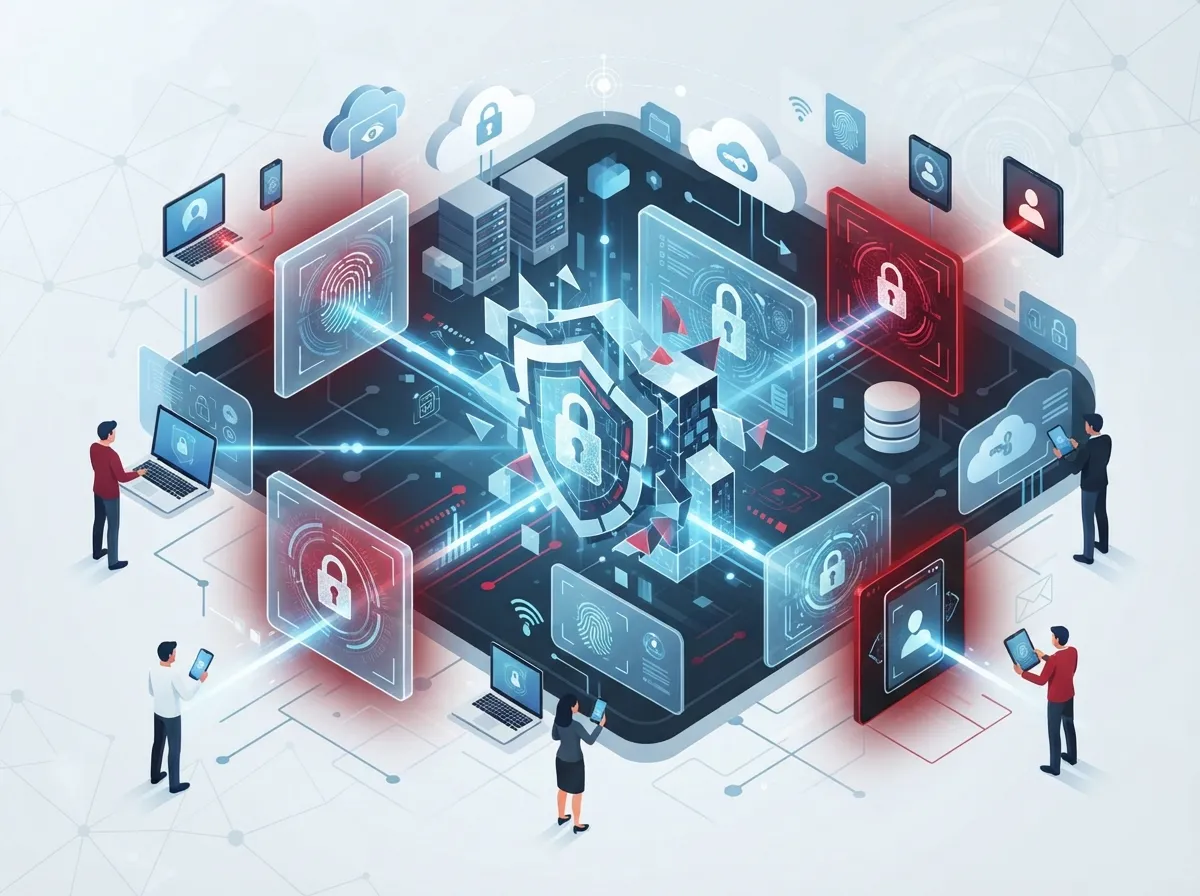
You might have heard the term “zero trust” floating around. It’s not just a buzzword. It’s actually the gold standard recommended by the National Institute of Standards and Technology (NIST). Their guidance, including SP 800-207A published in September 2023, says businesses should never automatically trust a user, device, or service just because it’s on the company network.
Instead, every request gets checked based on:
- Who is asking (identity)
- What device they’re using (device health)
- What resource they want (sensitivity level)
- What context surrounds the request (location, time, behavior)
NIST also released SP 1800-35 in June 2025, which digs even deeper into how businesses can actually put zero trust into practice. It covers authentication, authorization, and access control in real-world settings, not just theory.
For your telecom systems, this means a login from a new country at 3 a.m. should raise a flag, even if the password is correct. That’s the whole point of continuous evaluation instead of a one-time gate check.
How Zero Trust Applies to Your Phone and Network Systems
Let’s bring this down to earth. If your team uses affordable VoIP phone services, zero trust means every softphone login, every admin change, and every API call gets checked. It doesn’t matter if the request came from inside your office or from someone’s kitchen table.
Multi-Factor Authentication: Your First Line of Defense
Passwords alone just don’t cut it anymore. They get guessed, stolen, or reused across too many accounts. That’s why multi-factor authentication (MFA) has become a must-have, not a nice-to-have.
MFA should be turned on for:
- System administrators and IT staff
- Remote and hybrid employees
- Vendor and contractor accounts
- Anyone accessing sensitive communications systems
- Access to call recordings and voicemail archives
Not all MFA is created equal, though. Here’s a quick comparison to help you understand the differences:
| MFA Method | Security Strength | Common Use Case |
|---|---|---|
| SMS Text Codes | Weaker | Basic consumer apps |
| Voice Call Verification | Weaker | Legacy account recovery |
| Authenticator Apps | Moderate | General business logins |
| FIDO2/WebAuthn Security Keys | Strong | Admin and privileged accounts |
| Passkeys | Strong | Modern passwordless logins |
Federal agencies are actually required, under Executive Order 14028 and OMB M-22-09, to use phishing-resistant MFA whenever possible. While this rule doesn’t apply to every private business, it’s a smart benchmark to aim for. If it’s good enough for federal security standards, it’s a solid target for your phone system and network too.
Should You Use Single Sign-On for Your Cloud Communications?
Single sign-on, or SSO, lets your team log into multiple systems with one set of credentials. Instead of juggling ten passwords for ten apps, they log in once and get access to everything they’re approved for.
For businesses running VoIP phone system features alongside CRM tools, contact-center software, and network dashboards, SSO can be a huge time-saver. It also gives your IT team one place to manage access instead of many scattered logins.
The Cybersecurity and Infrastructure Security Agency (CISA) recommends checking whether your SSO setup captures useful context, like location, device type, and behavior patterns. This context helps your system make smarter decisions about when to ask for extra verification.
Benefits of SSO for Telecom and Communications Platforms
- Fewer passwords for employees to remember (and lose)
- Centralized control for IT managers
- Faster onboarding and offboarding for staff
- Easier audits since login activity is tracked in one place
- Reduced risk of password reuse across systems
Protecting Non-Human Identities Too
Here’s something people often forget: it’s not just employees who need authentication. Your telecom environment is full of non-human identities too, like SIP devices, softphones, automation scripts, and APIs.
These need their own protections, including:
- Unique credentials or certificates for each device
- Controlled and limited token lifetimes
- Regular credential rotation
- Narrowly scoped permissions (least privilege)
- Monitoring for unusual activity patterns
NIST SP 800-207A actually recommends using cryptographically verifiable tokens, like JSON Web Tokens, and authenticating credentials at every service hop in cloud environments. This might sound technical, but the idea is simple: check identity at every single step, not just at the front door.
Common Telecom-Specific Risks You Need to Watch For
Business telecom systems face threats that are pretty unique to this industry. If you’ve ever worried about surprise charges on your phone bill, you might already know about some of these.
| Risk | What It Means | How Authentication Helps |
|---|---|---|
| Toll Fraud | Unauthorized international calling charges | Blocks unverified devices from placing calls |
| SIP Credential Theft | Stolen login info used to hijack calls | MFA and certificate-based logins prevent misuse |
| Unauthorized Call Routing | Calls redirected without permission | Role-based access limits who can change routing |
| Voicemail Exposure | Sensitive messages accessed by outsiders | Strong authentication locks down voicemail access |
| Emergency Calling Tampering | 911 settings changed without authorization | Privileged access controls restrict who can edit settings |
These aren’t just hypothetical worries. Businesses that skip proper access control often find out the hard way, usually with a shocking phone bill or a data breach they didn’t see coming.
Building a Practical Access Control Plan Step by Step
Feeling a little overwhelmed? Don’t worry, we’ve got you. Here’s a friendly roadmap to help you build strong cloud access control authentication for your telecom systems.
- Take inventory. List every system, app, and device that needs protection, including your cloud based access control systems for building entry too.
- Set up centralized identity management. Bring all your user accounts under one roof so you’re not managing access in five different places.
- Turn on MFA everywhere it matters. Prioritize admins, remote workers, and vendors first.
- Apply least privilege access. Give people only the access they truly need to do their job, nothing more.
- Automate onboarding and offboarding. When someone joins or leaves, their access should update automatically, not weeks later.
- Monitor continuously. Set up alerts for unusual login times, locations, or behavior.
- Review and rotate credentials. Especially for service accounts, APIs, and network devices.
- Test your MFA infrastructure regularly. CISA recommends patching and testing these systems just like any other software.
This process takes some effort upfront, but it pays off. A well-built system saves you headaches, protects your reputation, and keeps your customers’ trust intact.
Standards and Protocols Worth Knowing
You don’t need to become a tech expert overnight, but it helps to recognize a few key terms when talking with your IT team or telecom partner:
- SAML and OpenID Connect for identity verification
- OAuth 2.0 for secure app access
- FIDO2/WebAuthn for passwordless logins
- SCIM for automated user provisioning
- PKI for certificate-based security
These aren’t just alphabet soup. They’re the building blocks of a modern, cloud-primary authentication setup that CISA actively recommends over older, on-premises-only approaches.
Who Should Be Responsible for Managing Access?
This is a question we hear a lot from office managers and IT teams alike. The honest answer is that it depends on your business size, but here are some general guidelines:
- Small businesses often benefit from working with a managed telecom partner who handles setup and monitoring for them.
- Mid-sized companies usually need a dedicated IT contact who oversees policies and reviews access regularly.
- Franchise operators need centralized control across every location, so no single site becomes a weak link.
- Enterprises typically require a full identity governance program with privileged access management.
No matter your size, having clear ownership over access decisions is critical. Someone needs to be accountable for who gets in and who doesn’t.
How Ideal Solutions Provider Helps Businesses Stay Secure
At Ideal Solutions Provider, we’ve spent over 24 years helping businesses across Tampa Bay and nationwide simplify their telecom and security setups. We work with 35+ vetted suppliers to build access control and communications systems that actually fit your needs, not a one-size-fits-all package.
Whether you need help auditing your current setup, planning structured cabling for a new office, or rolling out cloud-based access control across multiple locations, our team acts as your single point of contact. That means fewer headaches for you and one trusted partner managing the details.
You can also check out our work and updates on Facebook, Instagram, and YouTube to see real examples of how businesses like yours have leveled up their security.
What Good Structured Cabling and Networking Add to the Mix
It’s easy to forget that authentication doesn’t work in a vacuum. Solid structured cabling and reliable network infrastructure form the foundation everything else sits on. If your network hardware is outdated or poorly configured, even the best authentication policy can struggle to do its job.
Working with a reliable Internet Service Provider and a trusted cabling partner ensures your access control systems have the stable connection they need to function properly, day in and day out.
Quick Checklist: Are You Covering the Basics?
Before we wrap up, here’s a handy list you can use to check your current setup:
- Do you know every system that stores sensitive telecom data?
- Is MFA turned on for all admin and remote accounts?
- Are vendor and contractor accounts reviewed regularly?
- Do you have automated processes for removing access when someone leaves?
- Are your SIP devices and APIs using unique, rotated credentials?
- Do you have monitoring in place to catch unusual login behavior?
If you answered “no” or “not sure” to any of these, that’s completely okay. Most businesses have a few gaps. The important part is taking steps to close them.
Wrapping It All Up
Cloud access control authentication might sound technical, but at its heart, it’s about protecting the systems your business relies on every single day. From your phone lines to your building doors, getting this right means fewer surprises, more peace of mind, and a stronger foundation for growth.
You don’t have to figure this all out alone. If you’re ready to review your current setup or want expert guidance building a system that actually works for your team, feel free to get in touch with our team today. Or if you’d rather talk it through directly, you can always call us and we’ll walk you through your options with zero pressure and plenty of friendly advice.
FAQs
Q: What is cloud access control authentication for business telecom systems?
A: It’s the process that checks who or what is trying to access your cloud phone systems, networks, and building access controls. Think of it as a friendly gatekeeper that verifies identity before letting anyone in, keeping your business safe from unwanted visitors.
Q: What is the difference between authentication and authorization in cloud communications?
A: Authentication confirms who someone is, like checking an ID at the door. Authorization decides what that person can actually do once they’re inside, like which rooms they’re allowed to enter. Both work together to keep your systems secure.
Q: How does MFA protect hosted VoIP, SIP, and unified communications platforms?
A: MFA adds an extra layer of proof beyond just a password, like a security key or authenticator app. This makes it much harder for someone to break into your phone system, even if they somehow get a hold of a password.
Q: Should a business use SSO for cloud phone and contact-center applications?
A: Absolutely, especially if your team juggles multiple apps daily. SSO simplifies logins, reduces password fatigue, and gives your IT team one central place to manage access, which saves time and reduces mistakes.
Q: How can businesses prevent SIP credential theft and toll fraud?
A: Strong, unique credentials for every device, regular password rotation, and MFA go a long way. Pairing these with continuous monitoring helps catch suspicious activity before it turns into an expensive surprise on your phone bill.





