

Key Takeaways
-
Cloud access control enables remote management from any device, allowing admins to revoke employee access instantly from their phone, while traditional systems typically require on-site or VPN access to make real-time changes.
-
Cloud deployments take days to weeks versus weeks to months for traditional systems, making cloud ideal for businesses that need faster setup without extended downtime.
-
Multi-site and franchise businesses benefit significantly from cloud's centralized dashboard for managing all locations at once, whereas traditional systems require separate servers at each site creating logistical complexity.
-
Cloud systems remain functional during short internet outages using cached permissions on local door controllers, providing business continuity without constant internet dependency.
-
Security depends on encryption, multifactor authentication, and vendor practices—not deployment location—so cloud isn't automatically safer than traditional systems and requires equal security scrutiny.
-
Hybrid access control models combine cloud's centralized management with local controller reliability, offering a practical middle ground for growing businesses that want remote convenience plus offline door functionality.
Picture this: it’s 7 a.m., and your office manager is stuck outside because the key fob system crashed overnight. Sound familiar? If you’ve ever wrestled with a clunky old door system, you’re not alone. Business owners across Tampa Bay and beyond are asking the same question: should we stick with traditional access control or make the jump to the cloud? Grab a coffee, and let’s talk it through together, friend to friend.
This isn’t just a tech decision. It affects your daily operations, your budget, and how safe your team feels walking into work each morning. We’ll break down cloud access control vs traditional systems in plain language, so you can make a confident choice for your business. And if you ever want a second opinion, the team at Ideal Solutions Provider is always happy to help you weigh your options.
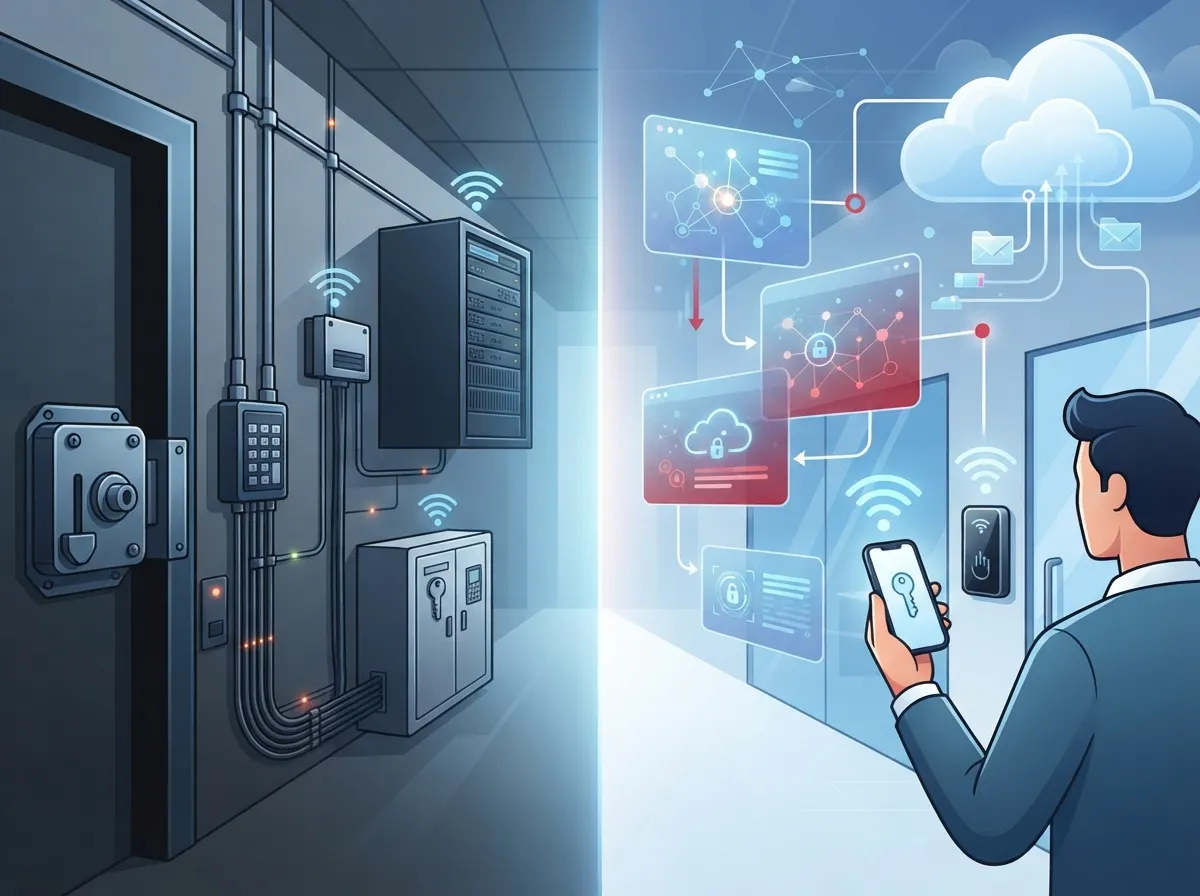
What Do We Mean by Cloud Access Control vs Traditional?
Let’s start simple. Traditional access control means your door system runs on a server sitting in a closet at your office. Your IT person (or you!) manages updates, backups, and troubleshooting locally.
Cloud access control flips that model. A vendor hosts the software, and you manage everything through a web browser or mobile app. The physical door locks and readers stay on-site, but the brains behind the system live online.
Here’s the easy way to remember it:
- Traditional = your server, your building, your responsibility
- Cloud = vendor’s server, your building, shared responsibility
- Both = local door controllers still handle the actual unlocking
- Both = you still need solid structured cabling and network wiring behind the scenes
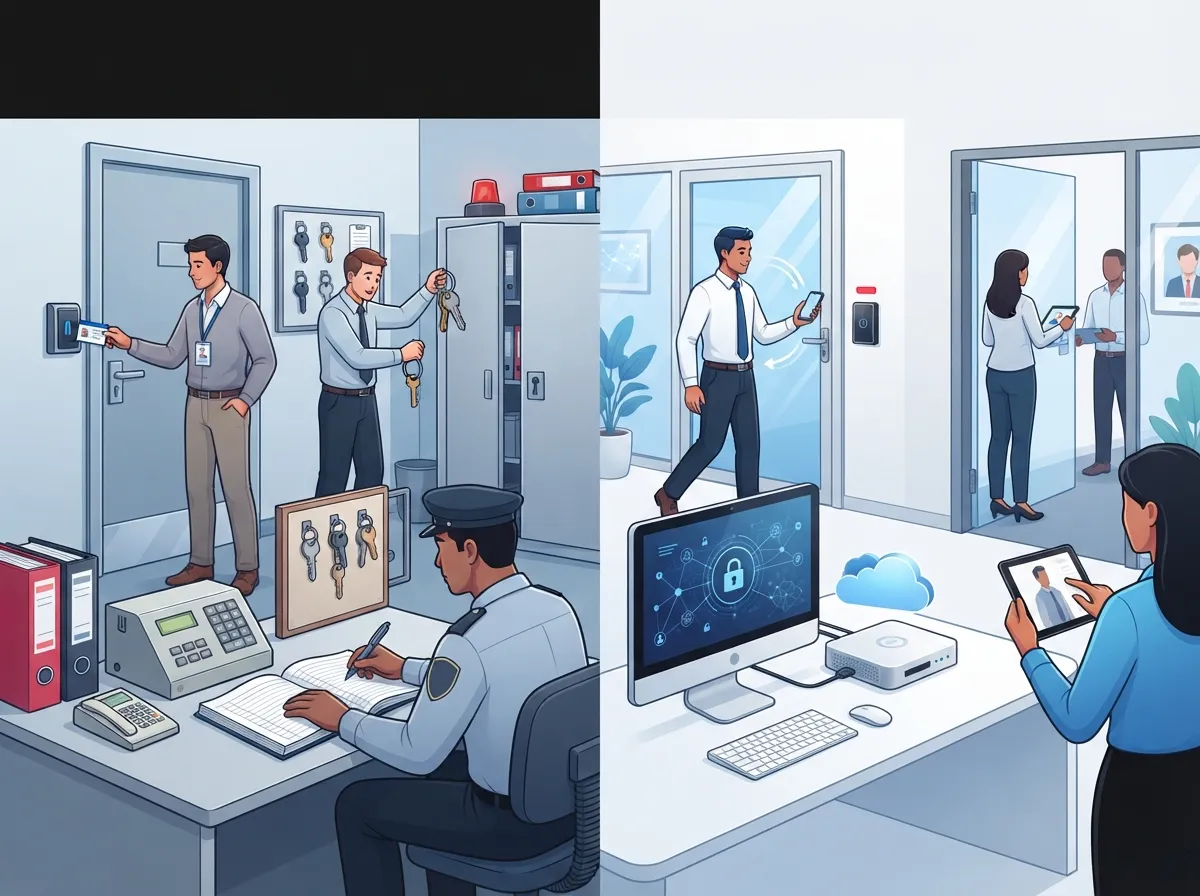
How Each System Actually Works Day to Day
Both systems rely on local door controllers to grant real-time access. The difference shows up in how you manage everything behind the scenes.
With cloud access control, you log into a dashboard from anywhere. Need to revoke an ex-employee’s badge at 9 p.m. on a Saturday? Done, from your phone. Traditional systems usually require you to be on-site or connected through a VPN to make those same changes.
Cloud Access Control in Practice
- Admin logs into a web console or app
- Changes sync to local door controllers
- Controllers keep working even during short internet outages using cached permissions
- Reports and audit logs are stored and viewed online
Traditional Access Control in Practice
- Admin accesses the local server, often on-site
- Server pushes updates to door controllers
- System keeps running fine without internet, since it’s self-contained
- IT team handles backups, patches, and hardware upkeep
Neither approach is “wrong.” They’re just built for different priorities. NIST’s zero-trust guidance, published in Special Publication 800-207A, reminds us that access decisions should always be based on identity and context, not just where the system happens to live.
Cloud vs Traditional: A Side-by-Side Comparison
Sometimes a table makes life so much easier. Here’s how the two stack up on the factors that matter most to business owners.
| Factor | Cloud Access Control | Traditional Access Control |
|---|---|---|
| Upfront Cost | Lower, subscription-based | Higher, capital investment |
| Deployment Time | Days to weeks | Weeks to months |
| Remote Management | Yes, from any device | Limited, often needs VPN |
| Multi-Site Scaling | Easy, centralized console | Harder, site-by-site setup |
| Maintenance Burden | Vendor handles updates | Customer manages patches |
| Offline Operation | Cached access continues briefly | Fully functional without internet |
| Data Location Control | Vendor-hosted | Customer-controlled |
A 2026 industry decision guide backs this up, noting cloud deployments typically take days to weeks, while traditional setups often stretch into months depending on wiring and hardware needs.
Why Small Business Owners Lean Toward Cloud
If you’re running a small Tampa business, you already wear ten hats. You don’t have time to babysit a server closet. Cloud access control takes that burden off your plate.
Here’s what small business owners love most:
- No big upfront hardware purchase eating into cash flow
- Predictable monthly subscription costs, easier to budget
- Simple mobile app for granting or removing access
- Less reliance on in-house IT expertise
- Faster setup, so you’re not closed for weeks during installation
Pairing cloud access control with reliable high-speed internet for business makes the whole system hum along smoothly. Without solid connectivity, even the best cloud platform can feel sluggish.
Why Mid-Sized Enterprises and IT Managers Weigh Both Options
Growing companies and IT managers often have more complex needs. You might have compliance requirements, legacy integrations, or specific data-residency rules that make traditional systems appealing.
That said, cloud access control has matured a lot. According to Security 101’s comparison, many cloud platforms now include hosting, storage, updates, and monitoring bundled into one subscription. That’s a big shift from just a few years ago.
Questions IT Managers Should Ask Before Choosing
- Does the vendor support single sign-on and multifactor authentication?
- How does the platform integrate with Microsoft Entra ID or Active Directory?
- What happens to door access during an internet or power outage?
- Who owns the audit logs, and how long are they retained?
- What’s the vendor’s incident response and breach notification process?
These questions matter because, as NIST points out, cloud hosting alone isn’t a security guarantee. You still need strong identity controls, encryption, and monitoring regardless of where the system lives.
Why Franchise Operators Often Choose Cloud for Multi-Site Control
If you’re managing multiple locations across Tampa Bay or nationwide, traditional access control can turn into a logistical headache. Every site needs its own server, and syncing data between locations gets messy fast.
Cloud access control solves this by letting you manage every door, every site, from one dashboard. Franchise operators can:
- Add new locations without installing separate servers
- Set consistent access policies across all sites
- Instantly revoke credentials for staff who transfer or leave
- View activity reports across the entire franchise network
This kind of scalability pairs well with scalable access control systems for multi-location businesses, which are built specifically for growing franchise footprints.
When Traditional Access Control Still Makes Sense
We won’t pretend cloud is always the answer. Some businesses genuinely benefit from sticking with traditional, on-premises systems.
Consider traditional access control if:
- You have strict data-residency requirements that prohibit off-site hosting
- Your facility has unreliable or no internet access
- You already have mature in-house IT and server management
- You need highly customized integrations with legacy security systems
- Compliance policies require local control of all security data
A 2026 industry guide notes that many on-premises hardware environments have roughly a 7 to 10-year lifecycle, though it’s smart to confirm replacement and firmware policies directly with your vendor.
The Hybrid Approach: Best of Both Worlds
Here’s a little secret: you don’t always have to pick just one. Many businesses today use a hybrid setup. Cloud handles the administration and identity management, while local controllers keep doors working during outages.
This hybrid model gives you:
- Centralized visibility across all locations
- Local door operation even if the cloud connection drops
- Flexibility to add mobile credentials and remote management
- A smoother path to zero-trust security principles
Office managers especially appreciate this approach. You get the convenience of remote management without worrying that a Wi-Fi hiccup will lock everyone out of the building.
Building the Network Foundation for Either System
Whether you choose cloud, traditional, or hybrid access control, none of it works well without a solid network behind it. Reliable internet, proper cabling, and segmented networks for security devices all matter.
A few network essentials to check before installing any access control system:
- Dedicated, segmented network paths for readers and controllers
- Business-grade internet with backup failover options
- Properly installed structured cabling to support current and future devices
- Firewalls and network monitoring to protect connected devices
This is where working with an experienced telecom partner really pays off. Ideal Solutions Provider often finds that businesses trying to DIY their network setup end up with gaps that create security or performance issues down the road.
Security: Debunking the “Cloud Is Automatically Safer” Myth
Here’s something important: cloud does not automatically mean more secure. It’s easy to assume a big vendor’s cloud platform is bulletproof, but security depends on how it’s built and managed, not just where it lives.
Before signing any contract, ask your vendor about:
- Data encryption both in transit and at rest
- Role-based administration to limit who can change settings
- Audit logging for every access event
- Their vulnerability management and patching schedule
- Backup practices and disaster recovery commitments
NIST’s zero-trust framework applies to both cloud and traditional systems equally. The core idea is simple: never trust access just because it comes from inside your network. Always verify identity, device health, and context first.
Making the Right Choice for Your Business
So, cloud access control vs traditional: who wins? Honestly, it depends on your business. Here’s a quick recap to help you decide:
- Choose cloud if you value remote management, fast deployment, and multi-site scaling
- Choose traditional if you need offline reliability, strict data control, or have mature in-house IT
- Choose hybrid if you want centralized cloud management with local backup during outages
- Always evaluate the vendor’s security practices, not just the deployment model
- Make sure your network infrastructure can support whichever system you pick
Whatever direction you lean, it helps to have a knowledgeable partner walk through the details with you. Ideal Solutions Provider has spent over 24 years helping Tampa businesses and companies nationwide compare access control, networking, and telecom options across 35+ vetted suppliers, so you’re never guessing alone.
Wrapping It Up
Choosing between cloud access control vs traditional systems doesn’t have to feel overwhelming. Think about your team’s daily needs, your budget, and how much hands-on control you want over your data. Both paths can lead to a safer, smoother-running business when set up correctly.
Ready to figure out which option fits your business best? Reach out to our team today for a friendly, no-pressure consultation, or give us a call to talk through your specific setup. We’re here to help you feel confident, secure, and in control of your building’s access, one door at a time. You can also follow along with helpful tips on Facebook, Instagram, or YouTube for more telecom and security insights.
FAQs
Q: What is the main difference between cloud-based and traditional access control for businesses?
A: Cloud access control is managed through an online dashboard hosted by a vendor, while traditional systems run on a server you own and manage on-site. Both use local door controllers to actually unlock doors, but the management approach is completely different.
Q: Does cloud access control require internet to unlock doors?
A: Not exactly! Local door controllers can keep working with cached permissions during a short internet outage. You’ll need connectivity to sync new changes or pull reports, but the doors themselves usually keep functioning.
Q: Is cloud access control more secure than an on-premises system?
A: Not automatically, and that’s a common misconception. Security depends on encryption, multifactor authentication, and how the vendor manages updates, not just whether the system is cloud-based or on-premises.
Q: Which access control model works best for multi-site businesses?
A: Cloud access control usually wins here because you can manage every location from one central dashboard. Traditional systems often require separate servers at each site, which gets complicated fast when you’re growing.
Q: When should a business consider a hybrid access control setup?
A: A hybrid approach makes sense if you want centralized cloud management but also need doors to keep working during internet outages. It’s a great middle ground that many growing businesses find gives them the best of both worlds.





