
Key Takeaways
-
Credential abuse was involved in 22% of breaches according to Verizon's 2025 report, making strong unique passwords and multi-factor authentication essential, not optional extras for cloud video systems.
-
Cloud systems are often safer than poorly managed on-premises DVRs because they automatically apply security updates, back up footage off-site, and monitor activity 24/7, reducing reliance on manual maintenance.
-
Network security is equally critical to camera security—cameras should never be exposed directly to the internet and require managed firewalls, segmented networks, and VPN access to be truly secure.
-
Credential stuffing attacks account for 19-25% of login attempts, making multi-factor authentication and unique passwords critical defenses that many businesses still overlook in their cloud video deployments.
-
A shared-responsibility model means providers secure their infrastructure while you're responsible for strong passwords, user permissions, and network security—understanding this division is key to staying protected.
-
Third-party vendor attacks doubled to 30% of breaches, making provider vetting and careful software update practices as important as the camera technology itself when evaluating cloud video security vendors.
If you’re thinking about swapping your old security cameras for a cloud-based system, you probably have one big question on your mind: is cloud video security secure? It’s a fair question, and honestly, a smart one to ask before you invest. The good news is that cloud video security can be very secure, but it depends on how it’s built, set up, and managed. Let’s walk through exactly what that means for your business, so you can feel confident in your decision.
At Ideal Solutions Provider, we’ve spent over 24 years helping Tampa businesses and companies nationwide navigate telecom and security decisions. We’ve seen firsthand what makes a cloud video system trustworthy, and what leaves businesses exposed. This guide breaks it all down in plain language, so you walk away knowing exactly what to look for.
What Does “Secure” Really Mean for Cloud Video Systems?
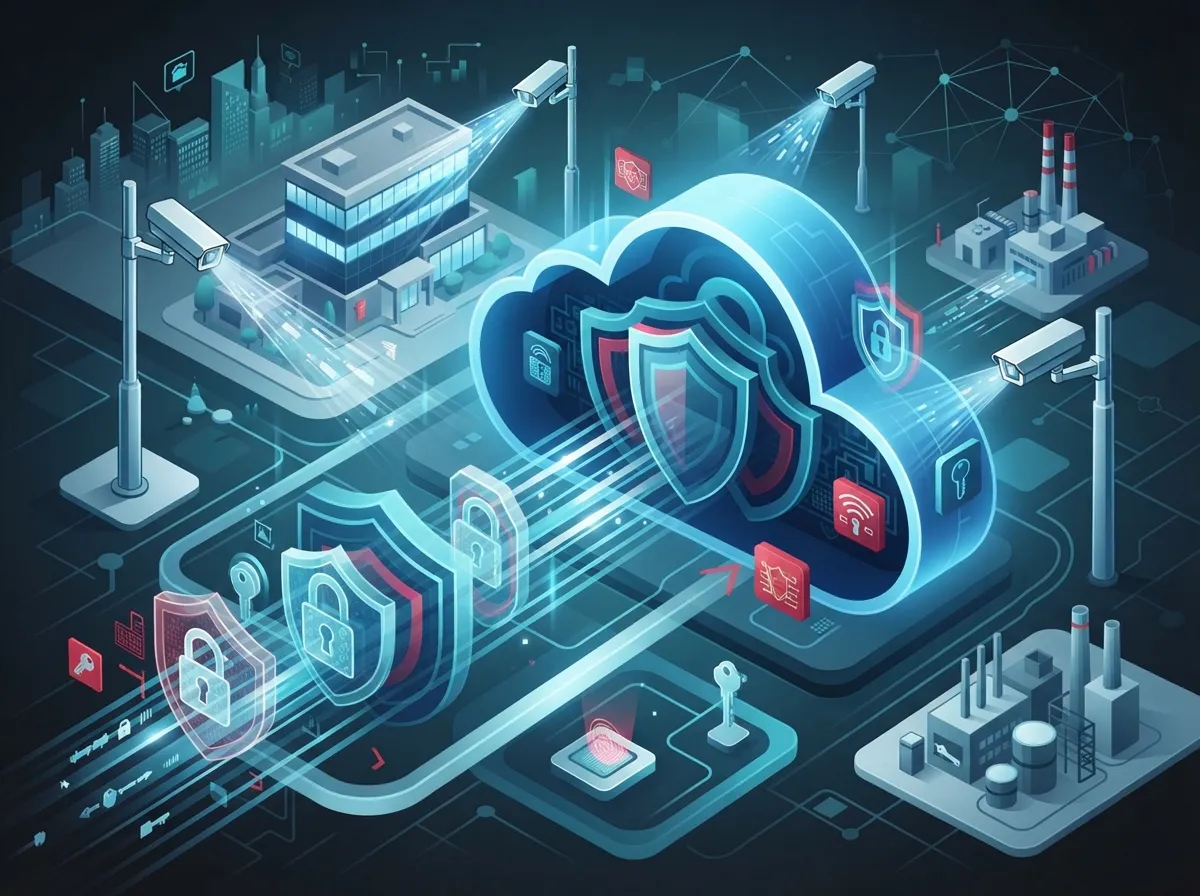
Cloud video security means your camera footage gets stored on remote servers instead of a physical box in your back office. But just saying something is “in the cloud” doesn’t automatically make it safe. Security comes from how the whole system is designed and managed, not from the word “cloud” itself.
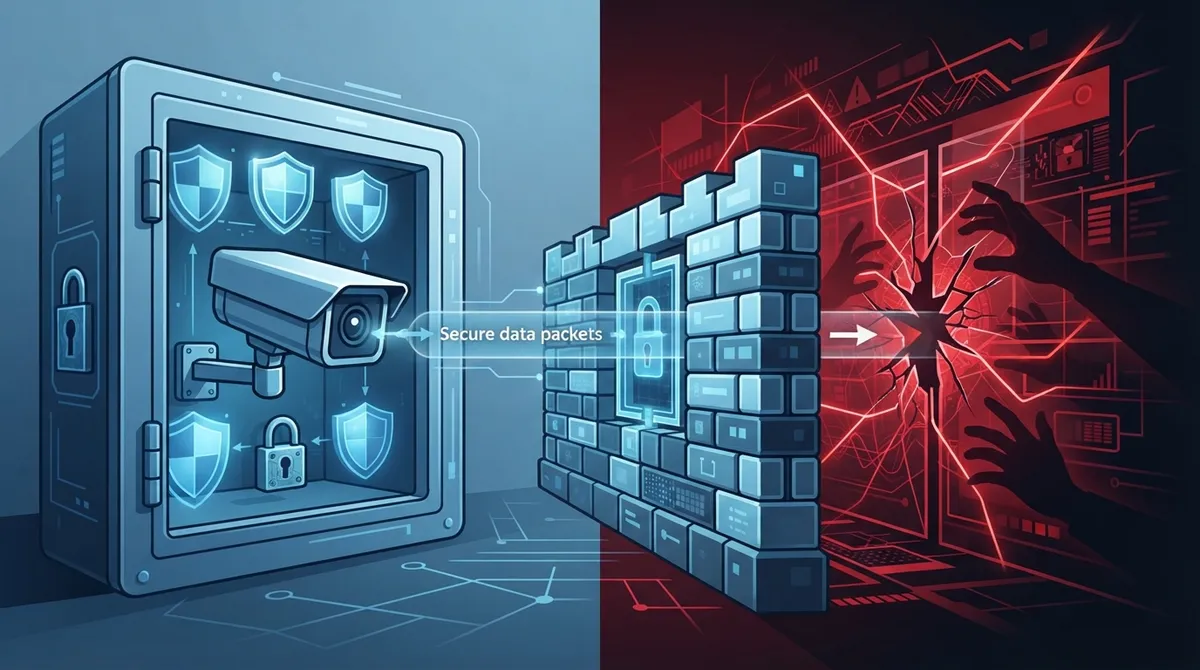
Think of it like a bank vault. The vault itself might be strong, but if someone leaves the door open or hands out spare keys, that strength doesn’t matter much. The same goes for your video security system. It needs strong locks (encryption), careful gatekeepers (access controls), and constant watchfulness (monitoring) to actually work.
Why the Cloud Can Actually Be Safer Than Old-School Systems
Many business owners assume keeping footage on-site is safer. That’s not always true. Cloud platforms often handle patching, backups, and monitoring automatically, tasks that many small businesses simply don’t have time for.
Here’s what cloud systems typically do better than an unmanaged on-site recorder:
- Automatically apply security updates without you lifting a finger
- Back up footage off-site, so a break-in or fire doesn’t destroy your evidence
- Monitor for unusual activity around the clock
- Store data in secure, professionally managed facilities
- Reduce the risk of a single point of failure at your location
A poorly secured on-premises DVR, sitting exposed on your network with a default password, is often far riskier than a well-configured cloud system. To see how these two approaches stack up, check out this breakdown of key differences between cloud video security and DVR systems.
The Real Risks Businesses Need to Watch For
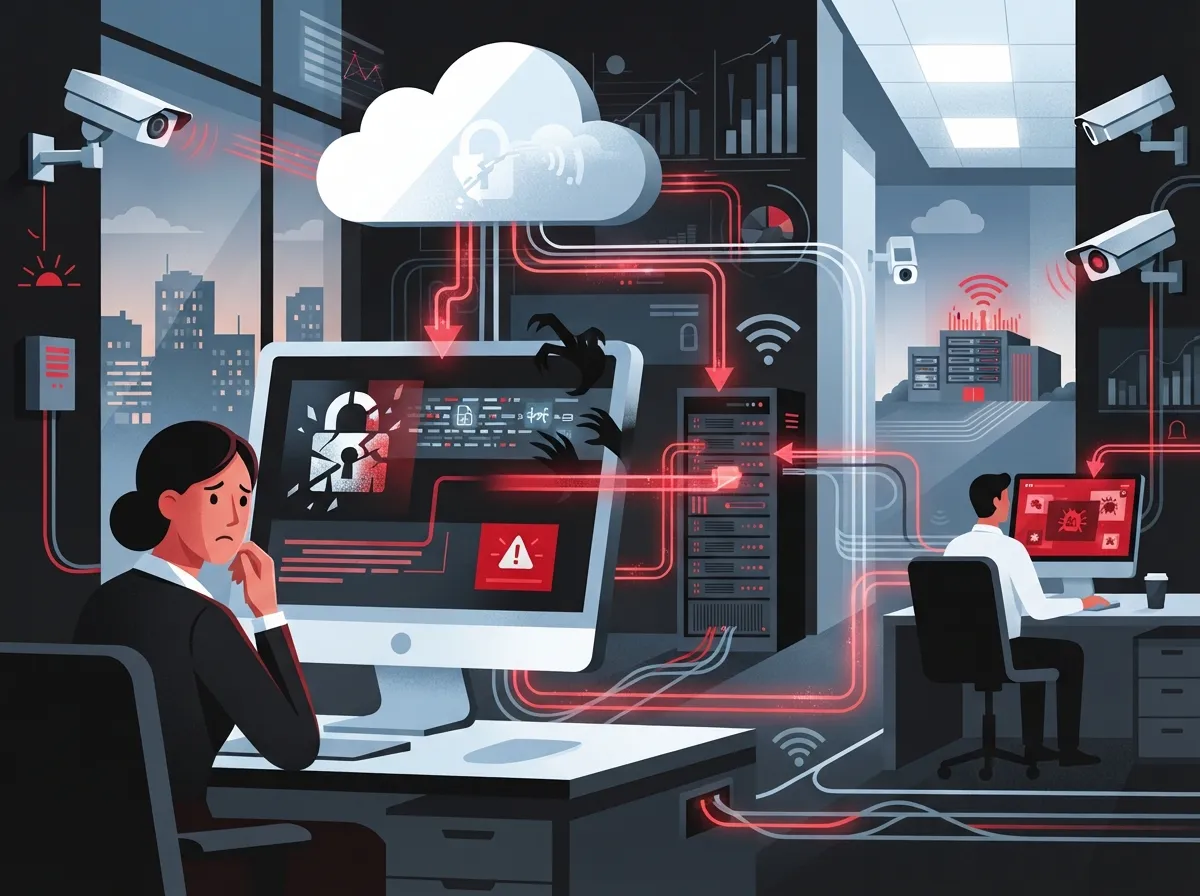
No system is bulletproof, and cloud video security is no exception. According to Verizon’s 2025 Data Breach Investigations Report, which analyzed over 22,000 security incidents, credential abuse was involved in about 22% of breaches. That means weak or stolen passwords are still one of the biggest doors hackers walk through.
Here are the most common risks businesses face with cloud video systems:
- Weak or reused administrator passwords that get guessed or stolen
- Phishing emails that trick employees into handing over login credentials
- Unpatched cameras or gateways with known vulnerabilities
- Too many people having access they don’t actually need
- Cameras exposed directly to the public internet without protection
- Third-party vendors with weak security practices
- Misconfigured cloud storage settings that leave footage exposed
The same Verizon report found that exploiting software vulnerabilities accounted for about 20% of breaches, a jump of 34% from the year before. It also found that attacks involving third-party vendors doubled to 30%. That’s a big reason why choosing the right camera provider and the right network setup matters just as much as the cameras themselves.
Credential Stuffing: A Growing Threat
Verizon’s supplemental research also found that credential stuffing, where hackers use stolen passwords from other breaches to try logging into your accounts, made up a median of 19% of daily login attempts. For larger companies, that number jumped to 25%. This is exactly why strong, unique passwords and multi-factor authentication aren’t optional extras anymore. They’re essential.
The Technical Safeguards That Actually Matter
When you’re evaluating a cloud video security provider, don’t just ask if they’re “secure.” Ask specifically how they protect your data. Here’s what a genuinely secure setup includes:
| Safeguard | What It Does |
|---|---|
| Encryption in transit and at rest | Scrambles footage so it’s unreadable if intercepted or stolen |
| Multi-factor authentication (MFA) | Requires a second verification step beyond just a password |
| Role-based access control | Limits what each employee can view or change |
| Network segmentation | Keeps cameras on a separate network from sensitive business data |
| Audit logs | Tracks who accessed footage and when |
| Signed firmware updates | Verifies updates are legitimate, not malicious |
| Tested backup and recovery | Ensures footage can be restored if something goes wrong |
These aren’t nice-to-haves. They’re the foundation of a trustworthy system. If a provider can’t clearly explain how they handle these, that’s a red flag.
Why Your Network Setup Matters Just as Much as the Cameras
Here’s something a lot of business owners overlook: your cloud cameras are only as secure as the network they run on. This is where telecom expertise really comes into play. Cameras should never be exposed directly to the open internet without protection.
A properly secured deployment typically includes:
- Managed firewalls that filter out suspicious traffic
- Segmented networks that isolate cameras from other business systems
- VPN or zero-trust access for remote viewing
- Ongoing traffic monitoring to catch unusual activity early
- Quality-of-service settings so video traffic doesn’t choke your internet
- Reliable, resilient internet connectivity to avoid outages
This is exactly why pairing your camera system with a solid business network solution matters so much. A camera system installed on a shaky, unsegmented network is a bit like putting a high-tech lock on a door with a broken frame. To learn more about building that kind of foundation, take a look at our guide on enterprise network infrastructure services.
Don’t Forget About Reliable Internet
Cloud cameras need consistent, fast internet to upload footage and stream live video. If your connection is spotty, you might lose important footage or face delays in remote viewing. Businesses serious about video security should also invest in dedicated fiber internet to keep everything running smoothly.
What Happens to Your Footage? Privacy and Compliance Matter Too
Security cameras capture more than just break-ins. They often record employees, customers, license plates, and sometimes even audio. That means your footage could contain sensitive personal information, and you need a plan for handling it responsibly.
Before deploying a cloud video system, businesses should clearly define:
- How long footage will be retained before deletion
- Who has access to view or export footage
- What lawful-monitoring policies apply in your state or industry
- How footage gets deleted once it’s no longer needed
- What privacy laws or regulations apply to your business type
For more detail on how long you should actually keep footage, check out our article on cloud video security footage storage.
Questions to Ask Before Choosing a Cloud Video Security Provider
Not all providers are created equal. Before signing a contract, it’s worth doing some homework. Here’s a simple checklist to guide your conversation:
- Does the provider use independent security certifications or audits?
- What’s their process for handling and disclosing vulnerabilities?
- Will they notify you promptly if a breach happens?
- Where is your data physically stored?
- How do they vet their own subcontractors and partners?
- Can you easily export or permanently delete your footage?
- What does their shared-responsibility model actually cover?
That last point is especially important. Most cloud providers operate on a shared-responsibility model, meaning they secure their infrastructure, but you’re still responsible for things like strong passwords, user permissions, and network security on your end. Understanding where their responsibility ends and yours begins is key to staying protected.
Comparing Cloud Video Security to Traditional Systems
| Factor | Cloud Video Security | Traditional On-Site System |
|---|---|---|
| Software updates | Usually automatic | Manual, often forgotten |
| Footage backup | Off-site, redundant | Local only, vulnerable to theft/damage |
| Remote access | Built-in with proper security | Requires extra setup, often insecure |
| Scalability | Easy to add cameras/locations | Often requires new hardware |
| Upfront cost | Lower, subscription-based | Higher hardware investment |
Steps to Strengthen Your Cloud Video Security Right Now
Whether you already have a system or you’re planning one, here are practical steps you can take today:
- Turn on multi-factor authentication for every user account
- Review who has access and remove anyone who doesn’t need it
- Change default passwords immediately on all devices
- Ask your provider about their patching and update schedule
- Segment your camera network away from other business systems
- Set clear footage retention and deletion policies
- Schedule regular reviews of your access logs
Small steps like these make a massive difference. Remember, Verizon’s research found that only about 54% of known vulnerabilities were fully fixed within a year, with a median remediation time of 32 days. Staying proactive instead of reactive really does pay off.
Why Working With One Trusted Partner Makes a Difference
Juggling separate vendors for your internet, network, and security cameras can create gaps where problems slip through. When your telecom provider and your video security provider aren’t talking to each other, things can get messy fast.
This is where having a single point of contact really shines. Ideal Solutions Provider works with over 35 vetted suppliers to build cloud video security systems that are properly integrated with your network, internet, and overall telecom setup. We handle the audits, the comparisons, and the ongoing support, so you don’t have to become a security expert overnight. If you’re curious how we approach this, take a look at what our best cloud video security provider guide covers in more detail.
We also recommend pairing your video security with cloud-based access control for an even stronger layer of protection. Combining who can enter your building with what your cameras capture gives you a much fuller picture of your business’s safety.
Final Thoughts: Trust, But Verify
So, is cloud video security secure? Yes, when it’s built right, managed carefully, and paired with a solid network foundation. The technology itself has come a long way, and for most businesses, it’s a safer, smarter choice than outdated on-site systems. But security isn’t something you set once and forget. It requires the right partner, the right habits, and ongoing attention.
You can also follow us on Facebook, Instagram, or YouTube for more tips on keeping your business connected and protected. And if you want to dig deeper into how strong structured cabling and a reliable Internet Service Provider relationship support your entire security setup, our team is happy to walk you through it.
Ready to see how secure (and simple) cloud video security can be for your business? Contact us today for a free consultation, or call us to talk through your options with a real person who actually understands telecom and security together.
FAQs
Q: Is cloud video surveillance safer than on-premises security cameras?
A: In many cases, yes! Cloud systems often handle updates, backups, and monitoring automatically, which takes the burden off you. An unmanaged on-site system with default passwords and no backups is usually far riskier than a well-configured cloud setup.
Q: How is cloud security camera footage encrypted?
A: Good cloud providers encrypt footage both while it’s traveling over the internet and while it sits in storage. Think of it like sending a locked box instead of an open envelope, so even if someone intercepts it, they can’t read what’s inside.
Q: Can hackers access cloud-based security cameras?
A: It’s possible if security basics are ignored, like weak passwords or missing multi-factor authentication. That’s exactly why strong access controls and a secure network setup matter so much for keeping your footage private.
Q: Does cloud video security require multi-factor authentication?
A: It’s not always required by every provider, but we strongly recommend it. MFA adds a second layer of protection, so even if a password gets stolen, your account stays locked down.
Q: How can a telecom provider secure cameras and video traffic?
A: A good telecom partner sets up segmented networks, managed firewalls, and secure remote access so your cameras never sit exposed on the open internet. This pairs the physical security of cameras with the digital security of your network.





