
Key Takeaways
-
Cloud video security eliminates the need for local servers and manual backups, freeing your IT team to focus on business operations instead of maintaining hardware.
-
Multi-factor authentication reduces account compromise risk by up to 99% and takes only minutes to set up, protecting your footage and remote access capabilities.
-
Plan for internet outages by implementing local SD card storage, cellular failover, and UPS battery backup so cameras continue recording and syncing footage when connection returns.
-
The global VSaaS market is growing at 15.47% annually and expected to reach $15.64 billion by 2031, indicating cloud video security is becoming the standard for modern offices.
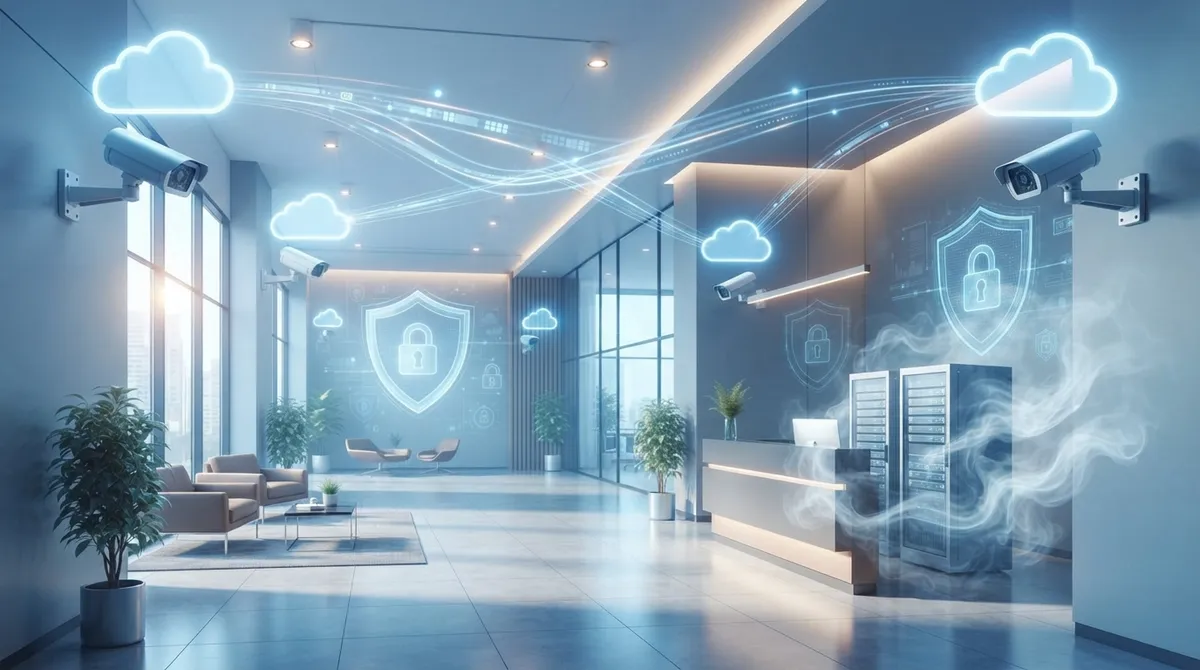
Picture this: you’re grabbing coffee before a big meeting, and your phone buzzes with an alert. Someone just walked into your office lobby after hours. You tap the notification, watch a live video clip, and know exactly what’s happening in seconds. That’s the everyday magic of cloud video security for offices, and honestly, it’s one of the friendliest upgrades a business can make. Whether you run a cozy Tampa startup or manage several branch locations, this technology gives you eyes on your space without the headaches of old-school systems.
In this guide, we’ll walk through nine ways cloud video security makes office life easier, safer, and a whole lot smarter. We’ll cover real numbers, practical tips, and honest advice about what to look for before you buy. By the end, you’ll feel confident chatting with a telecom partner about your next move. Let’s dig in together.
1. Understanding What Cloud Video Security Actually Means
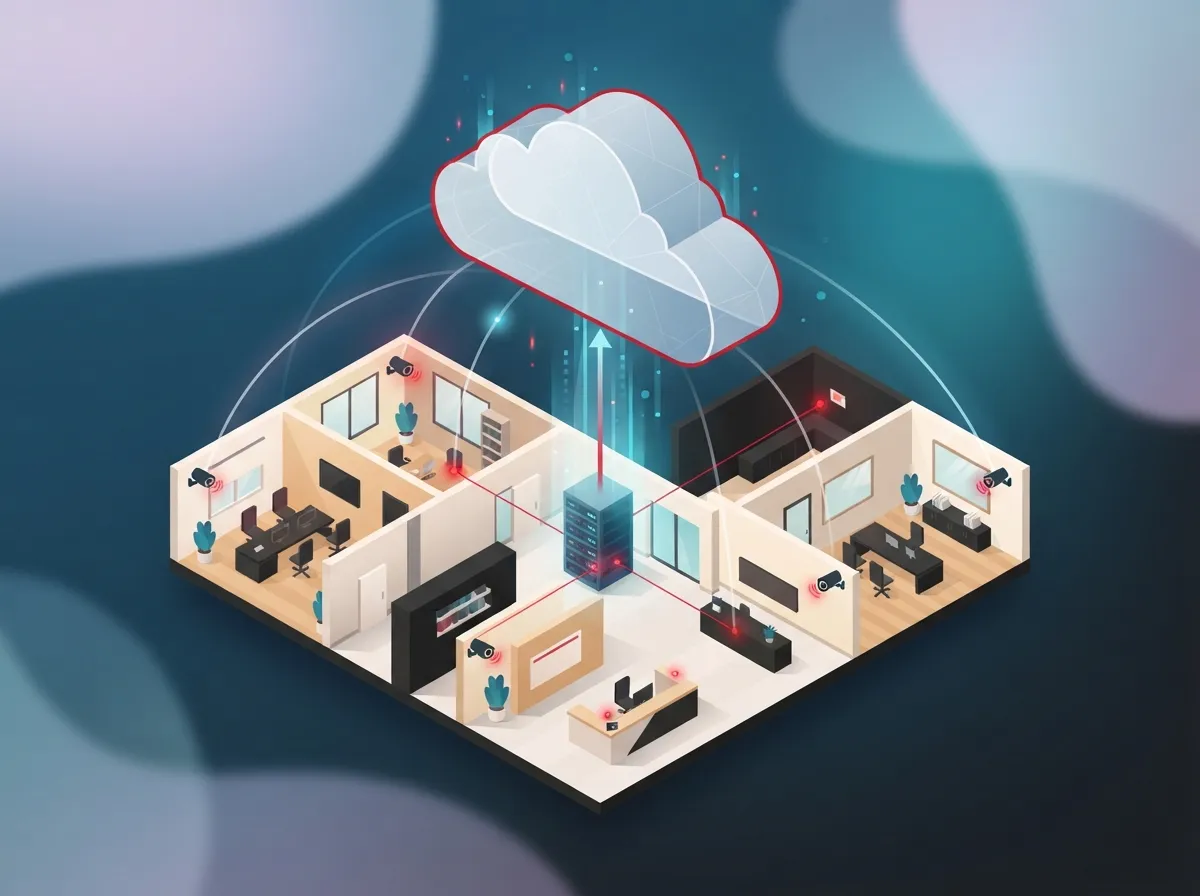
Cloud video security for offices, often called Video Surveillance as a Service (VSaaS), blends IP cameras with internet connectivity, hosted storage, and simple management software. Instead of storing footage on a clunky box in a back closet, everything lives safely online. You log in through a browser or app, and boom, you’re watching your office from anywhere.
This setup is different from traditional CCTV in a big way. Old systems needed local servers, manual backups, and someone physically present to check tapes. Cloud systems hand that busywork to your provider, freeing up your team to focus on running the business instead of babysitting hardware.
2. The Market Is Growing Fast, And Here’s Why That Matters
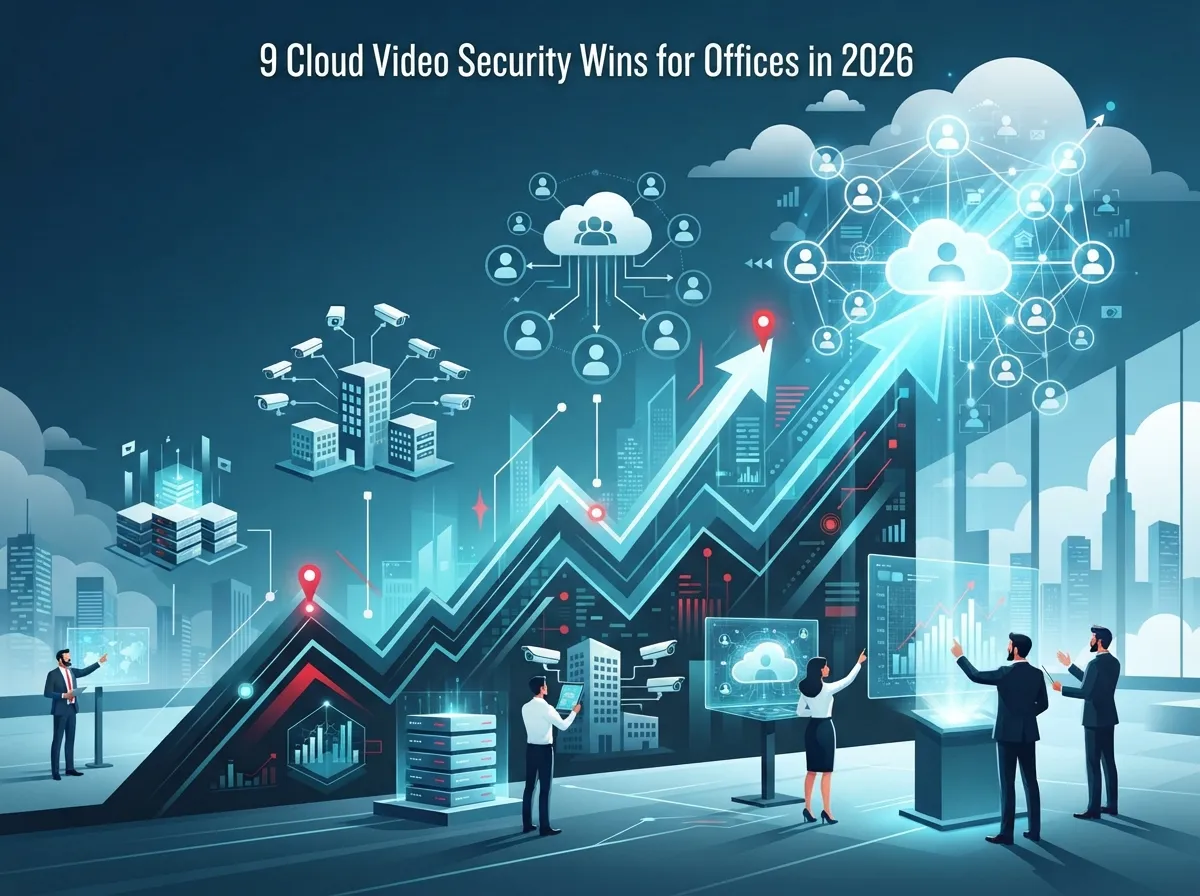
Numbers tell a good story here. Mordor Intelligence estimates the global VSaaS market sat around $6.60 billion in 2025 and expects it to hit $15.64 billion by 2031. That’s a 15.47% growth rate every year, which is no small jump.
North America alone made up about 34.91% of that revenue in 2025, with commercial spaces like offices accounting for roughly 36.62% of total usage. Businesses everywhere are catching on that cloud cameras just make sense. If you’ve been on the fence, you’re definitely not alone, and you’re in good company moving forward.
Quick Snapshot of Market Growth
| Metric | 2025 Figure | Projected Growth |
|---|---|---|
| Global VSaaS Market Size | $6.60 billion | $15.64 billion by 2031 |
| North America Revenue Share | 34.91% | Steady growth expected |
| Commercial Application Share | 36.62% | Rising with office adoption |
| Hosted Deployment Share | 44.95% | Hybrid growing at 16.97% CAGR |
3. Nine Ways Cloud Video Security Helps Your Office
Let’s get practical. Here are nine solid reasons office managers and business owners are making the switch:
- Monitor entrances and lobbies without hiring extra staff.
- Deter theft and break-ins since visible cameras discourage bad behavior.
- Investigate incidents quickly with searchable, timestamped footage.
- Support employee safety by watching parking lots and loading zones.
- Manage multiple locations from one simple dashboard.
- Reduce IT workload because updates happen automatically in the cloud.
- Verify alarms remotely instead of driving to the office at 2 a.m.
- Add cameras easily as your business grows, no new servers needed.
- Integrate with access control for a complete security picture.
If you already have cloud-based access control in place, adding video makes your whole security setup even stronger. The two work together beautifully, giving you both visual proof and entry logs.
4. What to Look For Before You Buy
Not all systems are created equal, and picking the right one takes a little homework. Here’s a friendly checklist to keep handy:
- Camera resolution and how well it performs in low light
- Bandwidth needs so your internet doesn’t slow to a crawl
- Storage retention options that fit your industry’s requirements
- Encryption and multi-factor authentication for account safety
- Role-based access so only the right people see footage
- Compatibility with your existing network and older cameras
One vendor source notes that multi-factor authentication can cut account compromise risk by up to 99%. That’s a huge win for such a simple step. Setting it up takes minutes but protects your footage for years.
Bandwidth Basics You Should Know
Cameras eat up more bandwidth than most people expect, especially with higher resolutions. A busy office with a dozen cameras streaming in HD can strain a weak internet connection fast. This is exactly why pairing cloud video security with solid high-speed internet for business matters so much. Without enough upload speed, your live views may lag or your recordings might drop frames.
A good Internet Service Provider partnership, combined with proper network segmentation, keeps your camera traffic smooth without slowing down your VoIP calls or everyday browsing.
5. Comparing Cloud vs. Traditional CCTV
Let’s put these side by side so the differences feel crystal clear.
| Feature | Cloud Video Security | Traditional CCTV |
|---|---|---|
| Storage | Hosted remotely, scalable | Local server, limited space |
| Remote Access | Yes, via app or browser | Usually no, or very limited |
| Software Updates | Automatic | Manual, often forgotten |
| Multi-Site Management | Centralized dashboard | Separate systems per site |
| Upfront Hardware Cost | Lower | Higher |
| Internet Dependency | High | Low |
Neither option is perfect for every situation, but cloud systems clearly win for businesses juggling multiple offices or wanting easy remote peace of mind.
6. Planning for Internet Outages and Downtime
Here’s a fair question: what happens if your internet goes down? This is a real concern, and smart planning solves it. Many providers offer local buffering or edge storage that saves footage even during an outage, then syncs it once connection returns.
To build a truly resilient setup, consider these steps:
- Use wired Ethernet connections instead of relying only on Wi-Fi.
- Add a UPS battery backup for cameras and network gear.
- Set up cellular failover so cameras stay online if your main internet drops.
- Choose cameras with local SD card storage as a backup layer.
- Test your failover system regularly, not just once at install.
Reliable connectivity really is the backbone of this whole system. That’s why so many businesses pair their cameras with dedicated business internet rather than a basic residential-grade plan.
7. How Structured Cabling Supports Better Camera Performance
You might not think about cabling when picturing security cameras, but it plays a bigger role than you’d guess. Properly installed structured cabling keeps your camera network fast, stable, and easy to expand later.
Power over Ethernet (PoE) cabling, in particular, lets cameras receive both power and data through a single cable. This simplifies installation and reduces clutter. If your office is planning a remodel or new buildout, it’s smart to think about camera placement and cabling needs early in the process.
8. Real Office Use Cases Worth Knowing
Cloud video security isn’t just for big corporations. Small offices, medical practices, retail spots, and franchise locations all benefit in their own ways. Here are common scenarios where it shines:
- Watching front desk areas to confirm visitor check-ins
- Keeping an eye on server rooms and sensitive storage areas
- Monitoring parking lots for employee safety after dark
- Verifying package deliveries at loading docks
- Reviewing footage after a customer dispute or incident
- Checking in on remote or unstaffed locations between visits
For franchise operators managing several sites, this centralized view is a game-changer. You can check every location from one login instead of juggling separate systems for each spot.
9. Working With a Trusted Telecom Partner
Setting up cloud video security involves more than just buying cameras. You need proper network design, secure segmentation, and ongoing support when questions pop up. This is where a telecom partner truly earns their keep.
Ideal Solutions Provider has spent over 24 years helping Tampa businesses and companies nationwide connect their communications, networking, and security needs under one roof. With partnerships across 35+ vetted suppliers, the team can compare options, handle installation, and stick around for support long after the cameras go live. That kind of single point of contact takes a huge weight off your shoulders.
Common Purchasing Mistakes to Avoid
Before wrapping up this section, here’s a short list of pitfalls worth dodging:
- Choosing cameras without checking bandwidth requirements first
- Skipping encryption or multi-factor authentication setup
- Forgetting to plan for internet outages
- Ignoring integration with existing access control or alarm systems
- Underestimating storage retention needs for your industry
Taking a little extra time upfront saves plenty of frustration down the road. A quick consultation with a knowledgeable provider can catch these issues before they become expensive problems.
Wrapping Up: Your Next Step Toward Safer Offices
Cloud video security for offices isn’t just a trend, it’s quickly becoming the standard for businesses that want flexibility, safety, and peace of mind. From centralized management to remote viewing and smart alerts, this technology genuinely makes daily operations easier. Whether you’re a small business owner in Tampa or managing multiple franchise locations nationwide, there’s a solution sized right for you.
Feeling ready to explore your options? You can get in touch with our team for a friendly, no-pressure consultation, or simply call us to chat about what your office actually needs. We’re always happy to help, no jargon required. You can also follow along on Facebook, Instagram, or YouTube for more tips and behind-the-scenes looks at how these systems come together.
FAQs
Q: What is cloud video security for offices?
A: It’s a subscription-based system that combines internet-connected cameras with cloud storage and remote management tools. You can view live footage, search recordings, and get alerts from your phone or computer, wherever you happen to be.
Q: How much internet bandwidth do office security cameras need?
A: It depends on your camera count and resolution, but higher-definition cameras typically need more upload speed. A quick bandwidth check with your provider ensures your cameras run smoothly without slowing down other office internet use.
Q: What happens to office video recording if the internet goes down?
A: Many cloud systems use local buffering or SD card backups to keep recording during an outage, then sync everything once your connection returns. Adding cellular failover or a UPS battery backup gives you even more peace of mind.
Q: Can cloud security cameras work with an existing office network or older cameras?
A: In many cases, yes! A good telecom partner can assess your current setup and figure out what’s compatible. Sometimes a little network segmentation or cabling upgrade is all it takes to bring older cameras into a modern cloud system.
Q: How does cloud video security integrate with access control or alarms?
A: Most modern platforms are built to work together, letting you view camera footage tied directly to door access events or alarm triggers. This gives you a fuller picture of what’s happening at your office, all from one dashboard.





