

Key Takeaways
-
Motion detection cloud cameras send real-time alerts to your phone when motion is detected, eliminating the need to manually review footage later like traditional DVR systems require.
-
Smart AI-powered alerts distinguish between people, vehicles, and random movement, reducing false alarms from leaves or shadows and preventing notification fatigue.
-
Cloud storage keeps your footage safe off-site; if your building loses power or hardware is stolen, recordings remain preserved unlike on-site DVR systems.
-
Hybrid storage systems record locally to camera cards while uploading to cloud, ensuring continuous recording even during internet outages and faster local access.
-
Multi-site businesses gain the biggest advantage by managing all locations through one portal with consistent permissions and alert rules instead of juggling separate systems.
-
Cloud camera systems require strong network infrastructure including reliable internet, solid Wi-Fi/Ethernet, and proper cabling to function effectively and deliver quality video and alerts.
Picture this: it’s 2 a.m., and your business is empty. But is it really? With old-school DVR systems, you won’t know until Monday morning when someone finally rewinds the tape. With motion detection cloud cameras, you’d get a phone alert the moment someone walked through your parking lot. That’s the real difference we’re talking about today, and it’s a game-changer for busy Tampa business owners who don’t have time to babysit a security closet.
At Ideal Solutions Provider, we’ve spent over 24 years helping Tampa businesses untangle their telecom and security setups. We get a lot of questions about motion detection cloud cameras, especially from folks who are tired of clunky old recorders that eat up storage and never seem to work when you actually need them. So let’s have a friendly, no-jargon chat about how these systems stack up against traditional setups, and why so many business owners are making the switch.
What Are Motion Detection Cloud Cameras, Really?
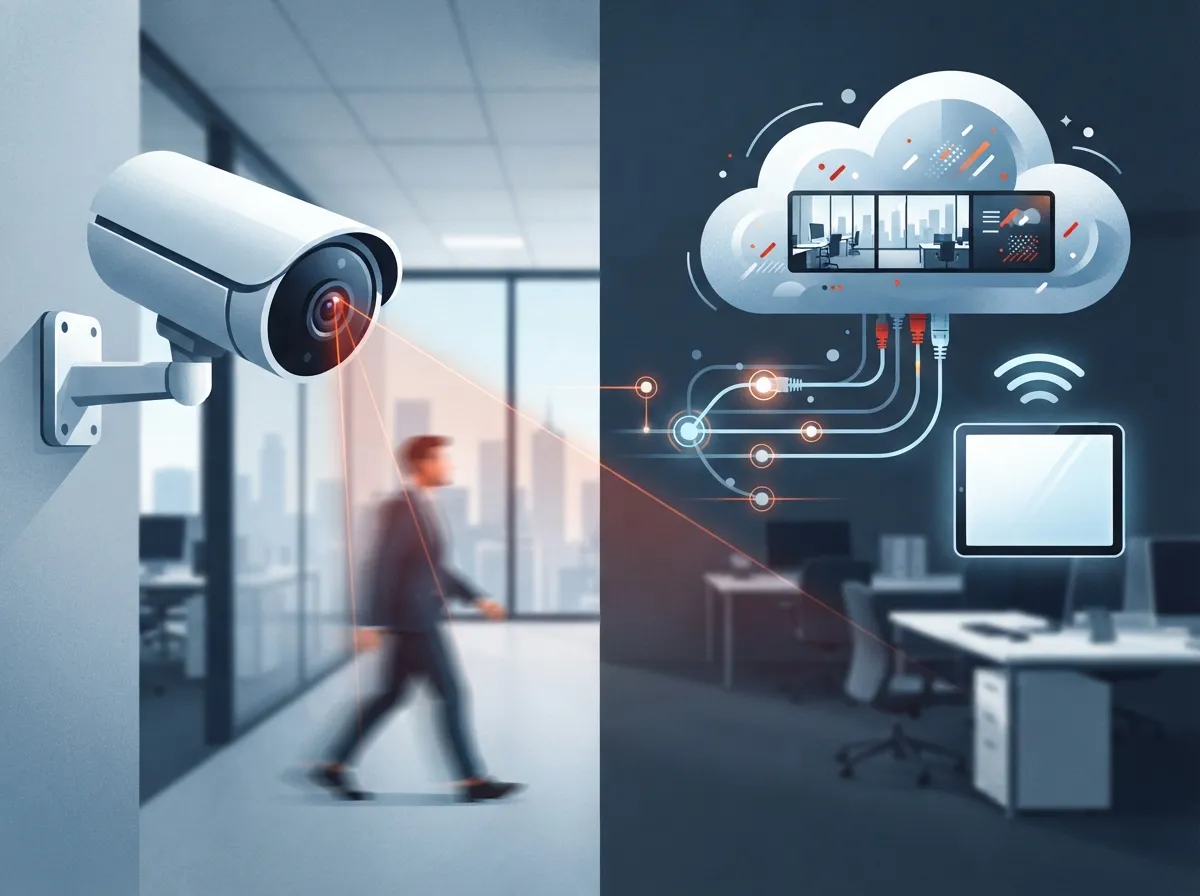
Let’s keep this simple. Motion detection cloud cameras are internet-connected cameras that send video straight to the cloud instead of a box sitting in your back office. You log into an app or website, and boom, you can see live footage or older clips from anywhere. No more driving to the office because something felt off at midnight.
These systems work with a cloud video-management platform. That’s a fancy way of saying a website or app that stores and organizes your footage. It lets you and your team view live video, pull up recordings, and get alerts, all without relying entirely on an on-site recorder. If you’ve read our post on what security cameras really do for your business, you already know cameras are about more than just catching bad guys. They’re about peace of mind.
Motion Detection Cloud Cameras vs. Traditional DVR Systems
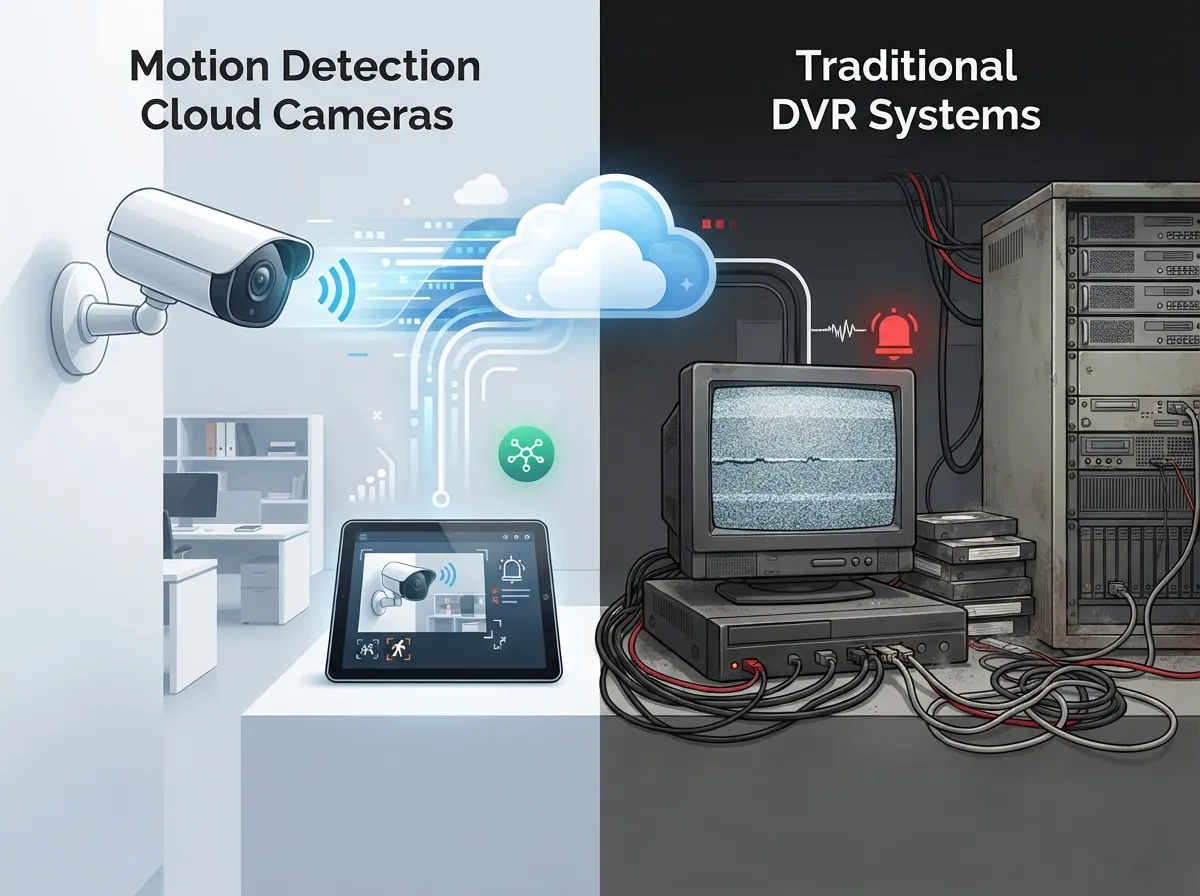
Here’s where the comparison gets interesting. Old DVR systems record everything to a hard drive sitting somewhere in your building. If that drive fails, gets stolen, or the building loses power, you might lose your footage entirely. Cloud systems store your video off-site, so even if something happens at your location, your recordings stay safe.
| Feature | Traditional DVR System | Motion Detection Cloud Cameras |
|---|---|---|
| Remote viewing | Limited or clunky | Easy, from any phone or laptop |
| Storage location | On-site hard drive | Cloud, often with local backup too |
| Multi-site management | Separate system per location | One portal for all locations |
| Alerts | Basic or none | Smart alerts for people, vehicles, zones |
| Maintenance | On-site tech visits | Remote updates and monitoring |
| Risk if hardware is damaged | Footage may be lost | Footage often preserved in cloud |
For a deeper look at this exact comparison, check out our article on 6 key differences between cloud video security and DVR systems. It breaks things down even further if you’re still on the fence.
Why Smart Alerts Beat Basic Motion Sensing
Not all motion detection is created equal. Basic systems trigger an alert every time a leaf blows by or a shadow moves across the lot. That gets old fast, and you’ll probably start ignoring the alerts altogether. Nobody wants notification fatigue.
Modern cloud platforms use smarter AI to tell the difference between a person, a car, and random background movement. This means fewer false alarms and more alerts that actually matter. Here are a few ways businesses are using smarter alerts today:
- After-hours alerts when a person enters the building or parking lot
- Restricted-zone alerts for areas like server rooms or cash offices
- Loading dock alerts when vehicles arrive or leave
- Tamper alerts if someone tries to block or move a camera
- Queue or occupancy alerts for busy retail counters
Getting these alerts tuned right takes some know-how. This is exactly the kind of setup we help with every day, matching alert rules to how your business actually operates.
The Network Behind the Cameras Matters Just as Much
Here’s something people often forget: a camera is only as good as the network holding it up. Motion detection cloud cameras need steady internet, solid Wi-Fi or Ethernet, and sometimes cellular backup for when the internet hiccups. If your bandwidth is shaky, your video quality and alerts will suffer too.
This is where being a telecom company really pays off for our clients. We don’t just drop in cameras and walk away. We look at your whole network picture, from high-speed internet to structured cabling, so your cameras have a strong foundation to run on. Good structured cabling keeps everything connected reliably, especially in larger offices or warehouses with lots of devices.
What Businesses Should Check Before Choosing a System
Before you sign up for any cloud camera plan, walk through this simple checklist:
- How long is footage stored, and can you extend retention if needed?
- What resolution and frame rate do you actually need for your space?
- Does the system keep recording locally if the internet goes down?
- Can you control who sees what footage, with role-based permissions?
- Is there multi-factor authentication to keep your account secure?
- Does the provider offer real support, not just a help ticket system?
We walk every client through this exact list during a free consultation. It’s much easier to ask these questions upfront than to discover gaps later.
Hybrid Storage: The Best of Both Worlds
Here’s a neat trick many modern systems use. Cameras record continuously or on motion to a small local storage card, while also uploading key clips to the cloud. This hybrid setup means you get fast local access plus offsite backup, all without blowing through your internet bandwidth or storage budget.
If your internet ever drops, the camera keeps recording locally and simply catches up the cloud once service is restored. This is one of the top questions we hear from business owners, and we cover it in detail in our article on how to keep security cameras working during internet outages.
Security Isn’t Just Physical Anymore
Here’s something that surprises a lot of business owners. Your camera system is also an information security system. Video footage lives on servers, gets transmitted over networks, and can be accessed remotely, which means it needs the same care you’d give any sensitive business data.
Look for these protections when picking a provider:
- Encrypted connections between cameras and cloud storage
- Unique login credentials for every user, not shared passwords
- Multi-factor authentication on all accounts
- Network segmentation so cameras aren’t sitting on the same network as sensitive files
- Regular firmware updates to patch security holes
- Clear policies on who owns the footage and how it’s deleted
There’s actually an industry standard called ONVIF Profile V that pushes camera makers toward secure cloud streaming, encrypted storage, and stronger authentication methods. It’s worth asking your provider if their equipment supports it. This kind of standard helps ensure your cameras and cloud platform talk to each other securely, no matter which brands you mix and match.
Multi-Site Businesses Get the Biggest Win
If you’re running more than one location, whether it’s a franchise, a growing retail chain, or offices across Tampa Bay, cloud cameras are where things really shine. Instead of juggling separate systems at every site, you get one portal to manage everything. Add a new location, and it plugs right into your existing dashboard.
Franchise operators especially appreciate this. You can set consistent permissions, alert rules, and camera health checks across every site from one place. This pairs nicely with reliable network solutions for multi-location businesses, which keep every site connected and performing well.
How Much Should You Expect to Budget?
Pricing varies quite a bit depending on camera count, resolution, storage length, and whether you want AI-powered detection. Some providers price per camera monthly, others bundle everything with installation and support. The smartest move is getting a real quote based on your specific building and goals, not a generic online estimate.
We always recommend businesses ask for a breakdown that separates hardware, installation, cloud storage fees, and ongoing support. That way you know exactly what you’re paying for each month, with no surprise charges later.
The Market Is Growing Fast, and for Good Reason
You’re not imagining it, cloud camera adoption really is taking off. Industry estimates from MarketIntelo put the global cloud video surveillance market at $12.8 billion in 2025, with projections reaching $57.3 billion by 2034. Other research firms, like Wise Guy Reports, offer more conservative numbers, but the trend line points the same direction: growth, and lots of it.
Commercial applications, meaning offices, retail spaces, and logistics operations like yours, made up an estimated 35.8% of that market in 2025 according to MarketIntelo. In plain terms, businesses just like yours are driving this shift, and for solid reasons: better remote access, smarter alerts, and easier multi-site management.
Bringing It All Together as One Solution
The real magic happens when your cameras, network, and phone systems all work as one connected system instead of separate headaches. That’s the whole point of working with a telecom partner instead of juggling five different vendors. You get one team handling your cloud-based phone system, your internet, your cabling, and your cameras.
We’ve built our whole business around being that single point of contact. With partnerships across 35+ vetted suppliers, we compare options honestly and recommend what actually fits your business, not what earns us the biggest commission. You can see real examples of our work on our YouTube channel or catch updates on Facebook and Instagram.
Getting Started the Right Way
If you’re ready to move away from an old DVR box or you’re setting up cameras for the first time, here’s a simple path forward:
- Get a free audit of your current setup, including internet and network health
- Walk through your building or sites to plan camera placement
- Choose your storage, retention, and alert preferences
- Confirm your network can handle the bandwidth, with backup options if needed
- Schedule professional installation and staff training
- Set up ongoing monitoring and support so issues get caught early
This is exactly the kind of hands-on guidance we love providing. We’ve helped businesses across healthcare, retail, manufacturing, and professional services get camera systems that actually fit how they operate, not a one-size-fits-all package.
Ready to Make the Switch?
Motion detection cloud cameras aren’t just a nice upgrade, they’re becoming the new standard for businesses that want real peace of mind without the hassle of old-school hardware. Whether you’re a small shop in Tampa or managing multiple franchise locations nationwide, the right cloud camera setup can save you time, reduce false alarms, and keep your team and property safer.
We’d love to walk you through your options and show you what a properly designed cloud camera and network system looks like for your specific business. Reach out to our team today for a free consultation, or simply give us a call to talk through your goals. Let’s build a system you can actually trust.
FAQs
Q: How do motion detection cloud cameras work for businesses?
A: They connect your cameras to a cloud platform instead of an on-site box, so you can view live and recorded footage from your phone or laptop anywhere. Smart alerts notify you when something actually matters, like a person entering after hours, instead of every little movement.
Q: What internet speed do business cloud cameras need?
A: It really depends on how many cameras and what resolution you’re running, but most setups need reliable upload bandwidth to handle continuous streaming. We’re happy to review your current internet plan and make sure it can support your camera system without any hiccups.
Q: Can cloud cameras keep recording if the internet goes down?
A: Yes, many modern systems use hybrid storage, recording locally to the camera while uploading key clips to the cloud when connected. This means you won’t lose footage during a short outage, and everything syncs back up once your internet returns.
Q: Are cloud security cameras better than an on-premises DVR system?
A: For most businesses, yes, especially if you value remote access, easier multi-site management, and safer off-site storage. DVR systems can still work, but they leave your footage vulnerable if the hardware is stolen or damaged.
Q: How secure are cloud video surveillance systems for businesses?
A: When set up correctly, cloud systems use encryption, multi-factor authentication, and role-based permissions to keep your footage safe. Think of it like protecting any other sensitive business data, it just takes the right settings and a trustworthy provider.





