
Key Takeaways
-
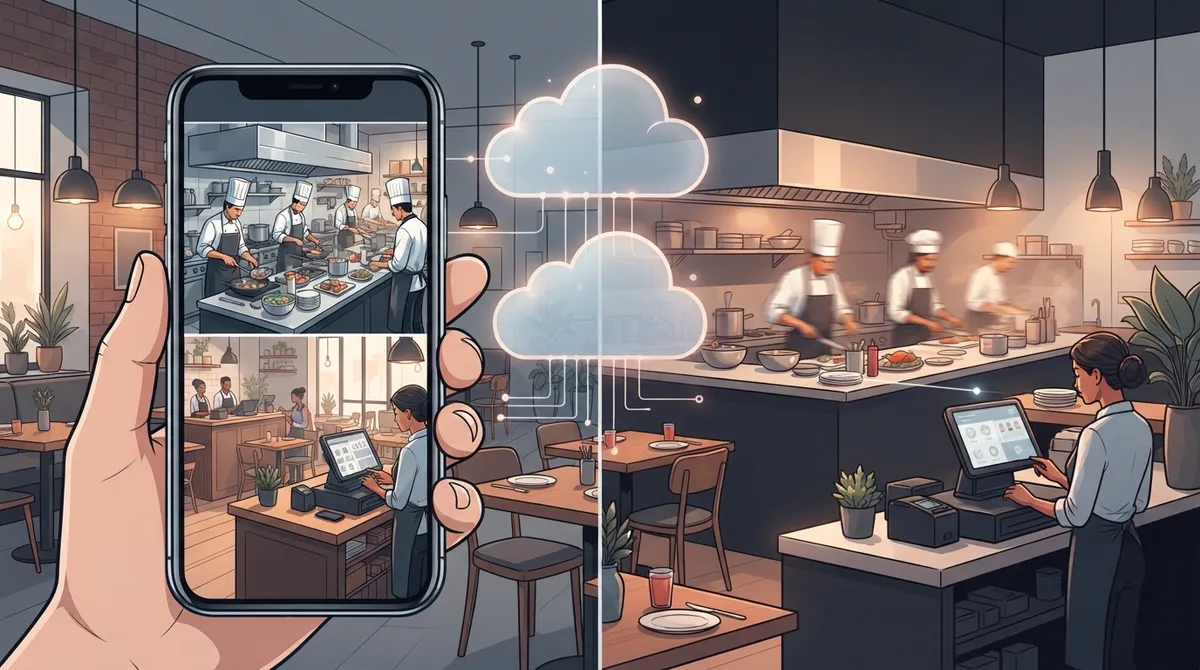
Cloud video security enables remote access to restaurant cameras from any device, allowing real-time monitoring of cash registers, kitchens, and entrances to resolve disputes and catch theft instantly.
-
POS system integration links camera footage to transaction timestamps, letting you jump directly to disputed charges or cash shortages instead of manually searching hours of video.
-
Business-grade internet with sufficient upload bandwidth (1-8 Mbps per camera) and reliable connectivity is essential; without it, you'll experience choppy footage, failed uploads, and system lag.
-
Multi-location restaurants benefit from centralized cloud dashboards with role-based access, allowing regional managers to monitor all sites simultaneously while shift supervisors see only their location.
-
Hybrid setups combining local edge recording with cloud backup provide protection during internet outages, ensuring footage continues recording while maintaining cloud access when connectivity returns.
-
Strong cybersecurity practices including multi-factor authentication, network segmentation separating cameras from guest Wi-Fi and POS systems, and encrypted connections are critical to prevent backdoor access to business networks.
Running a restaurant means juggling a hundred things at once. Between the kitchen rush, staff schedules, and keeping customers happy, who has time to worry about whether the walk-in cooler door was propped open overnight or if last night’s cash drawer count actually matches the receipts? That’s where cloud video security for restaurants comes in, and honestly, it might be one of the smartest investments you make this year. Grab a coffee, and let’s walk through exactly how this works and why it matters so much for restaurant owners like you.
Cloud video security, sometimes called VSaaS (video surveillance as a service), stores your camera footage on a hosted platform instead of an on-site DVR sitting in a back closet somewhere. That means you can pull up your cameras from your phone while you’re at home, at another location, or even on vacation. For restaurant owners managing tight margins and busy kitchens, that kind of visibility is priceless. But getting it right takes more than just mounting a few cameras. It takes reliable internet, smart network setup, and a partner who understands both video technology and telecom infrastructure.
What Is Cloud Video Security for Restaurants, Really?
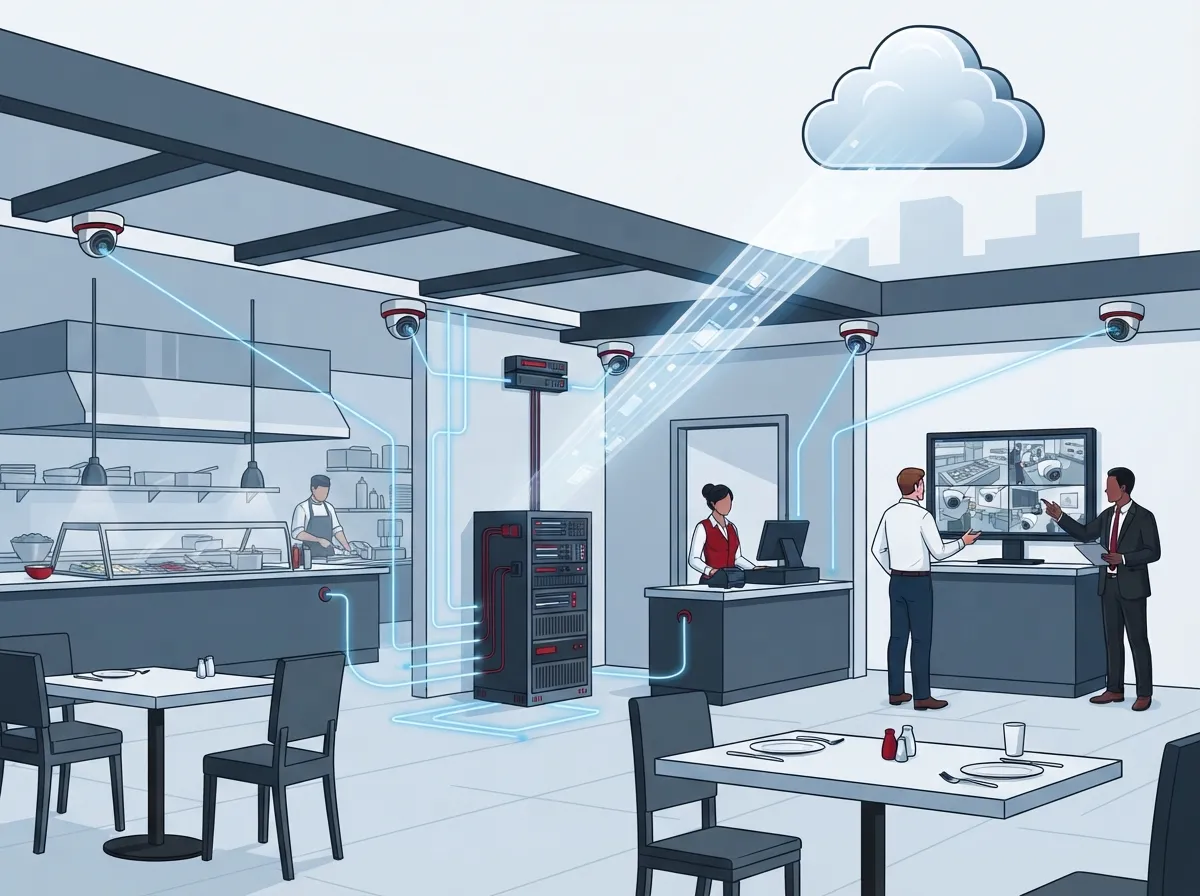
At its core, cloud video security replaces the old-school DVR box with a hosted video management system. Your cameras send footage over the internet to secure cloud servers, where it’s stored, organized, and made available to you through an app or web browser.
For restaurants specifically, this technology has grown into something much bigger than simple theft deterrence. According to Eagle Eye Networks’ restaurant-focused materials, common capabilities include remote access across multiple locations, incident-based alerts, and integration with point-of-sale (POS) systems. That last one is huge for restaurant operators dealing with refund disputes or cash register shortages.
The global video surveillance market was valued at roughly $63.1 billion in 2025, according to Global Market Insights, with projections reaching $162.4 billion by 2035. Cloud-based deployments specifically are growing even faster, expected to jump from about $22.6 billion in 2025 to $63.7 billion by 2035. Restaurants are a big part of that growth curve because they have unique pain points that cloud systems solve well.
Why Restaurants Need More Than Just Cameras
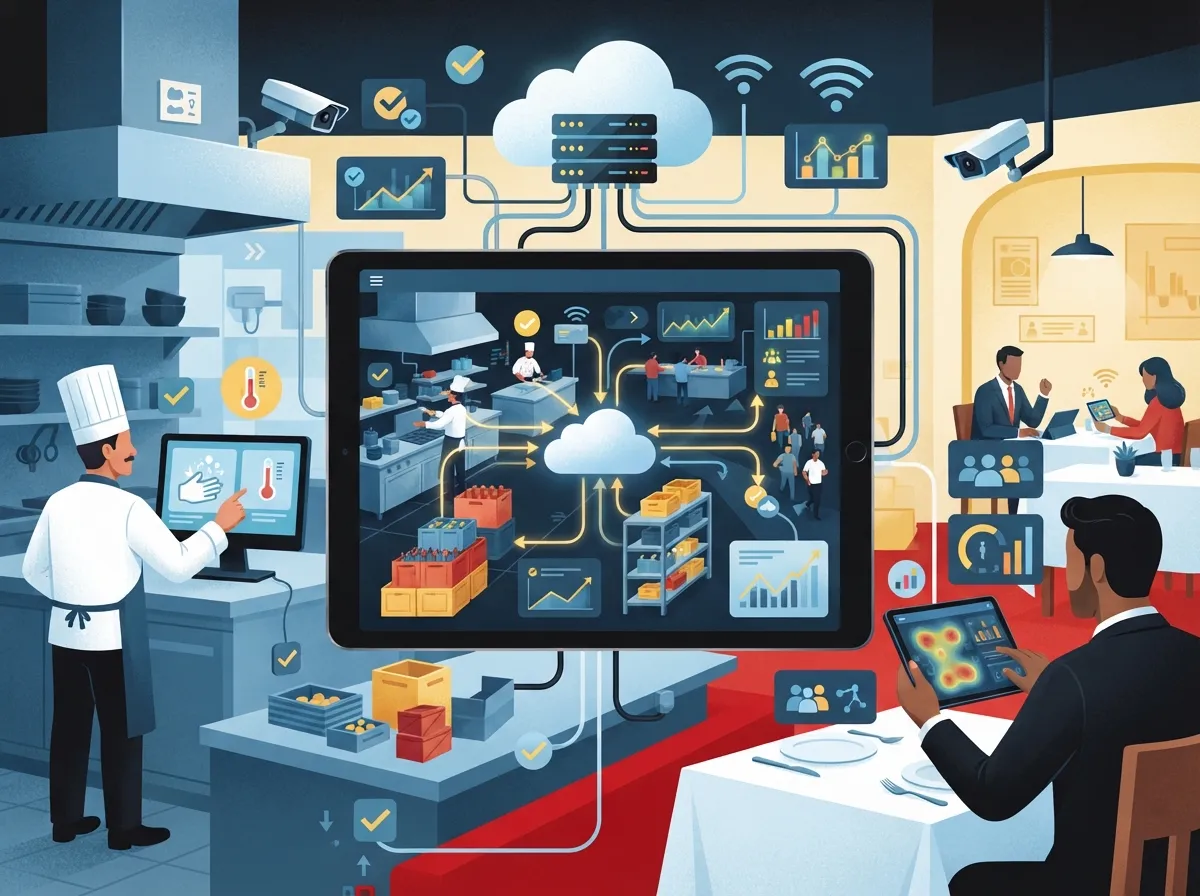
Here’s something a lot of restaurant owners don’t realize until it’s too late: cameras alone don’t protect your business. You need the network infrastructure behind them to actually work.
Think about it this way. If your internet connection drops during a Friday night rush, do your cameras keep recording? Does your POS system still process payments? Can your manager still pull up footage from three days ago to review a customer complaint? These questions matter, and they’re exactly why Ideal Solutions Provider approaches cloud video security as part of a bigger telecom picture, not just a standalone camera install.
A well-designed restaurant deployment typically includes:
- Business-grade internet with enough upload bandwidth to handle multiple camera streams
- Secure network segmentation so your cameras don’t interfere with POS or guest Wi-Fi traffic
- Cellular or backup connectivity in case your primary internet goes down
- Role-based access so managers see only what they need to see
- Encrypted connections and strong password policies to keep footage safe
Key Areas Restaurants Should Cover With Cameras
Not every corner of your restaurant needs a camera, but some spots are non-negotiable. Getting this right helps you catch real problems without wasting storage or creating privacy headaches.
- Entrances and exits – Track who comes and goes, and when.
- Cash registers and POS stations – Link footage to transactions for dispute resolution.
- Kitchen and prep areas – Support food-safety reviews and workplace incident investigations.
- Loading docks and back entrances – Deter theft of inventory and equipment.
- Parking lots – Protect customers and staff, and document any accidents or vandalism.
- Dining areas – Help resolve customer complaints and monitor service quality.
One area you should never put a camera? Restrooms or any space where staff or customers reasonably expect privacy. Restaurant operators also need to follow local laws around recording consent and employee notification, so it’s worth checking your state’s specific requirements before installation.
Cloud vs. On-Site DVR: Which Makes More Sense?
This is probably the question we hear most often from restaurant owners considering an upgrade. Both systems have their place, but they solve different problems.
| Feature | Cloud Video Security | On-Site DVR |
|---|---|---|
| Remote access | Yes, from any device with internet | Limited or requires extra setup |
| Multi-location viewing | Single dashboard for all sites | Separate systems per location |
| Storage location | Off-site, backed up automatically | On-site, vulnerable to theft or damage |
| Upfront cost | Lower hardware cost, subscription fee | Higher hardware cost, no monthly fee |
| Scalability | Easy to add cameras or locations | Often requires new hardware |
| Internet dependency | Requires reliable connectivity | Works without internet (local viewing only) |
Many restaurant groups are landing on hybrid setups these days. You get local edge recording that keeps working during an internet outage, plus cloud backup for the footage that matters most. This gives you the best of both worlds without betting everything on one connection type.
How Much Bandwidth Does Your Restaurant Actually Need?
This question trips up a lot of owners because camera bandwidth needs aren’t as simple as “more is better.” It depends on your camera count, resolution, frame rate, and how many people need to view footage at once.
A single high-definition camera can use anywhere from 1 to 8 Mbps of upload bandwidth, depending on quality settings. Multiply that across eight or ten cameras, and you can see how quickly things add up. If your restaurant is still running on a basic broadband connection built for email and light browsing, you’re going to run into problems fast.
This is exactly why pairing your camera system with the right internet setup matters so much. Our article on how to choose the right internet speed for your business walks through the math in more detail, and it’s worth a read before you commit to any camera package.
Signs Your Current Connection Isn’t Enough
- Footage looks choppy or pixelated during peak hours
- Remote viewing lags or times out frequently
- POS transactions slow down when cameras are actively streaming
- Cloud uploads fail or footage gaps appear in your archive
If any of these sound familiar, it’s probably time to look at a dedicated business internet plan. Fiber connections tend to offer the upload speeds cloud video needs, and you can learn more in our guide on why businesses need dedicated fiber internet.
Connecting Cameras Across Multiple Locations
If you run a franchise or a small restaurant group, you already know the headache of managing separate systems at each site. Cloud video security solves this by putting every location’s cameras into one dashboard.
Managers can log in once and see live feeds or recorded footage from every restaurant in the group. Role-based permissions mean a shift supervisor might only see their own location, while a regional manager sees everything. This kind of centralized control is a game-changer for franchise operators trying to maintain consistent standards across locations without visiting each one in person.
Setting this up properly requires more than just cloud software though. You need consistent, reliable connectivity across every site, and that’s often where things fall apart for growing restaurant groups. A telecom partner who understands reliable network solutions for multi-location businesses can help you avoid the patchwork approach that leaves some locations underperforming.
Integrating Cameras With Your POS System
One of the most practical features cloud video security offers restaurants is POS integration. When your camera system links timestamps to actual transactions, investigating discrepancies becomes so much easier.
Say a customer disputes a charge, or your end-of-day report shows a cash shortage. Instead of scrubbing through hours of footage hoping to spot the right moment, you can jump straight to the transaction timestamp and see exactly what happened at the register. This works well for:
- Chargeback disputes
- Refund and void investigations
- Cash drawer discrepancies
- Suspected employee theft
- Customer complaint verification
This kind of integration relies on solid networking behind the scenes to keep your camera system and POS talking to each other reliably. If your current setup feels clunky or disconnected, it might be time to review your overall business network solutions as a whole rather than patching individual pieces.
Keeping Footage Secure and Staying Compliant
Cloud storage sounds convenient, but it also raises real questions about who can access your footage and how it’s protected. Restaurant owners need to think about cybersecurity just as seriously as they think about food safety.
A few best practices worth adopting right away:
- Use strong, unique passwords for every camera account and dashboard login
- Turn on multi-factor authentication wherever your platform supports it
- Keep firmware updated automatically to patch security vulnerabilities
- Set clear retention policies so old footage doesn’t pile up unnecessarily
- Document a process for exporting footage as evidence when needed
- Segment your camera network away from guest Wi-Fi and POS traffic
These steps protect not just your footage, but your entire network. A poorly secured camera can actually become a backdoor into your broader business systems, which is a risk no restaurant owner wants to take. If you’re unsure how your current setup stacks up, it might help to compare cloud security versus traditional network security approaches before making changes.
What Happens When the Internet Goes Down?
This is the question that keeps a lot of restaurant owners up at night, and it’s a fair one. Cloud storage doesn’t eliminate the need for local resilience.
A solid plan includes uninterruptible power supplies (UPS) for your network equipment, local edge recording as a backup, and cellular failover that kicks in automatically if your main internet drops. Health monitoring tools can also alert you the moment a camera goes offline, so you’re not finding out about a problem days later when you actually need footage.
Building this kind of resilience into your restaurant’s setup takes planning, and it’s exactly the kind of project where working with an experienced telecom expert who gets results pays off. You don’t want to discover gaps in your coverage after an incident already happened.
Getting Started: A Simple Rollout Plan
If you’re ready to move forward, here’s a straightforward way to approach the project without feeling overwhelmed.
- Audit your current internet and network setup to see if it can handle added camera traffic
- Map out camera placement based on the key areas mentioned earlier in this article
- Choose between new IP cameras or a hybrid approach that reuses existing analog cameras through an adapter
- Decide on retention periods based on your operational and legal needs
- Set up role-based access for managers and staff
- Test remote viewing and alerts before fully relying on the system
- Document your outage and incident response plan so everyone knows what to do
Many restaurant owners are surprised to learn they don’t need to replace every camera to move to a cloud platform. Hybrid architectures let you keep existing analog cameras while adding cloud backup for select footage, which can significantly reduce upgrade costs.
Why Structured Cabling Still Matters
Even in a wireless world, good structured cabling plays a huge role in reliable camera performance. Poor cabling can cause dropped connections, weak signals, and frustrating gaps in your footage right when you need it most.
If your restaurant hasn’t had its cabling reviewed in a while, or if you’re opening a new location, it’s worth checking out our guide on signs your business needs structured cabling before your camera install begins. Getting this foundation right from the start saves headaches down the road.
Bringing It All Together
Cloud video security for restaurants isn’t just about catching a shoplifter or reviewing a slip-and-fall claim, though it certainly helps with both. It’s about giving you peace of mind and real operational insight into a business that never really stops moving.
The technology keeps improving too. Analytics like people counting, line-crossing detection, and motion alerts are becoming standard features on many platforms, giving restaurant managers even more ways to spot problems before they grow. Just remember to configure these thoughtfully so you’re not drowning in false alerts or stepping on employee privacy.
At the end of the day, the success of your cloud video security setup depends heavily on the network and connectivity supporting it. That’s the piece so many restaurant owners overlook until something goes wrong. With over 24 years of experience and partnerships across 35+ vetted suppliers, Ideal Solutions Provider helps restaurant owners design a system that actually works, from the internet circuit all the way to the camera dashboard on your phone. You can follow updates and see real customer stories on our Facebook page, or check out installation walkthroughs on our YouTube channel.
Ready to protect your restaurant with a system built for reliability? Contact us today for a free consultation, or call us to talk through your options with a real person who understands both cameras and connectivity.
FAQs
Q: What is cloud video security for restaurants?
A: It’s a system where your restaurant’s camera footage gets stored on a hosted platform instead of an on-site DVR box. This means you can check on your kitchen, cash registers, or parking lot from your phone anytime, anywhere. It’s like having eyes on your restaurant even when you’re not there!
Q: How much internet speed does a restaurant need for cloud cameras?
A: It really depends on how many cameras you have and their resolution, but a good rule of thumb is to have at least 1-2 Mbps of upload speed per camera. If you’re running eight or more cameras, a dedicated business fiber connection is usually your best bet. We’re always happy to run the numbers with you before you commit to a plan.
Q: Can cloud cameras work with my restaurant’s POS system?
A: Absolutely, and this is one of our favorite features to set up! Linking your camera footage to transaction timestamps makes it so much easier to investigate refunds, voids, or cash discrepancies. It saves you hours of scrubbing through footage trying to find the right moment.
Q: What happens to my cameras if the internet goes down?
A: This is a great question, and one we take seriously when designing restaurant systems. With local edge recording and cellular failover in place, your cameras can keep working even during an outage. We always recommend building in this kind of backup so you’re never left in the dark, literally or figuratively.
Q: Can I connect cameras across multiple restaurant locations?
A: Yes, and it’s actually one of the biggest perks of going cloud-based! You can view every location through a single dashboard, assign different access levels to your managers, and get alerts no matter where you are. It makes managing a restaurant group so much simpler.





