

Key Takeaways
-
Plan your network and bandwidth before purchasing cameras, as IP cameras require sufficient internet capacity to avoid choppy footage and dropped connections across multiple locations.
-
Choose between cloud, on-premises, or hybrid VMS deployment based on your actual business operations, internet reliability, and multi-site management needs rather than what sounds impressive.
-
Set footage retention policies upfront according to your industry requirements and risk tolerance, as many cloud plans default to only 14 days which may be insufficient for retail or healthcare businesses.
-
Bundle video management, structured cabling, business internet, and phones under one telecom partner to avoid duplicate work, reduce costs, and ensure one team understands your entire network.
-
Implement core cybersecurity controls including strong passwords, firmware updates, network segmentation, and encrypted video transmission to protect connected cameras from unauthorized access.
-
Conduct a professional site survey and create a documented camera placement plan before installation to identify risk areas and avoid blind spots at critical locations like entrances and cash registers.
Picking a video management system feels a lot like picking a phone system did five years ago. There are too many choices, too many acronyms, and everyone promises they’re the best fit for your business. If you’re a Tampa business owner, office manager, or IT lead trying to sort out video management systems Tampa companies actually recommend, you’re in good company. We talk to folks every week who feel a little overwhelmed by it all, and that’s completely normal.
Here’s the good news: most of the headaches around video management systems come down to a handful of avoidable mistakes. Once you know what they are, the whole process gets a lot friendlier. In this guide, we’ll walk through the nine most common missteps Tampa businesses make when choosing or setting up a video management system, and how to sidestep each one. Whether you run a single storefront or manage multiple franchise locations across Tampa Bay, this one’s for you.

What Is a Video Management System, Anyway
A video management system, or VMS, is the software and infrastructure that ties your security cameras together into one easy-to-use platform. Think of it as mission control for live viewing, recording, playback, alerts, and user permissions across one location or fifty. Instead of juggling separate DVRs or logging into different apps for each site, a good VMS gives you one dashboard for everything.
For Tampa businesses, a VMS is rarely a standalone purchase. It usually connects with your business internet, your network cabling, and sometimes your access control system too. That’s why so many companies turn to a telecom partner instead of a standalone camera installer. Ideal Solutions Provider, for example, treats video security as one piece of a bigger communications puzzle that also includes cloud-based phone systems and business internet.
Mistake 1: Choosing Cameras Before Choosing the Network
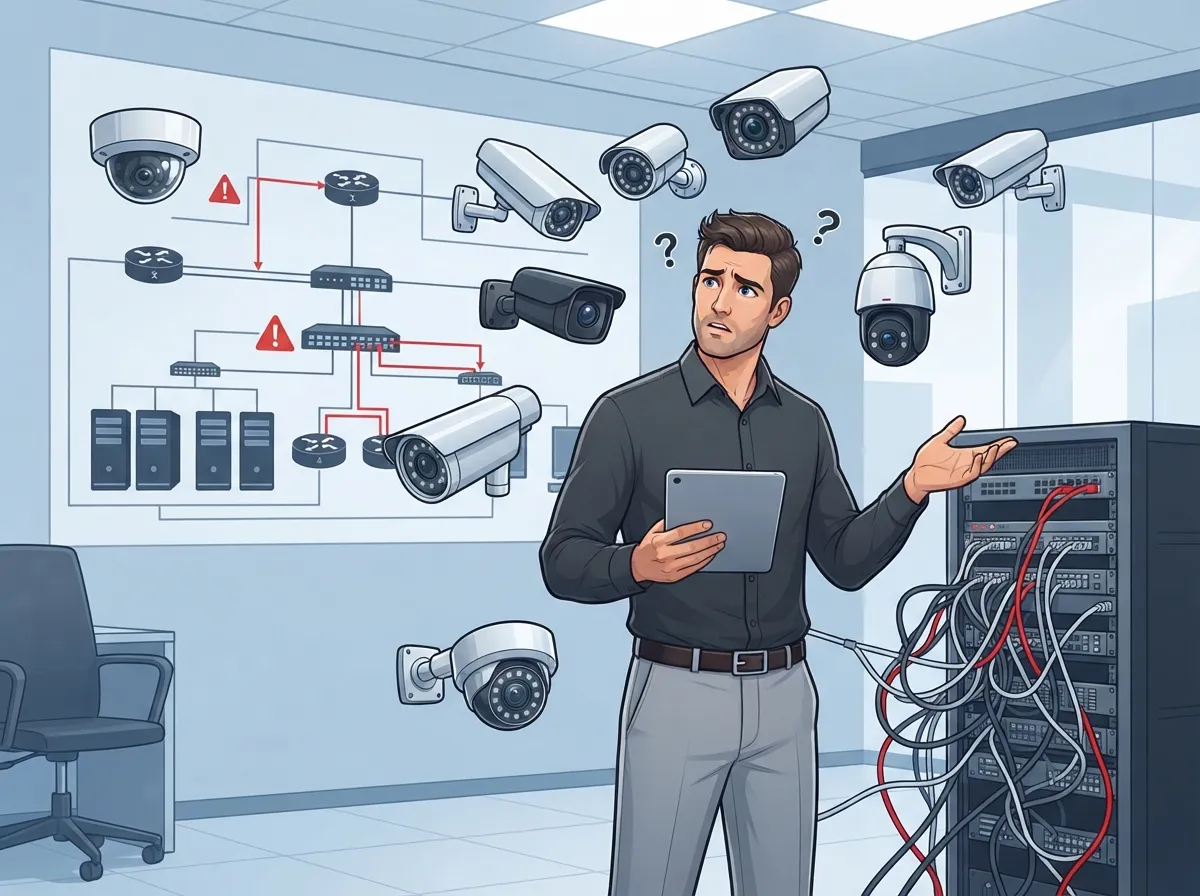
This is probably the most common mistake we see. Business owners get excited about camera specs, resolution, and night vision, but forget that cameras are only as good as the network carrying their video. IP cameras stream data constantly, and that adds up fast across multiple units.
Before you buy a single camera, think about your bandwidth. A busy retail store with a dozen high-definition cameras needs a very different internet setup than a small back office with two cameras watching a stockroom. Getting your high-speed internet for business squared away first saves you from choppy footage and dropped connections later.
Quick Bandwidth Planning Steps
- Count how many cameras you plan to install now and in the next two years.
- Estimate resolution needs based on the area each camera covers.
- Ask your provider to calculate expected upload bandwidth per camera.
- Build in extra capacity for busy hours, like lunch rushes or shift changes.
Mistake 2: Skipping the Cloud vs. On-Premises Decision
Tampa businesses generally pick from three approaches: cloud, on-premises, or hybrid video management. Each one has real trade-offs, and picking the wrong one can cost you time and money down the road.
- Cloud VMS: Footage lives offsite, so you can view any location from your phone or browser. Great for multi-site businesses and remote managers.
- On-premises VMS: Recording happens locally on a server or NVR at your building. Some businesses prefer this for total control over storage and infrastructure.
- Hybrid VMS: A mix of both, often used when internet reliability is a concern or when businesses want local backup plus cloud convenience.
There’s no universally “right” answer here. A single-location coffee shop has very different needs than a franchise operator managing ten Tampa Bay locations. The key is matching the deployment model to how your business actually operates, not just what sounds impressive.
Mistake 3: Forgetting About Footage Retention Rules
How long should you keep security footage? It depends on your industry, your insurance requirements, and your own risk tolerance. Some Tampa-area cloud plans advertise as little as 14 days of storage by default, which might sound short if you’re used to old-school DVRs holding months of footage.
Retail businesses dealing with theft claims, healthcare offices with compliance needs, and franchise operators with corporate policies should all think carefully about retention length before signing a contract. It’s much easier to set the right retention period upfront than to discover a gap after an incident happens.
| Business Type | Typical Retention Need | Why It Matters |
|---|---|---|
| Retail Store | 30-90 days | Theft and liability claims often surface weeks later |
| Healthcare Office | 90+ days or per compliance policy | Regulatory and patient safety documentation |
| Small Office | 14-30 days | Lower risk, lower storage cost |
| Multi-Site Franchise | Set by corporate policy | Consistency across locations for audits |
Mistake 4: Ignoring Cybersecurity for Connected Cameras
Every camera connected to the internet is a potential entry point for bad actors if it’s not secured properly. This is one area where small businesses sometimes get complacent, assuming security cameras are simply “set it and forget it” devices.
A responsible VMS setup includes strong passwords, regular firmware updates, network segmentation so cameras aren’t sitting on the same network as sensitive business data, and encrypted video transmission. If your IT team isn’t handling this already, it’s worth asking your telecom provider how they protect camera traffic as part of your broader business network solutions.
Mistake 5: Treating Cameras and Phones as Separate Projects
Here’s a pattern we see constantly: a business upgrades its phone system one year, then tackles security cameras the next year with a totally different vendor. This creates duplicate site visits, duplicate cabling work, and more vendors to manage.
Bundling projects like VoIP phone service, structured cabling, and video security under one telecom partner tends to save both time and money. It also means one team understands your whole network, rather than three separate companies pointing fingers when something goes wrong.
Mistake 6: Overlooking Structured Cabling Needs
Even wireless-friendly IP cameras usually need solid wired backbones for power and data, especially in commercial buildings. If your building’s cabling is outdated or wasn’t designed with cameras in mind, you might run into weak signals or unreliable power delivery to devices.
Good structured cabling supports not just your VMS but your whole network, including phones and access control. Many Tampa businesses find it smart to review their cabling infrastructure at the same time as their camera upgrade, especially in older office buildings. Learn more from our guide on how structured cabling supports VoIP and cameras.
Mistake 7: Not Planning for Multi-Site Management
If you’re a franchise operator or run several Tampa Bay locations, this one’s especially important. A VMS that works great for a single office often falls apart when you try to scale it across five or ten sites.
Before committing to a platform, ask these questions:
- Can I view all my locations from a single login?
- Does the platform let me set different permission levels for regional managers versus corporate staff?
- How easily can I add a new location without starting from scratch?
- Is pricing predictable as I add more sites and cameras?
A centralized, multi-site VMS platform saves enormous time for franchise operators who don’t want to log into ten separate systems every morning.
Mistake 8: Relying Only on AI Alerts Without Human Oversight
AI-powered video analytics have gotten impressively good. Systems can flag motion events, detect people or vehicles, and alert you to line crossings or loitering. That said, these tools work best as an assist, not a replacement for human judgment.
False alarms happen. A blowing tarp or a passing cloud shadow can sometimes trigger a motion alert. Configure your analytics thoughtfully, and make sure someone on your team is still reviewing flagged events rather than assuming the AI catches everything perfectly. Combining smart alerts with occasional human review gives you the best of both worlds.
Mistake 9: Skipping the Site Survey and Placement Plan
It’s tempting to just order a bundle of cameras and start mounting them wherever seems convenient. But camera placement without a proper plan often leaves blind spots exactly where you need coverage most, like back entrances, loading docks, or cash registers.
A proper telecom-focused VMS implementation should always include:
- A walkthrough site survey of your building and property
- A documented camera-placement plan based on risk areas
- Bandwidth and storage calculations tailored to your setup
- Basic cybersecurity controls built in from day one
- Staff training so your team knows how to use the system confidently
- A clear process for retrieving and preserving footage when needed
Skipping this step is a bit like building a house without blueprints. It might work out, but it’s a risky way to spend your budget.
How Ideal Solutions Provider Approaches Video Management Systems in Tampa
With more than 24 years of experience serving Tampa-area businesses, Ideal Solutions Provider takes a consultative approach to video management systems. Instead of pushing a single brand or platform, the team compares options across 35 or more vetted suppliers to find the right fit for your budget, building layout, and growth plans.
This matters because your VMS doesn’t exist in a vacuum. It works alongside your business internet, your structured cabling, and often your access control systems too. Having one point of contact for all of it means fewer headaches, faster troubleshooting, and a team that actually understands your whole setup. You can browse examples of past installations and client feedback on the company’s YouTube channel or follow updates on Facebook.
Building a Smarter Video Management Plan for Your Tampa Business
Here’s a simple way to think through your next steps:
- Assess your current network and internet speed to make sure it can handle camera traffic.
- Decide whether cloud, on-premises, or hybrid fits your business best.
- Set a realistic footage retention policy based on your industry and risk level.
- Bundle your cabling, networking, and camera needs into one project when possible.
- Ask any potential provider how they handle cybersecurity for connected devices.
Taking these steps one at a time keeps the process manageable, even if you’re juggling a dozen other responsibilities at your business. You don’t have to become a security camera expert overnight. That’s what a good telecom partner is for.
Let’s Get Your Tampa Business Set Up Right
Choosing the right video management system doesn’t have to feel overwhelming, and you definitely don’t need to figure it all out alone. Whether you’re upgrading a single office or rolling out cameras across multiple Tampa Bay locations, a little planning up front goes a long way. If you’d like a friendly, no-pressure conversation about what makes sense for your business, feel free to reach out to our team or give us a call to talk through your options. We’re always happy to help Tampa businesses feel confident and secure.
FAQs
Q: What is the best video management system for a business in Tampa?
A: Honestly, it depends on your business size and how many locations you have. A cloud-based system tends to work great for multi-site franchises, while on-premises setups can suit businesses that want full local control. The best approach is talking through your specific needs with a trusted provider before deciding.
Q: How much does a commercial VMS and camera installation cost in Tampa?
A: Costs vary quite a bit based on camera count, resolution needs, and whether you choose cloud or on-premises storage. Small offices might spend far less than multi-location franchises with dozens of cameras. Getting a personalized quote is the best way to know your real numbers.
Q: Should my Tampa business choose cloud, on-premises, or hybrid video management?
A: Each option has its perks. Cloud is wonderfully convenient for remote viewing across sites, on-premises gives you more storage control, and hybrid blends both. We usually recommend thinking about your internet reliability and how many locations you manage before choosing.
Q: Can a VMS integrate with access control, business phones, intercoms, or alarms?
A: Yes, and it’s actually a smart way to simplify your whole security setup. Many modern video management systems can work alongside access control and other building systems for a more connected, easier-to-manage experience.
Q: How long should a business retain security-camera footage in Florida?
A: There’s no one-size-fits-all answer here. It depends on your industry, insurance requirements, and internal policies. Some cloud plans default to 14 days, but many businesses choose longer retention for peace of mind, especially retail and healthcare operations.





