
Key Takeaways
-
Conduct a proper site assessment before purchasing cameras to identify high-risk areas, blind spots, and coverage needs—skipping this step often leads to wasted money and security gaps.
-
Upgrade from analog CCTV to IP cameras for higher resolution, mobile access, centralized management, and smart analytics that older systems cannot match.
-
Choose between cloud storage (best for multi-location offices with limited IT staff) or on-premises recording (better for full local control), based on your remote access needs and internet reliability.
-
Design your network infrastructure to support camera bandwidth requirements alongside existing business internet, phones, and Wi-Fi—integrate all systems rather than treating them separately.
-
Implement strong security practices including multi-factor authentication, role-based permissions, and encrypted connections, while posting visible notices about surveillance and avoiding cameras in private areas per Florida law.
-
Integrate cameras with access control and phone systems on a single managed network to enable faster alerts, streamlined troubleshooting, and reduced vendor coordination headaches.
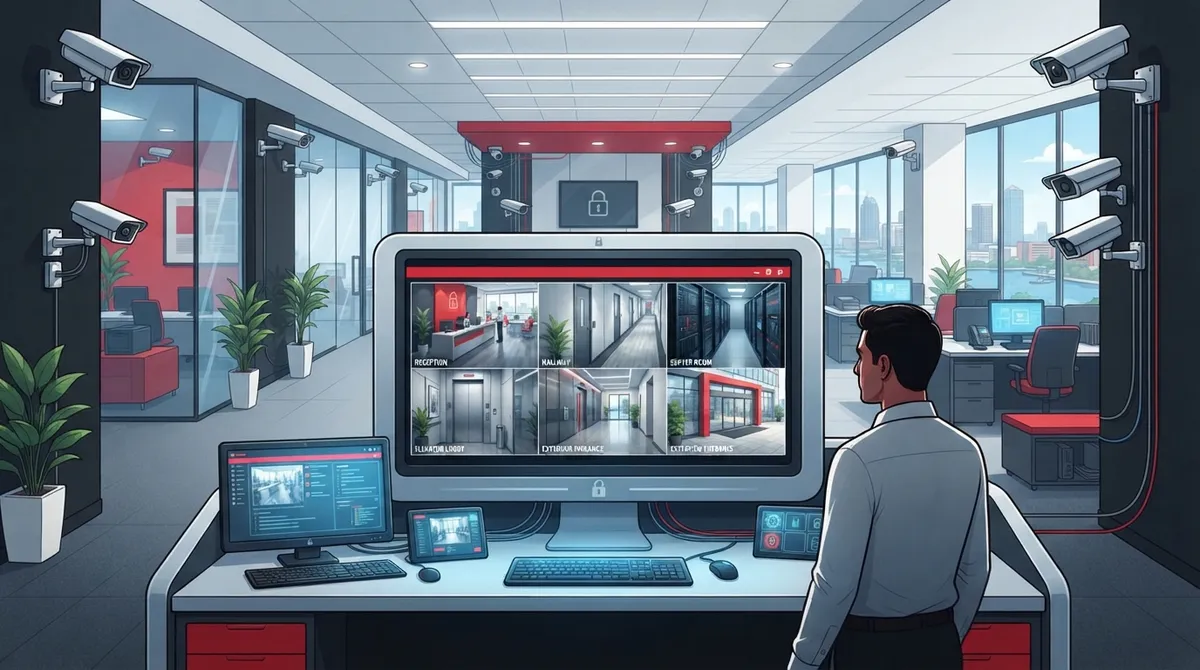
Picture this: you’re at home on a Saturday, and your phone buzzes with an alert from your office. Instead of panicking, you tap the app and check the live feed in seconds. That’s the kind of peace of mind good Tampa office video security should give you. If you’ve been putting off upgrading your cameras or you’re setting up a new office from scratch, you’re in the right place. Let’s walk through five smart moves that make your office safer, your team more comfortable, and your data more secure.
Tampa office video security today is more than just cameras bolted to a wall. It’s a full system built on your network, your internet connection, and your cabling. That means the right approach ties together IP cameras, cloud storage, remote access, and even your access control and phone systems. Grab a coffee, and let’s break it all down together in plain, friendly terms.

1. Start With a Real Site Assessment, Not Guesswork
The single biggest mistake Tampa businesses make is buying cameras before they understand their space. A proper site survey looks at your entrances, reception area, parking lot, hallways, server room, and anywhere cash or sensitive data changes hands. This step also flags blind spots so you’re not left with a gap that a bad actor could exploit.
A good provider will walk your building with you, note high-risk areas, and design camera placement that respects your team’s privacy while covering what matters. This is also the moment to think about how your video system will work alongside your structured cabling setup, since cameras need reliable network connections to perform well.
Common Areas That Need Coverage
- Front and rear entrances, plus loading docks
- Parking lots and exterior walkways
- Reception desks and waiting areas
- Server rooms and equipment closets
- Cash-handling stations or safes
- Hallways leading to sensitive offices
Skipping this step is like buying shoes without trying them on. It might work out, but it usually doesn’t. A thoughtful assessment saves you money and headaches down the road.
2. Choose IP Cameras Over Old Analog Systems
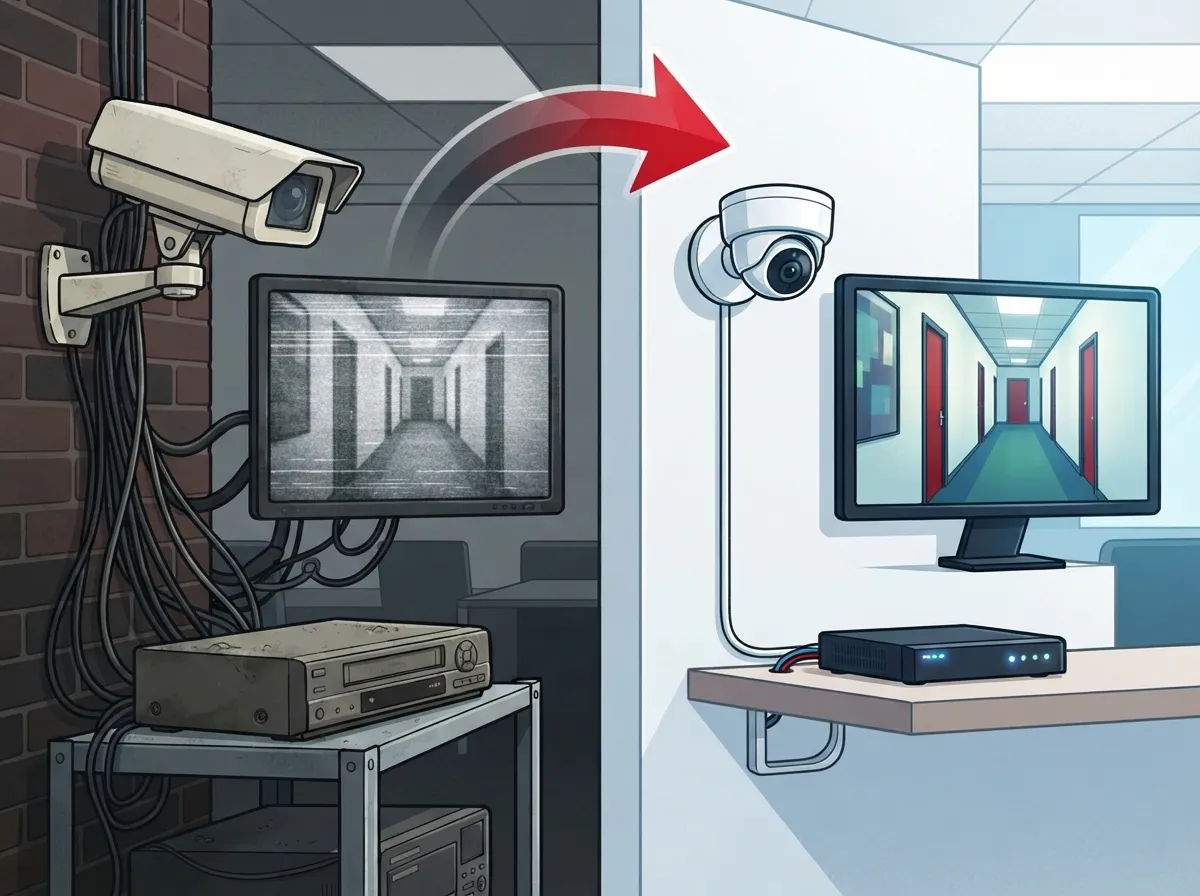
If your office still runs on an old coaxial CCTV setup, it’s time for an upgrade. IP cameras send video over your network using Ethernet, often powered through Power over Ethernet (PoE), which means fewer cables and easier installation. They also support high-definition footage, mobile viewing, and smart analytics that older systems simply can’t match.
The good news? You don’t have to rip everything out overnight. Many Tampa offices upgrade in phases, using hybrid recorders or network conversion gear to bridge old and new equipment. This is a great time to also review your cabling options for business networks so your cameras have the bandwidth and reliability they need.
Why IP Cameras Make Sense for Tampa Offices
- Higher resolution footage for clearer identification
- Centralized management from one dashboard
- Easier expansion as your office grows
- Mobile access from anywhere with internet
- Built-in support for motion and people detection
Industry estimates from Global Market Insights put the IP-based surveillance market at around $31.7 billion in 2025, with growth expected to nearly triple by 2035. That growth tells you something: businesses are moving away from outdated systems fast, and Tampa offices shouldn’t be left behind.
3. Decide Between Cloud Storage and On-Site Recording
This is one of the biggest decisions you’ll make, and it depends heavily on how your office operates. Cloud-managed video works well for businesses with multiple locations, remote managers, or limited in-house IT staff. You get remote access, automatic updates, and scalable storage without maintaining a server closet.
On-premises recording still has its place, especially for businesses wanting full local control or dealing with unreliable internet. The table below breaks down the tradeoffs so you can decide what fits your Tampa office best.
| Feature | Cloud Video Security | On-Premises NVR |
|---|---|---|
| Remote access | Built-in, from any device | Requires extra setup |
| Software updates | Automatic | Manual, IT-dependent |
| Scalability | Easy, add cameras anytime | Limited by hardware |
| Upfront cost | Lower | Higher |
| Best for | Multi-location, lean IT teams | Single site, full local control |
Global Market Insights estimates cloud video-surveillance deployment revenue at roughly $22.6 billion in 2025, with projections reaching $63.7 billion by 2035. That’s a strong signal that more businesses, including many right here in Tampa, are leaning toward cloud solutions for convenience and flexibility.
If you’re weighing this decision for your own office, our team at Ideal Solutions Provider can walk you through both options based on your actual usage, not a one-size-fits-all pitch. You can also read more about the key differences between cloud video security and DVR systems before you decide.
4. Build Your Network to Support Cameras, Not Just Survive Them
Here’s something a lot of business owners overlook: cameras need bandwidth, power, and a stable network just like your phones and computers do. If your internet connection is already stretched thin, adding a dozen cameras can slow everything down or cause dropped footage.
Before installation, it’s smart to review your current internet plan and ask whether it can handle the extra load. A provider familiar with both telecom and security can help you figure out realistic bandwidth needs based on camera count and resolution. Check out our guide on high-speed internet tips that save money for ideas on optimizing your connection.
Network Essentials for Reliable Video Security
- Adequate upstream bandwidth for cloud uploads
- Network segmentation to keep cameras isolated from other devices
- Backup power for cameras and recorders during outages
- Weather-rated equipment for any outdoor cameras
- Low-light or infrared capability for nighttime coverage
A telecom-focused provider designs your camera network alongside your business internet, Wi-Fi, and even your cloud-based phone system, so everything works together instead of competing for the same resources. This kind of integrated planning is exactly where a single point of contact makes life easier, since you’re not juggling separate vendors for internet, phones, and cameras.
5. Lock Down Security and Stay on the Right Side of Florida Law
Video footage is sensitive business data, and treating it that way protects both your company and your team. Strong administrator passwords, multi-factor authentication, and encrypted connections should be non-negotiable. Role-based permissions matter too, since not everyone needs access to every camera feed.
Florida law also plays a role here. Florida Statutes section 810.145 protects people in places where they have a reasonable expectation of privacy, including bathrooms, changing rooms, and similar spaces. Cameras should never be placed in these areas, and Tampa businesses should post clear, visible notice about workplace surveillance to stay transparent with employees.
On the flip side, Florida Statutes section 163.31802 generally prevents local governments from forcing private businesses to spend money meeting camera standards meant for government services, though property, lease, and industry-specific rules can still apply. It’s always worth checking your lease agreement and any client contracts for their own security requirements.
Security Best Practices Checklist
- Use strong, unique passwords and enable multi-factor authentication
- Segment your camera network away from general office traffic
- Keep camera firmware updated regularly
- Set clear video retention policies based on your industry needs
- Document a process for exporting footage as evidence when needed
- Post visible notices about camera locations and monitoring policies
Video analytics can also help here, supporting motion detection, loitering alerts, and faster incident review. Just remember analytics should support human review, not replace it. A well-configured system reduces false alarms while still catching what matters.
Bringing It All Together for Your Tampa Office
The real magic happens when your cameras, network, cabling, and even your access control system work as one connected solution instead of separate pieces bolted together. That’s the difference between a system that frustrates you and one that just quietly works in the background, giving you confidence every single day.
Many Tampa providers advertise standalone camera installs, but the smartest approach treats video security as part of a bigger picture. That includes your business network setup, your access control systems, and your day-to-day communications tools. When these systems talk to each other, you get faster alerts, smoother troubleshooting, and one less vendor to call when something goes sideways.
If you want a deeper look at how cameras fit into a broader security strategy, our article on what security cameras really do for your business is a great next read. And for background on the technology backbone that makes all of this possible, structured cabling and a reliable Internet Service Provider relationship both play bigger roles than most people realize.
Final Thoughts on Tampa Office Video Security
You don’t need to become a security expert overnight. You just need a partner who understands both telecom and video security well enough to build something that actually fits your office. With over 24 years of experience and partnerships across 35+ vetted suppliers, Ideal Solutions Provider has helped Tampa businesses avoid the common pitfalls of piecemeal security setups.
Whether you’re a small business owner juggling multiple vendors, an IT manager tired of finger-pointing between suppliers, or a franchise operator scaling across locations, the right video security plan should feel like one less thing to worry about, not one more headache. We’d love to hear about your space and talk through what makes sense for your team. Follow along for more tips and behind-the-scenes looks at our projects on Facebook, Instagram, and YouTube.
Ready to see how a smarter video security setup could work for your Tampa office? Reach out to our team today for a free consultation, or give us a call and let’s talk through your options together.
FAQs
Q: How much does office video surveillance cost in Tampa?
A: Costs vary a lot based on how many cameras you need, whether you choose cloud or on-site storage, and your existing network setup. The best way to get a real number is a free consultation where a provider looks at your specific space and gives you honest options, not a generic quote.
Q: How many cameras does my Tampa office need?
A: It really depends on your building size, entrances, and high-risk areas like server rooms or cash handling stations. A proper site assessment is the best way to figure this out, since guessing often leaves gaps or wastes money on unnecessary coverage.
Q: Should a Tampa business choose cloud video surveillance or an on-premises NVR?
A: Cloud storage tends to work great for businesses with multiple locations or limited IT staff, since it offers remote access and automatic updates. On-premises systems can be a good fit if you want full local control or have spotty internet, so it really comes down to your specific situation.
Q: Do Florida businesses need to notify employees about security cameras?
A: Yes, transparency matters both legally and for building trust with your team. Posting visible notices about camera locations and having a clear workplace policy keeps everyone comfortable and helps you stay compliant with Florida privacy expectations.
Q: Can office security cameras integrate with access control, alarms, VoIP, or business Wi-Fi?
A: Absolutely, and this integration is honestly where the real value shows up. When your cameras, access control, and phone systems work together on one well-planned network, you get faster alerts and a much simpler system to manage day to day.





