
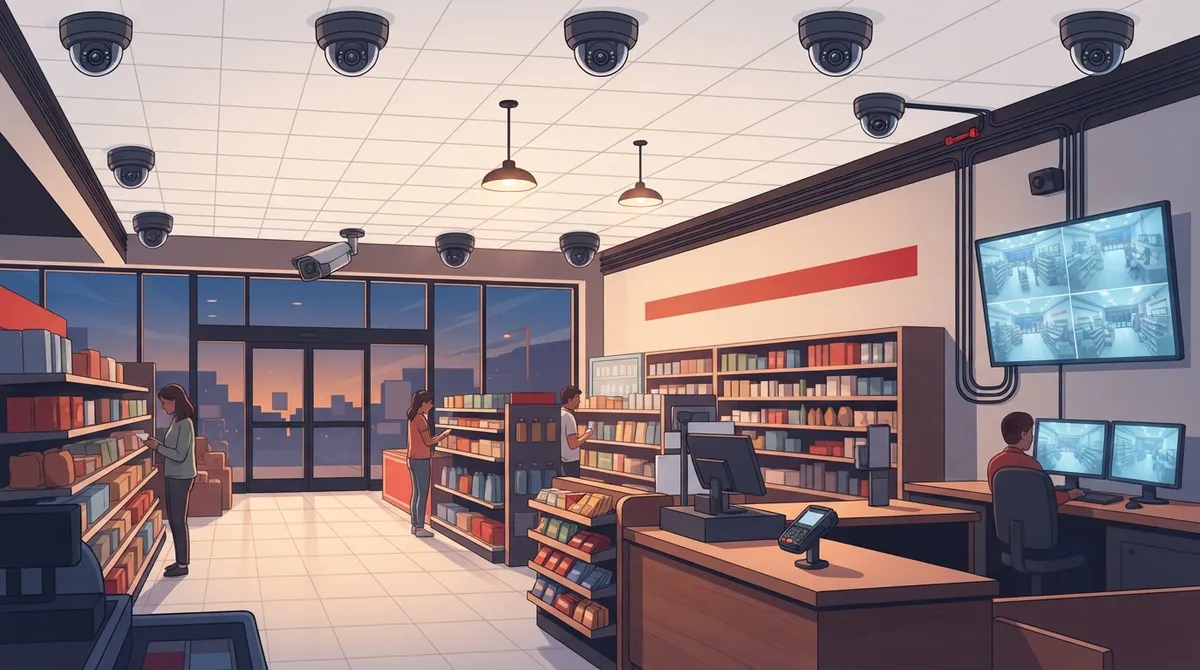
Key Takeaways
-
Invest in higher-resolution cameras at registers and exits since these areas see the most cash handling and theft attempts; sharp video is critical for insurance claims and police reports.
-
Pair cameras with integrated access control and POS systems to create automated motion alerts, door logs, and transaction timestamps—this integration reveals patterns that cameras alone cannot.
-
Design your network infrastructure first by assessing bandwidth needs, using PoE cabling, VLAN segmentation, and failover internet to prevent sluggish recording and system failures.
-
Use wide-angle dome cameras for sales floors and varifocal bullet cameras for entrances/parking to maximize coverage with fewer devices, reducing installation costs and cabling complexity.
Running a retail store in Tampa means juggling a lot. You watch inventory, train staff, and try to keep customers happy. But have you thought about what happens after the doors close? Or during a busy Saturday rush when it’s hard to keep an eye on every aisle? That’s where the right security camera setup comes in. And good news: picking the best system doesn’t have to feel overwhelming.
At Ideal Solutions Provider, we’ve spent over 24 years helping Tampa businesses build smarter, safer operations. We know security cameras for retail stores Tampa business owners need aren’t just about mounting a few cameras and hoping for the best. It’s about pairing the right cameras with solid networking, cloud storage, and remote access so you actually get value from your investment. Let’s walk through seven camera types and setup choices that make a real difference for your store.
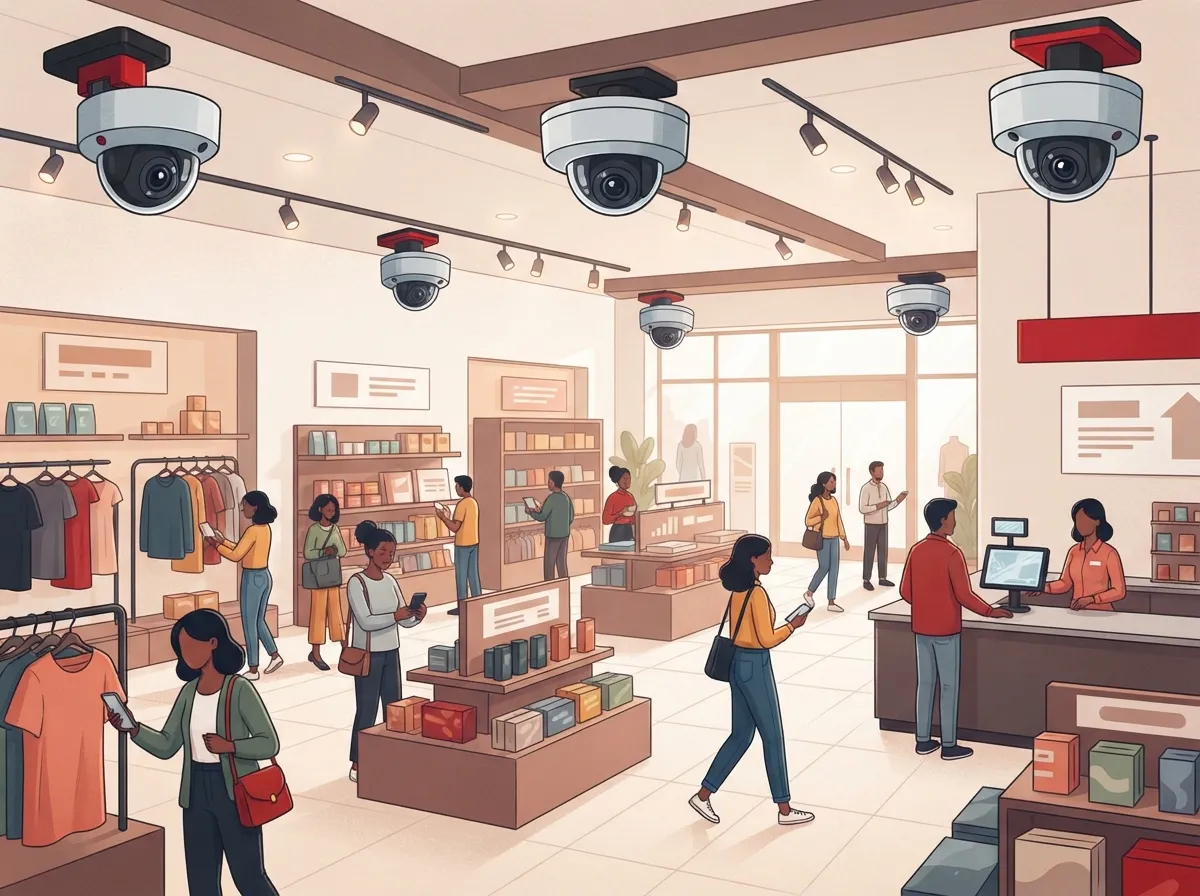
1. Wide-Angle Dome Cameras for the Sales Floor
Dome cameras are the workhorses of retail security. Their rounded shape makes it hard for anyone to tell exactly where the lens is pointing. This alone can discourage shoplifting before it even starts.
These cameras work great for open sales floors because they capture a wide field of view. You get more coverage with fewer devices, which also means less cabling and lower installation costs. Many Tampa retailers pair dome cameras with a strong network backbone using structured cabling to keep video feeds fast and reliable.
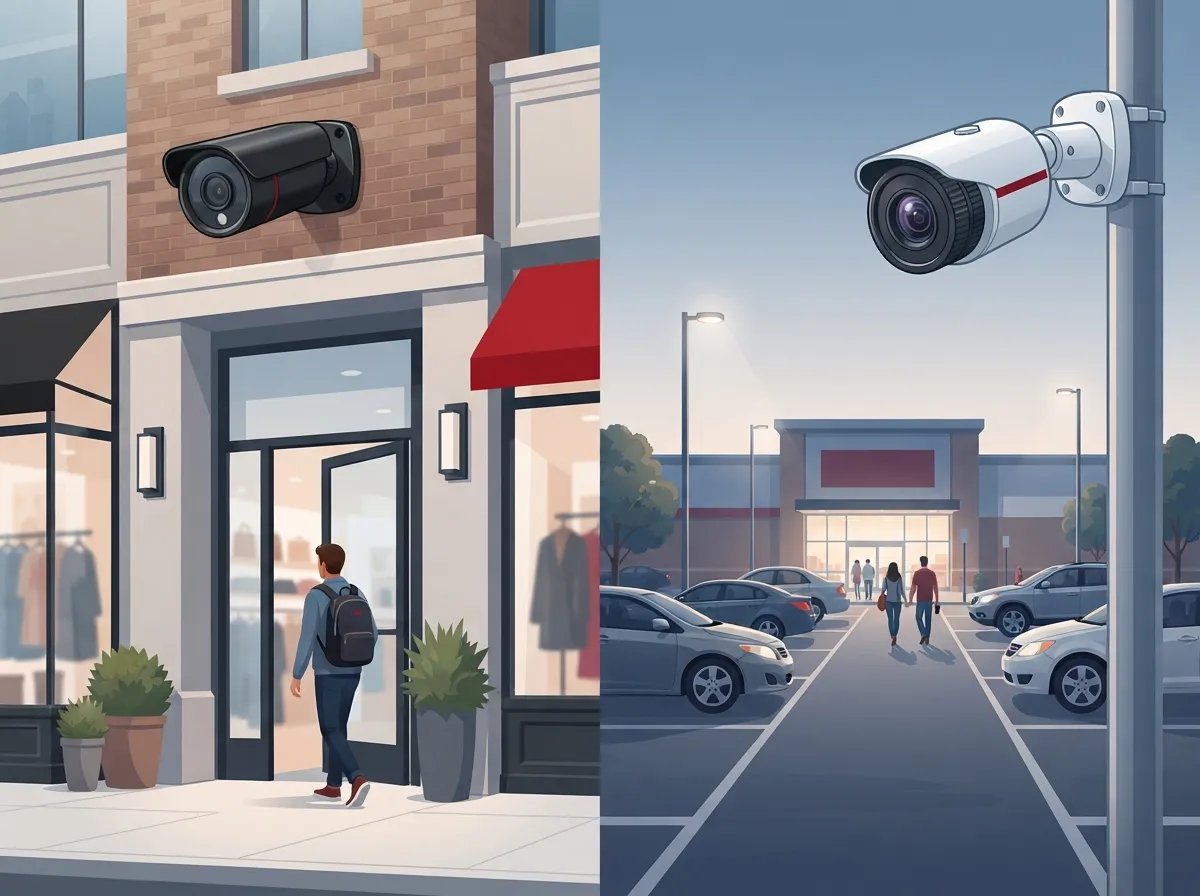
2. Bullet and Varifocal Cameras at Entrances and Parking Areas
Your entrance is the first and last place every customer, employee, and yes, unfortunately, sometimes a criminal, passes through. Bullet cameras are long and narrow, and they’re built to handle outdoor weather while still delivering sharp images.
Varifocal lenses let you zoom in or widen the shot without swapping hardware. This flexibility is perfect for parking lots, loading zones, and storefront windows. Since these areas often deal with sun glare, rain, and nighttime lighting, look for cameras rated for outdoor use with strong night vision.
3. Higher-Resolution Cameras at Registers and Exits
Not every camera needs to be top-of-the-line, but your registers and exits are worth the extra investment. These spots see the most cash handling, transactions, and potential theft attempts.
Higher-resolution cameras help you clearly identify faces, hands, and small details like price tags or receipts. If you ever need footage for an insurance claim or a police report, sharp video makes all the difference. Many stores also add cameras near stockrooms and loading docks, since these areas often go unnoticed but carry real risk.
4. Cloud-Managed Systems for Multi-Location Visibility
If you run more than one store, or you’re planning to expand across Tampa Bay, cloud-managed security cameras are a game changer. You can check in on every location from your phone, no matter where you are.
Cloud systems also handle firmware updates, user permissions, and health alerts automatically. That means less manual work for you or your staff. Franchise operators especially benefit here, since cloud platforms make it simple to add new locations without starting from scratch each time.
| Feature | Cloud-Based Recording | On-Premises Recording |
|---|---|---|
| Remote Access | Easy, from any device | Limited without extra setup |
| Storage Costs | Recurring subscription | One-time hardware cost |
| Maintenance | Automatic updates | Manual updates needed |
| Best For | Multi-location businesses | Single-site data control |
| Scalability | Very easy to expand | Requires more planning |
5. Hybrid Recording for Budget-Conscious Store Owners
Not every small business wants to pay a monthly cloud fee. Hybrid setups let you store footage locally while still getting some cloud backup for peace of mind.
This option works well for small business owners who want lower recurring costs but still like knowing important footage is backed up somewhere safe. It’s a nice middle ground between full cloud reliance and old-school local-only DVR systems.
6. Integrated Systems with Access Control and Alarms
Cameras alone tell you what happened. But when you pair them with access control and alarm systems, you get a much fuller picture of your store’s security.
Here’s what an integrated setup often includes:
- Motion-triggered alerts sent straight to your phone
- Door access logs that show who entered and when
- Alarm triggers that pull up live camera feeds automatically
- POS system integration to match transactions with video timestamps
- Centralized dashboards for managing everything in one place
This kind of integration matters most for mid-sized enterprises and IT managers who need one system doing the heavy lifting instead of five separate logins to check every morning.
7. Network-Ready Cameras Built for Bandwidth and Backup
Here’s something a lot of store owners don’t think about until it’s too late: cameras need bandwidth. A lot of it. Continuous video recording eats into your internet capacity fast, especially with multiple high-resolution cameras running at once.
A smart setup accounts for this from day one. That means:
- Power over Ethernet (PoE) cabling so cameras get power and data through one cable
- VLAN segmentation to keep camera traffic separate from regular business internet use
- Internet failover so your cameras keep recording even if your main connection drops
- UPS battery backup to keep systems running during a power outage
- Secure remote access with strong password and permission controls
This is exactly where working with a telecom partner pays off. Instead of guessing at bandwidth needs, a provider can design your network around your camera count, resolution, and retention needs. If your current setup feels sluggish, it might be time to look at signs your Tampa business network needs an upgrade, since cameras often expose weak spots in older networks.
Know the Rules Before You Record
Florida law has clear guidelines about where cameras can and can’t go. You can install cameras on your sales floor, at entrances, in hallways, and in parking lots. These are considered normal commercial spaces where people don’t expect total privacy.
But there are places you should never point a camera. Restrooms, dressing rooms, and any employee-only area with a reasonable expectation of privacy are off-limits. Breaking this rule can lead to serious legal trouble, so it’s worth double-checking your camera placement with a professional.
Audio recording is a separate issue entirely. Florida’s Security of Communications Act, found in Chapter 934 of the Florida Statutes, generally requires consent from everyone involved before you record audio. Most Tampa retailers choose to disable microphones on their cameras entirely, unless they’ve worked with a lawyer to set up a proper consent and notice process.
How Many Cameras Does Your Store Actually Need?
This depends on your store’s size, layout, and risk level. A small boutique might only need four or five cameras. A larger store with a stockroom, multiple entrances, and a parking lot could need a dozen or more.
Here are a few factors that affect your camera count:
- Square footage of your sales floor
- Number of entrances and exits
- Whether you have a loading dock or stockroom
- Parking lot size and lighting conditions
- Your store’s history with theft or incidents
It’s smart to check current crime data through the City of Tampa Police Department’s online resources before finalizing your camera plan. This helps you understand risk levels specific to your neighborhood, not just general assumptions.
Why a Site Survey Matters More Than You Think
Every retail space is different. Lighting, ceiling height, sightlines, and even where your registers sit all affect where cameras should go. A proper site survey helps map out blind spots before installation, not after.
A good provider will also check your existing network capacity. Can it handle the extra bandwidth from several new IP cameras? Do you need additional switches or upgraded cabling? These questions matter just as much as picking the right camera model. Office managers juggling day-to-day operations especially appreciate having one company handle the whole process instead of coordinating between separate camera installers and IT teams.
Bringing It All Together with One Trusted Partner
Security cameras work best as part of a bigger system, not as a standalone gadget bolted onto your wall. When your cameras, network, phone system, and access control all work together, you get real value and real peace of mind.
Ideal Solutions Provider has spent over two decades helping Tampa businesses build smarter telecom and security setups. We work with 35+ vetted suppliers, so you get options that actually fit your store instead of a one-size-fits-all package. Whether you’re a small boutique or managing multiple franchise locations, we handle everything from the site survey to ongoing support.
You can also see examples of our work on YouTube or follow updates on Facebook and Instagram. And if you’re curious about what security cameras really do for your bottom line, check out our breakdown on what security cameras really do for your business.
Ready to Protect Your Tampa Retail Store?
Choosing the right security camera system doesn’t have to be stressful. With the right partner, it can actually feel simple and even a little exciting as you picture your store running safer and smarter. Whether you need help figuring out camera counts, network capacity, or how everything connects with your cloud-based access control systems, our team is ready to help.
Ready to build a security system that actually fits your store? Contact us today for a free consultation, or call us to talk through your options with a real person who knows Tampa retail inside and out.
FAQs
Q: How much do security cameras for a retail store in Tampa cost?
A: Costs vary quite a bit depending on how many cameras you need and whether you choose cloud or on-premises storage. A small boutique might spend less than a larger store with multiple entrances and a stockroom. The best way to get an accurate number is a free site survey, which we’re happy to provide.
Q: How many cameras does a Tampa retail store need?
A: It really depends on your store’s size and layout. Small shops often do fine with four to six cameras, while bigger stores with parking lots and loading docks may need a dozen or more. A quick walkthrough with a professional helps you nail down the right number without overspending.
Q: Can retail stores in Florida record audio on security cameras?
A: Generally, no, not without proper consent from everyone involved. Florida’s Security of Communications Act requires all-party consent for recording oral communications. Most retailers keep it simple and disable microphones entirely unless they’ve worked with a lawyer on a documented consent process.
Q: Should a Tampa retail business choose cloud or on-premises video recording?
A: It comes down to your priorities. Cloud storage is great if you want easy remote access and less hands-on maintenance, especially across multiple locations. On-premises storage can save money on recurring fees if you’re comfortable managing your own hardware and don’t need constant remote access.
Q: Can security cameras integrate with access control and POS systems?
A: Yes, and honestly, this is where the real magic happens. When cameras, access control, and your POS system work together, you get a much clearer picture of what’s happening in your store. It makes investigating incidents faster and easier for everyone involved.





