

Key Takeaways
-
Upload bandwidth is critical for camera systems; continuous streaming from multiple cameras can overwhelm your internet connection, so event-triggered recording is a smarter approach that balances coverage with network performance.
-
Cloud-managed video surveillance eliminates dependency on physical on-site recorders that can fail or get stolen, but requires strong upload speeds and reliable internet connectivity to function effectively.
-
A trusted telecom partner handling site surveys, network design, and integrated setup prevents costly mistakes by treating cameras and network infrastructure as one system rather than separate projects.
-
Security cameras are only as strong as their cyber defenses; implement unique logins, multi-factor authentication, encrypted storage, and role-based permissions to prevent unauthorized access to your footage.
-
Mobile app alerts provide convenient remote access but don't replace 24/7 professional monitoring; the most effective approach combines self-monitoring convenience with professional services for after-hours emergency response.
-
Hybrid setups combining local backup with cloud access offer the best balance for growing businesses, providing both fast local footage access and remote monitoring capabilities during travel.
Picture this: you’re at home on a Saturday, and your phone buzzes. It’s an alert from your storefront camera. You open the app, take a quick look, and see it was just the delivery driver dropping off a package. No panic, no drive back to the office, just peace of mind in your pocket. That’s the magic of security cameras with mobile app monitoring, and it’s changing the way Tampa businesses keep an eye on their locations.
Whether you run a small shop, manage a growing company, or oversee IT for a multi-location franchise, remote video access has moved from “nice to have” to “must have.” But cameras alone don’t tell the whole story. The real magic happens when your cameras, your internet connection, and your network all work together smoothly. That’s where a trusted business telecom partner makes all the difference. Let’s walk through what these systems actually do, what to watch out for, and how to set your business up for success.

What Are Security Cameras With Mobile App Monitoring?
Security cameras with mobile app monitoring are network-connected cameras you can watch from a smartphone or tablet. They’re often called IP cameras because they connect through the internet, not old-fashioned cables running to a bulky recorder in a back closet.
The whole system usually includes a few key pieces working together. There’s the camera itself, your business network or a cellular connection, cloud storage or a local recorder, and the app on your phone that ties it all together. Think of it like a chain. Each link needs to be strong, or the whole thing falls apart.
With the right setup, business owners and managers can do a lot more than just watch grainy video. Here’s what most modern systems let you do right from your phone:
- Watch live video from any location, anytime, anywhere you have signal
- Scrub back through recorded footage to see what happened earlier
- Get instant push notifications when motion or people are detected
- Pan, tilt, and zoom certain cameras to get a closer look
- Talk through two-way audio, like telling a loiterer to move along
- Share short video clips with staff, police, or insurance adjusters
- Manage cameras across multiple sites from one single app
That last point is huge for franchise operators and growing companies. Instead of juggling five different logins for five locations, everything lives in one dashboard.
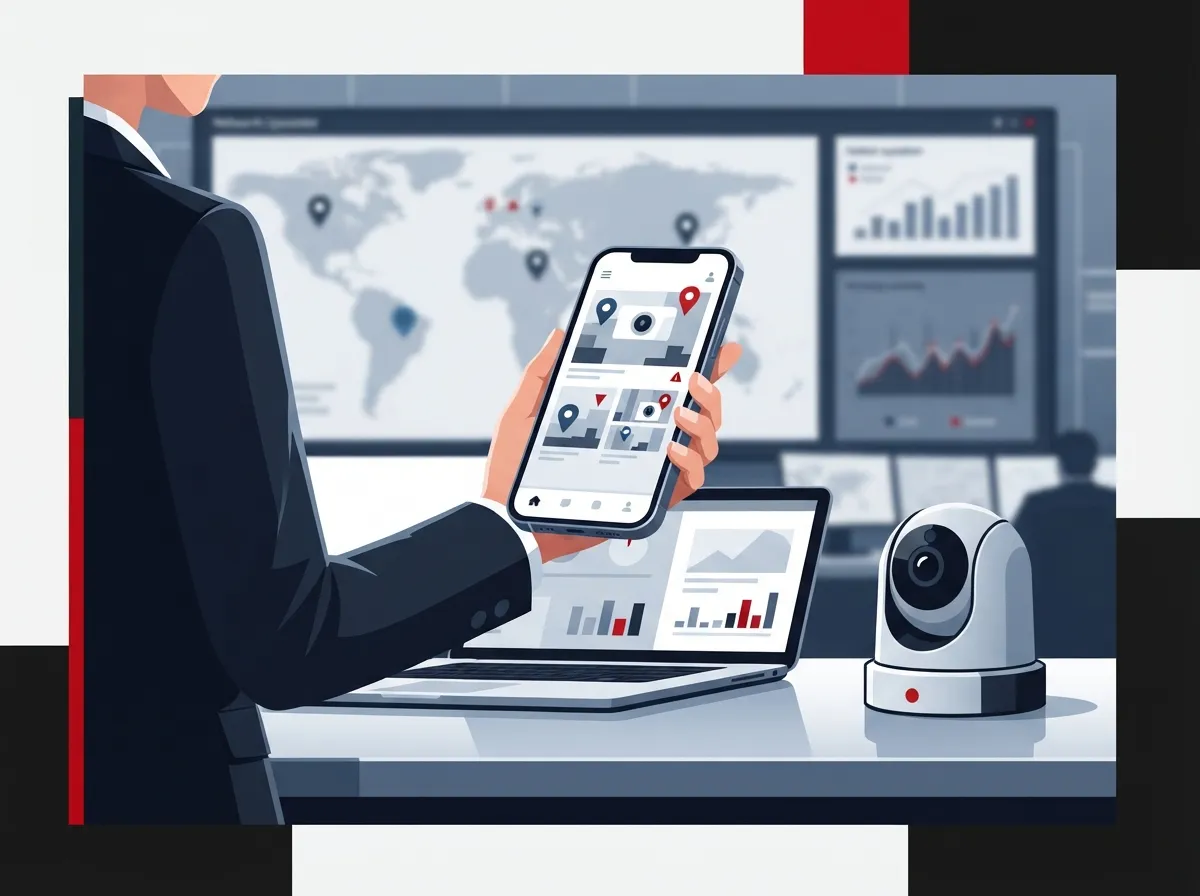
Why This Matters So Much for Business Telecom Solutions
Here’s something people don’t always realize: a security camera is only as good as the network behind it. Cloud-managed video surveillance blends your broadband, your Wi-Fi or wired network, cloud storage, and technical support into one tidy package. That means less reliance on a clunky on-site recorder that can fail, get stolen, or run out of storage at the worst possible time.
This is exactly why pairing cameras with strong high-speed internet for business matters so much. Cameras that stream video constantly can eat up a surprising amount of bandwidth, especially at multiple locations. If your internet connection is shaky, your video feed will be too.
The global video surveillance market is booming, and it’s easy to see why. It was estimated at roughly $63.1 billion in 2025, according to Global Market Insights, with a projected annual growth rate of 10.1% through 2035. Cloud deployment alone was valued around $22.6 billion in 2025 and is expected to nearly triple to about $63.7 billion by 2035. Businesses everywhere are moving away from clunky old systems and toward smarter, cloud-connected ones.
What to Check Before You Install Business Security Cameras
Before you buy a single camera, it pays to slow down and think about your network. A little planning now saves a lot of headaches later. Here are the main things to look at:
- Upload bandwidth: Cameras send data out to the cloud, so your upload speed matters just as much as download speed.
- Wi-Fi coverage: Dead zones near loading docks or parking lots mean blind spots in your footage.
- Power availability: Make sure outlets or Power over Ethernet ports exist where cameras need to go.
- Cellular failover: A backup connection keeps cameras online if your main internet drops.
- Network segmentation: Keeping cameras on their own network segment protects the rest of your systems.
If any of this sounds overwhelming, you’re not alone. Most business owners aren’t network engineers, and they shouldn’t have to be. This is exactly the kind of groundwork a good telecom expert handles during a site survey, so cameras work right the first time.
Cloud, On-Premises, or Hybrid: Which Setup Fits Your Business?
There’s no single right answer here. It depends on your business size, budget, and how many locations you’re running. Take a look at how the three main approaches stack up:
| Setup Type | Best For | Key Advantage | Watch Out For |
|---|---|---|---|
| Cloud-Based | Multi-location businesses, franchises | Easy remote access, centralized management | Ongoing subscription costs |
| On-Premises | Single location, tight budgets | Predictable storage costs, local control | Harder remote access, recorder can fail |
| Hybrid | Businesses wanting the best of both | Local backup plus cloud convenience | More complex setup and maintenance |
Many growing companies land on hybrid setups because they want fast local access to footage but still love checking in from their phone during a business trip. It’s a nice middle ground that a knowledgeable cloud video security provider can help you design around your actual needs, not a one-size-fits-all package.
Smart Features That Actually Help, Not Just Sound Fancy
Modern camera systems use analytics to spot people, vehicles, packages, or unusual activity. This can cut down on false alarms that flood your phone with notifications for every leaf blowing across the parking lot.
That said, don’t just take a sales pitch at face value. Ask a few honest questions before committing to any system:
- Does the analytics processing happen on the camera itself or in the cloud?
- Do advanced features like license plate recognition require an extra subscription?
- How accurate is the detection in low light or bad weather?
- What privacy controls are built in for employees and customers?
Getting clear answers up front prevents surprise bills and disappointment down the road.
Keeping Your Cameras Cyber-Secure
Here’s a truth that surprises a lot of business owners: a camera connected to the internet is basically a small computer. And just like any computer, it needs protection. The National Institute of Standards and Technology, or NIST, treats the camera, the mobile app, and the cloud backend as one connected system that all needs securing together, not separately.
NIST’s guidance, found in SP 800-213, points to a few cybersecurity basics every business should demand from their camera system:
- Unique login credentials for every user, never shared passwords
- Multi-factor authentication for an extra layer of protection
- Role-based permissions so staff only see what they need to see
- Encrypted video during transmission and while stored
- Secure, automatic firmware updates
- A clear plan for replacing outdated or unsupported equipment
Skipping these steps is a little like locking your front door but leaving a window wide open. It doesn’t take a genius hacker to find the gap, just someone patient enough to look.
Setting Smart Policies for Footage and Privacy
Before your cameras go live, sit down and decide on a few ground rules. This isn’t just a legal checkbox. It’s about building trust with your team and your customers.
Think through these questions ahead of time:
- How long will you keep recorded footage before it’s deleted?
- Where exactly will cameras be placed, and where are they off-limits?
- Will any cameras record audio, and does your state allow that?
- Who on your team is authorized to view footage, and how is that tracked?
- What’s the process for exporting a clip if police or insurance need it?
Getting this in writing before installation saves a lot of confusion later. It also shows employees and customers that you take their privacy seriously, which builds goodwill.
Self-Monitoring vs. Professional Monitoring: Know the Difference
Here’s something worth clearing up. Getting a push notification on your phone is not the same as having a 24/7 monitoring team watching your business. Mobile app alerts are great for situational awareness, but they rely on someone actually checking their phone.
Professional monitoring services add verified response and emergency dispatch on top of your camera system. If a break-in happens at 3 a.m. and you’re sound asleep, a monitored service can call authorities immediately. Self-monitoring depends entirely on you seeing that alert in time.
Many businesses use both together. You get the convenience of checking in whenever you want, plus the safety net of professional eyes watching around the clock. It’s not an either-or decision, and a good provider can help you figure out the right mix for your risk level and budget.
How a Telecom Partner Makes This Easier
Setting up business security cameras isn’t just about buying hardware off a shelf. It touches your network, your internet plan, your cabling, and your ongoing support needs. That’s a lot of moving parts for one busy owner or office manager to juggle alone.
A telecom and IT partner can add real value at every stage of the process, including:
- Conducting a site survey to map out camera placement and network needs
- Designing the camera and network layout together, not as separate projects
- Setting up managed connectivity with cellular backup for outages
- Configuring VLANs to keep cameras isolated from sensitive business data
- Handling professional installation and staff training
- Providing ongoing software updates and help-desk support
This is exactly the kind of work Ideal Solutions Provider handles every day for businesses across Tampa Bay and nationwide. With more than 24 years of experience and partnerships with 35 or more vetted suppliers, they act as one single point of contact for cameras, internet, structured cabling, and networking. Instead of juggling five vendors and five phone numbers, you get one team that understands how all the pieces fit together.
If you’re an IT manager comparing vendors, or a franchise operator trying to standardize security across multiple sites, that single point of contact saves real time. No more explaining your setup five different ways to five different companies.
Bandwidth Reality Check for Multi-Camera Systems
One mistake we see often is businesses adding cameras without checking if their internet can actually handle it. A single high-definition camera streaming continuously can use a meaningful chunk of upload bandwidth. Multiply that by ten or twenty cameras across a warehouse or retail chain, and you can slow your entire network to a crawl.
Event-triggered recording, where cameras only send footage when motion happens, uses far less bandwidth than continuous streaming. It’s a smart way to balance good coverage with a network that still runs smoothly for everything else, like your phone system and point-of-sale terminals. Reliable connectivity from a trusted Internet Service Provider paired with the right camera settings makes a world of difference here.
Wrapping It Up: Your Next Step Toward Smarter Security
Security cameras with mobile app monitoring give you a window into your business no matter where you are. But the technology behind that convenience, your network, your internet, your cybersecurity, matters just as much as the cameras themselves. Get the foundation right, and everything else falls into place.
If you’re ready to explore a camera system built around your actual business, not a generic package, our team would love to help. Contact us today for a free consultation, or give us a ring and call us to talk through your options. You can also follow along with helpful tips and behind-the-scenes updates on our Facebook page, our Instagram, or our YouTube channel. We’re here to make security simple, one location at a time.
FAQs
Q: What are security cameras with mobile app monitoring for businesses?
A: They’re internet-connected cameras you can watch, control, and review right from your phone or tablet. Think of your camera system, your network, and your cloud storage all working as a team, with the app tying everything together so you can check in from anywhere.
Q: How much internet bandwidth do business security cameras need?
A: It really depends on how many cameras you have and whether they stream constantly or only record when triggered by motion. A single camera streaming nonstop can use noticeably more upload bandwidth than an event-triggered one, so it’s worth checking your upload speeds before adding a bunch of cameras.
Q: Are cloud security cameras better than an on-premises NVR?
A: It’s not really a matter of better, but a matter of fit. Cloud systems make remote access and multi-location management much easier, while on-premises setups can offer more predictable storage costs. Many businesses land somewhere in the middle with a hybrid approach.
Q: Can one mobile app monitor cameras at multiple business locations?
A: Yes, and this is one of the best perks for franchise operators and growing companies. A cloud-based system can pull all your locations into one single dashboard, so you’re not juggling separate logins for every site.
Q: How secure are business security cameras connected to the internet?
A: They’re only as secure as the setup behind them. Following basics like unique passwords, multi-factor authentication, and encrypted video storage goes a long way toward keeping your system safe from prying eyes.





