
Key Takeaways
-
Cat8 cabling is designed for short-distance, high-speed connections (max 30 meters) within data centers and server racks, not for wiring entire office buildings, making it critical to understand its specific use case before investing.
-
Cat8 requires compatible switches and network interface cards to achieve its 25Gb/s or 40Gb/s speeds—the cable alone won't deliver performance without matching active equipment throughout your network infrastructure.
-
Professional installation with proper shielding, grounding, and field certification testing up to 2 GHz is essential for Cat8 performance; improper installation can silently compromise network performance despite appearing correct.
-
Cat8 is economically justified primarily for data centers and high-performance computing environments, while most small to medium businesses should use Cat6A for general office cabling at a lower cost with adequate performance.
If you run a data center, server room, or a growing office network, you’ve probably heard whispers about Cat8 cabling systems. Maybe someone on your IT team mentioned it, or a vendor tried to upsell you without really explaining why. Don’t worry, you’re in good company. A lot of business owners and IT managers feel a little lost when new cabling standards pop up. Let’s walk through this together, in plain language, so you can make a smart choice for your network without needing an engineering degree.
Cat8 cabling is a newer, high-speed copper cabling system built for short, fast connections. Think server-to-switch links inside a data center, not the long runs that snake through your whole office building. Understanding where it fits (and where it doesn’t) can save you money and headaches down the road. Here are 14 facts every business should know before investing in professional structured cabling services for their network.
1. Cat8 Is Built for Speed, Not Distance
Cat8 cabling is a shielded, high-frequency copper Ethernet cable. It’s designed to handle huge amounts of data over very short distances. This is different from cabling you’d use to wire an entire office floor.
The whole point of Cat8 is raw speed in a tight space, like a server rack or a data center row. If you’re picturing wiring your entire building with it, that’s not really what it’s meant for.
2. It Supports Seriously Fast Ethernet Speeds
Cat8 cabling is specified to handle frequencies up to 2,000 MHz, or 2 GHz. That’s a huge jump compared to older cabling types.
This high frequency allows Cat8 to support 25GBASE-T and 40GBASE-T Ethernet. In simple terms, that means data can move at 25 or 40 gigabits per second under the right conditions.
3. The Maximum Cable Run Is Short
Here’s the catch: Cat8’s top speeds only work over short distances. The maximum channel length is 30 meters, which is about 98 feet.
Compare that to older cabling like Cat6A, which can run up to 100 meters. Cat8 trades distance for speed, and that trade-off matters a lot when planning your network layout.
4. A Typical Cat8 Channel Has Specific Limits
A standard 30-meter Cat8 channel usually breaks down like this:
- Up to 24 meters of permanent, fixed cabling installed in walls or racks
- Up to 3 meters of patch cable at each end connecting to equipment
- Generally no more than two connectors in the whole channel
Getting these measurements right is important. Too many connectors or too much patch cable can hurt performance, so this is a job best left to experienced installers.
5. Cat8 Uses RJ45-Compatible Connectors (Mostly)
Good news for anyone worried about compatibility: ANSI/TIA Category 8 and ISO/IEC Category 8.1 both use an RJ45-style connector. This means it can plug into equipment you may already recognize.
However, there’s an exception. ISO/IEC Category 8.2, sometimes called Class II, uses a completely different connector system. It’s not interchangeable with the RJ45-based Category 8.1 setup, so double-check specs before buying equipment.
6. Cat8, Cat8.1, and Cat8.2: What’s the Difference?
These names can get confusing fast. Here’s a simple breakdown in table form to clear things up.
| Cabling Type | Connector Style | Common Use |
|---|---|---|
| Cat8 (ANSI/TIA) | RJ45-compatible | Standard in North America for data centers |
| Category 8.1 (ISO/IEC) | RJ45-compatible | International standard, similar to Cat8 |
| Category 8.2 (ISO/IEC) | Different connector system | Not interchangeable with RJ45 setups |
If you’re working with a nationwide vendor network, this distinction matters. Make sure whoever installs your cabling knows exactly which standard your equipment supports.
7. Cabling Alone Won’t Give You 25 or 40 Gb/s
This is a big one people miss. Installing Cat8 cable doesn’t automatically mean you get blazing fast speeds. Your switches and network interface cards also need to support those same speeds.
Think of it like buying a race car but still using regular gas. The cable is only part of the equation. Your business network solutions need to include compatible active equipment for Cat8 to actually deliver on its promise.
8. Cat8 Is Backward Compatible
The good news is Cat8 cabling can still work with slower Ethernet speeds when paired with compatible gear. You won’t be locked out of using it just because your switches aren’t the newest model.
That said, you won’t see the full benefit of Cat8 until your equipment catches up. It’s smart to plan your upgrades together rather than piecemeal.
9. Data Centers Are Cat8’s Natural Home
Because of its short reach, Cat8 shines in specific spots:
- Server-to-switch connections within a single rack
- Switch-to-switch links in the same row
- Top-of-rack deployments in data centers
- End-of-row connections where speed matters most
For longer runs across a building or between floors, fiber optic cabling or lower-category copper usually makes more sense. Our team often recommends fiber optic cabling services for those longer distances.
10. Shielding and Grounding Are Non-Negotiable
Cat8 cabling is shielded, which helps block interference and supports its high-speed performance. But shielding only works if it’s installed correctly.
Installers need to use shielded components throughout and follow proper grounding and bonding practices. Poor shield termination can quietly ruin your network’s performance, even if everything looks fine on the surface.
11. Certification Testing Is More Demanding
Testing Cat8 cabling isn’t the same as testing older cable types. Field certification for Cat8 requires testing up to 2 GHz, compared to just 500 MHz for Cat6A.
This means you need a qualified installer with the right testing tools. Skipping proper certification is a gamble that can leave you with a network that doesn’t perform as promised.
12. Cat8 vs. Cat6A: A Quick Comparison
Choosing between these two cabling types comes down to your specific needs. Here’s how they stack up side by side.
| Feature | Cat8 | Cat6A |
|---|---|---|
| Max Frequency | 2,000 MHz | 500 MHz |
| Max Channel Length | 30 meters (98 ft) | 100 meters (328 ft) |
| Supported Speeds | 25GBASE-T, 40GBASE-T | 10GBASE-T |
| Best Use Case | Data centers, server racks | Office horizontal cabling |
Many businesses actually need both types working together. For a deeper look at how these differ, check out our guide on 7 Key Differences Between CAT5e and CAT6 Cabling.
13. Is Cat8 Worth Installing for Your Business?
Honestly, it depends on what you’re running. If you operate a large data center, high-performance computing cluster, or need to move massive amounts of data between servers quickly, Cat8 could be a great fit.
But if you’re a small business owner or office manager just trying to keep phones and computers running smoothly, you probably don’t need Cat8 for general office wiring. Standard CAT6 cabling installation is often plenty for everyday business needs, and it’s more budget-friendly too.
14. Professional Installation Makes All the Difference
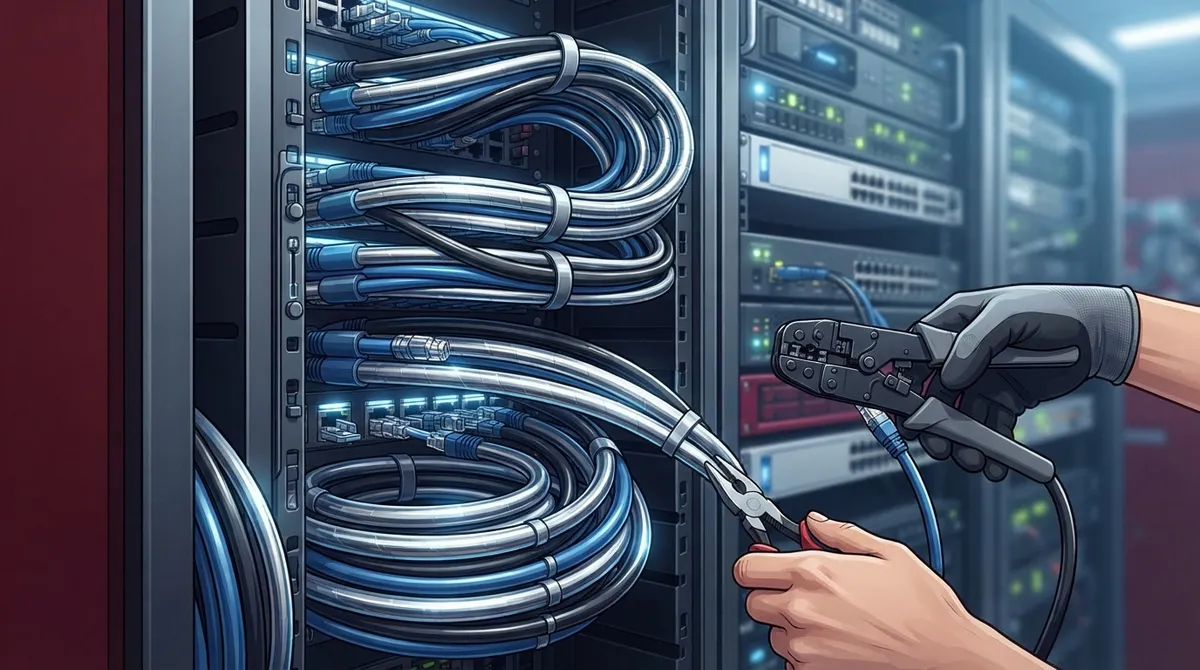
Cat8 cabling is unforgiving if installed wrong. Between the shielding requirements, connector standards, and strict distance limits, this isn’t really a do-it-yourself project.
Working with an experienced team who understands structured cabling best practices helps you avoid costly mistakes. It also means your network gets certified correctly the first time, saving you from troubleshooting headaches later.
Making the Right Choice for Your Network
Choosing the right cabling isn’t just a technical decision, it’s a business decision. Your network needs to support your phones, your internet connection, your security cameras, and everything in between.
At Ideal Solutions Provider, we’ve spent over 24 years helping Tampa businesses and companies nationwide figure out exactly what cabling and networking setup fits their needs. Whether that’s Cat8 in a data center or reliable structured cabling throughout your office, we compare options across 35+ vetted suppliers so you’re never stuck guessing. We also help businesses evaluate their high-speed internet for business needs alongside their cabling infrastructure, since these systems work best together.
You can also see real examples of our work and hear from other business owners on our YouTube channel, or follow along with tips on Facebook and Instagram.
Ready to Build a Network That Actually Works for You?
Cabling decisions shouldn’t feel overwhelming, and you don’t have to figure it all out alone. Whether you’re planning a new data center build, upgrading your office network, or just trying to understand what your business actually needs, we’re here to help walk you through it.
Reach out today and contact us for a free consultation, or give us a call to talk through your options with a real person who genuinely wants to help.
FAQs
Q: What is Cat8 cabling, and what is it used for in a business network?
A: Cat8 cabling is a shielded copper cable built for super short, super fast connections, like linking servers to switches in a data center. It’s not really meant for wiring an entire office building, so think of it as a specialty tool rather than an everyday solution.
Q: How fast is Cat8 Ethernet, and does it support 25GBASE-T and 40GBASE-T?
A: Yes, Cat8 is specified up to 2,000 MHz and does support both 25GBASE-T and 40GBASE-T Ethernet. That said, your switches and network cards need to match those speeds too, since the cable alone can’t do all the work.
Q: What is the maximum distance for a Cat8 cable run?
A: Cat8’s maximum channel length is 30 meters, or about 98 feet. That’s much shorter than older cabling types, which is exactly why it’s best suited for tight spaces like server racks rather than long building runs.
Q: Is Cat8 worth installing in a business or data center?
A: If you’re running a busy data center or need lightning-fast server connections, Cat8 can be a fantastic investment. For general office use, though, something like Cat6A usually does the job just fine and costs less too.
Q: Does Cat8 require shielding, grounding, or special installation practices?
A: Absolutely, and this part really matters. Cat8 needs proper shielding, grounding, and bonding to perform correctly, so it’s best to have an experienced installer handle it rather than tackling it as a DIY project.





