
Key Takeaways
-
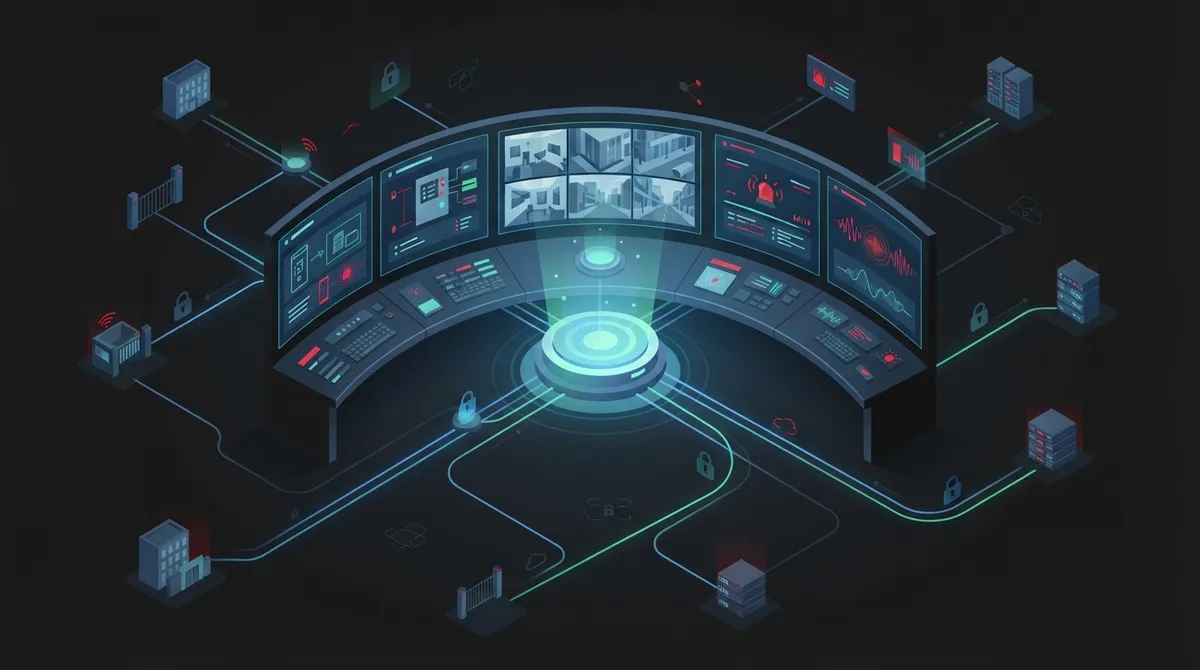
Cloud-based security integration eliminates vendor juggling by connecting cameras, access control, alarms, and phones into one managed system accessible remotely via browser or app, with automatic updates and multi-site management from a single dashboard.
-
Choose cloud integration for single small locations, hybrid for growing mid-sized businesses needing local control, and on-premise only if you have dedicated IT staff; franchise operators benefit most from cloud-based centralized management across multiple sites.
-
Cybersecurity must be built into integration from day one with network segmentation, strong identity management, encryption, regular patching, and activity logging, since connected cameras and access controllers are potential network entry points for threats.
-
Verify integrators assess network capacity and bandwidth before recommending equipment, offer both cloud and on-premise options, provide team training and documentation, and can manage cabling, networking, and phones alongside security systems.
Picture this: your cameras live on one system, your door locks run on another, and your phones sit on a totally separate network. When something goes wrong, you’re stuck calling three different companies just to figure out what happened. Sound familiar? You’re definitely not alone, friend. So many Tampa business owners come to us feeling exactly this frustrated.
That’s where security system integration services come in. These services connect your cameras, door access, alarms, and phone systems into one smooth, easy-to-manage setup. Instead of juggling vendors, you get one clear picture of what’s happening at your business, day or night.
In this friendly guide, we’ll walk through cloud versus on-premise security integration. We’ll cover what each option really means, who they work best for, and how to pick the right fit for your business. Grab a coffee and let’s dig in together.
What Are Security System Integration Services, Really?
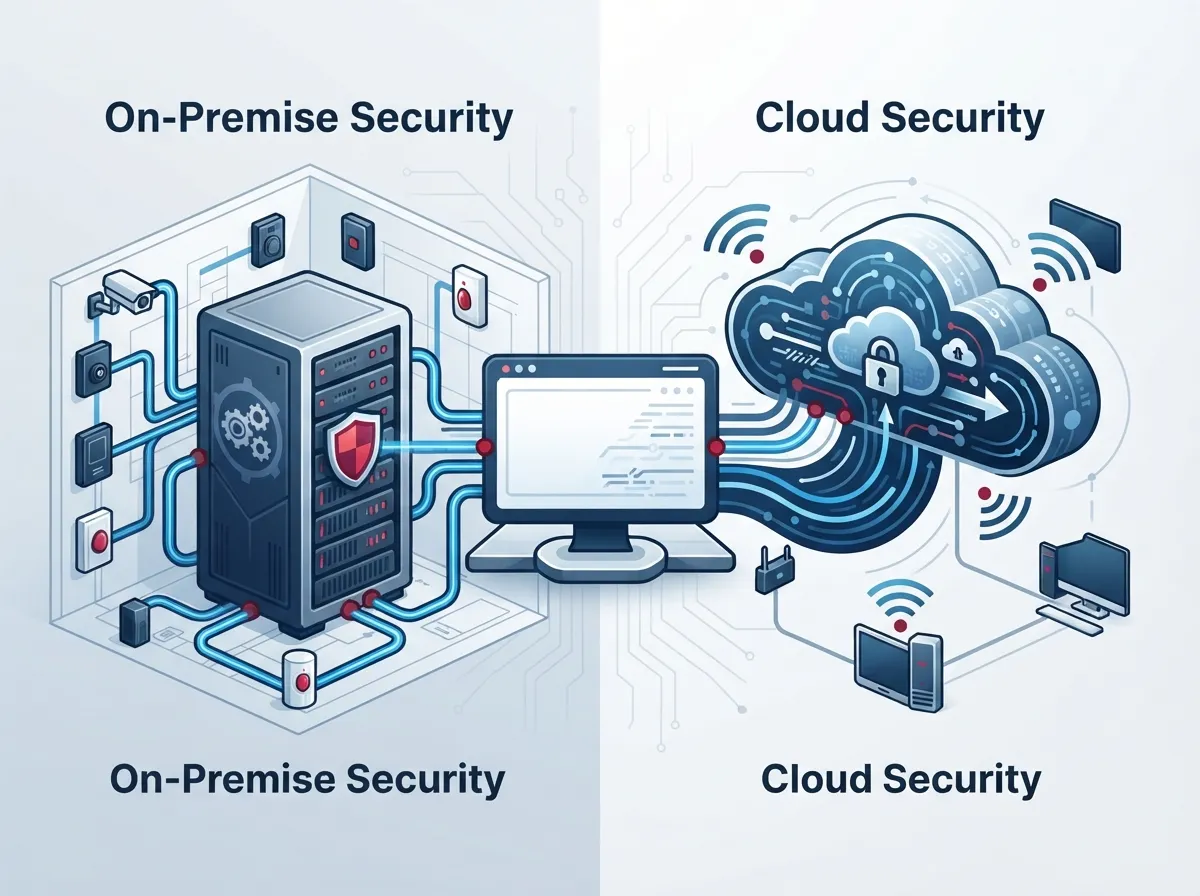
Security system integration services combine physical security tools with your business’s network and communication systems. Think IP cameras, access control, intrusion alarms, and even your cloud-based phone system, all working together on one connected network.
Here’s the cool part: these systems can talk to each other. If someone badges into a back door at 2 AM, the nearest camera can pull up footage automatically. An alert can ping your security team’s phone instantly. That’s the magic of true integration, and it’s a lot smarter than watching separate screens all day.
For Business Telecom Solutions providers like us, integration usually includes a few key building blocks:
- Structured cabling and Ethernet or fiber connectivity to support your devices
- Power over Ethernet (PoE) network design so cameras and access points get power and data through one cable
- Hosted or on-premises VoIP that connects your communications to security alerts
- Cloud platforms for remote administration across one site or fifty
- Multi-site connectivity so franchise locations or branch offices stay in sync
Cloud-Based vs. On-Premise: The Real Difference
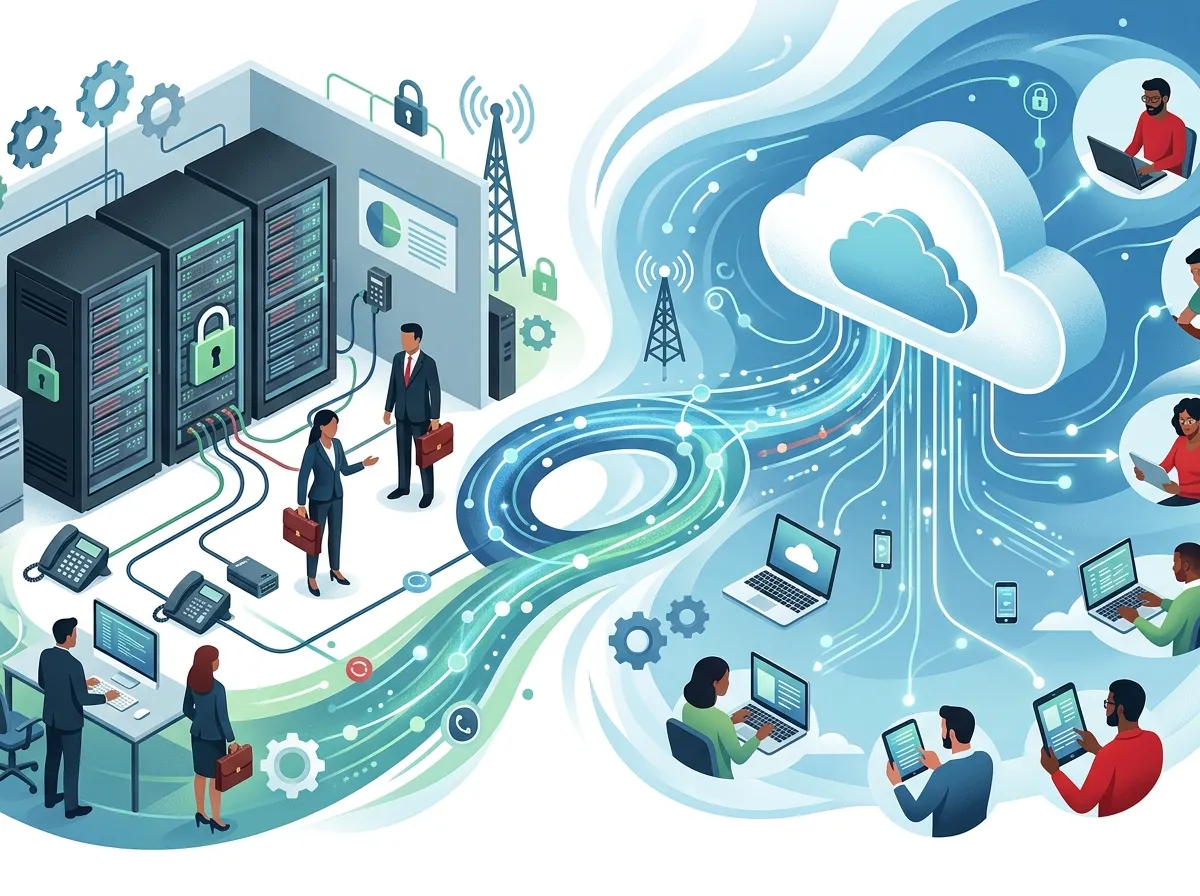
Let’s break this down without the tech-speak headache. Both approaches get your systems talking to each other. The difference comes down to where the “brain” of your system lives and how you access it.
Cloud-Managed Systems
Cloud systems store data offsite and let you manage everything from a browser or app. You can check camera feeds from your phone at the beach (we won’t tell). Updates happen automatically, and adding a new location takes minutes, not weeks.
On-Premise Systems
On-premise setups keep your servers and storage inside your building. Some businesses love this because it feels more hands-on and gives them full local control over their data. The tradeoff? You’ll need someone managing hardware, backups, and updates on-site.
Hybrid Systems
Hybrid designs blend both worlds. You might store sensitive footage locally while managing daily operations through the cloud. It’s a nice middle ground for businesses that want flexibility without giving up all local control.
| Feature | Cloud-Based | On-Premise | Hybrid |
|---|---|---|---|
| Remote Access | Excellent, from anywhere | Limited without extra setup | Good, depends on design |
| Multi-Site Management | Very easy, centralized | Harder, needs local IT at each site | Moderate, best of both |
| Upfront Cost | Lower, subscription-based | Higher, hardware-heavy | Moderate |
| Local Control | Less direct control | Full local control | Balanced control |
| Maintenance | Handled by provider | Managed in-house | Shared responsibility |
Which One Wins for Your Business?
Honestly, there’s no single “winner” here. It really depends on your business size, budget, and how many locations you’re running. Let’s look at who tends to love each option.
Small Business Owners
If you’re running a single Tampa location, cloud-based integration often makes the most sense. You get powerful features without needing a dedicated IT person. Pair it with reliable high-speed internet for your business, and you’re set up for smooth, affordable operations.
Mid-Sized Enterprises
Growing companies often benefit from hybrid setups. You get the centralized management cloud offers, plus the local control you might need for compliance or bandwidth reasons. This is also where cloud video security systems really start to shine, especially when paired with solid access control.
IT Managers
If you’re the one fielding calls about network capacity, PoE budgets, and firmware updates, you already know integration touches everything. A good managed network services partner can take a lot of that weight off your plate.
Office Managers
You want systems that just work, without daily fuss. Cloud platforms tend to be the friendliest option here since updates and troubleshooting mostly happen behind the scenes.
Franchise Operators
Running multiple locations? Cloud-based or hybrid integration lets you manage cameras, doors, and phones across every site from one dashboard. It’s a game-changer for consistency and for keeping an eye on things without flying to every location.
How Integration Actually Gets Built: A Step-by-Step Look
Wondering what happens once you decide to move forward? Here’s a friendly walkthrough of the typical process:
- Site assessment: A professional integrator walks your space, checking layout, network capacity, bandwidth, and power availability.
- Coverage and needs planning: This step covers camera placement, door hardware, user roles, and how long footage needs to be stored.
- Design and equipment selection: Your integrator recommends gear that fits your goals, budget, and existing setup, including structured cabling where needed.
- Cabling and installation: Technicians install cameras, access points, and network cabling, keeping everything tidy and future-ready.
- Configuration and software integration: This is where cameras, access control, and communication platforms actually get connected and talking.
- Testing: Everything gets checked to make sure alerts, footage, and access events work exactly as planned.
- Training and documentation: Your team learns how to use the system, and you get clear documentation for reference.
- Ongoing monitoring and support: A good provider sticks around for maintenance, repairs, and future expansion.
Don’t Forget Cybersecurity (Seriously, Don’t)
Here’s something a lot of businesses overlook: your cameras, access controllers, and recorders are all network-connected devices. That means they’re also potential entry points for cyber threats if they aren’t secured properly.
The NIST Cybersecurity Framework 2.0, published in February 2024, is a great reference point here. It offers guidance for managing cybersecurity risk, no matter your business size or industry. A responsible integrator should build in protections like:
- Strong identity management and unique login credentials for every user
- Network segmentation, keeping security devices separate from everyday office traffic
- Encryption for data moving across your network
- Regular patching and firmware updates
- Secure remote access methods, especially for cloud-managed systems
- Activity logging and regular backups
This is exactly why pairing your security integration with strong business network solutions matters so much. Cameras and access control are only as safe as the network holding them together.
Can You Integrate What You Already Have?
Great news: you don’t always need to rip everything out and start over. Many existing camera systems and access control setups can be integrated into a new network, especially if they use standard IP-based equipment. A professional assessment will tell you what can stay, what needs upgrading, and where new Internet Service Provider connections or cabling might be needed to support everything smoothly.
This is also a smart time to review your structured cabling services since older wiring can hold back even the best security equipment.
Why One Point of Contact Makes Life Easier
Here’s something we hear all the time from business owners: managing separate vendors for internet, phones, cameras, and door access is exhausting. Every time something breaks, you’re stuck figuring out which company to call, and sometimes they point fingers at each other.
At Ideal Solutions Provider, we’ve spent over 24 years helping Tampa businesses (and companies nationwide) avoid that headache entirely. We work with 35+ vetted suppliers to design security, networking, cabling, and phone solutions that actually work together, all under one roof. Whether you need cloud-based access control, video security, or a complete network overhaul, our team handles consultation, installation, and ongoing support so you don’t have to.
We also share updates and helpful tips on Facebook, Instagram, and YouTube, so feel free to follow along if you want to see real projects in action.
Quick Checklist Before You Choose an Integrator
Before signing on with any provider, run through this simple checklist:
- Do they assess your network capacity and bandwidth before recommending equipment?
- Can they support multiple locations if you plan to grow?
- Do they offer both cloud and on-premise options, or only push one solution?
- Will they train your team and provide documentation?
- Do they build in cybersecurity protections from day one?
- Can they manage cabling, networking, and phones alongside security?
If you can check most of these boxes, you’re in good hands.
Wrapping It Up: Making the Right Choice
At the end of the day, choosing between cloud, on-premise, or hybrid security integration comes down to your specific business needs. Small businesses often love the simplicity of cloud systems. Growing enterprises may want the flexibility of hybrid setups. And franchise operators almost always benefit from centralized, cloud-based management across every location.
Whatever you choose, the real win is having everything connected, secure, and easy to manage. No more juggling vendors or wondering who to call when something goes wrong. That peace of mind is worth its weight in gold.
Ready to see what integrated security could look like for your business? Contact us for a friendly, no-pressure consultation, or give us a call today. We’d love to help you build a system that just works.
FAQs
Q: What are security system integration services for businesses?
A: They’re services that connect your cameras, access control, alarms, and phone systems into one smooth, connected setup. Instead of managing separate tools, you get one clear view of your business, all working together nicely.
Q: Can I integrate my existing security cameras with a new telecom network?
A: In many cases, yes! If your equipment uses standard IP-based technology, it can often join a new network without a full replacement. A quick site assessment will tell you exactly what fits and what might need an upgrade.
Q: What’s the difference between cloud-based, on-premise, and hybrid security systems?
A: Cloud systems store data offsite and let you manage everything remotely, which is great for flexibility. On-premise keeps everything local for full control, and hybrid blends both approaches for the best of each world.
Q: How much bandwidth do IP security cameras need?
A: It really depends on camera resolution, number of devices, and how much footage you’re storing. A good integrator will check your network capacity first, so everything runs smoothly without slowing down your other systems.
Q: Can one provider handle security, cabling, networking, and phones together?
A: Absolutely, and honestly, that’s the easiest way to go! Working with one trusted partner means fewer headaches, faster support, and systems that are actually designed to work well together from the start.





