
Key Takeaways
-
Cat6A supports full 10Gbps speeds across the entire 100-meter cabling channel, while Cat6 only reaches 10Gbps over shorter distances (37-55 meters) before performance drops due to interference.
-
Cat6A's doubled frequency rating (500 MHz vs 250 MHz) and improved shielding make it better for high-density networks, future growth, and interference-prone environments like busy server rooms.
-
Cat6 remains a cost-effective choice for small offices with standard Gigabit needs and no planned major upgrades, offering solid performance at lower installation and material costs.
-
Proper installation quality matters as much as cable category—poorly installed Cat6A can underperform a properly installed Cat6, requiring certified field-testing and standards-compliant components throughout.
-
Growing businesses planning to scale operations, add Wi-Fi 6/6E access points, or deploy high-bandwidth security cameras should invest in Cat6A now to avoid costly re-cabling projects in 3-5 years.
-
Mixing Cat6 and Cat6A components in the same cabling channel limits performance to the lower category, and shielded cable only works if the entire system is properly bonded and grounded.
Picking the right network cable might not sound exciting, but trust me, it can make or break your office network. If you’re planning new construction, a remodel, or just upgrading your Tampa business network, you’ve probably run into the cat6 vs cat6a cabling question. Don’t worry, you’re not alone. Almost every business owner and IT manager we talk to has the same puzzled look when this topic comes up.
Here’s the good news: this decision doesn’t have to be complicated. Once you understand a few key differences, you’ll know exactly which cable fits your business today and which one will still make sense five or ten years from now. Grab a coffee, and let’s walk through this together, step by step, in plain language.
Whether you’re a small business owner juggling ten tasks at once, an IT manager overseeing a growing network, or a franchise operator planning cabling across multiple locations, this guide will help you make a confident, informed choice. And if you’d rather skip the research and just get expert advice, our friendly team at Ideal Solutions Provider is always happy to help.
What Cat6 and Cat6A Cabling Actually Are
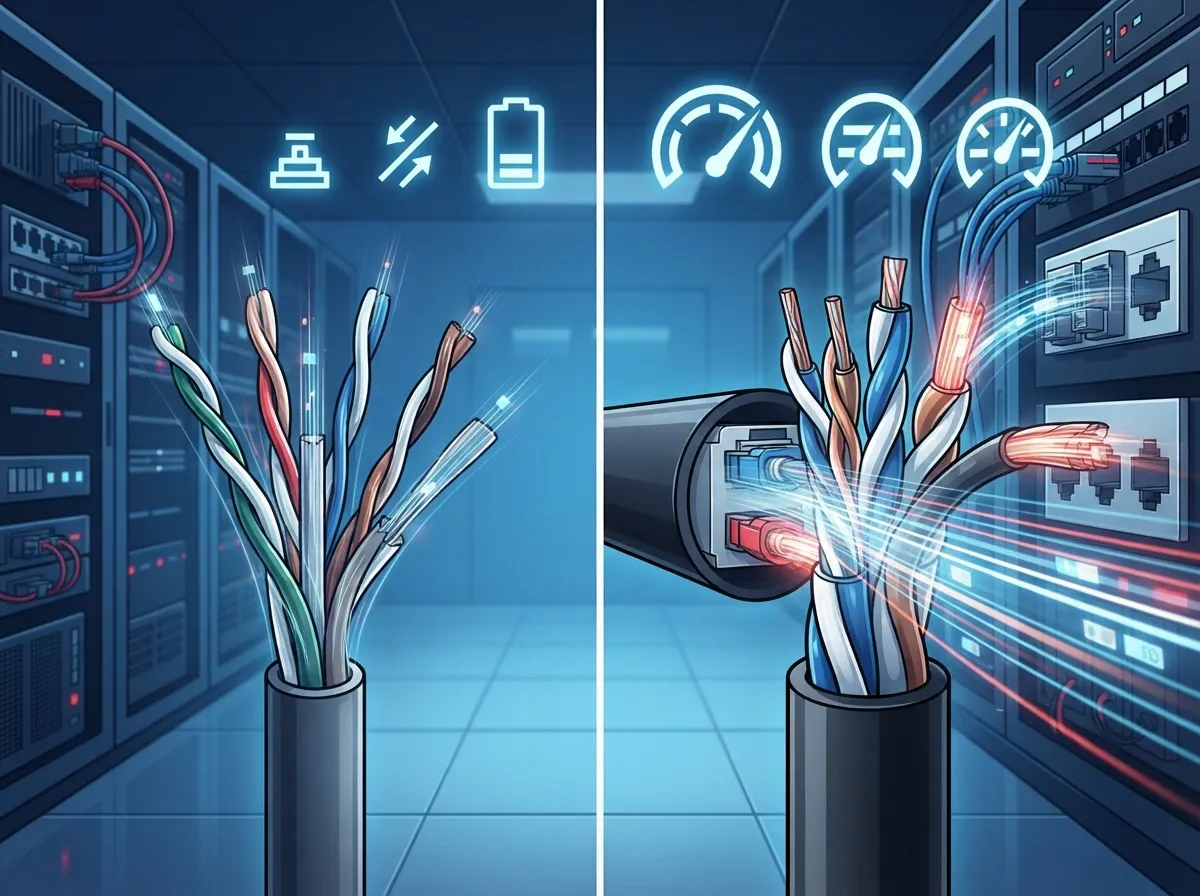
Cat6 and Cat6A are both types of structured cabling used to connect computers, phones, wireless access points, and security devices to your network. Think of them as the veins of your office, carrying data instead of blood, quietly keeping everything running.
Both cables use twisted copper wire pairs, and both can handle Gigabit Ethernet speeds across the standard 100-meter cabling run. That run usually breaks down into 90 meters of cabling inside your walls and up to 10 meters of patch cords connecting your devices. So far, they sound pretty similar, right? The differences start showing up when you push these cables toward higher speeds.
Cat6: The Reliable Workhorse
Cat6 cable is rated to handle frequencies up to 250 MHz. It’s been the standard choice for offices for years, and for good reason. It’s thinner, easier to install, and generally less expensive than its newer sibling.
Cat6 can technically support 10 Gigabit speeds (10GBASE-T), but only over shorter distances, typically somewhere between 37 and 55 meters depending on your installation conditions. Beyond that range, performance can drop off due to something called alien crosstalk, which is interference from cables running nearby.
Cat6A: Built for the Long Haul
Cat6A, which stands for “augmented Category 6,” doubles the frequency rating to 500 MHz. This upgrade means it can support full 10 Gigabit speeds across the entire 100-meter channel, no shortcuts needed.
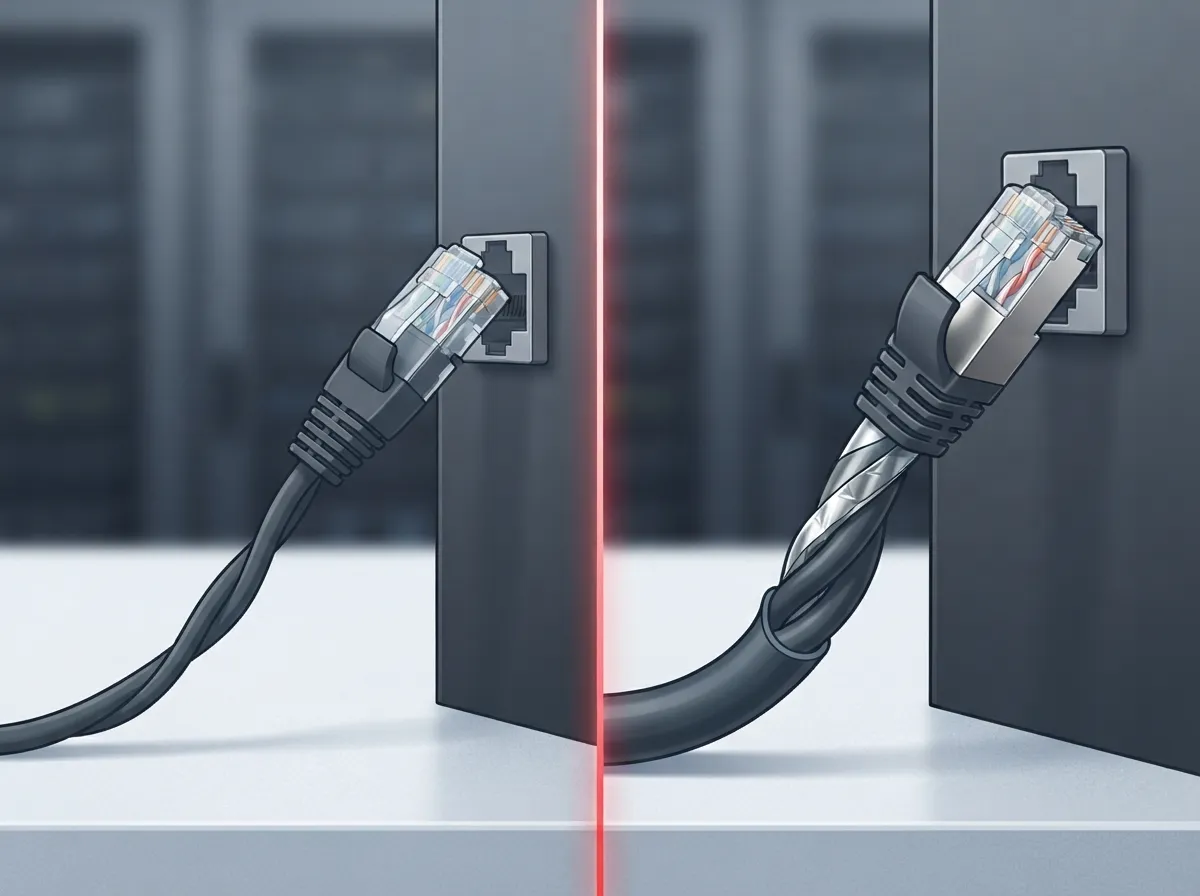
The bigger jacket and improved shielding design in Cat6A cable help block out that pesky alien crosstalk, especially in busy server rooms or dense cable bundles. The tradeoff? Cat6A cable is thicker, less flexible, and typically pricier to buy and install.
Cat6 vs Cat6A Cabling: Side-by-Side Comparison
Sometimes a simple table says more than a page of text. Here’s a quick breakdown to help you visualize the differences.
| Feature | Cat6 | Cat6A |
|---|---|---|
| Frequency Rating | 250 MHz | 500 MHz |
| Max 10Gbps Distance | Approximately 37-55 meters | Up to 100 meters (full channel) |
| 1Gbps Support | Full 100 meters | Full 100 meters |
| Cable Thickness | Thinner, more flexible | Thicker, stiffer |
| Cost | Lower | Higher |
| Alien Crosstalk Resistance | Moderate | Strong |
| Best For | Standard offices, 1Gbps needs | High-density networks, future-ready 10Gbps |
Notice something important here: cable category alone doesn’t guarantee speed. Your switches, patch panels, jacks, and even how well the technician terminates the cable all play a role. A poorly installed Cat6A run can underperform a properly installed Cat6 run. That’s why working with an experienced Internet Service Provider partner or cabling contractor matters just as much as the cable you choose.
How to Decide Which Cable Is Right for Your Business
Ready to make a decision? Here’s a simple step-by-step process we walk our clients through every day.
- Assess your current network speed needs. If your office runs on standard Gigabit connections and doesn’t have heavy video, cloud storage, or data demands, Cat6 might serve you perfectly well for now.
- Think about future growth. Are you planning to add more employees, upgrade to Wi-Fi 6E or Wi-Fi 7 access points, or bring in cloud video security systems? Cat6A gives you breathing room for years to come.
- Consider your building layout. Larger buildings with longer cable runs benefit more from Cat6A’s ability to hit full 10Gbps speeds across the entire 100-meter channel.
- Factor in installation costs. Cat6A costs more upfront and needs more labor due to its thicker jacket and stricter termination requirements. Weigh that against how long you plan to stay in your space.
- Evaluate cable density and pathway space. If you’re running cable through packed conduits or tight ceiling spaces, Cat6A’s larger diameter might require extra planning.
- Check your Power over Ethernet (PoE) requirements. Both cable types can carry PoE, but higher-power PoE++ devices like cameras and access points may perform better with Cat6A due to lower heat buildup in bundled cables.
If you’d like a second opinion tailored to your specific building and business goals, our team would love to help. You can always get in touch with our team for a free consultation.
Where Cat6 Still Makes Sense
Cat6 isn’t going anywhere, and honestly, it shouldn’t. It’s still a smart, budget-friendly choice for a lot of businesses. Here are some situations where sticking with Cat6 makes good sense:
- Small offices with basic Gigabit internet and VoIP phone needs
- Short cable runs where the full 100-meter 10Gbps limitation isn’t a concern
- Projects with tight pathway space where thinner cable helps avoid conduit overcrowding
- Budget-conscious builds where every dollar counts, like early-stage startups or small retail locations
- Telephone-over-Ethernet applications that don’t require massive bandwidth
Many small business owners find that Cat6 handles their day-to-day operations just fine, especially when paired with a solid cloud-based phone system and dependable internet service. If your needs are modest now and unlikely to change dramatically, there’s no shame in choosing the more affordable option.
Where Cat6A Becomes the Smarter Investment
On the flip side, some businesses really do need the extra horsepower that Cat6A provides. Consider Cat6A if you fall into any of these categories:
- Mid-sized or growing enterprises planning to scale their network infrastructure
- Businesses installing high-density Wi-Fi 6, Wi-Fi 6E, or Wi-Fi 7 access points
- Companies running data-heavy applications like video editing, large file transfers, or cloud backups
- Organizations deploying advanced security camera systems that require high bandwidth and reliable PoE
- Franchise operators building out multiple locations who want consistent, future-ready infrastructure
- Any business expecting to stay in its current space for many years and wanting to avoid a costly re-cabling project down the road
Think of Cat6A like buying a slightly bigger toolbox than you need right now. It costs a little more today, but you won’t be scrambling to upgrade in three years when your bandwidth needs grow.
Installation Considerations You Shouldn’t Skip
No matter which cable you choose, proper installation makes all the difference. Here’s what a quality structured cabling job should always include:
- Standards-compliant components from the same performance category throughout the entire channel
- Proper separation from power lines and other sources of electromagnetic interference
- Respecting manufacturer bend radius and pulling tension limits during installation
- Certified field-testing of every installed link to confirm it meets performance standards
- Careful planning around whether shielded or unshielded cable makes sense for your environment
Shielded cable can help in electrically noisy environments like manufacturing floors, but it only works properly when the entire system is bonded and grounded correctly. Mixing shielded cable with incompatible components can actually cause more problems than it solves. This is exactly why working with an experienced cabling team matters so much. For a deeper dive into how proper cabling supports your entire network, check out our guide on signs your business needs structured cabling.
Real-World Example: Planning for Growth
Let’s say you run a mid-sized company in Tampa with 40 employees today. You’re using standard Gigabit internet, a handful of Wi-Fi access points, and basic VoIP phones. Cat6 seems perfectly adequate.
But you’re also planning to double your staff over the next three years, add cloud video security cameras throughout the building, and roll out newer Wi-Fi 6E access points that demand more bandwidth. In this case, spending a bit more now on Cat6A during your initial buildout could save you a massive headache (and expense) later. Ripping out walls to re-cable an occupied office is nobody’s idea of a good time.
This is the kind of planning conversation our team has with clients every week. We’ve helped businesses across healthcare, manufacturing, professional services, and retail figure out the right balance between today’s budget and tomorrow’s needs. You can see examples of our work and client experiences on our YouTube channel, or follow along with project updates on our Facebook page.
Common Mistakes to Avoid
We’ve seen plenty of well-meaning businesses run into avoidable headaches. Here are a few pitfalls worth steering clear of:
- Mixing Cat6 and Cat6A components within the same cabling channel, which limits overall performance to the lower category
- Choosing shielded cable without properly grounding the entire system
- Ignoring pathway and conduit space limitations before ordering cable
- Overlooking PoE power requirements for cameras, access points, and phones
- Skipping professional field-testing after installation, which leaves performance issues undetected
A quality installer will catch these issues before they become expensive problems. If you’re weighing your options for cabling alongside other upgrades like high-speed internet or a new phone system, it often makes sense to plan everything together rather than piecemeal.
Bringing It All Together
At the end of the day, the cat6 vs cat6a cabling decision comes down to your specific business, your growth plans, and your budget. Neither cable is universally “better”; they’re simply built for different situations. Cat6 offers solid, affordable performance for standard business needs. Cat6A offers headroom for growth, better resistance to interference, and true 10Gbps performance across your whole network.
With over 24 years of experience and partnerships with 35 vetted suppliers, Ideal Solutions Provider has helped businesses across Tampa Bay and nationwide make smart, informed cabling decisions. We’re not here to upsell you on cable you don’t need. We’re here to help you build a network that actually fits your business, both now and years down the road.
Ready to get expert eyes on your cabling project? Contact us today for a free consultation, or call us to talk through your options with a friendly member of our team. We’d genuinely love to help you build a network you can count on.
FAQs
Q: What is the main difference between Cat6 and Cat6A cabling?
A: The biggest difference comes down to speed over distance. Cat6 can handle 10Gbps but only over shorter runs, while Cat6A supports full 10Gbps speeds across the entire 100-meter cabling channel. Cat6A also resists interference better, which matters a lot in busy server rooms or dense cable bundles.
Q: Is Cat6A worth the extra cost for a small business network?
A: It really depends on your growth plans. If you’re happy with your current speeds and don’t foresee major bandwidth increases, Cat6 is a perfectly reasonable and budget-friendly choice. But if you’re planning to grow, add high-bandwidth devices, or want to avoid re-cabling in a few years, Cat6A can be a smart long-term investment.
Q: Can Cat6 cable actually support 10Gbps internet speeds?
A: Yes, Cat6 can support 10GBASE-T, but only over shorter distances, typically around 37 to 55 meters depending on installation conditions. Beyond that range, performance can drop due to interference from nearby cables.
Q: Should I use shielded or unshielded Cat6A cable in my office?
A: Shielded cable can help in electrically noisy environments like manufacturing facilities, but it only works well when the entire system is properly grounded. For most standard offices, unshielded Cat6A works just fine, and our team can help you figure out which option suits your specific building.
Q: Does Cat6A make a difference for Wi-Fi 6 or Wi-Fi 6E access points?
A: Absolutely, newer wireless access points demand more bandwidth than older models, and Cat6A gives you the headroom to support them without bottlenecking your network. If you’re planning to upgrade your wireless setup soon, it’s worth discussing Cat6A during your cabling project.





