
Key Takeaways
-
Wired PoE cameras deliver consistent bandwidth and reliability for permanent installations, making them ideal for large deployments like retail chains or warehouses covering thousands of square feet with multiple cameras.
-
Most wireless cameras still require a separate power source despite having no data cable, so "wireless" only means no network cable, not a completely cable-free solution.
-
A single 4K camera needs 4-8 Mbps of bandwidth; 30 cameras require 120-240 Mbps of constant traffic before factoring in regular business internet use, making network infrastructure planning critical.
-
Wired systems with local NVRs can continue recording during internet outages, while cloud-dependent wireless systems may lose recording capability unless they include local SD card backup storage.
-
Hybrid systems combining wired PoE for permanent high-traffic areas with wireless or cellular cameras for temporary or hard-to-wire locations offer the best cost-effectiveness for most growing businesses.
-
Standard Ethernet cables reach only 100 meters before signal degradation; longer distances require PoE extenders, additional switches, or fiber connections, making professional cabling planning essential.
Picking cameras for your business shouldn’t feel like reading a technical manual written in another language. If you’ve ever stood in your office wondering whether to run cables through the ceiling or just grab a Wi-Fi camera from a big box store, you’re in good company. This is one of the most common questions we hear from Tampa business owners, and honestly, it’s a great question to ask before you spend a dime.
The good news? You don’t need an engineering degree to make a smart choice. This guide breaks down wired vs wireless business cameras in plain language, so you can walk away knowing exactly what fits your building, your budget, and your peace of mind. Whether you run a small shop, manage a growing office, or oversee IT for a multi-location company, we’ll help you figure out what actually matters.
What Wired and Wireless Really Mean for Your Business
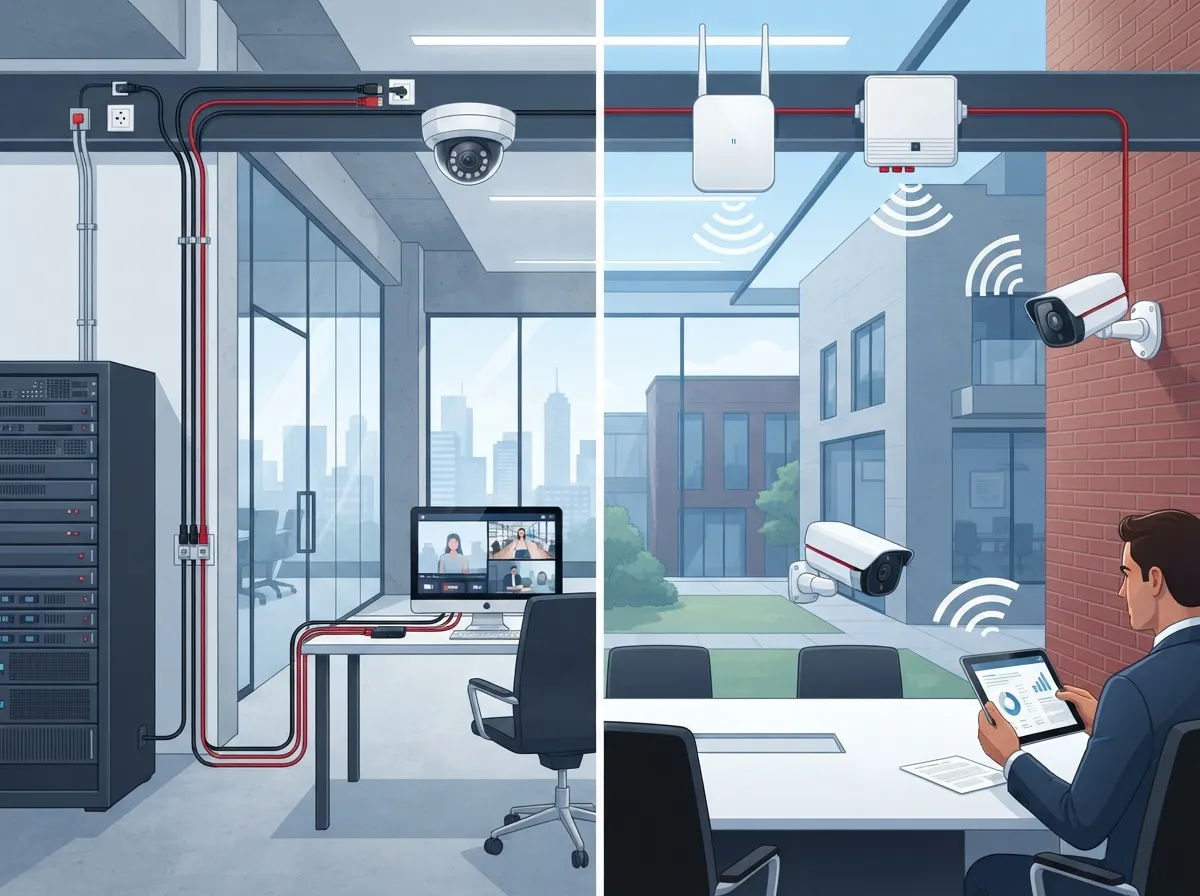
Let’s clear up some confusion right away. When people say “wired” cameras in a business setting, they usually mean IP cameras connected through Ethernet cables, often using something called Power over Ethernet (PoE). One simple cable, either Cat5e or Cat6, delivers both power and network connection to the camera. That video then gets recorded on a network video recorder, a server, or sent straight to the cloud.
“Wireless” means the video travels over Wi-Fi, radio signals, or cellular data instead of a cable. Here’s the part that surprises people: wireless cameras usually still need a power cord. Some run on batteries or solar panels, but most still plug into an outlet somewhere. So “wireless” really just means no data cable, not zero cables at all.
The Real Difference: How the Signal Travels
Think of it like the difference between a landline and a cell phone. A wired camera sends its signal through a dedicated path that nobody else is using. A wireless camera shares airwaves with your Wi-Fi router, your employees’ phones, and maybe even your neighbor’s network. That shared space can get crowded fast.
Why Wired PoE Cameras Win for Most Permanent Setups
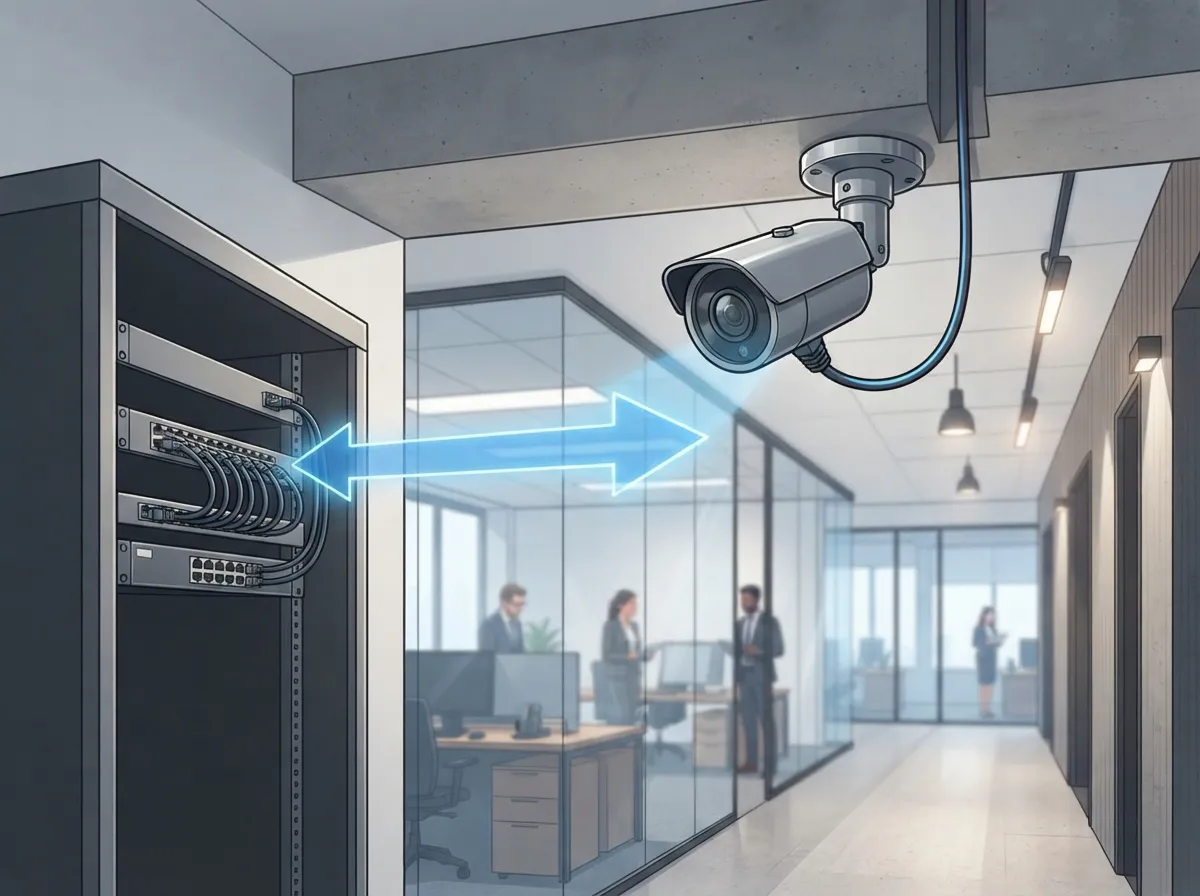
If you’re installing cameras that will stay put for years, wired is usually the stronger pick. Here’s why business owners and IT managers tend to lean this way:
- Consistent bandwidth without competing for Wi-Fi signal strength
- Lower latency, meaning less lag when you’re watching live footage
- Centralized power through the PoE switch, so you’re not hunting for outlets
- Better resistance to interference from other devices or thick walls
- Stronger reliability for high-resolution 4K video across many cameras
This is exactly why larger deployments, like retail chains, warehouses, or multi-office franchises, almost always lean wired. When you’re covering a 20,000 square foot building with 30 cameras, you want a system built for consistency, not one that might slow down because someone’s streaming video on the guest Wi-Fi.
When Wireless Makes More Sense
Wired isn’t always practical, though. Sometimes wireless is genuinely the smarter move:
- You’re leasing a building and can’t drill holes or run cable through walls
- You need temporary coverage for a construction site or pop-up event
- The location is historic and cable runs would damage the structure
- You’re covering a remote area with no easy access to your network
- You need quick coverage now and can upgrade to wired later
Cellular cameras deserve a special mention here. They can bring coverage to spots without any usable internet connection at all, which is a lifesaver for remote lots, storage yards, or construction zones. Just know that performance depends on carrier coverage and your data plan limits.
Wired vs Wireless Business Cameras: A Side-by-Side Look
| Factor | Wired (PoE) | Wireless (Wi-Fi/Cellular) |
|---|---|---|
| Installation | Requires cable runs, more labor upfront | Faster setup, minimal cabling |
| Reliability | Very stable, less interference | Depends on signal strength and network load |
| Power | Delivered through the same cable | Usually still needs a separate power source |
| Best for | Permanent, high-resolution, large deployments | Temporary, leased, or hard-to-wire locations |
| Distance limits | 100 meters per Ethernet segment | Depends on access point range and walls |
| Security risk | Lower, traffic stays on wired network | Higher, needs stronger encryption and monitoring |
How Much Bandwidth Does Your Camera System Actually Need
This part trips up a lot of business owners, so let’s make it simple. A single 4K camera using modern compression (called H.265) typically needs about 4 to 8 Mbps of steady bandwidth. That number shifts depending on frame rate, how much motion is in the scene, and your camera settings.
Now multiply that. If you’re running 30 cameras at 4 to 8 Mbps each, you’re looking at roughly 120 to 240 Mbps of constant video traffic. That’s before you even factor in normal business internet use, backups, or people viewing footage remotely. This is one of the biggest reasons businesses upgrade their high-speed internet for business alongside a camera project. A camera system is only as good as the network carrying it.
Standard Ethernet Distance Limits
Here’s a fact worth remembering: a standard Ethernet cable run maxes out around 100 meters, or about 328 feet, before signal quality drops. Need to go further? You’ll need extra switches, fiber backbone connections, or PoE extenders. This is exactly the kind of planning that professional structured cabling services handle, so you’re not stuck redoing work later.
What Happens When the Internet Goes Down
This question comes up constantly, and it’s a fair one. If your internet drops, does your camera system keep recording?
A wired PoE system with a local NVR can usually keep recording even during an internet outage, as long as the cameras and recorder still have power. A cloud-dependent wireless system might lose remote viewing or recording if Wi-Fi, your internet connection, or the cloud service goes down. Some wireless cameras include local SD card storage as a backup, which helps but isn’t foolproof.
Here’s something people often overlook: PoE doesn’t automatically protect you from outages either. If your PoE switch or NVR loses power, your “wired” system stops recording too. That’s why a properly sized UPS (uninterruptible power supply) matters just as much as choosing the right cable type. Redundant storage and backup connectivity add another layer of protection worth discussing with your telecom partner.
Keeping Your Camera System Secure
Wireless cameras need extra security attention because video and management traffic travels over radio signals instead of staying locked inside a wired network. If you’re going wireless, or even mixing wired and wireless, here are smart steps to take:
- Use WPA2 or WPA3 encryption on every wireless access point
- Set unique, strong passwords instead of factory defaults
- Turn on multi-factor authentication wherever it’s available
- Keep camera firmware updated regularly
- Create a dedicated VLAN just for your surveillance system
- Give access only to people who truly need it
- Turn off any camera features or services you’re not using
These steps matter whether you’re protecting a single office or a chain of franchise locations. A network built with security in mind from day one saves you major headaches down the road.
Building a Hybrid System: The Smart Middle Ground
Here’s the honest truth most installers won’t tell you upfront: you rarely have to pick just one option. A hybrid approach often works best. Use wired PoE cameras for your main entrances, cash registers, warehouses, and other permanent high-traffic areas. Then add wireless or cellular cameras for parking lots, temporary job sites, or spaces where cabling just isn’t realistic.
This flexible strategy is exactly what experienced telecom partners recommend once they understand your building layout and daily operations. At Ideal Solutions Provider, we’ve spent over 24 years helping Tampa businesses and companies nationwide design camera systems that actually match how their buildings are used, not just what’s easiest to install. Our team works alongside 35+ vetted suppliers, so you’re getting an honest comparison instead of a one-size-fits-all pitch.
Questions to Ask Before You Decide
- Is this camera location permanent or temporary?
- How critical is 24/7 uptime for this specific area?
- Do we have existing cabling infrastructure we can use?
- What’s our current internet bandwidth, and can it handle more cameras?
- Who will manage security updates and monitoring long term?
Answering these honestly will point you toward the right mix almost every time.
Total Cost of Ownership Matters More Than Sticker Price
It’s tempting to compare wired and wireless cameras by looking at the upfront price tag alone. But that’s only part of the story. Wireless cameras might look cheaper at checkout, but ongoing data plans, battery replacements, and potential reliability issues can add up. Wired systems cost more to install but tend to run longer with fewer surprises.
This is where a proper network cabling installation plan pays off. Getting your cabling right the first time avoids costly rework and keeps your camera footage flowing exactly when you need it most, especially during an Internet Service Provider outage or network hiccup.
Speaking of infrastructure, if you’re already planning cabling upgrades for your VoIP phones or network gear, it often makes sense to handle your camera cabling at the same time. This kind of combined planning is a big part of what makes working with one telecom partner so much easier than juggling separate vendors for each project. Structured cabling, in general, forms the backbone of dependable office technology, and it’s worth reading up on the fundamentals through resources like structured cabling standards.
Real-World Scenarios: Which Option Fits You
Let’s walk through a few common situations we see across Tampa and beyond:
- Small retail shop: Wired PoE cameras at entrances and registers, maybe one wireless camera covering the back lot.
- Growing mid-sized company: Full wired PoE deployment tied into a managed network for consistent, high-resolution coverage.
- Franchise operator with multiple sites: A standardized wired setup at each location, with cloud storage tying everything together for centralized viewing.
- Construction company: Cellular or Wi-Fi cameras that can move from site to site as projects wrap up.
- Historic building tenant: Wireless cameras to avoid damaging original walls or ceilings.
No two businesses are identical, which is why a quick consultation usually beats guessing. We’ve seen plenty of businesses grab wireless cameras hoping to save money, only to fight constant dropouts once their Wi-Fi network gets crowded with other devices.
Getting Started With the Right System
Choosing between wired and wireless business cameras really comes down to your building, your budget, and how critical uninterrupted footage is to your operations. Permanent, high-traffic areas usually deserve the reliability of wired PoE. Temporary or hard-to-wire spots can lean on wireless or cellular options. And for most growing businesses, a hybrid mix ends up being the smartest, most cost-effective path forward.
You don’t have to figure this out alone. Our team has spent over two decades helping businesses across Tampa Bay and nationwide design camera systems, upgrade their networks, and keep everything running smoothly, all through one single point of contact. If you’re ready to talk through your options, reach out to our team for a free consultation, or simply give us a call to get started today. You can also check out real client stories and setups on our YouTube channel or follow along on Facebook and Instagram for more tips like these.
FAQs
Q: Are wired or wireless security cameras better for a business?
A: It really depends on your setup! Wired PoE cameras are usually the better pick for permanent, high-traffic spots because they’re rock solid and rarely drop signal. Wireless shines when you need flexibility, like temporary job sites or leased buildings where drilling cable runs just isn’t an option.
Q: Do wireless business security cameras still need power cables?
A: Most of the time, yes! Wireless just means there’s no data cable, but the camera usually still plugs into an outlet, runs on battery, or uses solar power. So don’t expect a completely cable-free setup unless you’re using a battery-powered model.
Q: Can wireless cameras record if the internet or Wi-Fi goes down?
A: It depends on the system. Some wireless cameras have local SD card backup that keeps recording during an outage, but many cloud-only systems will pause until the connection returns. This is a great question to ask your installer before you commit.
Q: How far can a wired PoE security camera be installed from the network switch?
A: Standard Ethernet cable can run about 100 meters, or roughly 328 feet, before signal quality drops off. Need more distance? No worries, PoE extenders, extra switches, or fiber backbone connections can help you go further without losing reliability.
Q: Should a business use a hybrid wired and wireless camera system?
A: For a lot of businesses, yes, and it’s honestly a smart move! Wired cameras cover your critical, permanent areas while wireless fills in the gaps at remote spots or temporary locations. It gives you the best of both worlds without overspending on cabling you don’t really need.





