
Key Takeaways
-
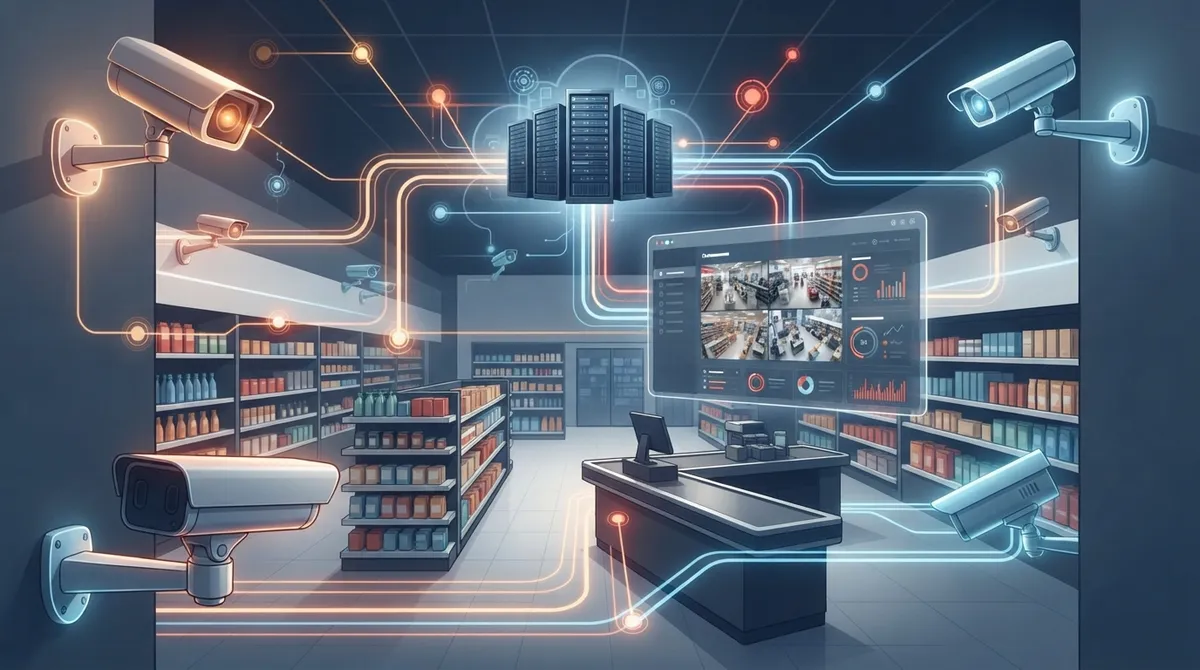
Cloud camera systems enable centralized management across multiple store locations from a single dashboard, eliminating the need to log into separate systems for each location.
-
Network planning and bandwidth are critical to success – cloud cameras require reliable internet connections and sufficient bandwidth to stream footage without impacting business operations like VoIP or POS systems.
-
Most IP cameras installed in the last decade support ONVISION compatibility, allowing you to reuse existing cameras with cloud platforms and significantly reduce migration costs.
-
Cloud systems typically cost $20 per camera monthly (approximately $1,600/month for an 80-camera, 10-store chain) and include AI features like loss prevention alerts, people counting, and POS-integrated investigation tools.
-
Ask providers specifically about internet outage handling before committing – some systems include local buffering to maintain recording during downtime, while others rely entirely on cloud connectivity.
-
Cloud cameras turn security from passive recording into active business intelligence by providing heat mapping, foot traffic tracking, and instant video search capabilities matched to POS transactions.
Running a retail store means juggling a hundred things at once. You’re watching sales, managing staff, and hoping nobody walks out with merchandise they didn’t pay for. That’s where retail security camera cloud solutions come in, and honestly, they’ve become a game-changer for stores of every size. Whether you own one boutique in Tampa or manage twelve locations across the country, cloud-based video surveillance gives you eyes on your business from anywhere.
But here’s the thing most articles won’t tell you: your cameras are only as good as the network behind them. Cloud security cameras need reliable internet, smart bandwidth planning, and the right setup to actually work when you need them most. This guide walks you through exactly how to choose, plan, and deploy a retail cloud camera system that keeps your stores safe without draining your budget or overwhelming your IT team.
What Is a Retail Cloud Video Surveillance System?
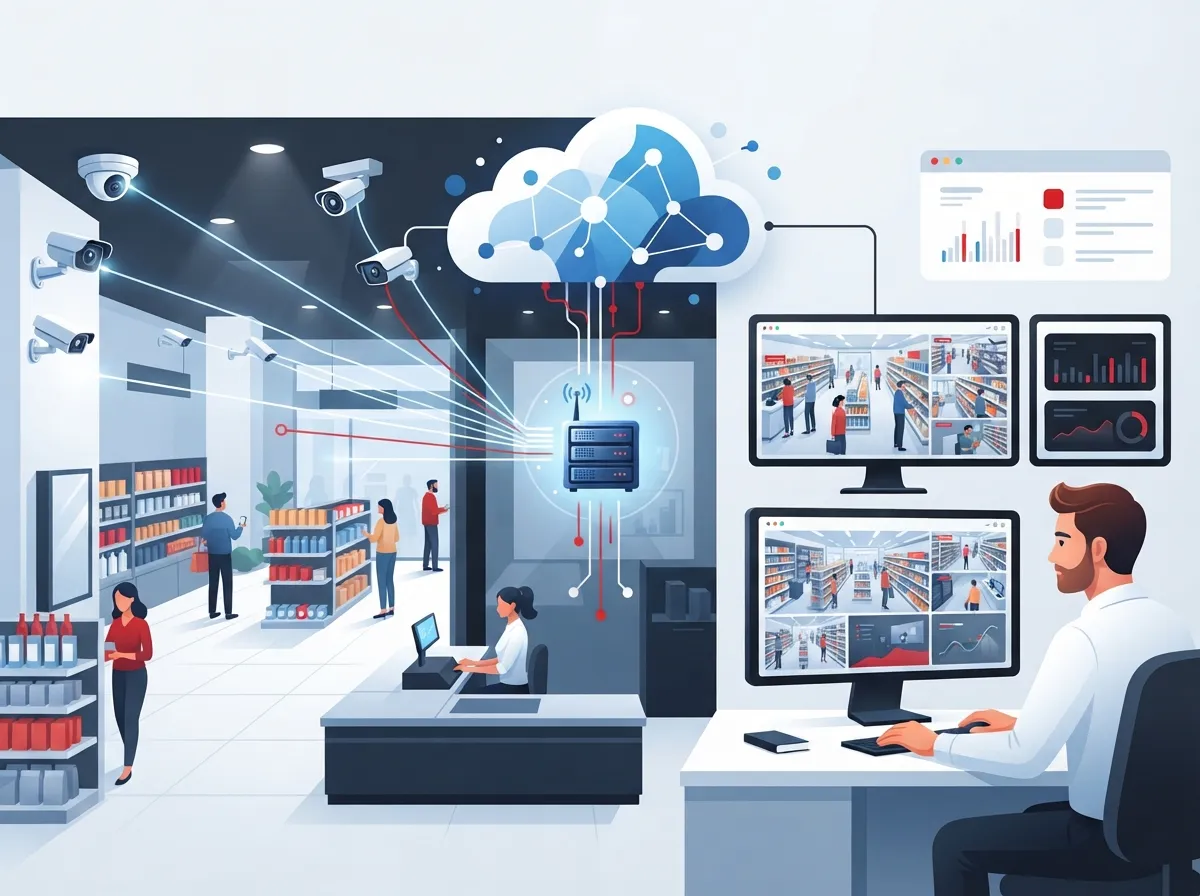
A retail cloud video surveillance system is a security camera setup that stores and manages footage in the cloud instead of on a physical box in your back room. Instead of walking to a dusty server closet to check footage, you log into a dashboard from your phone or laptop. You can watch any store, any camera, any time.
These systems are built for retail because they solve retail-specific problems. Think loss prevention, staff safety, and understanding how customers move through your store. Many platforms also connect with your point-of-sale system, so you can match a suspicious transaction to the exact video clip in seconds.
How Cloud CCTV Works for Retail Stores
Cloud CCTV works by sending video from your cameras up to a secure cloud server instead of (or in addition to) a local recorder. Here’s the basic flow:
- Cameras capture video at each store location.
- Footage is encrypted and sent over your internet connection to the cloud.
- The cloud platform stores, indexes, and analyzes the video.
- You access live and recorded footage through a web dashboard or mobile app.
- AI tools flag unusual activity, like a door opening after hours or a crowd forming near the registers.
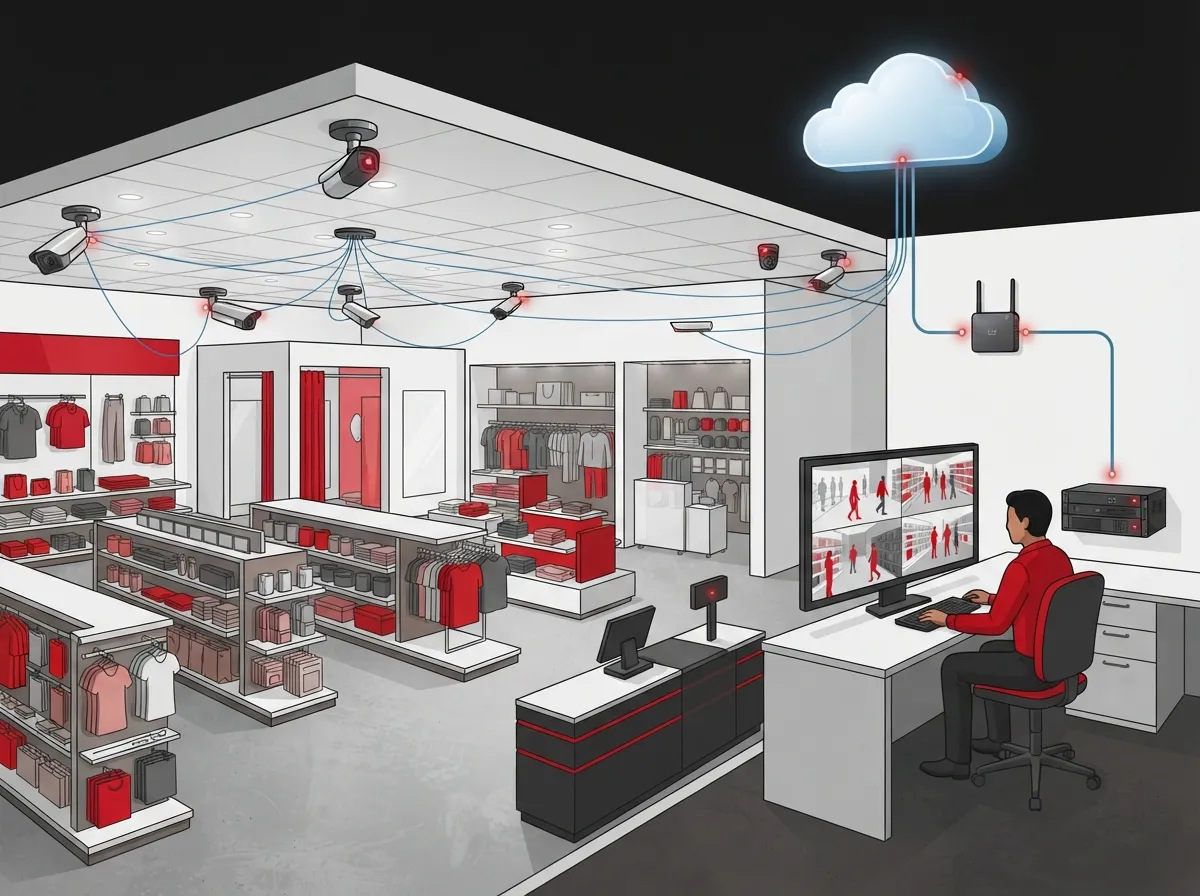
Because everything lives in the cloud, you can manage every store from one screen. That’s a huge relief for franchise operators who used to log into separate systems for each location.
Why Retail Chains Are Moving to the Cloud
Retailers are ditching old-school DVR boxes for a few good reasons. Let’s break down the biggest benefits.
Centralized Management Across Multiple Stores
Cloud video management systems (VMS) let you manage cameras across one store or fifty from a single dashboard. This is a huge win for multi-site operations, since it removes the need to log into separate systems at every location. Franchise operators especially love this feature because it means less time hopping between logins and more time actually reviewing what matters.
Less Hardware, Less Hassle
Cloud platforms often reduce or eliminate the need for on-site NVR or server hardware. That means less equipment to maintain, fewer things that can break, and lower local IT overhead. For small business owners without a dedicated IT staff, this is often the deciding factor.
Smarter Insights With AI
Retail-focused cloud platforms commonly include AI features like:
- People counting to track foot traffic trends
- Heat mapping to see which areas of the store get the most attention
- Loss prevention alerts for suspicious behavior near registers or exits
- Video search tools that let you find a specific moment in seconds
- POS-integrated investigation tools that match transactions to footage
These tools turn your cameras from a passive recording device into an active business tool. You’re not just catching theft after the fact, you’re spotting patterns before they become bigger problems.
Common Retail Use Cases for Cloud Cameras
Cloud surveillance shows up in almost every type of retail environment. Here are a few examples worth noting:
- Boutiques using video to review customer service interactions
- Grocery stores tracking checkout lines and back-of-house safety
- Liquor stores monitoring high-theft areas near the register
- Pharmacies protecting controlled substances and sensitive areas
- Multi-site chains standardizing security policy across every store
No matter your niche, the goal is the same: protect your people, your product, and your profits. If you want to dig deeper into why cameras matter for your bottom line, check out this piece on what security cameras really do for your business.
How Much Do Retail Cloud Camera Systems Cost?
Pricing for cloud security cameras usually works on a subscription model, often charged per camera per month. This covers cloud storage, remote access, and analytics, but it does mean an ongoing cost instead of a one-time hardware purchase.
Here’s a real-world example to put numbers behind the concept:
| Scenario | Details | Monthly Cost | Annual Cost |
|---|---|---|---|
| 10-store retail chain | 8 cameras per store (80 total) | $1,600 | $19,200 |
| Per-camera rate | $20 per camera per month | N/A | N/A |
Keep in mind that pricing varies by provider, camera type, and how long you need footage stored. Some providers charge more for longer retention periods or advanced AI features. It’s worth requesting a few quotes and comparing what’s included before committing to a contract.
Factors That Affect Your Total Cost
- Number of cameras per location
- Number of store locations
- Length of video retention (30 days vs 90 days, for example)
- AI features included, like people counting or loss prevention alerts
- Whether you’re reusing existing cameras or buying new ones
- Bandwidth and internet upgrades needed to support the system
Can You Use Your Existing Cameras?
Good news for retailers who already invested in IP cameras: most systems installed in retail stores over the last decade support ONVIF compatibility. ONVIF is basically a universal language that lets different camera brands talk to different software platforms. This compatibility can significantly reduce rip-and-replace costs during your migration to the cloud.
Before you assume your cameras will work, it’s smart to confirm compatibility with your chosen cloud VMS provider. A quick equipment audit can save you from surprise costs down the road. This is exactly the kind of assessment a trusted telecom and IT partner can help with, since they’ll know what questions to ask before you sign anything.
Why Network Planning Matters So Much
Here’s the part that often gets overlooked: cloud cameras are only as reliable as the internet connection behind them. Since footage streams to the cloud in real time, network uptime and bandwidth planning are central requirements for any retail deployment.
Bandwidth Basics for Cloud Cameras
Every camera you add uses more bandwidth. High-resolution video, especially in busy stores with multiple entrances, can add up fast. If your current internet plan wasn’t built with security cameras in mind, you might notice lag, dropped footage, or slow remote access.
Before you deploy cloud cameras, consider these steps:
- Audit your current internet speed and usage at each location.
- Estimate the bandwidth needed for your total camera count.
- Check if your connection supports both cameras and daily business traffic, like VoIP calls or POS transactions.
- Consider a business-grade internet plan built for multiple devices.
- Plan for redundancy in case your main connection goes down.
If your internet has been sluggish lately, it might be time for an upgrade before you even think about cameras. This guide on why your business internet is slow and how to fix it is a great place to start.
What Happens If the Internet Goes Down?
This is one of the most common worries retailers have. Some cloud systems include local buffering, meaning your cameras keep recording locally and sync footage once the connection returns. Others rely fully on the cloud, so an outage could mean a gap in coverage. Ask your provider directly how their system handles outages before you commit.
Cloud vs Traditional Retail Security Cameras
Deciding between cloud and traditional on-site systems comes down to your priorities. Here’s a side-by-side look:
| Feature | Cloud Camera System | Traditional DVR/NVR System |
|---|---|---|
| Remote access | Yes, from anywhere | Limited, often local network only |
| Multi-site management | Single dashboard for all stores | Separate system per location |
| On-site hardware | Minimal or none | Requires local server/recorder |
| Ongoing cost | Monthly subscription per camera | Mostly upfront hardware cost |
| AI analytics | Often included or add-on | Usually limited or unavailable |
| Scalability | Easy to add stores/cameras | Harder to scale across sites |
For a deeper comparison, you can also read about the key differences between cloud video security and DVR systems.
Steps to Roll Out Cloud Security Cameras Across Multiple Stores
If you’re managing more than one location, a smooth rollout takes planning. Here’s a simple roadmap:
- Audit your current cameras, internet speeds, and network setup at each store.
- Choose a cloud VMS platform that supports your store count and camera needs.
- Confirm ONVIF or similar compatibility for any existing cameras you want to keep.
- Upgrade internet connections where bandwidth is limited.
- Install new cameras or reconfigure existing ones for cloud connectivity.
- Set up your central dashboard and train staff on basic use.
- Enable AI features like people counting or loss prevention alerts.
- Test remote access and footage retrieval before going fully live.
Franchise operators managing sites across Tampa Bay and beyond will especially appreciate having one partner handle both the network side and the camera side. That’s exactly the kind of coordination that cloud video security solutions from a single telecom partner can offer.
Choosing the Right Provider for Your Retail Business
Not every cloud camera provider is built the same. Here’s what to look for during your search:
- Support for multi-site management from one login
- Compatibility with your existing IP cameras
- Clear pricing with no hidden fees for storage or retention
- Strong customer support, especially for retail-specific issues
- AI features that match your actual business needs, not just flashy extras
- A partner who understands your network and bandwidth requirements
This last point matters more than people realize. Cameras and internet service are deeply connected, and if your provider only sells cameras, they might not flag network issues until it’s too late. That’s why many retailers work with a telecom and IT partner who handles both sides of the equation.
How Ideal Solutions Provider Can Help
At Ideal Solutions Provider, we’ve spent over 24 years helping Tampa businesses and nationwide chains build reliable telecom and security setups. We partner with 35+ vetted suppliers, so you get an honest comparison instead of a one-size-fits-all sales pitch. Whether you need high-speed internet built for multiple cameras, structured cabling for a new store buildout, or a full cloud camera rollout across every location, we act as your single point of contact from start to finish.
We also handle the boring-but-important stuff, like structured cabling and network audits, so your cameras actually work the way they’re supposed to. You can follow our latest projects and tips on Facebook, Instagram, or our YouTube channel for real examples of how this all comes together.
Final Thoughts on Retail Security Camera Cloud Solutions
Retail security camera cloud solutions aren’t just about watching for shoplifters anymore. They’re about running a smarter, safer, more connected business. From loss prevention to staff safety to understanding how customers actually move through your store, cloud cameras give you insight you simply can’t get from an old-school DVR box sitting in a back closet.
The key to making it all work is a solid network foundation. Bandwidth planning, reliable Internet Service Provider connections, and smart camera compatibility checks can save you from headaches down the road. If you’re ready to explore a cloud camera system built around your stores and your budget, our team would love to help you map it out. Feel free to reach out to our team for a free consultation, or simply give us a call to talk through your options today.
FAQs
Q: What is a retail cloud video surveillance system?
A: It’s a security camera setup where footage lives in the cloud instead of on a local box in your store. You get to check any camera, at any store, from your phone or laptop, which is a pretty nice upgrade from digging through old DVR menus.
Q: How much do cloud security camera systems cost for retail businesses?
A: Most providers charge a monthly fee per camera, often around $20 per camera. For example, a 10-store chain with 80 total cameras might pay around $1,600 a month, but pricing can vary based on storage length and AI features.
Q: Can my existing retail IP cameras work with a cloud VMS platform?
A: In many cases, yes! Most IP cameras installed in the last decade support ONVIF compatibility, which helps them connect with cloud platforms. It’s still smart to double-check with your provider before assuming everything will play nicely together.
Q: Do cloud security cameras need constant internet access?
A: They rely heavily on a steady internet connection since footage streams to the cloud in real time. Some systems include local buffering for short outages, so it’s worth asking your provider exactly how they handle internet downtime.
Q: How do telecom and network requirements affect a retail cloud camera rollout?
A: Cameras need enough bandwidth to stream smoothly without slowing down other business operations like VoIP calls or POS systems. Planning your network ahead of time, rather than as an afterthought, makes the whole rollout so much smoother.





