
Key Takeaways
-
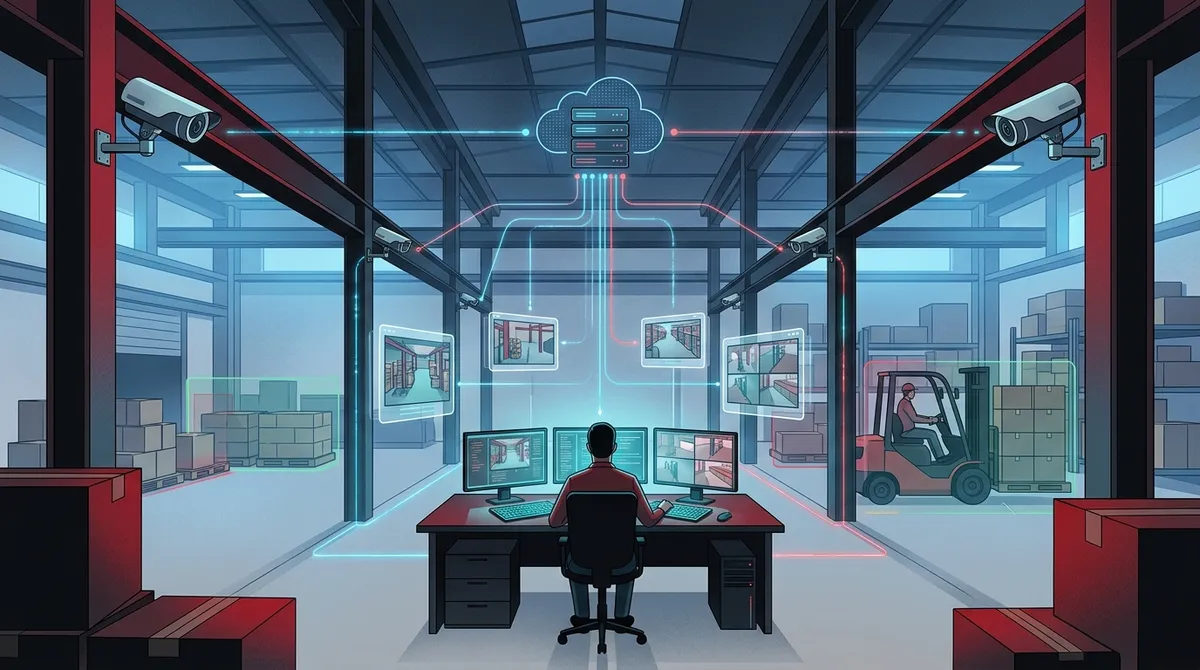
Cloud video monitoring allows warehouse managers to access live feeds and recordings from any device, anywhere, eliminating the need to be on-site or use clunky remote viewers like traditional CCTV systems.
-
AI-powered analytics automatically alert teams to specific incidents like restricted zone entry or unsafe forklift speeds, eliminating hours of manual footage review and catching problems before they escalate.
-
Cloud systems cost less upfront since they require minimal on-site hardware, include automatic software updates, and simplify scaling across multiple warehouse locations from a single dashboard.
-
Network connectivity is critical to system performance; pairing cloud video with dedicated fiber internet or business-grade connections prevents footage loss, lag, and freezing during operations.
-
Bundling cloud video security with a single telecom provider for internet, cabling, and network infrastructure eliminates vendor juggling and ensures cameras, phones, and systems work seamlessly together.
-
Hybrid local and cloud storage protects footage during internet outages by maintaining edge devices that automatically upload data once connectivity returns, preventing critical evidence loss.
Running a warehouse means juggling a hundred things at once. You’re watching for theft, keeping employees safe, and making sure product moves smoothly through your dock doors. Warehouse cloud video monitoring gives you eyes on all of it, from anywhere, without the headache of old-school camera systems. If you’ve ever wished you could check your loading dock from your phone while grabbing coffee, this technology was made for you.
In this friendly guide, we’ll walk through what warehouse cloud video monitoring actually is, why it beats traditional CCTV, and what to look for when picking a provider. We’ll also share how a trusted telecom partner like Ideal Solutions Provider can help you bundle video security with the network and internet backbone that keeps it all running smoothly. Let’s dig in.
What Is Warehouse Cloud Video Monitoring?
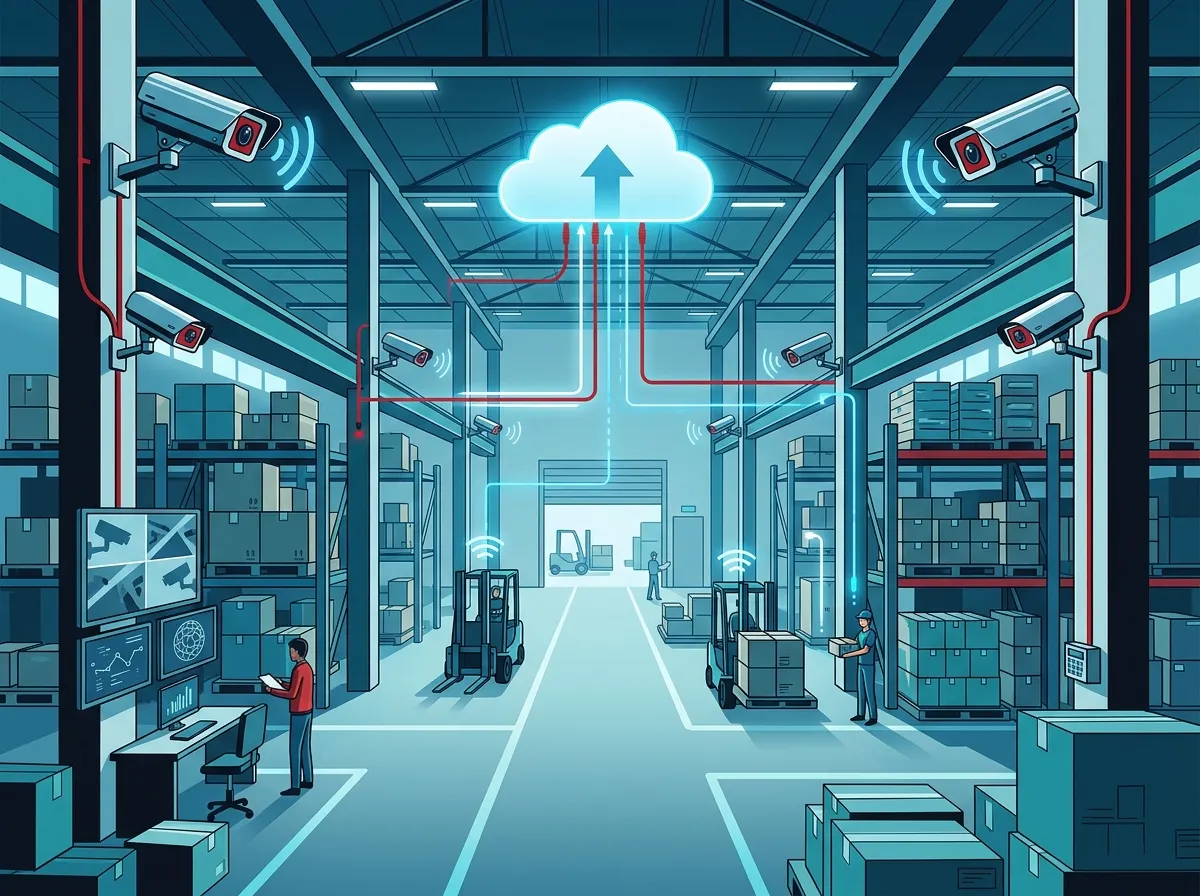
Warehouse cloud video monitoring is a video security setup where your camera footage lives in the cloud instead of a local box on-site. Instead of relying only on a DVR or NVR sitting in a back closet, your video gets stored and managed through a cloud platform. This is often called VSaaS, short for Video Surveillance as a Service.
Think of it like moving from a filing cabinet to cloud storage for your documents. You get the same protection, but now you can access it from your phone, tablet, or laptop, no matter where you are. This shift matters a lot for warehouses, since many operate across multiple shifts, multiple docks, and sometimes multiple locations.
How It Works in a Real Warehouse Setting
Cameras placed around your warehouse connect to the internet, either through high speed business internet or wireless networks like 4G and 5G. Footage streams up to a secure cloud platform where it’s stored and organized. From there, you or your team can log in and watch live feeds or pull up recorded clips whenever needed.
Many systems also use edge devices, which are small local processors that keep footage running smoothly even if your internet blips for a moment. This hybrid setup means you don’t lose important footage during a short outage. Once your connection returns, everything uploads to the cloud automatically.
Why Warehouses Are Switching to Cloud Video Monitoring
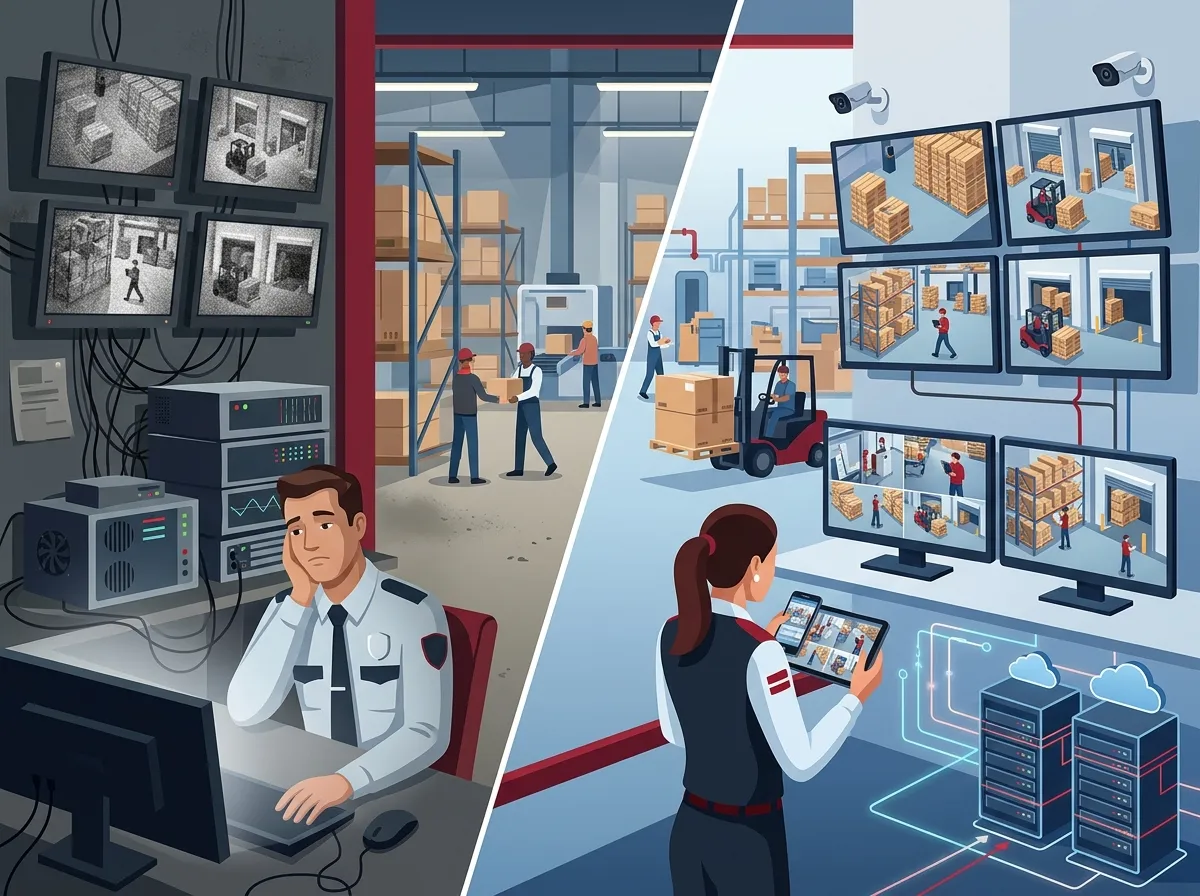
Traditional CCTV systems worked fine for a long time, but they come with real limits. You had to be on-site, or connected to a clunky remote viewer, just to check a camera. Cloud systems remove that barrier completely and add smart features that old hardware simply can’t match.
Here are the biggest reasons warehouse operators are making the switch:
- Remote access from any device, anywhere, at any hour
- Lower upfront cost since there’s less on-site hardware to buy and maintain
- Automatic software updates instead of manual firmware headaches
- Easier scaling across multiple warehouse sites from one dashboard
- Built-in AI alerts that flag unusual activity before it becomes a real problem
- Better backup protection since footage isn’t only stored in one physical spot
Common Warehouse Risks Cloud Video Helps Manage
Warehouses face a unique mix of security and safety concerns that office buildings simply don’t deal with. Cloud video monitoring was built to tackle these head-on.
- Theft and shrinkage from employees or outside intruders
- Trespassing near loading docks or after-hours entry points
- Damaged goods during loading, unloading, or storage
- Slow or delayed loading bay activity that hurts efficiency
- Forklift and pedestrian near-misses that create safety risks
- Employee compliance with safety gear and procedures
Each of these issues can cost a warehouse real money, whether through lost inventory, insurance claims, or workers’ comp cases. Cloud video gives you the evidence and visibility to catch problems fast, and often before they turn into bigger headaches.
Key Features to Look For in a Warehouse Cloud Video System
Not every cloud video platform is built the same way. Some are basic, while others come packed with smart features that make daily management much easier. Here’s what smart warehouse operators should prioritize.
| Feature | Why It Matters for Warehouses |
|---|---|
| 24/7 real-time monitoring | Catches incidents as they happen, day or night |
| AI-based motion and event search | Finds specific incidents in seconds instead of hours of scrubbing footage |
| Person-of-interest detection | Flags repeat visitors or known troublemakers automatically |
| Mobile app access | Lets managers check feeds from their phone during off hours |
| Hybrid local and cloud storage | Protects footage even during internet outages |
| Multi-site dashboard | Centralizes monitoring across several warehouse locations |
AI analytics have become a real game-changer for warehouse video. Instead of watching hours of boring footage, your team gets alerts only when something actually needs attention, like a person entering a restricted zone or a forklift moving too fast near an aisle.
The Role of Network Connectivity in Cloud Video Performance
Here’s something a lot of warehouse managers don’t think about until it’s too late: your cloud video system is only as good as your network. If your internet connection drops constantly or your cabling is outdated, your cameras will lag, freeze, or lose footage entirely.
This is where structured cabling and reliable connectivity really matter. A warehouse spread across a large floor plan needs properly planned cabling and network infrastructure to keep every camera talking to the cloud without interruption. Pairing your video system with dedicated fiber internet or a business-grade connection makes a huge difference in reliability.
For warehouses spread across multiple sites, some setups also use 4G or 5G as a backup or primary connection where fiber isn’t practical. This gives you flexibility, especially for remote distribution centers or seasonal storage sites.
Cloud Video vs Traditional CCTV: A Quick Comparison
If you’re still running an old DVR-based system, it helps to see exactly how it stacks up against a modern cloud setup. Here’s a side-by-side look.
| Factor | Traditional CCTV/DVR | Cloud Video Monitoring |
|---|---|---|
| Storage location | On-site hardware only | Cloud, often with local backup |
| Remote access | Limited or complicated | Simple app or browser access |
| Scalability across sites | Requires separate systems per site | One dashboard for multiple locations |
| Maintenance | Manual updates, on-site visits | Automatic updates handled remotely |
| AI analytics | Rare or add-on only | Often built in as a standard feature |
| Risk if hardware fails | Footage may be lost entirely | Footage backed up in the cloud |
The difference is pretty clear once you see it laid out. Cloud systems aren’t just newer, they’re genuinely built for how modern warehouses operate, especially ones running multiple shifts or several locations at once.
How to Choose the Right Provider for Your Warehouse
Picking a cloud video provider isn’t just about the cheapest camera on the market. You want a partner who understands your network needs, your storage requirements, and how everything fits together with your existing telecom setup.
Here’s a simple step-by-step approach to evaluating your options:
- Ask about storage length and whether footage is stored locally, in the cloud, or both
- Check if the system works during internet outages without losing footage
- Confirm the platform supports multiple sites if you run more than one warehouse
- Ask what AI features come standard versus what costs extra
- Review how the cameras connect to your network, and whether cabling upgrades are needed
- Get a clear breakdown of installation, maintenance, and monthly service costs
A good provider should feel more like a partner than a vendor. They should walk you through your options honestly, without pushing you toward the most expensive package just because it pays them more.
Why Bundling Video Security With Your Telecom Setup Makes Sense
Warehouses often treat video security and internet service as two separate purchases from two separate companies. That’s usually a mistake. Your cameras depend on your network, so it makes sense to work with one team that understands both.
This is exactly the kind of work Ideal Solutions Provider handles every day. With over 24 years of experience and partnerships across 35+ vetted suppliers, they help warehouse operators pair cloud video security systems with the right internet, cabling, and network setup. Instead of juggling three or four vendors, you get one point of contact for everything.
They also work with cloud-based access control systems, which pair nicely with video monitoring for warehouses that want tighter control over who enters restricted zones. Many warehouse clients also benefit from structured cabling services to make sure their cameras and network gear are wired correctly from day one.
Tips for a Smooth Cloud Video Rollout
Once you’ve picked a provider, a little planning goes a long way toward a stress-free installation. Warehouses are big spaces with lots of moving parts, so setup takes more thought than a small office.
- Map out camera placement around dock doors, aisles, and high-traffic zones first
- Test your internet speed and reliability before installation day
- Plan for backup power or battery options in case of outages
- Train staff on how to use the mobile app and alert settings
- Set clear policies on who can access footage and for how long it’s stored
- Schedule a follow-up review a few months after install to fine-tune settings
Taking these steps early prevents a lot of frustration later. A rushed installation often leads to blind spots, weak WiFi zones, or missed footage, all things you want to avoid in a busy warehouse.
Multi-Site Warehouse Operators Need Extra Planning
If you’re running more than one warehouse, cloud video becomes even more valuable, but it also needs more upfront planning. You’ll want a platform that lets you view all your sites from a single login, rather than switching between different systems for each location.
This is especially important for franchise operators or growing companies expanding into new markets. A reliable business network solution ties everything together, so your cameras, phones, and internet all work as one connected system no matter how many locations you add.
You can also check out real examples and setup walkthroughs on the Ideal Solutions Provider YouTube channel, or follow updates on Facebook and Instagram for tips on securing your business the smart way.
Final Thoughts on Warehouse Cloud Video Monitoring
Warehouse cloud video monitoring isn’t just a nice upgrade, it’s quickly becoming the standard for anyone serious about protecting their inventory, their people, and their bottom line. From catching theft to spotting safety risks before they turn into accidents, the benefits stack up fast.
The best part is you don’t have to figure it all out alone. A knowledgeable telecom partner can help you build a system that fits your warehouse, your budget, and your network, all without the runaround of dealing with multiple vendors. If you’re ready to talk through your options, reach out to our team today or give us a call to get started on a free consultation.
FAQs
Q: What is warehouse cloud video monitoring?
A: It’s a video security setup where your camera footage is stored and managed in the cloud instead of just a local DVR or NVR. This gives warehouse managers the freedom to check live feeds and recordings from anywhere, using a phone, tablet, or computer.
Q: How is warehouse cloud video monitoring different from traditional CCTV?
A: Traditional CCTV usually keeps footage locked to on-site hardware, which makes remote access tricky. Cloud systems store footage online, add AI features, and let you manage multiple warehouse sites from a single dashboard, which is a huge time-saver.
Q: Can warehouse cameras work without on-site DVR or NVR equipment?
A: Yes, many cloud video systems skip the traditional DVR or NVR entirely and stream footage straight to the cloud. Some hybrid setups still keep a small local backup just in case your internet connection drops for a bit.
Q: What AI features are used in warehouse video surveillance?
A: Common AI features include motion detection, event search, and person-of-interest alerts that flag unusual activity automatically. This means your team doesn’t have to sit and watch hours of footage to catch a problem.
Q: How does 5G or 4G improve warehouse cloud video monitoring?
A: 5G and 4G give warehouses flexible connectivity options, especially for remote sites where running fiber isn’t practical. They can act as a backup connection too, so your cameras keep working even if your main internet line has issues.





