
Key Takeaways
-
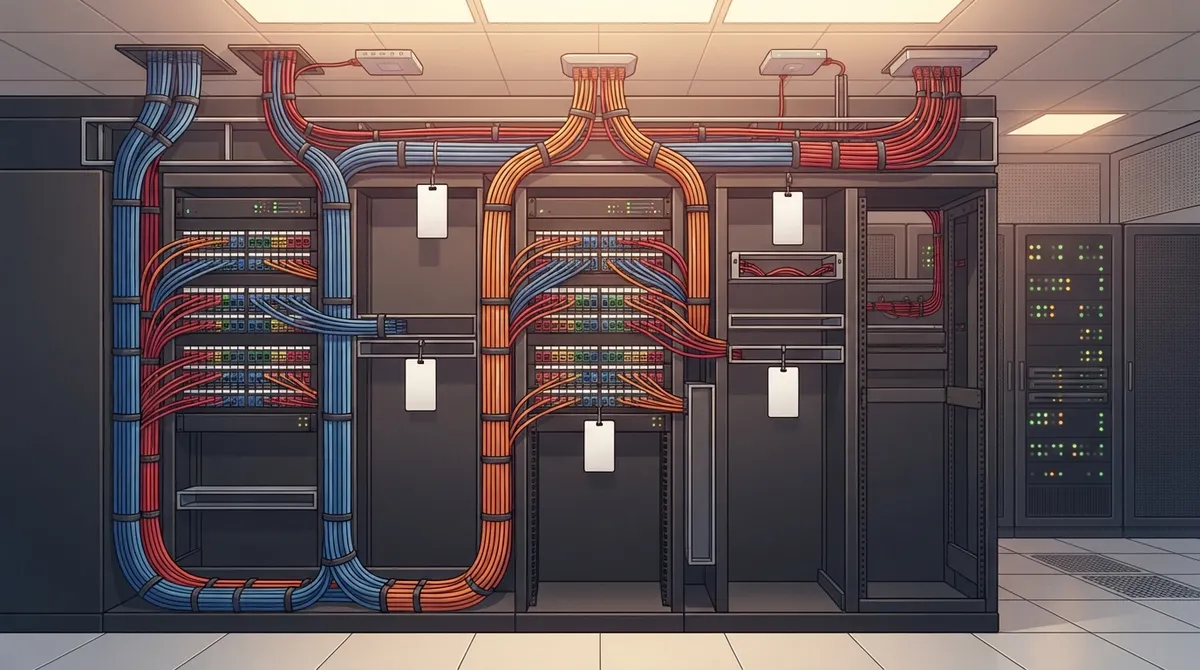
Plan cabling infrastructure using structured standards (TIA-568) rather than ad-hoc wiring to avoid costly troubleshooting, poor performance, and emergency rewiring later.
-
Install at least two Category 6A cable runs to each wireless access point—one for primary connection and one for redundancy or future upgrades like security cameras.
-
Choose Category 6A copper cable for most office wiring (supports 10 Gbps over 100 meters) and fiber optic for long distances, building connections, or high-bandwidth needs.
-
Demand complete testing, certification results, as-built drawings, labeled cable schedules, and documentation from your contractor to enable fast troubleshooting by any technician.
-
Design cabling with future growth in mind by including spare conduit space, extra ports on patch panels, open rack space, and clear labeling to avoid costly wall reopening.
-
Ensure your cabling contractor coordinates directly with your wireless network, phone systems, and security camera designers so all infrastructure works together from day one.
Picture this: your office Wi-Fi drops during a big client call, your phones freeze mid-conversation, and your security cameras go dark. Sound familiar? Chances are, the real problem isn’t your equipment. It’s what’s hiding behind your walls. The best cabling infrastructure design is the quiet hero (or hidden villain) of every business network, and most business owners never think about it until something breaks.
At Ideal Solutions Provider, we’ve spent over 24 years helping Tampa businesses and companies nationwide fix messy, outdated wiring before it costs them money and headaches. Whether you’re a small business owner juggling VoIP phones, an IT manager overseeing multiple locations, or a franchise operator scaling across Tampa Bay, this guide breaks down exactly what good cabling design looks like. No confusing tech-speak, just clear answers you can actually use.

What Is Cabling Infrastructure Design, Really?
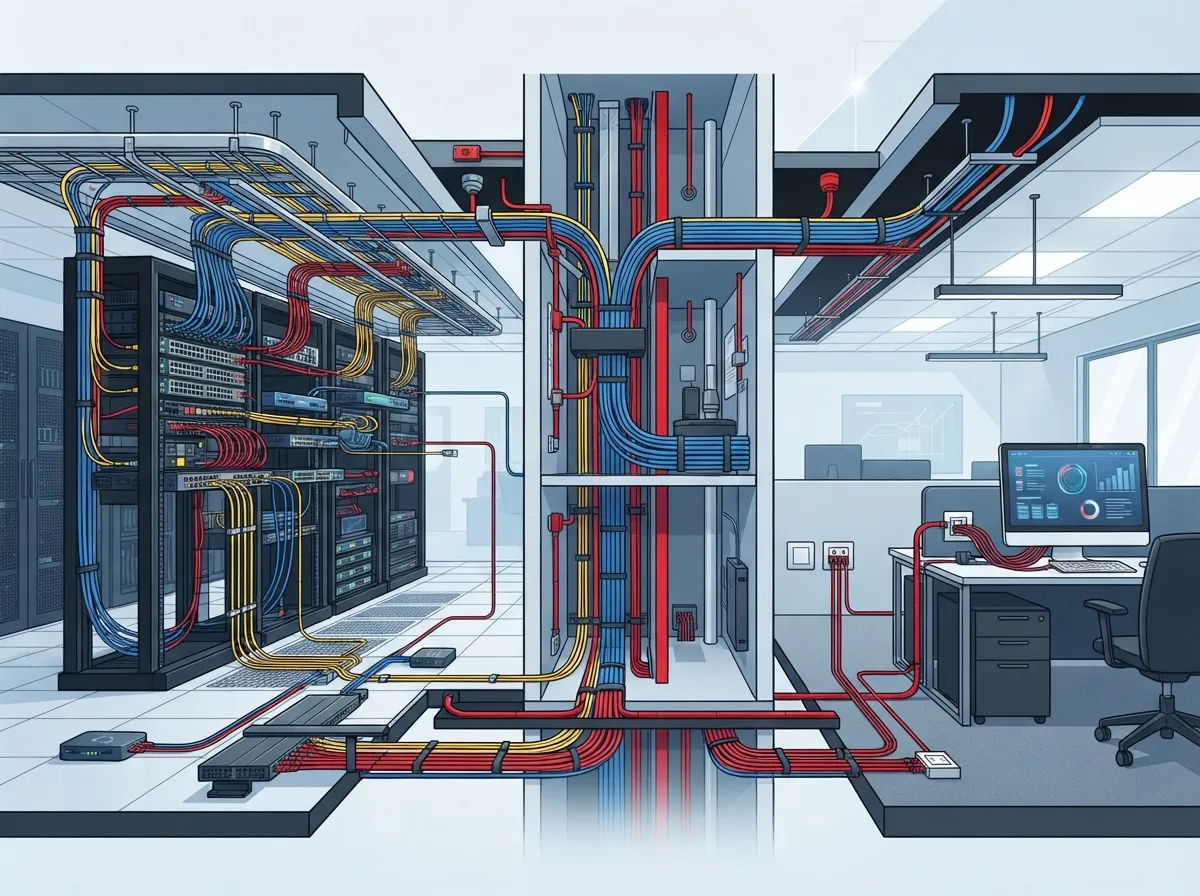
Think of cabling infrastructure like the plumbing in your building. You don’t see it, but everything depends on it working right. Cabling infrastructure design is the plan for how all your data, phone, Wi-Fi, and security wiring connects, from the wall jack at your desk to the equipment room down the hall.
A well-designed system follows what’s called structured cabling standards, not a patchwork of random wires added over the years. Good design means every cable has a purpose, a path, and a plan for the future. Bad design means guessing which cable does what, and hoping nothing fails during your busiest week.
Why Ad-Hoc Wiring Always Backfires
Many businesses start small and add cables as needed. A new printer here, an extra phone line there. Over time, this creates a tangled mess with no labels and no documentation. When something breaks, technicians waste hours just figuring out what connects to what.
Structured cabling avoids this trap entirely. It’s planned, labeled, and built to handle growth. If you’re curious how these two approaches compare, check out this breakdown of structured cabling versus ad-hoc wiring for Tampa businesses.
The Standards Behind Great Cabling Design
You wouldn’t want a contractor building your office without following building codes. Cabling works the same way. Industry standards exist so your network performs reliably, no matter who installs it or where you’re located.
The main standards to know include:
- TIA-568.0-E: General rules for cabling in any building
- TIA-568.1-E: Specific guidance for commercial buildings
- TIA-568.2: Rules for copper (twisted-pair) cabling
- TIA-568.3-E: Rules for fiber optic cabling
- TIA-569-E: Guidelines for pathways and equipment rooms
These standards get updated regularly, so always confirm you’re working from the latest edition before starting a project. A good structured cabling installation company in Tampa FL will already know these standards inside and out, so you don’t have to become an expert yourself.
Copper vs. Fiber: Choosing the Right Cable Type
One of the biggest decisions in cabling design is choosing between copper and fiber optic cable. Neither one is universally “better.” It depends on your distance, speed needs, and budget.
| Feature | Copper (Cat 6A) | Fiber Optic |
|---|---|---|
| Max Distance | 100 meters (about 328 feet) | Several kilometers |
| Speed | Up to 10 Gbps (10GBASE-T) | Much higher, scalable |
| Best Use | Desks, offices, wireless access points | Backbone links, long runs, high bandwidth |
| Electrical Interference | Can be affected | Immune to interference |
| Cost | Lower upfront cost | Higher upfront cost |
For most new office wiring, Category 6A copper cable is the go-to choice. It supports speeds up to 10 Gbps and handles distances up to 100 meters, based on standards from the Ethernet Alliance covering 10GBASE-T. Fiber becomes the smarter pick for connecting buildings, floors, or areas far apart, or wherever you need serious bandwidth. Want a deeper dive? This guide on copper versus fiber cabling for your office breaks it down further.
Planning for Wireless Access Points
Here’s something many business owners miss. Even wireless networks need wired cabling behind the scenes. Every Wi-Fi access point needs a cable connection back to your network equipment.
Current industry guidance recommends at least two Category 6A (or better) cable runs to each wireless access point. Why two? One handles your main connection, and the second gives you room for redundancy or future upgrades, like adding security cameras or smart building devices near that same access point.
If you’re planning new Wi-Fi coverage, make sure your cabling contractor coordinates directly with whoever is designing your wireless network. These two pieces need to work together from day one, not as an afterthought.
Designing Telecom Rooms and Pathways
Good cabling design isn’t just about the cables themselves. It’s about where they live and how they travel through your building. This includes:
- Telecom rooms: Dedicated spaces for your network equipment, racks, and connections
- Pathways: Conduits and routes that carry cables safely through walls, ceilings, and floors
- Grounding and bonding: Protects equipment from electrical surges
- Firestopping: Seals openings so fire can’t spread through cable pathways
- Cooling and power: Keeps equipment rooms from overheating
BICSI, a leading authority on cabling design, notes that conduit sections between pulling points shouldn’t exceed 183 meters (600 feet) under common guidance. That’s a technical detail your installer should already know, but it shows how much planning goes into even the “invisible” parts of your network.
Building In Room to Grow
Nobody wants to rip open walls again in two years because they outgrew their network. Smart cabling design plans for growth from the very beginning. Here’s what that looks like in practice:
- Extra empty conduit space for future cable runs
- Spare ports on your patch panels and switches
- Rack space left open for new equipment
- Clear labeling so future technicians (or you) can make sense of everything
- Cable management that avoids tight bends or crushing, using hook-and-loop straps instead of tight plastic ties
This kind of forward-thinking design pays off. Instead of costly emergency rewiring, you simply plug into the capacity that’s already there. It’s one of the biggest reasons growing companies, especially multi-location businesses, choose to invest in quality design upfront.
Why Testing and Documentation Matter So Much
Would you buy a car without a test drive? Cabling should be no different. Every cable run needs to be tested and certified before your team ever plugs in a laptop or phone.
Here’s what a trustworthy cabling contractor should hand you at the end of the project:
- Certification test results for every copper and fiber run
- As-built drawings showing exactly where cables are routed
- A complete cable schedule with labels matching both ends
- Documentation of telecom rooms, racks, and pathways
Without these records, troubleshooting later becomes a nightmare. With them, any technician (even one who’s never seen your building) can fix problems fast. This is one of many structured cabling mistakes that businesses accidentally make when they skip proper documentation.
How Cabling Design Supports Your Whole Telecom Setup
Your cabling isn’t just about internet speed. It’s the foundation for everything else you rely on daily, including:
- VoIP phone systems that need reliable, low-latency connections
- Cloud security cameras streaming footage around the clock
- Access control systems managing who enters your building
- Guest Wi-Fi and internal networks running smoothly together
If your cabling is outdated or poorly planned, every one of these systems suffers. That’s why so many businesses bundle their cabling project with upgrades to cloud-based phone systems or high-speed business internet at the same time. It just makes sense to fix the foundation while you’re already investing in better technology.
Market Growth Shows Why This Matters More Than Ever
Businesses everywhere are leaning harder on their networks. According to a MarketsandMarkets report, the global data-center cable market was valued at $12.24 billion in 2026 and is expected to reach $18.81 billion by 2032. That’s real evidence that reliable cabling infrastructure isn’t going out of style anytime soon.
Fiber cabling especially continues to grow in popularity. Global Market Insights estimated fiber represented 59% of the data-center cabling market back in 2024, and that share keeps climbing as businesses demand faster speeds. While these numbers focus on data centers, they reflect a bigger trend that applies to offices too: smart cabling design is an investment, not just an expense.
Choosing the Right Partner for Your Cabling Project
Not every cabling contractor understands how to balance today’s needs with tomorrow’s growth. When you’re choosing a partner, look for these qualities:
- Deep knowledge of current TIA and BICSI standards
- Experience designing for both copper and fiber applications
- A clear plan for telecom rooms, pathways, and future capacity
- Complete testing and documentation as part of every project
- Coordination with your phone, Wi-Fi, and security systems
This is exactly the kind of comprehensive planning we handle every day. As a single point of contact managing relationships with 35+ vetted suppliers, we take the guesswork out of the process for you. Whether you need fresh structured cabling services for a new office or a full audit of your current setup, our team designs cabling infrastructure that actually supports your business goals, not just today’s needs but next year’s too.
You can also see real examples of our work and client experiences on our Facebook and Instagram pages, or watch installation walkthroughs on our YouTube channel.
Final Thoughts: Build Once, Build Right
The best cabling infrastructure design isn’t flashy. You’ll never see it once the walls go back up. But it quietly powers every phone call, every Wi-Fi connection, and every security camera your business depends on. Getting it right the first time saves you money, stress, and those dreaded “why is everything down” phone calls.
If your current wiring feels like a mystery, or you’re planning a new office buildout, now’s the time to get expert eyes on it. Our team offers free consultations to review your setup and map out a plan that fits your budget and growth goals. Ready to build a network foundation that actually works for you? Contact us today, or call us to get started.
FAQs
Q: What is structured cabling, and why do businesses need it?
A: Structured cabling is a planned, standards-based wiring system that supports your phones, internet, Wi-Fi, and security cameras all in one organized setup. Businesses need it because messy, ad-hoc wiring leads to slow troubleshooting, poor performance, and expensive fixes down the road. Think of it as building a solid foundation instead of patching things together as you go.
Q: Should my business install Cat 6, Cat 6A, or fiber optic cabling?
A: For most office desks and workstations, Cat 6A copper cable is a great choice since it supports speeds up to 10 Gbps over 100 meters. Fiber optic cable makes more sense for longer distances, connecting buildings, or handling heavy bandwidth needs. A good cabling partner will help you mix both based on your specific layout and goals.
Q: How many network cables should be installed for each Wi-Fi access point?
A: Industry guidance recommends at least two Category 6A or better cable runs to every wireless access point. One cable handles the main connection, while the second gives you flexibility for redundancy or future devices. This small detail makes a big difference as your wireless needs grow.
Q: What is the maximum distance for Cat 6A Ethernet cabling?
A: Cat 6A cabling supports a maximum channel distance of 100 meters, which is about 328 feet, while still delivering speeds up to 10 Gbps. Beyond that distance, fiber optic cabling becomes the better option. Your cabling designer should always double check the full path length before finalizing a plan.
Q: What tests and documentation should a structured cabling contractor provide?
A: You should receive certification test results for every cable run, plus as-built drawings, a labeled cable schedule, and records of your telecom rooms and pathways. This documentation makes future troubleshooting fast and painless, even years down the road. If a contractor skips this step, that’s a big red flag.





