

Key Takeaways
-
Cloud-native camera systems like Rhombus and Avigilon Alta offer superior AI analytics with smart search capabilities that find specific events in seconds rather than hours of manual footage review.
-
Multi-location businesses benefit most from centralized dashboard solutions that manage all sites from one interface, eliminating the need for separate systems and reducing administrative overhead.
-
Proper network infrastructure and internet connectivity are critical to cloud camera performance; outdated structured cabling or insufficient bandwidth can create bottlenecks that undermine even premium camera brands.
-
Cloud cameras provide significant advantages over on-premise CCTV including automatic updates, encrypted remote access from any device, and easier scalability without local hardware failures or theft risks.
-
When evaluating cloud camera brands, prioritize NDAA compliance, AI-powered analytics features that match your needs, and compatibility with existing network infrastructure rather than price alone.
-
Working with an experienced telecom partner who bundles camera systems with internet and networking services reduces vendor management complexity and often reveals cost savings through integrated solutions.
Picking a security camera brand used to be simple. You bought a box, plugged it in, and hoped it worked when you needed it most. Those days are gone, and honestly, that’s a good thing. Today’s cloud security cameras do so much more, and choosing the right brand can mean the difference between catching a break-in on video or just wondering what happened.
If you’re a business owner, IT manager, or franchise operator, you’ve probably felt overwhelmed by all the options out there. Rhombus, Verkada, Cisco Meraki, Axis, Avigilon Alta… the list keeps growing. We get it. That’s exactly why we put together this friendly guide to help you understand which brands actually deliver for businesses like yours. Grab a coffee, and let’s walk through this together.
Why Cloud Security Cameras Matter More Than Ever
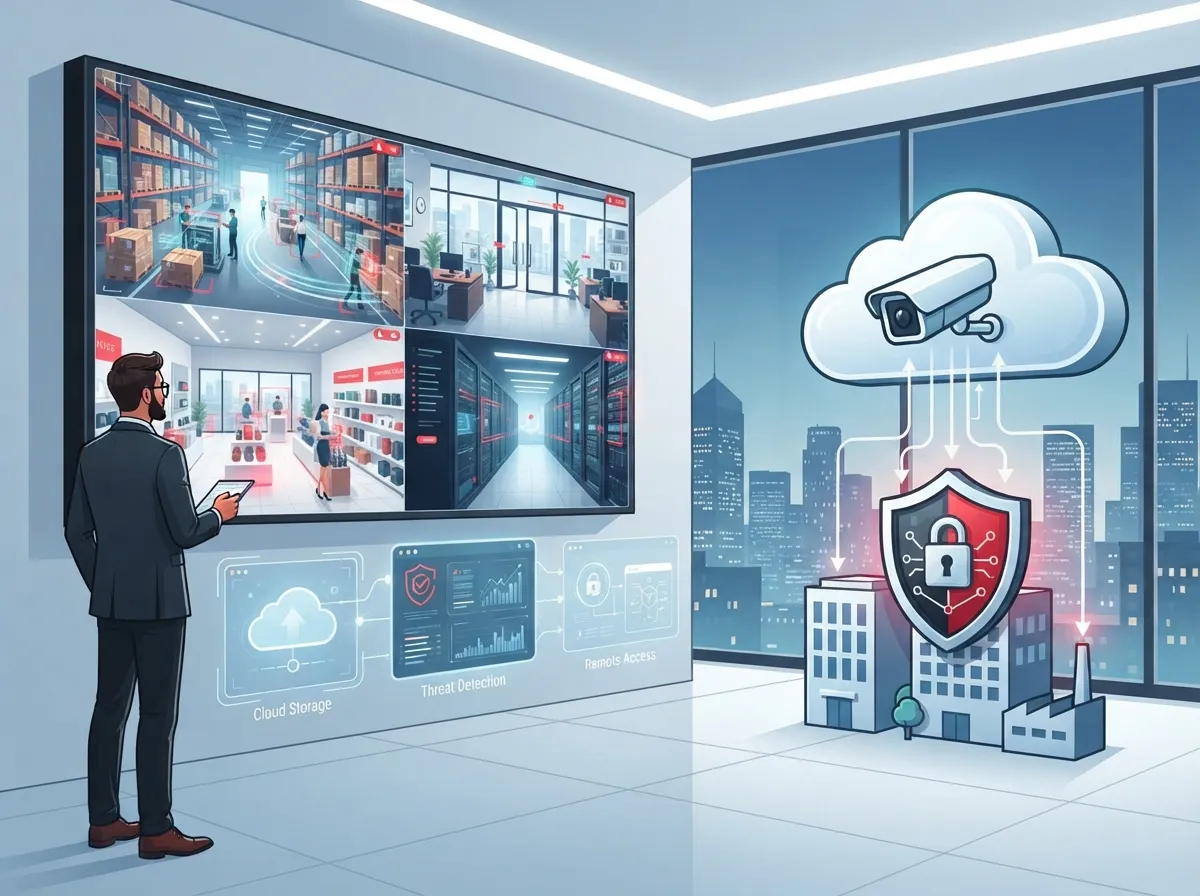
Traditional CCTV systems kept footage on a box sitting in a closet somewhere. If that box broke or got stolen, your footage went with it. Cloud cameras store everything safely online, so you can pull up footage from your phone even while you’re on vacation.
For businesses running multiple locations, this shift changes everything. You can watch your Tampa office and your Orlando branch from one simple dashboard. No more driving across town because a manager forgot the DVR password.
We’ve written before about what security cameras really do for your business, and cloud technology takes those benefits even further. It adds remote access, smarter alerts, and easier scaling as you grow.
What Makes a Camera Brand “Cloud-Native” vs Just “Cloud-Connected”
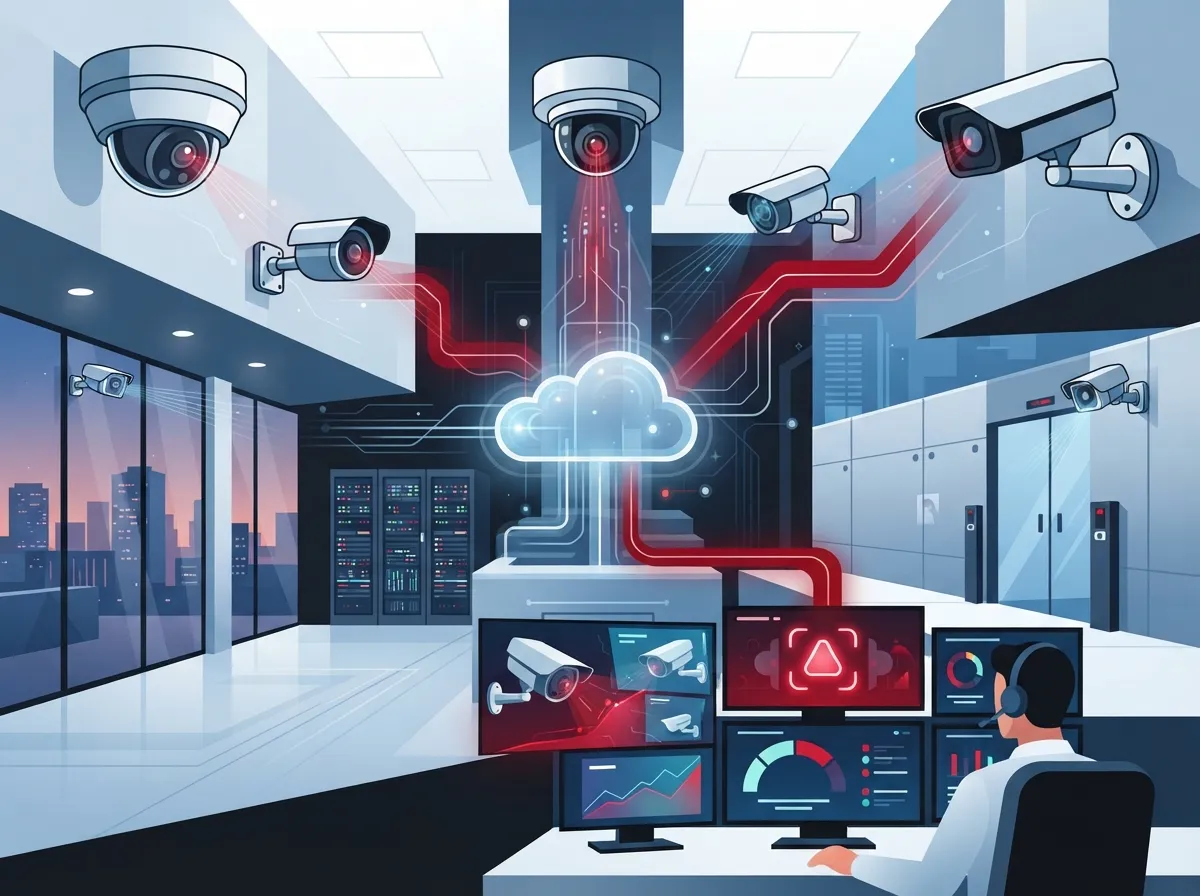
Not all cloud cameras are built the same way. Some brands simply bolt cloud storage onto old hardware. Others build their entire system around the cloud from day one.
Cloud-native brands tend to offer smoother updates, better AI features, and simpler multi-site management. This matters a lot if you’re managing several locations or planning to expand soon.
The Best Cloud Security Camera Brands for Business in 2026
Let’s get into the good stuff. Here are the brands that consistently show up in business surveillance comparisons, and why they earn their spot on this list.
- Rhombus – Known for being fully cloud-native with strong AI analytics built right in. Rhombus offers facial recognition, license plate recognition, and smart search tools that let you find specific events in seconds instead of scrubbing through hours of footage.
- Avigilon Alta – Part of the larger Avigilon ecosystem, this cloud option is built for bigger enterprises. It includes Appearance Search, license plate recognition, and facial recognition, making it a solid pick for businesses with serious security needs.
- Cisco Meraki – If your business already uses Cisco Meraki for networking, their smart cameras fit right into that same dashboard. This unified approach appeals to IT managers who want fewer systems to juggle.
- Axis – Axis leans more hardware-first, known for excellent image quality and strong edge analytics. Many businesses pair Axis cameras with a cloud video management system for the best of both worlds.
- Genetec – A trusted name in enterprise surveillance, Genetec offers flexible cloud and hybrid deployment options that scale well for larger operations.
- Eagle Eye Networks – Frequently mentioned in business surveillance comparisons for its cloud-first design and strong scalability across multiple sites.
Some sources also mention Dahua and Hikvision as prominent names in the professional CCTV market. However, many enterprise buyers now weigh compliance rules and regional procurement policies alongside raw features, which has shifted attention toward the cloud-native brands listed above.
Comparing Top Cloud Camera Brands Side by Side
Sometimes a simple table makes decision-making so much easier. Here’s a quick snapshot comparing the standout features of leading brands.
| Brand | Best For | Key Feature | Deployment Style |
|---|---|---|---|
| Rhombus | Distributed multi-site businesses | Native AI analytics, smart search | Cloud-native |
| Avigilon Alta | Large enterprises | Appearance Search, LPR, facial recognition | Cloud-based |
| Cisco Meraki | IT-managed environments | Unified network and camera dashboard | Cloud-managed |
| Axis | High image quality needs | Edge analytics, hardware reliability | Hybrid |
| Genetec | Enterprise control | Flexible hybrid options | Cloud or hybrid |
| Eagle Eye Networks | Scalable multi-location setups | Cloud-first architecture | Cloud-native |
Key Features Business Owners Should Look For
Choosing a brand isn’t just about the name. It’s about matching features to your actual business needs. Here’s what really matters when comparing options.
- Remote access from any device – You should be able to check your cameras from your phone, tablet, or laptop, no matter where you are.
- AI-powered smart search – Instead of watching hours of footage, look for systems that let you search by person, vehicle, or specific event.
- Multi-site management – If you run more than one location, you need one dashboard that shows everything at once.
- NDAA compliance – Government contracts and many enterprise buyers require cameras that meet this federal security standard.
- Reliable cloud storage – Footage should be encrypted and stored safely, protected from local hardware failures or theft.
- Easy integration with your network – Your cameras should work well with your existing internet and networking setup, not fight against it.
Speaking of integration, cameras rely heavily on a stable, fast internet connection. If your current setup struggles, it might be worth reviewing our tips on high-speed internet for business before adding more devices to your network.
How Telecom Providers Fit Into the Cloud Camera Picture
Here’s something a lot of business owners don’t realize. Cloud security cameras don’t operate in isolation. They depend on your internet connection, your network setup, and often your existing cabling.
This is exactly where a telecom partner becomes valuable. Instead of juggling a camera vendor, an internet provider, and a networking company separately, a single point of contact can coordinate everything. That means fewer headaches and faster troubleshooting when something goes wrong.
At Ideal Solutions Provider, we’ve spent over 24 years helping Tampa businesses and companies nationwide connect the dots between their cloud video security systems, their networks, and their internet service. Because we work with 35+ vetted suppliers, we’re not tied to pushing one brand over another. We simply help you find what actually fits your business.
Steps to Choosing the Right Cloud Camera Brand for Your Business
Feeling ready to make a decision? Here’s a simple process to follow.
- Assess how many locations need coverage and how they’re connected.
- Decide which analytics features matter most, like facial recognition or license plate reading.
- Check compliance needs, especially if you work with government contracts.
- Review your current internet speed and network capacity.
- Compare total cost of ownership, not just the upfront price.
- Ask about installation and ongoing support options.
- Request a demo before committing to any single brand.
Following these steps takes the guesswork out of the process. It also helps you avoid buying a system that looks great on paper but doesn’t fit your actual operations.
Cloud vs On-Premise: Which Approach Wins for Business?
This question comes up constantly, and for good reason. On-premise systems store footage locally, while cloud systems store it online. Each has trade-offs worth understanding.
| Factor | Cloud Cameras | On-Premise CCTV |
|---|---|---|
| Remote Access | Easy, from any device | Limited or requires extra setup |
| Multi-Site Management | Centralized dashboard | Separate systems per site |
| Maintenance | Automatic updates | Manual updates required |
| Upfront Cost | Lower hardware cost | Higher hardware investment |
| Data Security | Encrypted cloud storage | Depends on local security |
For most growing businesses, especially those with multiple locations, cloud wins on flexibility and ease of use. That said, some businesses with strict data residency requirements may still prefer hybrid setups.
Common Mistakes Businesses Make When Choosing Camera Brands
We’ve seen plenty of businesses make the same missteps over and over. Learning from these can save you time, money, and frustration.
- Choosing based on price alone without checking analytics quality.
- Ignoring bandwidth requirements, which slows down the entire network.
- Skipping compliance checks for NDAA or industry-specific rules.
- Failing to plan for future growth or additional locations.
- Overlooking the importance of professional installation and structured cabling.
That last point matters more than people expect. Poor structured cabling can create bottlenecks that hurt camera performance, even with the best brand on the market. If your building’s wiring is outdated, it might be time to explore our guide on signs your business needs structured cabling.
Franchise and Multi-Location Considerations
If you’re managing a franchise or multiple business locations, cloud cameras become even more valuable. You need consistency across every site, plus the ability to monitor everything from one place.
Look for brands offering centralized user permissions, so you can control who sees footage at each location. This keeps oversight tight without creating extra work for local managers.
Franchise operators often benefit from pairing cloud cameras with scalable access control systems, creating a complete security ecosystem across every site. This combination gives owners peace of mind without adding complicated management tasks.
Working With a Trusted Telecom Partner
Choosing the best cloud security camera brand is only part of the equation. Getting proper installation, reliable internet, and ongoing support matters just as much.
This is where working with an experienced Internet Service Provider partner pays off. Rather than negotiating with camera vendors, network companies, and internet providers separately, a single trusted contact can simplify the entire process.
We’ve helped businesses across Tampa Bay and nationwide navigate exactly this kind of decision. You can see real examples of our work on our YouTube channel, or follow our latest projects on Facebook and Instagram.
Bundling Security Cameras With Your Broader Telecom Setup
Many businesses discover cost savings by bundling their security camera system with their internet and networking services. This approach also reduces the number of vendors you have to manage.
If your business hasn’t reviewed its telecom setup recently, you might be surprised by what’s possible. We often find that companies are either overpaying or underusing their current systems, sometimes both at once.
Final Thoughts on Choosing Your Cloud Camera Brand
There’s no single “best” brand that fits every business. The right choice depends on your number of locations, your compliance needs, and how much you rely on AI-powered analytics. Rhombus and Avigilon Alta shine for advanced analytics. Cisco Meraki works beautifully for IT-managed networks. Axis and Genetec offer flexibility for larger, more complex environments.
What matters most is choosing a system that fits your business today while leaving room to grow tomorrow. Take time to compare options, ask questions, and don’t be afraid to request demos before committing.
Ready to find the right cloud security camera solution for your business? Our team would love to walk you through your options and build a system that actually fits your needs. Reach out to our team today or give us a call to start your free consultation.
FAQs
Q: What are the best cloud security camera brands for business?
A: Great question! For most businesses, Rhombus, Avigilon Alta, and Cisco Meraki top the list thanks to their AI analytics and easy remote access. The right pick really depends on your number of locations and how much automation you want, so don’t be afraid to compare a few before deciding.
Q: Which cloud security camera system is best for multi-site businesses?
A: If you’re running multiple locations, Rhombus and Eagle Eye Networks are wonderful options because they let you manage everything from one simple dashboard. This means you can check on your Tampa store and your Orlando branch without switching between different apps.
Q: Are cloud security cameras better than on-premise CCTV for businesses?
A: For most growing businesses, yes! Cloud cameras give you remote access, automatic updates, and easier scaling as you add locations. On-premise systems still work for some situations, but they usually require more hands-on maintenance.
Q: Is Cisco Meraki a good choice for business security cameras?
A: Absolutely, especially if your business already uses Cisco Meraki for networking. It’s a smart way to keep everything in one unified dashboard, which makes life a lot easier for busy IT teams.
Q: How do telecom providers use cloud security cameras in managed services?
A: Telecom providers often bundle cloud cameras with internet, networking, and cabling services to create one smooth, connected system. This approach saves businesses time and reduces the number of vendors they need to coordinate with, which honestly just makes everyone’s day a little easier.





