
Key Takeaways
-
Larger image sensors and wide-aperture lenses are more important than megapixel count for capturing usable low-light footage in commercial settings.
-
Wide Dynamic Range (WDR) technology up to 120 dB is essential for entrances, garages, and parking areas where bright and dark areas exist simultaneously.
-
Power over Ethernet (PoE) standards must match your camera's power needs: use IEEE 802.3af for basic cameras, 802.3at for advanced processing, and 802.3bt for PTZ or heated units.
-
Lab-tested lux ratings don't guarantee real-world performance; always test cameras in your actual environment or work with experienced installers familiar with your building's lighting and layout.
-
Professional structured cabling and bandwidth planning are as critical as camera selection—poor infrastructure causes lag, dropped footage, or network slowdowns affecting other business operations.
-
ONVIF Profile T compliance prevents vendor lock-in and ensures future upgrades, integrations, and multi-brand camera compatibility across your security system.
Picture this: something happens in your parking lot at 2 a.m. You pull up the footage, hoping for answers. Instead, you see a dark, grainy blur that could be anyone. Frustrating, right? This is exactly why choosing the right low light security cameras commercial buildings need is so important. Good night vision isn’t a luxury anymore. It’s a basic requirement for protecting your business, your team, and your customers after the sun goes down.
At Ideal Solutions Provider, we’ve spent over 24 years helping Tampa businesses and companies nationwide build smarter security systems. We know cameras are only half the story. The network behind them matters just as much. In this guide, we’ll walk you through what makes a commercial camera actually work in the dark, how to plan the infrastructure that supports it, and what questions to ask before you buy. Let’s get your business seeing clearly, day or night.
What Makes a Security Camera Good in Low Light?
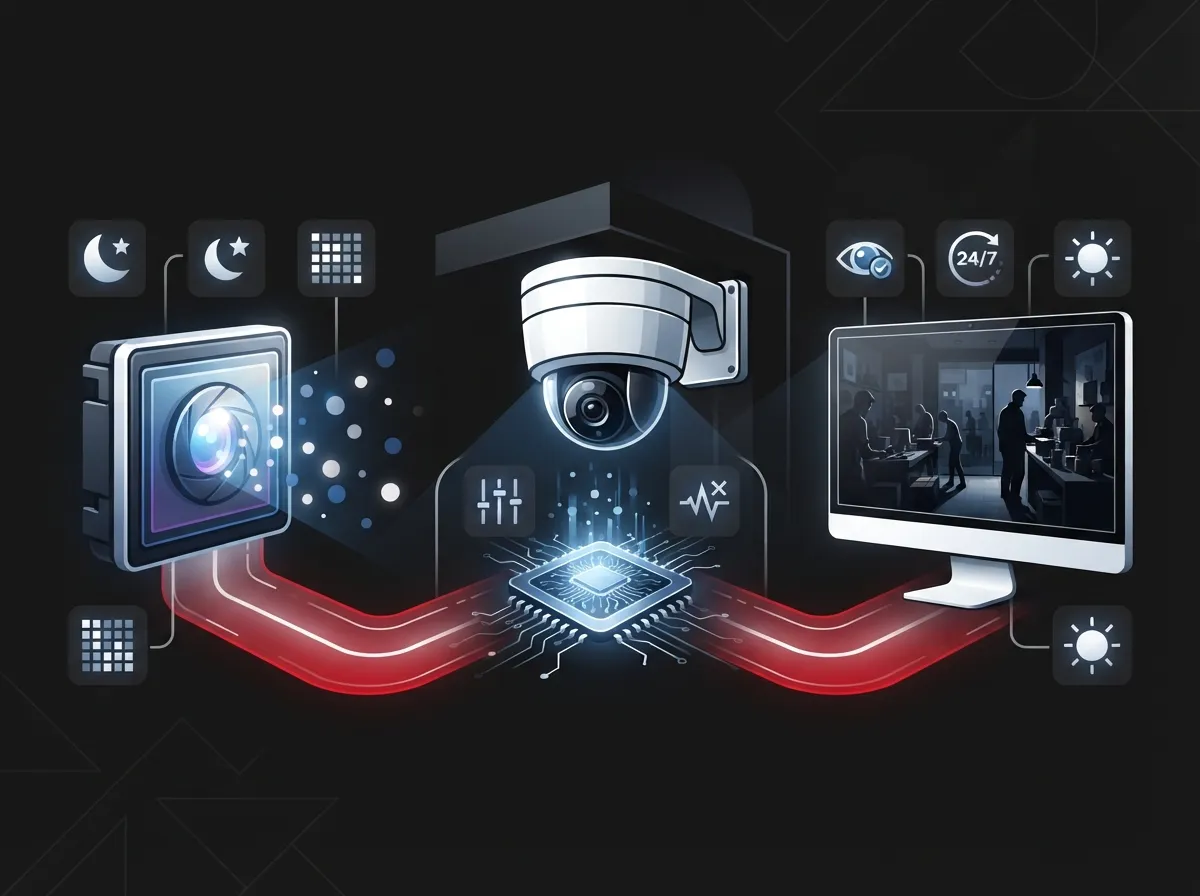
Not all cameras handle darkness the same way. Some technologies do the heavy lifting to capture clear images even when there’s barely any light around. Here’s what to look for.
Sensor Size and Lens Quality
Bigger image sensors gather more light. That’s the simple truth. Commercial-grade cameras often use larger sensors paired with wide-aperture lenses to pull in as much available light as possible. A larger sensor combined with a quality lens usually beats a cheap camera with a higher megapixel count but a tiny sensor.
Infrared (IR) Illumination
Infrared cameras switch to black-and-white video once it gets dark. This works well for fully unlit areas like back alleys, storage yards, or loading docks. The tradeoff is you lose color detail, which can matter if you need to identify a vehicle or clothing color later.
Low-Light Color Technology
Newer color night-vision cameras try to preserve color even in dim conditions. They generally need some ambient light, like a security light or street lamp, to work their best. If your entrances or walkways have even a little lighting, these cameras can capture much more useful detail than a black-and-white IR feed.
Wide Dynamic Range (WDR)
WDR helps cameras handle scenes with both bright and dark areas at the same time. Think about a lobby door with sunlight streaming in behind a shadowy figure, or a parking lot with glaring headlights. Some commercial-grade models advertise up to 120 dB of WDR, though real results depend on the specific scene and camera settings. This feature is essential for entrances, garages, and parking areas.
Understanding Lux Ratings (Without the Headache)
You’ve probably seen the word “lux” on a camera spec sheet and wondered what it actually means. Lux measures how much light is present in a scene. Lower lux numbers mean the camera can produce usable video in darker conditions.
For example, one well-known commercial camera lists a color minimum illumination around 0.05 lux and a black-and-white minimum around 0.01 lux, based on manufacturer testing conditions. In plain terms, that camera can pick up detail in near-total darkness when using its black-and-white mode, and in very dim ambient light for color.
Here’s the catch: advertised lux numbers are tested in controlled lab settings. Your parking lot or warehouse won’t match a lab perfectly. That’s why it’s smart to test cameras in your actual environment or work with a team experienced in real-world commercial installs, like Cloud Video Security specialists who understand how lighting, weather, and building layout affect performance.
Key Specs to Compare Before You Buy
Resolution alone won’t tell you if a camera performs well at night. Here’s a quick comparison of what actually matters.
| Spec | Why It Matters | What to Look For |
|---|---|---|
| Minimum Illumination (Lux) | Shows how little light the camera needs for usable video | Lower numbers for both color and black-and-white modes |
| Sensor Size | Larger sensors capture more light naturally | 1/1.2-inch or larger for demanding low-light spots |
| WDR Performance | Balances bright and dark areas in the same frame | Up to 120 dB, tested in your actual environment |
| IR Range | Determines how far infrared illumination reaches | Match to the distance you need covered, not just the longest number |
| Frame Rate in Low Light | Affects motion blur during nighttime recording | 25-30 fps with WDR enabled; higher without WDR |
| Weather Rating | Confirms camera can handle outdoor conditions | IP66 or better for outdoor commercial use |
Why the Network Behind the Camera Matters Just as Much
Here’s something a lot of business owners don’t realize until it’s too late: a great camera is useless without solid infrastructure supporting it. This is where telecom and IT planning come into play.
Power over Ethernet (PoE) Keeps Things Simple
PoE lets one Ethernet cable deliver both power and network connectivity to your camera. No separate electrical wiring needed. Commercial deployments typically use one of these three standards:
- IEEE 802.3af – Standard PoE, fine for basic fixed cameras
- IEEE 802.3at (PoE+) – Higher power, better for cameras with more processing power
- IEEE 802.3bt (PoE++) – Needed for pan-tilt-zoom cameras, multisensor units, or cameras with built-in heaters and illuminators
Matching your camera’s power needs to the right PoE standard prevents dropped connections and dim, underpowered performance. This is a detail our team walks through during every consultation, alongside broader structured cabling support for VoIP phones and security cameras.
Structured Cabling Sets the Foundation
Cameras need reliable, well-planned cabling to perform consistently. Poor cabling causes lag, dropped footage, or complete outages right when you need your system most. Investing in professional structured cabling means your cameras, phones, and network devices all work together smoothly instead of fighting for bandwidth on outdated wiring.
Bandwidth and Storage Planning
Higher resolution and higher frame rates mean more data. If you’re running several 4K cameras with night vision enabled 24/7, your network needs enough bandwidth to keep up without slowing down other business operations, like your phone system or point-of-sale devices. Storage retention periods also affect how much space you need, whether it’s on-site or in the cloud.
ONVIF and PoE Standards Worth Asking About
If you’re comparing vendors or camera brands, these terms will come up. Here’s a simple breakdown:
- ONVIF Profile T – Supports advanced video streaming, H.264/H.265 encoding, motion detection, and tampering alerts. This is the standard most new commercial installs should look for.
- ONVIF Profile G – Helps standardize edge recording and playback across different camera brands.
- ONVIF Profile M – Useful for businesses planning to add metadata and analytics integrations down the road.
Asking about ONVIF compliance protects you from getting locked into one manufacturer’s ecosystem. It also makes future upgrades and integrations much smoother.
Common Placement Mistakes That Ruin Night Footage
Even the best camera can produce disappointing footage if it’s installed poorly. Here are mistakes we see often during commercial security camera consultations.
- Aiming directly at headlights or bright fixtures. This washes out the image and can even damage sensitive sensors over time.
- Ignoring nighttime field-of-view testing. A spot that looks great during the day might have hidden shadows or glare once the sun sets.
- Underestimating PoE switch capacity. Adding more cameras without upgrading your switch can overload your network.
- Skipping VLAN segmentation. Camera traffic mixed in with regular office traffic can slow everything down and create security gaps.
- Choosing storage without a retention plan. Running out of storage mid-month means losing exactly the footage you might need later.
A professional installation team catches these issues before they become expensive problems. If you’re unsure whether your current setup has these gaps, it might be worth a quick review of how many security cameras your business actually needs.
Which Businesses Need Low Light Cameras Most?
Some commercial properties simply can’t afford dark, blurry footage. If your business fits any of these categories, upgrading your night vision capability should be a priority:
- Warehouses and distribution centers with overnight shipping activity
- Retail stores with parking lots or after-hours deliveries
- Multi-location franchises needing consistent coverage across sites
- Office buildings with limited exterior lighting
- Manufacturing facilities running overnight shifts
- Medical and professional offices with early morning or late evening appointments
Franchise operators especially benefit from standardizing camera specs across every location. It keeps training simple and ensures every site meets the same security standard, something we help coordinate through scalable systems built for multi-location businesses.
How Ideal Solutions Provider Helps You Choose the Right Setup
We’re not a camera manufacturer. We’re your single point of contact, connecting you with the right products from our network of 35+ vetted suppliers. That means you get honest recommendations based on your building, your budget, and your actual security goals, not a sales pitch pushing one brand.
Our process typically includes a full audit of your current setup, a walkthrough of your property to identify lighting gaps, and a clear comparison of camera options paired with the network upgrades needed to support them. We also make sure your cameras work smoothly with your existing cloud-based phone system and internet setup, since these systems often share the same network resources.
You can see examples of our completed installs and hear from other business owners on our YouTube channel, or follow our latest project updates on Facebook and Instagram.
Getting Your Bandwidth Ready for Better Cameras
Before installing new low-light cameras, it’s worth checking whether your current internet connection can handle the added load. Streaming multiple 4K cameras, especially with night vision and WDR active, requires steady, dependable bandwidth. If your connection already struggles during business hours, adding cameras will only make things worse.
This is a great time to review your setup with a provider who understands both security and connectivity. Our team frequently pairs camera installs with upgrades to high-speed internet solutions so businesses don’t run into slowdowns after adding new equipment. A reliable Internet Service Provider connection is the backbone that keeps your whole security system running smoothly.
Final Thoughts on Choosing Commercial Low Light Cameras
Choosing the right low light security cameras commercial buildings depend on isn’t just about picking the fanciest specs sheet. It’s about matching camera technology to your actual environment, backing it up with solid network infrastructure, and working with a team who understands both security and telecom together. Dark corners, unlit parking lots, and dim hallways don’t have to be blind spots in your security plan.
We’d love to help you take the guesswork out of this decision. Whether you need a full property audit, a network upgrade, or simply want honest answers about which camera fits your budget, our team is ready to help. Contact us today for a free consultation, or call us to talk through your options with a real person who knows this industry inside and out. Your business deserves clear answers, day or night.
FAQs
Q: What are the best low-light security cameras for commercial buildings?
A: The best cameras combine a large image sensor, wide-aperture lens, strong WDR performance, and either infrared or low-light color technology depending on your lighting. We always recommend testing cameras in your actual space, since lab specs don’t always match real-world results. Our team can help you compare options from trusted suppliers based on your specific building.
Q: Are color night-vision cameras better than infrared cameras for business security?
A: It really depends on your lighting and what details matter most to you. Color night-vision cameras preserve things like clothing or vehicle color, but they usually need at least a little ambient light to shine. Infrared cameras work great in total darkness, though you’ll only get black-and-white footage, so many businesses actually use a mix of both.
Q: Do commercial low-light cameras require PoE or separate power wiring?
A: Most modern commercial cameras use Power over Ethernet, or PoE, which sends both power and data through a single cable. This makes installation simpler and more affordable than running separate electrical wiring. Just make sure your PoE switch has enough capacity, especially for cameras with heaters, illuminators, or pan-tilt-zoom features.
Q: How should businesses calculate bandwidth and storage for low-light IP cameras?
A: Start by looking at your camera’s resolution, frame rate, and codec, since these all affect how much data gets sent across your network. Night vision features like WDR can also increase processing demands. We recommend working with a telecom partner to test your current bandwidth before adding new cameras, so you avoid slowdowns across your whole network.
Q: Which ONVIF and PoE standards should be specified in a commercial camera installation?
A: Look for ONVIF Profile T, since it supports modern video streaming, motion detection, and tampering alerts across different camera brands. On the power side, match your camera’s needs to IEEE 802.3af, 802.3at, or 802.3bt PoE standards, especially for higher-powered cameras like PTZ or multisensor models. This keeps your system flexible and easier to upgrade later.





