

Key Takeaways
-
Cloud video security allows Tampa business owners to access live camera feeds and recordings remotely from any device with internet, eliminating the need to be physically present to check footage.
-
Professional installation in Tampa typically costs $2,500-$10,000 for small businesses (4-8 cameras) with monthly cloud fees of $10-$40 per camera, plus scalability for multi-location operations.
-
Cloud systems offer significant advantages over traditional NVR setups: remote storage eliminates theft/damage risk, automatic software updates reduce maintenance, and integration with access control and VoIP systems creates unified business infrastructure.
-
Proper site assessment, network bandwidth verification, and Florida-ready hardware with corrosion-resistant components are critical to avoid installation failures and ensure reliable performance in Tampa's humid climate.
If you own or manage a Tampa business, you have probably thought about upgrading your security cameras. Maybe your old system feels clunky. Maybe you cannot check footage from your phone. Or maybe you just want peace of mind while you are out running errands or sleeping at night. That is where cloud video security installation in Tampa comes in, and honestly, it is one of the smartest upgrades a business can make in 2026.
This guide walks you through exactly what to expect, what it costs, and how to make sure your installation goes smoothly the first time. Whether you run a small storefront or manage a growing franchise with multiple locations, we will break things down in plain language. No confusing tech talk, just friendly, practical advice from folks who install these systems every day across the Tampa Bay area.
What Cloud Video Security Actually Means for Your Business
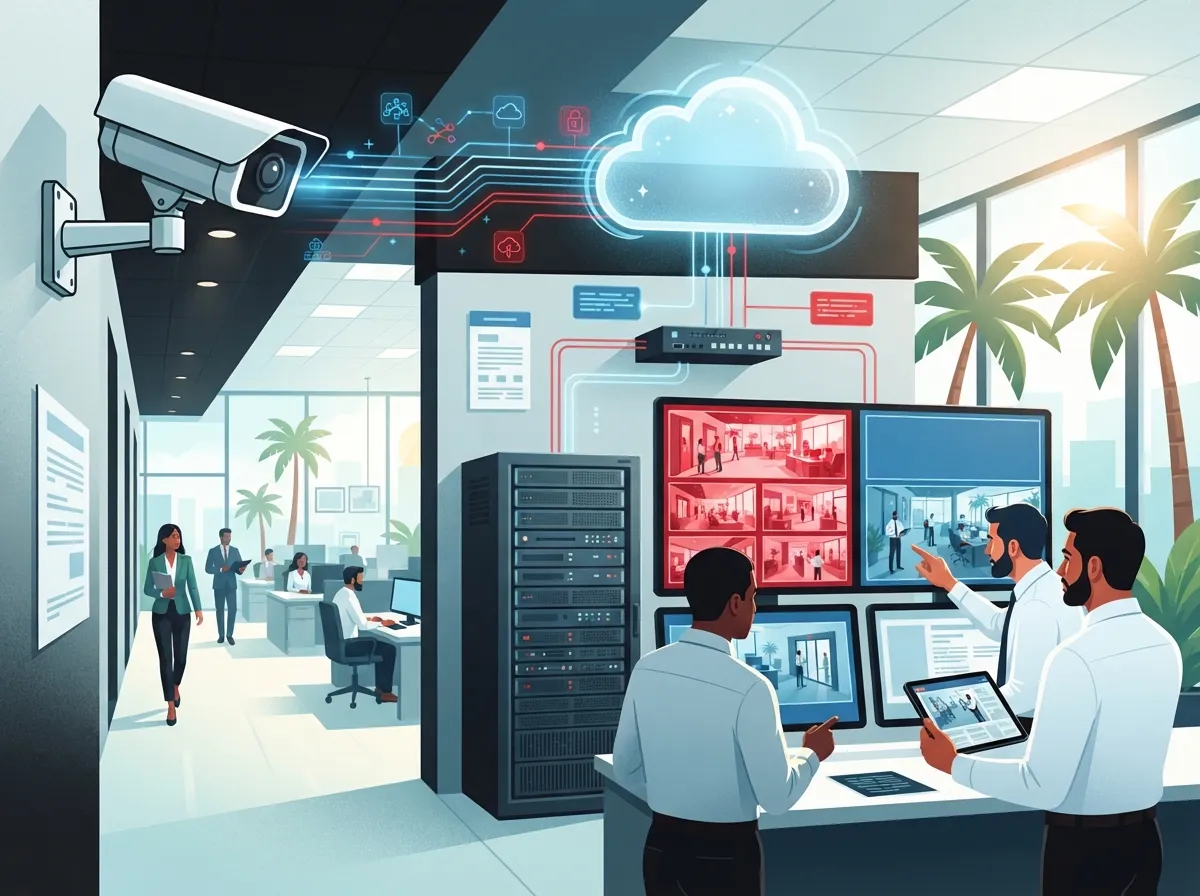
Cloud video security sends your camera footage straight to secure remote servers over the internet. Instead of storing everything on a box sitting in your back office, your video lives safely in the cloud. This means you can pull up live views or recorded clips from your phone, tablet, or laptop, no matter where you are.
This is a big shift from older systems that required you to be physically near the equipment to check anything. Now, you could be at lunch, on vacation, or checking in from another state, and still see exactly what is happening at your Tampa location in real time.
Why Tampa Businesses Are Making the Switch
Tampa’s business scene is booming, and with growth comes a need for smarter security. Here are some reasons local business owners are moving to cloud-based systems:
- Remote access from anywhere with an internet connection
- No expensive on-site recorder that can be stolen or damaged
- Automatic software updates without a technician visit
- Easier scalability when opening new locations
- Better integration with access control and other telecom systems
- Reduced risk of losing footage during a break-in or fire
Many of our clients originally came to us for cloud-based phone systems and later added cloud cameras once they saw how well everything worked together. It just makes sense to have one trusted partner handling your communications and security.
How Cloud Camera Installation Works in Tampa
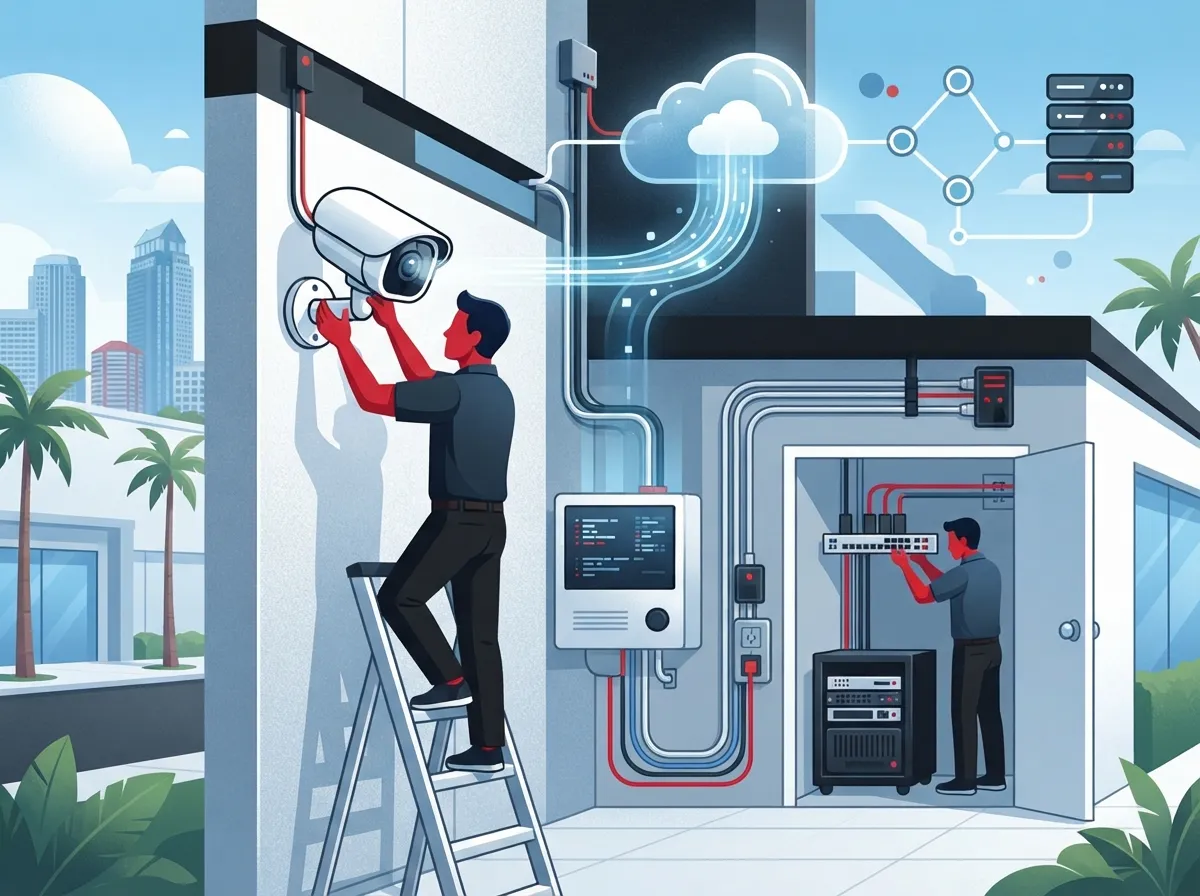
Professional installation is not just about mounting cameras on a wall. It is a process that takes planning, testing, and follow-up. Here is how a typical project unfolds with an experienced Tampa provider.
Step-by-Step Installation Process
- Site assessment: A technician visits your location to review layout, lighting, and blind spots.
- Network review: Your internet connection gets checked to confirm it can handle the camera bandwidth.
- Camera placement design: Cameras are mapped out to cover entrances, parking lots, registers, and storage areas.
- Cabling and mounting: Cameras get physically installed, often alongside structured cabling if new wiring is needed.
- System configuration: Cloud accounts are set up, and footage storage settings are applied.
- Testing: Every camera angle and connection is tested for clarity and reliability.
- Staff training: Your team learns how to log in, view footage, and use mobile alerts.
A solid Internet Service Provider connection matters a lot here, since cloud cameras rely on steady upload speeds. If your current internet setup feels shaky, it might be worth reviewing our tips on high-speed internet for business before your installation begins.
Cloud Video Security vs Traditional NVR Systems
A common question we get is how cloud systems compare to older NVR (Network Video Recorder) setups. Here is a simple breakdown to help you decide what fits your Tampa business best.
| Feature | Cloud Video Security | Traditional NVR System |
|---|---|---|
| Storage location | Remote cloud servers | On-site hardware box |
| Remote access | Yes, from any device | Limited or requires setup |
| Risk of theft or damage | Low, footage stored off-site | Higher, box can be stolen |
| Scalability | Easy across multiple sites | Harder, needs new hardware |
| Monthly cost | Yes, recurring platform fee | No, one-time hardware cost |
| Software updates | Automatic | Manual, often delayed |
Both systems have their place, but most Tampa businesses today lean toward cloud video security because of the flexibility and lower long-term maintenance headaches.
What Does Cloud Video Security Installation Cost in Tampa?
Pricing depends on your business size, camera count, and whether you want extras like AI-based motion detection. Here is a general breakdown based on typical Tampa market pricing.
| Business Size | Camera Count | Estimated Installation Cost | Monthly Cloud Fee (per camera) |
|---|---|---|---|
| Small retail or office | 4-8 cameras | $2,500 – $10,000 | $10 – $40 |
| Mid-sized commercial | 8-16 cameras | $10,000 – $15,000 | $10 – $40 |
| Enterprise single-site | 16+ cameras | $30,000+ | Custom pricing |
| Multi-site rollout | Multiple locations | $300,000+ | Custom pricing |
A small business with 4 cameras sits at the lower end of pricing, while a busy warehouse with 16 cameras will land closer to the higher range. The good news is that most providers, including ours, work with you to build a plan that fits your actual budget rather than pushing unnecessary extras.
Common Mistakes to Avoid During Installation
We have seen plenty of DIY attempts and rushed installs go sideways. Here are mistakes that tend to cause headaches down the road:
- Skipping a proper network bandwidth check before installation
- Placing cameras without considering sun glare or nighttime lighting
- Choosing hardware that is not built for Florida humidity and heat
- Forgetting to plan for future camera additions as the business grows
- Not training staff on how to access and export footage when needed
- Ignoring integration opportunities with access control systems
Florida weather is no joke, especially during hurricane season. Outdoor cameras need corrosion-resistant housings and sealed components to survive humidity, rain, and salt air near the coast. A qualified installer will always factor this into equipment selection.
Integration With Your Broader Telecom Setup
Cloud video security rarely works alone. Many Tampa businesses pair it with cloud-based access control, structured cabling, and networking upgrades. If your business already uses VoIP phones or is considering a switch, check out our guide on reasons to switch to a cloud phone system to see how these technologies work together on one unified network.
Combining these systems under one provider also means fewer vendors to coordinate. That is a big reason why Ideal Solutions Provider exists as a single point of contact for Tampa businesses managing phones, internet, cabling, and security all at once.
Scaling Cloud Security Across Multiple Tampa Locations
Franchise operators and growing companies often start with one location and expand quickly. Cloud video security shines here because it is built for scale. You get the same camera standards, monitoring dashboard, and access rules across every site.
Benefits for Multi-Location Businesses
- Centralized dashboard to view all locations from one login
- Consistent camera placement standards across every site
- Faster rollout since equipment and setup are standardized
- Easier troubleshooting with remote diagnostics
- Simplified budgeting with predictable monthly platform fees
If you are managing several Tampa Bay locations, or planning to expand nationwide, this scalability alone can save your team dozens of hours in coordination every month. Our team has helped businesses set up scalable access control systems alongside camera rollouts for exactly this reason.
Choosing the Right Installer for Your Business
Not every installer offers the same level of service. Here is what to look for before signing a contract.
- Experience with commercial installations, not just residential setups
- Willingness to do a full site assessment before quoting a price
- Clear explanation of ongoing support and monthly fees
- Florida-ready hardware built to handle heat and humidity
- References or reviews from other Tampa business owners
- Ability to integrate with your existing network and telecom systems
You can also check reviews and behind-the-scenes content on platforms like Facebook, Instagram, or YouTube to get a feel for how a provider actually works before you commit.
With over 24 years of experience and partnerships across 35+ vetted suppliers, our team handles everything from the first consultation to long-term support, so you are never left figuring things out alone.
Getting Started With Your Installation
Cloud video security installation in Tampa does not have to feel overwhelming. With the right partner, it becomes a smooth process that protects your business, saves you time, and gives you peace of mind day and night. From site assessments to staff training, every step matters, and cutting corners now often means bigger headaches later.
If you are ready to explore your options, our friendly team is here to help you build a system that fits your budget and your goals. Reach out to our team today for a free consultation, or simply give us a call to talk through your Tampa business needs. We would love to help you feel safer and more connected, one camera at a time.
FAQs
Q: What is cloud video security for businesses?
A: Cloud video security means your cameras send footage straight to secure online servers instead of a box on-site. This lets you check live views or recordings from your phone or laptop anytime, which is a huge win for busy Tampa business owners who cannot always be on-site.
Q: How much does commercial security camera installation cost in Tampa?
A: Most small businesses spend between $2,500 and $10,000 for a 4 to 8 camera setup, including installation and configuration. Larger deployments with more cameras or multiple locations can run higher, with monthly cloud fees typically landing between $10 and $40 per camera.
Q: What is the difference between cloud video security and an NVR system?
A: Cloud systems store footage remotely and let you access it from anywhere, while NVR systems keep everything on a physical box at your location. Cloud setups are generally easier to scale and less risky if the equipment is damaged or stolen.
Q: Can cloud video security integrate with access control and telecom systems?
A: Absolutely, and it is actually one of the biggest perks of going cloud-based. Many Tampa businesses combine their cameras with cloud access control, VoIP phones, and networking under one provider for a much smoother, more connected setup.
Q: Are cloud security cameras reliable for Florida weather and humidity?
A: Yes, as long as you choose Florida-ready hardware with corrosion-resistant housings and sealed components. A good installer will always plan around our heat, humidity, and storm season so your cameras keep working when you need them most.





