
Key Takeaways
-
Cat6a supports 10-gigabit Ethernet speeds up to the full 100-meter standard distance, compared to Cat6's ~55 meters, making it ideal for larger buildings requiring consistent high-speed performance.
-
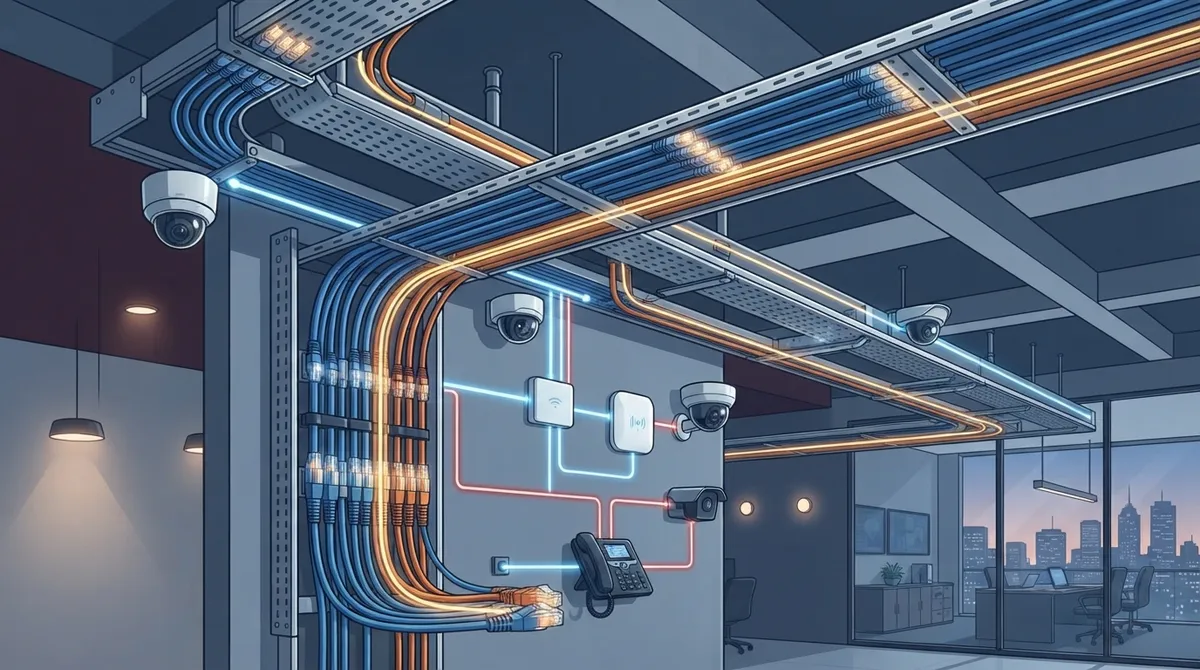
Cat6a's superior alien crosstalk resistance and 500 MHz bandwidth make it better suited than Cat6 for dense cable installations and power-hungry PoE devices like IP phones, cameras, and wireless access points.
-
Proper Cat6a installation requires standards-compliant components, correct bend radius maintenance, heat management in cable bundles, comprehensive labeling, and field testing for alien crosstalk to avoid performance degradation.
-
While Cat6a costs more upfront than Cat6 due to thicker cable and higher labor, the investment typically pays for itself within years by avoiding future recabling projects when business needs expand.
-
Cat6a provides a unified cabling backbone for multiple applications including VoIP phones, security cameras, and Wi-Fi access points, reducing vendor complexity and improving network reliability across growing businesses.
-
For connections beyond 100 meters or between buildings, fiber optic cabling is more appropriate than Cat6a, though many businesses use both with fiber as the backbone and Cat6a for final device connections.
Picture this: your team is on a VoIP call, three security cameras are streaming to the cloud, and a warehouse full of Wi-Fi access points are all fighting for bandwidth. If your office is still running on old cabling, that picture gets ugly fast. That’s where cat6a structured cabling steps in, and honestly, it’s one of the best upgrades a growing business can make.
We know cabling isn’t the most exciting topic at your next team meeting. But stick with us here, because this unglamorous copper wire behind your walls might be the single biggest factor in whether your phones, cameras, and internet actually work the way you need them to. Whether you’re a small Tampa shop or a multi-location franchise, understanding cat6a structured cabling helps you make a smarter investment in your network’s future.
In this friendly guide, we’ll walk through what cat6a actually is, how it stacks up against older cabling, and when it makes sense for your business. We’ll keep things simple, skip the confusing tech-speak, and give you real answers you can use today.
What Is Cat6a Structured Cabling, Anyway?
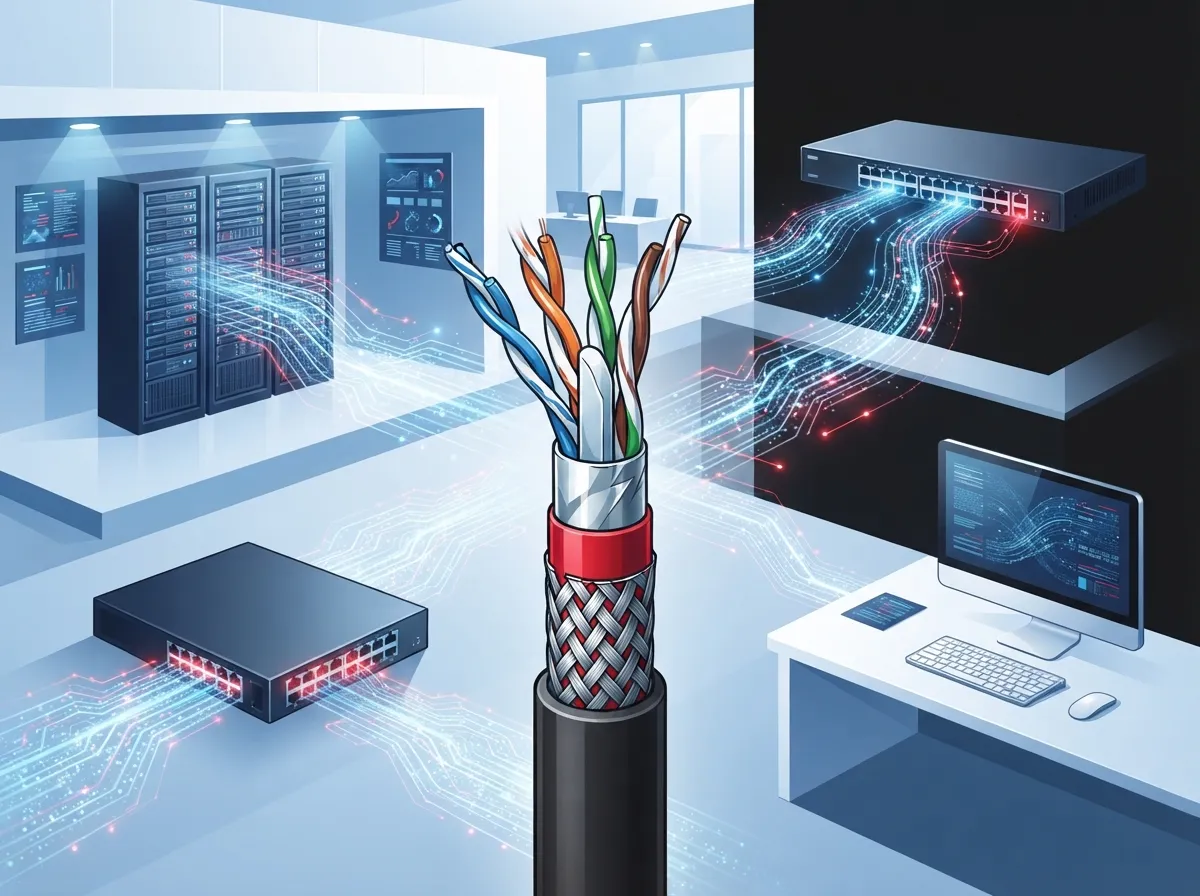
Cat6a stands for Category 6 Augmented. It’s a type of copper network cable used inside offices, warehouses, and commercial buildings. Think of it as the upgraded, heavy-duty cousin of the cabling most businesses already have.
This cabling is part of a larger system called structured cabling, which is basically the organized wiring backbone connecting all your devices, phones, computers, and cameras to your network. A good structured cabling system is like a well-organized closet. Everything has its place, everything is labeled, and you can find what you need without a headache.
Cat6a cable supports bandwidth up to 500 MHz. That’s a big jump from older cabling types, and it means your network can handle way more data without slowing down. If your business relies on fast, dependable connections, this matters more than you might think.
How Far Can Cat6a Carry 10-Gigabit Ethernet?
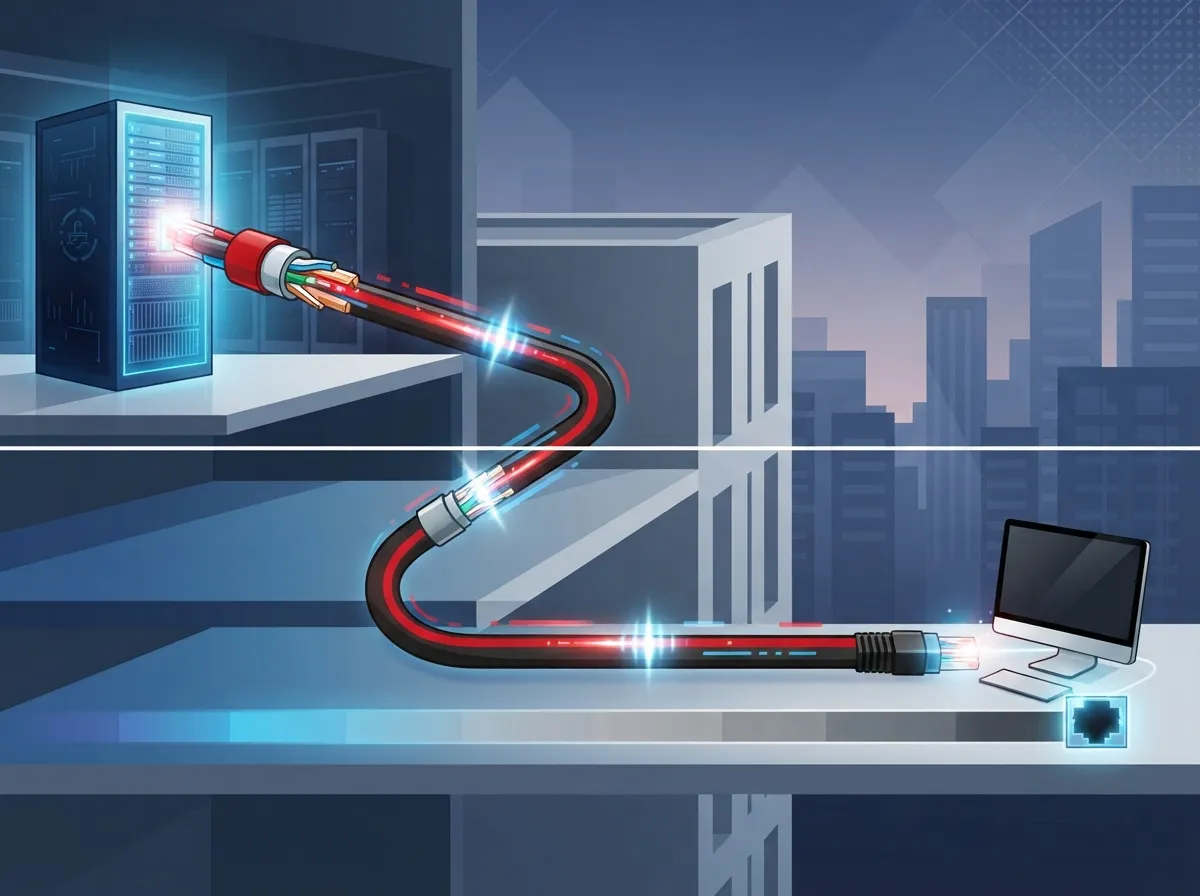
Here’s a fact business owners love to hear: cat6a can carry 10-gigabit Ethernet speeds up to 100 meters, or about 328 feet. That’s the full standard cable run most offices need, no exceptions or asterisks.
A typical setup breaks down like this:
- Up to 90 meters (295 feet) of permanent cabling running through walls and ceilings
- Up to 10 meters (33 feet) combined for patch cords connecting equipment on each end
- Together, that gives you the full 100-meter channel needed for reliable 10-gig performance
Compare that to standard Cat6 cabling, which typically only supports 10-gigabit speeds up to about 55 meters (180 feet), and even then, performance can vary depending on nearby cable interference. If your building is larger, or you want dependable top speeds everywhere, cat6a takes the guesswork out of the equation.
Cat6 vs Cat6a: What’s the Real Difference?
Let’s settle this once and for all with a simple side-by-side look. Many of our clients ask us this exact question during consultations, and we get it. The names sound almost identical, but the performance gap is real.
| Feature | Cat6 | Cat6a |
|---|---|---|
| Max Bandwidth | 250 MHz | 500 MHz |
| 10-Gigabit Reach | ~55 meters (180 ft) | 100 meters (328 ft) |
| Alien Crosstalk Resistance | Lower | Higher |
| Cable Diameter | Thinner, easier to install | Thicker, needs more planning |
| Best For | Standard offices, moderate data needs | Dense networks, PoE devices, future-proofing |
The big win for cat6a is something called alien crosstalk resistance. In plain English, that means less interference from cables running right next to each other. If you’re bundling lots of cables together in a data closet or ceiling pathway, that matters a lot. For a deeper look at how these two options compare, check out our article on the key differences between CAT5e and CAT6 cabling.
Is Cat6a Good for PoE and Power-Hungry Devices?
Absolutely, and this is one of the biggest reasons businesses choose cat6a today. PoE stands for Power over Ethernet, and it lets a single cable deliver both data and electrical power to a device. Think IP phones, wireless access points, and security cameras.
Fewer cables means less clutter and lower installation costs. But there’s a catch worth knowing: PoE current running through tightly bundled cables can create heat. Too much heat can actually slow down your network performance over time.
Industry guidance suggests keeping cable temperature rise to no more than 15 degrees Celsius above the surrounding air. That’s why proper installation matters so much. A qualified technician will think about things like:
- How many cables are bundled together in one pathway
- The ambient temperature of the space, especially in Florida’s warm climate
- How much power each PoE device actually draws
- Whether the cable’s temperature rating matches your building’s conditions
- Proper spacing and bundle size to avoid overheating
This is exactly why DIY cabling jobs can backfire. Getting it installed right the first time saves you from costly headaches down the road. If you’re weighing your options, our guide on DIY vs. professional structured cabling breaks it all down.
Should You Choose Cat6a for Wi-Fi, Cameras, and VoIP Phones?
Here’s where cat6a really shines for growing businesses. It gives you one dependable cabling system to support everything from wireless access points to cloud security cameras and VoIP phones.
Consider these common business scenarios:
- Small business owners: Want one reliable network for phones and internet without juggling multiple vendors or wondering why the Wi-Fi drops during busy hours.
- Mid-sized enterprises: Need dense connectivity across offices, security systems, and access control, all running smoothly together.
- IT managers: Look for infrastructure that won’t need replacing again in two years when the next wireless standard rolls out.
- Office managers: Just want phones and internet that work every single day, without emergency service calls.
- Franchise operators: Need a scalable cabling standard they can replicate across every new location.
Cat6a’s higher bandwidth and PoE support make it a smart match for high-density wireless deployments and any future upgrades you might have planned. That said, remember that cabling alone doesn’t guarantee speed. Your switches, routers, and endpoint devices all play a role too. For more on getting your whole network foundation right, take a look at how structured cabling supports VoIP phones and security cameras.
What Does Proper Cat6a Installation and Testing Involve?
Good cabling is only as good as its installation. A rushed or careless job can undercut even the best cable on the market. Here’s what a proper cat6a installation should include:
- Using compatible, standards-compliant cable, jacks, patch panels, and patch cords throughout
- Maintaining the correct bend radius so cables aren’t kinked or crushed
- Avoiding overly tight cable bundles that trap heat
- Properly labeling every cable run for easy troubleshooting later
- Documenting the entire cabling layout for future reference
- Certifying every installed link with a field tester set to the right category and channel type
- Testing specifically for alien crosstalk where it applies
Skipping these steps is one of the most common mistakes we see. If you want to avoid these pitfalls entirely, our article on structured cabling mistakes that hurt your business is worth a read before you start any project.
How Much Does Cat6a Cost Compared to Cat6?
Let’s talk money, because budget matters. Cat6a typically costs more than standard Cat6 cabling. The cable itself is thicker, which can mean higher costs for pathways, racks, terminations, and labor.
But here’s the thing: it’s worth comparing upfront cost against long-term value. Ask yourself:
- How long do you expect this cabling to serve your business?
- Are you planning to add more devices, cameras, or access points soon?
- Would you rather pay more now, or pay again later for a full recabling project?
- Do you need dependable PoE support for growing device counts?
For many growing businesses, the extra upfront cost of cat6a pays for itself by avoiding a second installation project in just a few years. If you’re budgeting for a project, our post on signs your business needs structured cabling now can help you figure out your timeline.
When Should You Choose Fiber Instead of Cat6a?
Cat6a is fantastic for most office environments, but it’s not the only option out there. Fiber optic cabling might be a better fit if you need:
- Extremely long cable runs beyond 100 meters
- Maximum immunity to electrical interference
- The highest possible bandwidth for data centers or heavy server traffic
Many businesses actually use both. Fiber often runs as the backbone between buildings or floors, while cat6a handles the final connection to desks, phones, and cameras. It’s not an either-or decision. It’s about using the right tool for each part of your network. Curious how these two options compare in more detail? Check out our breakdown of copper vs. fiber cabling.
Why Work With a Trusted Telecom Partner for Your Cabling Project?
We get it. Cabling decisions can feel overwhelming, especially with all these technical specs flying around. That’s exactly why so many Tampa businesses turn to a partner who handles the whole picture instead of just selling cable.
At Ideal Solutions Provider, we’ve spent over 24 years helping businesses build reliable networks from the ground up. We work with 35+ vetted suppliers, so you get options that actually fit your needs instead of a one-size-fits-all pitch. From cabling to VoIP phones to cloud security cameras, we act as your single point of contact for everything.
We’ve seen firsthand how the right cabling foundation transforms a business’s daily operations. No more dropped calls. No more laggy security footage. Just a network that quietly does its job, day after day. You can see more of our story and approach on our Facebook page or check out helpful walkthroughs on our YouTube channel.
Ready to Upgrade Your Business Network?
Cat6a structured cabling isn’t just a technical upgrade. It’s an investment in smoother communication, fewer headaches, and a network that’s ready for whatever comes next. Whether you’re setting up a new office or finally replacing tired old wiring, getting this foundation right pays off for years.
We’d love to help you figure out the best cabling plan for your space, your budget, and your goals. Contact us today for a free consultation, or call us to talk through your options with a friendly member of our team. Let’s build a network you can actually count on.
FAQs
Q: What is cat6a structured cabling used for in business networks?
A: Cat6a structured cabling is used to connect phones, computers, Wi-Fi access points, and security cameras to your network with fast, reliable speeds. It’s a great foundation for businesses that need dependable 10-gigabit performance across their whole office.
Q: How far can cat6a carry 10-gigabit Ethernet?
A: Cat6a can carry 10-gigabit Ethernet the full standard distance of 100 meters, or about 328 feet. That’s a big advantage over Cat6, which usually tops out around 55 meters for the same speed.
Q: Is cat6a better than Cat6 for a growing business?
A: For most growing businesses, yes! Cat6a offers more bandwidth, better resistance to interference, and stronger support for power-hungry devices like cameras and access points. It costs a bit more upfront, but it often saves you from a costly recabling job later.
Q: Can cat6a cabling support Power over Ethernet devices?
A: Absolutely, cat6a works great with PoE devices like IP phones, cameras, and wireless access points. Just make sure your installer plans for proper heat management, especially in bundled cable runs.
Q: When should I choose fiber instead of cat6a cabling?
A: Fiber makes more sense for very long cable runs or connections between buildings, since it doesn’t have the 100-meter distance limit. Many businesses actually use fiber as their backbone and cat6a for the final connections to desks and devices.





