
Key Takeaways
-
Plan your cabling layout before installation to avoid costly rewiring; run extra conduit for future upgrades to save thousands when your business grows.
-
Choose between copper cabling for standard offices ($1,500-$10,000) or fiber optic for high-demand operations ($8,000-$25,000+) based on your actual data needs and distance requirements.
-
Hire certified installers who offer design, installation, and certification services; uncertified work fails inspections and causes hard-to-diagnose performance issues.
-
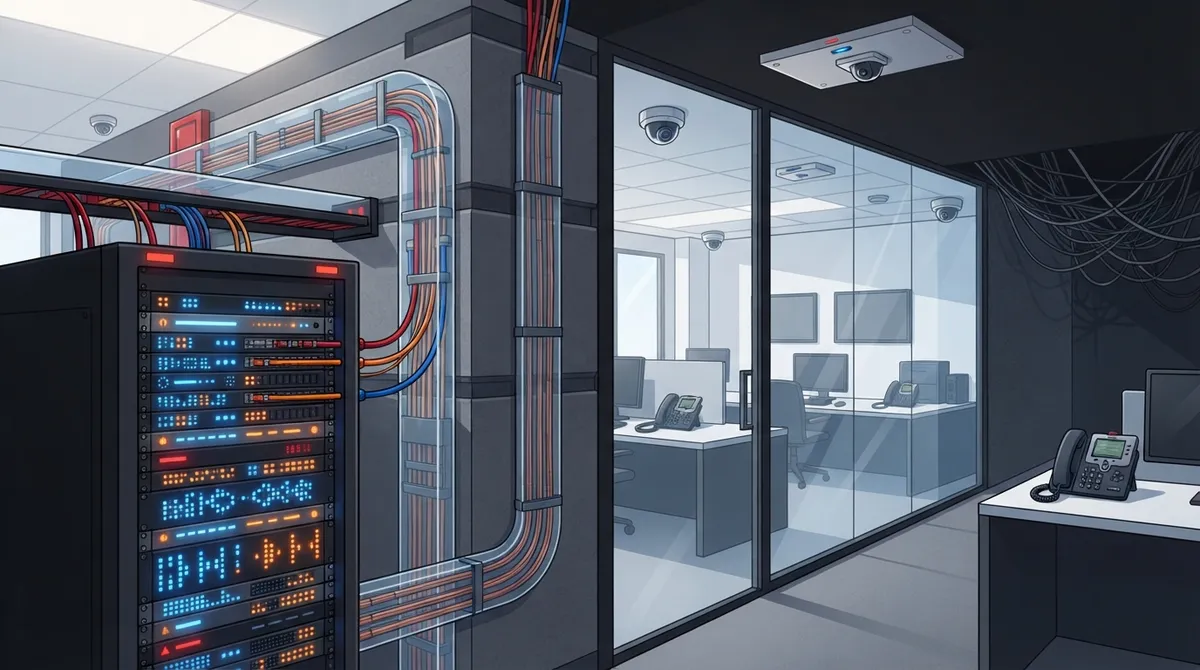
Proper cabling supports your entire tech stack including VoIP phones, security cameras, access control, and Wi-Fi; design it to work together with your internet and phone systems, not separately.
-
Work with a single local contractor experienced in Wesley Chapel building codes rather than juggling multiple vendors; this saves time, reduces compatibility issues, and provides one point of contact for troubleshooting.
-
Watch for signs you need upgrades: internet slowdowns with multiple devices, outdated cabling over 10 years old, dropped phone calls, or new devices like security cameras that strain your system.
Growing your business in Wesley Chapel is exciting. But if your office network keeps hiccuping, dropping calls, or slowing down every time someone plugs in a new printer, the problem might be hiding behind your walls. Commercial network cabling Wesley Chapel businesses rely on is often an afterthought, until it isn’t. We’ve talked to countless office managers and IT folks who wish they’d fixed their cabling before it became a full-blown headache. So let’s walk through the most common mistakes, together, in a friendly and no-judgment way, so you can avoid them entirely.
Whether you run a small shop near Wiregrass Mall or manage IT for a growing enterprise near Bruce B. Downs, this guide is for you. We’ll cover copper vs. fiber, planning tips, cost expectations, and how to pick a contractor who won’t leave you hanging. Grab a coffee and let’s get into it.
Why Commercial Network Cabling Matters More Than You Think
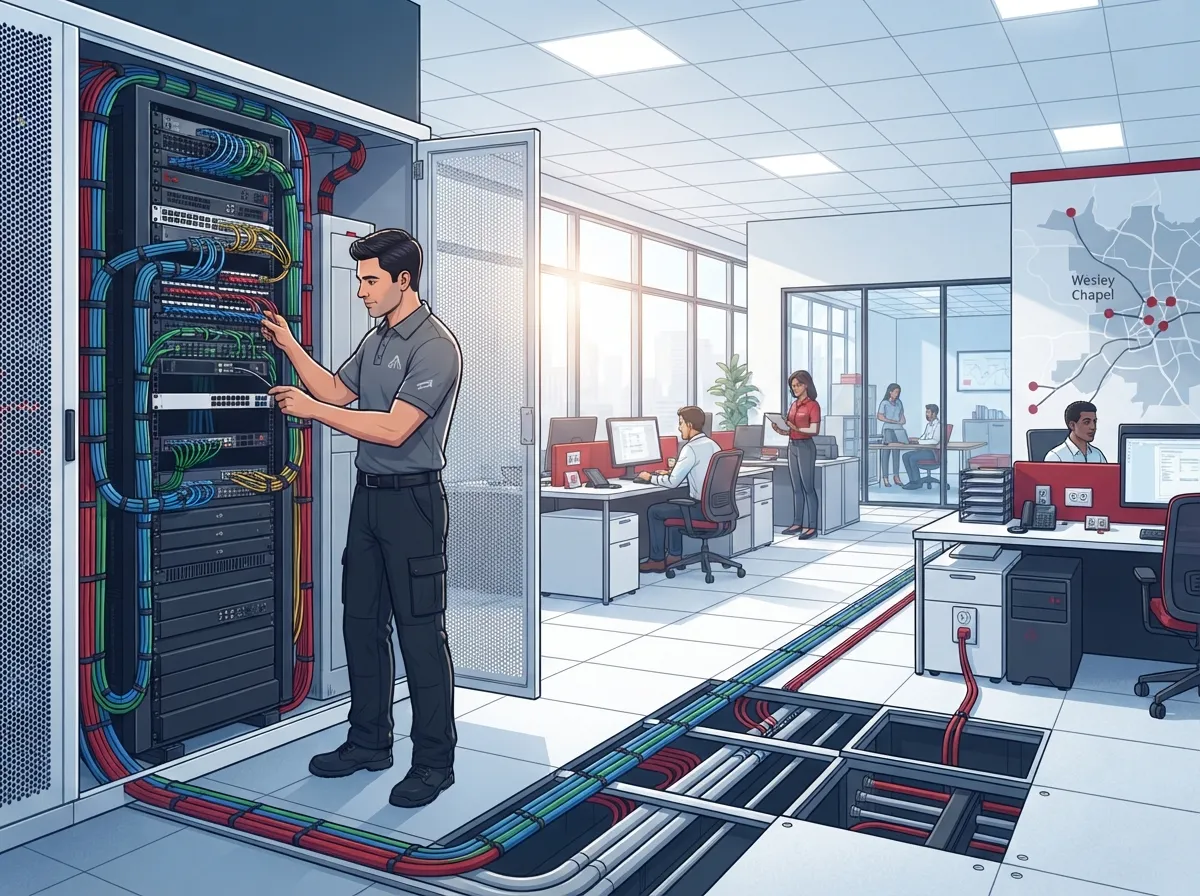
Think of your cabling system as the nervous system of your office. Every phone call, every file transfer, every security camera feed runs through it. When it’s done right, nobody notices. When it’s done wrong, everybody notices, usually during a big client call.
Commercial network cabling connects your devices, computers, printers, phones, and cameras, to a central hub using copper or fiber optic cables. This setup keeps your business running smoothly and supports future growth. It’s honestly one of the most overlooked parts of setting up an office, and we get it, cables aren’t glamorous. But skipping proper planning here is Mistake Number One on our list.
11 Cabling Mistakes That Cost Wesley Chapel Businesses Time and Money
We’ve grouped these mistakes so you can quickly spot which ones might apply to your business right now. Let’s dive in.
1. Skipping the Planning Phase Entirely
Jumping straight into installation without a plan is like building a house without blueprints. You need to map out where every device, workstation, and access point will go. A good contractor will walk your space first and design around your actual needs, not guesswork. Learn more about how to plan network cabling installation in Tampa Bay before you sign any contracts.
2. Choosing the Wrong Cable Type
Not all cables are created equal. Copper works great for many offices, but fiber optic handles larger data loads over longer distances without losing speed. Picking the wrong one now means expensive rewiring later.
| Feature | Copper Cabling | Fiber Optic Cabling |
|---|---|---|
| Speed | Good for standard office use | Excellent for high data demands |
| Distance | Limited to shorter runs | Handles long distances easily |
| Cost | Lower upfront cost | Higher upfront, lower long-term |
| Best For | Small to mid-sized offices | Data centers, large enterprises |
3. Ignoring Future Growth
Your business today isn’t your business in three years. Smart cabling contractors run extra PVC or Smurf tubing to attics and ISP entry points so you can upgrade later without tearing open walls again. This one simple step saves thousands down the road.
4. Hiring Uncertified Installers
This is a big one. Cabling that isn’t installed and certified properly can fail inspections or cause performance issues nobody can diagnose. Always ask if your contractor offers design, installation, and certification services, especially for fiber optic runs.
5. Overlooking Local Experience
A contractor who knows Wesley Chapel, Tampa, and the surrounding Central Florida area understands local building codes, weather considerations, and common infrastructure quirks. That local knowledge matters more than you’d think.
6. Forgetting About Telecommunication Devices
Your cabling needs to support more than just computers. Phones, printers, security systems, and access control units all need reliable connections too. If your system isn’t designed with these devices in mind, you’ll run into bottlenecks fast.
7. Not Getting Multiple Estimates
Many local Wesley Chapel providers offer free on-site estimates. Skipping this step means you might overpay or miss out on better solutions for your specific space and needs.
8. Choosing Price Over Quality
We get it, budgets matter. But the cheapest quote often means corners get cut. Ask about warranty terms, certification standards, and whether the company is BBB accredited before making your decision.
9. Neglecting Cable Management
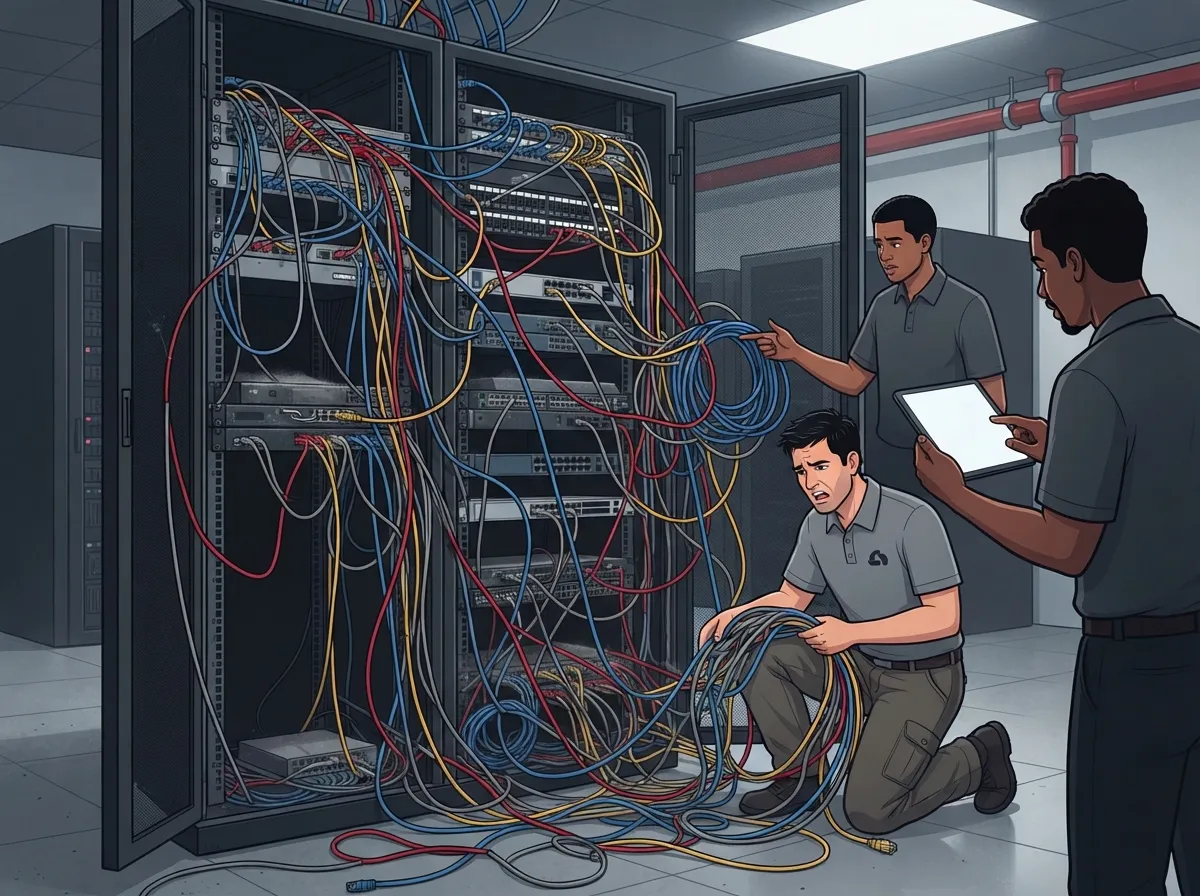
Messy cabling isn’t just an eyesore. Tangled or poorly labeled cables make troubleshooting a nightmare and can even cause overheating issues in server closets. Proper labeling and organization save time and stress later.
10. Not Coordinating Cabling With Your Phone and Internet Setup
Your cabling should work hand-in-hand with your cloud-based phone system and internet provider. If these pieces aren’t planned together, you’ll end up with mismatched equipment and frustrating compatibility issues.
11. Working With Multiple Vendors Instead of One Point of Contact
Juggling separate vendors for cabling, internet, and phones is exhausting. It also means when something breaks, you’re stuck figuring out who to call first. Working with a single, trusted partner like a single point of contact for business telecom services saves time, money, and a whole lot of headaches.
What Does Commercial Network Cabling Installation Actually Involve?
Understanding the process helps you know what to expect and ask the right questions. Here’s a simple breakdown of the typical steps involved.
- Initial site walkthrough and consultation to assess your space
- Network design planning based on device count and future growth
- Selecting between copper, fiber, or a hybrid cabling approach
- Running cables from the central communication cabinet to wall mounts or floor boxes
- Installing wall jacks, patch panels, and labeling everything clearly
- Testing and certifying each cable run for performance
- Final walkthrough and documentation handoff to your team
Following structured cabling standards ensures your system meets industry benchmarks for speed and reliability. This isn’t something to guess at, it’s worth doing right the first time.
How Much Does Commercial Cabling Cost in Wesley Chapel?
Costs vary depending on your office size, cable type, and complexity of the installation. Here’s a general idea to help you budget.
| Project Type | Typical Cost Range | Notes |
|---|---|---|
| Small Office (Copper) | \$1,500 – \$4,000 | Basic setup for 10-15 drops |
| Mid-Sized Office (Copper) | \$4,000 – \$10,000 | 25-50 drops with patch panels |
| Fiber Optic Installation | \$8,000 – \$25,000+ | Includes certification and testing |
| Future-Proofing Add-Ons | \$500 – \$2,000 | Conduit and tubing for upgrades |
These numbers are estimates, and your actual quote will depend on your specific site. That’s why getting a free on-site assessment is so valuable before committing to any project.
Signs Your Wesley Chapel Business Needs New Cabling
Not sure if it’s time for an upgrade? Here are some telltale signs worth paying attention to.
- Your internet speed slows down when multiple devices connect at once
- You’re using an outdated cabling system installed more than 10 years ago
- Your phone calls drop or have poor quality during business hours
- You’ve recently added security cameras or access control systems
- Your office is expanding and needs more workstations wired
- You’re planning to move to a new location and need a fresh setup
If any of these sound familiar, it might be time to explore signs your business needs structured cabling in more detail.
Choosing the Right Cabling Partner for Your Business
Not every contractor is the right fit for your business. Here’s what to look for when comparing your options.
- BBB accreditation and verified customer reviews
- Experience with both copper and fiber optic installations
- Ability to provide certification for completed work
- Local knowledge of Wesley Chapel and Tampa Bay area buildings
- Willingness to offer a free on-site estimate before you commit
- A track record supporting VoIP phones, cameras, and networking together
Structured cabling should also complement your broader IT setup, including your high-speed internet for business connections and networking equipment. When everything works together, your whole office runs smoother.
How Cabling Supports Your Growing Tech Stack
Good cabling isn’t just about internet speed. It’s the foundation for nearly every piece of technology in your office. Here’s a quick list of what proper cabling supports.
- VoIP phone systems and cloud-based communications
- Cloud video security cameras and remote monitoring
- Access control systems for doors and secure areas
- Wi-Fi access points throughout your building
- Networked printers, scanners, and shared devices
- Point-of-sale systems for retail locations
If you’re also considering upgrading your security setup, check out what security cameras really do for your business to see how cabling ties directly into your overall safety strategy.
A Quick Word on Fiber Network Demand in Wesley Chapel
Wesley Chapel is growing fast, and so is the demand for solid infrastructure. There are currently around 20 active fiber network planning positions hiring in the area, which tells you something important: businesses are investing heavily in their connectivity. If your competitors are upgrading, staying behind on cabling could mean falling behind on performance too.
Local providers, including well-reviewed names holding 5-star ratings, continue to see steady demand for both residential and commercial cabling work. This growth is a good sign for business owners who want reliable, future-ready infrastructure without reinventing the wheel every few years.
Bringing It All Together
Cabling mistakes are easy to make but even easier to avoid once you know what to watch for. Planning ahead, choosing the right cable type, working with certified professionals, and thinking about future growth will save you time, money, and a lot of frustration. Your network is the backbone of daily operations, so it deserves the same attention you’d give any other major business investment.
At Ideal Solutions Provider, we’ve spent over 24 years helping Tampa Bay businesses build reliable telecom and cabling systems that actually work together. As your single point of contact across 35+ vetted suppliers, we make sure your cabling, internet, phones, and security systems are designed to support each other, not compete for attention. You can also follow our updates and project highlights on Facebook, Instagram, and YouTube for helpful tips and behind-the-scenes looks at how we work.
Ready to stop worrying about your network and start trusting it? Reach out to our team today for a free consultation, or give us a call to talk through your Wesley Chapel cabling project. We’re here to help, and we genuinely enjoy making this stuff simple for you.
FAQs
Q: What is the difference between copper and fiber optic cabling for commercial businesses in Wesley Chapel?
A: Copper cabling works great for everyday office tasks like phones, computers, and printers over shorter distances. Fiber optic handles much larger data loads and works over longer distances without losing speed, making it ideal for larger businesses or data-heavy operations.
Q: How much does commercial network cabling installation cost in Wesley Chapel, FL?
A: Costs typically range from \$1,500 for a small copper setup to over \$25,000 for larger fiber optic installations. The best way to get an accurate number is through a free on-site estimate, since every office layout is a little different.
Q: Do commercial network cabling contractors in Wesley Chapel offer fiber optic certification?
A: Yes, many local contractors provide design, installation, and certification services specifically for fiber optic systems. Certification ensures your cabling meets industry performance standards, which gives you peace of mind long term.
Q: How can businesses future-proof their network cabling infrastructure in Wesley Chapel?
A: A smart move is running extra conduit, like PVC or Smurf tubing, from your network locations to attics or ISP entry points. This makes future upgrades much easier and cheaper since you won’t need to tear open walls again.
Q: What telecommunication devices are supported by commercial network cabling systems?
A: Properly designed cabling supports VoIP phones, printers, computers, security cameras, access control systems, and Wi-Fi access points. Basically, if it needs a reliable connection, good cabling makes it possible.





