

Key Takeaways
-
Apply the least privilege principle by granting employees only the specific access needed for their job role, significantly reducing damage from compromised accounts or insider mistakes.
-
Implement multi-factor authentication and phishing-resistant methods like FIDO2 for all cloud telecom logins, as credentials were involved in 22% of breaches studied by Verizon.
-
Establish a formal access lifecycle process that grants access on hire, updates permissions on role changes, and immediately revokes all access when employees leave the company.
-
Use Privileged Access Management (PAM) tools for high-risk accounts with just-in-time access, approval workflows, session recording, and credential vaulting instead of shared passwords.
-
Centralize identity management through Single Sign-On (SSO) and directory integration across all cloud systems to eliminate orphaned accounts and simplify permission tracking.
-
Monitor and log all login attempts, privilege changes, and data exports through a SIEM system, setting up alerts for unusual patterns like impossible travel or unexpected bulk exports.
Picture this: your business phone system, your security cameras, and your building doors are all connected to the cloud. That’s amazing for convenience. But here’s the catch — every one of those connections is a door someone could walk through if you’re not careful. That’s where cloud access control privilege management comes in, and honestly, it’s one of those topics that sounds complicated but doesn’t have to be scary at all.
Think of it like giving out keys to your office. You wouldn’t hand every employee a master key that opens every door, the safe, and the server room. You’d give people exactly the keys they need for their job, nothing more. Cloud access control privilege management does the same thing, but for your telecom systems, phone platforms, and customer data. In this friendly guide, we’ll walk through 11 practical steps to help your Tampa business (or any business, really) get this right. Let’s dig in together.

1. Understand What Cloud Access Control Privilege Management Actually Means
Cloud access control privilege management is the process of deciding who gets access to your cloud-based systems, what they’re allowed to do once they’re in, and how you keep track of it all. For a business telecom setup, this covers your hosted phone system, call recordings, contact-center tools, customer portals, and even the network dashboards your IT team logs into every day.
It’s not just about passwords. It’s about making sure the right person has the right level of access, at the right time, for the right reason. If you’ve read our piece on what cloud access control really is, you already have a head start on this concept.
2. Start With the Least Privilege Rule
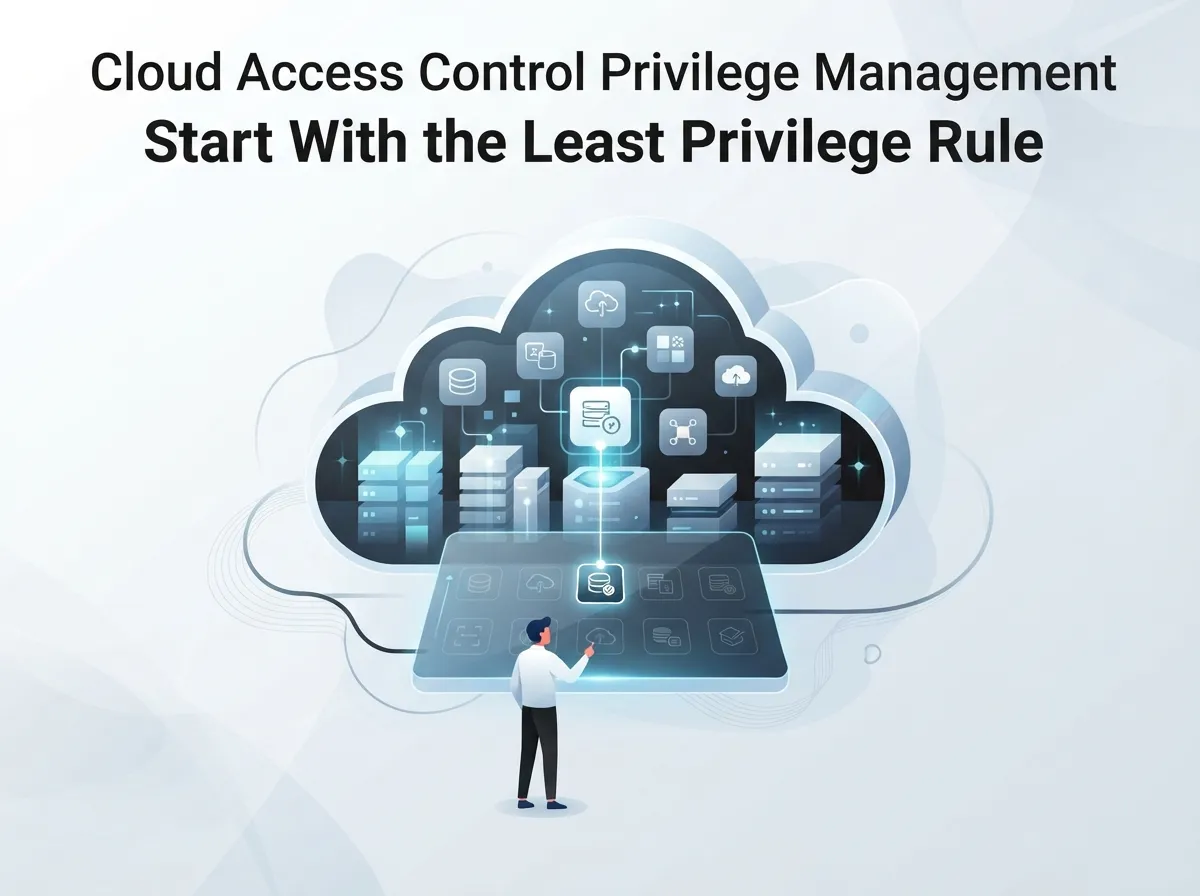
Here’s a simple rule that saves a lot of headaches: give people only the access they need to do their job. Nothing extra. This is called “least privilege,” and it’s the foundation of good security.
- Help-desk staff might only need to view call logs, not delete them.
- Billing managers need access to invoices, not call routing settings.
- Network engineers need configuration access, but maybe not customer billing data.
- Auditors need read-only access to review activity, nothing more.
By splitting up permissions this way, you shrink the damage a mistake or a bad actor could cause. It’s a small change that makes a big difference.
3. Adopt a Zero Trust Mindset
Zero Trust sounds intense, but the idea is simple: don’t automatically trust anyone or anything, even if they’re already inside your network. Every request to access a system gets checked, every single time.
The Cybersecurity and Infrastructure Security Agency (CISA) points out that Zero Trust looks at five things: identity, device, network, application, and data. That means before someone gets into your cloud phone system, you’re checking who they are, what device they’re using, where they’re connecting from, and whether that access makes sense right now.
4. Use Role-Based Access Control for Everyday Roles
Role-based access control, or RBAC, groups permissions by job title. It’s a practical way to manage access without creating custom rules for every single employee.
| Role | Typical Access Level |
|---|---|
| Help-Desk Agent | View call queues, reset basic settings |
| Voice Administrator | Configure extensions, manage call routing |
| Network Engineer | Access network dashboards, SD-WAN settings |
| Billing Manager | View and manage invoices, no system config |
| Auditor | Read-only access to logs and reports |
You can layer this with attribute-based rules too, like only allowing access from company devices or during business hours. Together, they create a strong, flexible system.
5. Protect High-Risk Accounts With Privileged Access Management
Some accounts carry more risk than others. Think about your cloud tenant administrator, your telecom platform superuser, or the vendor support account your provider uses to help troubleshoot issues. These need extra protection.
Privileged access management (PAM) tools can help by adding:
- Just-in-time access that expires after a short window
- Approval steps before someone gets elevated permissions
- Session recording so you can review what happened
- Credential vaulting instead of shared passwords
These steps sound technical, but they’re really just about being cautious with your most powerful accounts, the way you’d be extra careful with the keys to your server room.
6. Use Strong, Phishing-Resistant Authentication
Passwords alone just aren’t enough anymore. Verizon’s 2025 Data Breach Investigations Report found that credential abuse played a role in 22% of breaches they studied. That’s nearly one in four.
CISA recommends moving toward passwordless authentication using standards like FIDO2 and WebAuthn wherever your systems support it. At minimum, every cloud telecom login should require multi-factor authentication. It’s a small extra step that blocks a huge number of attacks.
Why Credential Stuffing Matters
Verizon also found that credential stuffing (when attackers try stolen passwords across many accounts) made up a median of 19% of daily login attempts across companies they studied. For larger businesses, that number jumped to 25%. Strong authentication isn’t optional anymore, it’s essential.
7. Manage Vendor and Third-Party Access Carefully
If you work with carriers, resellers, installers, or managed service partners, they may need access to your systems. But that access should be limited, tracked, and removed automatically when the job is done.
Verizon’s 2025 report found that third-party involvement in breaches doubled to 30%. That’s a big jump, and it shows why scoped, time-limited vendor access matters so much. This is exactly the kind of thing a good telecom expert should help you set up properly from day one.
8. Centralize Identity Across All Your Systems
If your business uses several cloud tools, like your phone system, security cameras, and access control platform, it helps to manage identity from one central place. Single sign-on (SSO) and directory integration reduce the chances of someone keeping access they shouldn’t have.
Centralizing identity also helps you spot orphaned accounts (old logins nobody uses anymore) before they become a security gap. It’s a smart move whether you’re running a single Tampa office or managing multiple locations across the country.
9. Build a Real Access Lifecycle Process
Every employee’s access needs change over time. Someone gets hired, changes roles, or leaves the company. If your process doesn’t keep up, you end up with old accounts still floating around with active permissions.
Here’s a simple lifecycle checklist to follow:
- Grant access immediately when someone joins, matched to their role
- Update permissions right away when someone changes positions
- Set expiration dates for contractor and temporary accounts
- Revoke all access the same day someone leaves the company
- Review dormant accounts every quarter and disable unused ones
- Assign clear ownership for every service account
- Run periodic access reviews to confirm permissions still make sense
This isn’t a one-time project. It’s an ongoing habit that keeps your systems clean and secure.
10. Watch Your Logs and Set Up Smart Alerts
You can’t protect what you can’t see. Logging every login, every privilege change, and every data export gives you a paper trail if something goes wrong.
Here’s what your monitoring should catch:
- Failed login attempts, especially repeated ones
- Logins from unusual locations or “impossible travel” patterns
- Sudden bulk exports of call records or customer data
- Unexpected privilege escalations
- Vendor sessions that run longer than expected
Sending these logs to a monitoring tool or SIEM system means someone (or something) is always watching. Verizon’s research shows that vulnerability exploitation accounted for 20% of breach entry points, which is another reason to patch your cloud management tools and APIs regularly.
11. Partner With a Telecom Provider Who Gets It
Honestly, this stuff can feel like a lot to manage on your own, especially if you’re running a small business or wearing five different hats as an office manager. That’s completely normal, and it’s exactly why working with an experienced telecom and IT partner makes such a difference.
At Ideal Solutions Provider, we’ve spent over 24 years helping Tampa businesses and companies nationwide set up cloud phone systems, networking, and cloud based access control the right way, with privilege management built in from the start. We work with 35+ vetted suppliers, so you get an honest comparison instead of a sales pitch. If you’d like a free audit of your current setup, reach out to our team or give us a call anytime.
Common Roles and Access Tools Compared
To make this easier to visualize, here’s a quick comparison of the main access control approaches you’ll come across.
| Approach | Best For | Key Benefit |
|---|---|---|
| RBAC (Role-Based) | Standard job roles | Simple to manage and scale |
| ABAC (Attribute-Based) | Context-sensitive access | Adds conditions like device or location |
| PAM (Privileged Access) | High-risk admin accounts | Time-limited, monitored elevation |
| SSO / Federation | Multi-system environments | One identity, less orphaned access |
Every business is a little different, so the right mix depends on your size, your industry, and how many locations you manage. This is where a managed service provider can really help you figure out what fits.
Why This Matters More Than Ever in 2026
Cloud communications aren’t going anywhere, and honestly, that’s a good thing. They make businesses faster, more flexible, and easier to manage remotely. But that flexibility means access control has to keep up too.
Whether you’re running a single-location shop or managing telecom across a growing franchise, treating privilege management as a core part of your cloud phone system strategy pays off. It protects your customers, your team, and your reputation. You can also learn more about how structured networking supports all of this by checking out this overview of structured cabling and how it connects to your broader IT setup.
We also share regular updates and tips on our Facebook page and YouTube channel, plus behind-the-scenes looks at our work on Instagram. It’s a great way to stay in the loop on telecom security trends.
Bringing It All Together
Let’s be real for a second: nobody starts a business because they love thinking about access permissions and privilege levels. But taking the time to get this right protects everything else you’ve worked so hard to build. Every conversation, every customer record, every call your team makes deserves that level of care.
The good news? You don’t have to figure this out alone. Whether you need help auditing your current network setup, upgrading to a more secure cloud phone system, or just want a second opinion on your current provider, our team at Ideal Solutions Provider is here for you. We’ve helped businesses across Tampa Bay and nationwide simplify their telecom while tightening up security, and we’d love to do the same for you. Feel free to connect with our friendly team today and let’s talk about what a smarter, safer setup could look like for your business.
FAQs
Q: What is cloud access control privilege management for telecom companies?
A: It’s simply the process of deciding who can access your cloud phone systems, cameras, and networking tools, and what they’re allowed to do once they’re in. Think of it as handing out the right keys to the right people, nothing more. It keeps your business communications safe while still letting your team work efficiently.
Q: How does least privilege apply to hosted PBX and UCaaS platforms?
A: Least privilege means giving each employee only the access they truly need for their job on your hosted phone or communications platform. A help-desk agent might just need to view call logs, while a voice administrator can adjust call routing. This way, if one account gets compromised, the damage stays limited.
Q: What is the difference between RBAC, ABAC, and PAM in business telecom?
A: RBAC assigns access based on job roles, like giving billing managers access to invoices only. ABAC adds extra conditions, like only allowing logins from company devices. PAM specifically protects your highest-risk accounts, like system administrators, with extra layers like time-limited access and session recording.
Q: How often should cloud telecom permissions be reviewed?
A: We recommend reviewing permissions at least quarterly, though some high-risk accounts deserve monthly check-ins. It’s also smart to review access anytime someone changes roles or leaves the company. Regular reviews catch old accounts and outdated permissions before they become a security risk.
Q: How can businesses prevent former employees from keeping telecom access?
A: The key is building a clear offboarding process that removes access the same day someone leaves. Centralizing identity management across your systems makes this much easier, since you can disable one account instead of hunting through several platforms. Regular audits also help catch anything that slips through the cracks.





