
Key Takeaways
-
Evaluate bandwidth and connectivity requirements before signing—ask providers about upload speeds per camera, QoS settings, local recording during outages, and cellular failover to ensure your network can handle video surveillance without compromising business operations.
-
Demand written SLA documentation that specifies uptime guarantees, hardware replacement timelines, support response times, and data breach notification windows instead of relying on marketing claims about service quality.
-
Verify security certifications (SOC 2 Type II or ISO/IEC 27001), require multifactor authentication for all accounts, confirm encryption in transit and at rest, and clarify data ownership and storage location before committing to a provider.
-
Request a detailed five-year total cost of ownership estimate covering hardware, licensing, storage, installation, maintenance, connectivity upgrades, and exit fees rather than comparing only upfront camera prices.
-
Conduct a pilot deployment at one or two real locations to test night vision, alert accuracy, mobile app usability, and support responsiveness before rolling out system-wide to avoid costly mistakes.
-
Choose a provider with open APIs, multi-site administration dashboard, and proven scalability so you can add cameras and locations without ripping out your entire system as your business grows.
Picking a cloud video security provider can feel a little like dating. You want someone reliable, honest about what they offer, and definitely not going to disappear when things get tricky. If you are a Tampa business owner, IT manager, or office manager tasked with finding the right partner, you are probably juggling a dozen questions right now. Will the cameras work if the internet goes down? Is the footage actually safe? What happens when you add a second or third location?
Good news: you do not need to be a security expert to make a smart choice. The cloud video security market, also called VSaaS (Video Surveillance as a Service), is booming. It was valued around $6.59 billion in 2025 and is projected to hit $22.86 billion by 2034, according to Fortune Business Insights. That growth means more options, but also more noise to sift through. This guide breaks the decision into four clear steps, so you can move forward with confidence and pick a partner who actually delivers.

What Cloud Video Security Really Means for Your Business
Cloud video security bundles internet-connected cameras, cloud storage, remote viewing, and often smart alerts into one subscription service. For a business telecom provider like Ideal Solutions Provider, this should mean more than just selling cameras. It means designing the network, handling installation, managing devices, and staying on call for support.
Think of it as a complete package rather than a single product. Your business security cameras need solid connectivity, cybersecurity, and a team that understands how it all fits together. That is where a telecom partner earns their keep.
Why This Decision Matters More Than Ever
North America made up about 40% of the global VSaaS market in 2025. Commercial businesses are expected to represent nearly half of the market in 2026. Small and medium-sized businesses are actually the fastest-growing segment, based on Mordor Intelligence projections. In other words, you are far from alone in making this move, and providers are competing hard to earn your trust.
Step 1: Evaluate Network and Connectivity Requirements
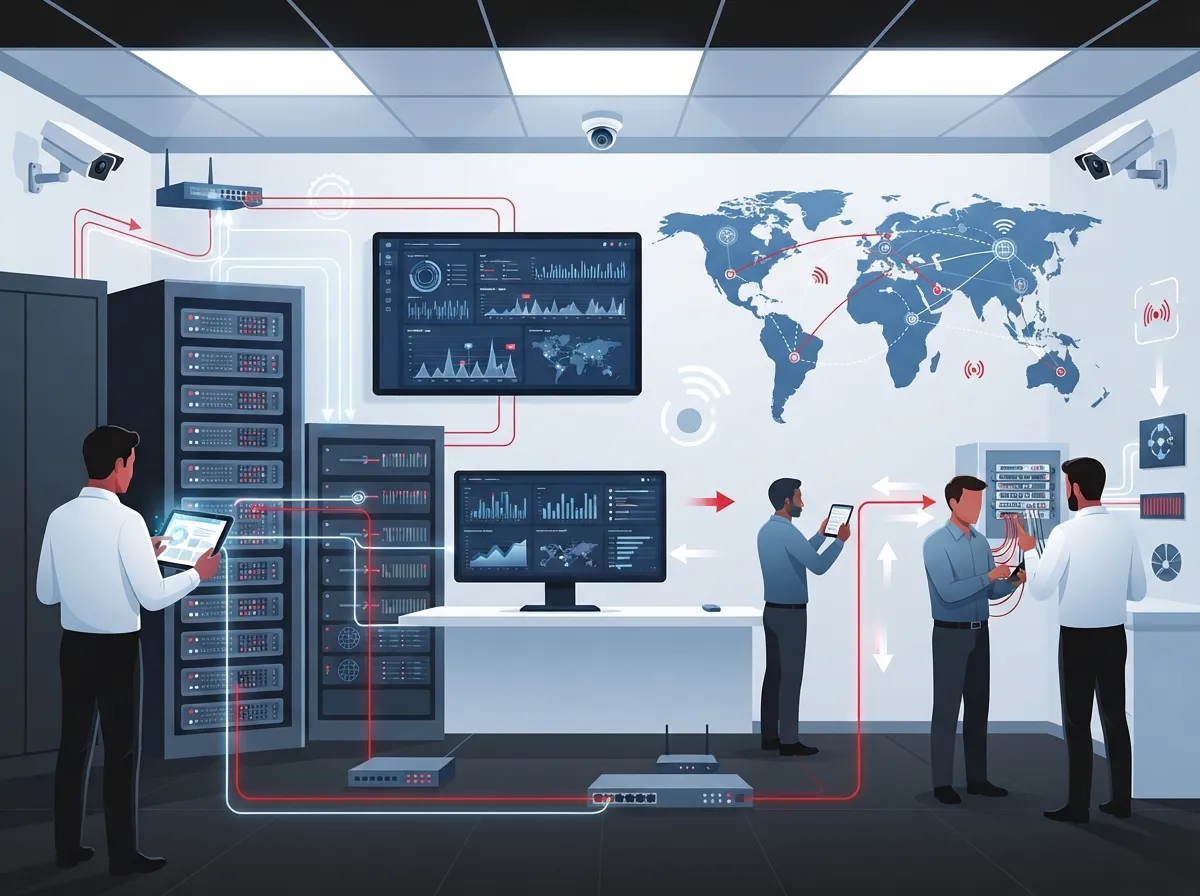
Cloud cameras live and die by your internet connection. Before you sign anything, ask the provider tough questions about bandwidth and network design.
- What upload speed do you need per camera, and what is the total for all cameras combined?
- Does the system support Quality of Service (QoS) settings so video does not compete with your phone calls?
- Can cameras keep recording locally if the internet drops, then sync later?
- Is cellular failover available for critical locations?
- Does the provider support VLANs to separate camera traffic from other business data?
A provider who cannot answer these clearly is not ready to handle your account. Pairing your cameras with reliable high-speed internet for your business is the foundation everything else builds on. If your current connection struggles with video calls, it will struggle with security footage too.
Bandwidth Basics You Should Know
| Camera Resolution | Typical Upload Bandwidth | Best For |
|---|---|---|
| 1080p (HD) | 2-4 Mbps per camera | Small offices, entrances |
| 4K (Ultra HD) | 8-16 Mbps per camera | Warehouses, parking lots |
| Multi-camera site (10+) | 50-150 Mbps combined | Retail chains, campuses |
These numbers vary by compression, frame rate, and motion in the scene. A good provider will run a real bandwidth assessment instead of guessing.
Step 2: Check Security Certifications and Data Practices
This step is where many businesses get nervous, and honestly, they should ask hard questions here. Your camera footage could include employees, customers, and sensitive areas of your building. That data needs real protection.
- Ask if data is encrypted both in transit and while stored (encryption at rest and in transit).
- Confirm multifactor authentication (MFA) is required for every account, not optional. Microsoft has found MFA can block more than 99% of account-compromise attacks.
- Request details on role-based access control, so only the right people see the right footage.
- Ask for SOC 2 Type II or ISO/IEC 27001 reports, and check the scope and date.
- Find out how the provider handles firmware updates and vulnerability patching.
Also nail down data governance before you sign. Where is footage stored? How long is it kept? Who owns it? Can you specify that data stays within the United States? These questions matter even more if you work in healthcare, finance, or education, where extra privacy rules may apply.
Questions to Ask About Data Ownership
- Who legally owns the recorded footage, you or the provider?
- Can you export footage easily if you switch providers later?
- What is the process for deleting old recordings or fulfilling a deletion request?
- Do any subcontractors have access to your video data?
The National Institute of Standards and Technology (NIST) has published guidance on IoT device cybersecurity that is worth a look if your IT manager wants to dig deeper into device-level protections.
Step 3: Compare Service Level Agreements, Not Just Marketing Claims
Every provider will tell you their uptime is great. That is marketing talk. What actually matters is the service level agreement (SLA), the written promise that spells out what happens when things go wrong.
Here is what a strong SLA should include:
- Clear platform availability percentage, with defined consequences if it is not met
- Camera and gateway replacement timelines
- Support hours and how to escalate an urgent issue
- Incident notification deadlines, so you know quickly if there is a breach
- Backup and recovery expectations for stored footage
- Scheduled maintenance windows that will not disrupt your business hours
A provider who is proud of their service will happily walk you through this document line by line. If they get vague or defensive, that is a red flag worth noting.
SLA Comparison Checklist
| SLA Element | Why It Matters |
|---|---|
| Uptime guarantee | Ensures cameras and cloud access stay available |
| Hardware replacement time | Limits downtime after equipment failure |
| Support response time | Keeps small issues from becoming big ones |
| Data breach notification window | Gives you time to respond and protect your business |
Step 4: Test Scalability, Integration, and Total Cost Before You Commit
The right provider today should still be the right provider three years from now, especially if you are a franchise operator or growing mid-sized company. Ask how easy it is to add cameras, users, or entire new locations without ripping out your whole system.
Look for these signs of true scalability:
- Open APIs and support for standards-based camera hardware
- Multi-site administration from one simple dashboard
- Integration with cloud access control systems and alarm systems
- Mobile and web access for managers on the go
- Simple footage export in common video formats
Before you sign a contract, insist on a pilot deployment at one or two real locations. Test night vision, alert accuracy, mobile app usability, and how fast support responds when you call with a question. This small trial run can save you from a costly mistake later.
Build a Five-Year Cost Estimate
Sticker price is never the whole story. Ask your provider to walk you through a complete five-year total cost of ownership, covering:
- Camera hardware and licensing fees
- Cloud storage costs based on retention length
- Installation and any required structured cabling work
- Ongoing monitoring and maintenance
- Future upgrades and added analytics features
- Connectivity costs, including any bandwidth upgrades
- Fees for exiting the contract or exporting your data
Technavio research suggests VSaaS can lower five-year total cost of ownership by up to 30% compared to traditional on-site systems, though actual savings depend heavily on your specific setup.
Cloud vs. On-Premises vs. Hybrid: Which Fits Your Business?
Not every business needs the same setup. Here is a simple breakdown to help you decide.
| Deployment Type | Best For | Key Tradeoff |
|---|---|---|
| Full Cloud | Small to mid-sized businesses, multiple sites | Depends on stable internet connection |
| On-Premises | Single site, strict data control needs | Higher upfront hardware cost, less remote flexibility |
| Hybrid | Businesses needing local backup plus cloud access | More complex setup, but strong resilience |
Mordor Intelligence found hosted deployments made up about 45% of VSaaS revenue in 2025, while hybrid setups are forecast to grow fastest at nearly 17% CAGR through 2031. Hybrid is gaining popularity because it offers the best of both worlds: cloud convenience with a local safety net.
Why a Telecom Partner Makes This Easier
Choosing cameras is only part of the puzzle. You also need dependable connectivity, secure networking, and someone to call when something breaks at 6 a.m. before you open. This is exactly why working with an experienced telecom partner makes sense, rather than juggling separate vendors for internet, cabling, and cameras.
Ideal Solutions Provider has spent over 24 years helping Tampa-area and nationwide businesses connect the dots between their cloud video security systems and the underlying network that supports them. With partnerships across 35+ vetted suppliers, they compare options honestly instead of pushing one brand. You can also follow their work and client stories on Facebook, Instagram, or YouTube to see real examples of installations and support in action.
What to Bring to Your First Consultation
Walking into a consultation prepared saves everyone time. Bring these details along:
- Number of locations and cameras needed at each
- Current internet speed and provider information
- Any existing structured cabling or network equipment already in place
- Specific concerns, like theft, liability, or employee safety
- Budget range and how long you plan to keep footage
A qualified provider will use this information to recommend a system that actually fits, not just whatever they have sitting in the warehouse.
Final Checklist Before You Sign
Before committing to any cloud video security provider, run through this final checklist one more time:
- Confirmed bandwidth and failover options are documented in writing
- Security certifications and data storage location are clearly stated
- SLA covers uptime, replacement time, and support response
- System can scale to new locations without a full rebuild
- Five-year total cost estimate is transparent and complete
If a provider checks every box here, you are in good hands. If they dodge questions or rush you to sign, take that as your cue to keep looking.
Ready to Protect Your Business the Right Way?
Choosing a cloud video security provider does not have to be stressful or confusing. With the right questions and a partner who genuinely has your back, you can protect your business, your team, and your peace of mind. If you are ready to talk through your options with people who have spent over two decades helping businesses like yours, reach out to our team today or give us a call to get started on a free consultation.
FAQs
Q: What is cloud video security or VSaaS for a business?
A: It is a subscription service that combines internet-connected cameras, cloud storage, and remote viewing, so you can check on your business from anywhere. For business telecom customers, it should also include network setup, installation, and ongoing support, not just the cameras themselves.
Q: How much internet bandwidth do cloud security cameras require?
A: It depends on resolution and camera count, but expect around 2-4 Mbps per HD camera and up to 16 Mbps for 4K cameras. A good provider will test your actual bandwidth needs rather than guessing, so your cameras and phones both run smoothly.
Q: Should a business choose cloud, on-premises, or hybrid video surveillance?
A: It really comes down to your priorities. Cloud works great for most small and growing businesses, on-premises suits those needing tight local data control, and hybrid gives you the best of both with local backup plus cloud access.
Q: What happens to recorded footage if the internet connection goes down?
A: Good cloud camera systems include edge recording, meaning cameras keep saving footage locally during an outage. Once the connection returns, footage syncs back up to the cloud automatically, so you never lose those recordings.
Q: How much does cloud video surveillance cost per camera or per site?
A: Costs vary widely based on camera count, storage length, and installation needs, so it is best to get a full five-year estimate rather than a single number. Ask your provider to break down hardware, licensing, storage, and support fees so there are no surprises later.





