
Key Takeaways
-
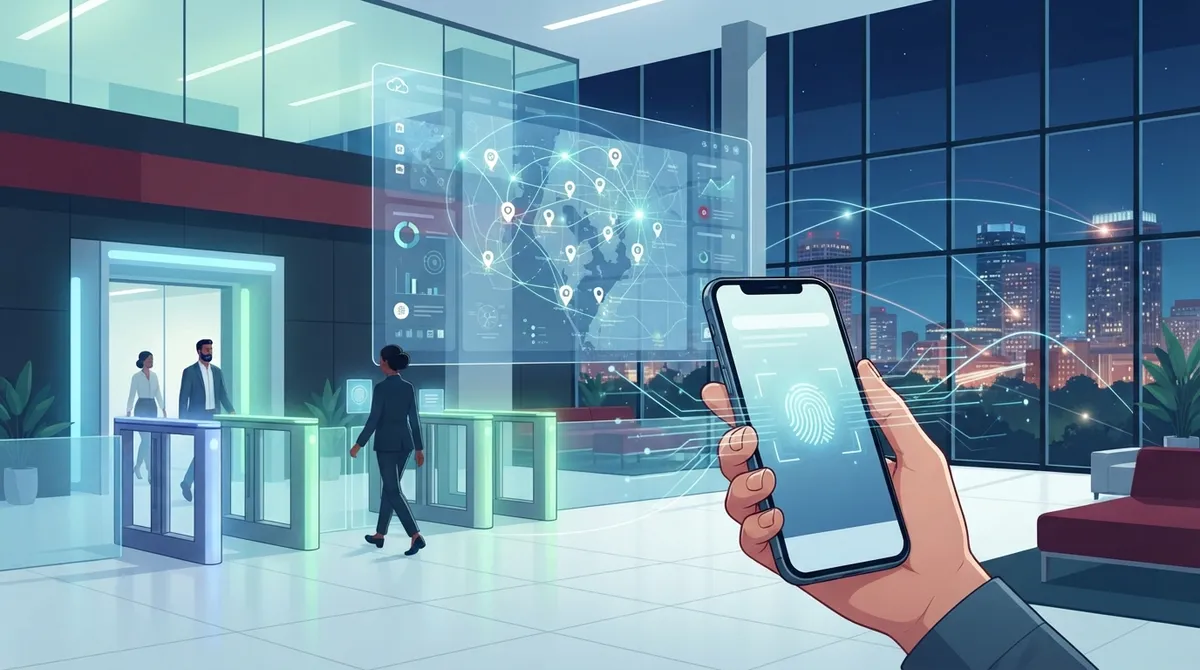
Remote management from anywhere lets you grant or revoke employee access instantly via phone, eliminating costly trips to the office and reducing response times for security needs.
-
Mobile credentials and biometric options eliminate lost key card risks, as phones can be remotely deactivated in seconds compared to the security vulnerability of a lost physical card.
-
Subscription-based pricing replaces large upfront hardware costs, making cloud systems more budget-friendly for small businesses with predictable monthly expenses instead of major capital investments.
-
Cellular backup connectivity keeps systems operational during internet outages, ensuring gates and entry points remain secure even when primary internet connection fails.
-
Cloud platforms scale easily across multiple locations through a single dashboard, making them ideal for growing businesses and franchises without requiring new servers at each site.
-
Integration with Active Directory and enterprise IT security tools allows synchronized access revocation across building and network systems when employees leave, closing critical security gaps.
Picture this: you’re sipping coffee at home, and someone forgot their key card at your Tampa office again. With old-school locks, that’s a whole afternoon wasted. But with cloud based access control Tampa Bay business owners are switching to, you just grant them access from your phone. No drama, no drive across town. That’s the magic we want to share with you today, friend to friend.
Whether you run a small shop in Westshore or manage several locations across Hillsborough County, keeping your building secure shouldn’t feel like a headache. Cloud based access control Tampa Bay companies use today lets you manage doors, gates, and entry points from anywhere with an internet connection. No bulky servers. No late-night trips to reset a system. Just simple, smart security that grows with you.
In this friendly guide, we’ll walk through five reasons this technology is winning over Tampa Bay businesses, plus real talk about platforms, pricing, and what to look for in a provider. Grab your coffee and let’s dig in.

What Is Cloud Based Access Control, Really?
Cloud based access control is a security system that lives online instead of on a server in your closet. It lets you unlock doors, check who came and went, and manage user permissions from a web dashboard or app. Think of it as trading in a filing cabinet for cloud storage. It’s faster, safer, and way less clunky.
Local Tampa Bay providers have been rolling out platforms like Brivo, Pro Data Key (PDK), Paxton10, and Avigilon Alta (formerly known as Openpath) to serve businesses in finance, healthcare, and general commercial spaces. These systems skip the on-site server entirely, which means less overhead and fewer headaches for your IT team.
Why Tampa Bay Businesses Are Making the Switch
Here’s the short version: cloud systems are easier to manage, cheaper to scale, and tougher to hack than old key card setups. Let’s break down the top five reasons Tampa Bay business owners keep choosing this route.
1. You Can Manage Everything From Anywhere
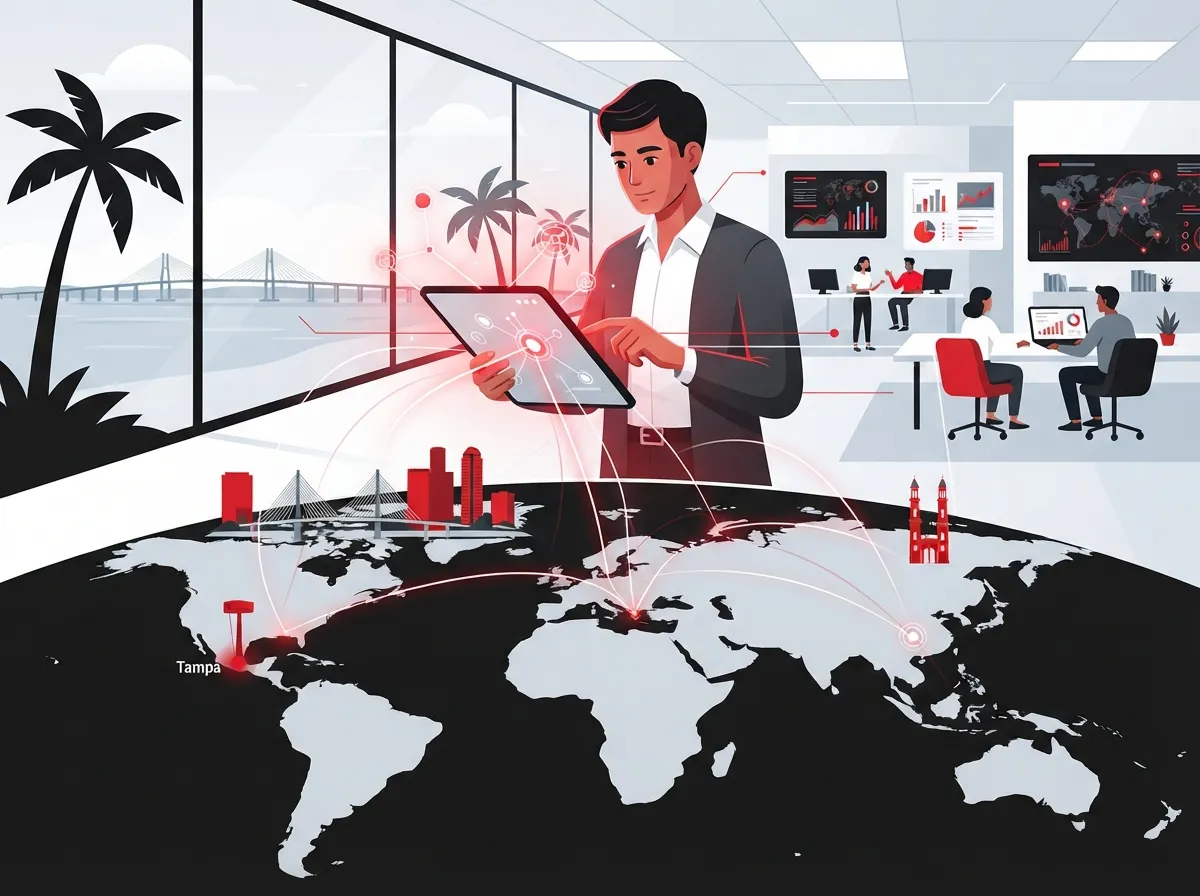
This is the big one. With cloud based access control, you don’t need to be standing in your lobby to let someone in. You can grant or remove access rights from your phone, tablet, or laptop, whether you’re at home, on vacation, or stuck in traffic on I-275.
This remote management feature is a lifesaver for busy owners and office managers juggling a dozen tasks at once. No more calling a technician just to add a new employee’s credentials. You do it yourself, in seconds.
- Add or remove employee access instantly, even after hours
- Check real-time entry logs from your phone during a business trip
- Lock down the whole building remotely if there’s an emergency
- Set schedules so doors unlock automatically during business hours
- Generate audit reports for compliance without digging through paperwork
If you’re already familiar with cloud tools for your cloud-based phone system, this will feel just as intuitive. Same idea, different application.
2. Mobile Credentials Beat Lost Key Cards Every Time
Raise your hand if you’ve ever misplaced a key card. We’ve all been there. The good news is cloud access control mostly relies on mobile credentials now, meaning your phone becomes the key. Some systems even include biometric options like fingerprint or facial recognition for extra peace of mind.
This matters because lost or stolen key cards are a real security risk. Anyone who finds a card can walk right into your building. But a lost phone can be remotely wiped or deactivated in seconds, and most people notice a missing phone way faster than a missing card.
Common Credential Options in Tampa Bay Systems
- Mobile app credentials tied to a smartphone
- Bluetooth or NFC-based tap access
- Biometric scans like fingerprint or face ID
- Traditional key fobs (still available as backup)
- QR code temporary passes for visitors or contractors
This flexibility makes it easy to fit access control into how your team already works, without forcing everyone to carry yet another gadget.
3. Cellular Backup Keeps You Online, Even During Outages
Here’s something a lot of folks don’t think about until it’s too late: what happens if your internet goes down? With cloud based access control Tampa Bay providers install today, cellular connectivity (often through networks like Verizon) keeps your system running even if your main internet connection fails.
This is especially important for gates, warehouses, or standalone buildings where a Wi-Fi hiccup could otherwise lock everyone out or leave doors unsecured. Reliable uptime matters just as much here as it does for your high-speed internet setup, so it’s smart to plan for backup connectivity from day one.
4. It’s Scalable, Which Is Perfect for Growing Businesses
If you’re running a single office right now but planning to open a second or third location, cloud access control grows with you. Unlike on-premise systems that require new hardware and servers at every site, cloud platforms let you add new locations through the same dashboard.
This is especially useful for franchise operators managing multiple Tampa Bay locations, or mid-sized companies expanding across Florida. You get one login, one view, and consistent security policies everywhere.
| Business Type | Best Fit | Why It Works |
|---|---|---|
| Small Business (single location) | Cloud based access control | Low overhead, easy self-management, affordable subscription |
| Multi-Site Franchise | Cloud based access control | One dashboard for all locations, consistent policies |
| Highly Regulated Industry | On-premise or hybrid | Stricter data control requirements in some sectors |
| Fast-Growing Enterprise | Cloud based access control | Scales without new server purchases each time |
According to industry research, cloud-based systems are specifically recommended for multi-site, fast-growing companies, while on-premise setups remain preferred in certain secure or regulated environments. Knowing which category your business falls into helps you make the right call.
5. Subscription Pricing Beats Big Upfront Costs
Nobody loves a giant upfront bill, especially small business owners watching every dollar. Cloud based access control typically runs on a subscription model, meaning you pay monthly instead of dropping a huge amount on servers and installation all at once.
This pricing structure makes budgeting predictable. You know what you’re paying each month, and you can add features or users as needed without a major financial hit. It’s a similar mindset to how many businesses now handle their cloud storage for business needs, paying for what you use instead of overbuying hardware.
On-Premise vs. Cloud Based Access Control: A Quick Comparison
| Feature | On-Premise System | Cloud Based Access Control |
|---|---|---|
| Upfront Cost | High (servers, hardware) | Lower (subscription based) |
| Remote Management | Limited or none | Full access from anywhere |
| Scalability | Requires new hardware per site | Add locations through one dashboard |
| Maintenance | On-site IT required | Managed remotely by provider |
| Backup Connectivity | Depends on setup | Cellular backup available |
Popular Cloud Access Control Platforms in Tampa Bay
Not all cloud systems are created equal. Here’s a quick rundown of platforms commonly deployed by local providers serving Downtown Tampa, Westshore, and surrounding Hillsborough County suburbs.
- Brivo – A widely used platform offering strong mobile app integration and detailed audit reports
- Pro Data Key (PDK) – Built for small and mid-size commercial buildings, delivering enterprise-grade security without server overhead
- Paxton10 – Known for combining access control with video integration in one system
- Avigilon Alta – Formerly Openpath, popular for its sleek mobile credential experience
Each of these platforms integrates well with existing network setups, and many businesses pair them with cloud security cameras for a complete building security package.
How Cloud Access Control Fits Into Enterprise IT Security
For IT managers overseeing bigger operations, cloud access control isn’t just about locking doors. It can integrate with Active Directory and cloud security posture tools, like Azure role-based access control, to sync employee permissions across your whole network.
This means when someone leaves the company, their building access and network access can be revoked at the same time, from the same system. That’s a huge time-saver and a smart way to close security gaps that often get overlooked.
Steps to Get Started With Cloud Access Control
- Schedule a walkthrough of your current entry points and security needs
- Compare platforms based on your business size and growth plans
- Confirm your installer holds proper Florida low voltage licensing
- Plan your cabling and network needs alongside the access control install
- Set up user credentials and test remote management features
- Train your team on mobile app usage and emergency lockdown procedures
- Review audit logs monthly to catch any unusual activity early
Florida Licensing: Why It Matters
Not just anyone can install a commercial access control system in Tampa. Florida requires low voltage specialists to hold proper licensing, similar to what’s required for structured cabling installations. Always confirm your installer’s license number before signing a contract. This protects your business and ensures the work meets state code.
Working with a licensed, experienced provider also means your access control system will play nicely with your existing network and internet setup. If your connection isn’t reliable, even the best access control system can stumble. That’s why pairing it with a strong Internet Service Provider relationship matters just as much as the hardware itself.
Is Cloud Access Control Right for Every Business?
Honestly, it depends on your situation. Here’s a quick gut check to help you decide.
- Do you manage more than one location? Cloud access control makes multi-site management simple.
- Are you tired of replacing lost key cards? Mobile credentials solve that problem fast.
- Do you need remote monitoring while traveling or working off-site? Cloud dashboards give you that flexibility.
- Is your business in a highly regulated industry? You may need to weigh on-premise options too.
- Are you planning to grow in the next few years? Cloud systems scale without major new investments.
If most of these sound like your business, cloud based access control Tampa Bay providers offer is likely a smart fit. And if you’re still unsure, that’s exactly what a free consultation is for.
Bringing It All Together With One Trusted Partner
Here’s the thing: security shouldn’t exist in a silo. Your access control system works best when it’s part of a bigger picture that includes your network, internet, and phone systems all working together smoothly. That’s where having one point of contact really pays off.
At Ideal Solutions Provider, we’ve spent over 24 years helping Tampa Bay businesses build communication and security setups that actually make sense for their goals. With partnerships across 35+ vetted suppliers, we compare your options instead of pushing one brand, so you get a system built around your business, not a sales quota.
Whether you’re just starting to explore access control or you’re ready to upgrade your whole telecom setup, we’d love to chat. You can also follow our work and see real client stories on Facebook, check out project photos on Instagram, or watch installation walkthroughs on YouTube.
Ready to Upgrade Your Building Security?
Switching to cloud based access control doesn’t have to be complicated, and you don’t have to figure it out alone. Our team handles everything from the first consultation to installation and ongoing support, so you can focus on running your business instead of managing vendors.
Ready to see what a smarter, simpler access control setup looks like for your Tampa Bay business? Contact us today for a free consultation, or call us and let’s talk through your options together. We’re genuinely excited to help you find the right fit.
FAQs
Q: What are the benefits of cloud-based access control over on-premise systems for Tampa businesses?
A: Cloud systems let you manage doors from anywhere, skip the server closet, and scale easily as your business grows. Plus, you get subscription pricing instead of a huge upfront bill, which is much friendlier on the budget.
Q: Which cloud access control platforms are most popular in Tampa Bay?
A: Brivo, Pro Data Key (PDK), Paxton10, and Avigilon Alta are the big names local providers install. Each one has its own strengths, so it really comes down to your building size and specific needs.
Q: How does cellular connectivity improve reliability for Tampa properties?
A: Cellular backup keeps your access control system running even if your internet goes down. This is huge for gates and standalone buildings where you can’t afford to get locked out during an outage.
Q: Can mobile credentials really replace key cards for Tampa businesses?
A: Absolutely, and honestly most people prefer it. Your phone becomes your key, and if it’s ever lost, you can deactivate access instantly instead of worrying about who found your old key card.
Q: Is cloud-based access control cost-effective for small businesses in Tampa?
A: Yes, that’s actually one of its biggest perks. Small businesses avoid the big upfront server costs and instead pay a predictable monthly subscription that’s much easier to plan around.





