
Key Takeaways
-
Cloud access control lets you manage door access, add/remove employees, and revoke credentials instantly from your phone or computer, eliminating the need to drive back to the office for urgent security issues.
-
Your access control system depends on reliable network infrastructure including managed Wi-Fi, backup internet, and structured cabling—work with a telecom partner alongside your security vendor to ensure everything works together.
-
Choose cloud-based systems over on-premises for growing businesses with multiple locations or high staff turnover, as they offer automatic updates, single-dashboard management, and lower upfront costs compared to hardware-based alternatives.
-
Implement zero-trust principles by requiring multi-factor authentication for admins, verifying identity before granting access, and maintaining detailed audit logs to catch unauthorized access attempts immediately.
-
Test your system's offline backup mode before deployment to ensure authorized staff can still enter if internet goes down, and schedule quarterly access reviews to remove former employees and prevent security gaps.
-
Avoid common mistakes like using shared login credentials, skipping multi-factor authentication, ignoring audit logs, and failing to remove access for departed employees—these oversights are frequent causes of security breaches.
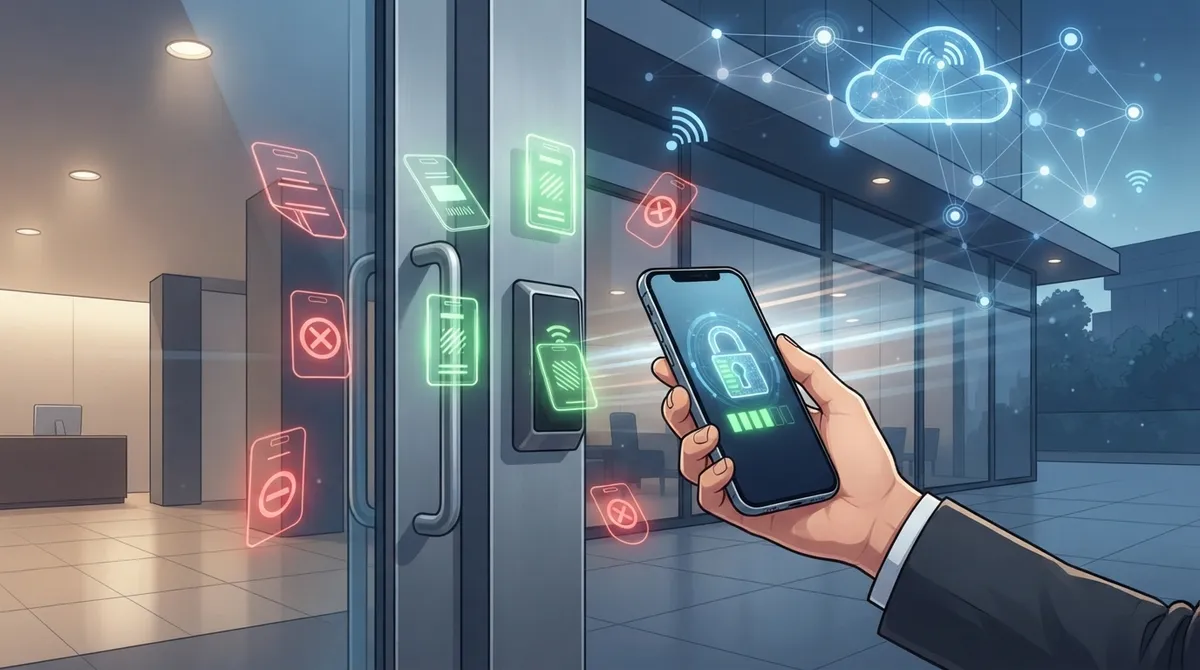
Picture this: you’re at your kid’s soccer game when your office manager calls in a panic. A former employee’s badge still works, and nobody knows how to fix it from a phone screen. Sound stressful? It doesn’t have to be. Cloud access control for small business puts that power right in your pocket, so you can lock doors, add new hires, and check who came and went, all without driving back to the office. Grab a coffee, because we’re about to make this topic feel a lot less intimidating and a lot more doable.
Small businesses in Tampa and beyond are moving away from clunky keypads and metal keys. Instead, they’re choosing systems that live in the cloud and connect through the internet. This shift touches more than just your front door. It ties into your Wi-Fi, your Internet Service Provider, your phone system, and your overall network setup. That’s exactly why a telecom partner matters here, not just a security vendor. Let’s walk through what cloud access control really means, how it works, and how to choose the right setup for your business.
What Cloud Access Control Actually Means for Small Businesses
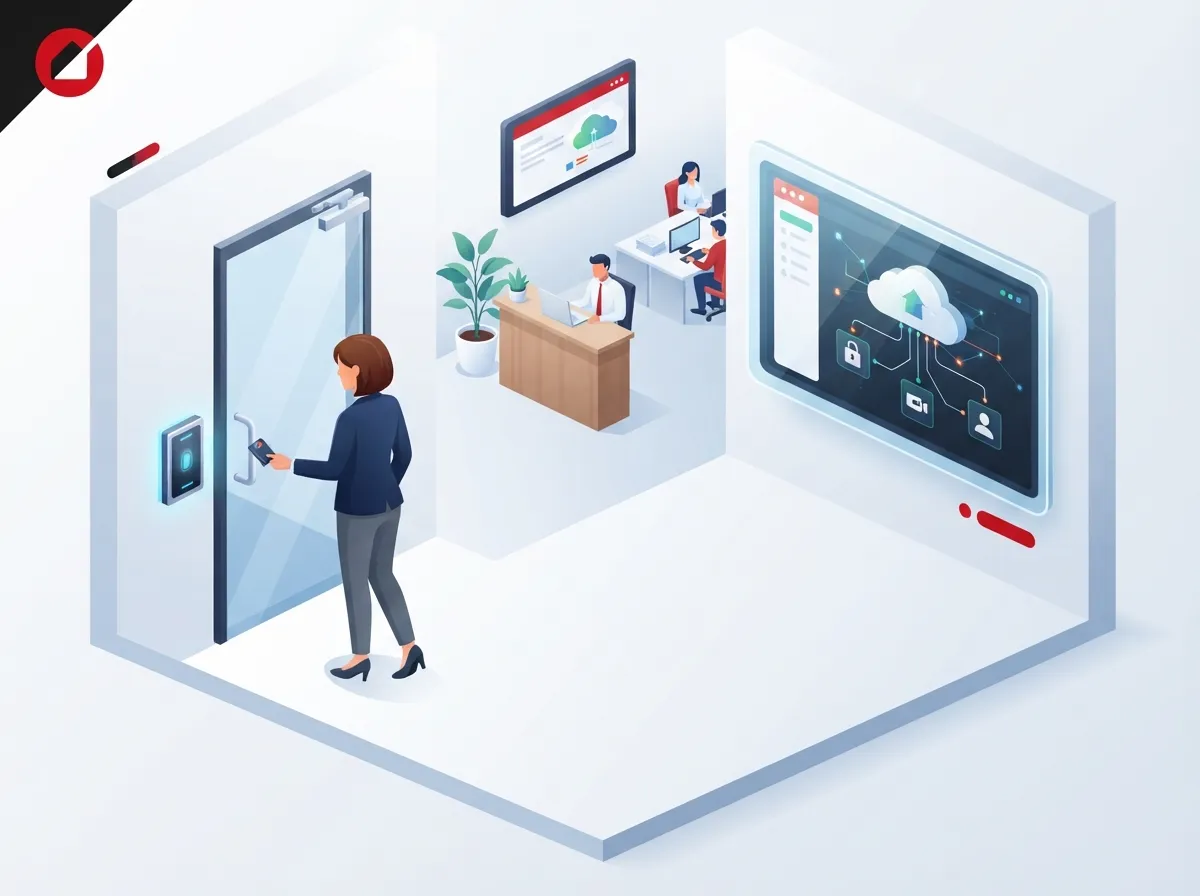
Cloud access control is a way to manage who can enter your building, and often your digital tools, using a web dashboard or mobile app instead of an on-site server. Think smart locks, badge readers, mobile credentials, video intercoms, and gateways, all connected and controlled remotely. You can grant access to a new employee from your phone, then revoke it the moment they leave the company.
This approach isn’t just about doors, either. Modern cloud access control often works alongside identity management for your business apps, Wi-Fi network, and communication tools. That means one policy can cover who walks into the break room and who logs into your customer database.
Why This Matters More Than Ever in 2026
Small businesses today juggle remote workers, part-time staff, contractors, and multiple locations. Traditional lock-and-key systems just can’t keep up with that kind of movement. Cloud systems let you:
- Add or remove access instantly from anywhere
- Set schedules so doors unlock only during business hours
- Track exactly who entered and when
- Manage multiple offices from a single dashboard
- Skip the cost and hassle of rekeying locks
If you’ve read about the real value security cameras bring to your business, cloud access control is the natural next step. Cameras show you what happened. Access control decides who’s allowed to make it happen in the first place.
How Cloud Access Control Works With Your Telecom Setup
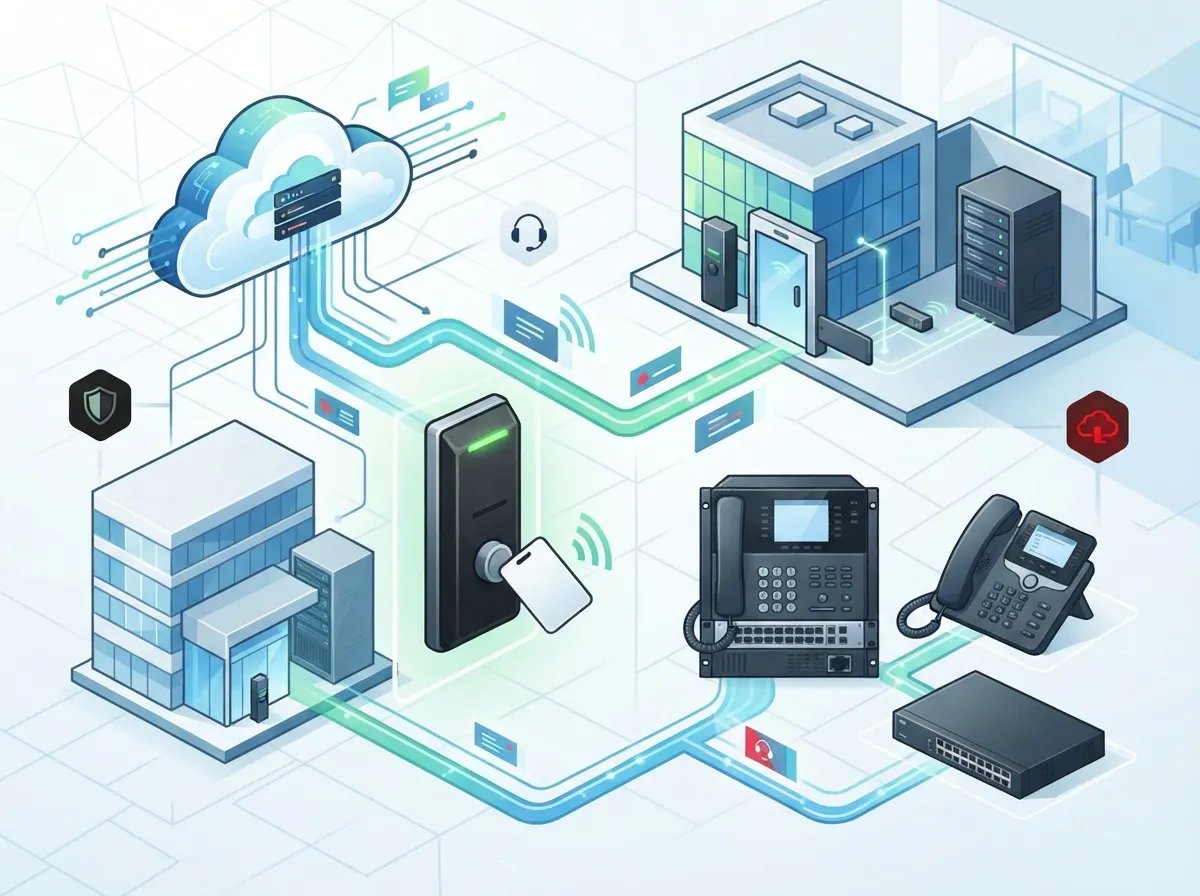
Here’s something people often overlook: your access control system is only as good as the network behind it. Smart locks and badge readers need steady internet to send data to the cloud and receive commands from your dashboard. That’s where your telecom provider becomes a key player, not just an afterthought.
A dependable setup usually includes managed Wi-Fi, backup internet connections, and sometimes cellular failover for when your main line drops. Structured cabling also plays a bigger role than people expect. Every reader, camera, and gateway needs a reliable physical connection, which is why structured cabling is often part of a properly planned access control rollout.
Key Telecom Components That Support Access Control
- High-speed, business-grade internet with enough bandwidth for video and access data
- Managed Wi-Fi networks that separate guest traffic from secure business systems
- Cellular or secondary internet failover so doors keep working during outages
- VoIP or intercom integration for visitor verification at entry points
- Structured cabling that connects readers, cameras, and network gateways cleanly
- Ongoing monitoring and support to catch problems before they become emergencies
Businesses that already rely on cloud-based phone systems often find it easier to add access control, since the network foundation is already built for cloud services. If your business internet setup is shaky, though, it’s worth fixing that first.
Cloud vs. On-Premises: Which Fits Your Small Business?
This is one of the most common questions small business owners ask. Both options can work, but they fit different situations. Here’s a simple breakdown to help you compare.
| Feature | Cloud Access Control | On-Premises System |
|---|---|---|
| Management | Remote, via app or web dashboard | Requires on-site server access |
| Multi-location support | Easy, single dashboard for all sites | Complex, often separate systems per site |
| Software updates | Automatic | Manual, often needs IT visit |
| Upfront cost | Lower, subscription-based | Higher, hardware and server costs |
| Internet dependency | Yes, though local backup credentials help | Minimal, works mostly offline |
| Best for | Growing businesses, multiple offices, remote management | Single-location businesses avoiding subscriptions |
For most small and mid-sized businesses, especially those with more than one location or frequent staff turnover, cloud access control wins out. It’s simpler, more flexible, and easier to scale as your team grows.
Core Features to Look for in a Cloud Access Control Provider
Not all systems are created equal. Some are barebones, while others offer a full security ecosystem. When comparing providers, keep this checklist handy.
- Role-based permissions so employees only access what they need
- Scheduled access for contractors, cleaning crews, or part-time staff
- Mobile credentials instead of physical badges or fobs
- Multi-factor authentication for administrator accounts
- Real-time alerts for unusual activity or forced entry attempts
- Detailed audit logs you can review anytime
- Integration with cameras, alarms, and identity platforms like Microsoft 365 or Google Workspace
- Offline or local backup mode in case the internet goes down
This last point deserves extra attention. A good system should still let authorized people in even if your internet connection drops. That means local decision-making at the door, backup power like a UPS, and a documented plan for emergency access.
Applying Zero Trust Principles to Physical and Digital Access
The National Institute of Standards and Technology, or NIST, published guidance on zero trust architecture that’s becoming the gold standard for access security. The basic idea is simple: never assume someone should have access just because they’re inside your building or connected to your network. Every request gets checked.
NIST’s framework, first outlined in Special Publication 800-207 back in 2020 and expanded in 2023 and again in 2025, recommends verifying identity, device health, and context before granting access to any resource. This applies just as well to a door lock as it does to your payroll software. An employee might be cleared to enter the building during work hours but still need separate approval to access sensitive files.
Steps to Deploy Cloud Access Control the Right Way
Rolling out a new system can feel overwhelming if you don’t have a plan. Here’s a simple, step-by-step approach that keeps things manageable.
- Make a list of every door, user, and device that needs access control
- Identify which apps and systems should be tied into your access policy
- Define clear rules for who gets access, and when
- Test what happens if the internet goes down, and fix any gaps
- Set up multi-factor authentication for anyone with admin rights
- Train your team on how to use the mobile app and report issues
- Schedule regular reviews to remove access for former employees
- Document your emergency access procedures so everyone knows the plan
Skipping steps here often leads to headaches later. Businesses that plan ahead tend to avoid the common pitfalls, similar to how proper network cabling planning prevents costly rework down the road.
What Cloud Access Control Costs for Small Businesses
Pricing varies quite a bit depending on your setup. The number of doors, users, and integrations all play a role. Most providers charge a mix of upfront hardware costs plus a monthly or annual subscription fee.
| Cost Factor | What Influences It |
|---|---|
| Hardware | Number of doors, readers, locks, and gateways needed |
| Subscription fees | Number of users, features included, support level |
| Installation | Cabling requirements, number of locations, complexity |
| Integrations | Connecting cameras, HR systems, or identity platforms |
| Ongoing support | Monitoring, updates, and technical assistance |
There isn’t one standard number that fits every business. That’s why it helps to get a real quote based on your specific building and needs, rather than guessing from a generic price list online.
Common Mistakes Small Businesses Make With Access Control
Even well-meaning business owners run into trouble here. Let’s cover the mistakes we see most often, so you can steer clear of them.
- Forgetting to remove access for employees who’ve left the company
- Using shared logins instead of unique accounts for each person
- Skipping multi-factor authentication on administrator accounts
- Not testing what happens during an internet outage
- Ignoring audit logs until after a problem happens
- Choosing a provider without asking about data retention and breach policies
Regular reviews go a long way toward avoiding these issues. Set a reminder every quarter to check who has access and whether it still makes sense.
Why a Telecom Partner Makes This Easier
Here’s the honest truth: cloud access control depends heavily on your underlying network. If your internet drops constantly or your Wi-Fi can’t handle the load, your fancy new door locks won’t do much good. That’s where working with an experienced telecom and IT partner really pays off.
Ideal Solutions Provider has spent over 24 years helping Tampa businesses, and companies nationwide, build reliable telecom foundations. With partnerships across 35+ vetted suppliers, the team can pair your access control rollout with dependable internet, managed Wi-Fi, structured cabling, and ongoing support, all through one point of contact. That means fewer vendors to juggle and fewer excuses when something goes wrong. You can learn more about their approach on Facebook, watch real client stories on YouTube, or browse project photos on Instagram.
Questions to Ask Before You Sign a Contract
Before committing to any provider, it helps to ask a few pointed questions. This keeps surprises to a minimum down the road.
- What happens to door access if our internet goes down?
- Can this system grow with us if we open a second location?
- How does the platform handle software updates and security patches?
- What integrations are available for cameras, HR tools, or Microsoft 365?
- Who do we call for support, and how fast is response time?
If a provider can’t answer these clearly, that’s a red flag worth noting.
Bringing It All Together for Your Business
Cloud access control isn’t just a security upgrade. It’s a way to simplify how you run your business day to day. No more tracking down keys, no more guessing who has access to what, and no more scrambling when someone leaves the company on bad terms. With the right setup, you get peace of mind and a system that grows alongside you.
If you’re ready to explore what cloud access control could look like for your business, reach out to get in touch with our team for a free consultation. Or if you’d rather talk it through right now, feel free to call us and we’ll walk you through your options, no pressure, no confusing sales pitch. You’ve got a business to run. Let’s make your security simple.
FAQs
Q: What is cloud access control for a small business?
A: It’s a way to manage building entry, and sometimes app access, using a cloud-based dashboard or mobile app instead of an on-site server. You can add, change, or remove access from anywhere, which is a huge relief when you’re juggling a dozen other things during your day.
Q: How does cloud-based access control work with business Wi-Fi and internet services?
A: Smart locks, readers, and gateways all need a steady internet connection to talk to the cloud platform. That’s why managed Wi-Fi, reliable broadband, and backup connections matter so much, they keep your doors working even when things get bumpy.
Q: What happens to smart locks and door readers if the internet goes down?
A: A well-designed system should still let authorized people in through local decision-making or backup credentials. This is why it’s worth asking your provider about offline functionality before you sign anything, so you’re never caught off guard.
Q: How much does cloud access control cost for a small business?
A: Costs depend on the number of doors, users, and integrations you need, plus installation and ongoing subscription fees. There’s no single price that fits everyone, so it’s best to get a personalized quote based on your actual building and goals.
Q: Can cloud access control integrate with tools like Microsoft 365 or security cameras?
A: Yes, many cloud access control platforms connect nicely with identity providers, HR systems, and camera systems. This lets you manage physical and digital access together, which makes life a lot easier for busy office managers.





