
Key Takeaways
-
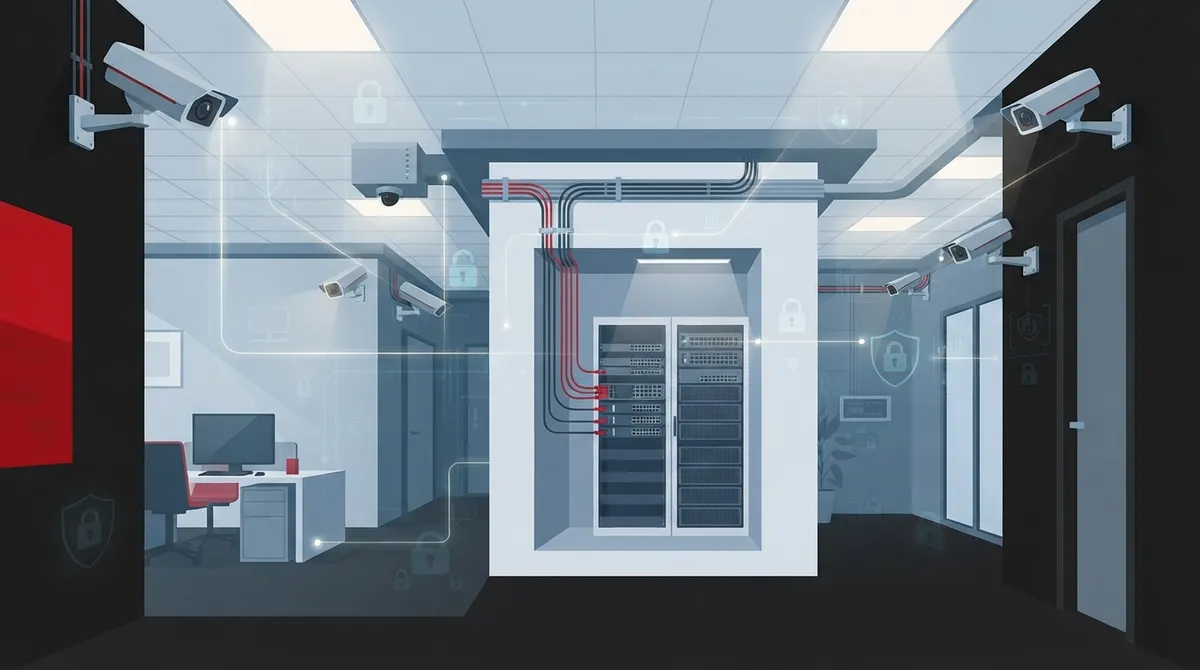
Disable camera microphones unless legally reviewed, as federal wiretap provisions and state consent laws create significant legal liability for audio recording without proper authorization.
-
Conduct a professional site survey before installation to identify network bandwidth needs, proper camera placement avoiding private areas, and compliance with privacy laws specific to your state.
-
Plan for adequate network infrastructure: a 16-camera system requires approximately 64 Mbps bandwidth, and PoE switches must maintain 20% power reserve capacity for future expansion and features.
-
Implement cybersecurity controls including dedicated surveillance VLANs, strong unique passwords, multifactor authentication, encrypted remote access, and regular firmware updates to prevent network breaches.
-
Establish written policies documenting monitoring purposes, monitored areas, access controls, retention periods, and notice requirements, then communicate them clearly to employees and customers.
-
Use standard cabling best practices: copper Ethernet limited to 100 meters maximum (90m horizontal plus 10m patch), with fiber required for longer building-to-building distances per IEEE 802.3 standards.
Thinking about adding security cameras to your business? That’s a smart move. But here’s something a lot of business owners don’t realize: camera installation requirements for businesses go way beyond picking a spot on the wall and mounting a camera. There are legal rules, network needs, and privacy laws all mixed into the process. Skip a step, and you could end up with a system that’s not just useless, but actually gets you in legal trouble.
The good news? You don’t have to figure this out alone. Whether you’re running a small shop in Tampa or managing IT for a multi-location company, understanding these requirements upfront saves you time, money, and headaches down the road. In this article, we’ll walk through the seven most common mistakes businesses make with camera installation, and how to avoid every single one of them. Grab a coffee, and let’s get into it together.
Mistake 1: Ignoring Privacy and Audio Recording Laws
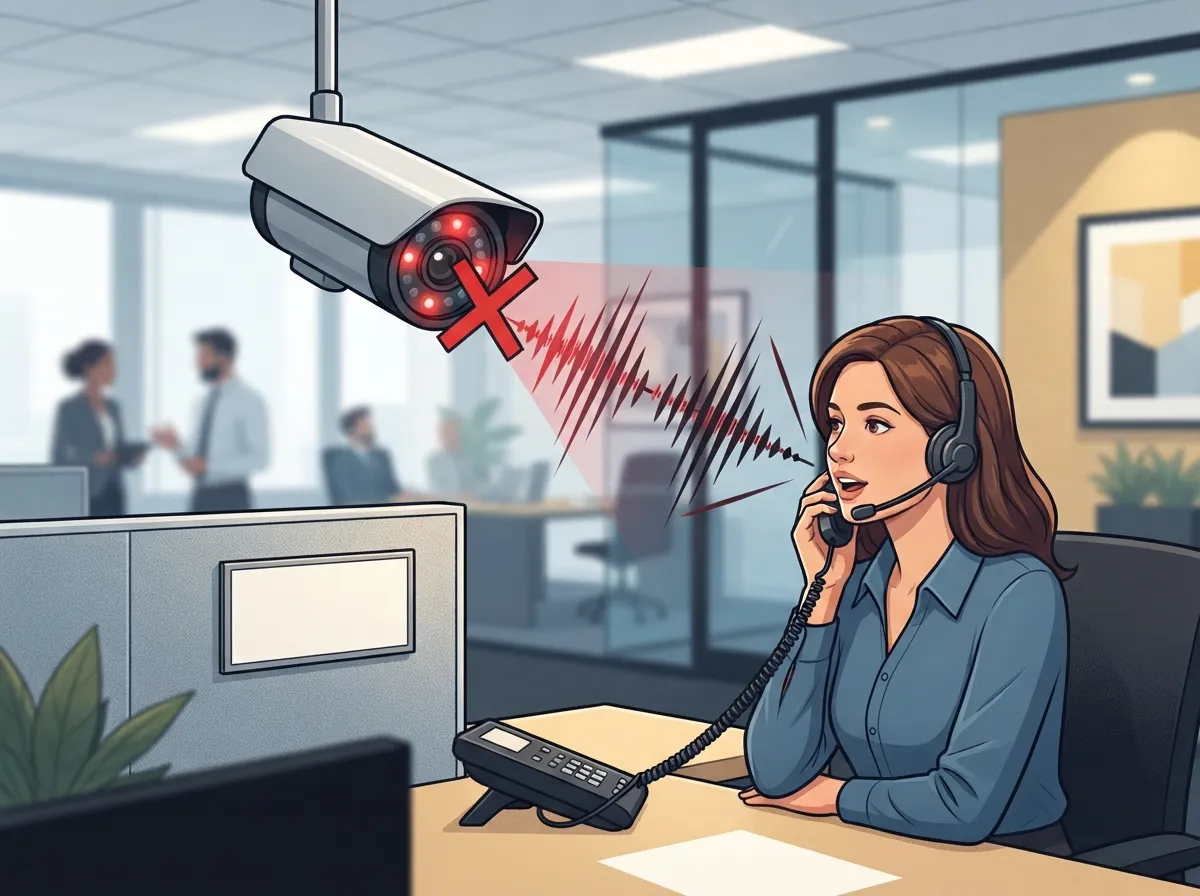
This is the big one, friends. Camera installation requirements for businesses always start with the law, not the hardware. In the United States, silent video is generally treated differently than audio. The Electronic Communications Privacy Act, a federal law from 1986, deals with intercepted communications, and its wiretap provisions can apply if your cameras pick up conversations. On top of that, many states require one-party or all-party consent before you can legally record audio.
Here’s the simple fix: unless you have a clear, legally reviewed reason to record sound, just turn the microphones off. Most business cameras record video just fine without audio, and it keeps you out of legal gray areas. If your business operates in multiple states (hello, franchise operators), this becomes even more important since rules can change from one location to the next.
Mistake 2: Placing Cameras Where Privacy Is Expected
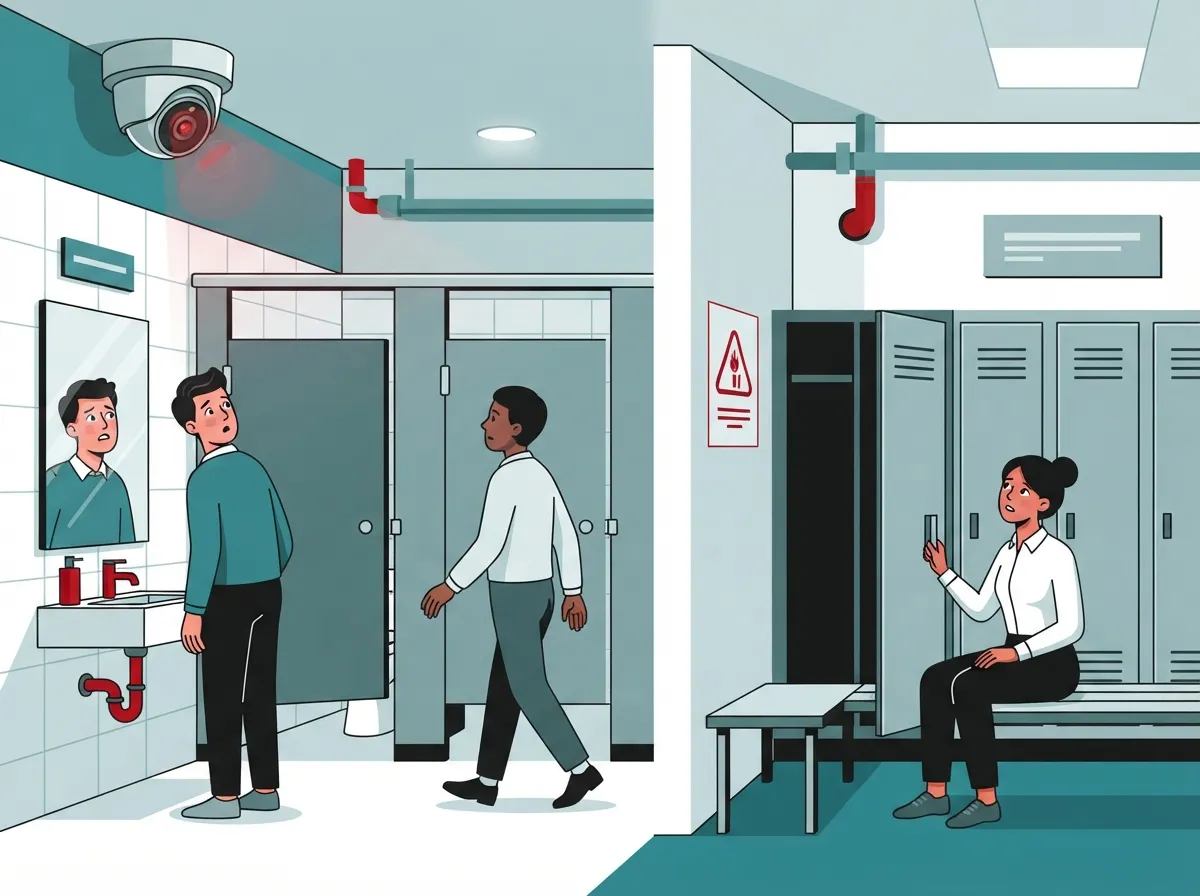
You’d think this one is obvious, but it trips up more businesses than you’d expect. Cameras should never be pointed at restrooms, changing rooms, showers, or other spots where people reasonably expect privacy. This isn’t just good manners, it’s often required by law.
It also matters where your cameras are aimed, even in public-facing areas. Avoid angles that capture:
- Neighboring properties or businesses outside your own space
- Private employee workspaces where sensitive conversations happen
- Computer screens showing confidential data
- Payment-card PIN pads at checkout counters
A proper site survey before installation catches these issues early. This is exactly why working with an experienced installer matters so much, they know what to look for before the drill even comes out.
Mistake 3: Skipping Employee and Customer Notice
Nobody likes surprises, especially when it comes to being recorded. Many states and industries require you to give clear notice that surveillance is happening. Even where it’s not strictly required, it’s just good practice and builds trust with your team and customers.
A written policy should cover:
- The purpose of the monitoring (safety, theft prevention, quality control)
- Which areas are being monitored
- Whether audio is being recorded
- Who has access to the footage
- How long footage is kept before it’s deleted
- The process for handling requests to view or dispute footage
If you have a unionized workforce, check whether there are additional bargaining or consultation requirements. Office managers and HR leads should keep this policy handy and update it whenever the system changes.
Mistake 4: Underestimating Network and Bandwidth Needs
Here’s where things get technical, but stick with me, it’s not as scary as it sounds. Modern IP cameras aren’t just gadgets, they’re network devices. That means your internet and internal network need to be ready to handle them.
A typical 4-megapixel IP camera can use anywhere from 4 to 12 Mbps, depending on resolution, frame rate, and how much motion is happening in the scene. Now multiply that across your whole system. A 16-camera setup averaging 4 Mbps per stream adds up to roughly 64 Mbps of video traffic, before you even factor in overhead or backup recording. That’s a lot of data moving around, and your network needs to be built to carry it without slowing everything else down.
This is why pairing your camera project with a broader look at your high-speed internet setup makes so much sense. If your internet connection is already stretched thin by phones and daily operations, adding a camera system without planning will only cause problems.
| Camera Count | Estimated Bandwidth (4 Mbps avg) | Recommended Uplink Capacity |
|---|---|---|
| 4 cameras | ~16 Mbps | 25+ Mbps |
| 8 cameras | ~32 Mbps | 50+ Mbps |
| 16 cameras | ~64 Mbps | 100+ Mbps |
| 32 cameras | ~128 Mbps | 200+ Mbps |
Mistake 5: Overlooking PoE Power and Cabling Standards
Most commercial cameras run on Power over Ethernet, or PoE, which means one cable carries both power and data. Sounds convenient, right? It is, but only if it’s set up correctly.
There are a few PoE standards you should know about:
- 802.3af (PoE): Delivers up to 15.4 watts per port, fine for basic fixed cameras
- 802.3at (PoE+): Delivers up to 30 watts per port, better for cameras with infrared or heaters
- 802.3bt (PoE++): Higher power levels for demanding devices like pan-tilt-zoom cameras
A good rule of thumb is to keep about 20% reserve power capacity above your calculated camera load. This leaves room for future expansion, startup power spikes, and features like infrared illumination or motorized lenses. On the cabling side, standard copper Ethernet runs are limited to about 100 meters total, that’s up to 90 meters of horizontal cable plus 10 meters of patch cords, following IEEE 802.3 guidance. Longer runs between buildings usually need fiber instead. If you’re unsure whether your current setup can handle it, reviewing your structured cabling services options is a smart first step.
Mistake 6: Leaving Cybersecurity as an Afterthought
IP cameras are basically small computers connected to your network, and that means they can be a target for hackers if you’re not careful. This is one of the most overlooked camera installation requirements for businesses, and honestly, it’s one of the most important.
Here’s what a secure setup should include:
- A dedicated surveillance VLAN separate from your regular business traffic
- Restricted and monitored remote access to camera feeds
- Strong, unique passwords for every device and account
- Multifactor authentication wherever it’s supported
- Current firmware, updated regularly
- Encrypted connections for viewing footage remotely
If your IT team already manages business network solutions, adding cameras to that same secure framework just makes sense. It’s much easier to protect one well-designed network than to patch together separate systems after the fact.
Mistake 7: Skipping the Site Survey and Ongoing Maintenance Plan
This last mistake is the one that causes the most regret later. Businesses that skip a proper site survey often end up with blind spots, weak Wi-Fi signals, or cameras that can’t handle outdoor lighting conditions. And once the system is installed, forgetting about maintenance means small issues turn into big failures.
A solid installation plan should include:
- A full site survey and camera coverage map
- Lighting assessment for day and night conditions
- Mounting and weatherproofing review for outdoor units
- Cable-path design that avoids interference and damage
- Power and bandwidth calculations before installation day
- Clear recording-retention policies
- Full testing and documentation once installed
- A recurring maintenance schedule to catch problems early
Professional Business Telecom Solutions providers can integrate your camera system with your existing LAN, WAN, access control, and alarm systems, so everything works together instead of living in separate silos. This is where working with a team that understands the whole picture, not just cameras, really pays off. Learn more about what security cameras really do for your business before you commit to a plan.
How Ideal Solutions Provider Makes This Easier
At Ideal Solutions Provider, we’ve spent over 24 years helping Tampa businesses (and companies nationwide) navigate exactly this kind of project. We partner with 35+ vetted suppliers, so instead of juggling separate vendors for cameras, networking, and cabling, you get one point of contact who handles it all. We look at your legal requirements, your network capacity, and your growth plans, then build a system that actually fits.
Whether you’re a small business owner adding your first camera system, or an IT manager overseeing a multi-site rollout, we make sure the technical side (bandwidth, PoE, VLANs, cabling) lines up with the compliance side (privacy, notice, retention). You can check out our work and updates on Facebook and Instagram, or watch real project walkthroughs on YouTube.
Bringing It All Together
Camera installation requirements for businesses touch a lot of areas: legal compliance, privacy, network design, cybersecurity, and ongoing upkeep. It can feel like a lot at first, but breaking it down into these seven mistakes makes it much more manageable. The key is planning ahead instead of rushing into installation day.
Good structured cabling and a reliable Internet Service Provider relationship form the backbone of any camera system that actually works long-term. Combine that with clear policies and a trusted installer, and you’ve got a setup that protects your business instead of creating new risks.
Ready to get your camera system set up the right way, without the legal headaches or network guesswork? Contact us for a free consultation, or call us today and let’s talk through what your business actually needs.
FAQs
Q: What are the legal requirements for installing security cameras at a business?
A: It really depends on where you’re located, but generally you need to avoid recording audio without proper consent, steer clear of private areas like restrooms, and give notice where required. We know it sounds like a lot, but a quick legal review before installation makes this simple to handle.
Q: Can a business record audio with its security cameras?
A: It’s possible, but it’s tricky! Many states require one-party or all-party consent before recording sound, so most businesses just disable the microphone unless there’s a clear, reviewed reason to use it. When in doubt, video-only keeps things simple and safe.
Q: How much bandwidth does a business IP camera system need?
A: A single 4-megapixel camera typically uses 4 to 12 Mbps, so a 16-camera system can easily add up to 64 Mbps or more. That’s why we always recommend checking your internet capacity before adding cameras, so everything runs smoothly without slowdowns.
Q: How long should a business retain security camera footage?
A: There’s no one-size-fits-all answer here, it depends on your industry and any specific regulations that apply to you. Most businesses keep footage anywhere from 30 to 90 days, but we’re happy to help you figure out what makes sense for your situation.
Q: How can a business secure remote access to its camera system?
A: The best approach combines a dedicated network for your cameras, strong unique passwords, multifactor authentication, and regular firmware updates. Think of it like locking every door twice, it’s extra effort upfront that saves you major headaches later.





