
Key Takeaways
-
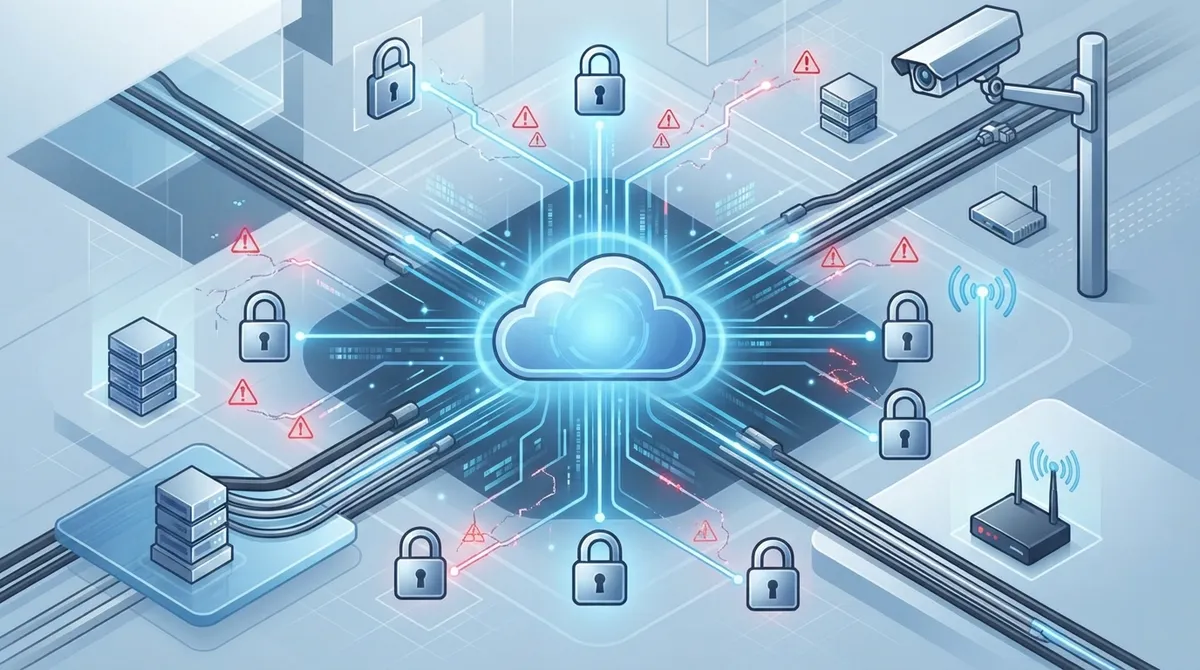
Conduct a thorough network assessment before installation, evaluating internet speed, cabling condition, PoE capacity, and Wi-Fi signal strength at each door location to prevent system lag and unreliable remote management.
-
Implement a dedicated VLAN and network segmentation to isolate access control devices from general office networks and guest Wi-Fi, following NIST zero-trust principles to prevent unauthorized access if the main network is compromised.
-
Plan cabling and power requirements for each door before selecting hardware, as wiring condition significantly impacts installation timeline and budget—treat this as foundational rather than an afterthought.
-
Design for internet outages by choosing systems that cache access permissions locally on controllers and implementing cellular backup for critical doors, ensuring employees aren't locked out during connectivity failures.
-
Integrate your cloud access control with existing systems like Microsoft Entra ID, HR software, video security, and alarm systems to maximize efficiency and create a unified dashboard instead of managing separate platforms.
-
Partner with a telecom-experienced provider who understands networking, cabling, and internet infrastructure rather than just door hardware—this ensures coordinated planning and reduces surprises across your entire communications setup.
Picture this: you finally decide to upgrade your office doors to a modern, cloud-based access system. You’re excited to ditch those old metal keys and finally see who’s coming and going, right from your phone. But then installation day arrives, and things go sideways. The Wi-Fi drops. The app won’t sync. Nobody can get through the back door. Sound stressful? We hear you, and we’ve seen it happen more times than we’d like to admit.
The good news is that cloud access control installation doesn’t have to be a headache. When it’s planned well, it’s one of the smartest upgrades a growing business can make. But when it’s rushed or handled by someone who doesn’t understand your network, it can create more problems than it solves. In this friendly guide, we’ll walk through seven common mistakes businesses make during installation, and how to avoid every single one of them. Whether you run a small Tampa shop or manage several office locations nationwide, this one’s for you.
What Is Cloud Access Control Installation, Really?
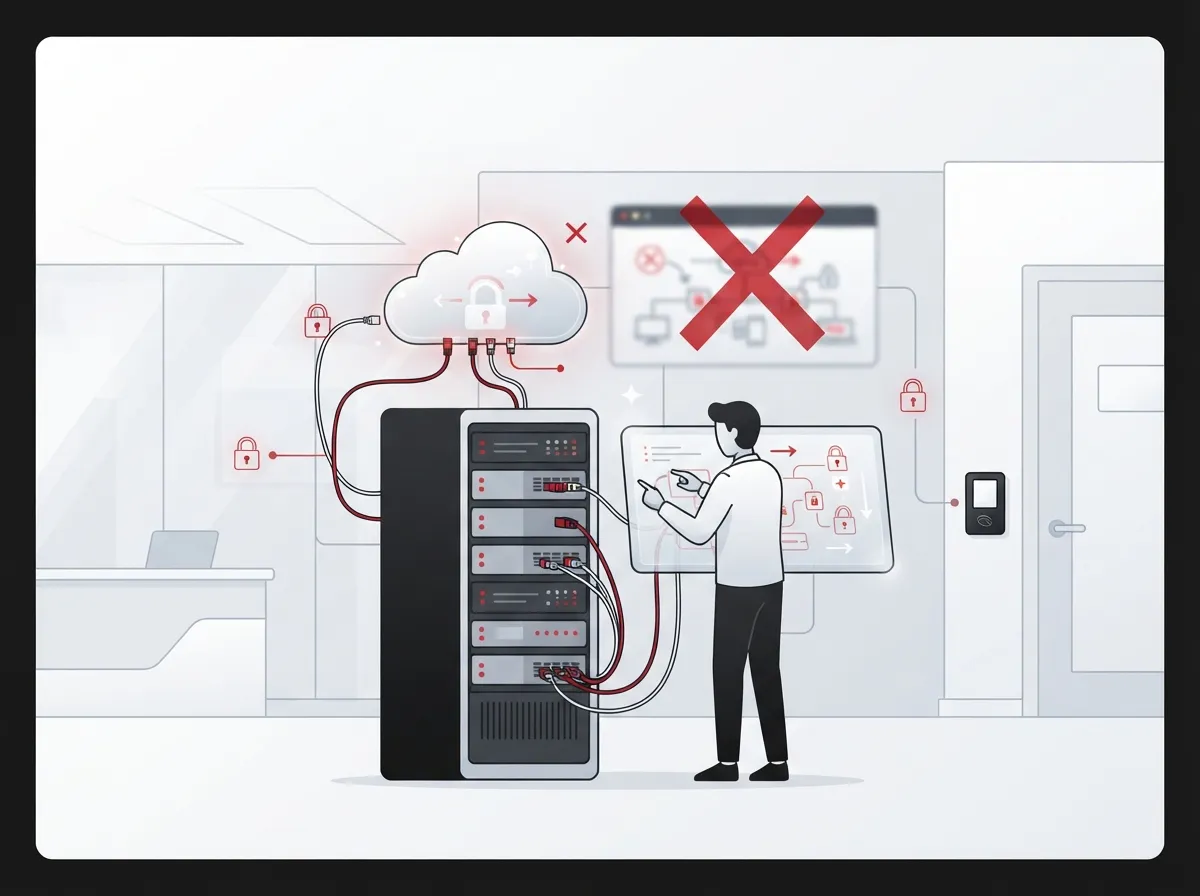
Before we dive into the mistakes, let’s get on the same page. Cloud access control installation means setting up a system that lets you manage building entry from the internet instead of a clunky on-site server. Think keycards, mobile credentials, and smart locks, all controlled through a simple dashboard you can check from your phone or laptop.
It’s different from cloud access control for software or IT systems, even though both rely on identity checks and similar security thinking. Here, we’re talking about physical doors, gates, and rooms, like your office entrance, your server closet, or your warehouse loading dock.
A typical setup includes:
- Cloud-hosted software you can log into from anywhere
- Door controllers and card or mobile readers
- Electronic locks and request-to-exit sensors
- Door position sensors that tell you if a door is open or closed
- A stable internet connection linking it all to the cloud
According to the ASSA ABLOY Wireless Access Control Report 2025, 54% of organizations now use some form of cloud-based access management. That’s a big jump, and it shows just how popular this technology has become. Mobile-only access setups also grew from just 5% in 2023 to 17% in 2025. People want convenience, and cloud access control delivers it.
Mistake 1: Skipping the Network Assessment
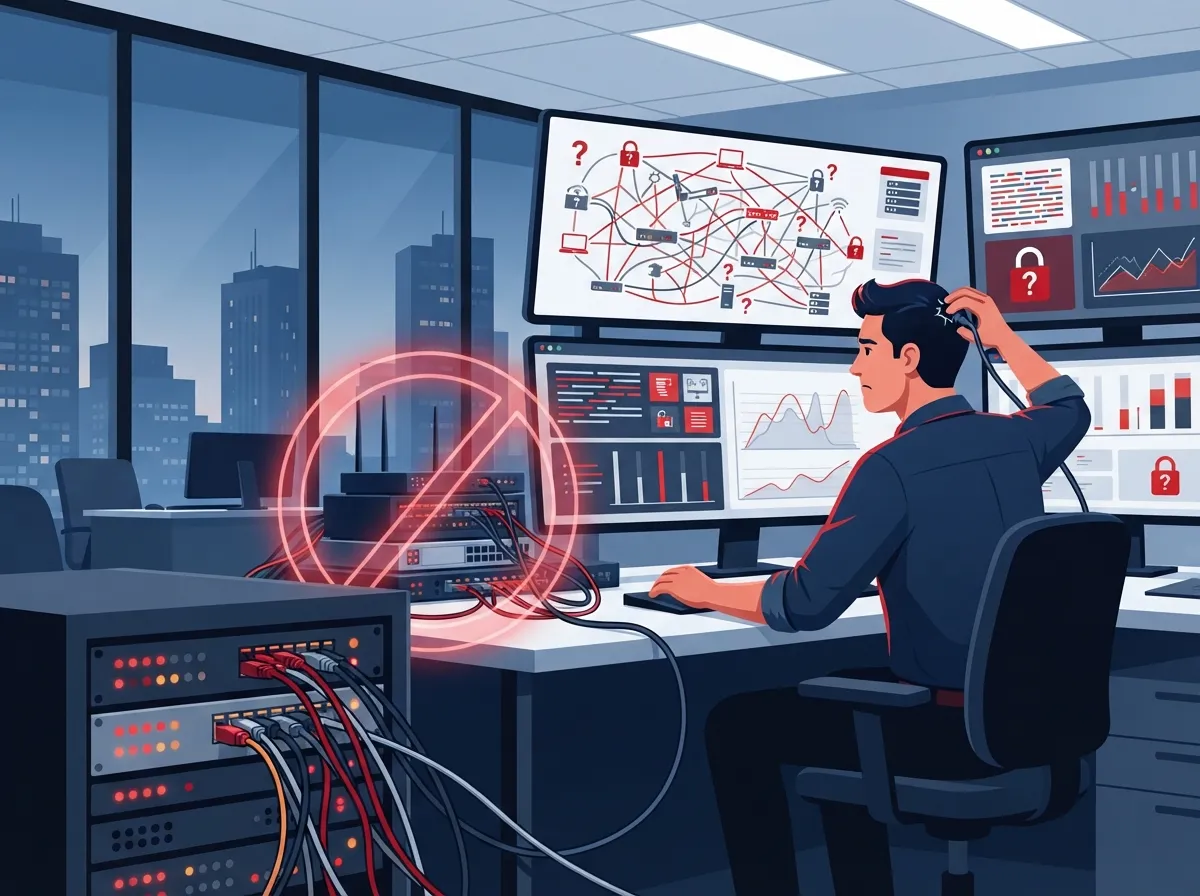
This is the big one. So many businesses jump straight to buying hardware without checking if their network can even support it. Cloud access control relies heavily on your internet and internal network being strong and reliable.
If your high-speed internet for business setup is shaky, your access control system will be too. Doors might lag when unlocking. Alerts might not come through. Remote management could feel sluggish or unreliable.
Before installation begins, a proper site assessment should look at:
- Current internet speed and reliability at each door location
- Existing cabling and whether it needs upgrading
- Available power over ethernet (PoE) switch capacity
- Wi-Fi signal strength near entry points
- Whether a backup connection is needed for critical doors
Skipping this step is like building a house without checking the foundation. It might look fine at first, but problems show up fast.
Mistake 2: Ignoring VLANs and Network Segmentation
Here’s something a lot of business owners don’t think about until it’s too late: your access control devices probably shouldn’t sit on the same network as your regular office computers and Wi-Fi guests.
Putting everything on one flat network is risky. If someone hacks into your guest Wi-Fi, you don’t want them anywhere near your door controllers. That’s why IT teams recommend setting up a dedicated VLAN, a separate lane on your network just for security devices.
A well-planned installation should include:
- A dedicated VLAN for access control hardware
- Firewall rules that limit unnecessary traffic
- Network segmentation between security devices and general office use
- Monitoring tools that flag unusual activity
This isn’t just a nice-to-have. NIST’s zero-trust guidance (SP 800-207 and SP 800-207A) recommends never assuming a device is safe just because it’s on your network. Every request should be checked based on identity and context, not just location.
Mistake 3: Forgetting About Internet Outages
What happens when the internet goes down? This is one of the most common questions we hear, and for good reason. Nobody wants employees locked out of the building because a storm knocked out the Wi-Fi.
The truth is, most quality cloud access control systems store credentials locally on the door controller. That means people with approved access can usually still get in during an outage. What you lose temporarily is the ability to unlock doors remotely, get live alerts, or change permissions until the connection comes back.
To avoid getting caught off guard, ask your installer these questions:
- Does the controller cache access permissions locally?
- What happens to fire alarm integrations during an outage?
- Is there a cellular backup option for critical doors?
- How quickly does the system resync once internet returns?
- Are emergency egress doors compliant with local fire codes?
A resilient design plans for the worst day, not just the best one. Reliable connectivity through a strong Internet Service Provider partnership makes a huge difference here.
Mistake 4: Choosing Hardware Before Planning Cabling
We get it, picking out sleek new readers and mobile-friendly locks is the fun part. But buying hardware before you’ve planned your cabling and power setup is like buying furniture before measuring the room.
Every door needs proper wiring for power, data, or both, depending on the lock type. If your building has old wiring or none at all near certain doors, that changes your installation timeline and budget significantly.
This is where working with a company that understands structured cabling really pays off. Good cabling planning covers:
- Which doors need low-voltage cabling versus PoE runs
- Conduit and pathway planning for clean installs
- Power requirements for electronic strikes or magnetic locks
- Future-proofing for additional doors or cameras
If you’re already planning a broader office upgrade, check out our guide on signs your business needs structured cabling to see if it’s time for a refresh.
Mistake 5: Overlooking Integration With Other Systems
One of the best things about cloud access control is how well it plays with other tools. But too many installations happen in a silo, missing out on huge efficiency gains.
A well-integrated system can connect with:
- Microsoft Entra ID or other identity directories
- HR software, so departing employees lose access automatically
- Video security systems for visual verification of entries
- Alarm systems for coordinated emergency response
- SIP-based intercoms for visitor management
If your business already uses security cameras or plans to add them, ask about combining access control and video into one dashboard. It saves time and gives your office manager one less system to juggle. This kind of integration is exactly what Ideal Solutions Provider specializes in, connecting phones, internet, cabling, and security into one seamless setup.
Mistake 6: Underestimating Ongoing Security Needs
Installation isn’t a one-and-done task. Once your system is live, it needs ongoing attention to stay secure. A lot of businesses install their system and then forget about it, which opens the door (pun intended) to real risks.
Here’s what proper ongoing security looks like:
- Unique login credentials for every administrator, never shared logins
- Multifactor authentication turned on for all admin accounts
- Regular firmware updates applied as soon as they’re released
- A clear process for disabling lost cards or fobs immediately
- Routine audits of who has access to which doors
- Encrypted communication between devices and the cloud
NIST SP 800-210 offers helpful guidance here, emphasizing that access decisions should always be based on identity, device, and context, not just a simple yes-or-no card swipe. Taking security seriously from day one protects your team and your data long term.
Mistake 7: Going With a Provider Who Doesn’t Understand Telecom
This might be the biggest mistake of all. Access control isn’t just a security project, it’s a network project. If your installer only understands door hardware and doesn’t know networking, cabling, or internet infrastructure, you’re setting yourself up for a bumpy ride.
A telecom-savvy partner brings a lot more to the table:
- Coordinated planning between internet, cabling, and access control
- Backup connectivity options for critical entry points
- Single point of contact instead of juggling multiple vendors
- Ongoing support that covers your whole communications setup
This is exactly the kind of full-picture thinking that sets Ideal Solutions Provider apart. With over 24 years of experience and partnerships with 35+ vetted suppliers, the team looks at your internet, network, cabling, and security together, not as separate puzzle pieces. That means fewer surprises and a system that actually works the way it should from day one.
Comparing Access Control Deployment Models
Not every business needs the exact same setup. Here’s a quick comparison to help you understand your options before installation begins.
| Model | Where It’s Managed | Best For | Internet Dependency |
|---|---|---|---|
| Cloud-Based | Remote cloud servers | Multi-location businesses, remote management | High, but with offline caching |
| On-Premises | Local server on-site | Single location, strict data control needs | Low, works without internet |
| Hybrid | Mix of local and cloud | Businesses transitioning to cloud slowly | Moderate |
What Drives Installation Costs
We won’t pretend there’s one universal price tag here, because there isn’t. Costs depend on your building, door count, and the technology you choose. Here’s a breakdown of common cost factors to discuss with your provider.
| Cost Factor | Why It Matters |
|---|---|
| Number of doors | More openings mean more hardware and labor |
| Wiring condition | Existing wiring can lower costs; new cabling adds expense |
| Reader and lock type | Mobile credential readers often cost more than basic card readers |
| Software licensing | Recurring monthly or annual cloud subscription fees |
| Integration needs | Connecting to HR, video, or alarm systems adds setup time |
| Network upgrades | New switches, VLANs, or backup internet may be required |
Market forecasts vary, but the trend is clear. One 2025 estimate placed the global cloud-based access-control market at around $12.4 billion, projected to grow to about $47.8 billion by 2034. Whatever the exact numbers, businesses everywhere are clearly investing in this technology, and for good reason.
Steps for a Smooth Installation
Ready to get started the right way? Here’s a simple roadmap most successful installations follow.
- Schedule a site assessment covering doors, wiring, and network readiness
- Define your access policies, who needs access to what, and when
- Choose hardware that fits your building and budget
- Plan cabling and power requirements for each door
- Configure your network, including VLANs and firewall rules
- Set up your cloud tenant and integrate with your user directory
- Test everything in stages before going fully live
- Train your team on daily use and emergency procedures
- Set up ongoing monitoring and support
Following these steps in order helps avoid the chaos of a rushed install. It also builds a system that grows with your business instead of holding it back.
Why Franchise and Multi-Location Businesses Should Pay Extra Attention
If you’re managing several locations, cloud access control becomes even more valuable, but also more complex. You need consistent policies across every site, plus the ability to manage everything from one dashboard.
Multi-location businesses should prioritize:
- Centralized management across all locations
- Consistent network standards, including matching VLAN setups
- Reliable connectivity at every site, including backup options
- Standardized training so every location follows the same process
This is exactly where a single, experienced telecom partner shines. Instead of juggling separate vendors for internet, cabling, and access control at each site, one team can coordinate the whole rollout. Learn more about how scalable access control systems support multi-location businesses as you grow.
You can also follow along with helpful tips and updates on Facebook, see real installation photos on Instagram, or watch walkthrough videos on YouTube.
Bringing It All Together
Cloud access control installation is one of those upgrades that feels like a small change but makes a huge difference day to day. No more lost keys, no more guessing who came in after hours, and no more scrambling to change locks when an employee leaves.
But like we said at the start, getting it right takes planning. Avoid these seven mistakes, and you’ll set your business up for a smooth, secure, and stress-free installation. Whether you’re a small Tampa shop or managing offices across the country, the right approach makes all the difference.
Feeling ready to upgrade your building’s access control the smart way? Our friendly team would love to walk you through your options and make sure everything, from your network to your doors, works together perfectly. Get in touch with our team today or give us a call to schedule your free consultation. We’re here to make this easy for you, and we genuinely can’t wait to help.
FAQs
Q: What is cloud access control installation for a business?
A: It’s the process of setting up an internet-connected system that manages who can enter your building, using cloud software instead of an on-site server. This includes readers, smart locks, and a dashboard you can check from anywhere. It’s a friendly upgrade from old-school keys and cards that gives you way more visibility and control.
Q: How does cloud-based access control work when the internet goes down?
A: Most quality systems store access permissions locally on the door controller, so authorized people can usually still get in during an outage. What you’ll lose temporarily is remote unlocking, live alerts, and the ability to make instant changes until your connection comes back. It’s always smart to ask your installer exactly how your specific system handles this.
Q: What network requirements are needed for cloud access control?
A: You’ll want reliable internet, proper PoE switching for powering devices, and ideally a dedicated VLAN to keep security devices separate from everyday office traffic. Some businesses also add cellular backup for critical doors just for extra peace of mind. A good site assessment before installation catches these needs early.
Q: How much does commercial cloud access control installation cost?
A: Honestly, it varies a lot based on door count, wiring condition, hardware choices, and software licensing fees. There’s no single universal price, which is why a proper walkthrough and quote from a trusted provider is so helpful. We’re always happy to break down the numbers clearly during a free consultation.
Q: Can cloud access control integrate with cameras, HR software, and intercoms?
A: Yes, and this is one of the best parts of going cloud-based. Many systems connect with identity platforms like Microsoft Entra ID, HR software for automatic offboarding, video cameras, and SIP intercoms for a truly connected setup. Integration like this saves your team time and keeps everything running smoothly from one dashboard.





