
Key Takeaways
-
Cloud access control enables centralized management of all data center doors and access points from a single dashboard, allowing instant permission changes across multiple locations without physical visits.
-
Role-based, identity-linked access control implements least-privilege security by tying permissions to employee roles rather than just badges, ensuring technicians access only necessary areas while contractors get time-limited credentials.
-
Automatic audit trails and real-time alerts log every door access attempt and failed entry, creating compliance-ready documentation that eliminates manual record-keeping and speeds up incident investigation.
-
Cloud systems maintain local fail-safes with backup power and offline enforcement, ensuring doors remain secure and functional even during internet outages or cloud service disruptions.
-
Integration with cameras, environmental sensors, and network monitoring tools creates layered physical-to-logical security where access events automatically trigger recordings and IT alerts within seconds.
-
Cloud access control reduces costs compared to traditional locks by eliminating rekeying expenses, lost key replacements, and manual management labor while making multi-location expansion simple and scalable.
If your business relies on server rooms, colocation space, or a network closet packed with critical gear, you already know how much is riding on who can walk through that door. Cloud access control for data centers has quickly become the go-to way for growing companies to protect their most sensitive equipment without drowning in paperwork or juggling a dozen key fobs. Whether you’re a Tampa small business with one server closet or a multi-location franchise managing racks across the country, this technology gives you control from anywhere, anytime.
At Ideal Solutions Provider, we’ve spent over 24 years helping businesses simplify their telecom and security setups. We’ve seen firsthand how cloud access control transforms the way companies protect their data centers, network rooms, and equipment closets. In this article, we’ll walk through nine real, practical ways cloud access control strengthens your data center security in 2026, plus what you need to know before you buy.
1. Centralized Management Across Every Location
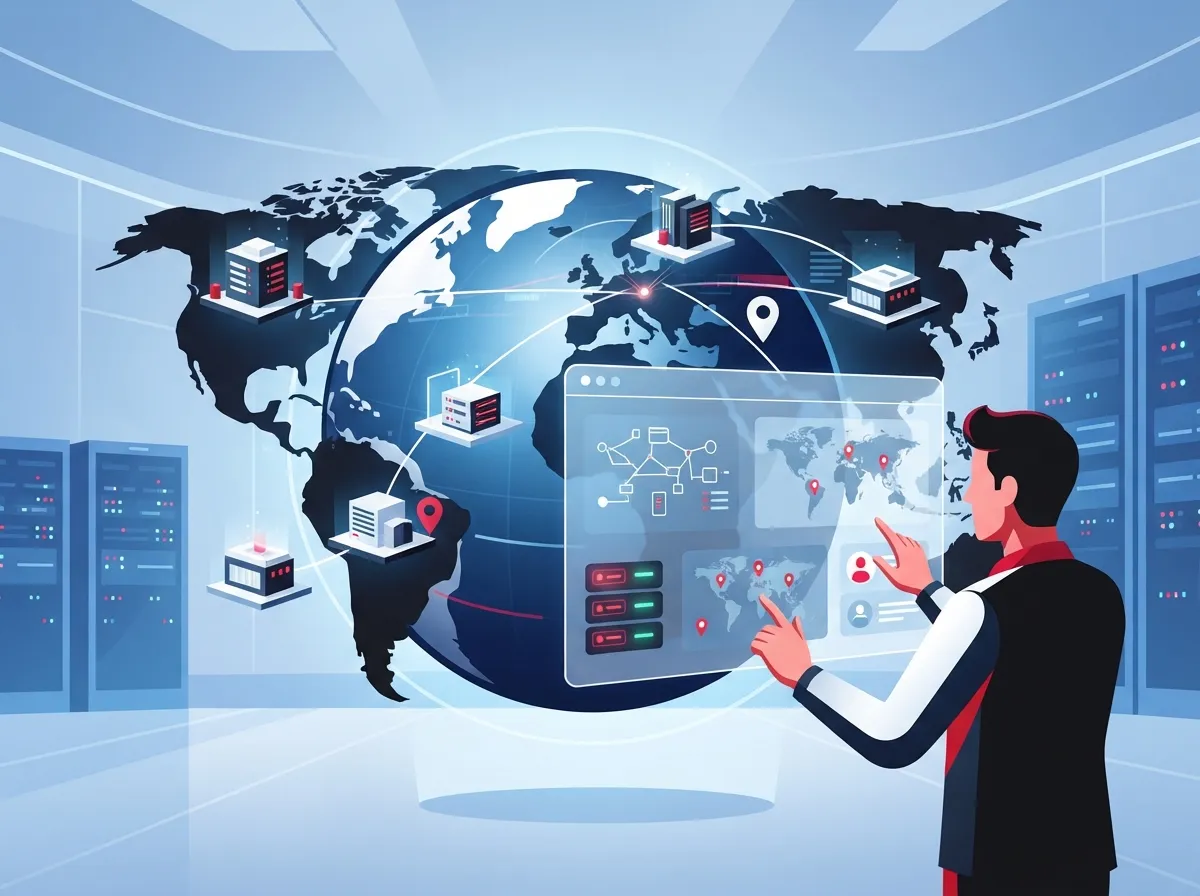
Gone are the days of driving to each site just to update who has access. Cloud access control lets you manage every door, every rack, and every server room from one simple dashboard. This is a game-changer for franchise operators and mid-sized enterprises running multiple facilities.
You can grant or remove access in seconds, no matter where you are. This matters most when an employee leaves suddenly or a vendor needs same-day access to a data closet. For growing businesses, this kind of flexibility beats old-school lock-and-key systems every time. Learn more about scalable access control systems for multi-location businesses.
2. Identity-Based Permissions That Actually Make Sense
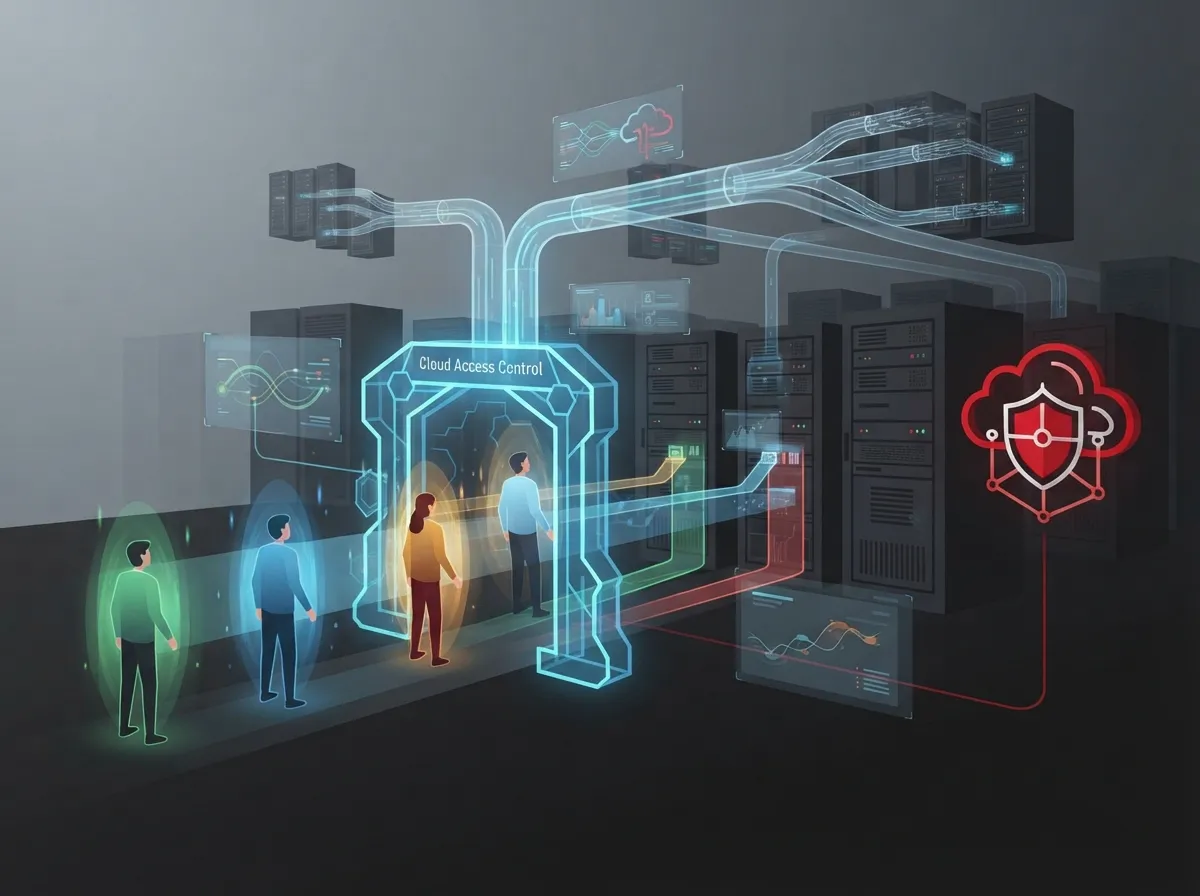
Cloud access control for data centers isn’t just about locks. It combines identity and access management (IAM) with physical security. This means access is tied to a person’s role, not just a badge.
A network technician might get access to the server room but not the finance office. A cleaning crew might get access only during business hours. This role-based approach, sometimes called least-privilege access, keeps your most sensitive areas protected while still letting people do their jobs.
Common Access Levels for Data Center Security
- Full-time IT staff with 24/7 access to server rooms
- Contractors with time-limited credentials for scheduled maintenance
- Office managers with access to shared network closets only
- Visitors requiring escort or temporary badges
- Vendors needing single-use or scheduled access windows
3. Real-Time Alerts and Audit Trails
One of the biggest wins with cloud access control is the paper trail it creates automatically. Every door open, every badge swipe, and every failed attempt gets logged. This data matters more than most business owners realize.
These logs help with incident response, customer audits, and even insurance claims after an equipment issue. If something goes missing from your server room, you’ll know exactly who was there and when. For IT managers juggling compliance requirements, this kind of automatic record-keeping saves hours of manual work.
4. Layered Security That Protects Physical and Digital Assets
Data center security isn’t just about stopping someone from walking in the front door. It’s about protecting what Google calls the “physical-to-logical space,” where physical access controls connect directly to your network security. Cloud access control ties into cameras, environmental sensors, and even your network monitoring tools.
This layered approach means a door alarm can trigger a camera recording, send an alert to your IT team, and log the event, all within seconds. For businesses running cloud video security systems alongside access control, this integration creates a much stronger security posture overall.
5. Local Fail-Safes Keep You Protected During Outages
Here’s a question we hear a lot: what happens to your data center doors if the internet goes down? The good news is that a well-designed cloud access control system doesn’t stop working just because the cloud connection drops.
Door controllers should keep enforcing your existing access rules locally, even during an outage. Backup power and local event storage make sure nothing falls apart while connectivity gets restored. This is one of those details that’s easy to overlook until it actually happens, so always ask your provider how their system handles downtime.
Steps to Confirm Your System Has Proper Fail-Safes
- Ask your provider how doors behave during an internet outage
- Confirm local event logs are stored even without cloud connection
- Verify battery backup exists for door controllers and readers
- Test the system during a scheduled maintenance window
- Review recovery time once connectivity returns
6. Smarter Contractor and Visitor Management
Data centers see a steady stream of vendors, from HVAC techs to network installers. Managing all these visitors with physical keys is a headache, and it’s a security risk too. Cloud access control solves this with time-limited digital credentials.
You can issue access that expires automatically after a maintenance window closes. No more chasing down old keys or rekeying doors after a contractor loses their badge. This alone makes cloud access control worth the investment for busy office managers who don’t have time to babysit every visitor.
7. Multi-Factor Authentication and Biometric Options
Cards and mobile credentials are convenient, but sensitive server rooms often need extra layers of protection. Many businesses now add PIN codes, biometric readers, or multifactor authentication for their most critical spaces.
Biometric readers aren’t automatically “safer” than cards or mobile credentials, but they do add another layer that’s harder to steal or share. For truly sensitive areas, some businesses use mantrap doors or two-person control rules, meaning two authorized people must be present to enter. It depends on your risk level and what you’re protecting.
Security Layers Worth Considering
- Mobile credentials for everyday staff access
- PIN codes as a backup authentication method
- Biometric readers for high-security server rooms
- Anti-passback features to prevent shared badge misuse
- Mantrap or two-person controls for the most sensitive areas
8. Cost Savings Compared to Traditional Systems
A lot of business owners assume cloud access control costs more than old-fashioned locks and keys. In reality, it often saves money over time by cutting down on rekeying costs, lost key replacements, and the labor needed to manage access manually.
Here’s a simple breakdown comparing traditional and cloud-based access control for a typical data center or network room setup:
| Feature | Traditional Lock and Key | Cloud Access Control |
|---|---|---|
| Remote management | Not available | Yes, from any device |
| Audit trail | Manual logbook only | Automatic digital logs |
| Lost credential fix | Rekey entire door | Instant deactivation |
| Multi-site control | Separate systems per site | One centralized dashboard |
| Scalability | Difficult and costly | Easy to add doors or sites |
According to MarketsandMarkets, the global data-center access-control market is projected to grow from approximately $1.55 billion in 2025 to $2.53 billion by 2030, a 10.2% compound annual growth rate. Cloud-based deployment alone made up about 62.3% of the market in 2025, according to a separate MarketIntelo estimate, showing just how fast businesses are moving toward these systems.
9. Easier Compliance and Growth Planning
Whether you’re in healthcare, finance, or professional services, chances are you face some kind of compliance requirement around who can access sensitive data and equipment. Cloud access control makes it much easier to prove you’re meeting those standards with detailed, exportable reports.
It also makes growth simpler. Adding a new office or data closet doesn’t mean starting from scratch. You just add the new location to your existing cloud platform. This scalability is a huge relief for franchise operators and mid-sized enterprises planning to expand in the next few years.
Data Center Access Control Market Snapshot (2025-2026)
| Statistic | Value | Source |
|---|---|---|
| Global market size, 2025 | $1.55 billion | MarketsandMarkets |
| Projected market size, 2030 | $2.53 billion | MarketsandMarkets |
| Cloud deployment share, 2025 | 62.3% of market | MarketIntelo |
| IT/telecom sector share, 2025 | 28.4% (~$1.08 billion) | MarketIntelo |
| Cloud data centers revenue share, 2025 | 38.2% | MarketIntelo |
Keep in mind that these figures vary by research firm because each defines “data center access control” a little differently. That’s why it’s always smart to ask any provider exactly what’s included in their numbers before making a big decision.
What a Complete System Looks Like
A well-rounded cloud access control setup for a data center or network room typically includes several connected pieces working together. Understanding these components helps you ask better questions when evaluating providers.
- Cloud management software accessible from a web browser or app
- Identity and access management tools tied to employee roles
- Badge readers, mobile credentials, or biometric scanners
- Electronic locks and smart door controllers
- Cameras integrated with access events
- Environmental and tamper sensors for server racks
- Integration with network monitoring or SIEM platforms
Pairing access control with reliable high-speed internet for business and solid structured cabling ensures your entire system runs smoothly. Without a strong network foundation, even the best access control platform can struggle to keep up.
Common Risks to Watch For
No system is perfect, and it helps to go in with realistic expectations. Here are a few risks worth discussing with your provider before you sign a contract.
- Dependence on internet connectivity and cloud service uptime
- Compromised administrator accounts leading to unauthorized changes
- Insecure APIs connecting your system to other software
- Privacy concerns tied to biometric data and video footage
- Poor segmentation between security systems and your main business network
A trusted partner will walk you through these risks honestly rather than glossing over them. This is exactly the kind of guidance a cloud access control provider should offer as part of the buying process.
Wrapping It All Up
Cloud access control for data centers isn’t just a nice-to-have anymore, it’s quickly becoming the standard for businesses that care about protecting their equipment, their data, and their peace of mind. From centralized management to smarter contractor controls, these nine benefits show why so many companies are making the switch in 2026.
At Ideal Solutions Provider, we’ve helped businesses across Tampa Bay and nationwide simplify their telecom, networking, and security setups for over 24 years. We work with more than 35 vetted suppliers, so you get honest, unbiased recommendations instead of a one-size-fits-all pitch. If you’re ready to explore cloud access control for your data center or network room, get in touch with our team for a free consultation, or give us a call to talk through your options today.
You can also follow along with tips and updates on our Facebook page, check out installation walkthroughs on YouTube, or see behind-the-scenes photos on Instagram. For a deeper technical dive into how physical cabling supports your entire network, the Wikipedia page on structured cabling is a great starting point, and if you’re curious how internet providers fit into the bigger picture, this overview of an Internet Service Provider explains the basics well.
FAQs
Q: What is cloud access control for a data center?
A: It’s a system that uses cloud-based software to manage who can enter server rooms, network closets, or data center facilities. Instead of physical keys, you get digital credentials, real-time monitoring, and the ability to manage access from anywhere. It’s a much more flexible and secure way to protect your critical equipment.
Q: Can data-center doors still work if the internet goes down?
A: Yes, a properly designed system keeps enforcing your access rules locally, even without an internet connection. Door controllers store your permissions and continue working, plus battery backups keep everything running during power hiccups too. Just make sure to ask your provider about this before you commit to a system.
Q: How much does cloud-based data-center access control cost?
A: Costs vary quite a bit depending on how many doors, users, and locations you need to cover. Most providers offer subscription-based pricing that includes software, support, and updates, which tends to be more predictable than traditional systems. We recommend getting a few quotes so you can compare what’s actually included.
Q: Are biometric readers safer than cards or mobile credentials?
A: Biometrics add an extra layer of protection because they’re harder to share or steal compared to a card. That said, they’re not automatically “safer” in every situation, and they come with their own privacy considerations. Many businesses use biometrics only for their most sensitive areas, like server rooms, while using cards or mobile credentials everywhere else.
Q: How does cloud access control integrate with security cameras and monitoring tools?
A: Most cloud access control platforms can connect directly with cameras, so a door event automatically triggers a video recording. Many systems also integrate with network monitoring tools, giving your IT team a fuller picture of what’s happening across your facility. This kind of integration makes it much easier to spot and respond to unusual activity quickly.





