

Key Takeaways
-
Cloud phone systems in Riverview cost $17-$27 per user monthly and can cut telecom costs by up to 50% compared to traditional systems by eliminating hardware, wiring, and maintenance expenses.
-
Cloud systems enable Riverview businesses to add/remove users instantly, support remote and hybrid work with mobile apps, and provide built-in disaster recovery through secure offsite data centers instead of bulky on-premise equipment.
-
Setup typically takes 2-3 weeks and includes auditing current setup, checking internet bandwidth, choosing a provider, porting existing phone numbers, configuring auto-attendants, training staff, and testing before go-live.
-
Critical features to prioritize include auto-attendant, call routing, call queues, voicemail-to-email, mobile app integration, and CRM connectivity to streamline customer communication and team workflows.
-
Avoid common mistakes like skipping internet bandwidth checks, inadequate employee training, choosing providers solely on price without evaluating support quality, and overlooking scalability for future growth.
-
Working with local telecom partners who audit your setup can reveal that 9 out of 10 companies are overpaying or underperforming, providing expert guidance to match your specific business needs rather than unnecessary features.
Running a business in Riverview means juggling a lot. You’ve got customers to serve, staff to manage, and probably a phone that rings off the hook at the worst possible moments. If you’re still stuck with an old-school landline system, you’re missing out on a much easier way to handle your calls. A cloud phone system Riverview Florida businesses are switching to could be the upgrade that finally makes your communications feel modern, flexible, and stress-free.
Think of this as your friendly, no-jargon guide to understanding cloud phone systems. We’ll walk through what they are, why so many local businesses love them, and exactly how to get one set up for your team. Whether you run a small shop, manage a growing company, or oversee IT for a multi-location franchise, there’s something here for you. Let’s get into it.
What Exactly Is a Cloud Phone System?
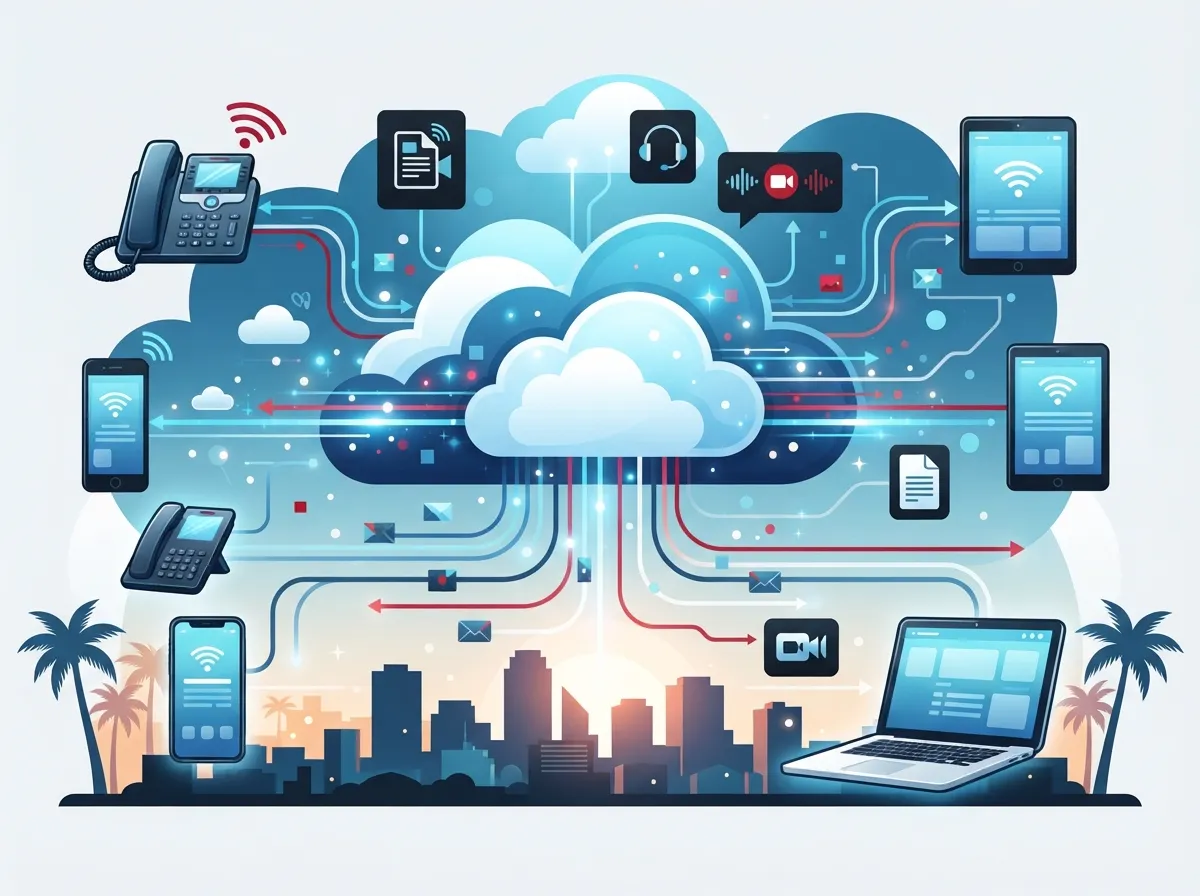
A cloud phone system uses something called VoIP, which stands for Voice over Internet Protocol. Instead of sending your voice through copper wires like the old phone companies did, your calls travel over the internet as digital data. It sounds technical, but honestly, using it feels just like using a regular phone (only better).
Your phone system’s brain lives in secure, offsite data centers instead of a bulky metal box in your supply closet. That means no more clunky on-premise hardware, no more expensive maintenance visits, and a lot more flexibility for your team. If you want a deeper breakdown of how this compares to old-school setups, check out this piece on 6 key differences between VoIP and traditional phone systems.
Why Riverview Businesses Are Making the Switch
Riverview has grown a lot over the past decade, and local businesses are growing right along with it. As teams expand and go remote or hybrid, communication tools need to keep up. Cloud phone systems fit that bill nicely.
- No expensive copper lines or bulky on-site equipment to maintain
- Easy to add or remove users as your team changes size
- Works from anywhere with a solid internet connection
- Lower monthly costs compared to traditional phone lines
- Built-in disaster recovery since everything lives in the cloud
- Simple mobile app so employees can answer calls on the go
How Much Does a Cloud Phone System Cost in Riverview?
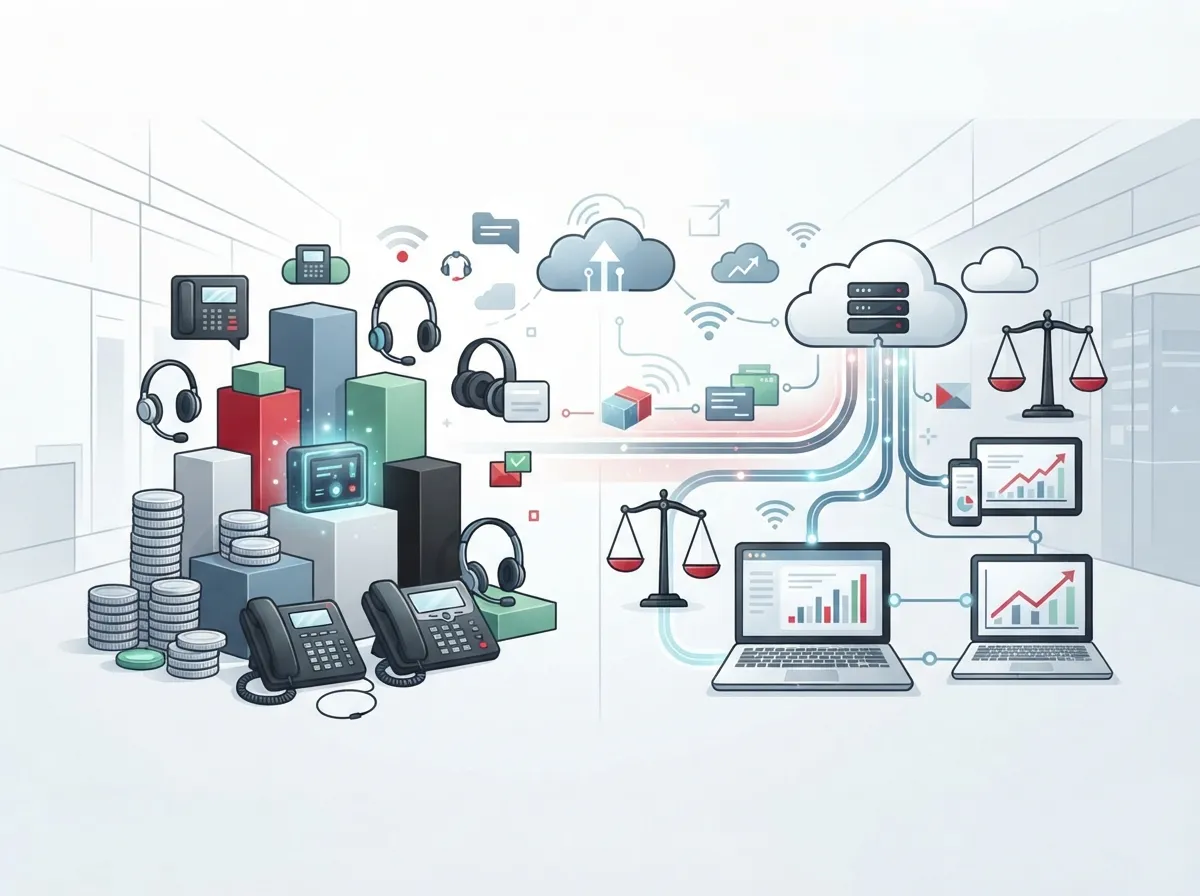
This is usually the first question business owners ask, and it’s a fair one. Pricing in the Riverview area typically falls between $17 and $27 per user, per month, and that usually includes the phone line itself. Compare that to what you might be paying now for a traditional setup, and the savings add up fast.
Some studies show that switching from legacy phone hardware to a cloud-based system can cut telecom costs by up to 50%. That’s because you’re not paying for on-site PBX equipment, per-call fees, or expensive repair visits every time something breaks.
| Feature | Traditional Phone System | Cloud Phone System |
|---|---|---|
| Setup Cost | High (hardware, wiring) | Low to moderate |
| Monthly Cost per User | Varies, often higher | $17–$27/month |
| Scalability | Difficult, needs new lines | Add/remove users instantly |
| Remote Work Support | Limited | Full mobile app access |
| Disaster Recovery | Minimal | Built into cloud infrastructure |
| Maintenance | On-site technician visits | Handled by provider remotely |
If you’re curious about how these numbers break down for your specific business size, this guide on how much a VoIP phone system costs for a business in Tampa is a great next read.
Key Features to Look For
Not all cloud phone systems are created equal. When you’re comparing options, keep an eye out for these must-have features. They make a real difference in how smoothly your team communicates every day.
- Auto-attendant: Greets callers and routes them to the right department automatically.
- Call routing and ring groups: Makes sure calls reach the right person, even during busy hours.
- Call queues: Keeps customers from getting a busy signal during peak times.
- Voicemail-to-email: Sends voicemail messages straight to your inbox so nothing gets missed.
- Mobile app integration: Lets employees use their cell phone as a softphone, so they’re reachable anywhere.
- CRM integration: Connects your phone system with your customer database for smoother workflows.
Providers like Nextiva serve more than a million users with tools like team chat, texting, and video meetings baked right into the phone system. That kind of all-in-one setup can really simplify life for your office manager or IT team.
How to Set Up Your Cloud Phone System: A Step-by-Step Guide
Setting up a new phone system might sound intimidating, but it really doesn’t have to be. Here’s the general process most Riverview businesses go through when making the switch.
- Audit your current setup. Figure out what you’re paying now, what’s working, and what’s not.
- Check your internet connection. Cloud phone systems rely on solid bandwidth, so it’s smart to confirm your internet can handle the load. Learn more in this guide on what internet speed you need for VoIP.
- Choose your provider and plan. Compare features, pricing, and support options carefully.
- Port your existing phone numbers. You don’t have to give up your current business number when switching over.
- Install and configure your system. This includes setting up auto-attendants, ring groups, and voicemail boxes.
- Train your team. A quick training session helps everyone feel comfortable with the new tools.
- Test everything before going live. Make test calls, check voicemail routing, and confirm mobile app access works.
Local providers in the Riverview area, like TSS USA, offer on-site setup, configuration, and ongoing support to make this whole process smoother. That kind of hands-on help is worth its weight in gold when you’re trying to avoid downtime.
Don’t Forget About Your Network Infrastructure
A cloud phone system is only as good as the network it runs on. If your office cabling is outdated or your internet connection is shaky, call quality will suffer no matter how great your VoIP provider is. This is where structured cabling comes into play, giving your office a clean, organized foundation for all your tech needs.
It’s also worth reviewing your current Internet Service Provider setup to make sure you have enough bandwidth for smooth, crystal-clear calls. If you’re not sure where to start, this article on 13 high-speed internet for business tips that save money is a great place to begin.
Comparing Cloud vs. On-Premise PBX Systems
If you’re weighing your options between a traditional on-premise PBX and a cloud-hosted system, here’s a simple breakdown to help you decide.
| Factor | On-Premise PBX | Cloud-Based PBX |
|---|---|---|
| Upfront Investment | Higher (hardware purchase) | Lower (subscription-based) |
| Maintenance | Requires in-house IT or technician | Handled by provider |
| Flexibility | Limited to office location | Works anywhere with internet |
| Updates | Manual updates needed | Automatic updates included |
| Business Continuity | Vulnerable to local outages | Backed by redundant data centers |
For a deeper dive into this comparison, take a look at this piece on local vs. cloud VoIP providers in Tampa, which breaks down the pros and cons even further.
Common Mistakes to Avoid
Switching phone systems is exciting, but a few common missteps can slow you down or cost you extra money. Here’s what to watch out for.
- Not checking internet bandwidth before switching
- Skipping employee training on new features
- Choosing a provider based on price alone, without checking support quality
- Forgetting to test call quality before fully committing
- Overlooking scalability needs for future growth
If you want a more detailed rundown, this article on 15 cloud phone system mistakes Tampa small businesses make covers even more pitfalls to dodge.
Why Working With a Local Telecom Partner Matters
Here’s the thing about telecom shopping: it’s confusing. There are dozens of carriers, hundreds of plans, and it’s easy to end up overpaying for features you don’t even use. That’s where a trusted partner really earns their keep.
Ideal Solutions Provider has spent over 24 years helping Tampa Bay area businesses, including those in Riverview, find the right telecom setup without the headache. As an independent partner working with 35+ vetted suppliers, they compare your options side by side and recommend what actually fits your business, not just what pads someone’s sales quota. In fact, they’ve found that 9 out of 10 companies they audit are overpaying, underperforming, or both.
Whether you need a brand-new cloud phone system, better internet service, or a complete network overhaul, having one point of contact saves you time and sanity. You can learn more about this approach in 11 reasons to use one telecom partner in Tampa FL.
Perfect for Growing and Multi-Location Businesses
If you’re a franchise operator or managing multiple office locations, scalability is probably at the top of your wish list. Cloud phone systems make it simple to add new locations without a huge hardware investment each time. You can also standardize your customer experience across every site, which keeps things consistent no matter where a call comes in.
For companies planning bigger network upgrades alongside their phone system switch, this resource on reliable network solutions for multi-location Tampa businesses offers helpful guidance.
Making the Switch: What to Expect
Once you’ve chosen your provider, the actual transition usually takes anywhere from a few days to a couple of weeks, depending on your business size and complexity. Here’s a simple breakdown of what that timeline might look like.
- Week 1: Initial consultation, needs assessment, and plan selection.
- Week 1-2: Number porting begins and hardware (if any) is ordered.
- Week 2: System configuration, including auto-attendants and call routing setup.
- Week 2-3: Staff training and test calls.
- Week 3: Official go-live date with ongoing support available.
You can also follow along with a more detailed breakdown of this process in 5 steps to switch your business phone to the cloud in Tampa.
Curious what other Tampa Bay businesses have said about their experience? You can check out real client stories and updates on Facebook, browse behind-the-scenes content on Instagram, or watch helpful tutorials on YouTube.
Ready to Make the Switch?
Upgrading to a cloud phone system doesn’t have to feel overwhelming. With the right partner by your side, it’s actually a pretty painless process, and the payoff (lower costs, better flexibility, happier employees) is well worth it. Riverview businesses of every size, from small shops to growing franchises, are finding real value in making this switch.
If you’re ready to see what a cloud phone system could look like for your business, our team would love to walk you through it. Contact us today for a free consultation, or feel free to give us a call to chat about your specific needs. We’re here to make this easy for you, every step of the way.
FAQs
Q: What is the average cost of a cloud phone system for small businesses in Riverview, Florida?
A: You’re typically looking at $17 to $27 per user, per month, and that usually includes the phone line itself. It’s a pretty sweet deal compared to old-school phone lines, especially once you factor in savings on hardware and maintenance.
Q: How does a cloud phone system differ from a traditional landline phone system?
A: A cloud phone system sends your calls over the internet instead of copper wires, which means no bulky on-site equipment to maintain. It’s also way more flexible, letting your team make and receive calls from anywhere with a good internet connection.
Q: Can I use my existing mobile phone as a cloud phone system device in Riverview?
A: Absolutely! Most cloud phone providers offer a mobile app that turns your smartphone into a full-featured business line. It’s a great option for employees who are out in the field or working remotely.
Q: Is a cloud phone system reliable for businesses with high call volumes in Riverview?
A: Yes, cloud systems are actually built for this. Features like call queues and ring groups help manage busy periods smoothly, and the infrastructure lives in secure, redundant data centers for extra reliability.
Q: Can a cloud phone system integrate with my existing CRM software in Riverview businesses?
A: In most cases, yes! Many cloud phone providers offer CRM integrations that sync call data with your customer records automatically. This makes life a lot easier for your sales and support teams.





