
Key Takeaways
-
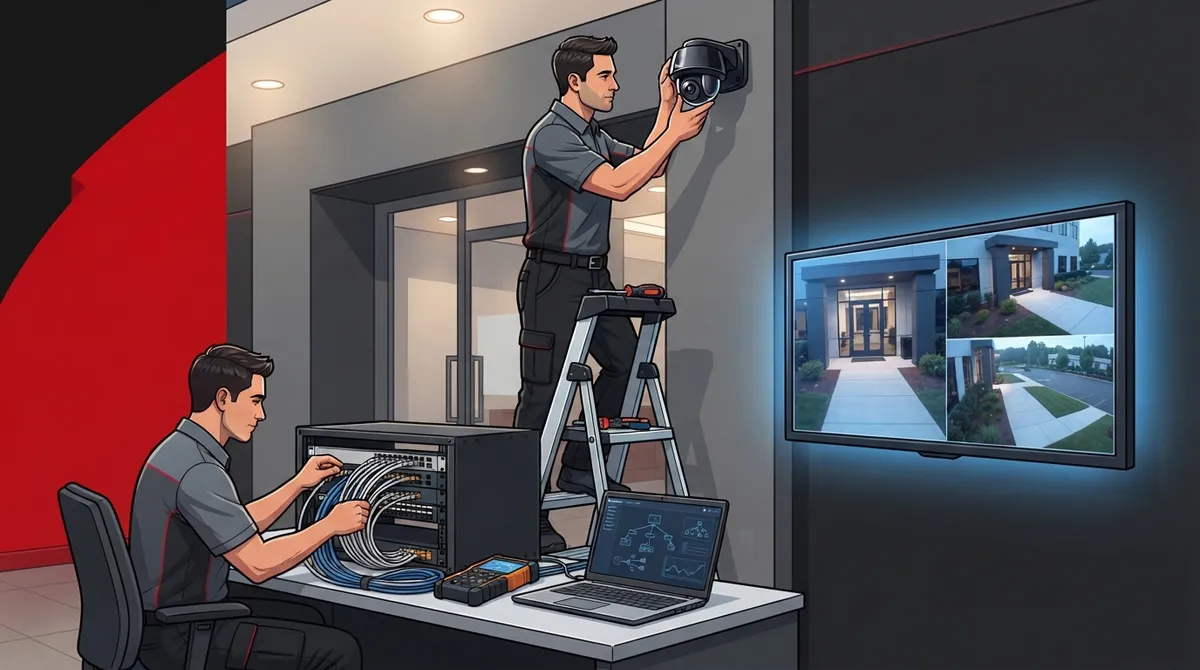
Professional business camera installation requires a site survey and risk assessment before purchasing equipment, as skipping this step is a primary reason systems fail to deliver real protection.
-
Your camera system is only effective as your network infrastructure allows; ensure your internet connection and structured cabling can handle video bandwidth to prevent footage lag, freezing, or loss.
-
A hybrid approach combining PoE cameras with structured cabling and cloud-based storage provides both the stability of wired systems and the convenience of remote phone access for most businesses.
-
Mount cameras 7-8 feet high at entrances to capture facial details, overlap adjacent fields by 10-15% to eliminate blind spots, and avoid pointing directly into bright windows to maintain usable footage.
-
Professional installations typically include site walkthrough, coverage planning, network checks, mounting, recording setup, and staff training—missing the training component leaves you unable to retrieve footage during emergencies.
-
Small to mid-size business camera systems covering 4-12 cameras typically cost $2,000-$8,000; integrating cameras with access control and alarms creates layered security that alerts you when unauthorized entry occurs with corresponding footage.
Ever walked into your office on a Monday morning, wondering if that weird noise you heard on the security video Friday night was actually something worth worrying about? You’re not alone. So many Tampa business owners tell us the same thing: they installed cameras years ago, but nobody really planned it out. The cameras miss the loading dock. The footage is grainy. Nobody can pull up the video from their phone. Sound familiar?
Business security camera installation isn’t just about screwing a camera to the wall and hoping for the best. When you’re running a business, your camera system needs to work with your network, your phone system, and your day-to-day operations. That’s where things get interesting, and honestly, a little more fun than you’d expect. Grab a coffee, and let’s walk through what a smart, well-planned installation actually looks like in 2026.
Why Business Security Camera Installation Is Different Than DIY
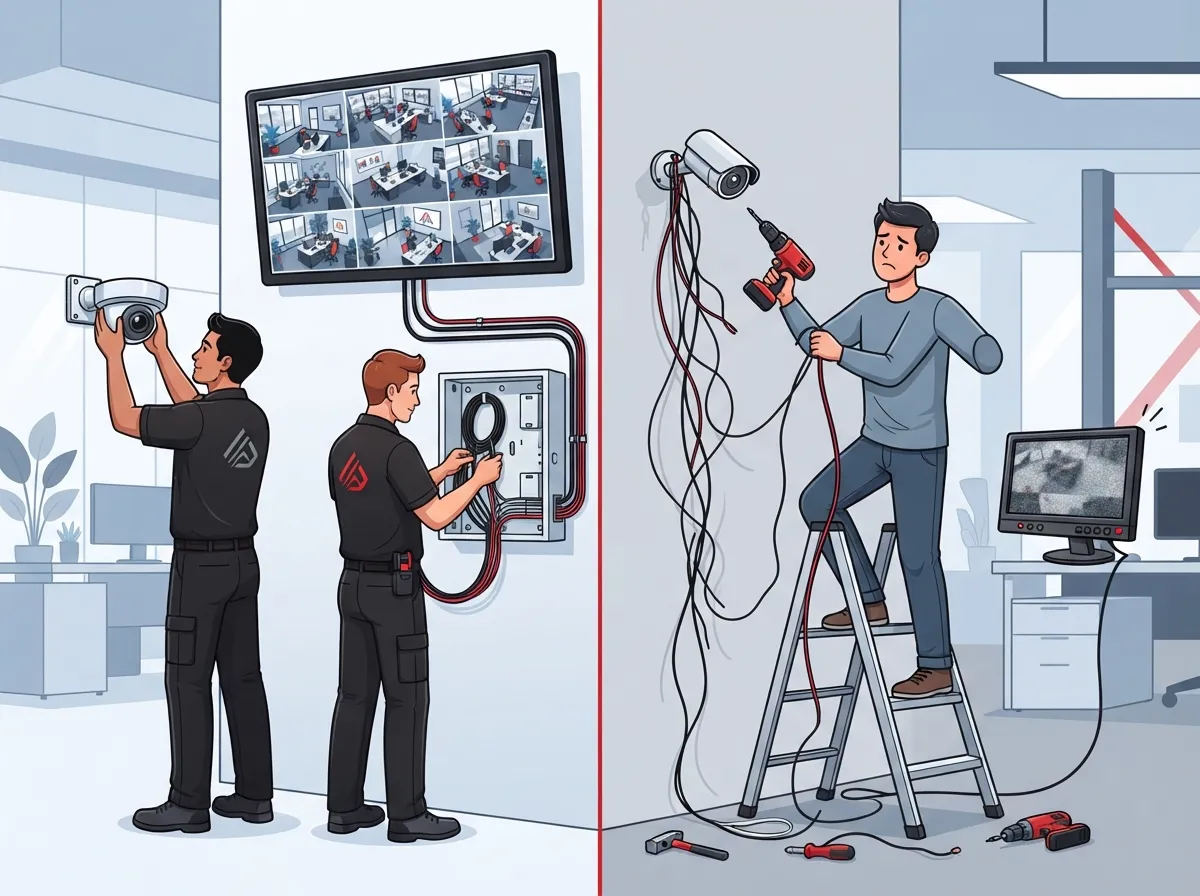
Home security cameras and business security systems are cousins, not twins. A home system usually covers a front door and a backyard. A business system has to cover parking lots, cash registers, storage rooms, entrances, and sometimes multiple buildings.
Professional commercial camera installation typically starts with a site survey and a risk assessment. This means someone walks your property first, before any equipment gets purchased. They look at your entrances, loading docks, parking areas, and cash-handling zones to figure out where trouble is most likely to happen.
This step matters more than people think. A good installer designs the whole system around coverage, lighting, power, connectivity, and how long you need to store footage, before a single camera goes up on the wall. Skipping this step is one of the biggest reasons business camera systems fail to deliver real protection.
The Network Connection Nobody Talks About
Here’s something a lot of business owners don’t realize until it’s too late: your camera system is only as good as your network. If you’ve got weak structured cabling or an internet connection that can’t handle the load, your cameras will lag, freeze, or drop footage entirely.
This is exactly why telecom partners like Ideal Solutions Provider get involved in camera projects. We’re not just hanging hardware. We’re making sure your security cameras actually do their job by pairing them with reliable cabling and internet that can handle the bandwidth.
What’s Actually Included in a Professional Installation
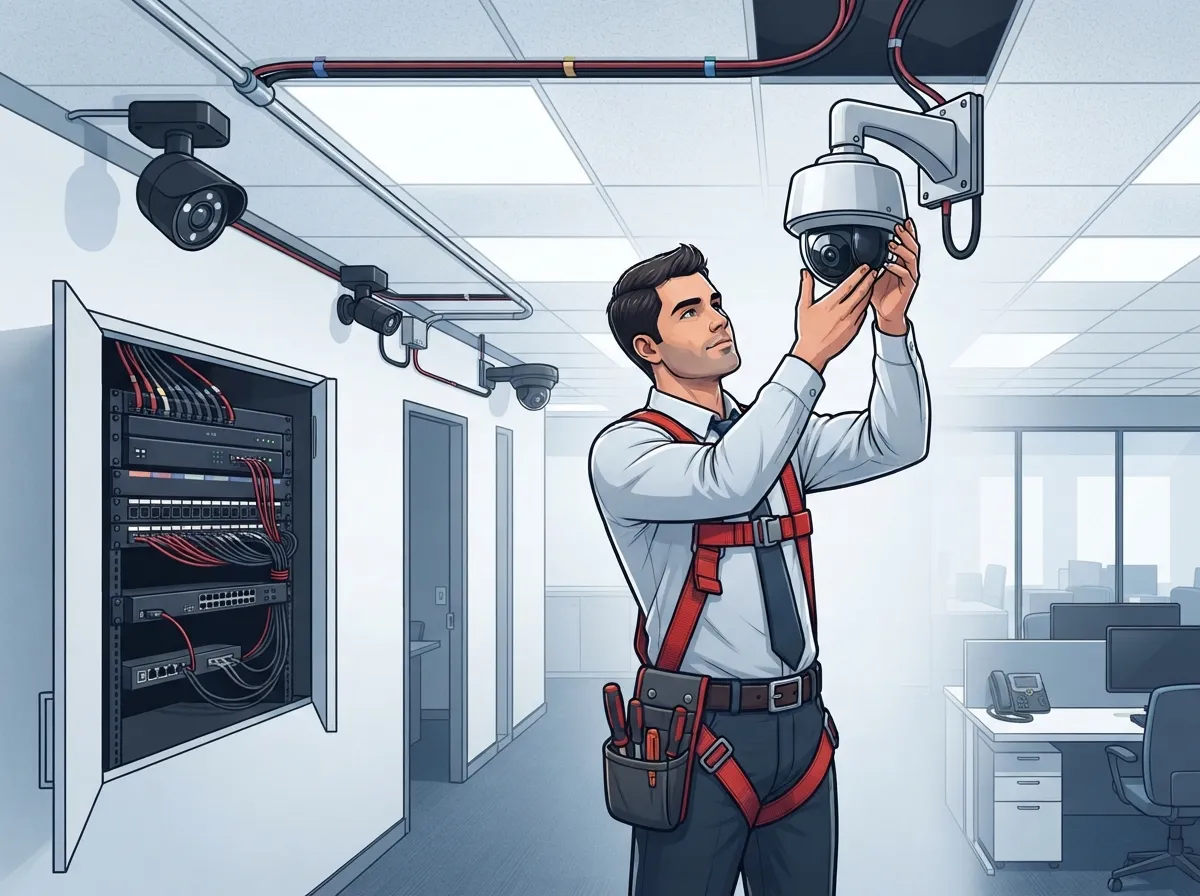
So what does a real, professional installation include? It’s more than most people expect, and honestly, that’s a good thing.
- A site walkthrough to spot vulnerable areas like entrances, docks, and cash-handling zones
- A coverage plan that accounts for lighting, angles, and blind spots
- Network readiness checks, including cabling, switches, and bandwidth
- Camera mounting and wiring, often using Power over Ethernet (PoE)
- Setup of recording systems like NVRs or cloud-based storage platforms
- Post-install testing to confirm image quality and full coverage
- Training so your team knows how to pull up footage when needed
That last point is easy to overlook, but it’s huge. What good is a camera system if your office manager can’t figure out how to find last Tuesday’s footage during an emergency?
PoE, Wireless, or Cloud: Which One Fits Your Business?
This is one of the most common questions we get. Let’s break it down simply.
| Option | Best For | Pros | Cons |
|---|---|---|---|
| PoE (Power over Ethernet) | Most commercial buildings | Reliable, single cable for power and data, strong image quality | Requires structured cabling |
| Wireless | Hard-to-wire spots, temporary setups | Fast to install, flexible placement | Can be affected by interference, less stable |
| Cloud-Connected | Multi-location businesses, remote managers | Remote viewing, easy scaling, automatic updates | Depends on internet speed and reliability |
For most Tampa businesses, a hybrid approach works best: PoE cameras wired through solid structured cabling, feeding into a cloud platform for remote access. This gives you the stability of a wired system with the convenience of checking footage from your phone.
How Many Cameras Does Your Business Actually Need?
This depends on your building size, layout, and risk areas. But there are some general guidelines that help.
- Count your entrances and exits, including employee-only doors
- Identify cash-handling areas like registers or safes
- Map out parking lots and loading docks
- Note any storage rooms with valuable inventory
- Consider blind spots created by hallways, stairwells, or large equipment
- Factor in outdoor lighting conditions for nighttime coverage
- Plan for future growth if you’re expanding the space
Industry guides suggest overlapping adjacent camera fields of view by about 10-15% to reduce blind spots. It’s a small detail, but it makes a real difference when you’re trying to piece together footage after an incident.
Camera Placement Tips That Actually Work
Placement matters as much as the camera itself. A great camera in the wrong spot is basically useless.
- Mount cameras around 7-8 feet off the ground to balance tamper protection with clear facial detail
- Angle entrance cameras to capture faces, not just the tops of heads
- Cover parking lots with wide-angle lenses to catch license plates and foot traffic
- Place cameras near cash registers at an angle that captures transactions clearly
- Avoid pointing cameras directly into bright windows or sunlight, which can wash out footage
These sound like small details, but they’re the difference between a system that just looks good and one that actually protects your business.
How Long Does Installation Take?
This is one of the most practical questions business owners ask, and for good reason. Nobody wants their operations disrupted for weeks.
| Business Size | Camera Count | Estimated Timeline |
|---|---|---|
| Small Office or Retail Space | 4-8 cameras | About 1 day |
| Medium Commercial Site | 8-16 cameras | 1-3 days, including cabling and setup |
| Large or Multi-Building Rollout | 16+ cameras | Several days to multiple weeks |
These are general estimates, and your actual timeline depends on things like existing cabling, building layout, and how many locations you’re covering. A multi-location franchise, for example, will take longer than a single small office, but that time investment pays off with consistent coverage across every site.
What About Cost?
Budget is always top of mind, and that’s completely fair. For a small to mid-size business, a commercial camera deployment covering 4 to 12 cameras often falls somewhere between $2,000 and $8,000, depending on equipment quality, cabling needs, and storage options.
That range can feel like a lot until you compare it to the cost of a single theft, liability claim, or safety incident. Cameras aren’t just a security tool, they’re an investment in peace of mind and protection for your team.
Integrating Cameras With Access Control and Alarms
Here’s where things get really smart. Modern business camera systems don’t have to work alone. They can integrate with access control systems, alarm systems, and remote monitoring platforms.
Imagine getting an alert on your phone the moment someone badges into your building after hours, along with camera footage of exactly who it is. That’s the kind of layered security that today’s cloud-based platforms make possible. If you’re curious about how access control fits into this picture, our guide on why Tampa businesses need commercial access control breaks it down further.
Multi-Location Businesses Need a Standardized Approach
If you’re running a franchise or managing multiple offices, consistency is everything. You don’t want one location with a modern cloud system and another still relying on an ancient DVR from a decade ago.
Working with a single installation partner across all your sites means:
- Standardized equipment that’s easier to maintain and troubleshoot
- Centralized viewing so managers can check any location from one dashboard
- Consistent support and training for staff at every site
- Simplified billing and vendor management
- Faster rollout for new locations as you grow
This is exactly the kind of headache we help eliminate at Ideal Solutions Provider. Instead of juggling different vendors for phones, internet, cabling, and cameras at each location, you get one point of contact who understands your whole setup.
Network Requirements You Shouldn’t Skip
IP camera systems need solid network infrastructure to function well. This isn’t the place to cut corners.
- Confirm your internet connection can handle the added bandwidth from streaming video
- Set up VLANs to separate camera traffic from regular business traffic
- Use structured cabling rated for your camera system’s data needs
- Choose an Internet Service Provider with reliable uptime, especially for cloud-based storage
- Plan for backup power or battery systems to keep cameras running during outages
If your current internet setup feels shaky, it might be worth checking out our tips on fixing slow business internet in Tampa before adding camera traffic to the mix.
Common Mistakes Businesses Make With Camera Installation
We’ve seen it all, and honestly, most mistakes come from rushing the planning stage.
- Choosing cheap cameras without checking network compatibility
- Skipping the site survey and guessing at camera placement
- Ignoring lighting conditions, resulting in unusable nighttime footage
- Ripping the retention period too short, losing valuable footage before it’s needed
- Not testing the system after installation to catch blind spots
The good news? Every one of these mistakes is completely avoidable with the right planning partner from the start.
Bringing It All Together With a Trusted Telecom Partner
At the end of the day, business security camera installation works best when it’s part of a bigger picture. Your cameras, your network, your phone system, and your cabling all need to work together smoothly. That’s the real value of working with a company that understands telecom as a whole, not just cameras in isolation.
With over 24 years of experience and partnerships with 35 or more vetted suppliers, Ideal Solutions Provider helps businesses across Tampa Bay and nationwide design camera systems that actually fit their operations. We handle the consultation, the installation, and the ongoing support, so you’re not left figuring things out alone.
You can also follow along and see real installations in action on our YouTube channel, or check out behind-the-scenes moments on our Facebook and Instagram pages.
Ready to Protect What You’ve Built?
Your business deserves a security camera system that actually works, one that’s planned around your building, your risks, and your network. Not a rushed job that leaves gaps in coverage or footage nobody can find when it matters most.
If you’re ready to talk through your options, our team would love to help you build a plan that fits your business perfectly. Contact us today for a free consultation, or call us to speak with someone who genuinely cares about getting this right for you. We’re here, we’re friendly, and we’re ready when you are.
FAQs
Q: What is included in business security camera installation?
A: A professional installation usually includes a site survey, a coverage plan, network readiness checks, camera mounting and wiring, recording system setup, and post-install testing. Good installers also train your team so everyone knows how to pull up footage when needed. It’s a full package, not just cameras on a wall.
Q: How much does commercial security camera installation cost?
A: For a small to mid-size business, a deployment covering 4 to 12 cameras often ranges from $2,000 to $8,000, depending on equipment and cabling needs. Larger or multi-location projects will cost more, but the investment usually pays for itself in peace of mind and protection.
Q: Should a business choose PoE, wireless, or cloud cameras?
A: It really depends on your setup. PoE cameras are reliable and great for most commercial buildings, wireless works well for hard-to-wire spots, and cloud-connected systems shine for multi-location businesses that need remote viewing. Many businesses actually use a mix of all three.
Q: How many cameras does my business need?
A: It depends on your entrances, parking areas, cash-handling zones, and overall building layout. A good rule of thumb is to overlap camera views by 10-15% to avoid blind spots. A site survey from a professional installer will give you the clearest answer.
Q: Can business security cameras integrate with access control and alarms?
A: Absolutely, and it’s one of the smartest moves you can make. When cameras work together with access control and alarms, you get instant alerts paired with real footage, giving you a much clearer picture of what’s happening at your business in real time.





