
Key Takeaways
-
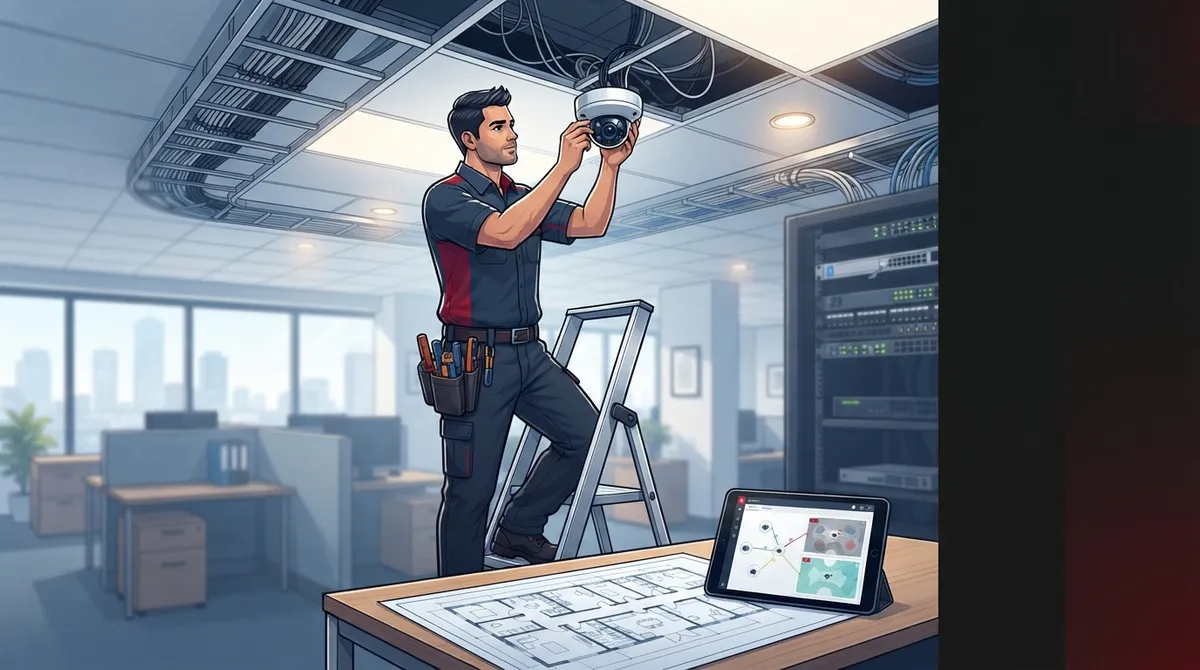
Commercial camera systems require proper structured cabling, dedicated networks, and Power over Ethernet (PoE) connections—not just standalone cameras—so working with a telecom partner often works better than a standalone camera shop.
-
Always request a free site walk-through from installers before accepting a quote, as camera placement directly affects coverage, blind spots, and future scalability; skipping this step is a red flag.
-
Commercial installations typically cost $1,000-$2,200 for 8 cameras or $500-$1,200 for 4 cameras, but prices vary by building complexity and cabling needs, so custom quotes after site visits are standard industry practice.
-
Verify that installers are licensed, insured, have commercial experience (not just residential), understand networking, and offer ongoing support; ask for references from other business clients in your industry.
-
Camera systems integrated with access control, motion alerts, and multi-location monitoring provide better security insights; this integration works best when one team manages both your network infrastructure and cameras.
-
Local installers provide faster response times for repairs, knowledge of local building codes and internet providers, and easier scheduling compared to national call centers, making proximity genuinely valuable for business security.
Searching for “security camera installation services near me” can feel like opening a can of worms. You get dozens of results, mixed reviews, and prices that seem to change from one page to the next. If you own or manage a business in Tampa Bay (or anywhere else, really), you deserve a clear, simple path to finding a trustworthy installer who understands both cameras and the network they run on.
Here’s the thing most local directories won’t tell you: commercial security cameras aren’t just about the camera itself. They depend on solid structured cabling, a healthy network, and reliable internet. That’s why so many businesses end up working with a telecom partner instead of a standalone camera shop. Let’s walk through everything you need to know to make a smart, confident choice.
Why “Near Me” Still Matters for Business Security Cameras
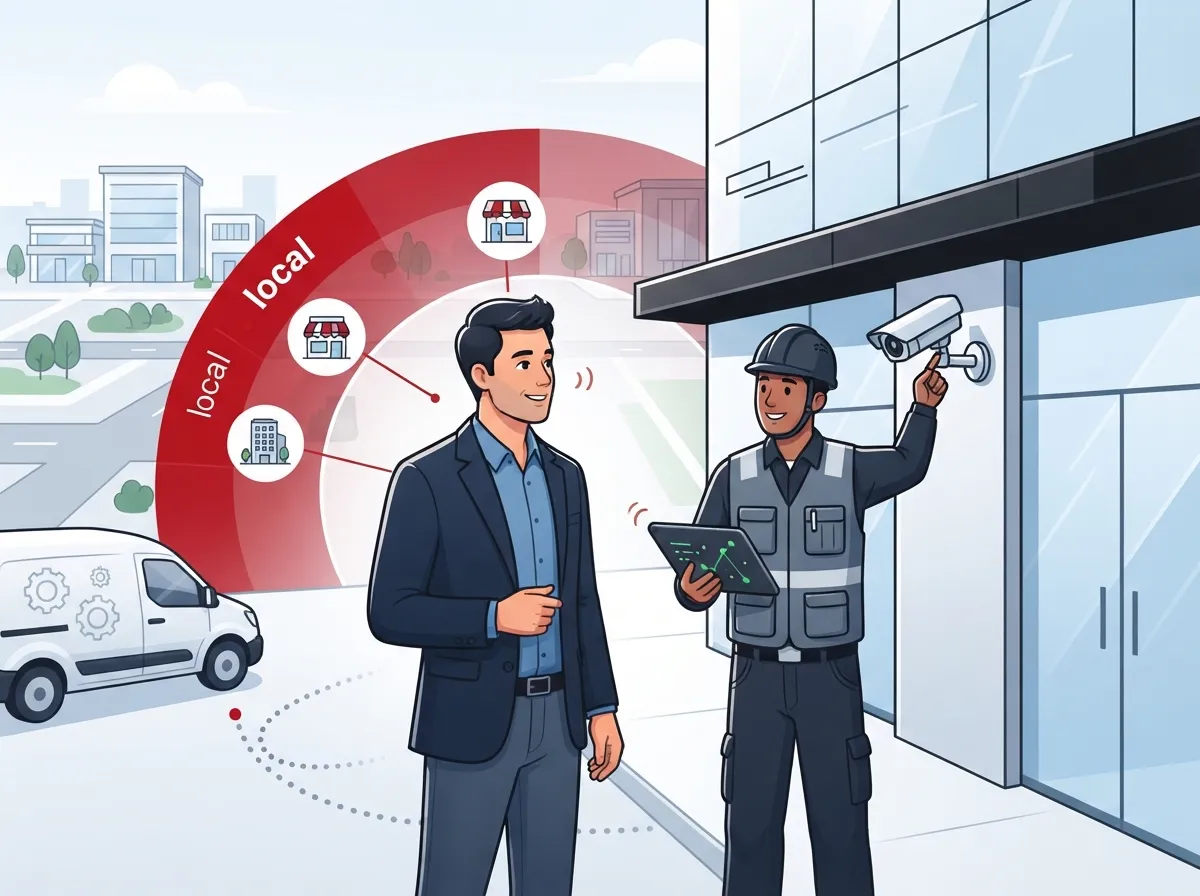
You might think location doesn’t matter much when a company can remote into your system. But for camera installation, being nearby is a big deal. Someone has to physically show up, run cables, mount hardware, and test everything on-site.
A local installer can also respond faster if something breaks. They know your area’s building codes, internet providers, and even common power issues. That local knowledge saves you time and headaches down the road.
What Local Availability Really Gives You
- Faster response times for repairs or system tweaks
- Technicians familiar with local permitting and building requirements
- Easier scheduling for site walk-throughs and follow-up visits
- Better understanding of local network providers and speeds
- A real point of contact instead of a call center overseas

What Should a Business Look For in Local Camera Installers?
Not every installer who shows up in a search is the right fit for a commercial job. Homes and businesses have very different needs. A business usually needs more cameras, more coverage, and tighter integration with existing telecom systems.
Here are the main things to check before you hire anyone:
- Ask if they specialize in commercial installations, not just residential jobs
- Confirm they carry proper licensing and insurance for your state
- Ask about their experience with structured cabling and networking
- Find out if they offer a free site survey or walk-through
- Check if they provide ongoing support after installation
- Ask about equipment brands and whether parts are covered under warranty
- Request references from other business clients in your industry
A good installer will walk your property before quoting a price. This step matters because camera placement affects coverage, blind spots, and even future scalability. If a company skips this step, that’s a red flag.
Commercial vs. Residential Installation: Key Differences
Business camera systems are simply built differently than home setups. The table below breaks down the main contrasts you should know about.
| Factor | Residential Installation | Commercial Installation |
|---|---|---|
| Number of Cameras | 1-4 cameras typically | 8-50+ cameras depending on site size |
| Network Needs | Basic home Wi-Fi | Dedicated network, structured cabling, often PoE |
| Storage | Local SD card or small NVR | Cloud storage or enterprise-grade NVR/servers |
| Integration | Standalone app | Integrated with access control, alarms, and telecom systems |
| Support | Self-service troubleshooting | Ongoing managed support and monitoring |
How Much Does Commercial Security Camera Installation Cost Near Me?
Pricing for security camera installation varies quite a bit, and honestly, that’s normal. Costs depend on how many cameras you need, the complexity of your building, and whether new cabling is required.
According to Thumbtack, a single-camera installation can run around $100, while a full multi-camera business system often lands between $1,000 and $2,200. Larger commercial setups with more cameras and cloud integration can cost more, especially when structured cabling or network upgrades are part of the job.
Typical Price Ranges by System Size
| System Size | Estimated Cost Range | Best For |
|---|---|---|
| 1-2 Cameras | $100 – $500 | Small offices, single entry points |
| 4 Cameras | $500 – $1,200 | Small retail shops, small offices |
| 8 Cameras | $1,200 – $2,200 | Mid-sized offices, restaurants |
| 16+ Cameras | $2,200 and up | Warehouses, multi-location businesses |
Because pricing depends so heavily on your specific building and goals, most reputable installers quote projects individually rather than posting flat rates online. This is standard practice, not a red flag.
Why Cameras and Business Telecom Go Hand in Hand
Here’s something a lot of business owners don’t realize until it’s too late: your camera system is only as strong as your network. If your internet drops or your cabling is outdated, your cameras may lag, freeze, or stop recording altogether.
This is exactly why telecom providers like Ideal Solutions Provider often handle camera installation alongside high-speed internet upgrades and structured cabling services. When one team manages both the network and the cameras, everything works together smoothly instead of becoming a tangled mess of vendors.
How Cameras Connect to Your Business Network
- Cameras usually connect through Power over Ethernet (PoE), which needs proper cabling
- Cloud-based systems require stable, high-speed internet for smooth streaming
- Multiple cameras can strain a network if it’s not designed to handle the load
- Remote viewing depends on strong Internet Service Provider connections
- Integration with access control often shares the same network backbone
If your building’s wiring is old or mismatched, you may need an upgrade before cameras can even be installed properly. Learn more about how structured cabling supports VoIP and cameras together for a smoother, more reliable setup.
Steps to Take Before Hiring a Local Installer
Feeling a little overwhelmed? Don’t worry, this part is easier than it sounds. Just follow these steps and you’ll be in great shape.
- Make a list of areas you want covered, like entrances, parking lots, and storage rooms
- Search for local installers with strong reviews and commercial experience
- Request a site walk-through instead of a phone-only quote
- Compare at least two or three quotes side by side
- Ask about integration with your current network and telecom setup
- Confirm training is included so your team knows how to use the system
- Review the contract for warranty details and support terms
Taking these steps helps you avoid surprises later. A trustworthy installer won’t mind answering every single question you throw at them.
Questions Worth Asking Every Installer
- Are you licensed and insured in this state?
- How long will installation take for our building size?
- What happens if a camera fails after installation?
- Can this system grow with us if we add more locations?
- Do you offer remote monitoring or cloud storage options?
- How does this integrate with our phone and internet systems?
According to Thumbtack, most professional installations take anywhere from a few hours to a full day, depending on the number of cameras and building complexity. Larger commercial jobs with new cabling may take longer, so ask for a realistic timeline upfront.
How Cameras Work with Access Control and Other Security Tools
Modern businesses rarely want cameras that just sit there recording footage no one watches. Instead, many companies now connect their cameras to access control systems for a fuller security picture.
This kind of integration lets you see who entered a building and match that with camera footage in real time. It’s a smart way to boost security without hiring extra staff. If you’re curious how this works, check out this guide on cloud-based access control systems for businesses.
Common Integrations Businesses Choose
- Cloud video security paired with door access control
- Motion-triggered alerts sent straight to a manager’s phone
- Remote monitoring across multiple business locations
- Shared network infrastructure for cameras, phones, and Wi-Fi
Franchise operators especially benefit from this kind of setup since it allows consistent monitoring across every location without needing separate systems everywhere. If you manage multiple sites, this guide on scalable access control for multi-location businesses is worth a look.
Finding a Trustworthy Local Partner
At the end of the day, the best “security camera installation services near me” search leads you to a company that treats your business like a partner, not just another job. You want someone who asks good questions, explains things clearly, and sticks around after installation.
Ideal Solutions Provider has spent over 24 years helping Tampa-area businesses and companies nationwide bring their telecom and security systems together under one roof. Instead of juggling separate vendors for internet, cabling, and cameras, you get one team handling it all from start to finish.
You can also see examples of real installations and setups on their YouTube channel, or follow updates and tips on Facebook and Instagram. These channels are a great way to get a feel for a company before you commit to anything.
Signs You’ve Found the Right Fit
- They offer a free consultation or audit of your current setup
- They explain pricing clearly without pressuring you to decide fast
- They have experience across multiple industries, not just one niche
- They offer ongoing support instead of disappearing after installation
- They understand how cameras, cabling, and internet work together
If you want to see how cameras actually protect your bottom line, this article on what security cameras really do for your business breaks it down in simple terms.
Bringing It All Together
Choosing a local security camera installer doesn’t have to feel stressful. When you know what to look for, ask the right questions, and understand how cameras connect to your bigger telecom picture, the whole process becomes much easier.
Remember, a good installer isn’t just selling hardware. They’re helping protect your business, your team, and your peace of mind. Take your time, compare a few options, and choose a partner who treats your business the way they’d want their own treated.
Ready to get expert help finding the right camera system for your business? Contact us today for a free consultation, or simply call us to talk through your options with a friendly, knowledgeable team.
FAQs
Q: What should a business look for in local security camera installation services?
A: Look for an installer with real commercial experience, not just residential jobs. You’ll also want someone who offers a site walk-through, understands networking and structured cabling, and provides support after the install is done. Trust me, these details make a huge difference down the road!
Q: How much does commercial security camera installation cost near me?
A: Prices vary quite a bit, but small setups often start around $100 to $500, while full commercial systems can run $1,000 to $2,200 or more depending on size and complexity. Since every building is different, most installers provide a custom quote after a site visit rather than a flat rate.
Q: Are security camera installers licensed and insured?
A: Reputable commercial installers should always carry proper licensing and insurance, and it’s completely fair to ask for proof before signing anything. A trustworthy company will happily share this info without any hesitation.
Q: How do security cameras integrate with business telecom and network cabling?
A: Cameras typically run on Power over Ethernet, which depends on solid structured cabling and a stable network. That’s why many businesses choose a telecom-savvy installer who can handle cameras, cabling, and internet all together for smoother performance.
Q: How long does a commercial security camera installation take?
A: Most jobs take anywhere from a few hours to a full day, though larger systems with new cabling may take longer. Your installer should give you a clear timeline before work begins so there are no surprises.





