
Key Takeaways
-
Plan your network bandwidth before installing cameras; test current upload/download speeds during business hours and consider high-speed internet upgrades to avoid slowdowns to daily operations.
-
Implement a hybrid setup with a bridge device or CMVR to protect against data loss during internet outages and ensure continuous local recording when cloud connectivity fails.
-
Calculate your exact footage retention needs (30, 90, or 365 days) upfront based on industry requirements, insurance needs, and compliance rules to avoid overpaying for storage or losing critical evidence.
-
Choose a system that offers real-time mobile alerts, AI-powered search, and multi-user access controls rather than the cheapest option, comparing total value including support quality and scalability.
-
Involve your IT team early and conduct a pilot test with 1-2 cameras at a single location before rolling out system-wide to catch integration issues and confirm proper functionality.
-
Verify encryption standards, SOC 2 or ISO compliance documentation, and identity access controls with your vendor—especially critical if you're in healthcare, finance, or other regulated industries.
So you’re thinking about switching to cloud video security for your business, and you keep asking yourself the same question: what do I actually need to make this work? You’re not alone. We hear this question almost every week from Tampa business owners, office managers, and IT folks who are tired of clunky old camera systems that only work when someone remembers to check the hard drive in the back closet. The good news? Getting cloud video security right isn’t complicated once you know what pitfalls to dodge.
In this friendly guide, we’re going to walk through the most common mistakes businesses make when planning a cloud video security setup. Think of this as a checklist from a friend who’s seen it all, not a sales pitch. Whether you run a single Tampa storefront or you’re managing cameras across a dozen franchise locations, avoiding these 15 mistakes will save you money, headaches, and probably a few sleepless nights.
Mistake 1: Assuming You Only Need Cameras
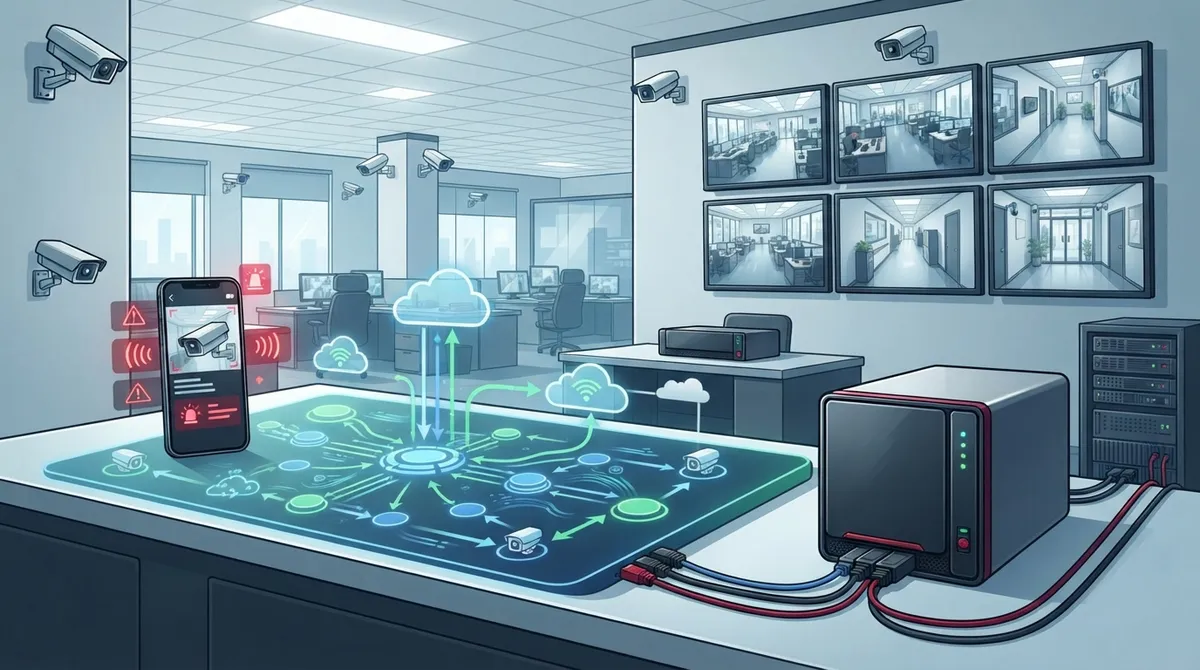
A lot of business owners think cloud video security just means buying some cameras and plugging them in. That’s only part of the picture. A real cloud video security setup needs cameras, a strong network connection, and cloud storage or VMS (video management software) to actually record, store, and let you view your footage remotely.
Skipping any one of these pieces leaves you with a system that looks good but doesn’t actually protect your business. This is exactly why many companies turn to a trusted partner like Cloud Video Security services that bundle everything together instead of leaving you to guess.
Mistake 2: Ignoring Your Network’s Bandwidth
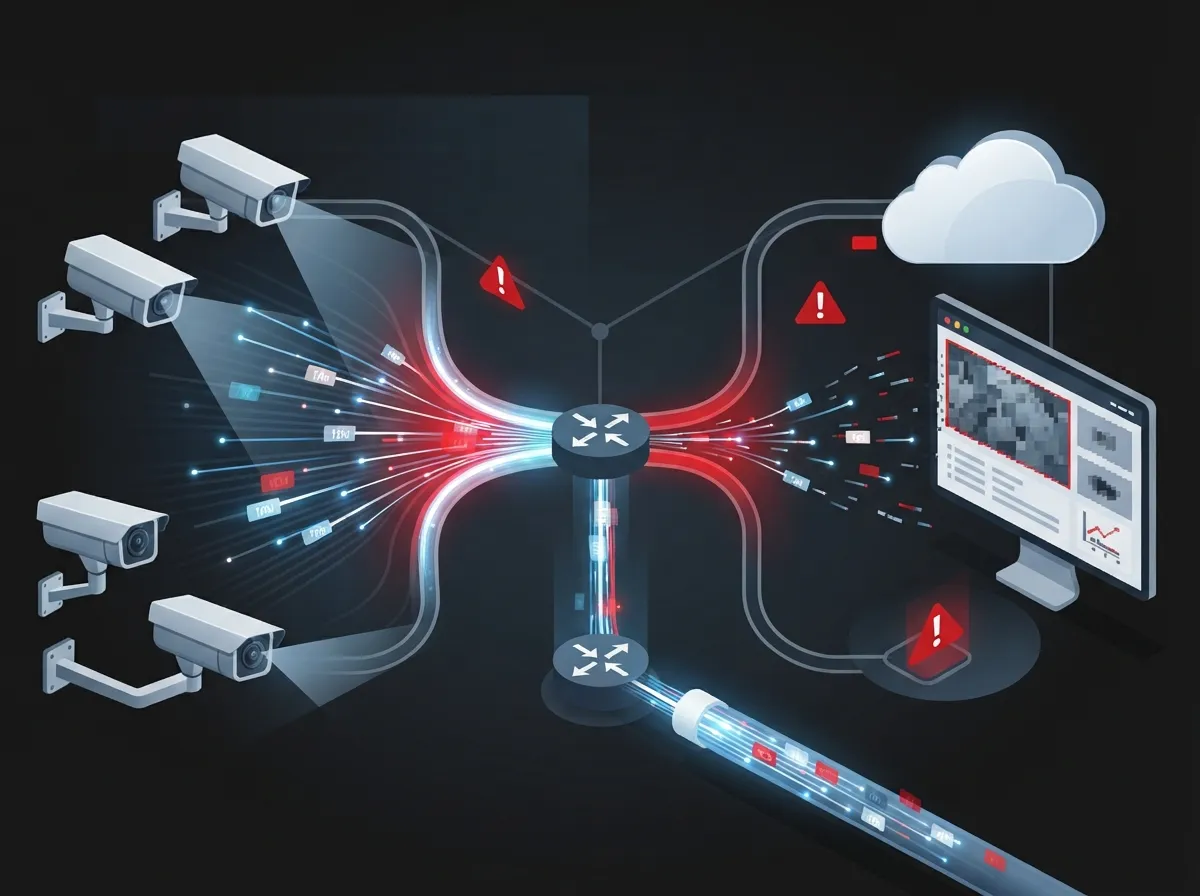
Here’s something people forget: cameras eat bandwidth. If your internet connection is already stretched thin running your phones, point-of-sale systems, and everyday browsing, adding several HD cameras can slow everything down.
Before you install anything, get a clear picture of your current network capacity. If it’s not enough, it might be time to look into high-speed internet upgrades that can handle both your daily operations and your new cameras without a hiccup.
Quick Bandwidth Checklist
- Test your current upload and download speeds during business hours
- Count how many cameras you plan to install now and in the future
- Ask your provider about dedicated bandwidth for security devices
- Consider a business-grade connection instead of residential internet
- Plan for growth if you’re opening new locations soon
Mistake 3: Forgetting About Internet Outages
What happens to your video footage if your internet goes down for an hour? If your cameras rely completely on the cloud with no backup, you could lose that footage forever. This is a huge blind spot many businesses don’t think about until it’s too late.
The fix is simple: ask about a bridge device. A bridge appliance buffers footage during internet interruptions and manages uploads so nothing gets lost during outages or heavy daytime bandwidth use. It’s a small piece of hardware that solves a big problem.
Mistake 4: Choosing Cloud-Only When You Need Hybrid
Not every business needs a fully cloud-based system. Some need a hybrid setup that combines local storage with cloud access. This is where a CMVR, or cloud-managed video recorder, comes in handy.
A CMVR gives you the best of both worlds: local storage for longer retention and cloud access for remote viewing and management. If your industry has strict record-keeping rules, or if you simply want extra peace of mind, hybrid might be your answer.
Cloud vs. Hybrid: A Simple Comparison
| Feature | Pure Cloud System | Hybrid (Cloud + Local) |
|---|---|---|
| Storage Location | Cloud servers only | Local device plus cloud backup |
| Works During Internet Outage | Limited, depends on bridge | Yes, local recording continues |
| Upfront Hardware Cost | Lower | Slightly higher |
| Best For | Single-location small businesses | Multi-location or compliance-heavy businesses |
| Remote Access | Yes | Yes |
Mistake 5: Skipping the Multi-Location Conversation
If you run more than one Tampa location, or you’re a franchise operator with sites scattered across the state, you need a system built for that from day one. Cloud video surveillance is especially useful here because it centralizes monitoring, alerts, and access across every location in a single dashboard.
Trying to bolt multi-site support onto a system that wasn’t designed for it usually leads to frustration. Instead, plan for it upfront, even if you’re only opening your second location down the road.
Mistake 6: Not Asking About Encryption and Compliance
Security cameras protect your business, but the video system itself also needs protection. Ask any vendor about encryption, identity and access controls, and compliance documentation like SOC 2 or ISO standards. If they can’t answer clearly, that’s a red flag.
This matters even more if you’re in healthcare, finance, or another regulated industry where footage might need to meet specific retention and privacy rules.
Mistake 7: Underestimating Storage Retention Needs
How long do you actually need to keep your footage? Thirty days? Ninety days? A full year? This decision affects your storage costs and your system design, so don’t leave it as an afterthought.
Think about your industry’s needs, any insurance requirements, and how often you’d realistically need to pull old footage. Getting this number wrong either wastes money or leaves you without evidence when you need it most.
Mistake 8: Overlooking Mobile and Remote Access Features
One of the biggest perks of cloud video security is checking in on your business from anywhere. But not every system offers the same quality of mobile access. Look for real-time alerts, motion detection, and AI-powered search that helps you find specific events fast instead of scrubbing through hours of footage.
Must-Have Cloud VMS Features
- Live remote viewing from a phone or tablet
- Motion-triggered alerts sent instantly
- AI-based search to find people or vehicles quickly
- Multi-user access with permission controls
- Simple dashboard for managing multiple cameras
- Easy footage export for reports or investigations
Mistake 9: Not Planning Your Cabling Ahead of Time
Cameras need power and a solid connection, and that means cabling matters more than people realize. Poorly planned wiring can lead to dropped connections, grainy footage, or cameras that just stop working during busy hours.
Working with a team that understands structured cabling from the start saves you from costly rewiring later. If you’re already updating your office network, this is the perfect time to plan your camera cabling too.
Mistake 10: Choosing Based on Price Alone
We get it, budgets matter. But picking the cheapest cloud video security option often means sacrificing storage, support, or features you’ll wish you had later. Cloud systems are popular partly because they lower upfront infrastructure costs by replacing large on-site servers with service-based storage and management, so you’re already saving compared to old-school setups.
Instead of chasing the lowest price, compare total value: installation quality, ongoing support, storage limits, and scalability for future growth.
What to Compare Before You Buy
- Monthly storage costs versus retention period offered
- Installation and setup fees included or separate
- Availability of local support versus call-center only
- Contract length and cancellation terms
- Ability to add cameras or locations later
Mistake 11: Forgetting to Involve Your IT Team Early
If you have an IT manager or team, loop them in before you sign any contracts. They’ll want to know about network impact, firewall settings, and how the cameras will integrate with existing systems. Skipping this step often leads to installation delays and frustrated staff.
Mistake 12: Not Testing the System Before Full Rollout
Jumping straight to a full building or multi-site installation without a test run is risky. Start with one location or a handful of cameras, confirm everything works the way you expect, then scale up with confidence.
Steps for a Smooth Rollout
- Install a small pilot group of cameras first
- Test remote viewing on multiple devices
- Confirm alerts and notifications work properly
- Check footage quality during peak business hours
- Get staff feedback before expanding to other locations
- Finalize a support plan for ongoing maintenance
Mistake 13: Ignoring Integration With Other Telecom Systems
Your cloud video security shouldn’t operate in a silo. Many businesses find real value when their cameras, cloud phone systems, and access control systems work together under one provider. That means fewer vendors to manage and a smoother experience overall.
This is one reason Ideal Solutions Provider works as a single point of contact, connecting Tampa businesses with vetted suppliers so cameras, networking, and phones all play nicely together.
Mistake 14: Not Reviewing Your Network Infrastructure First
Adding cameras to an outdated or overloaded network is like adding more cars to an already jammed highway. If your business network performance is already shaky, cameras will only make things worse.
Get a network health check before adding cloud video security. It’s a simple step that prevents a lot of future headaches, especially for growing companies or those with multiple locations.
Mistake 15: Going It Alone Without Expert Guidance
Cloud video security touches your network, your cabling, your cybersecurity, and your daily operations all at once. Trying to research and install everything solo often leads to gaps you won’t notice until something goes wrong.
With over 24 years of experience and partnerships with 35 plus vetted suppliers, Ideal Solutions Provider helps businesses across Tampa and nationwide avoid these exact mistakes. From consultation through installation and ongoing support, having one trusted partner makes the whole process feel a lot less overwhelming.
Bringing It All Together
Cloud video security doesn’t have to feel complicated once you know what to watch for. The businesses that get the best results are the ones that plan ahead, ask the right questions, and treat their camera system as part of their overall telecom setup, not a separate project.
Here’s a quick recap of what you truly need:
- Reliable cameras matched to your business size and layout
- A network connection strong enough to support video traffic
- Cloud storage or a hybrid CMVR setup based on your retention needs
- A bridge device if outages are a concern
- Strong encryption and compliance documentation
- Mobile access and smart alert features
- Solid cabling and network infrastructure behind the scenes
You can follow more of our team’s updates and behind-the-scenes tips on Facebook, check out installation walkthroughs on YouTube, or see real project photos on Instagram. And if you’re weighing your options for an Internet Service Provider upgrade alongside your camera project, it’s worth tackling both at once for a smoother rollout.
Ready to stop guessing and start protecting your business the right way? Reach out to our team today for a free consultation, or simply give us a call to talk through your cloud video security needs. We’re here to make this easy, friendly, and stress-free from start to finish.
FAQs
Q: What equipment do I need for cloud video security?
A: You’ll need cameras, a stable network connection, and cloud storage or VMS software to tie it all together. Some setups also include a bridge device for outage protection or a CMVR for hybrid local and cloud storage. Think of it like a team where every piece has a job to do!
Q: Do cloud security cameras need internet access?
A: Yes, cloud cameras rely on internet access to upload footage and let you view it remotely. That said, a bridge device can buffer footage during short outages so you don’t lose anything important. It’s a smart backup plan worth asking about.
Q: What is the difference between cloud video surveillance and an NVR system?
A: An NVR stores footage on a local device on-site, while cloud video surveillance stores it remotely and lets you access it from anywhere. Cloud systems also make it much easier to manage multiple locations from one simple dashboard. Many businesses now prefer cloud because it cuts down on bulky hardware.
Q: How does hybrid cloud video security work?
A: Hybrid setups use a CMVR, or cloud-managed video recorder, that stores footage locally while still giving you cloud access and remote management. This gives you longer retention plus the flexibility of checking in from your phone. It’s a great middle ground for businesses with compliance needs.
Q: Is cloud video security a good fit for multi-location businesses?
A: Absolutely, it’s one of the best reasons to make the switch. Cloud systems let you monitor alerts and footage across all your locations from a single dashboard, which is a game-changer for franchise operators. No more logging into five different systems just to check your cameras!





